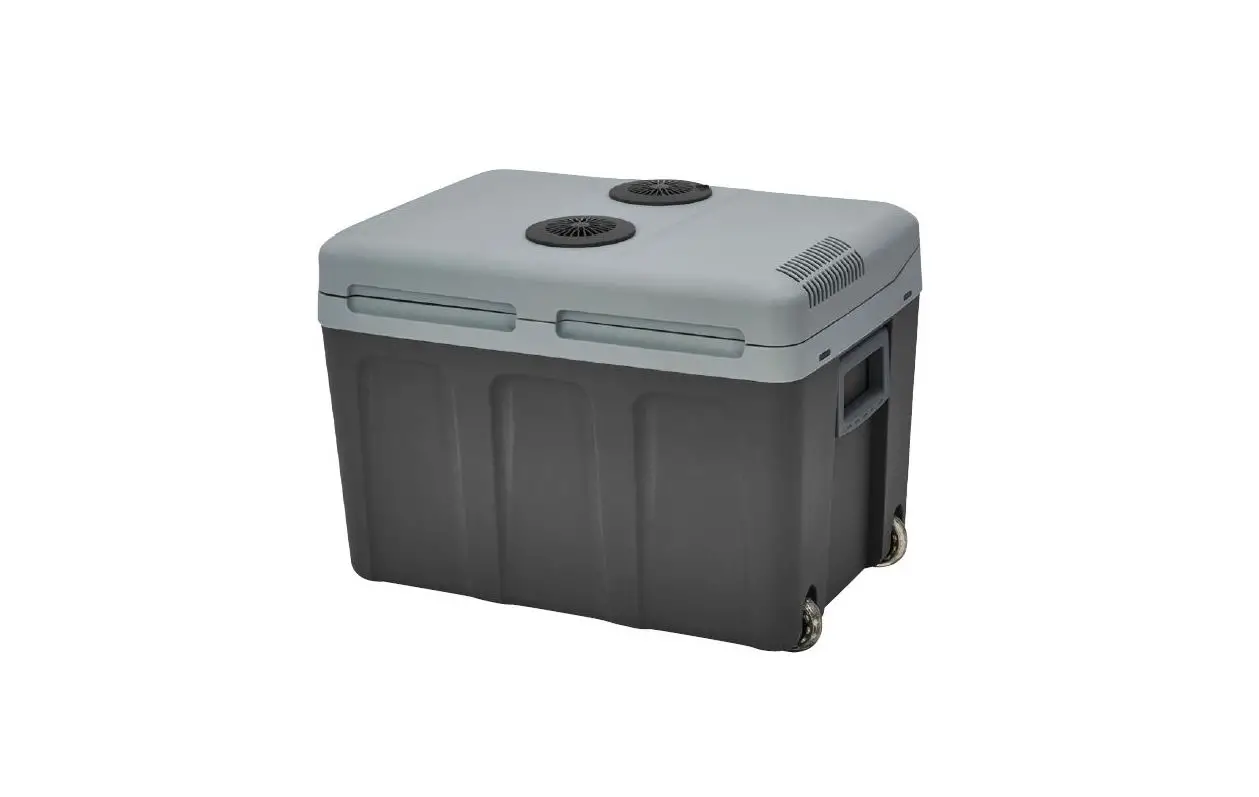
BUFFALO
ITEM # EC
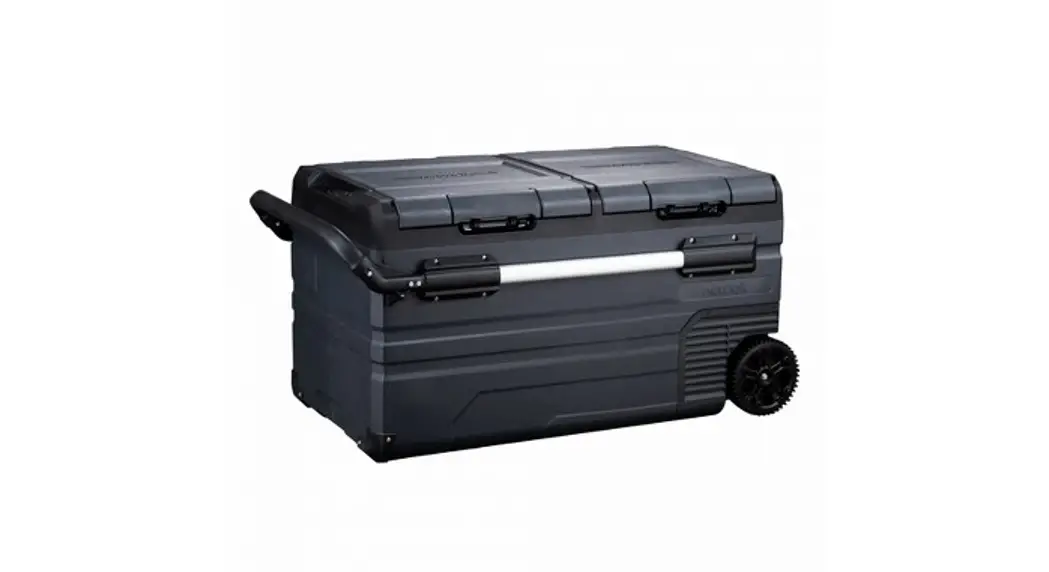
100Q 100 QUART
ELECTRIC COOLER/FREEZER
INSTRUCTION MANUAL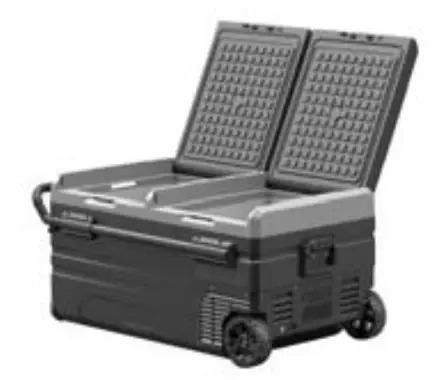
READ ALL INSTRUCTIONS AND WARNINGS BEFORE USING THIS PRODUCT.
This manual provides important information on proper operation & maintenance. Every effort has been made to ensure the accuracy of this manual. These instructions are not meant to cover every possible condition and situation that may occur. We reserve the right to change this product at any time without prior notice.
IF THERE IS ANY QUESTION ABOUT A CONDITION BEING SAFE OR UNSAFE, DO NOT OPERATE THIS PRODUCT!
Questions? Problems? Call Customer Service!
If you experience a problem, have questions, or need parts for this product, call Customer Service at 1-636-532-9888, Monday-Friday, 8 AM – 4 PM Central Time. A copy of the sales receipt is required.
FOR CONSUMER USE ONLY – NOT FOR PROFESSIONAL USE.
KEEP THIS MANUAL, SALES RECEIPT & APPLICABLE WARRANTY FOR FUTURE REFERENCE.
 https://www.buffalotools.com/index.html
To register your product warranty, please visit buffalotools.com or scan the QR code.
 WARNING
Failure to obey these warnings could result in a malfunction of your device and possible injury for yourself and other users.
- Do not operate the device if it is visibly damaged.
- Do not block the gaps of the device with things like pins, wire, etc.
- Do not expose the device to rain or soak it in water.
- Do not place the near open flames or other heat sources (heaters, direct sunlight, etc.)
- Do not store explosive substances like spray cans with flammable propellants in the device.
- Before starting the device, ensure that the power supply line and the plug are dry.
- Check if the voltage specification on the type plate matches that of the energy supply.
- Once unpacked, before turning on, the unit must be placed on a flat surface for 6 hours.
- Make sure that the device stays horizontally when it is running. The tilt angle must be less than 5° for a long time running and be less than 45° for short time running.
- The refrigerator must be well ventilated for heat dissipation and make sure to keep some space around it.
- The device may only be repaired by qualified personnel. Improper repairs can lead to safety hazards.
ATTENTION
- The device can be used by children aged 8 or over, as well as by persons with reduced physical, sensory or mental capabilities or a lack of experience and/or knowledge, providing they are supervised or have been taught how to use the device safely and are aware of the resulting risks.
- Children must be supervised to ensure that they do not play with the device.
- The installation of DC power in the boat must be handled by qualified electricians .
- Never pull the plug out of the socket by the cable.
- Disconnect the device or switch it off when you turn off the engine. Otherwise, you may discharge the battery.
DANGER
Food is suggested to be stored in its original packaging or in suitable containers.
- Set the suitable temperature for food or medicine stored in the device. Refer to the recommended temperature for common food on Page3.
PRODUCT FEATURES
- High-efficiency DC compressor and conversion module
- CFC free
- Great heat insulation
- Lowest cooling to -20°C/-4°F (based on 25°C / 77°F room temperature)
- An intelligent battery protection system prevents your vehicle from running out of battery
- LED display control panel for temperature setting, USB charging port: 5V/1A
- AC and DC cable
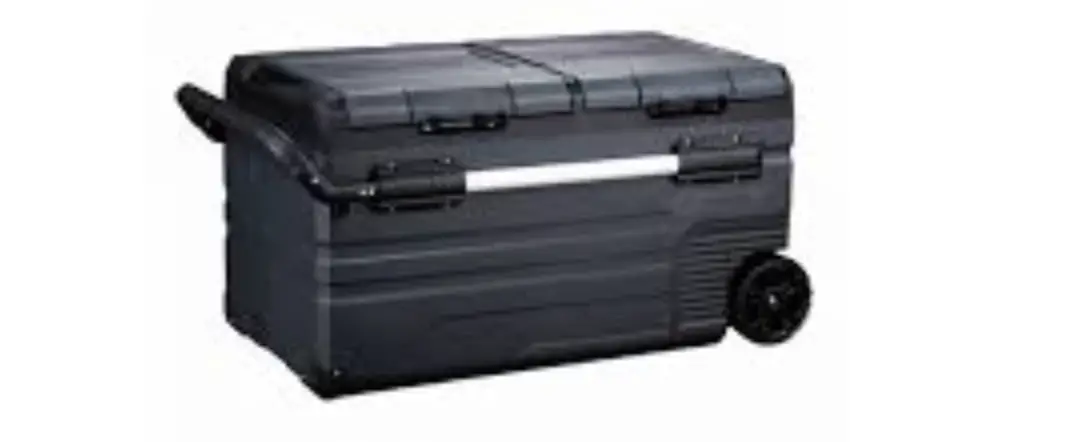
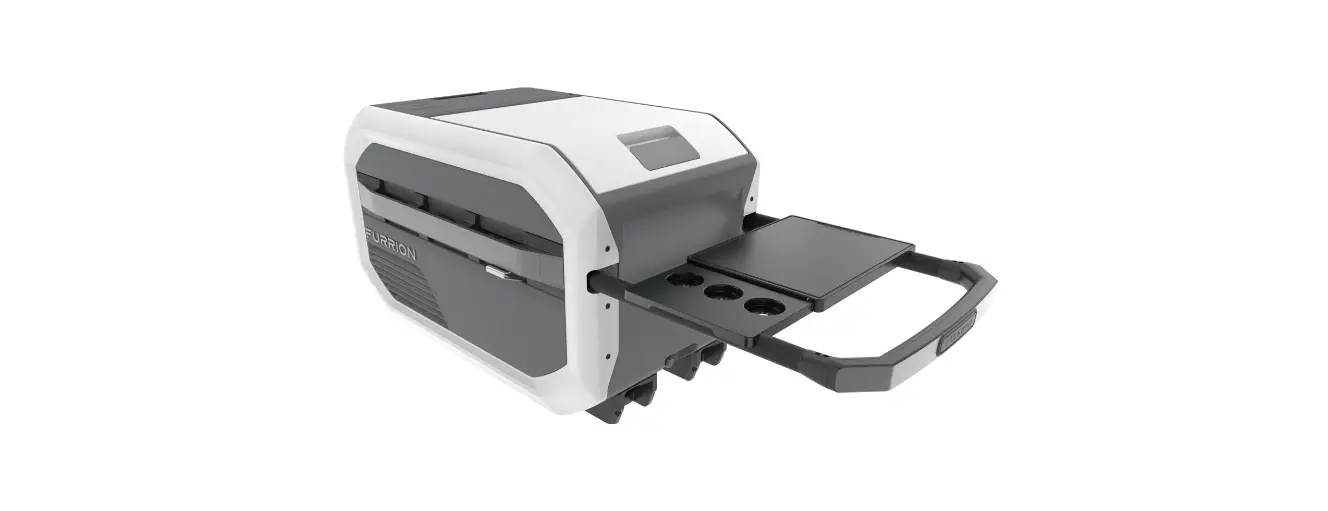
- Interior drain plug, oversized wheels, telescoping handle, cupholder door, & interior LED light.
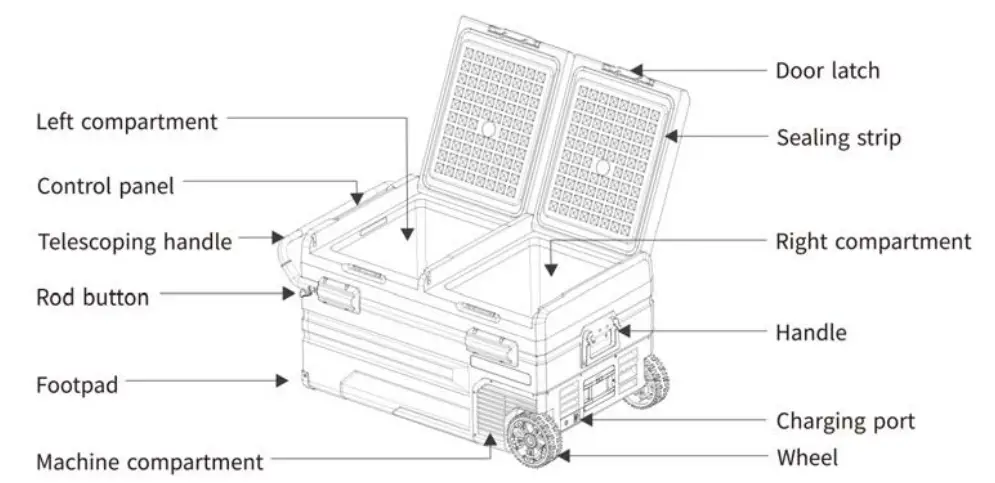
*Note: press the rod buttons on both sides of the telescoping handle simultaneously to pull the rod.
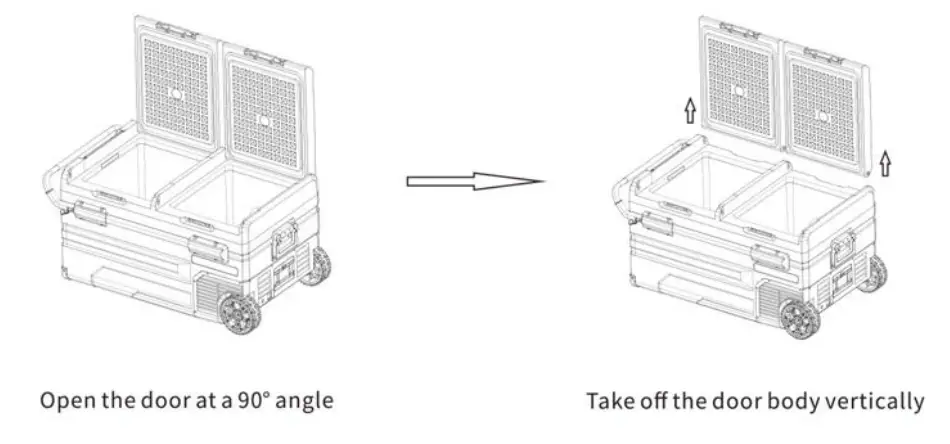
Door Disassembly:
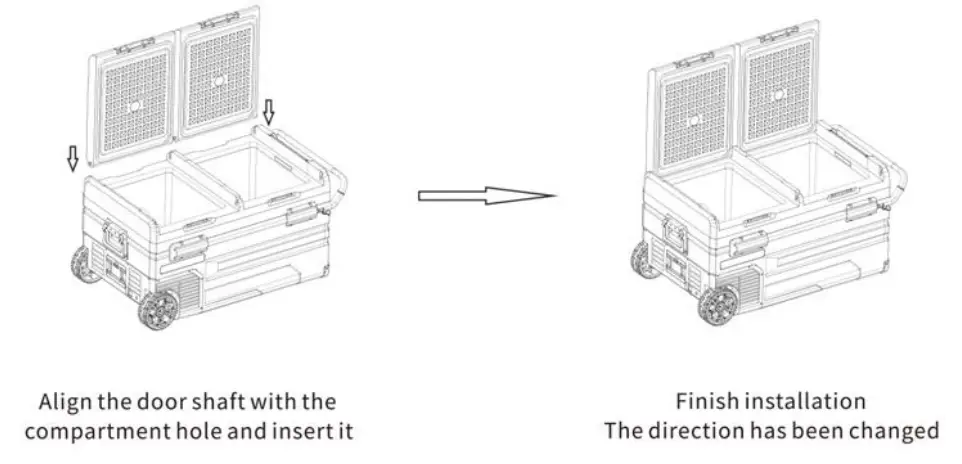
Door Installation:
FUNCTION AND OPERATION
- Power Supply: connect to DC 12V / 24V or AC 100~240V (using the adapter) power supply.
- Display Screen Initialization: the screen will be on for 2 seconds after connecting to the power supply.
- Power On/Off: press
 to switch ON/OFF.
 - Temperature Setting: press the button
 or
or  for temperature setting, press the button to increase or the button to decrease the temperature. The setting will be saved automatically after stopping operating for 4 seconds. (Note: the temperature displayed is the current temperature of the compartment. It will take a while to reach the set temperature.) Temperature setting range: -20~20°C (-4~68°F)
 - Cooling Mode: under the running state, press
 to switch between MAX (fast cooling) and ECO (Energy Saving Mode). (*Factory setting is MAX.)
 - Temperature Unit Setting: switch off the fridge, long press for three seconds until E1 displays, keep pressing until E1 displays, then press or to select Celsius or Fahrenheit. (*Factory setting is 0c)
- Battery Protection Mode: Under the running state, long press for three seconds until the screen flashes, then press again to select protection mode H (High), M (Middle), and L (Low) (*Factory setting is H.)
Due to the different output voltages between vehicles, H should be set when the product is connected to car power, and M or L should be set when it is connected to a portable battery or other backup battery.
The battery gear should be set from H to M or from M to L if there is a voltage protection code F1 shown on the panel. The battery gear should be set to H if the product keeps working after turning off the car engine, or the product may drain the battery.
Voltage Reference:
| INPUT MODE | DC 12V | DC 24V | ||
| CUT OUT | CUTIN | CUT OUT | CUTIN | |
| L | 8.5V | 10.9V | 21.3V | 22.7V |
| M | 10.IV | 11.4V | 22.3V | 23.7V |
| H | 11.1V | 12.4V | 24.3V | 25.7V |
*the voltage is a theoretical value, there may be a deviation in different scenarios.
- Reset: switch off the fridge, long press for three seconds until E1 displays. Under E1 mode, long press at the same time until the screen displays ” 888 “.
Recommended Temperature For Common Foods
| Drinks | Fruits | Vegetable | Delicatessen | Wine | Ice cream | Meat |
| 5°(41°F) | 5-8°(41 -46°F) | 3-10°C/ 37-50°F | 4°C/ 39°F | 0°C/50 °F | 0°C/ 4°F | 8°C/0 °F |
Cleaning:
- Unplug the device first to avoid electric shock.
- Use a wet cloth to clean the device and dry it.
- Do not soak the device in water and do not wash it directly.
- Do not use abrasive cleaning agents as these can damage the device.
Storage:
If the device will not be in use for a long time, follow these steps:
- Turn off the power and unplug from the electric socket.
- Remove all the items stored in the device.
- Wipe off excess water from the fridge with a soft rag.
- Put the device in a cool and dry place.
- Leave the lid slightly open to prevent odors from forming.
Defrosting:
Humidity can form frost in the interior of the cooling device or on the evaporator. This reduces the cooling capacity. Defrost the device to avoid this.
- Switch off the device.
- Take out the contents of the device.
- Keep the lid open.
- Wipe off the defrosted water.
Never use hard or sharp tools to remove ice or to loosen objects which have frozen in place.
TROUBLESHOOTING
| Issues | Suggestions |
| The refrigerator does not work | Check if the switch is on. |
| Check if the plug and socket are connected well. | |
| Check if the fuse has been burnt. | |
| Check if the power supply malfunctions. | |
| Switching on/off the fridge frequently may cause a start delay of the compressor. | |
| Refrigerator compartments are too warm | The door is opened frequently. |
| A large amount of warm or hot food was stored recently. Wait for the refrigerator to reach its selected temperature. | |
| The refrigerator has been disconnected for a period of time. | |
| Food is frozen | The temperature was set too low, please increase the temperature. |
| There is a “water flow” noise from inside the fridge | It’s a normal phenomenon, caused by the flow of refrigerant. |
| There are water drops around the refrigerator casing or door gap | It’s a normal phenomenon, the moisture will condense to water when it touches a cold surface of the refrigerator. |
| The compressor is slightly noisy when starting | It’s a normal phenomenon, the noise will be reduced after the compressor works stably. |
| Code Fl displayed | Possible cause: low voltage to the fridge. Adjust the battery protection from H to M or from M to L. |
| Code F2 displayed | Possible cause: condenser fan is overloaded. Disconnect power to fridge for 30 minutes & re-start. |
| Code F3 displayed | Possible cause: the compressor starts too frequently. Disconnect power to fridge for 30 minutes & re-start. |
| Code F4 displayed | Possible cause: compressor not kicking in. Disconnect power to fridge for 30 minutes & re-start. |
| Code F5 displayed | Possible cause: overheating of the compressor & electronics. Disconnect power to fridge for 30 minutes & re-start. |
| Code F6 displayed | Possible cause: no parameter can be detected by the controller. Disconnect power to fridge for 30 minutes & re-start. |
| Code F7 or F8 displayed | Possible cause: temperature sensor is faulty. Contact manufacturer for service. |
 Generators, Scaffolding, Ice Cream Makers & more from Buffalo Corp