XClear
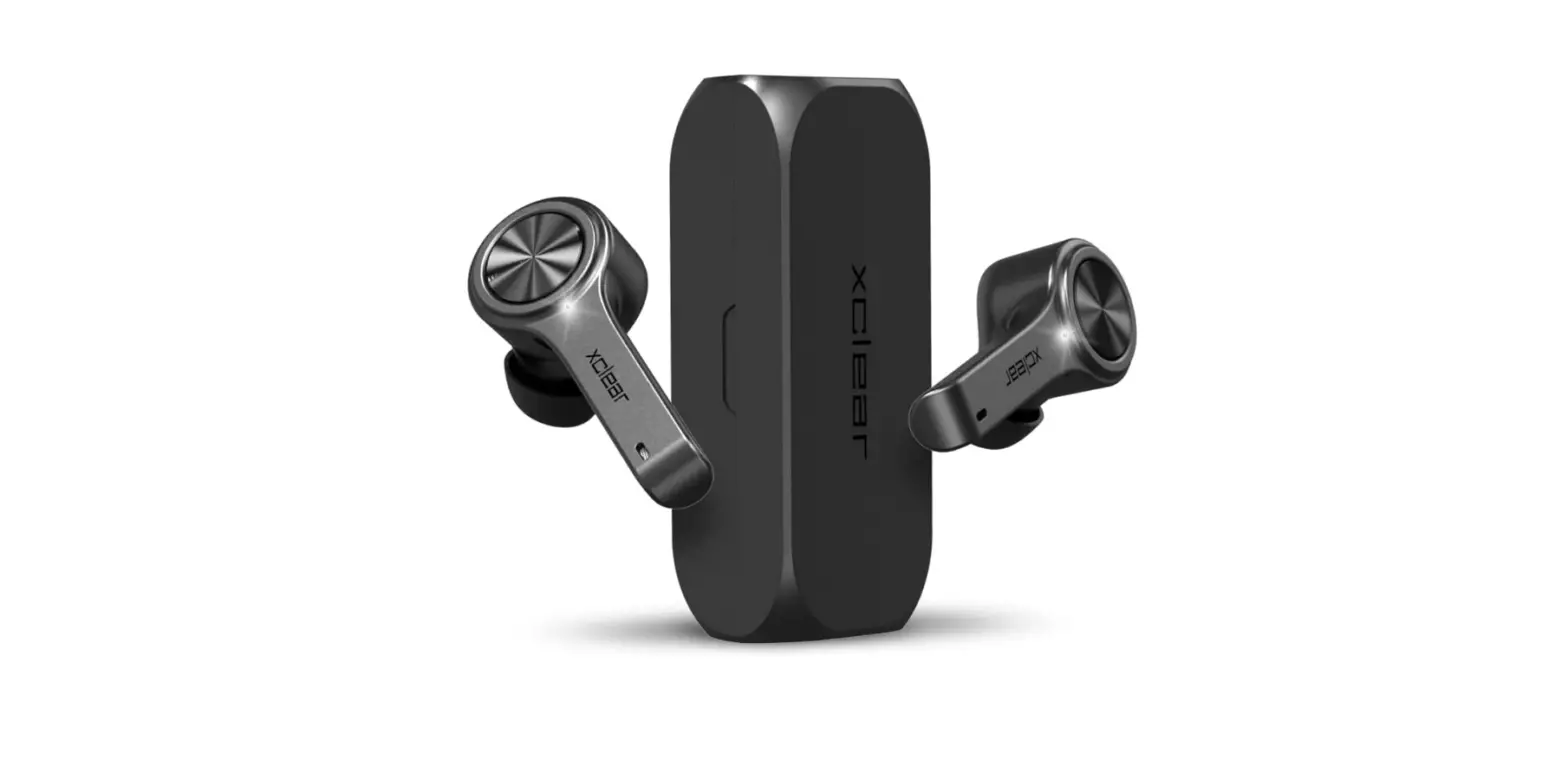
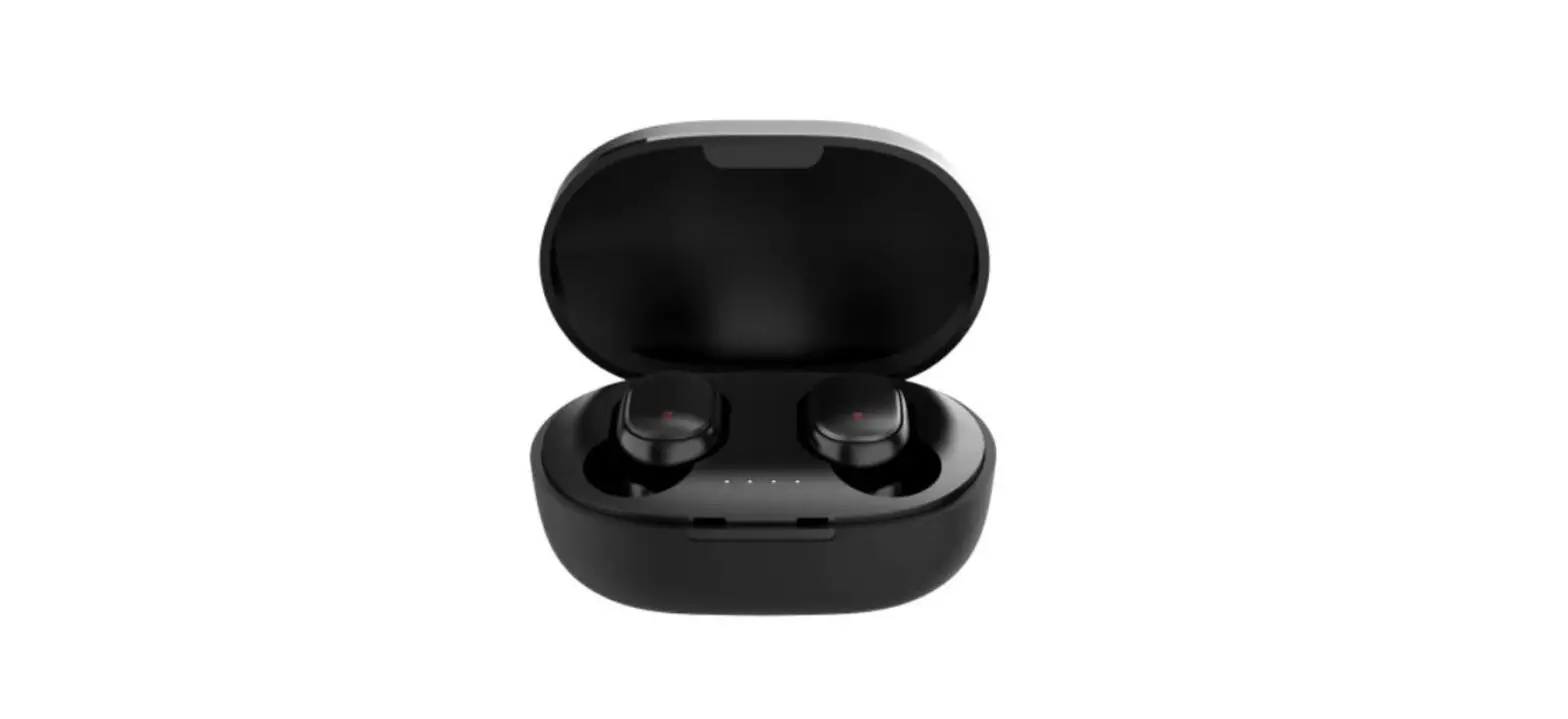
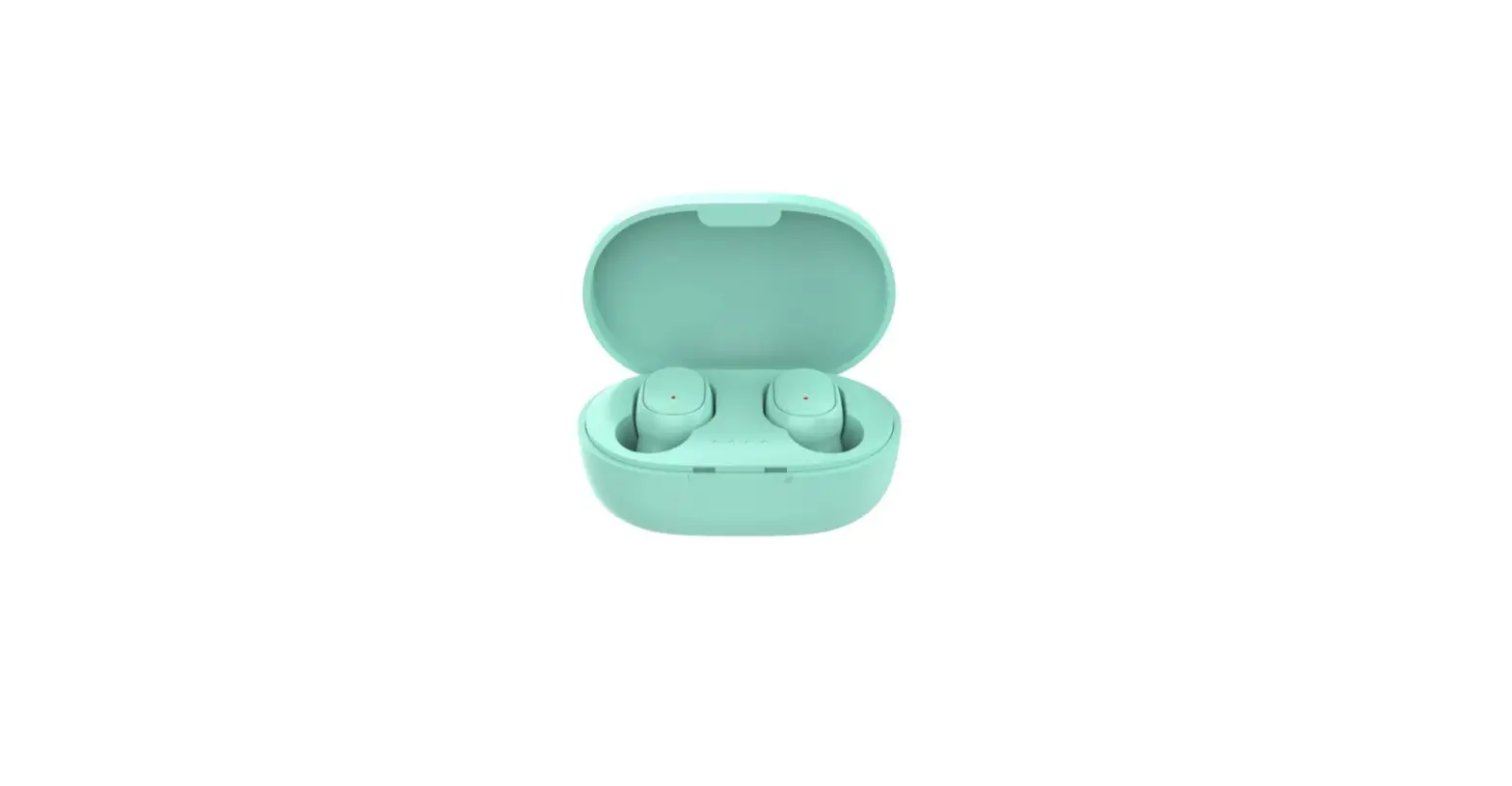
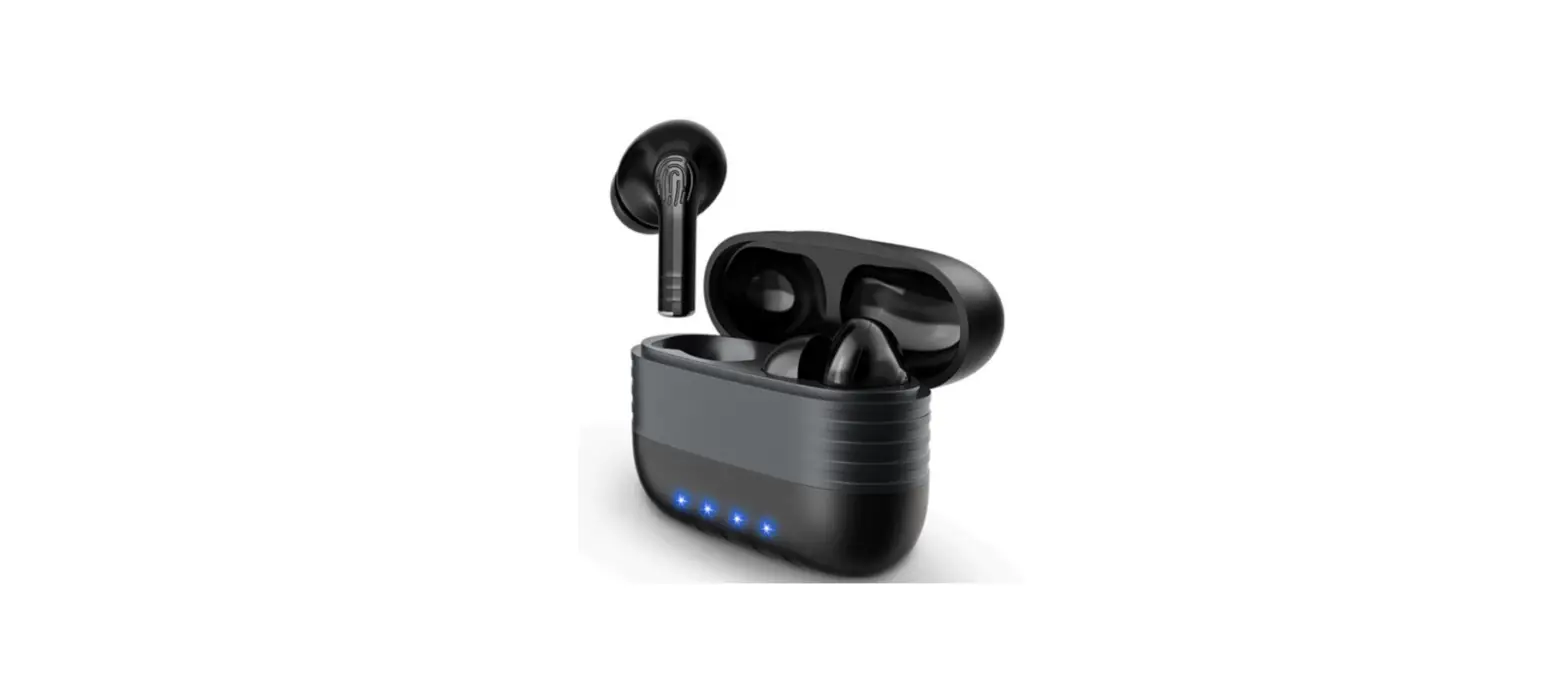
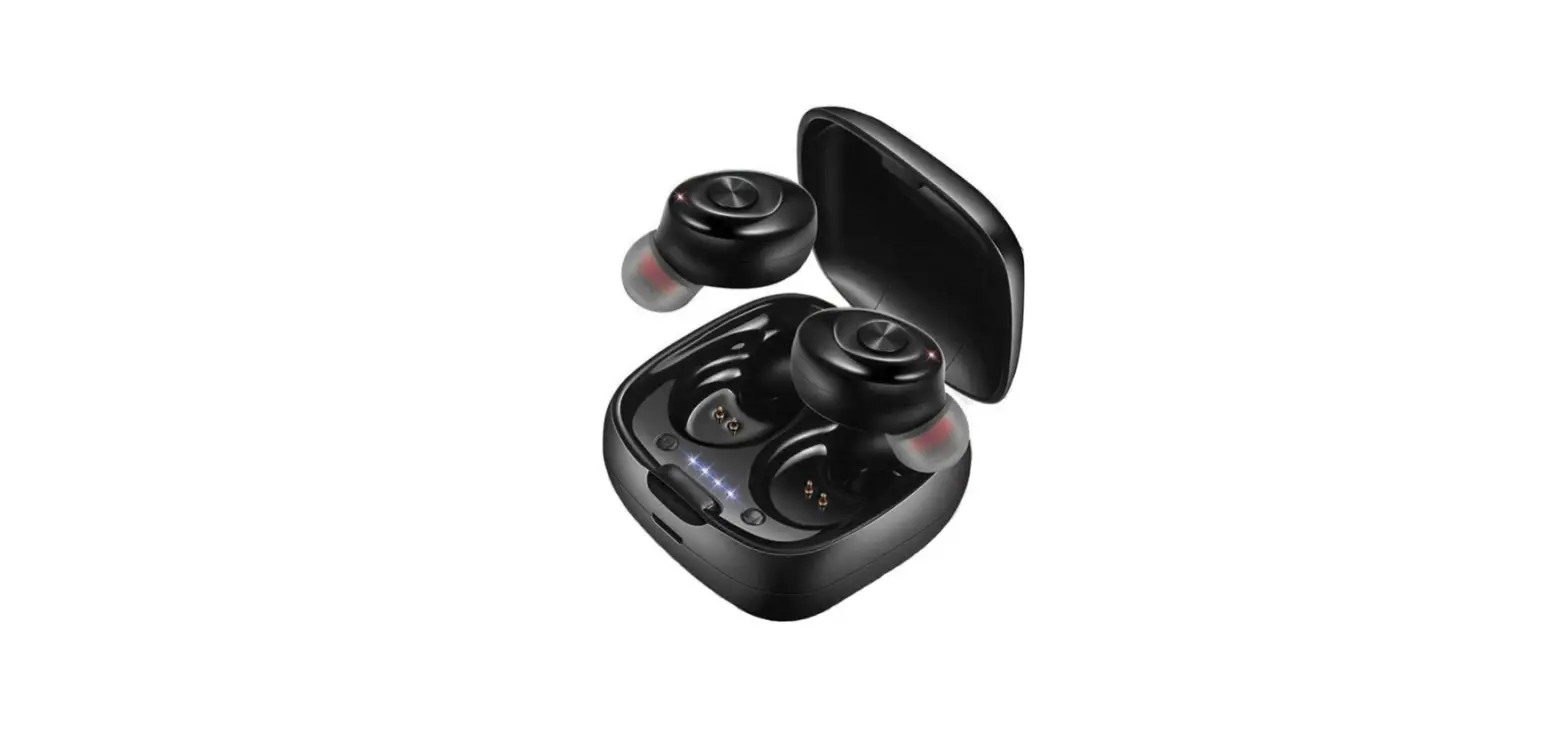
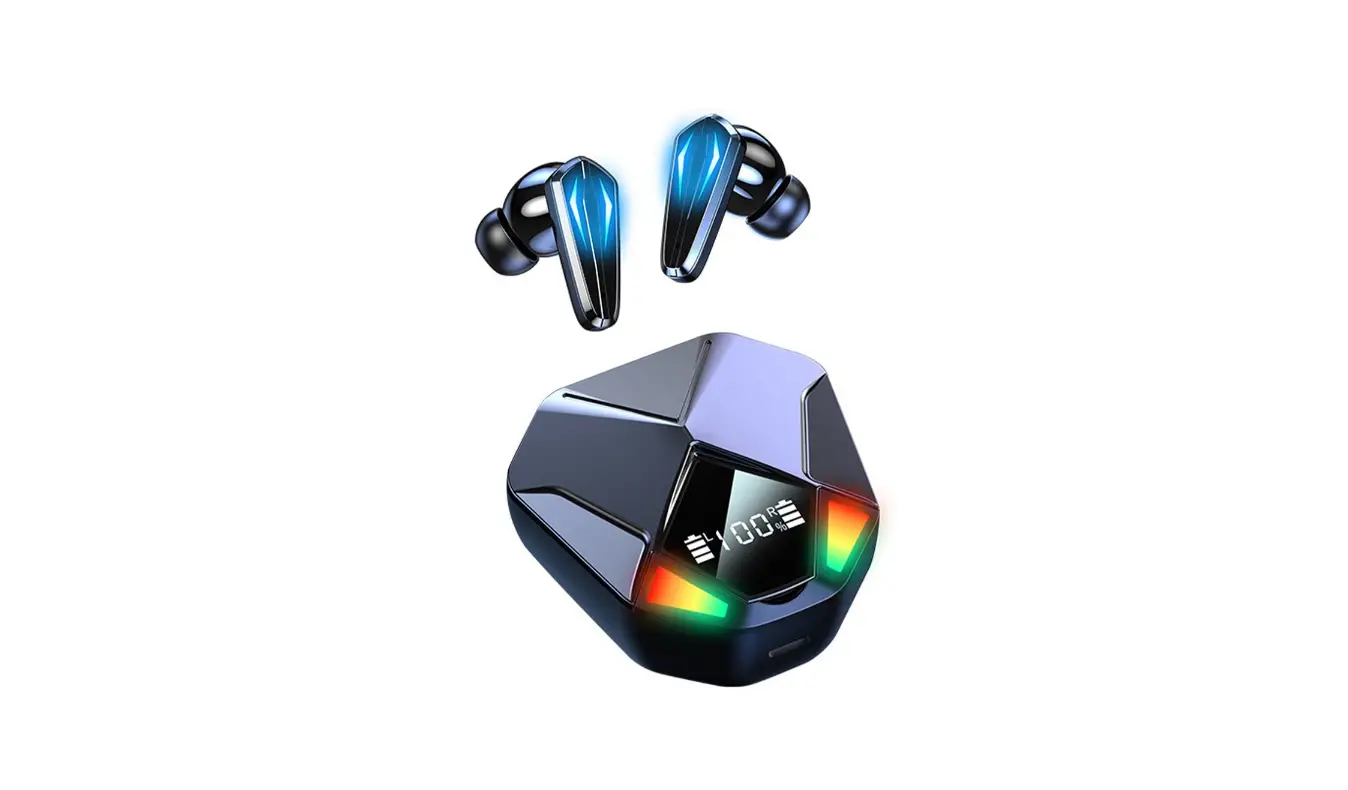
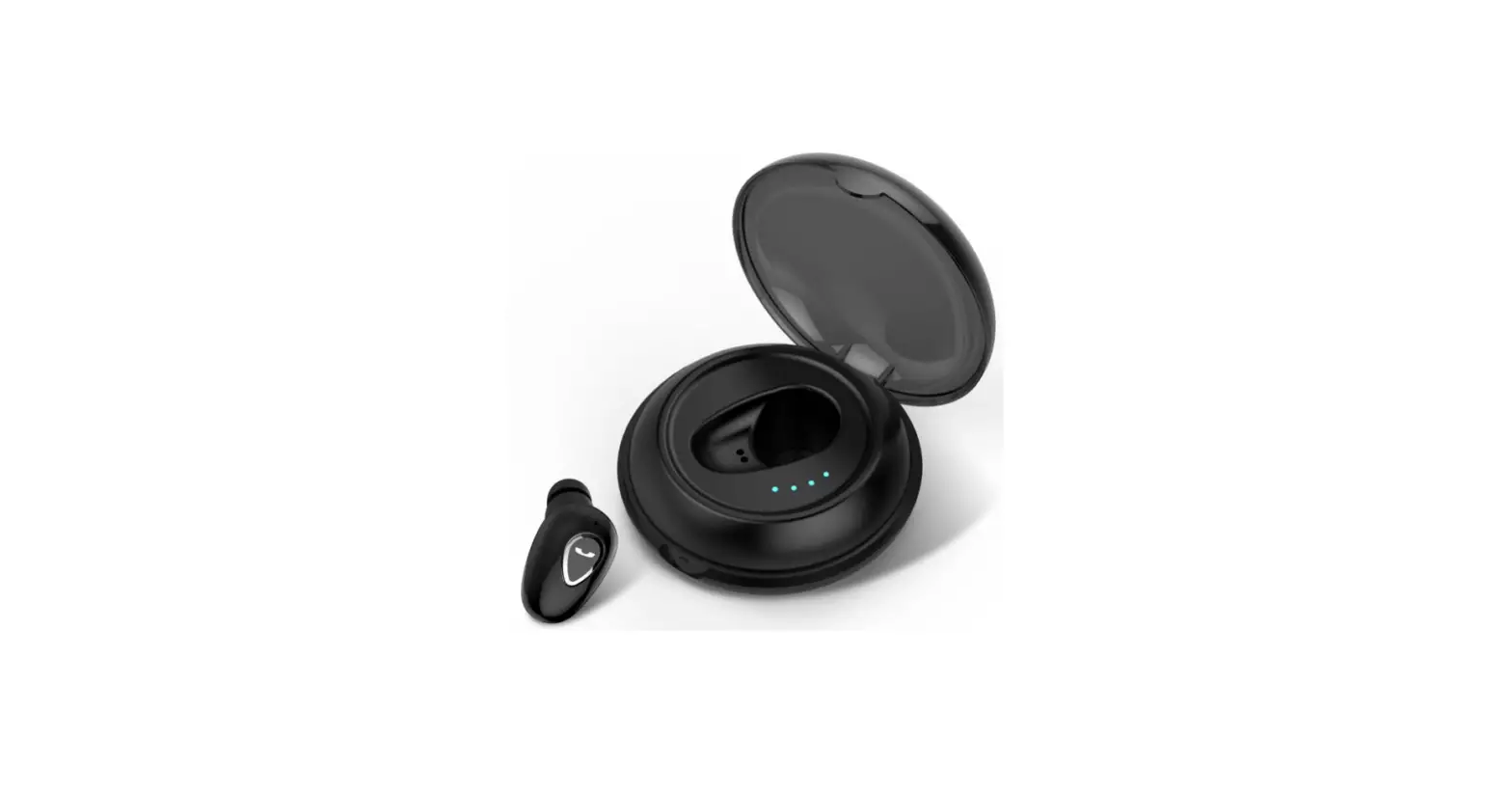
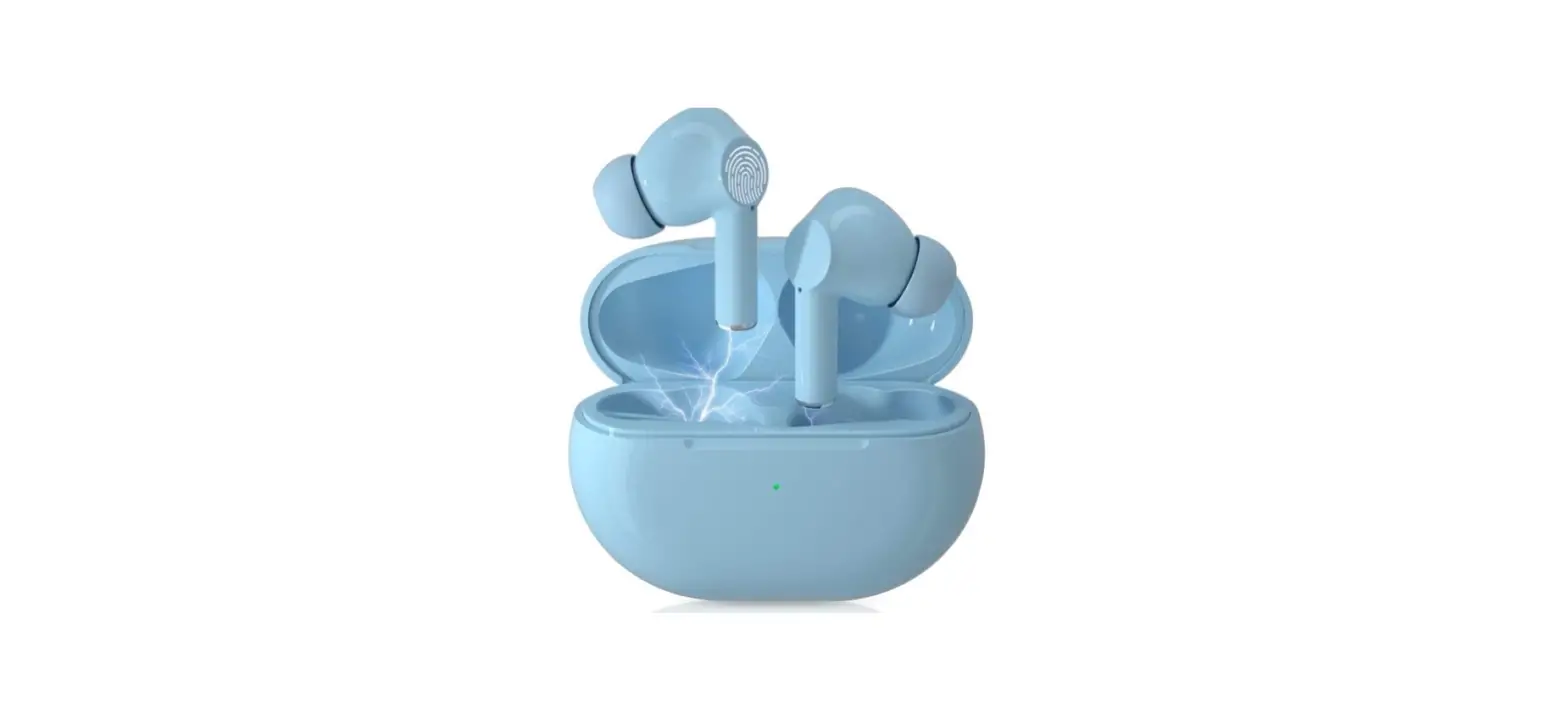
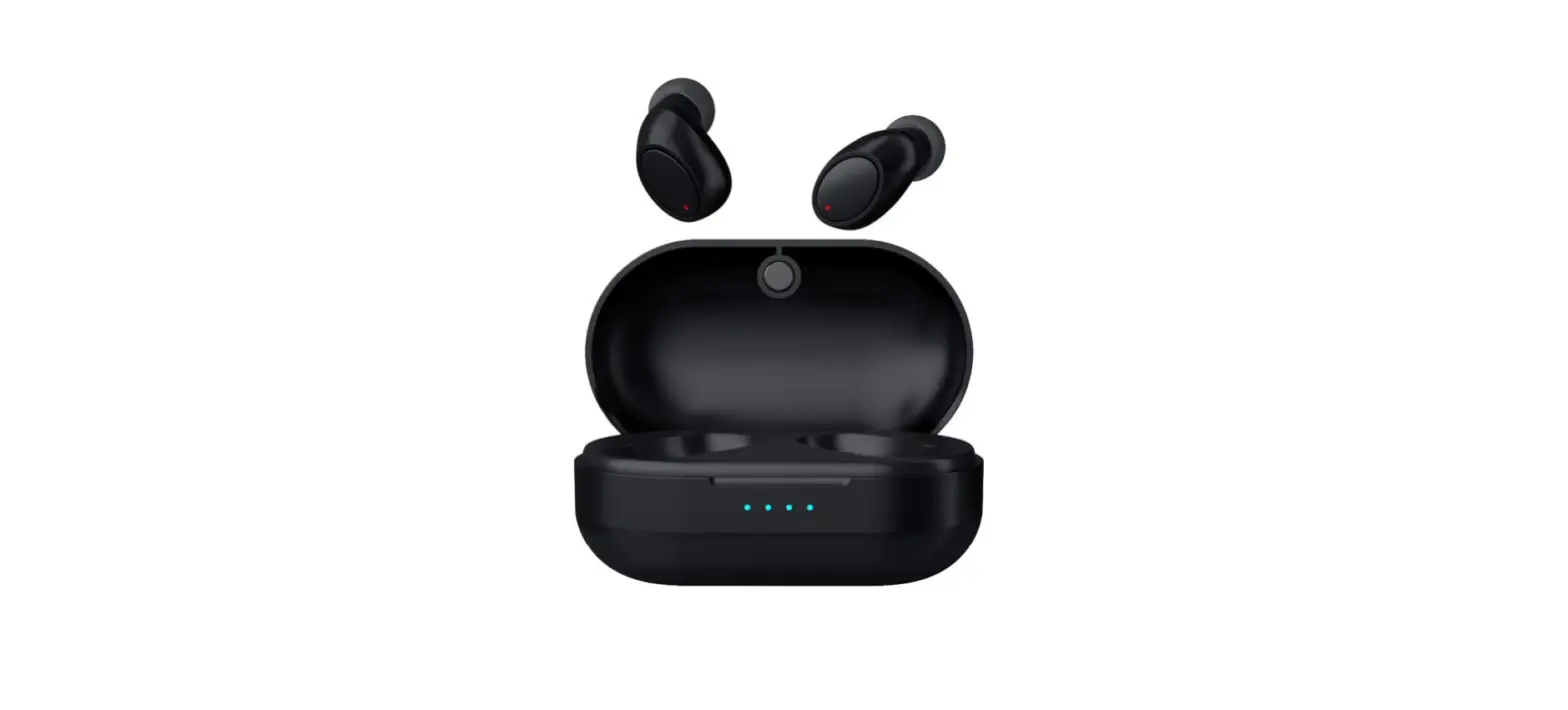
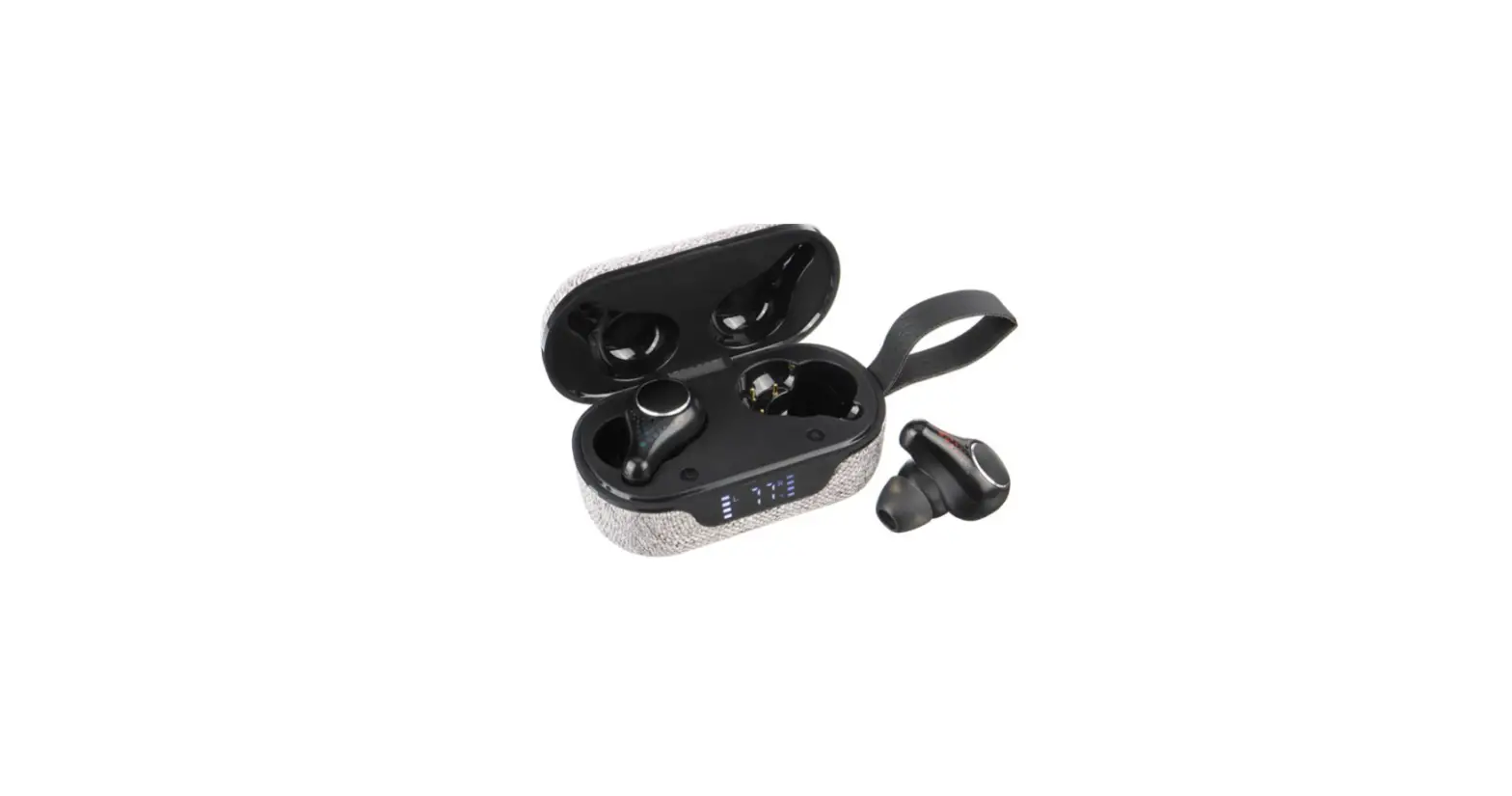
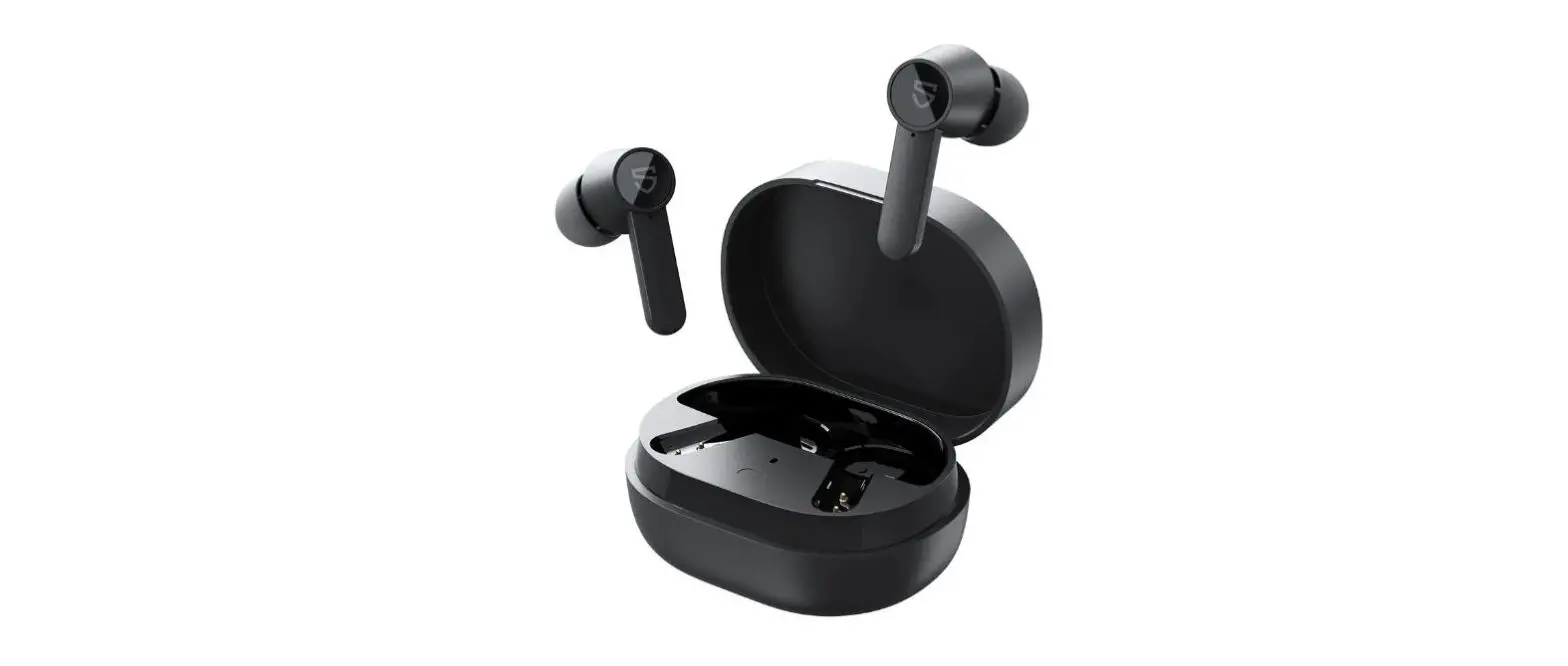
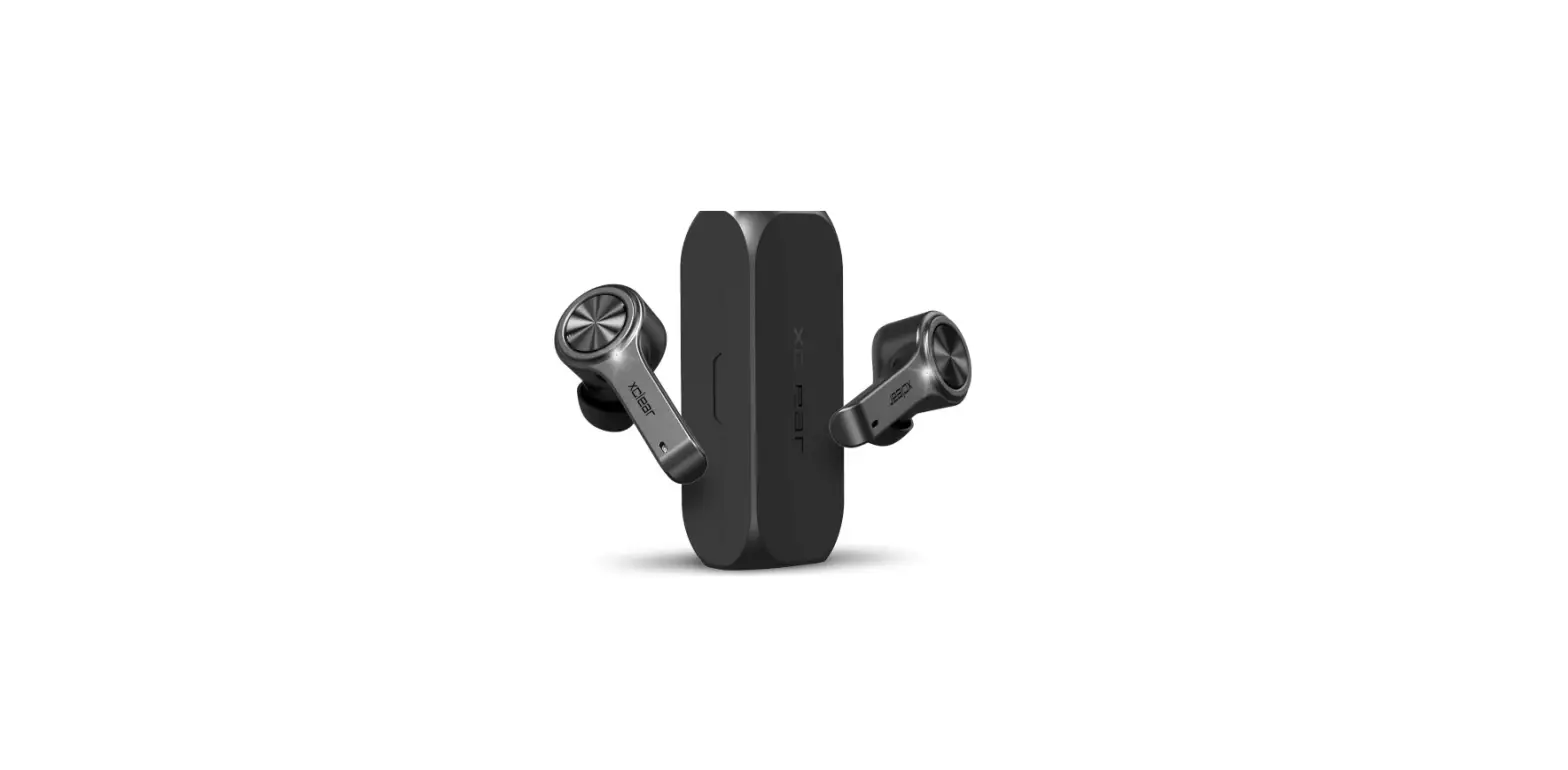
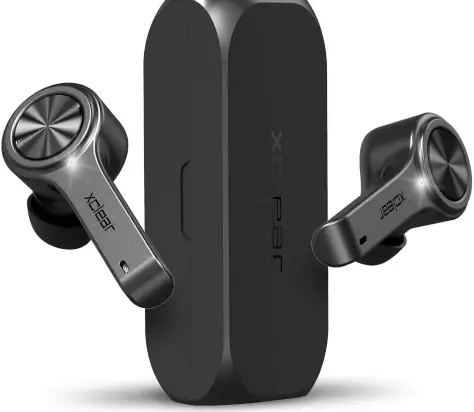
XClear Wireless Earbuds with Immersive Sounds True 5.0 Bluetooth in-Ear Headphones
Specifications
- BRAND: XClear,
- EAR PLACEMENT: In Ear,
- CONNECTIVITY TECHNOLOGY: Wireless,
- PRODUCT DIMENSIONS: 3.5 x 3.2 x 1.65 inches,
- ITEM WEIGHT: 1.44 ounces.
Xclear earphones have a premium sound quality. You can enjoy premium sound quality when listening to music, making calls, watching movies, and more. A high-quality Bluetooth 5.0 technology provides smooth sound and crystal-clear calls. With high-quality audio, you can listen, laugh, and converse.
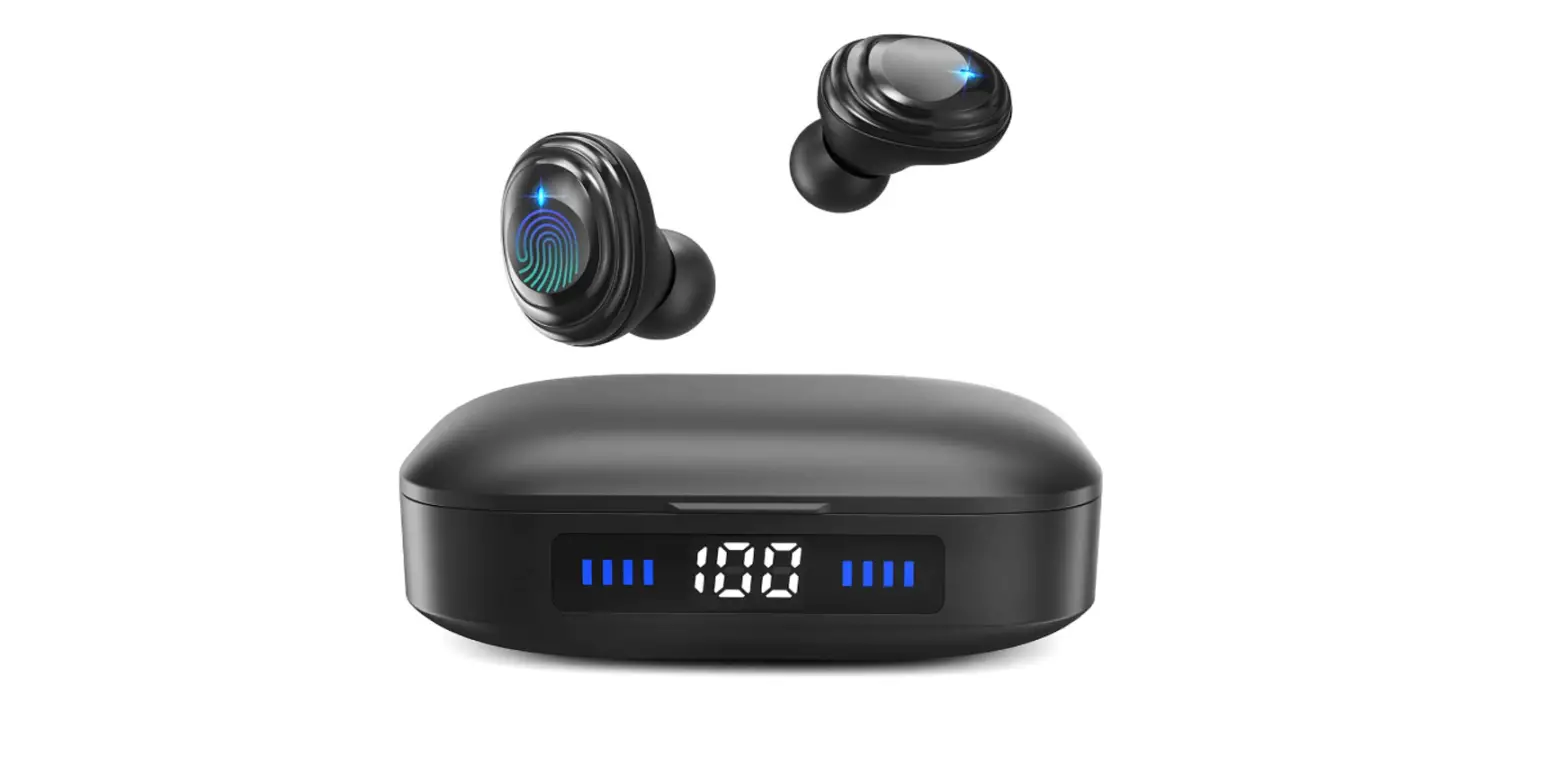
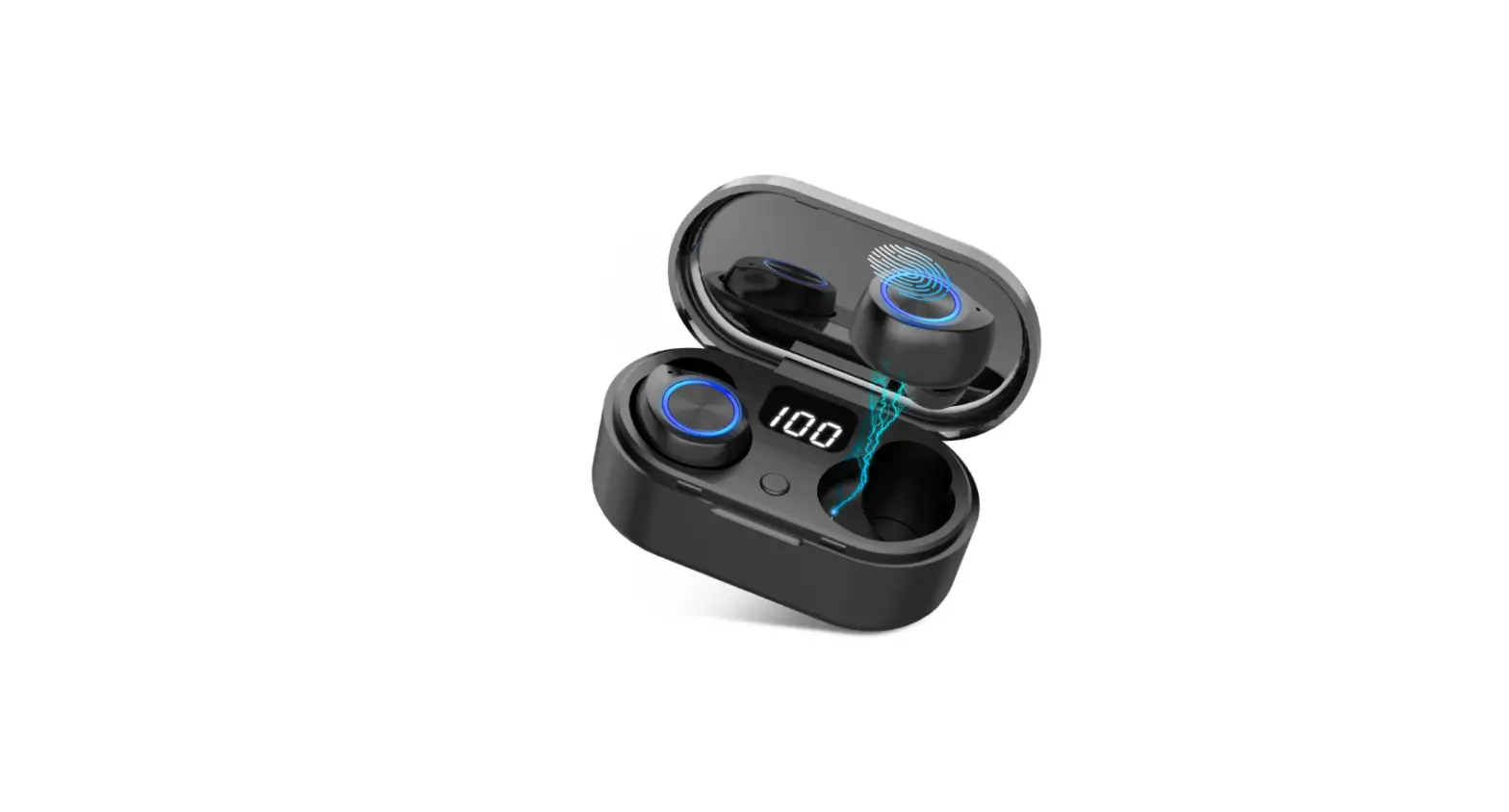
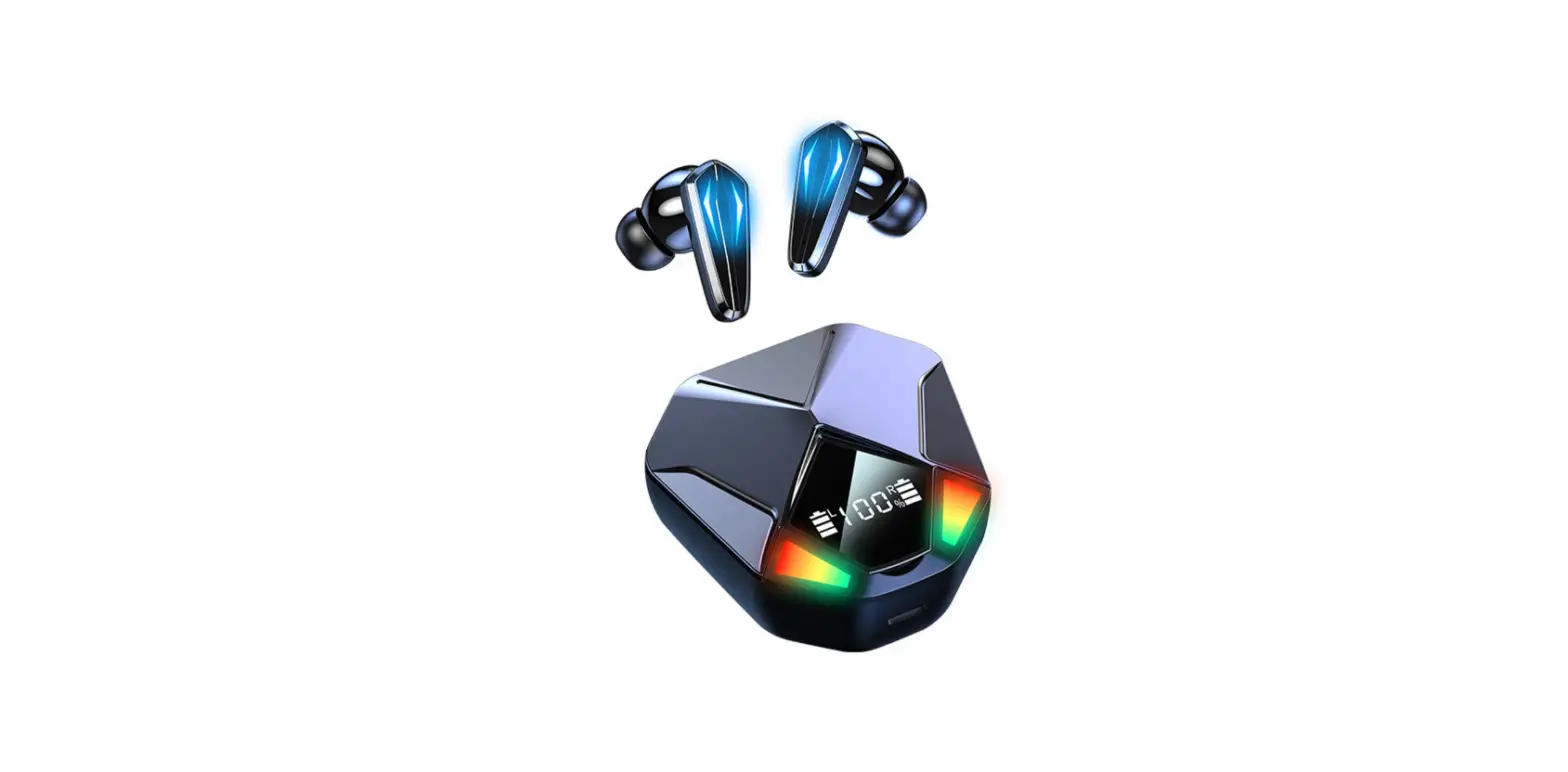
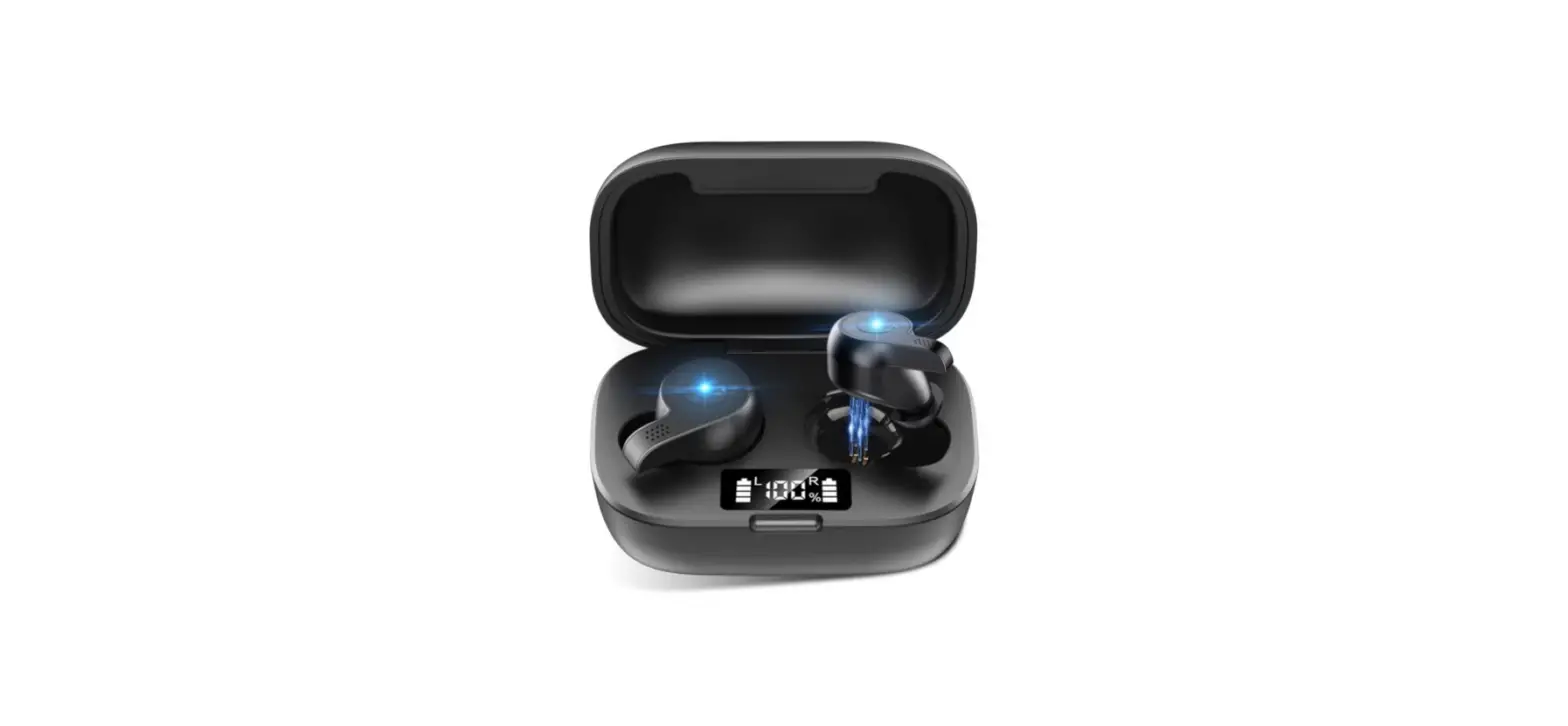
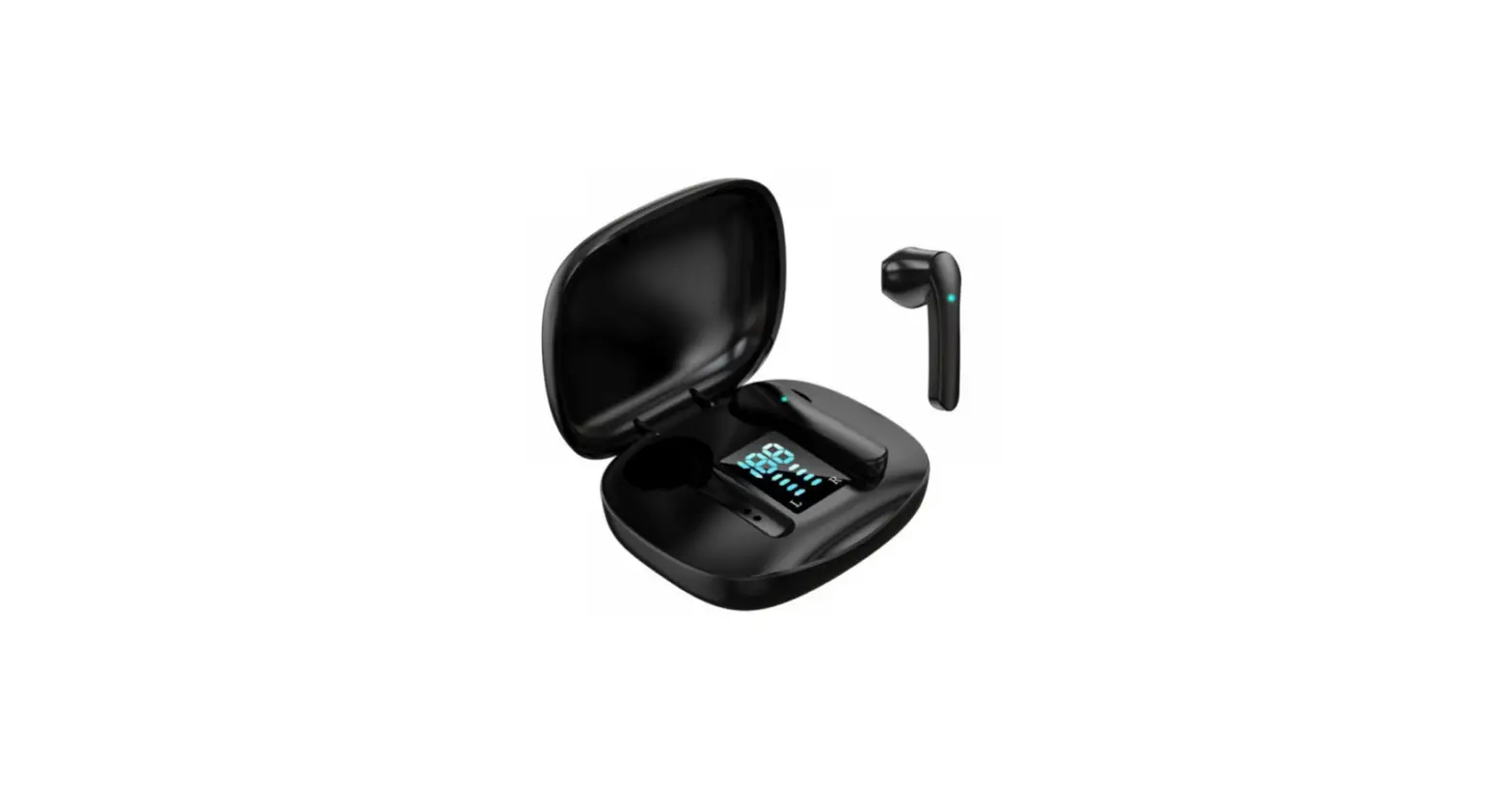
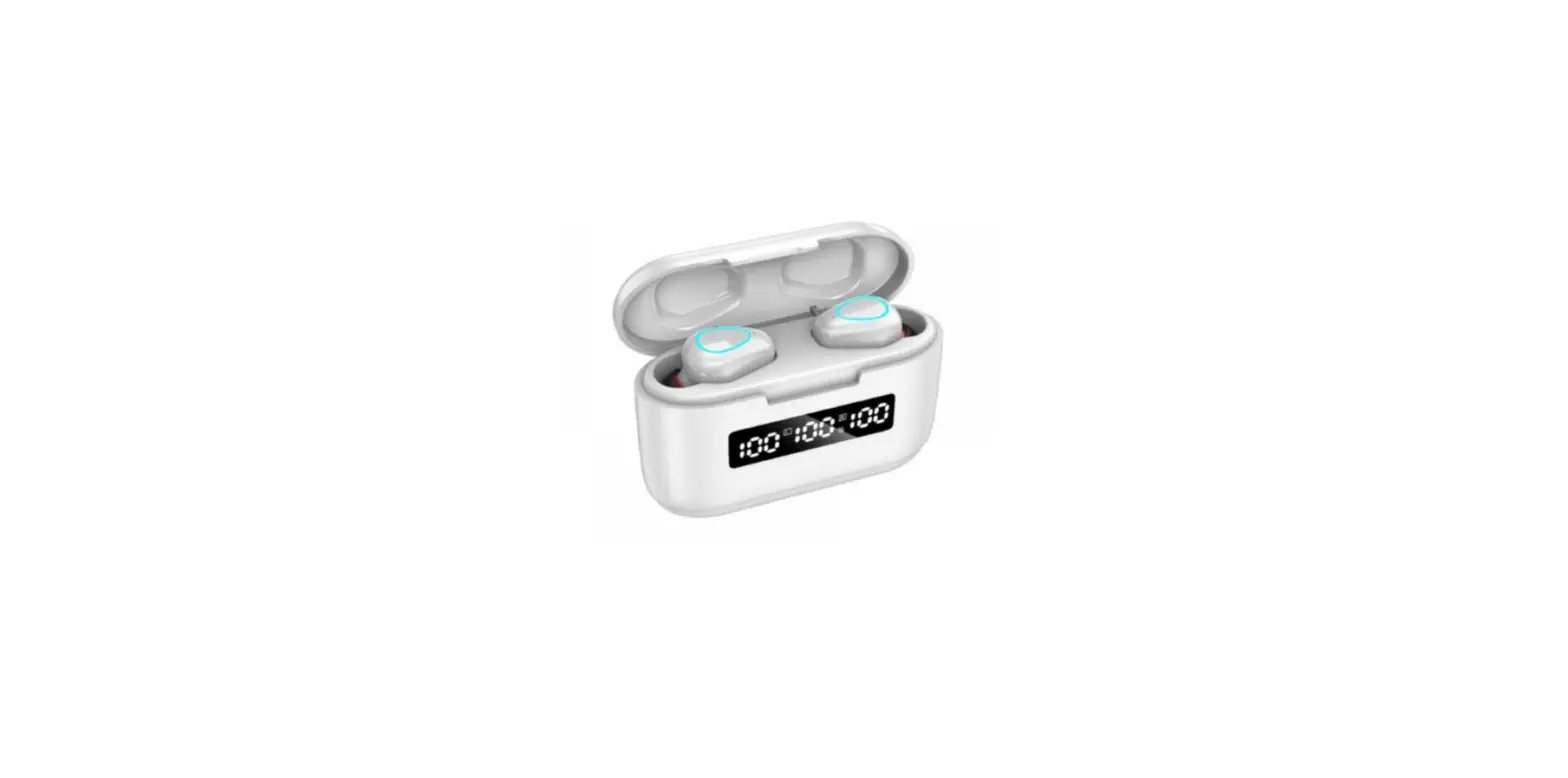
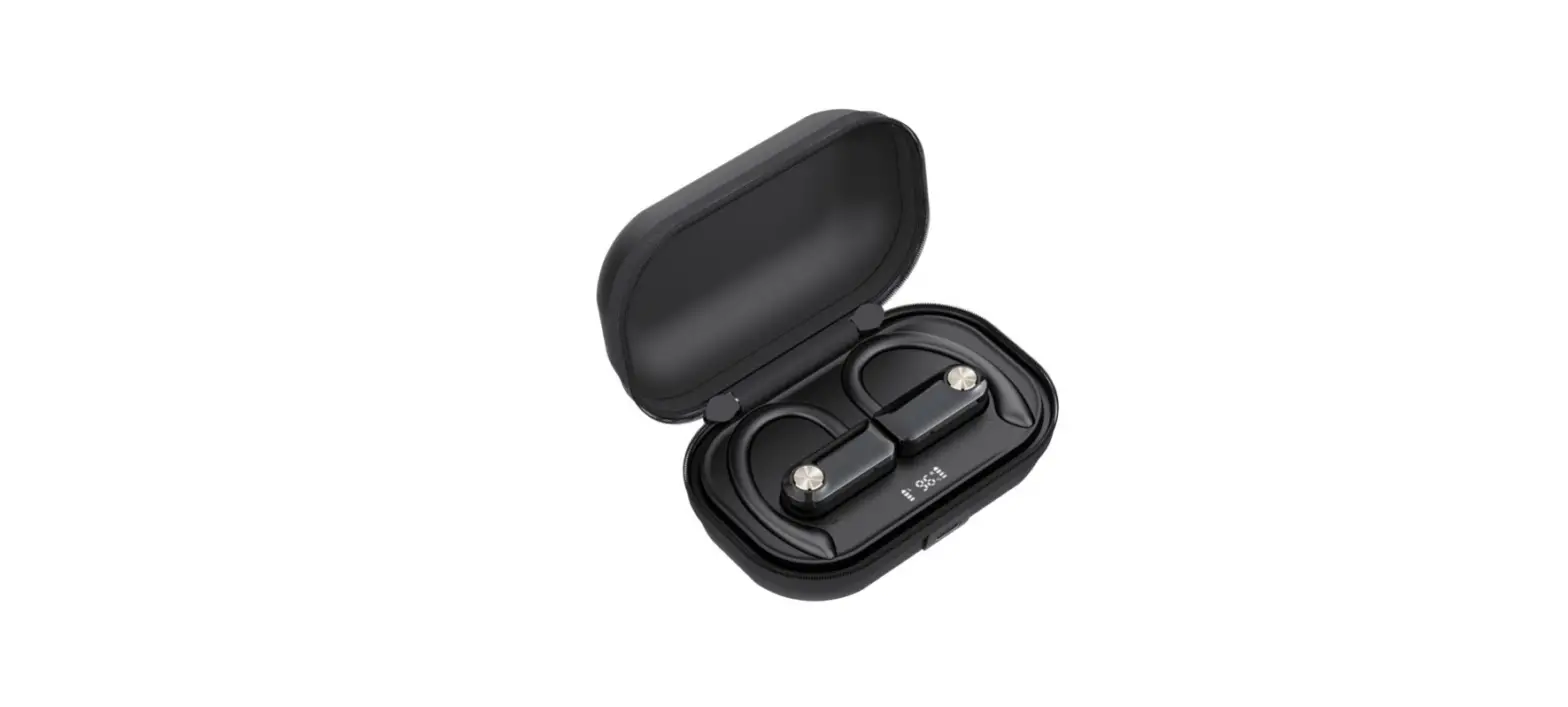
Opening up the charging case allows for easy and fast connection. It has a fast pairing. The pairing procedure will be signaled by bright LED lights, and the connection will be made rapidly through smartphone Bluetooth. Pair swiftly and easily to get started enjoying right away. It has a portable charging case. You may now listen for up to 5 hours on a single charge and up to 14 hours when using the charging case. The XClear will include a Digital LED Battery Indicator to alert you when it’s time to charge it. You can now check the percentage of battery because of the LED indicator inside the charging case. Whenever you open the case, you see the remaining battery percentage.
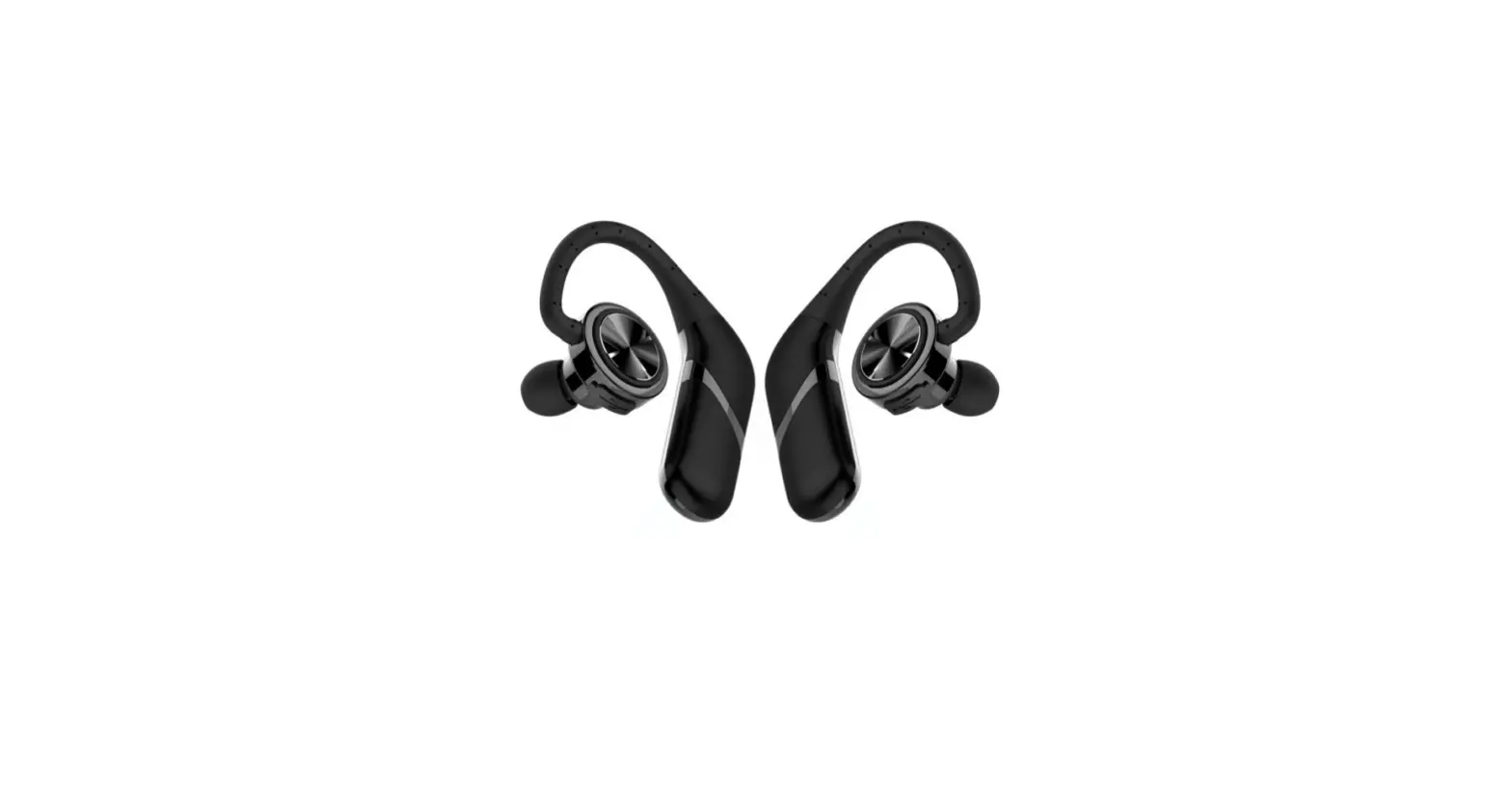
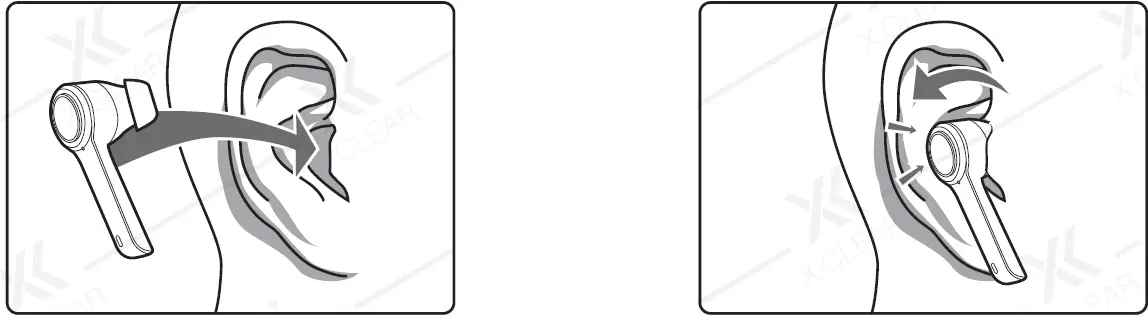
Users like the overall comfort provided by the simple yet attractive design. For the most part, a streamlined design ensures a snug and comfortable fit. A feeling of security and ease when using the product on a daily basis.
How to wear
How to pair
You can pair the Xclear earphones by following the given steps:
- Open the charging case on the earbuds and put the earbuds on.
- Now Go to “setting” in your phone.
- Go to Bluetooth.
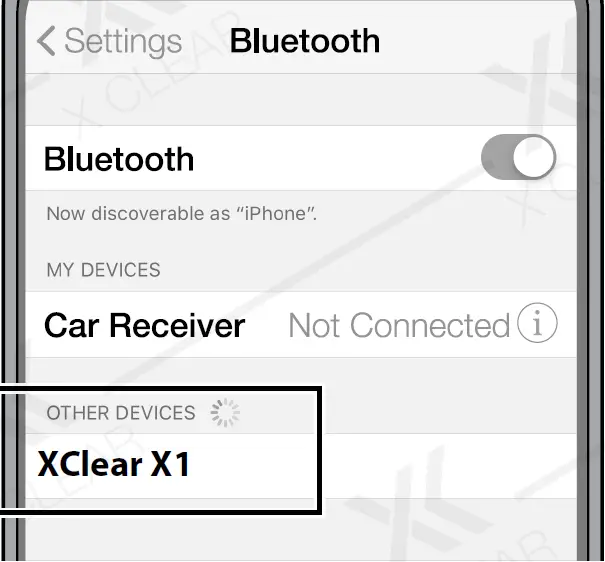
- Search for the available devices.
- When you see the device name “Xclear”.
- Click on that.
- Your device will be connected to the earbuds.
- Now you can listen to anything.
Controls and functions
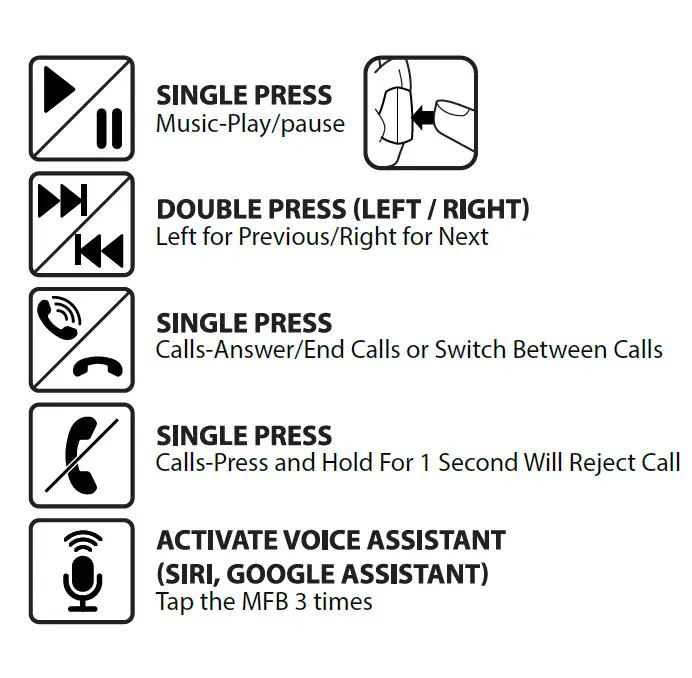
How to reset the earbuds
- Hold the MFB buttons down for 3-4 seconds.
- (The LED lights will flash to indicate when the earphones are turned off.)
- Press and hold the MFB buttons for 10-15 seconds to reset the device.
- (LED lights will turn on, blink, and ultimately turn off.)
- The earbuds have now been RESET and are in the OFF state.
Frequently Asked Question
- What is the best way to attach X Clear headphones?|
To pair the XClear earphones, switch them on, then go to your device’s “Bluetooth” settings and look for the “XClear X1” Bluetooth device. – Charge the charging case and earphones with the included USB to Type C cord. - What happened to the MFB button?
The MFB stands for multi-function button, which may be used to take calls, play or pause an audio track, and launch a voice command. The arrow on the front right side plays the next audio track, while the arrow on the rear right side allows you to resume or go back to the previous track. - What is the best way to put Bluetooth in your ear?
Turn on the Bluetooth feature on your phone or another device (such as a tablet or PC). Then, on the side of one earbud, press the “seek” button. When your earbud appears in your phone’s Bluetooth menu, tap it to connect the device. - What is the best way to charge earbuds?
Wireless earbuds may be charged with a USB cable, by placing them into the carrying case, or via wireless charging. When you place the earphones in the case, they are immediately charged. However, you must additionally charge the case. A fully charged case usually lasts a day with moderate use. - What’s the best way to connect earbuds?
Pull down the shade from the top of the phone and long-press the Bluetooth symbol on an Android smartphone. It will immediately take you to the Bluetooth menu, where you may switch it on and then search for devices. To pair your headphones, tap the name of the headphones you’re trying to pair.