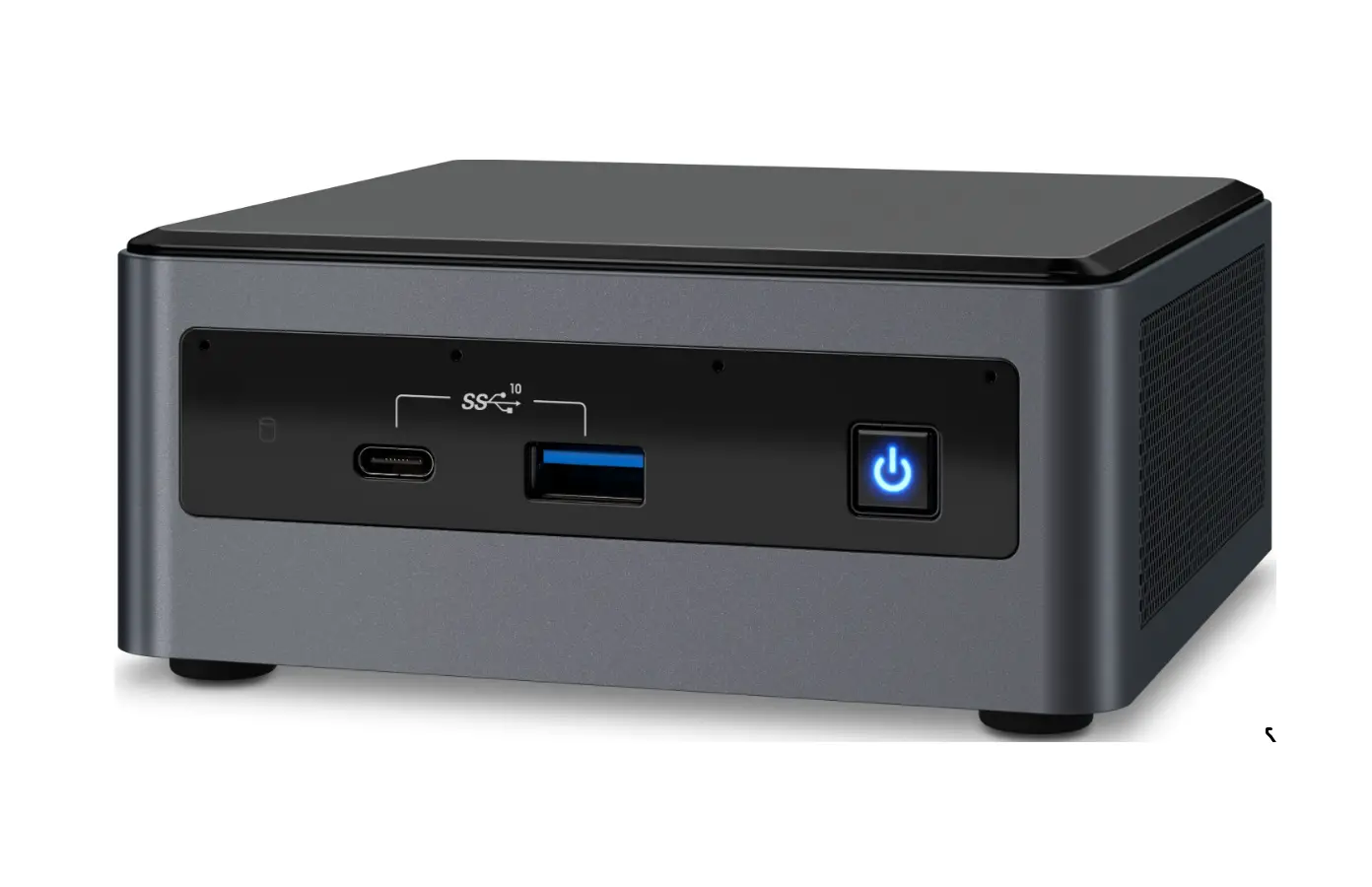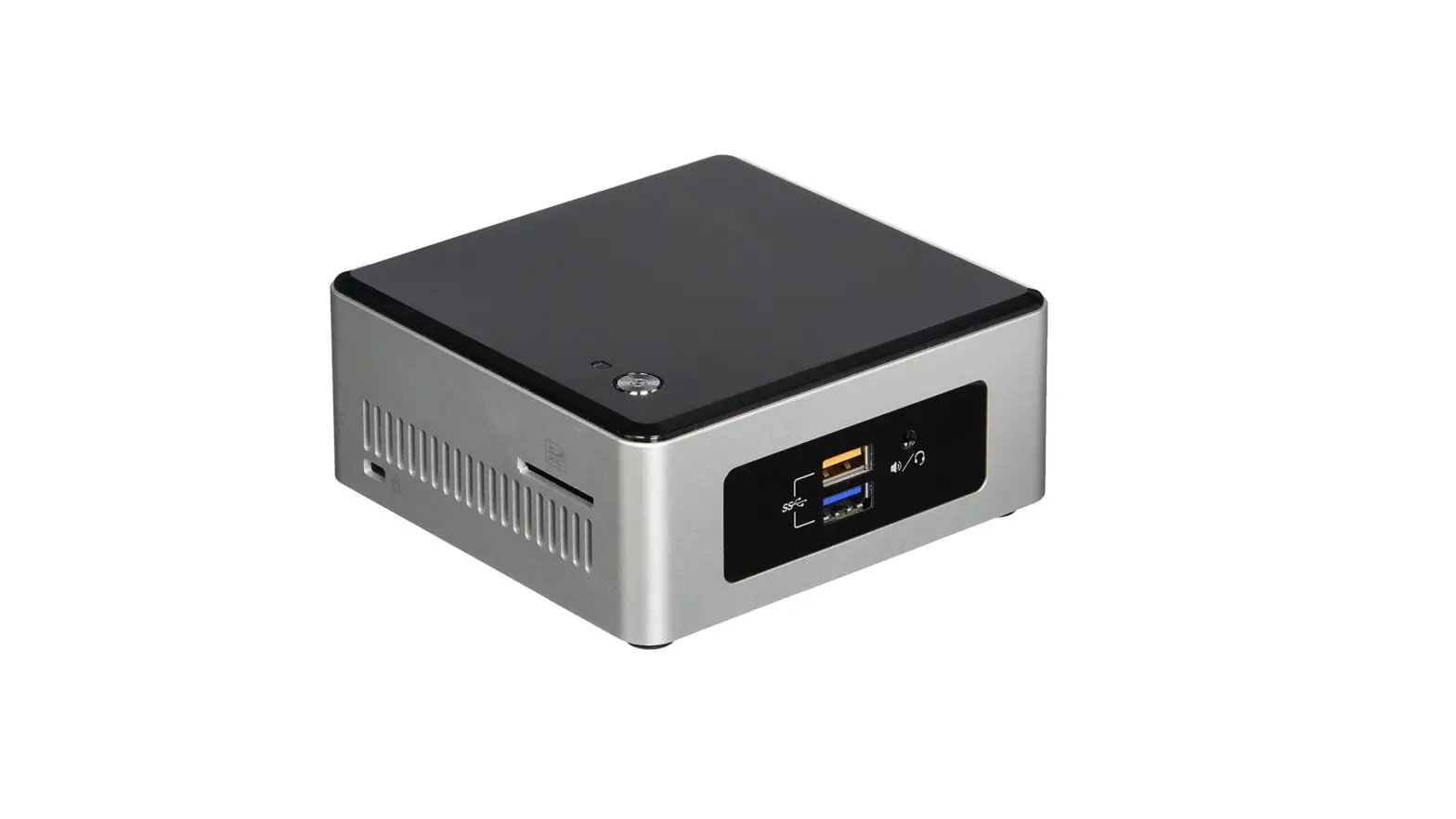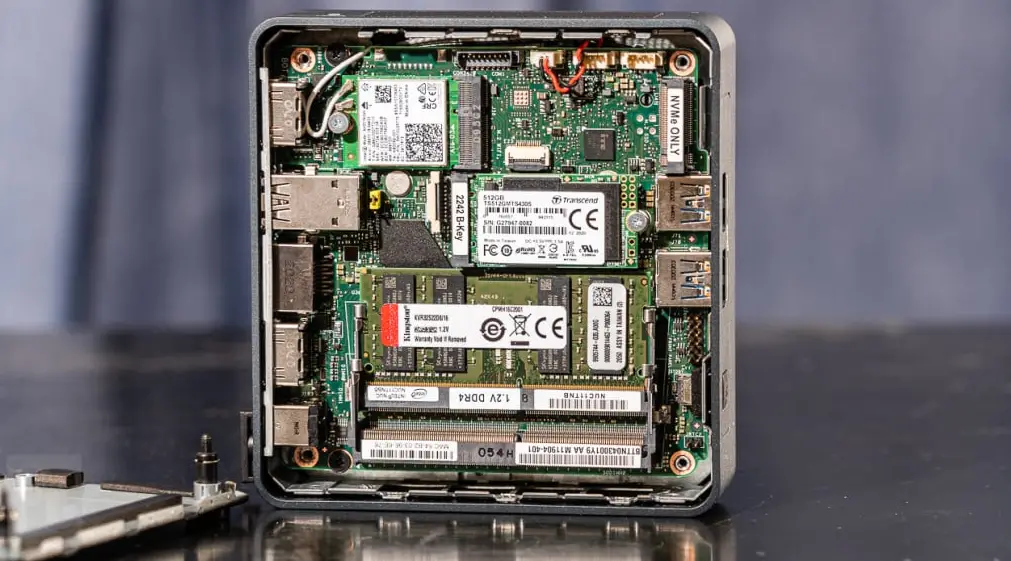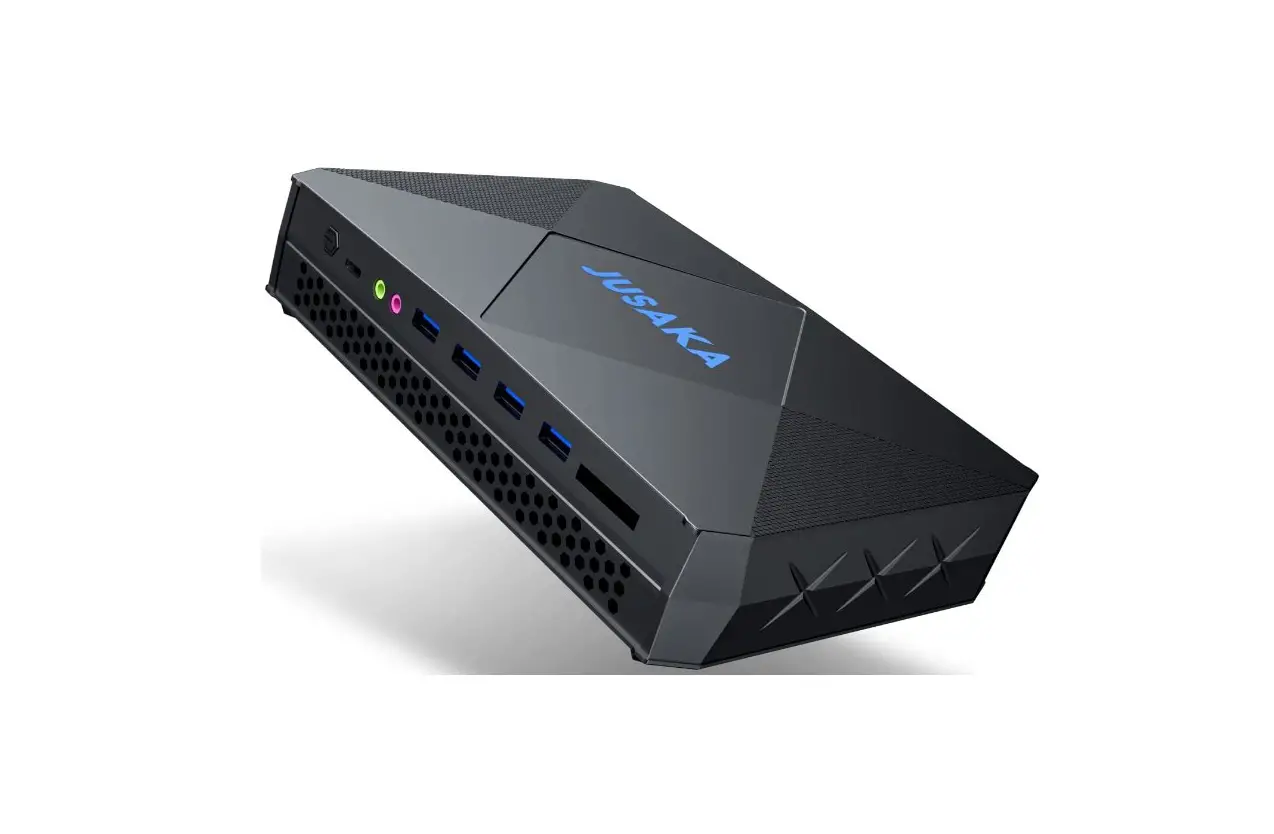
Intel NUC11PAKi7 Panther Canyon Mini PC User Guide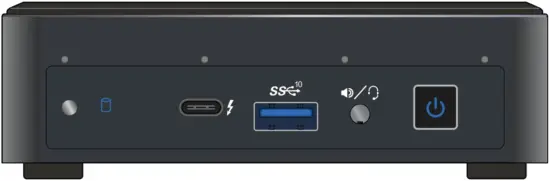
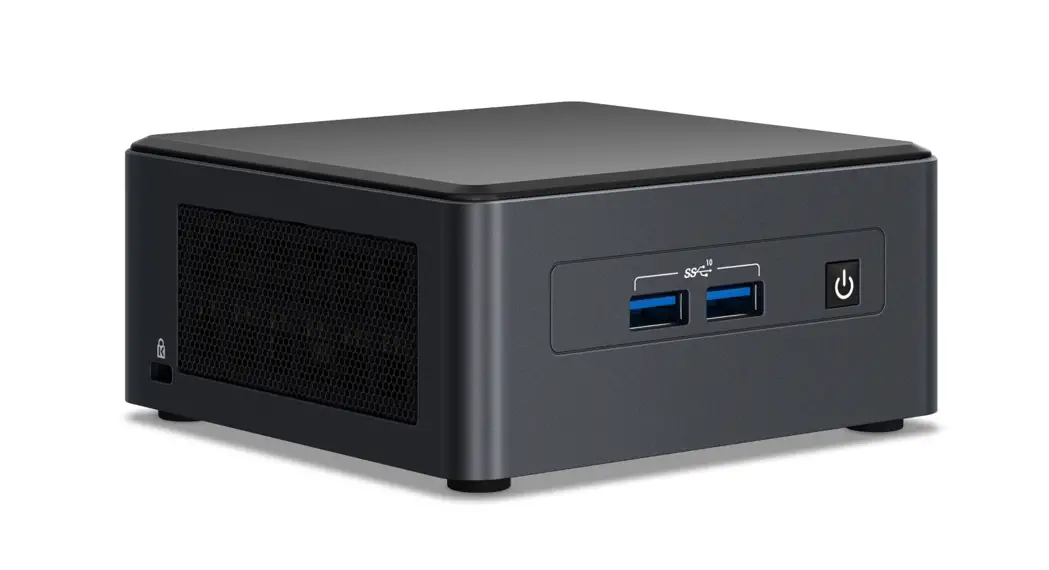
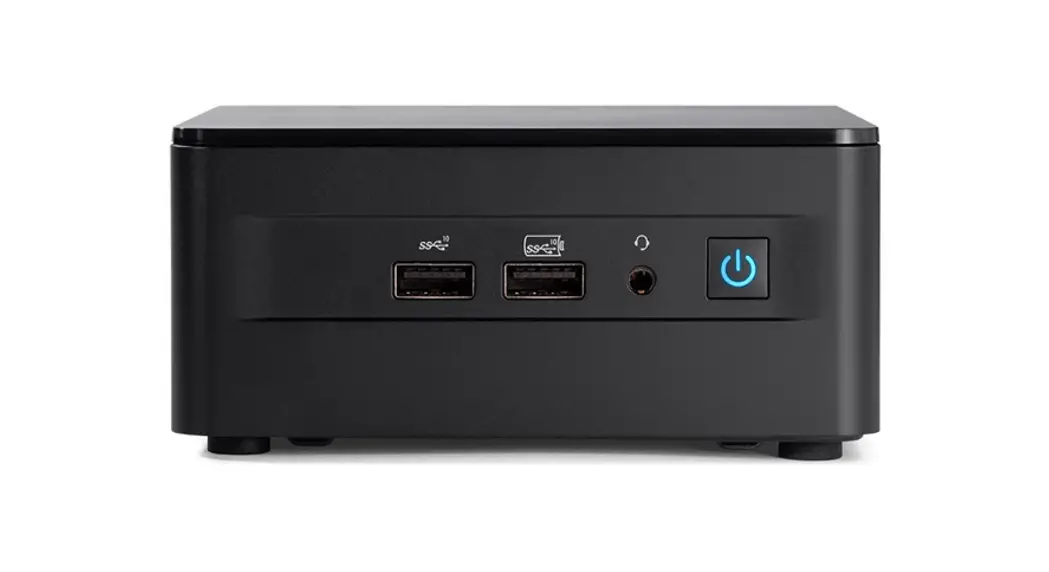
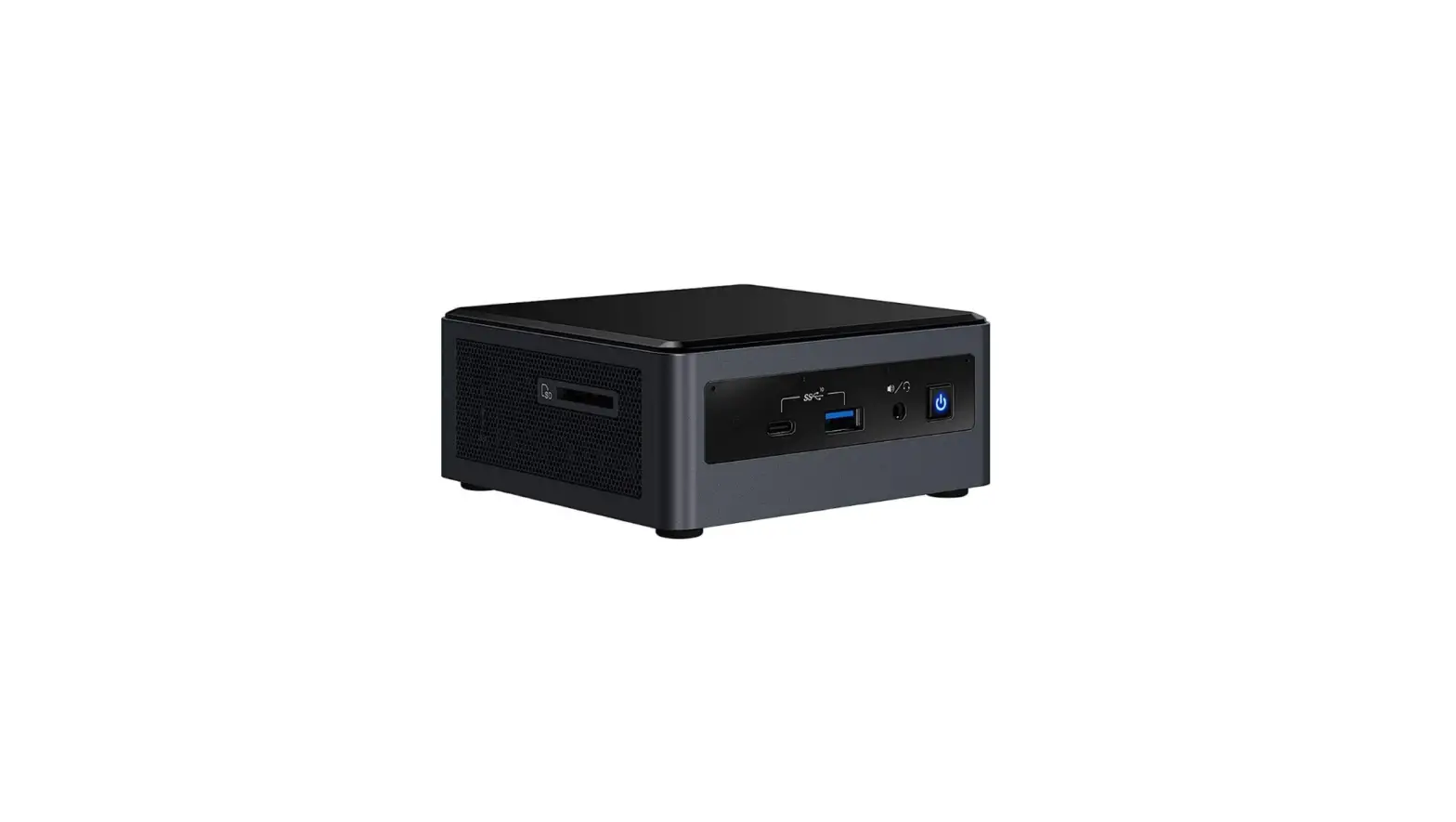
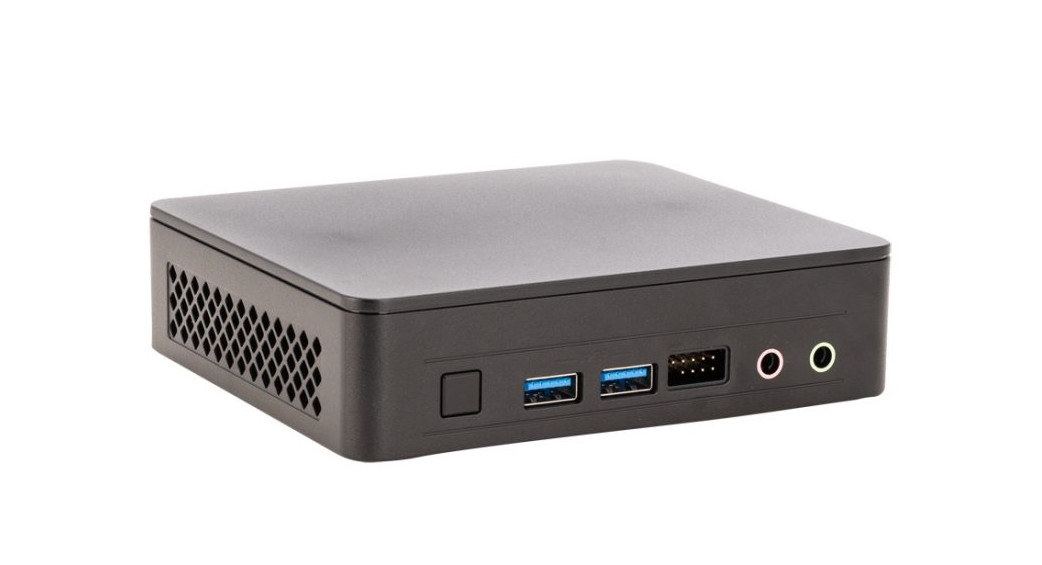
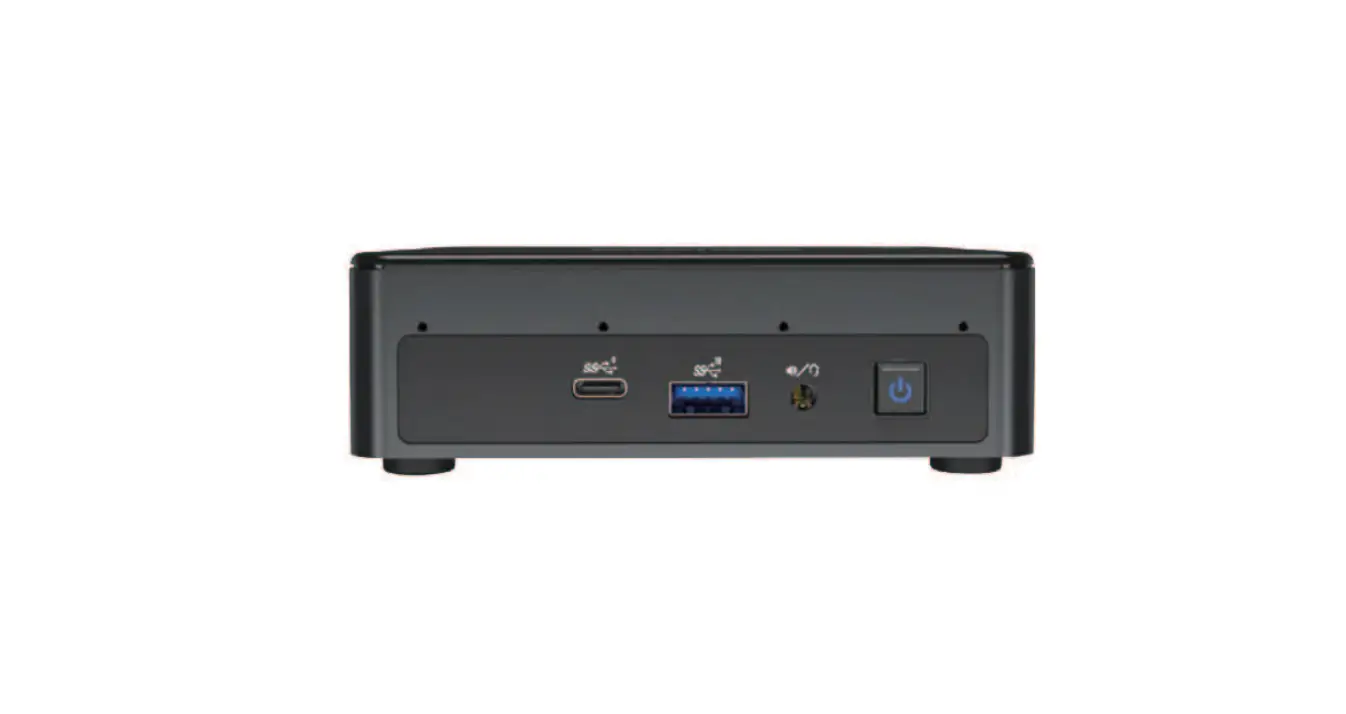
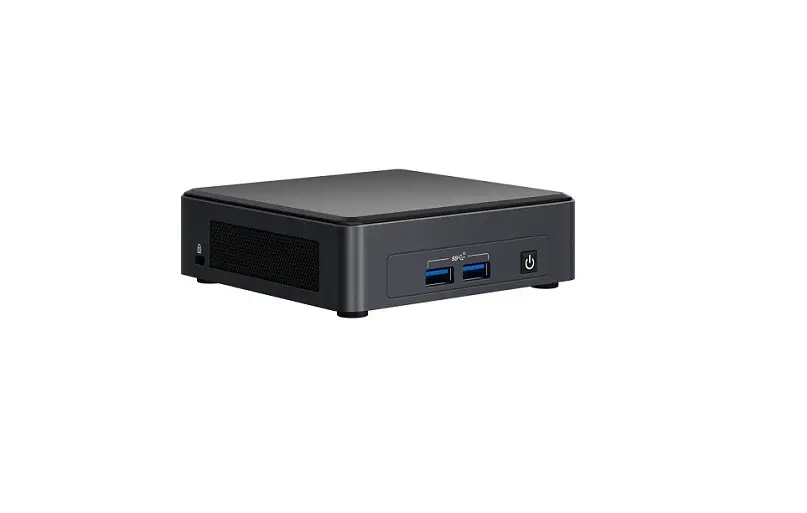
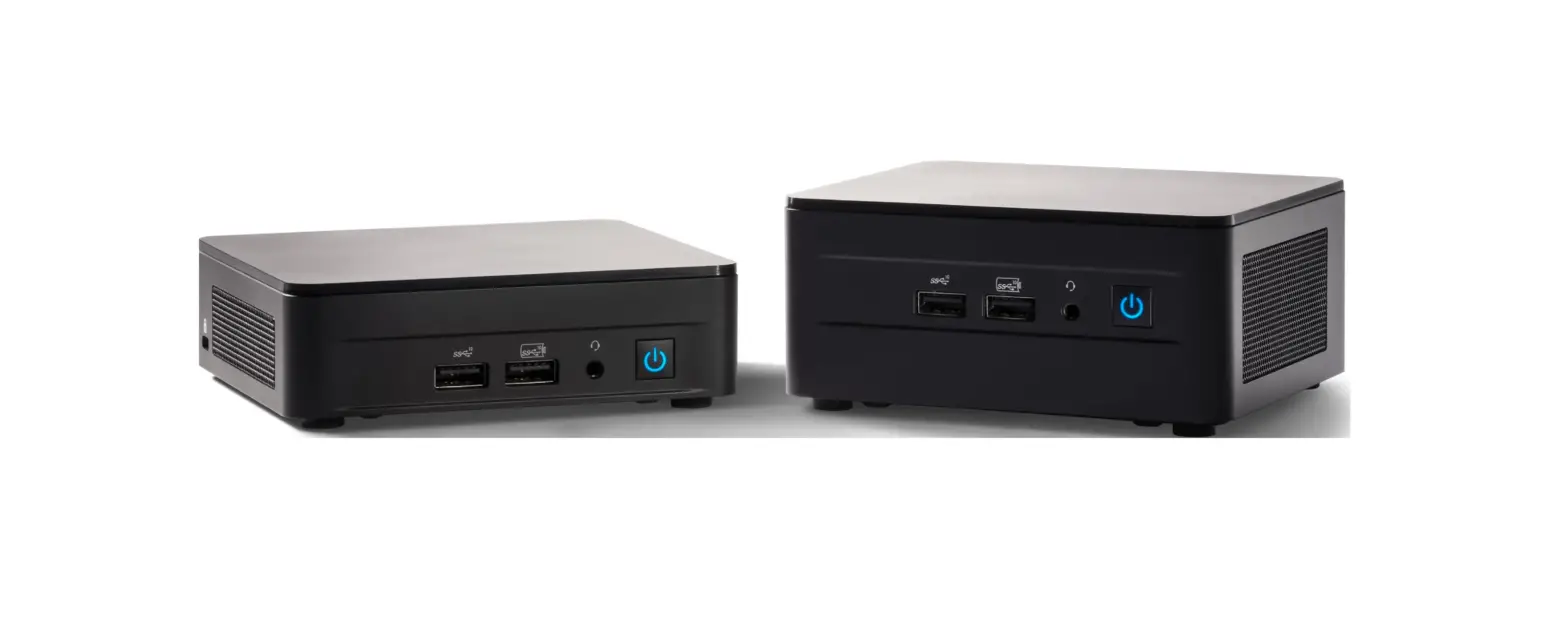
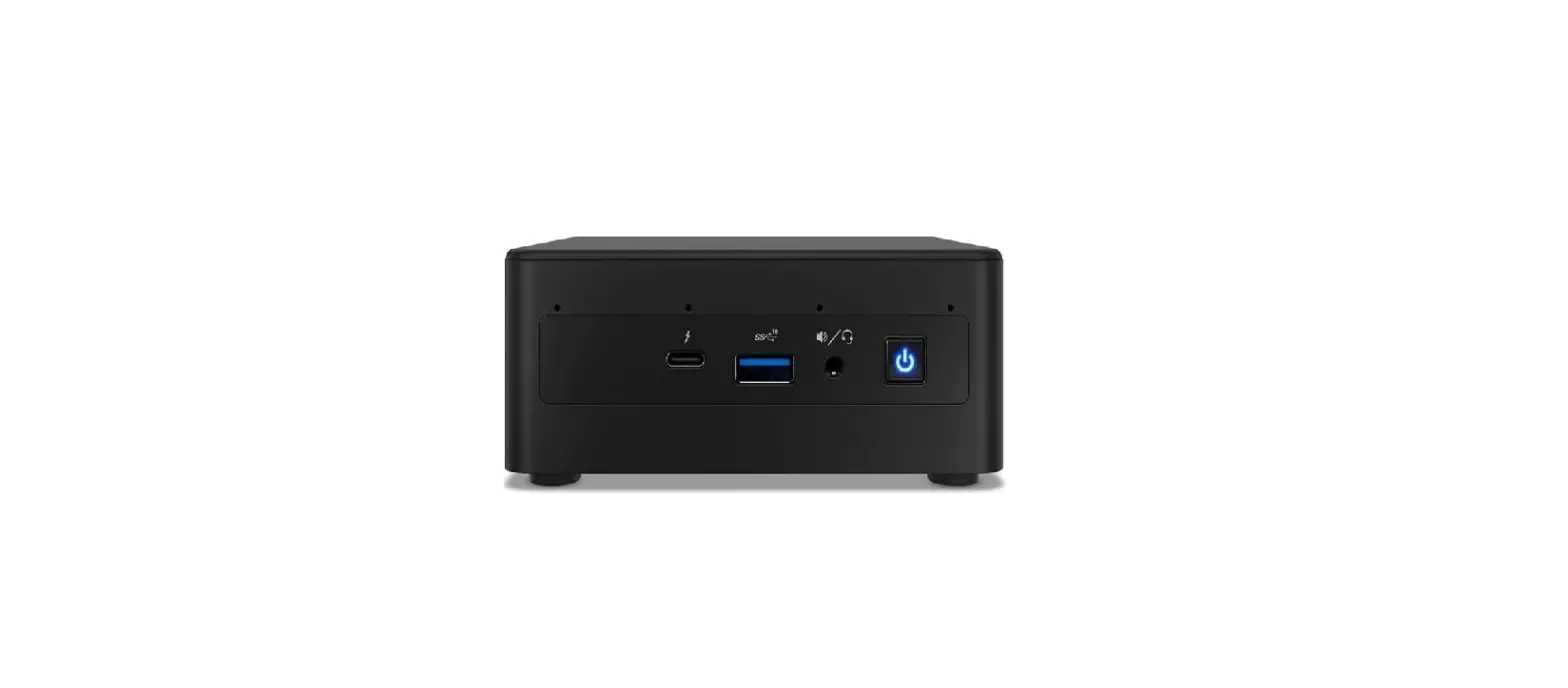
Product Description
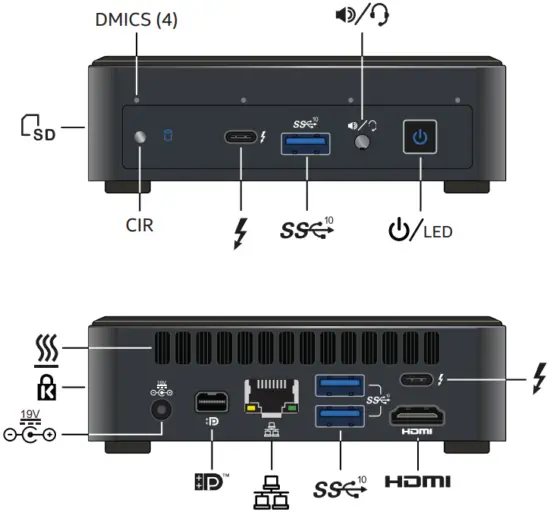
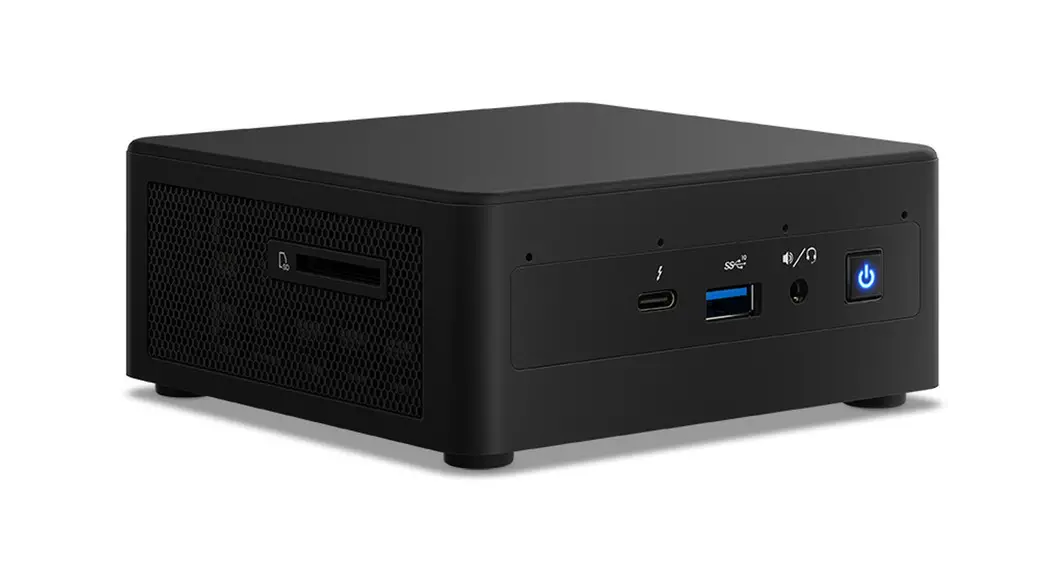
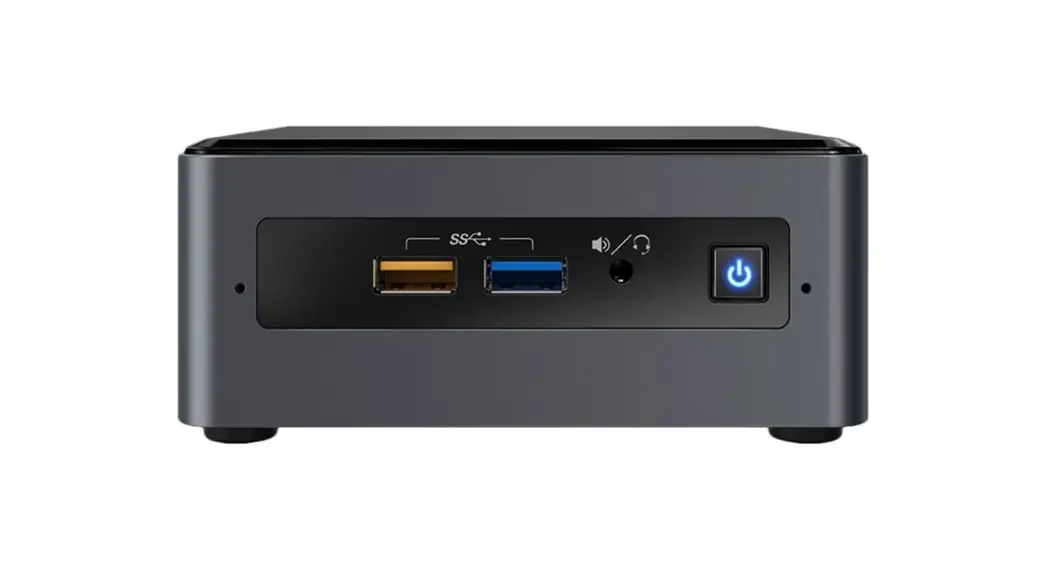
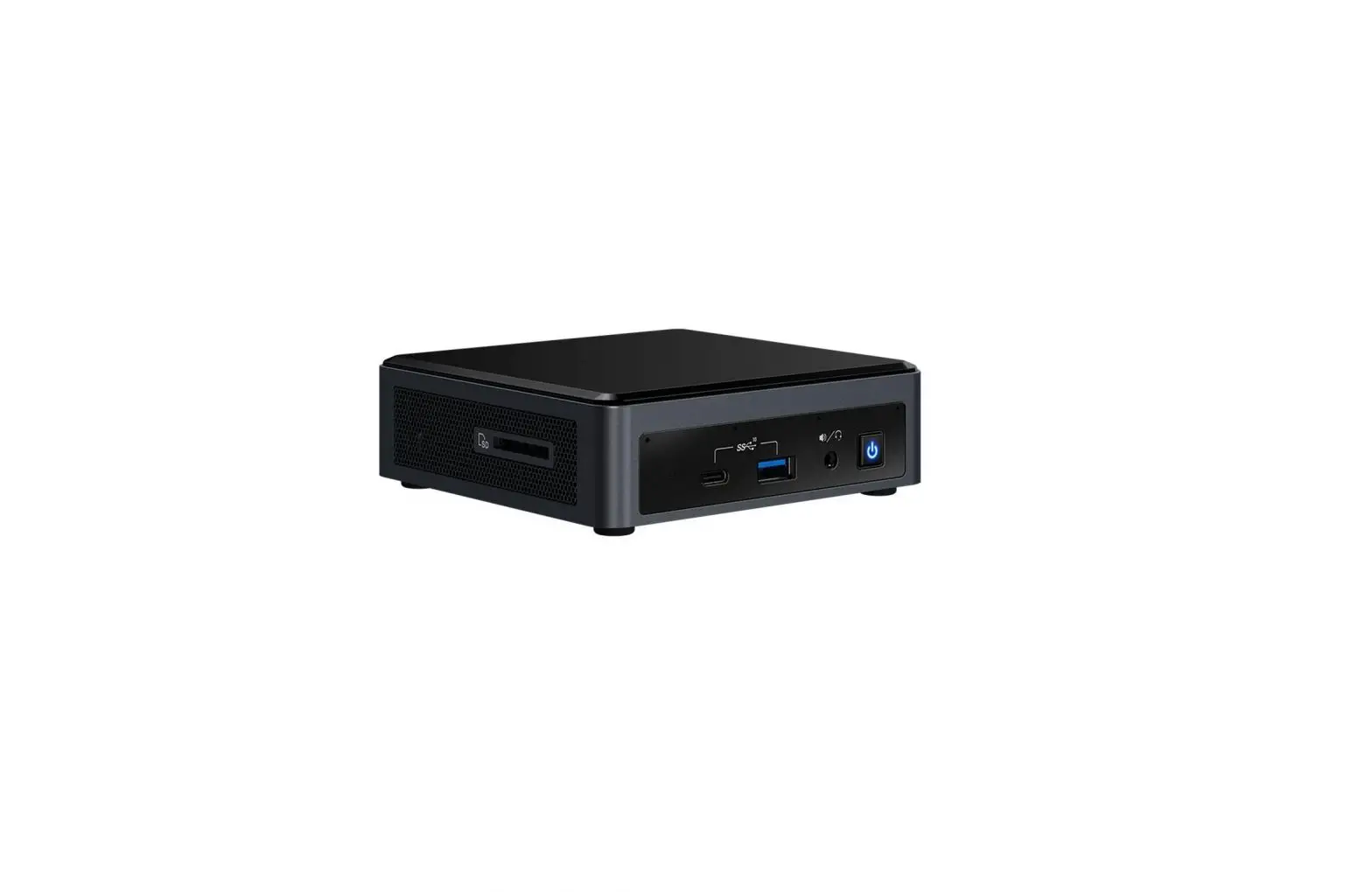
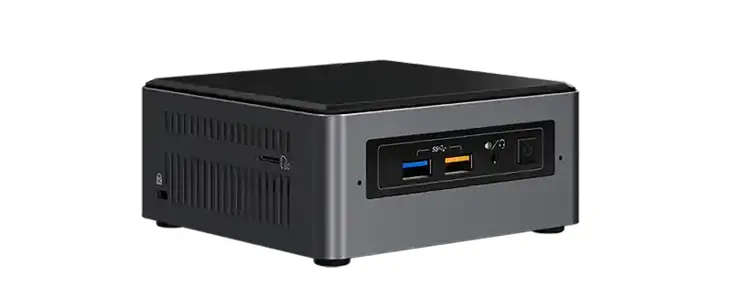
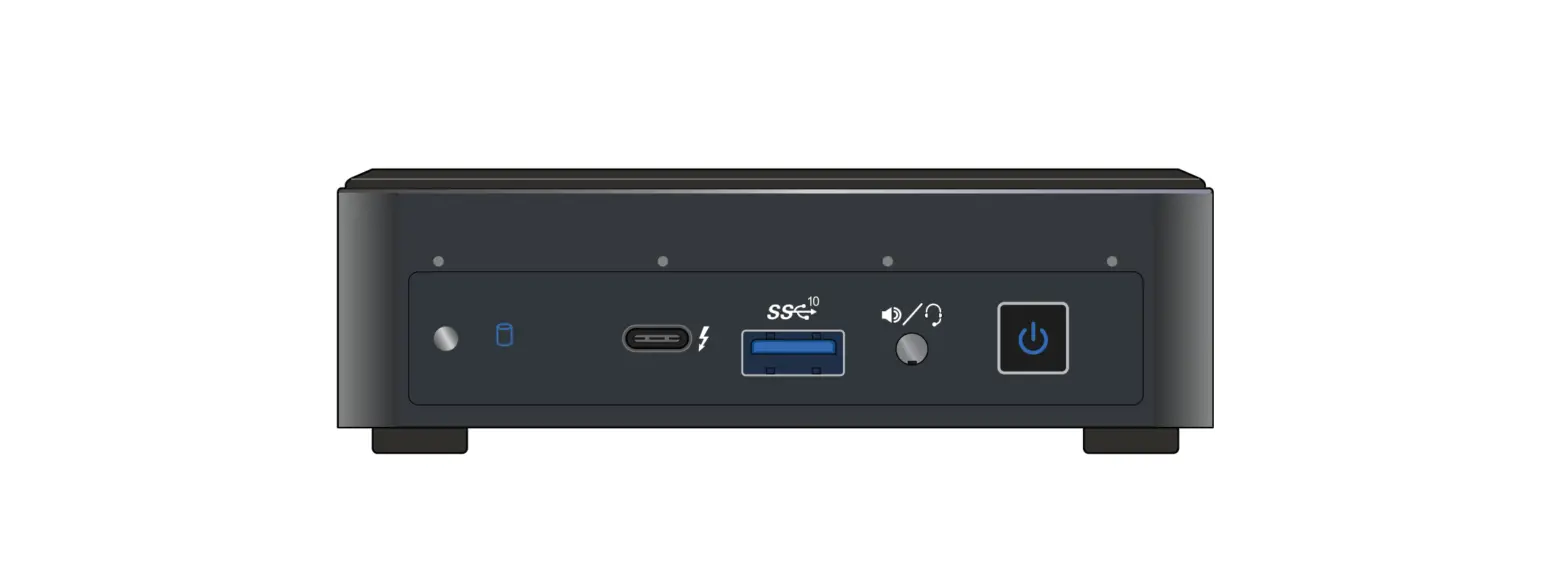
- DMICS
Digital MrcroPhone 
Speaker/headphone
Power Button/LED
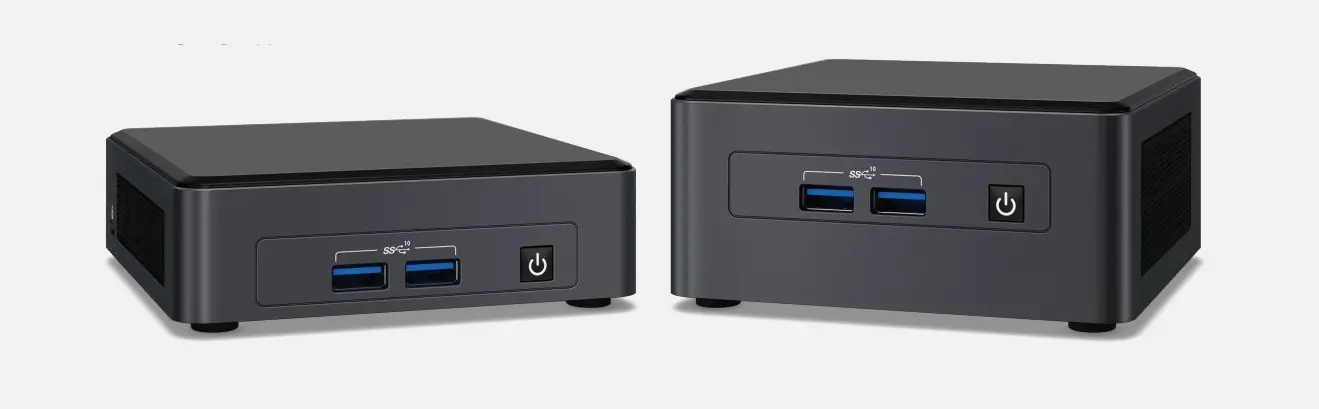
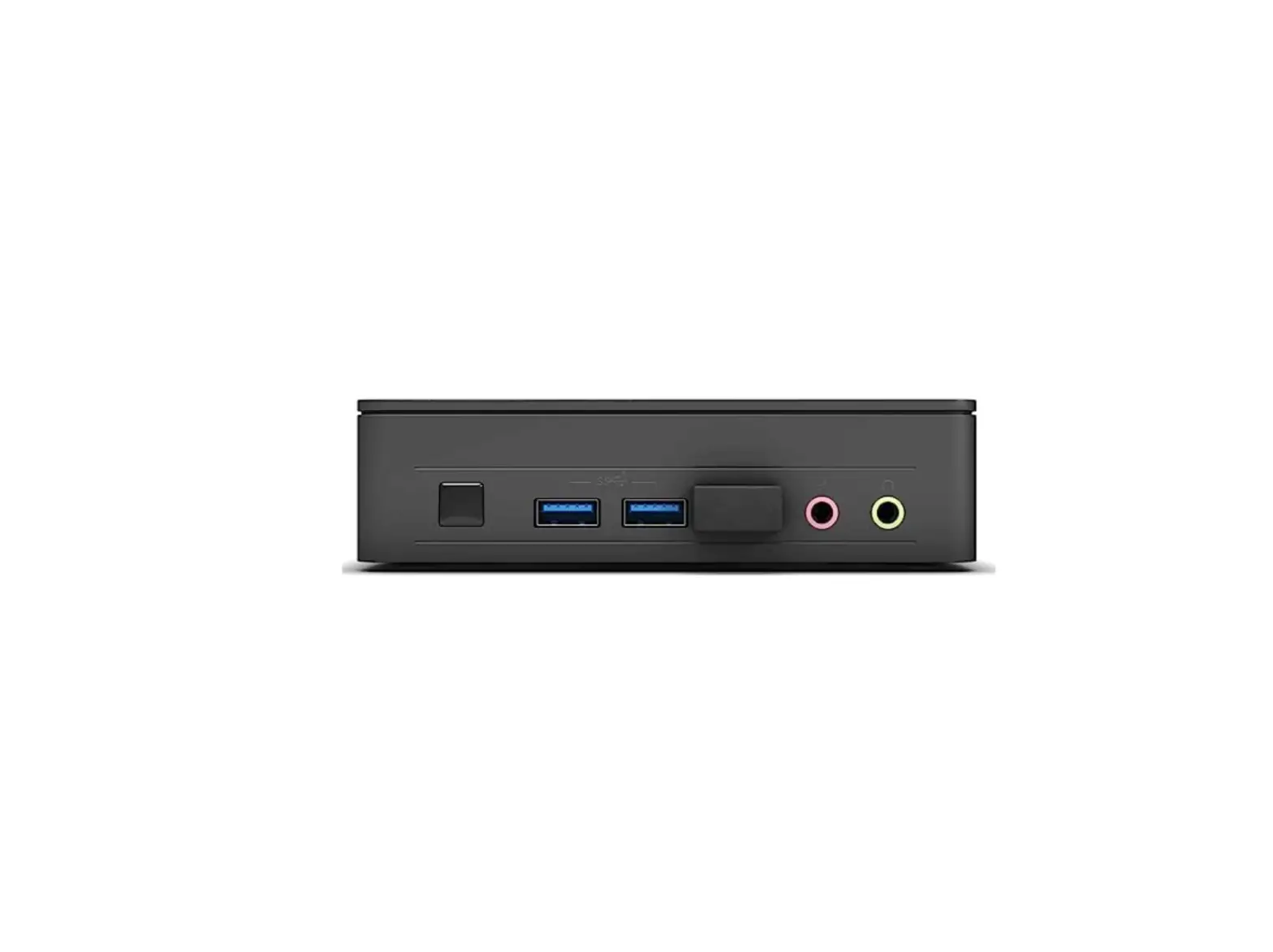
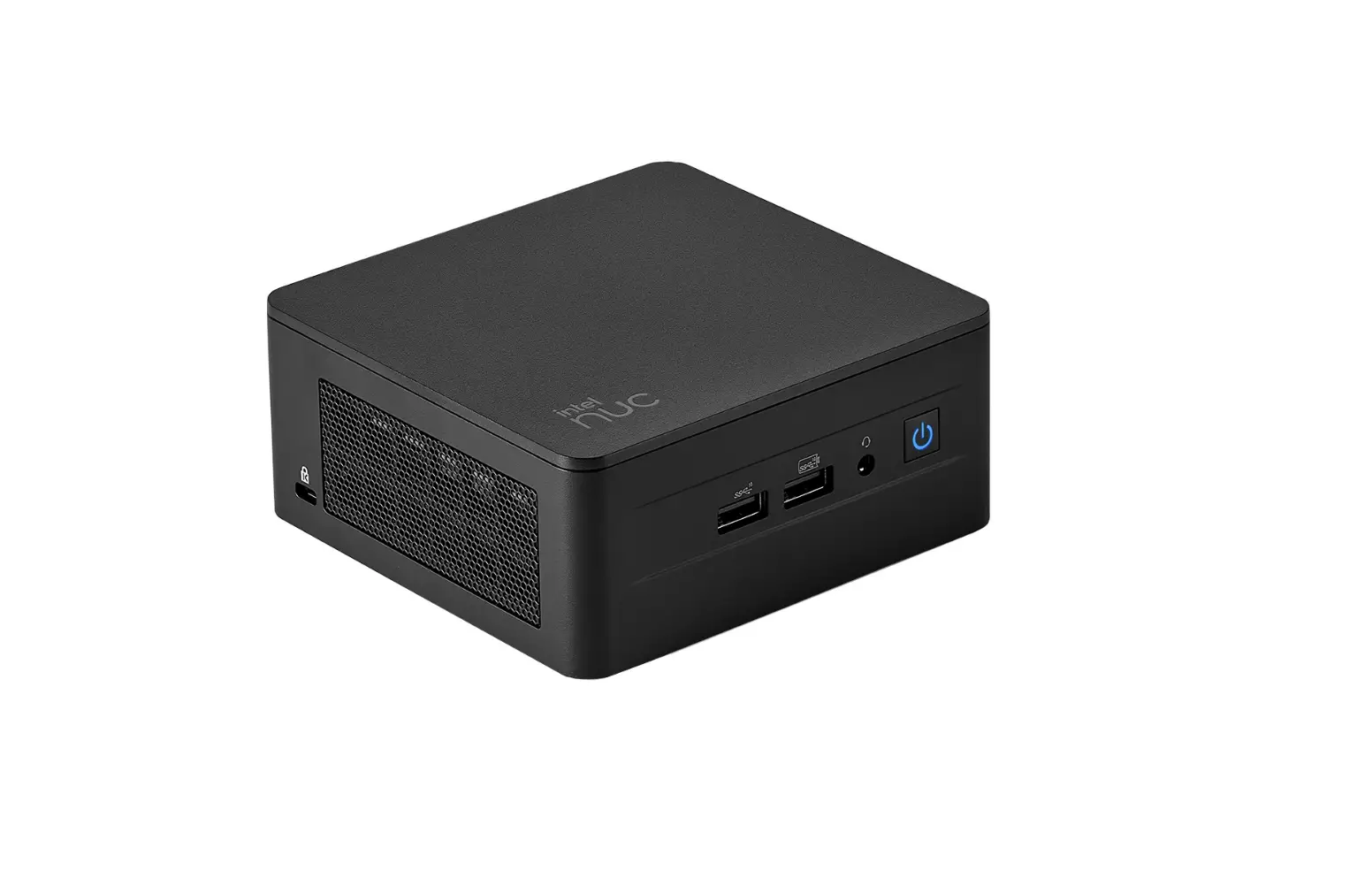
USB 3.2 Gen2 Port
Thunderbolt™ 3 Port
SD Reader
HDMI Port
Ethernet Port
USB 3.2 Gen2 Port
Mini DisplayPort Connector
Anti-theft Key Lock Hole
Electric Power Inlet









Installation Instruction
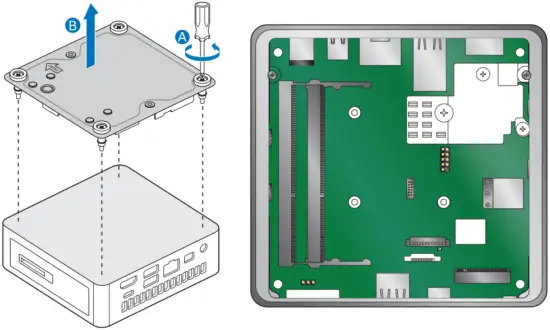

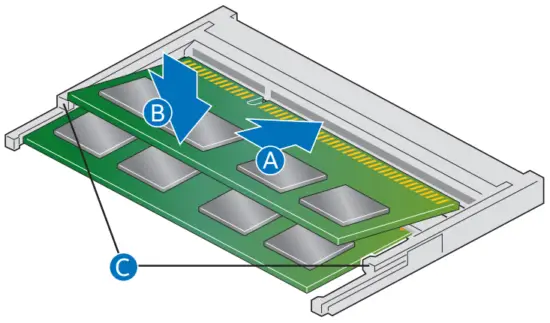
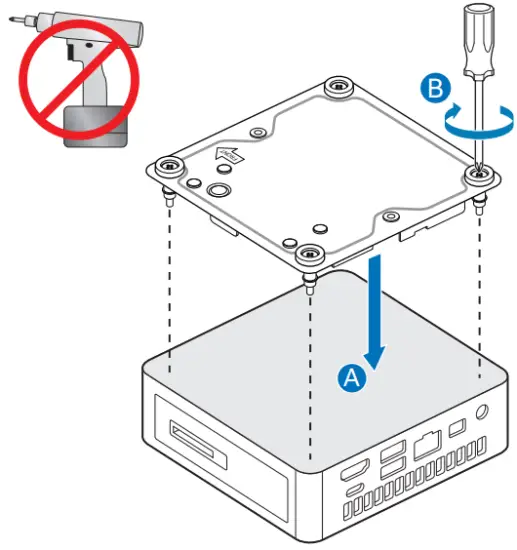
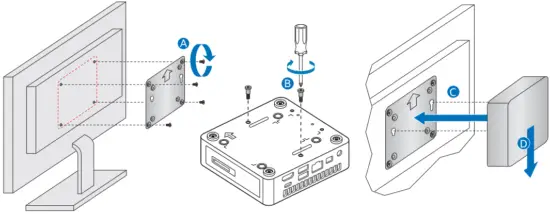
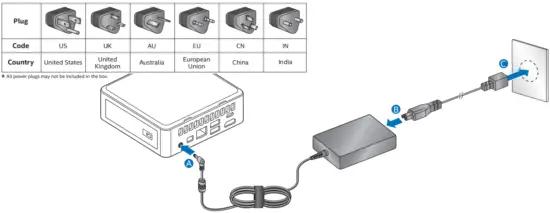
For a list tested of components and operation systems supported go to the following web http://www.intel.com/NUCSupport.
Unless it is mentioned in the Integration Guide or Technical Product Specification, please do not try to repair your equipment.
Always follow the instructions in the Integration Guide or Technical Product Specification.
The operation of any wireless adapter other than the one installed, shall violate regulatory compliance requirements in your region.
For more information on the wireless adapters, go to: http://www.intel.com/support/wireless/wlan.
All power plugs may not be included in the box.
Support
To download the latest drivers and BIOS updates, go to: http://downloadcentecintet.com.
For product support, go to: http://www.inteicom/content/www/usien/support/boards-and-kits/000005508.html.
Thunderbolt 3/USB 4 (type C)
| Feature | Detail |
| Type C output support | Thunderbolt 3 (40Gbps), native USB 4 (10Gbps), native DP1.4 |
| Power over Type C | 15W; 12V not supported |
| Power Profiles Support | 5V@3A, [email protected], 9V@2A |
Disclaimer
INFORMATION IN THIS DOCUMENT IS PROVIDED IN CONNECTION WITH INTEL” PRODUCTS. NO LICENSE, EXPRESS OR IMPLIED, BY ESTOPPEL OR OTHERWISE, TO ANY INTELLECTUAL PROPERTY RIGHTS IS GRANTED BY THIS DOCUMENT. EXCEPT AS PROVIDED IN INTEL’S TERMS AND CONDITIONS OF SALE FOR SUCH PRODUCTS, INTEL ASSUMES NO LIABILITY WHATSOEVER, AND INTEL DISCLAIMS ANY EXPRESS OR IMPLIED WARRANTY, RELATING TO SALE AND/OR USE OF INTEL PRODUCTS INCLUDING LIABILITY OR WARRANTIES RELATING TO FITNESS FOR A PARTICULAR PURPOSE, MERCHANTABILITY, OR INFRINGEMENT OF ANY PATENT, COPYRIGHT OR OTHER INTELLECTUAL PROPERTY RIGHT.
Intel products are not intended for use in medical, life saving, or life sustaining applications. Intel may make changes to specifications and product descriptions at any time, without notice.
Intel* products may contain design defects or errors known as errata which may cause the product to deviate from published specifications. Current characterized errata are available on request.
The SuperSpeed USB Trident” logo is a registered trademark owned by USB Implementers Forum, Inc. and any use of such mark by Intel Corporation is under license.
The terms HDMI and HDMI High-Definition Multimedia Interface, and the HDMI Logo are trademarks or registered trademarks of HDMI Licensing LLC in the United States and other countries.
DisplayPort- and the DisplayPort- logo are trademarks owned by the Video Electronics Standards Association (VESA®) in the United States and other countries.
Intel and the Intel logo are trademarks of Intel Corporation in the United States and/or other countries.
* Other names and brands may be claimed as the property of others. Copyright © 2020, Intel Corporation. All rights reserved.