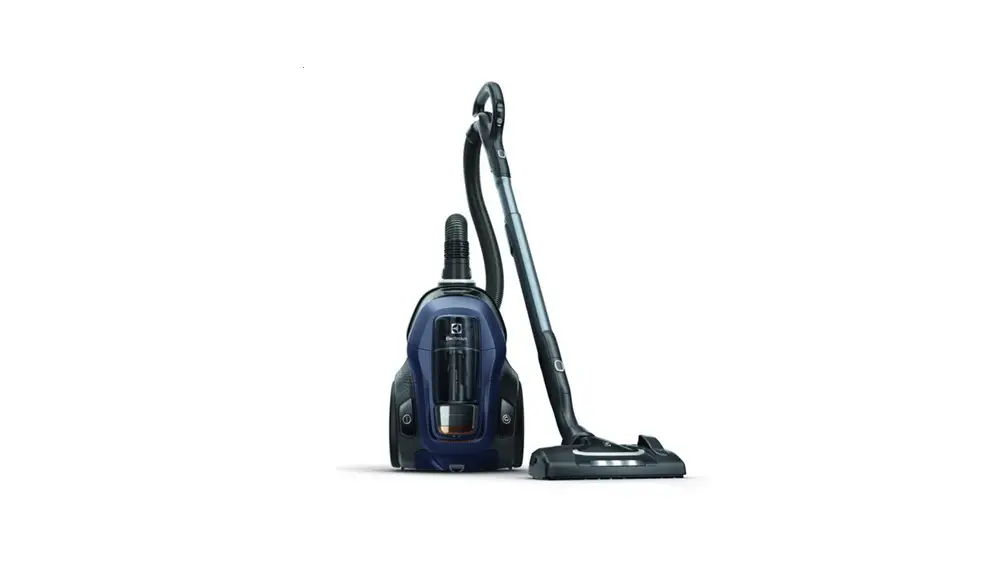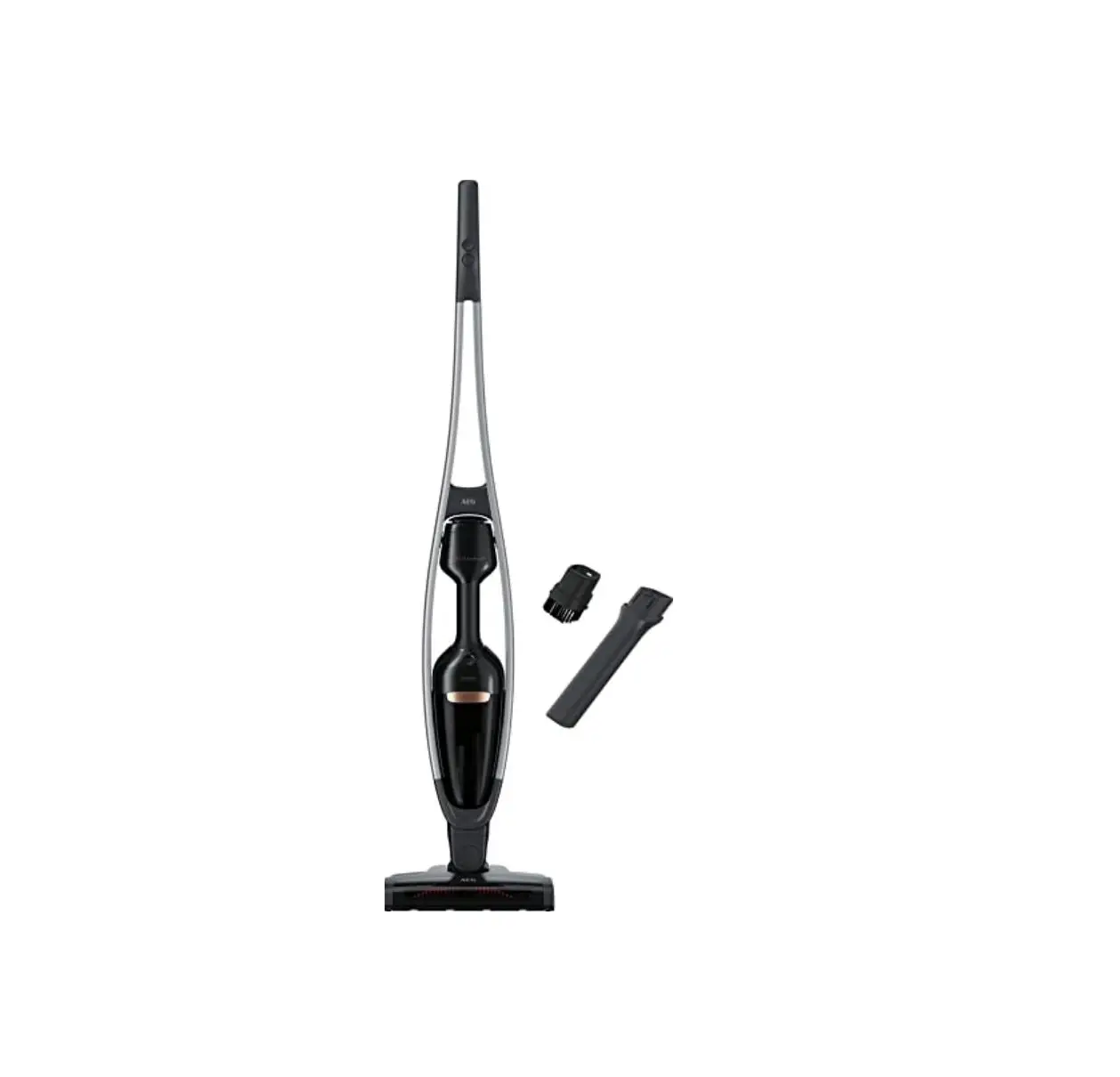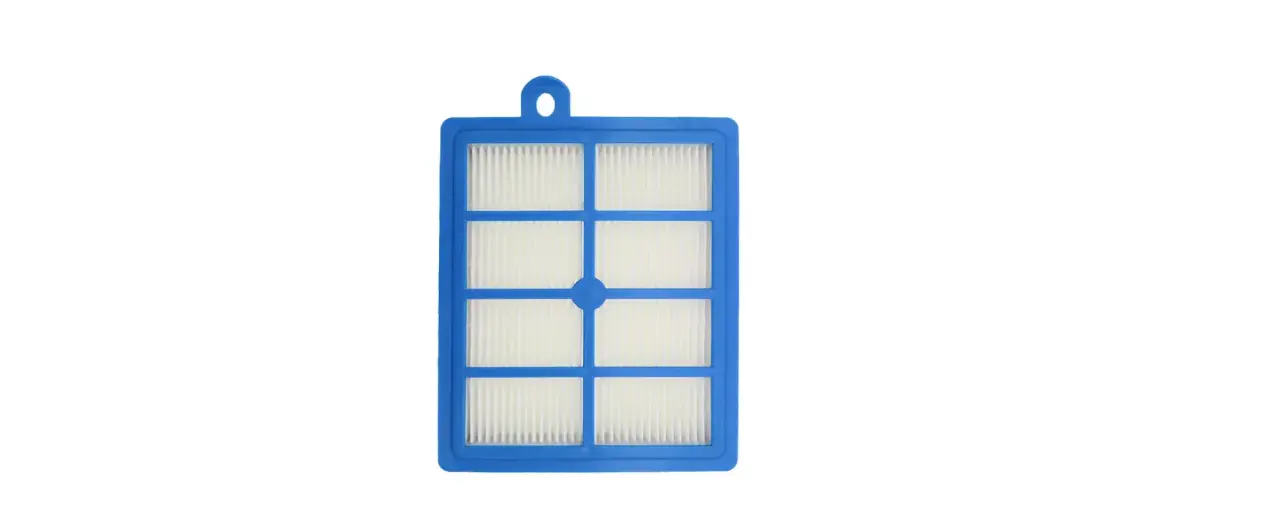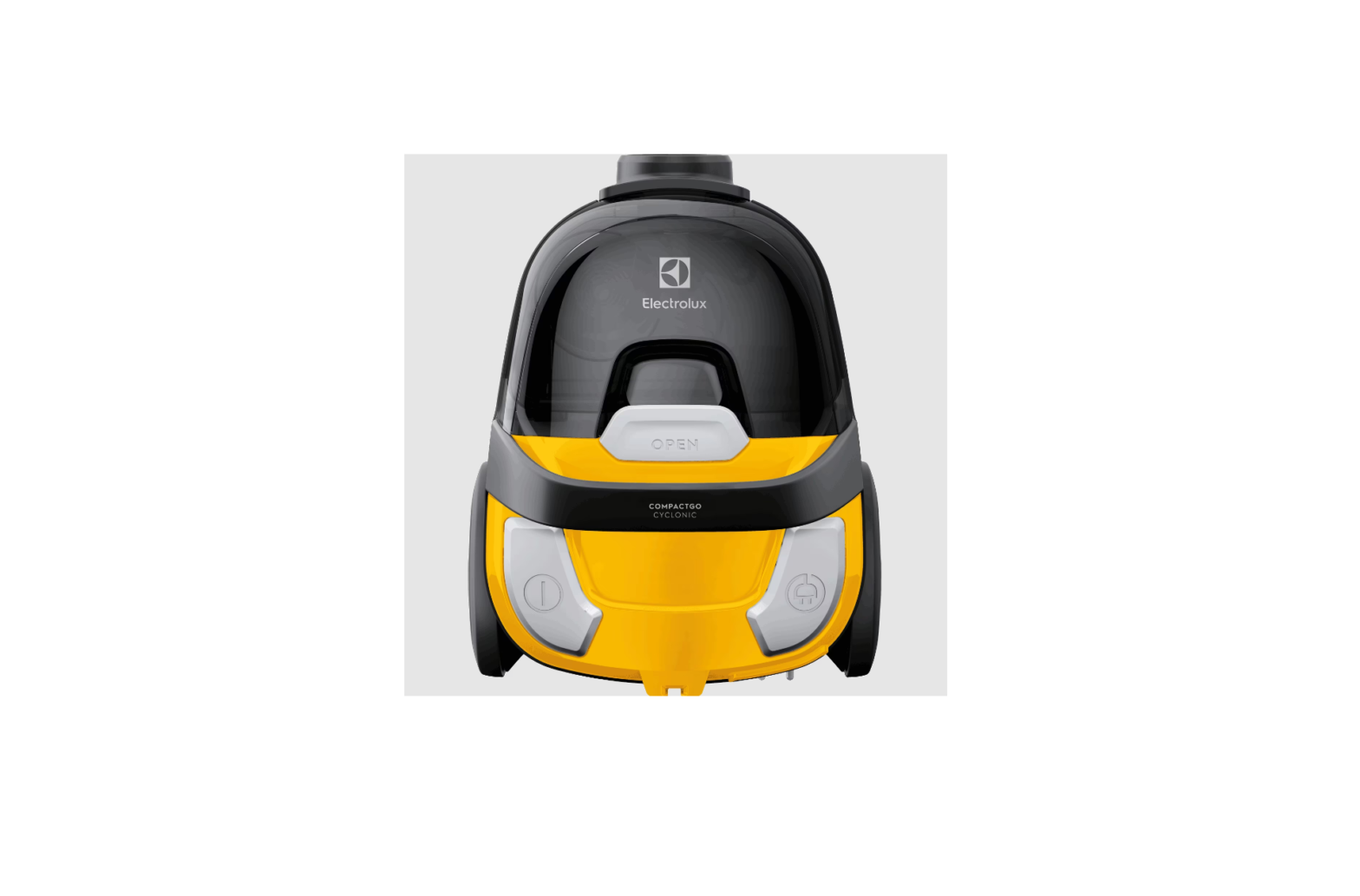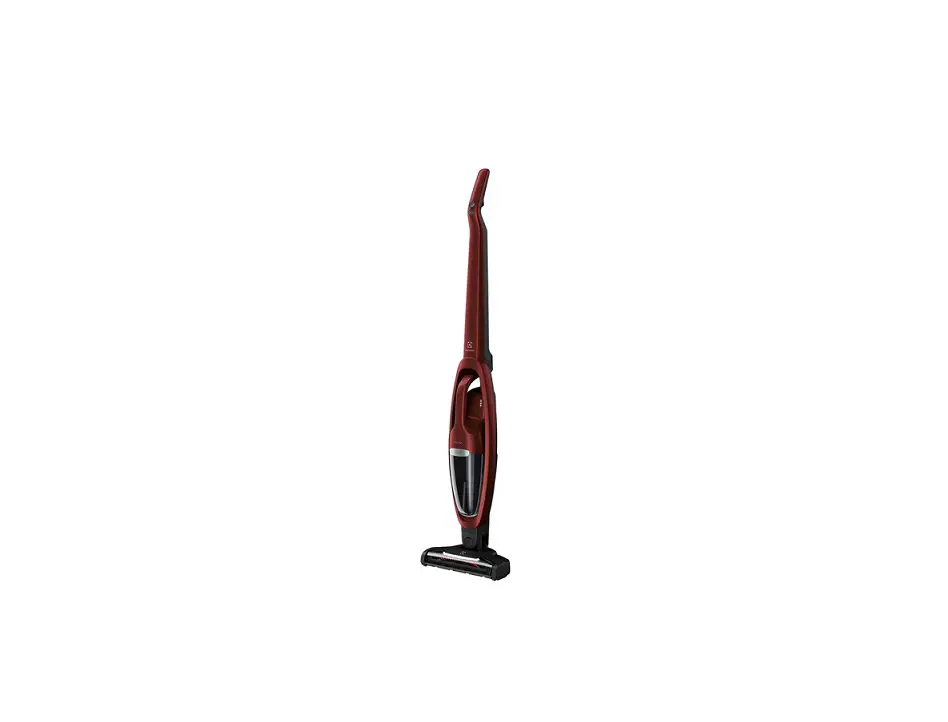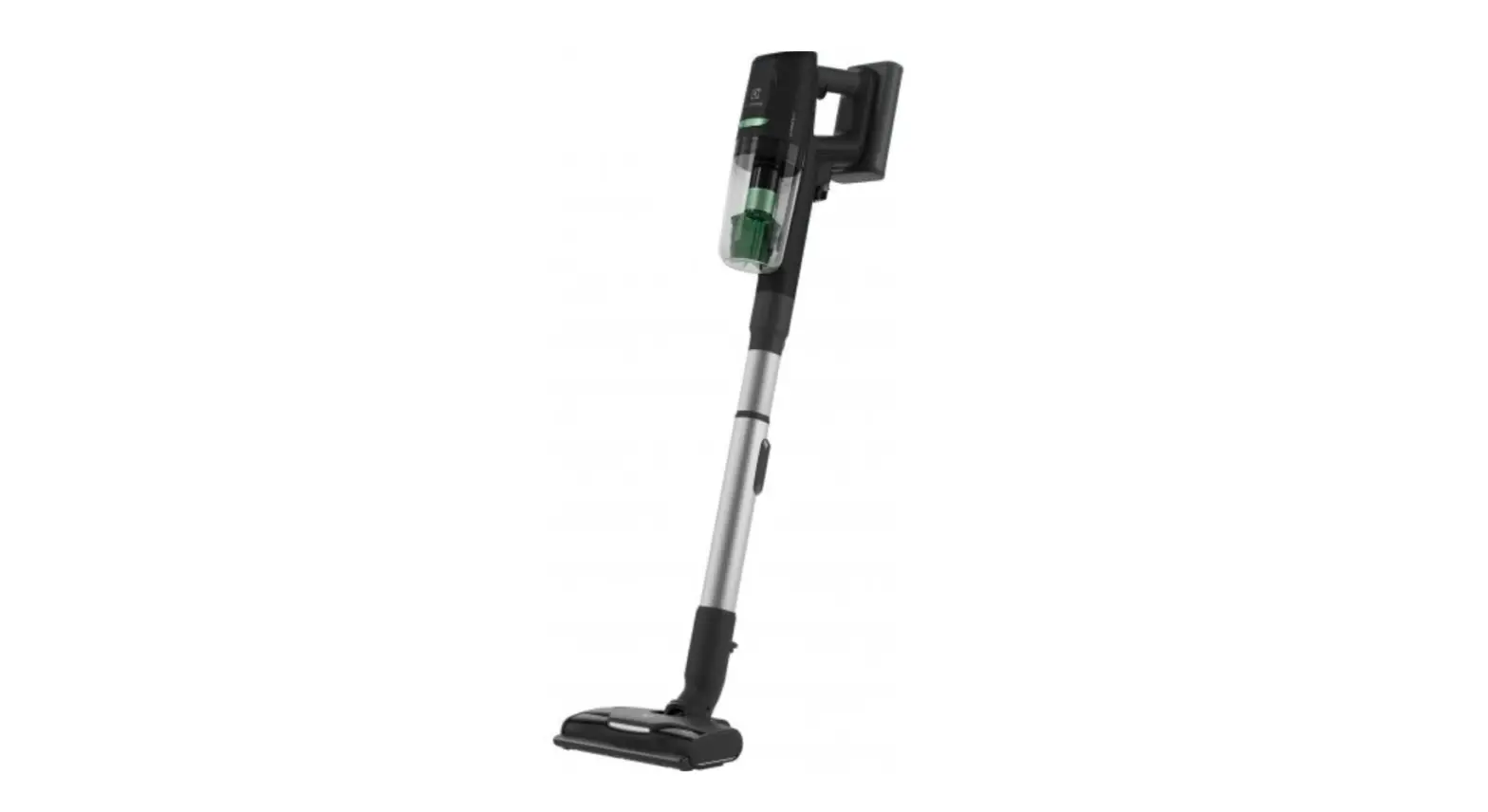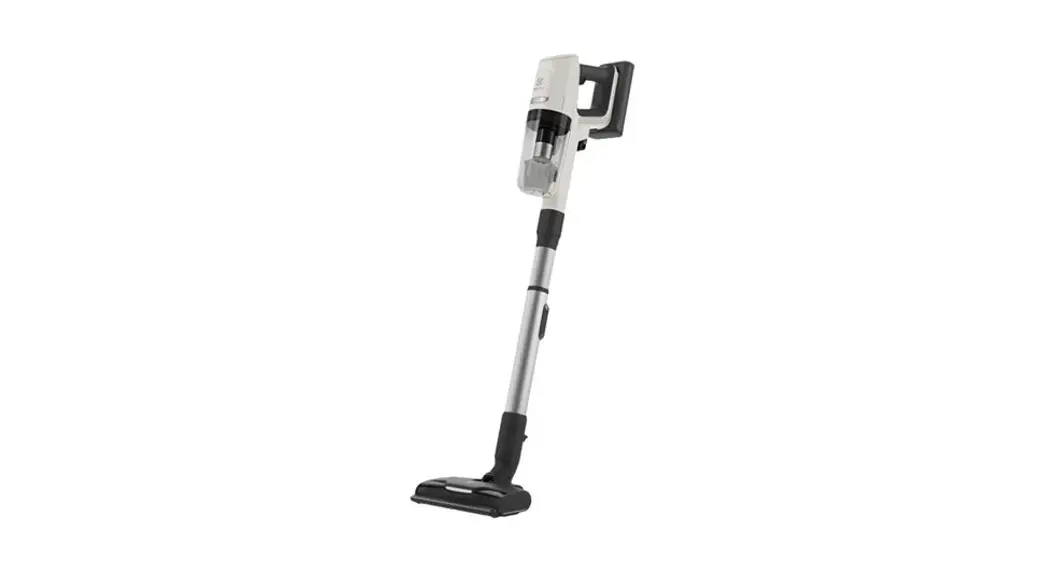

Electrolux EPPCS1 UltimateHome 900 Vacuum PowerPro Head Cleaning Kit
INSTALLATION INSTRUCTION
- Fill the clean water into the inner tank
Detergent optional - Place the mop nozzle according to the sign on the top plate
- Hold the vacuum cleaner vertically and turn the Power on

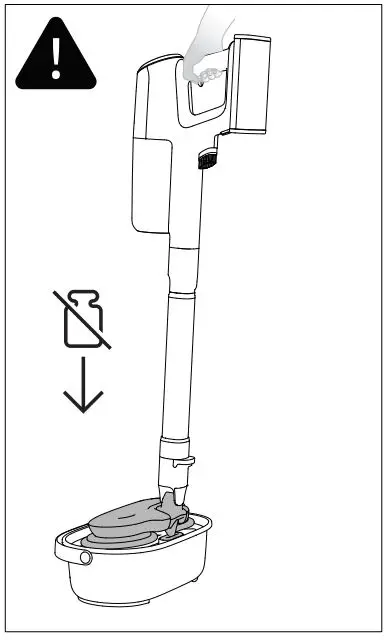
- Gently press down the PRESS button to wash the pads. Hold the cleaner in an upright position.

- Keep the Power on, lift up the vacuum cleaner and release the PRESS button to dry the pads with the radial scraper.
- Empty the dirty water tank through the drainage hole.




When washing the pads on your cleaning station, press the cleaner down only gently and keep it in an upright position. If you use too much force, the cleaner may switch off. This is a safety feature. If this happens, wait around 10 seconds, switch the cleaner on again and press it down with less force than before.