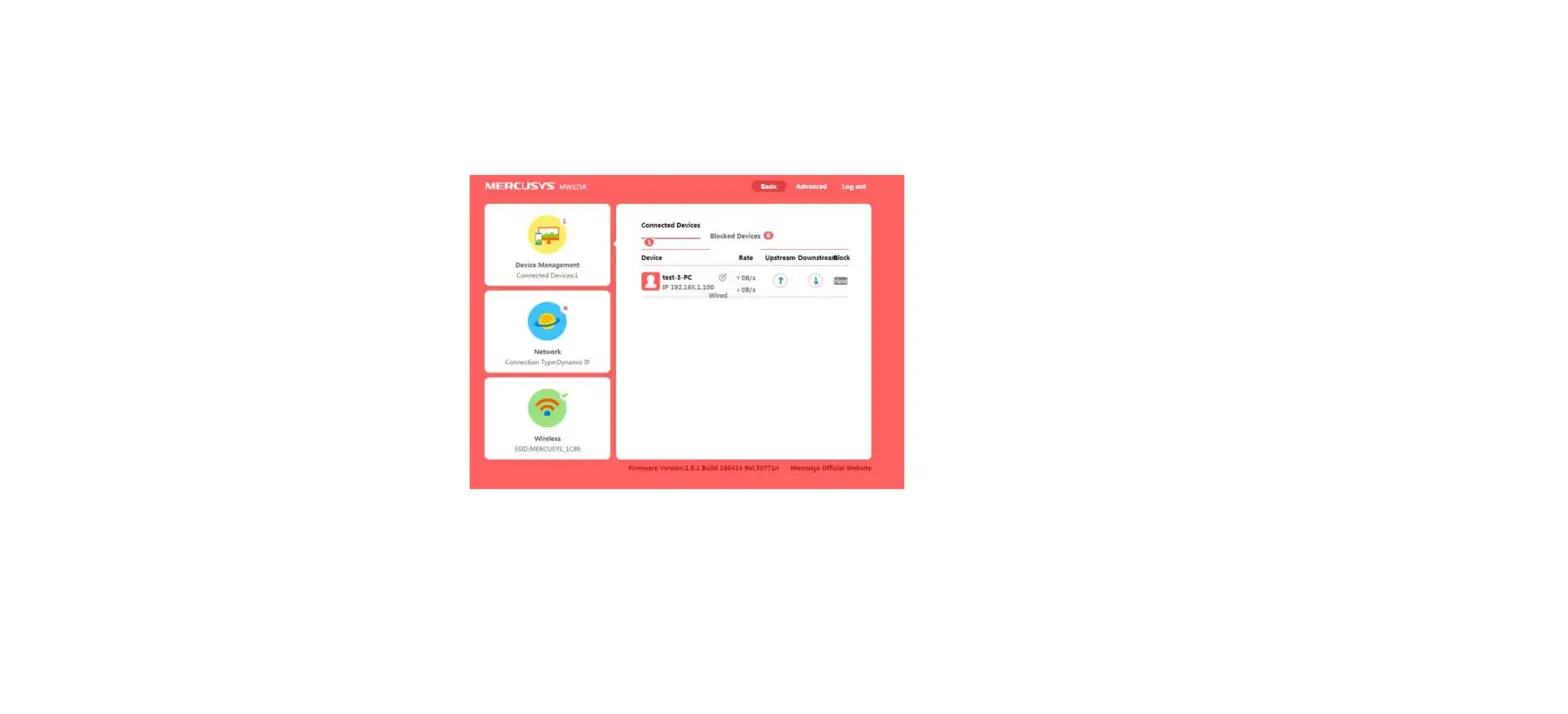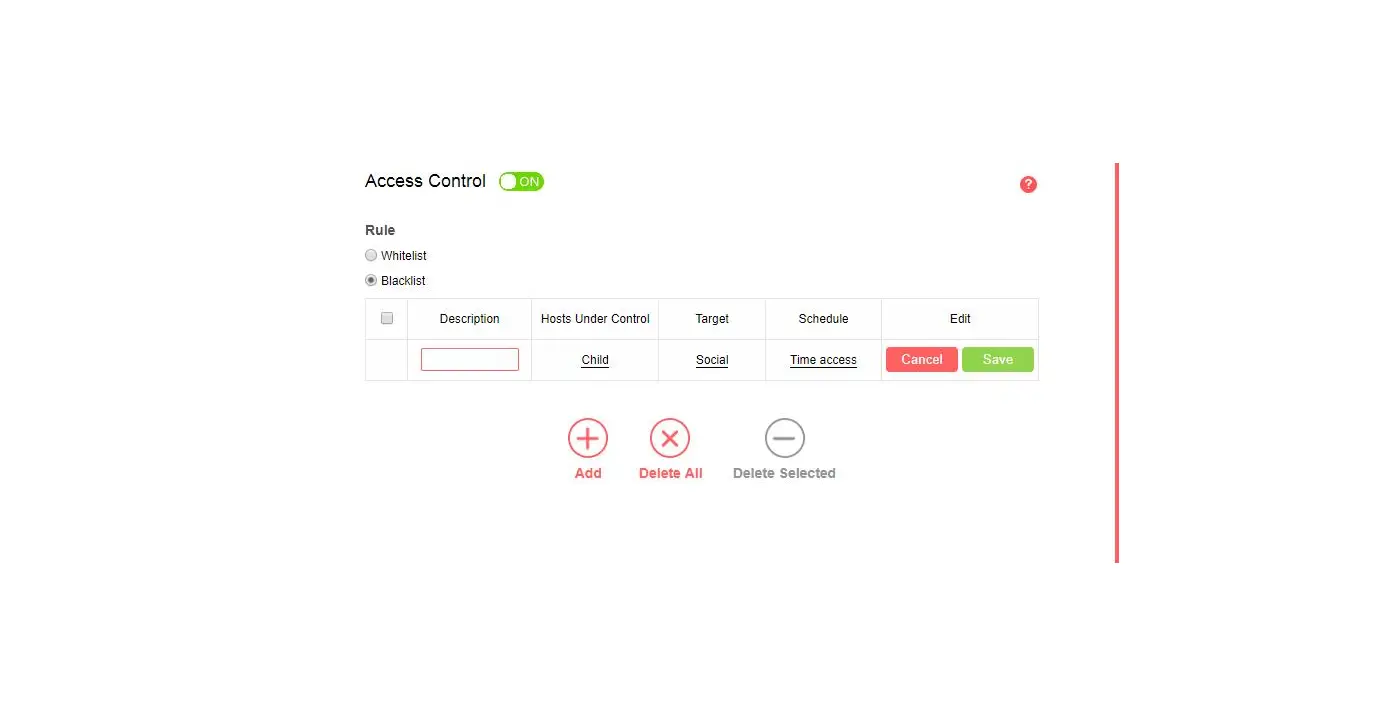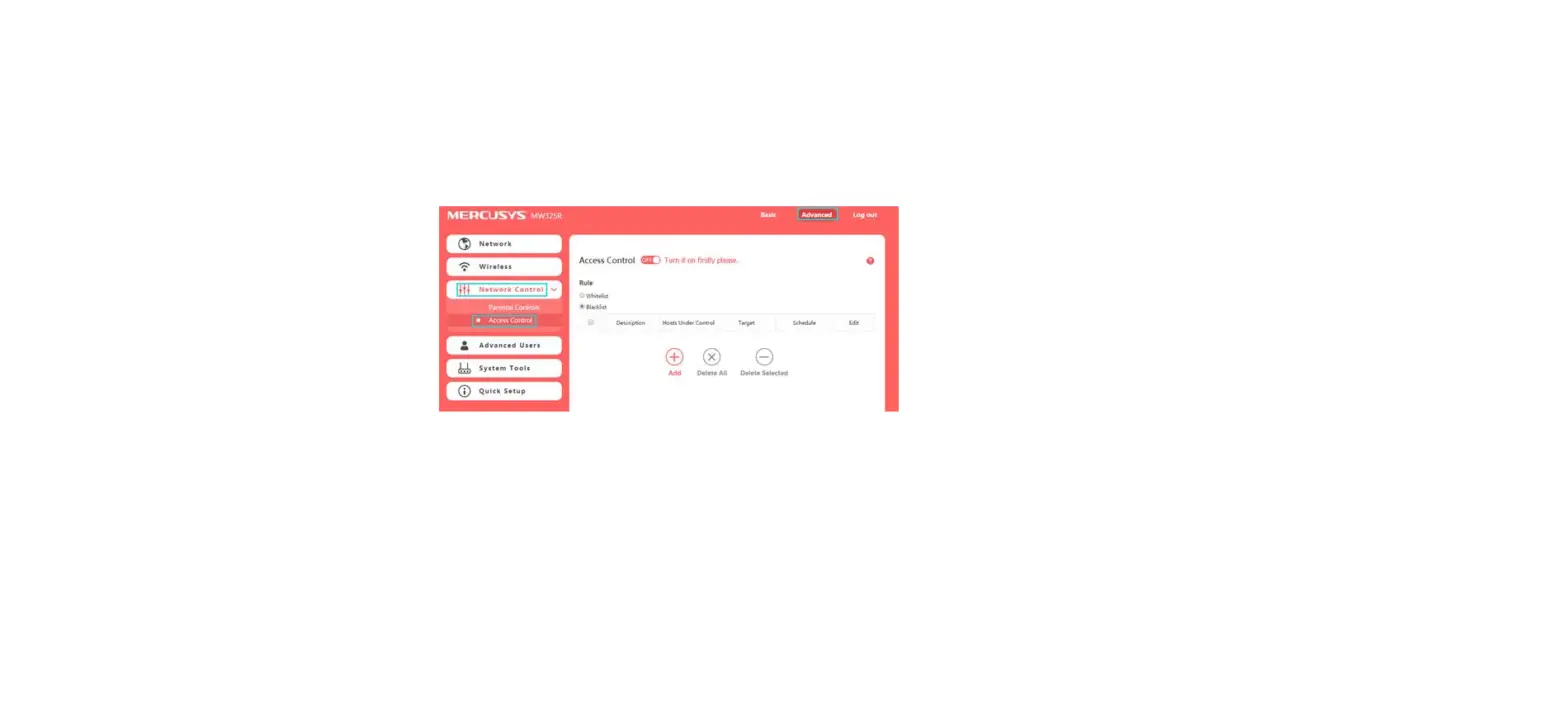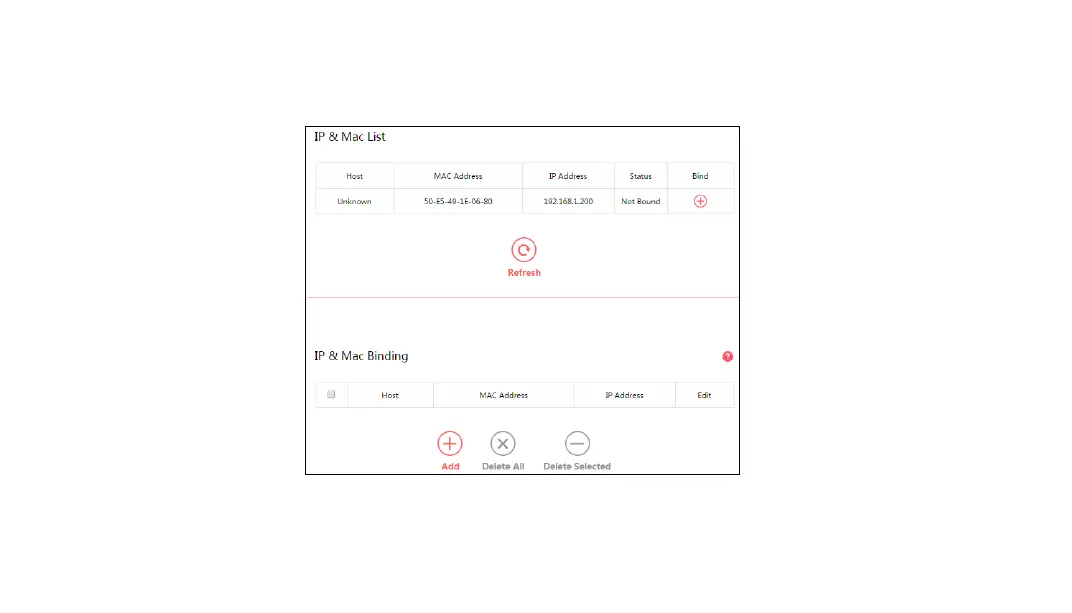
1. Access the web management page. If you are not sure about how to do this, please click
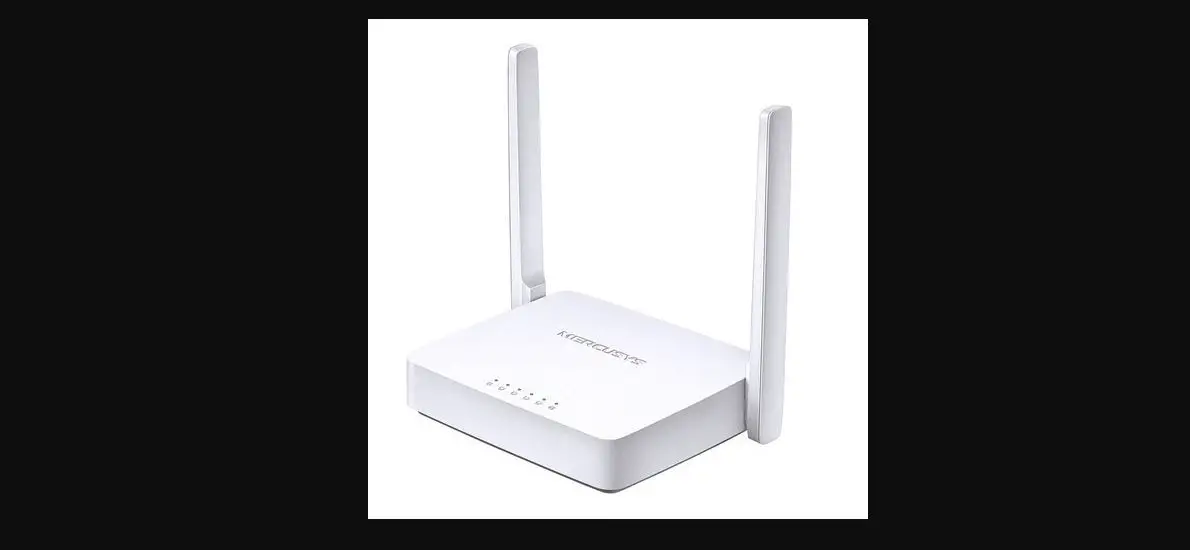
How to log into the web-based interface of the MERCUSYS Wireless AC Router?
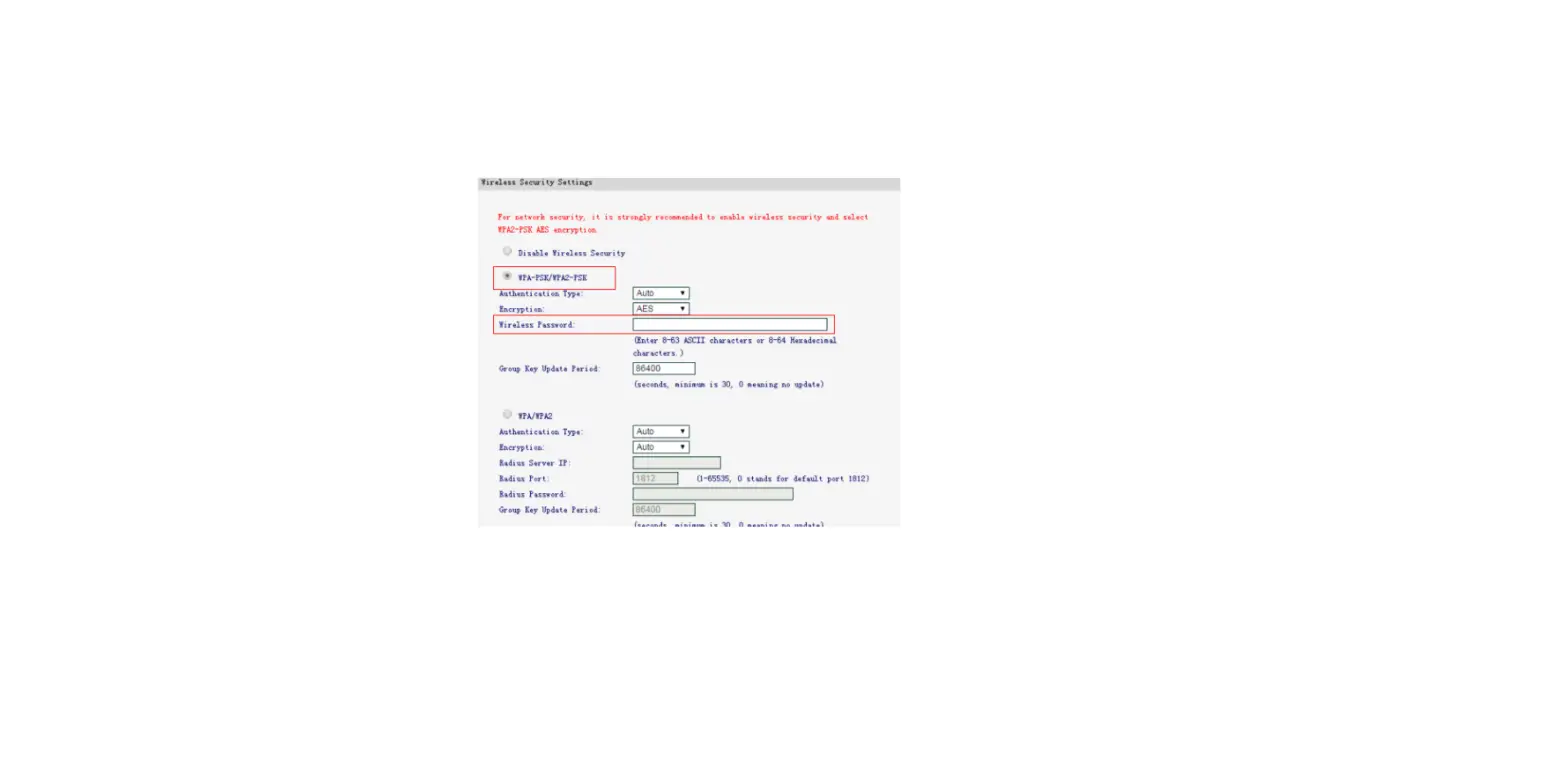
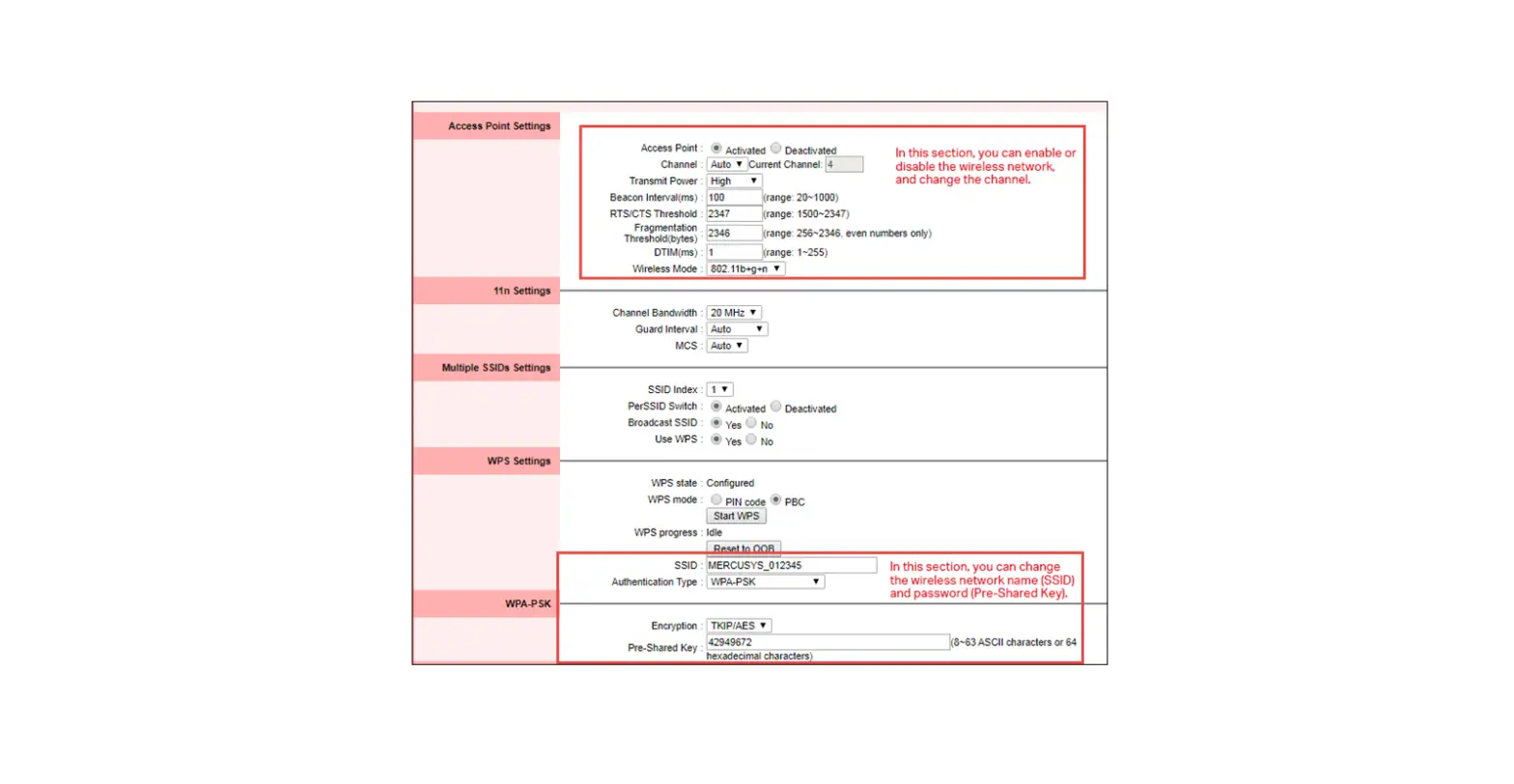
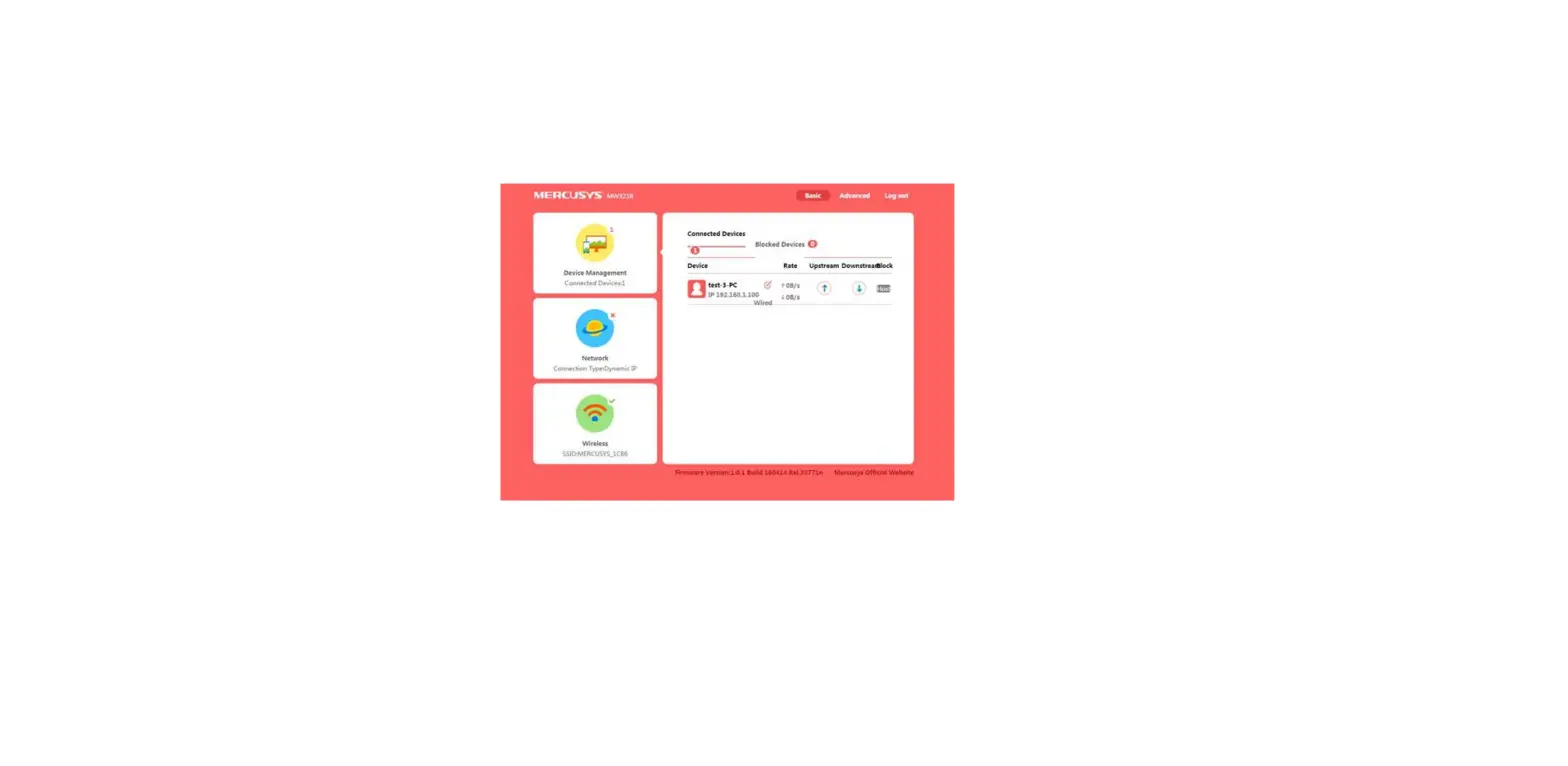
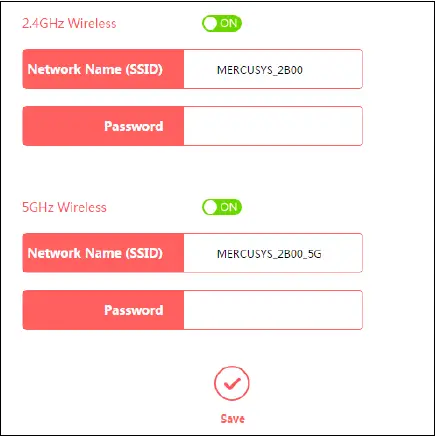
2. Choose Wireless, and you can change the SSID (network name) and password on the page.
Get to know more details of each function and configuration please go to Support Center to download the manual of your product.