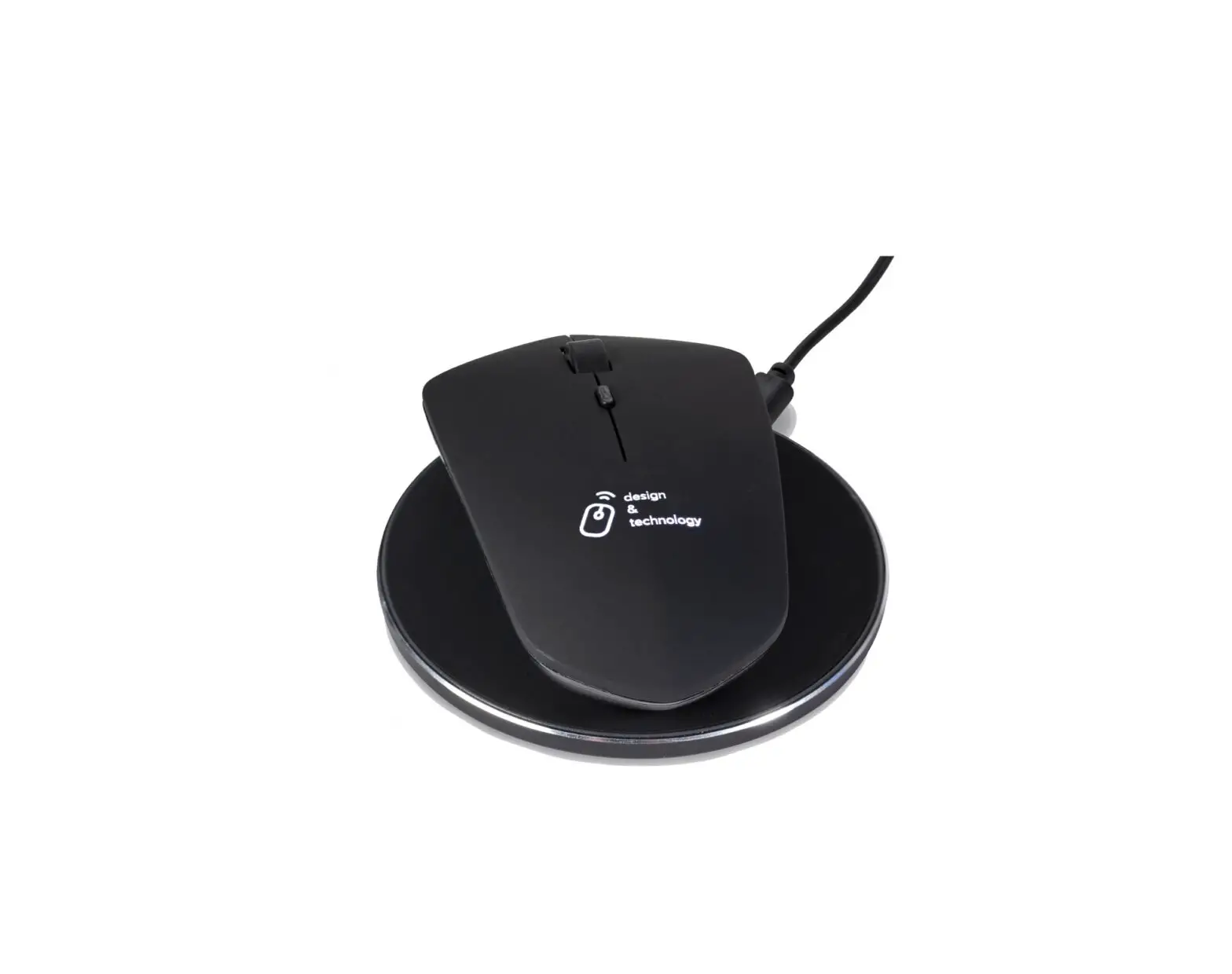
Scx Design O21 Rechargeable Charging Mouse
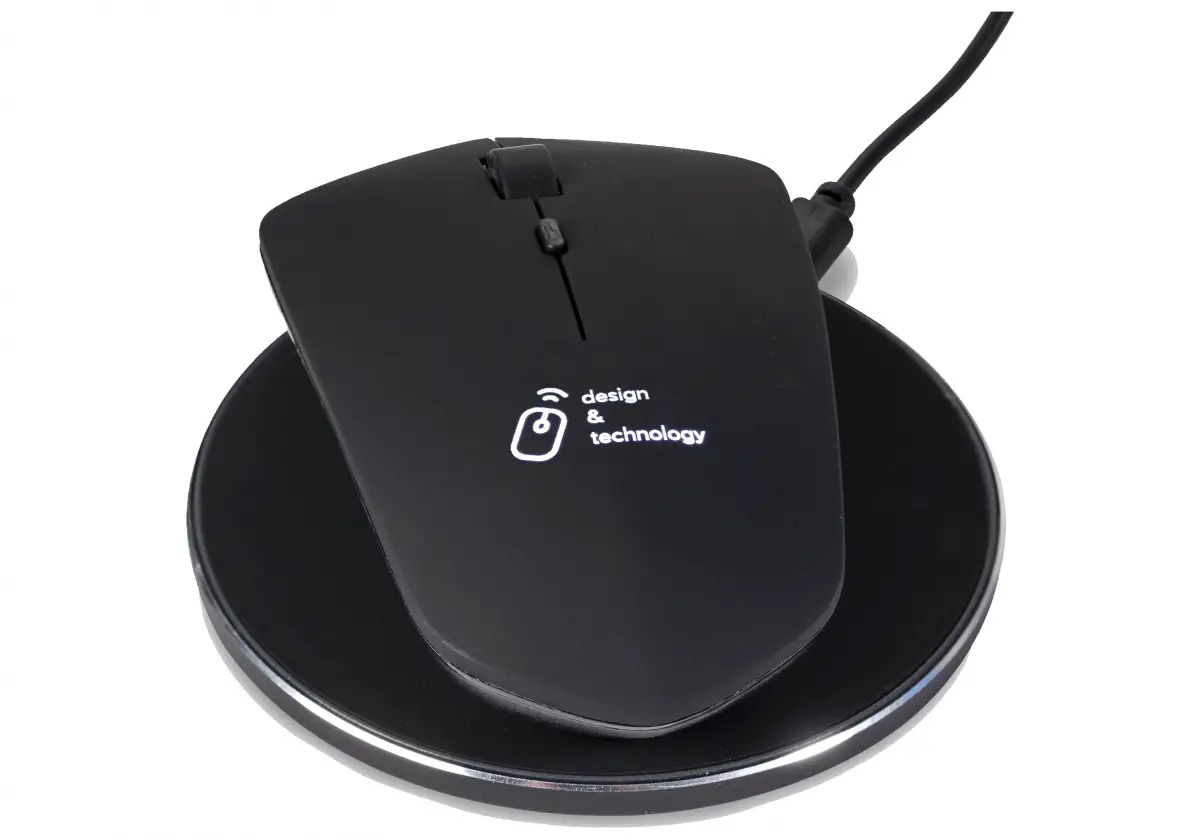
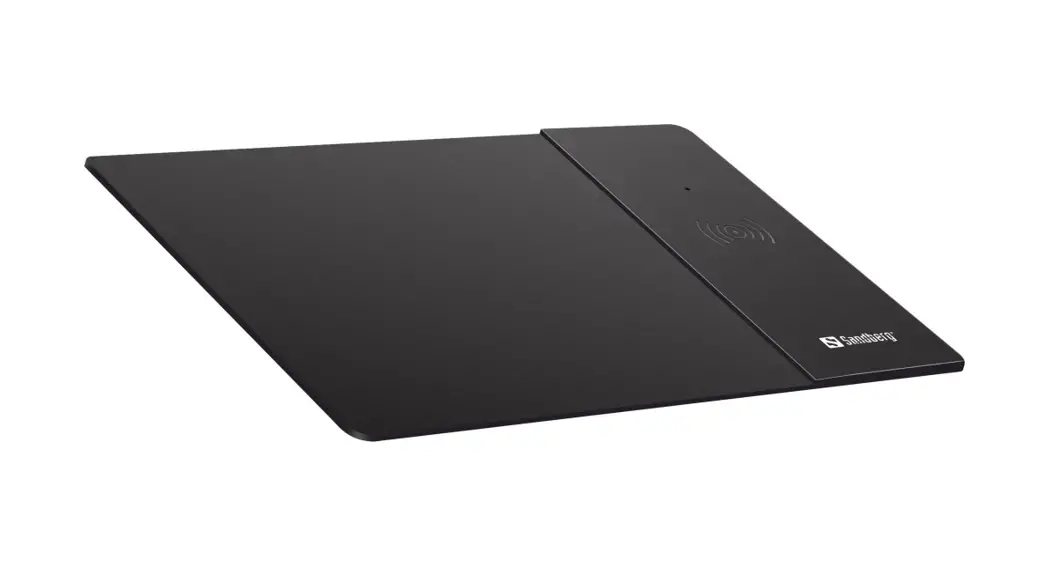
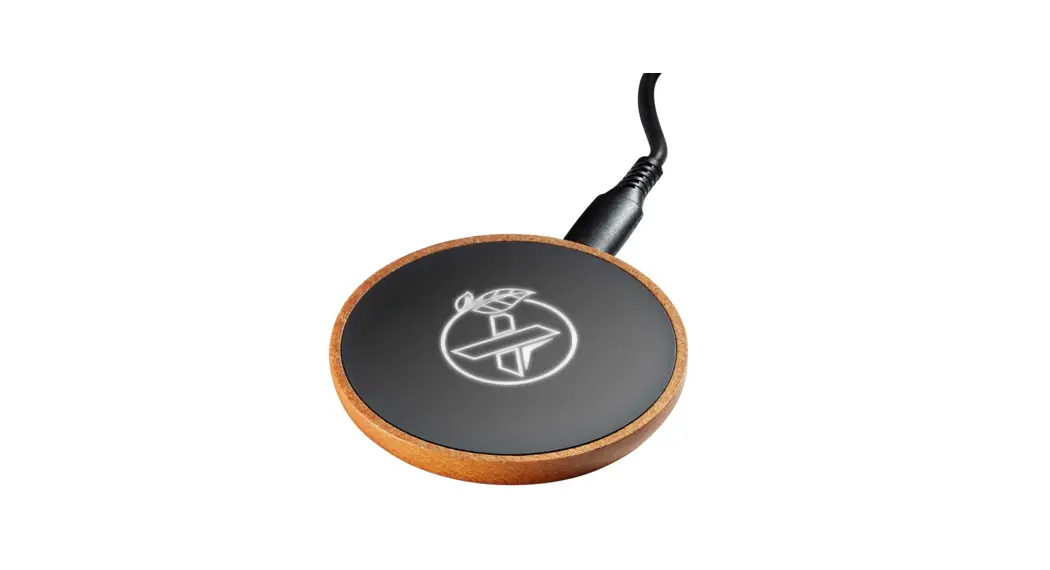
Rechargeable charging mouse + 10W wireless charging base O21 / KOOZIE
Please read the instructions carefully before using the product.
Product specification
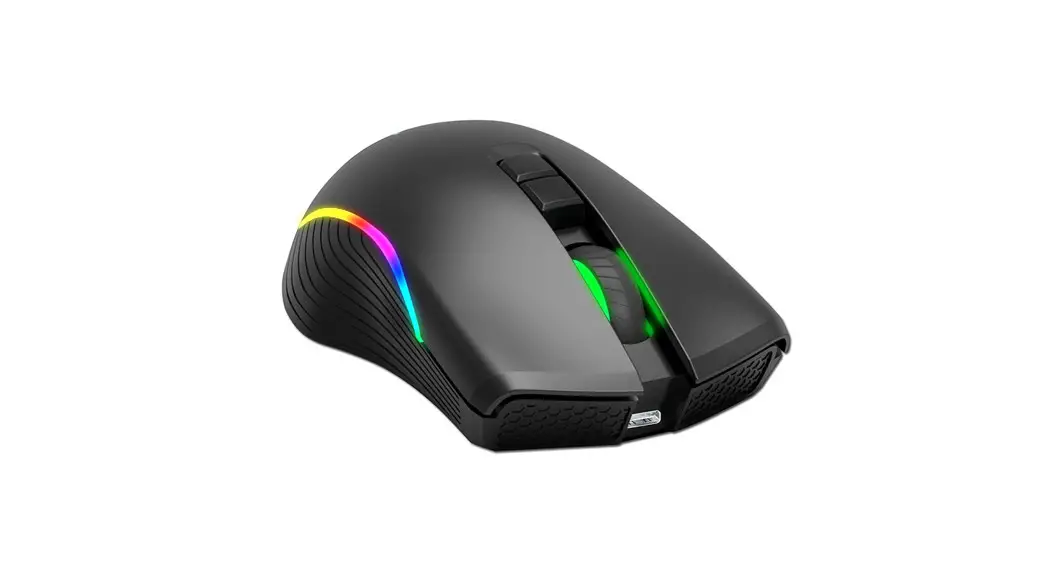
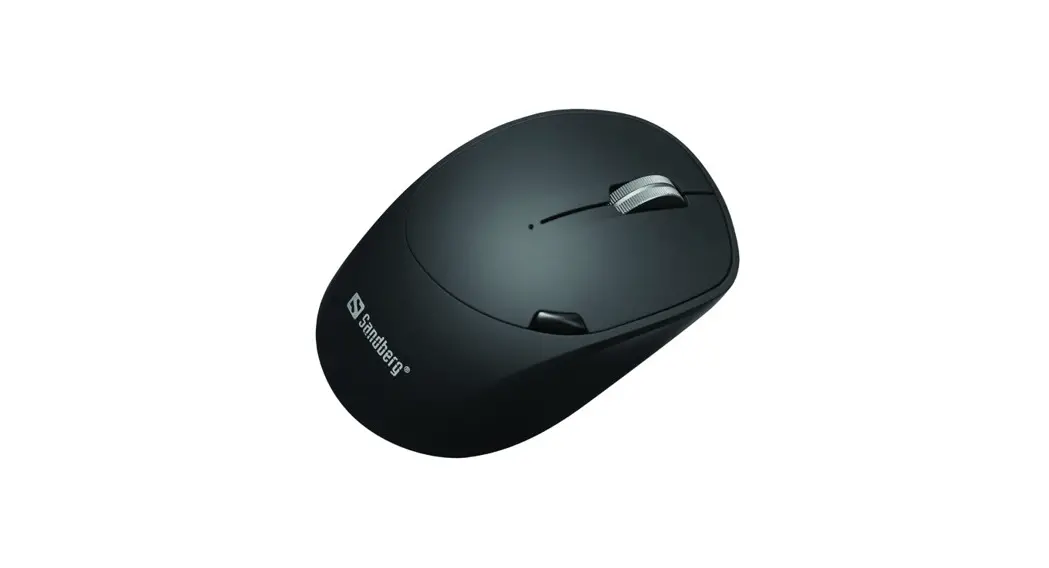
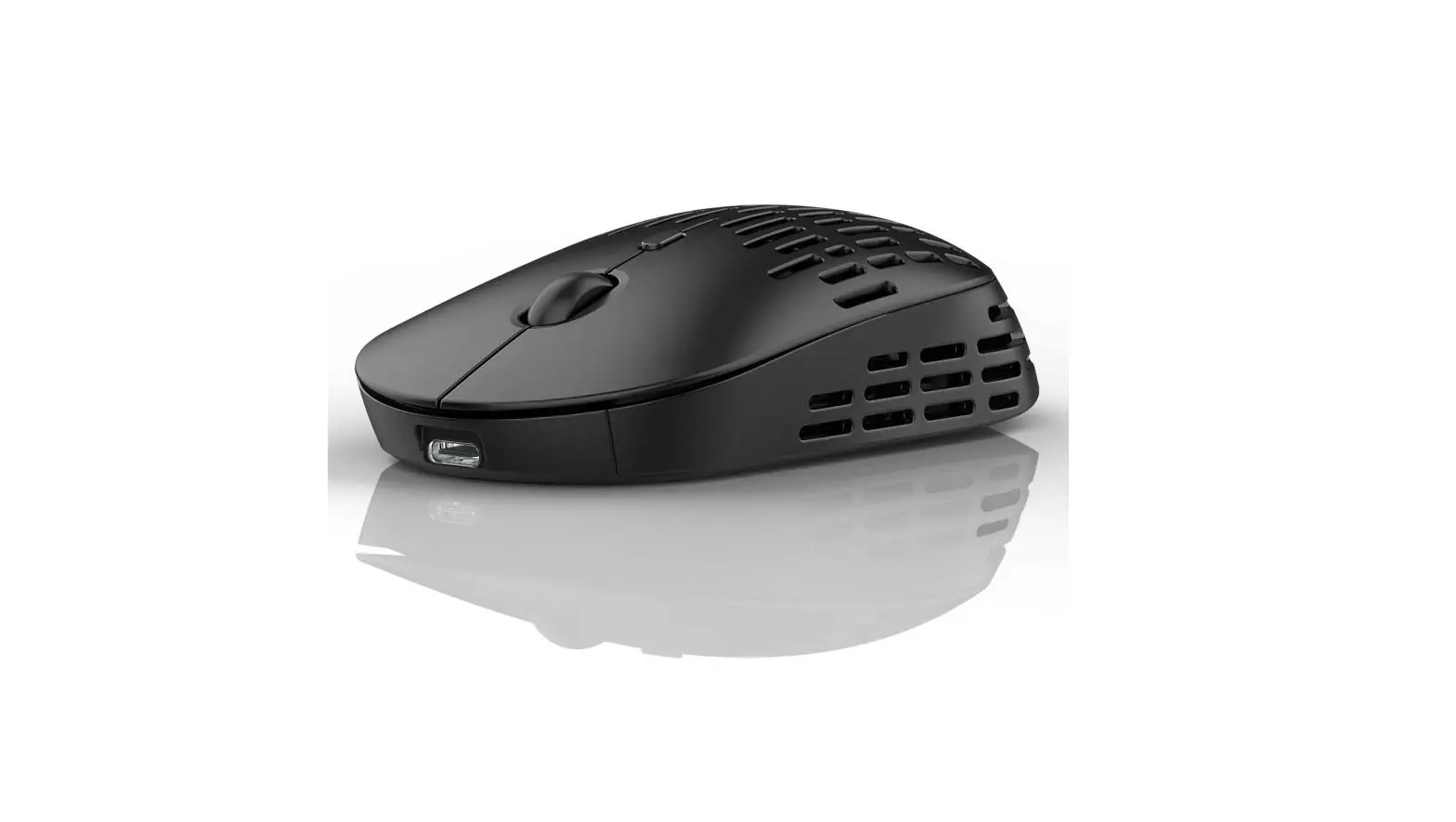
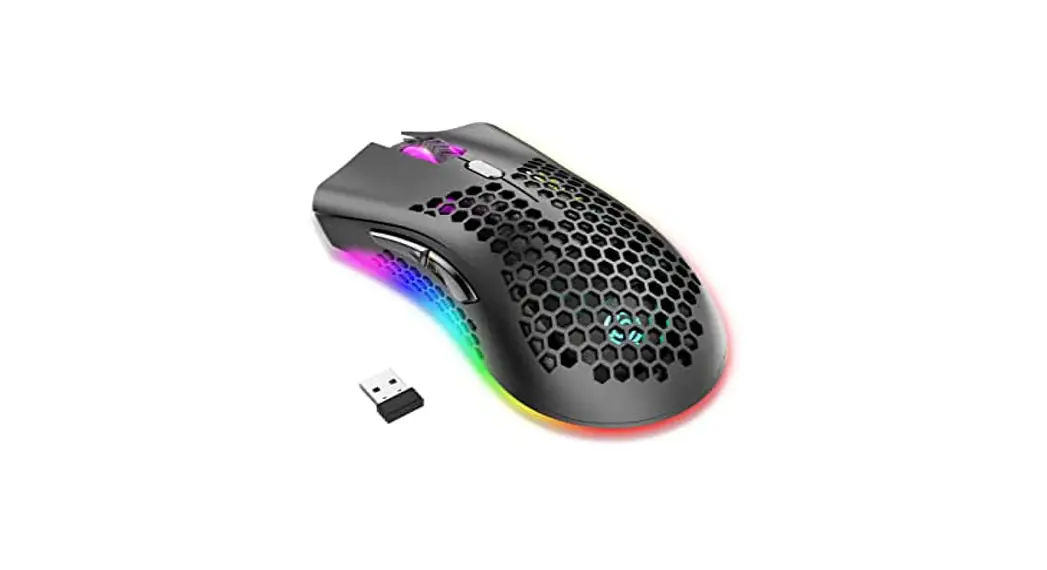
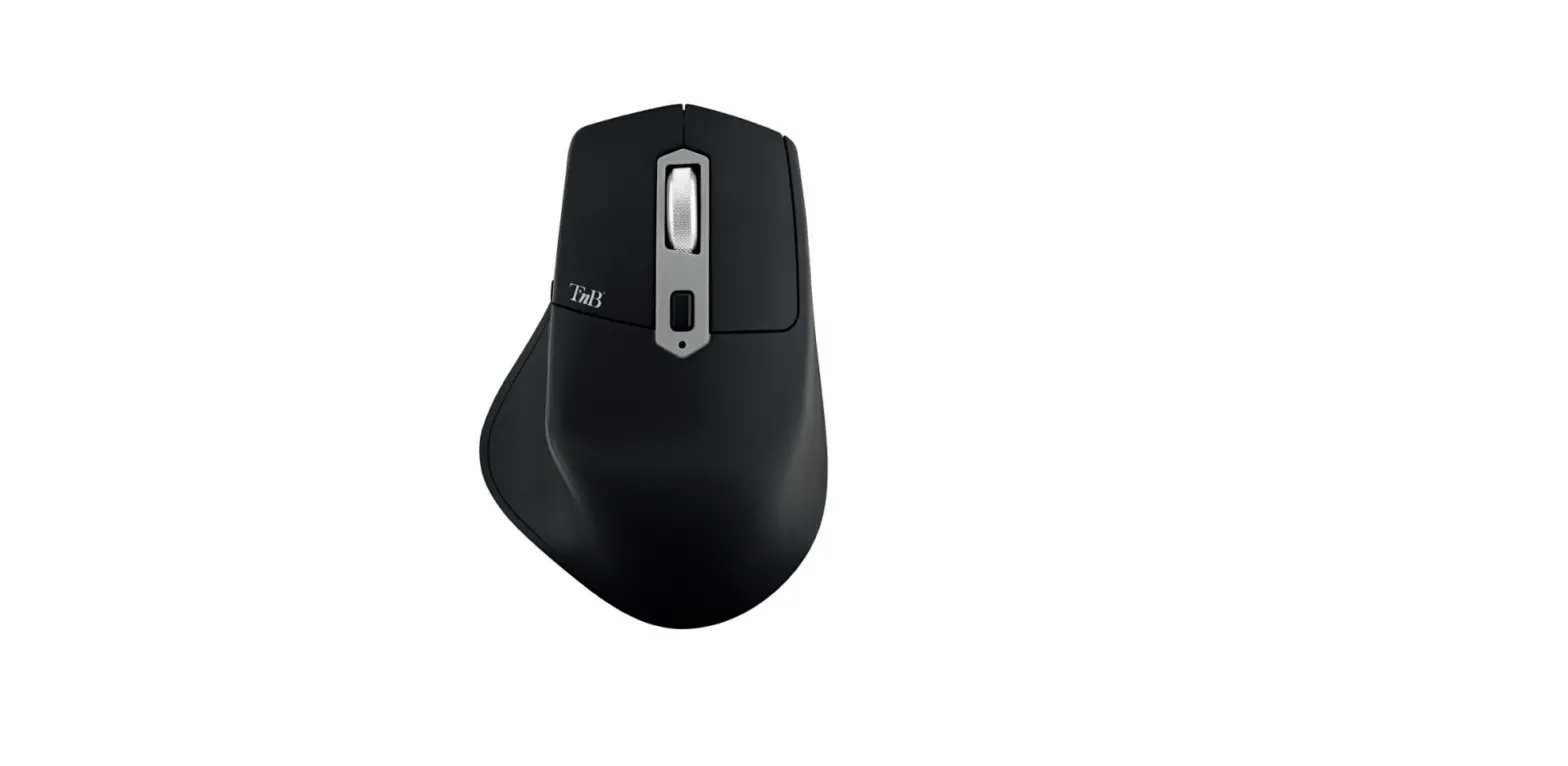
Mouse with lighting logo
Material: ABS with soft-touch surface
Battery type: polymer
Input / output USB: 3.7V–4.2V – 25mA
Product dimensions: 110 x 70 x 28 mm
Weight: 100 g
Battery: 0.074W/h -400 mAh
Time to charge battery fully: 3 hours
Wireless range: 8-12 metersWireless charging base
Input: 5V-2A/9V-2A
Output: 5V-1A/9V-1.2A/10W
Dimensions: 100 x 60 mm
Weight: 50 g
Functionality
When the mouse battery is 100% charged the logo is very bright. When the charge descends below 20%, the lighting logo darkens.
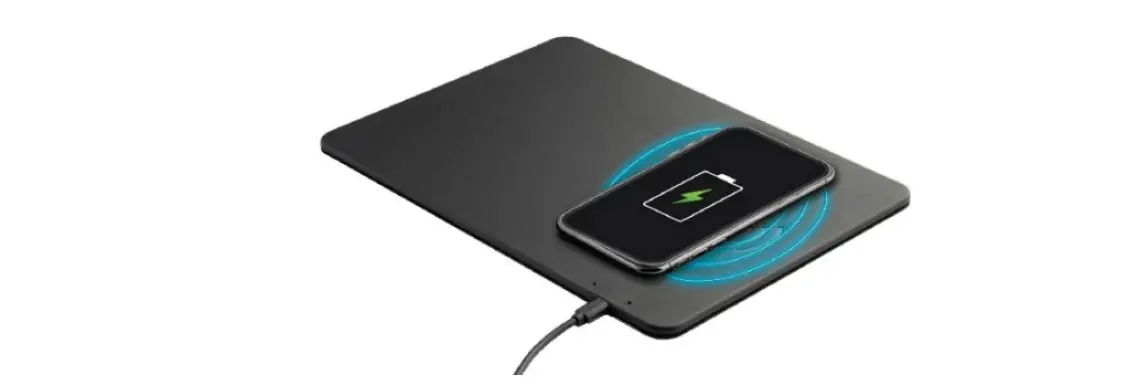
After use, put the wireless mouse on top of the wireless base to recharge it. When the mouse is charging, the logo lights up.
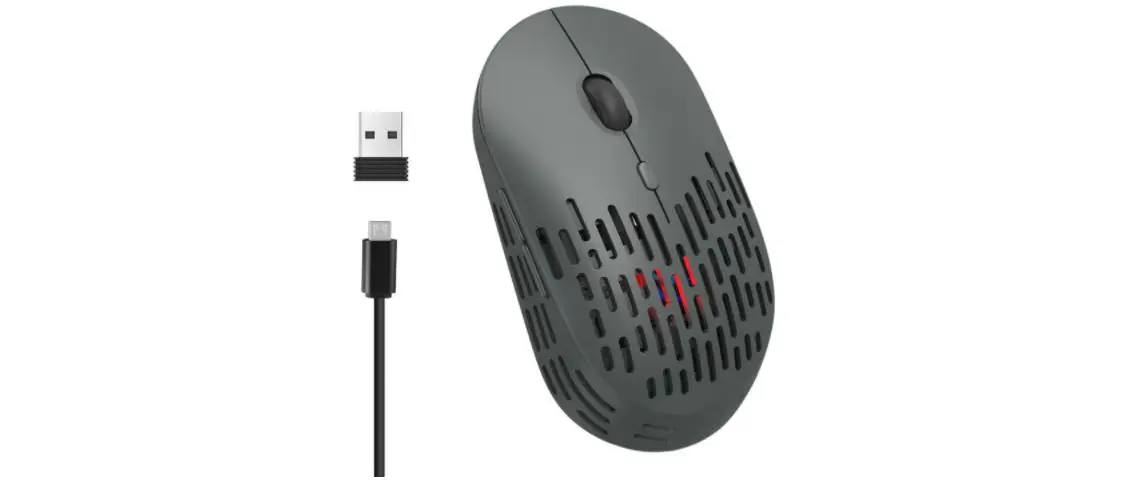
The product includes a 1-metre USB charging cable. When the mouse has no battery left, it can be used while charging with the cable.
When the battery is 100% charged, the battery life of the wireless mouse is 8 hours in constant use. The battery life may vary depending on usage and computer conditions. The multiple protection system for security ensures the safety of the device: protection from overload, overvoltage, overcurrent and short circuit.
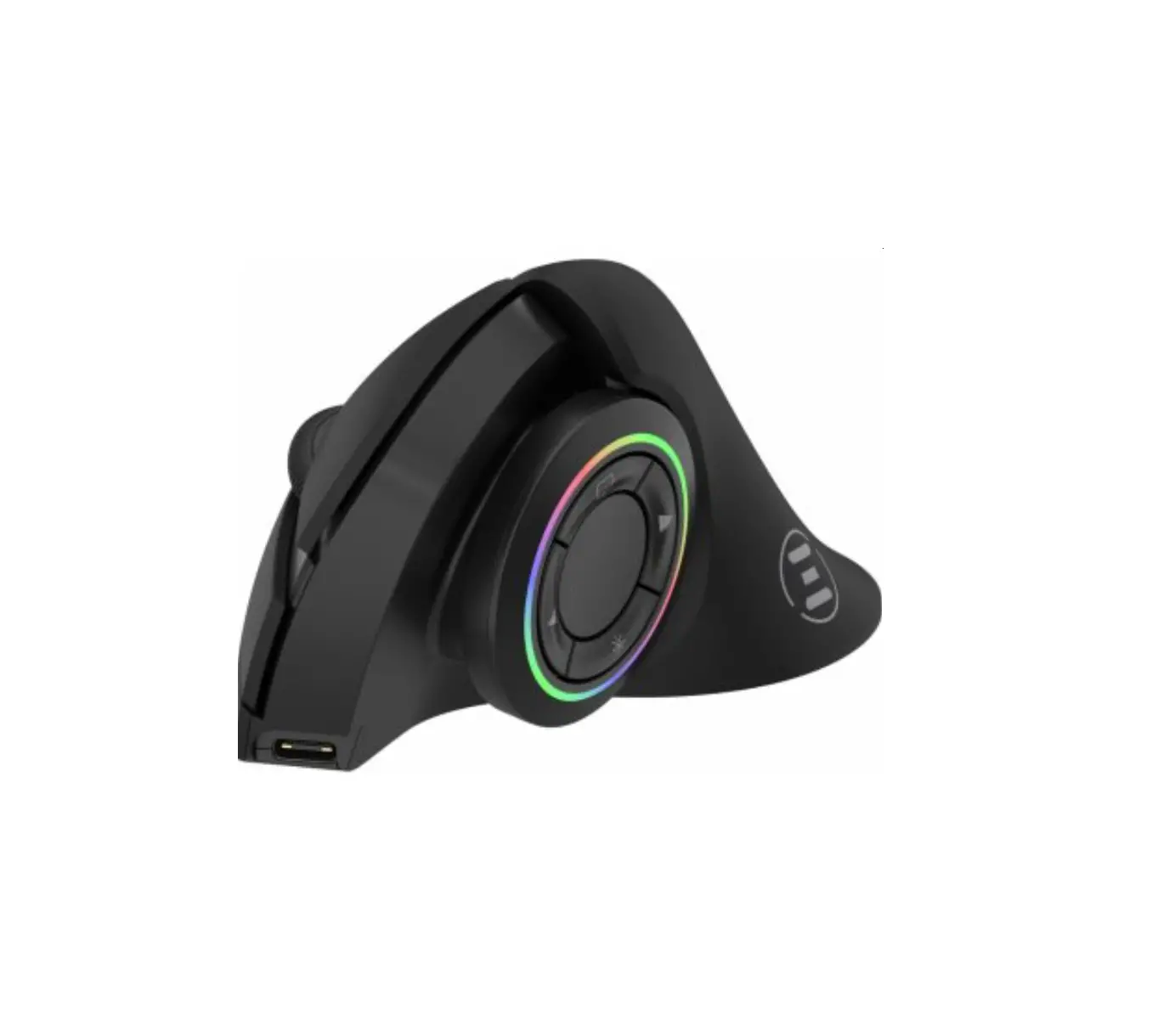
To recharge your product: plug in the supplied cable at the front of the mouse. Once it is completely charged unplug the cable.
Warning!
- Do not expose to dust, sunlight, excessive humidity, excessive temperature or mechanical shock.
- Do not use if the equipment is damaged.
- Keep the product out of the reach of children.
- Do not try to disassemble or repair the product.
- For security reasons, our products are delivered 50% charged for optimal use.
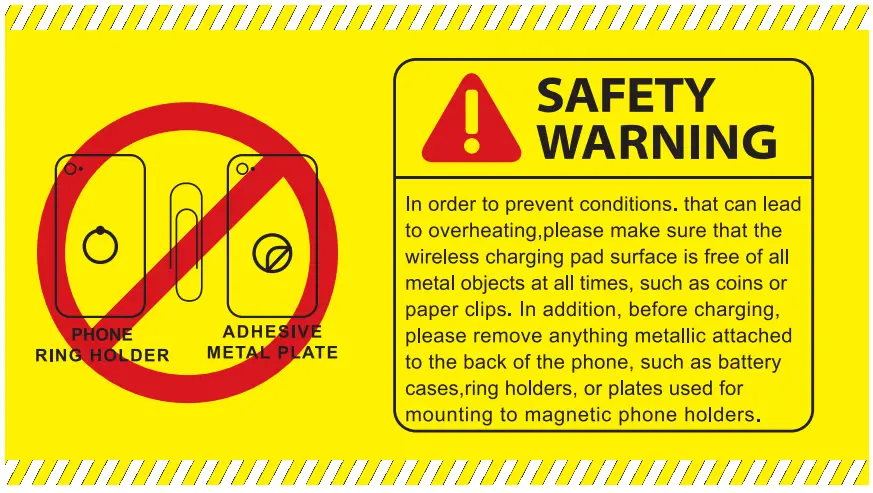
FCC Compliance Statement
- This device may not cause harmful interference, and
- This device must accept any interference receive d, including interference that may cause undesired operation.
FCC WARNING
- Reorient or relocate the receiving antenna.
- Increase the separation between the equipment and the receiver.
- Connect the equipment into an outlet different fro m that to which the receiver is connected
- Consult the dealer or an experienced radio/TV tech nician for help.