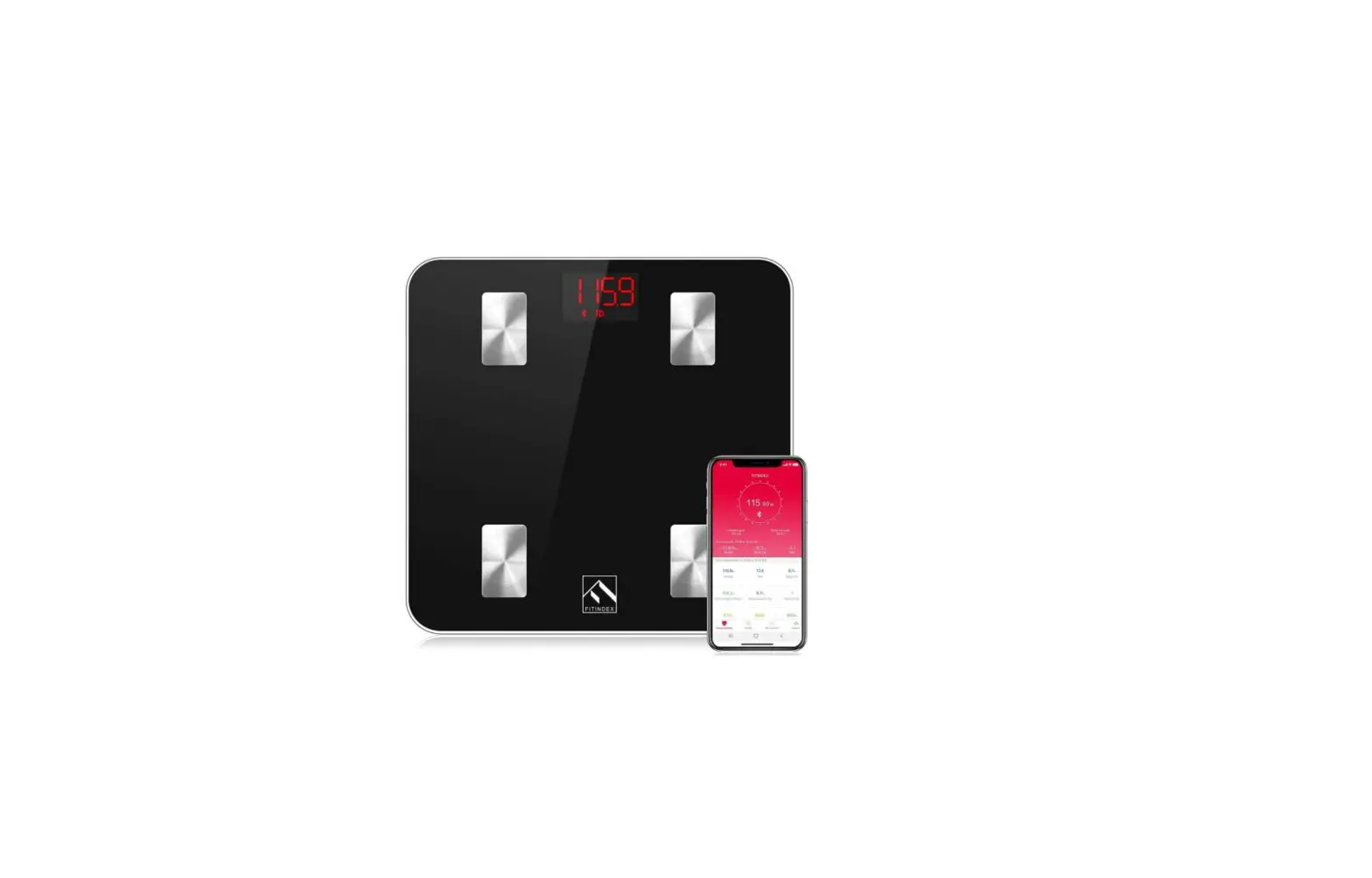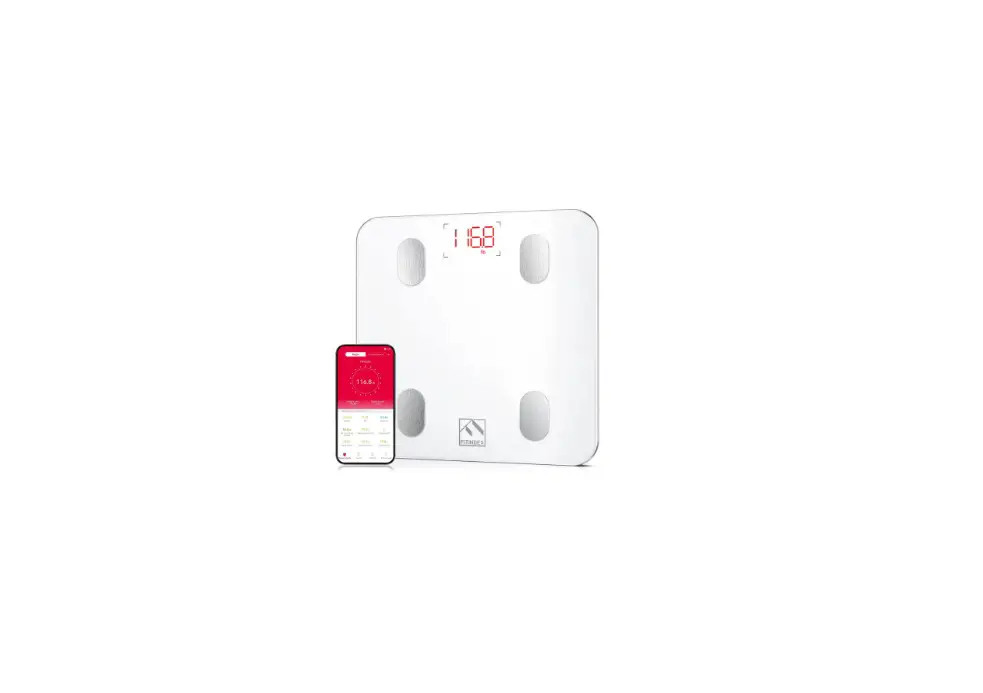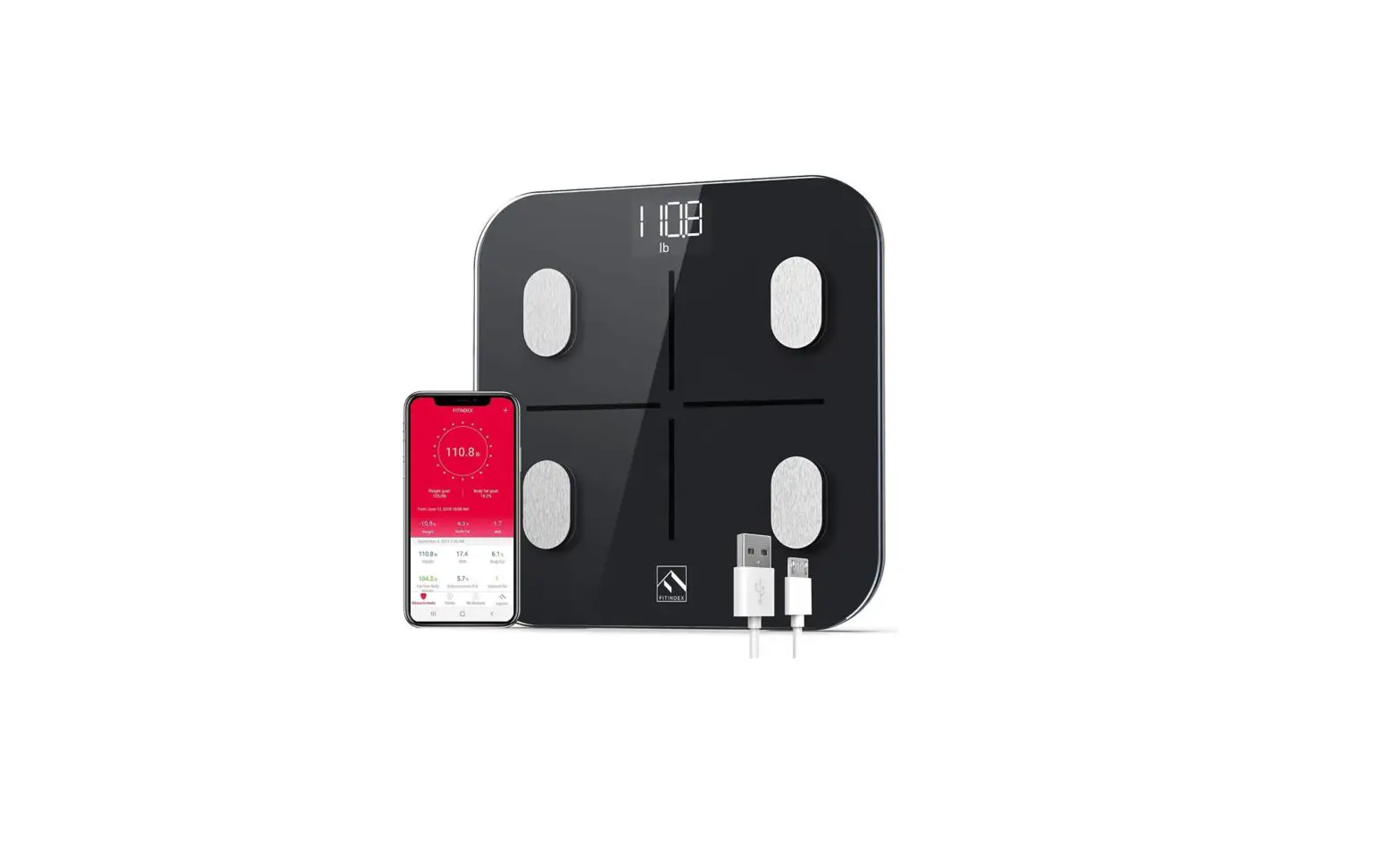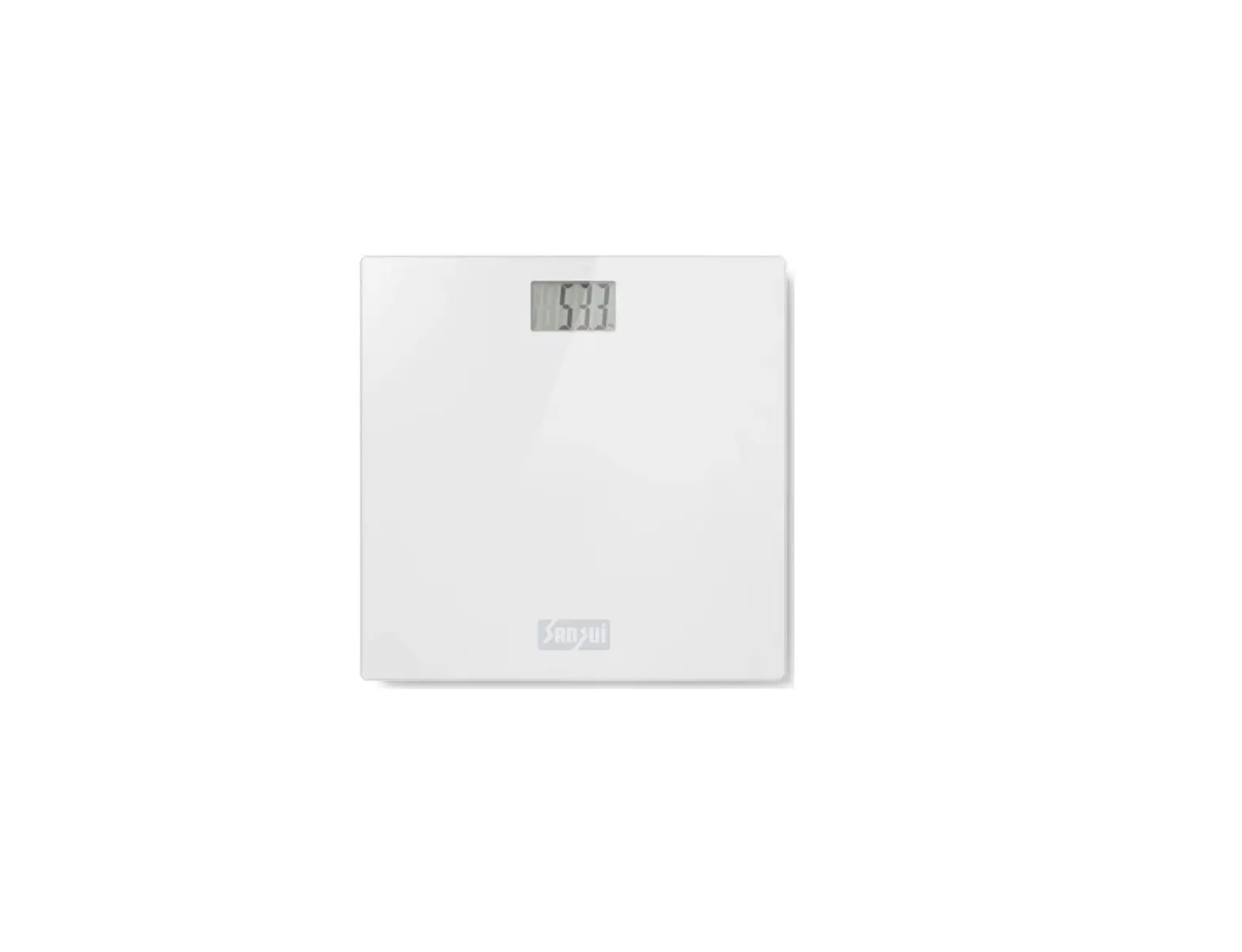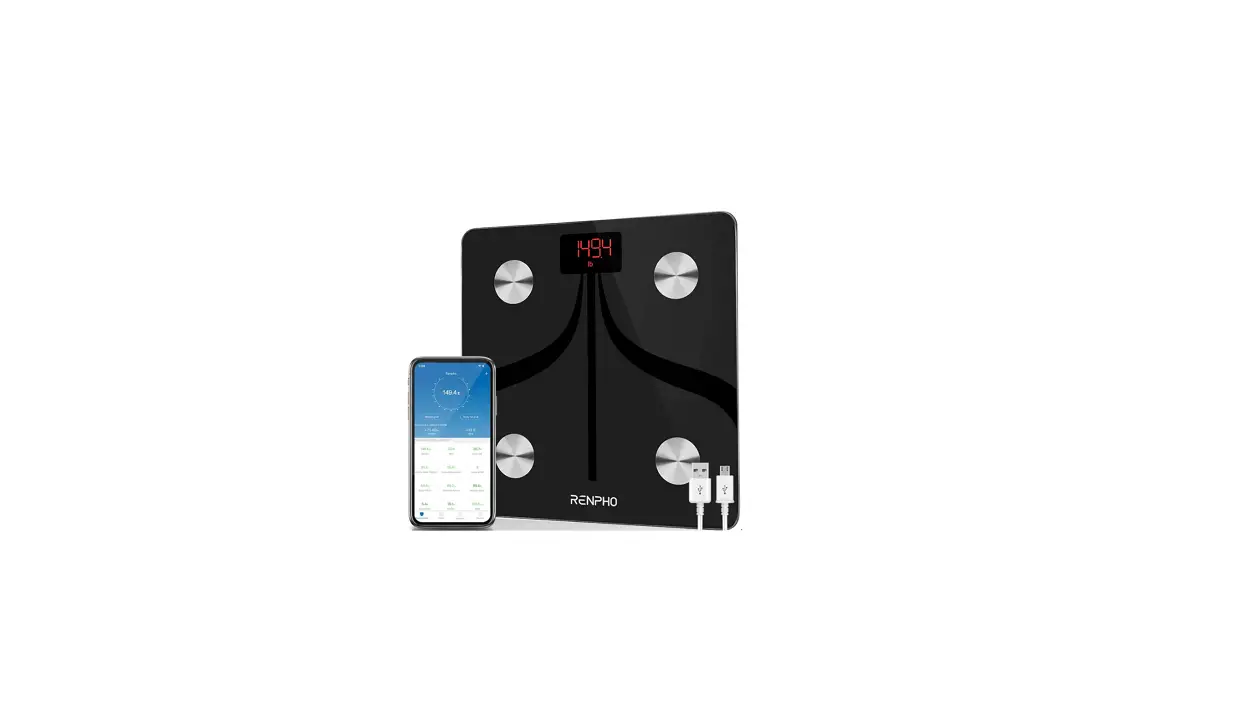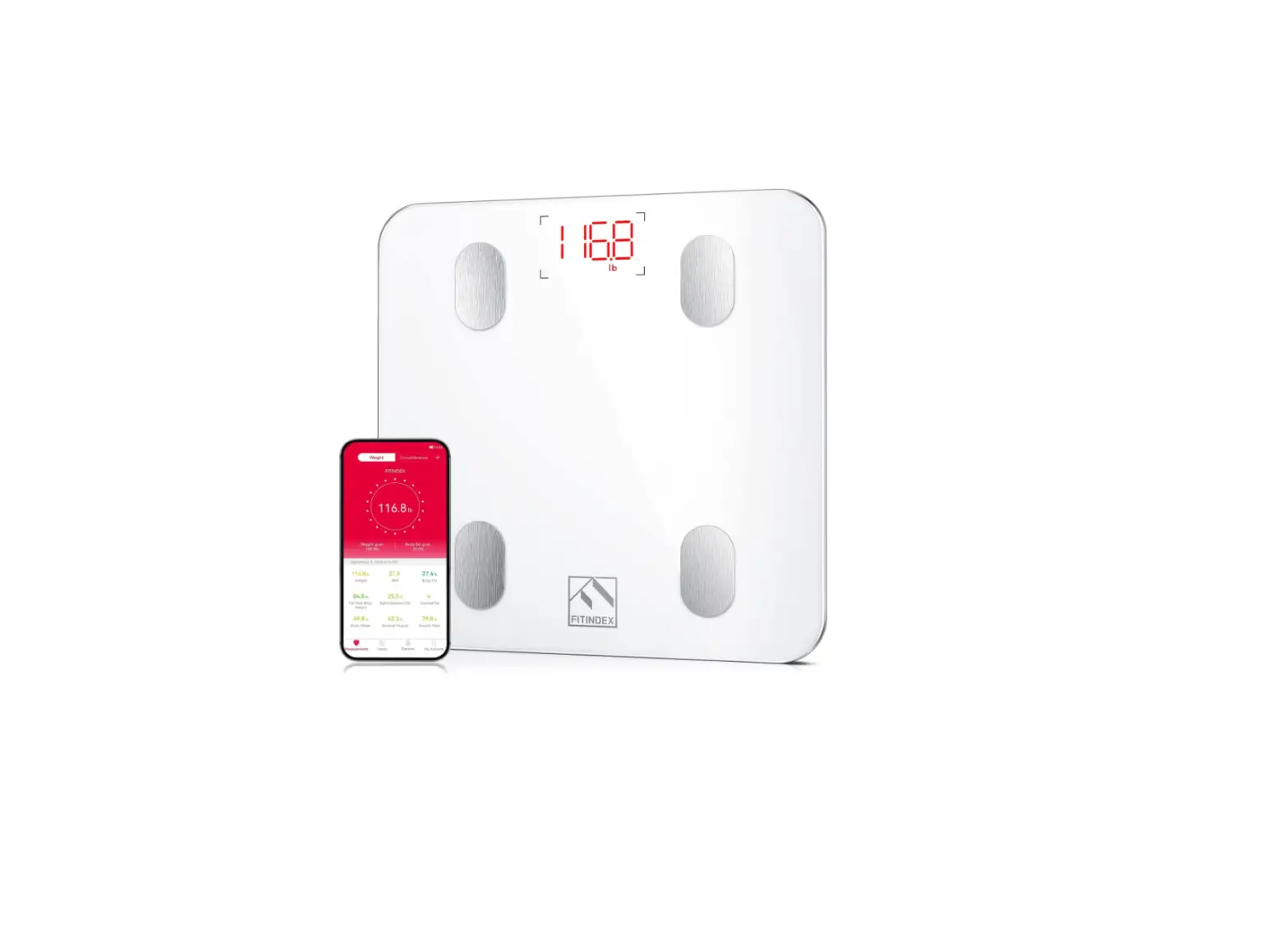

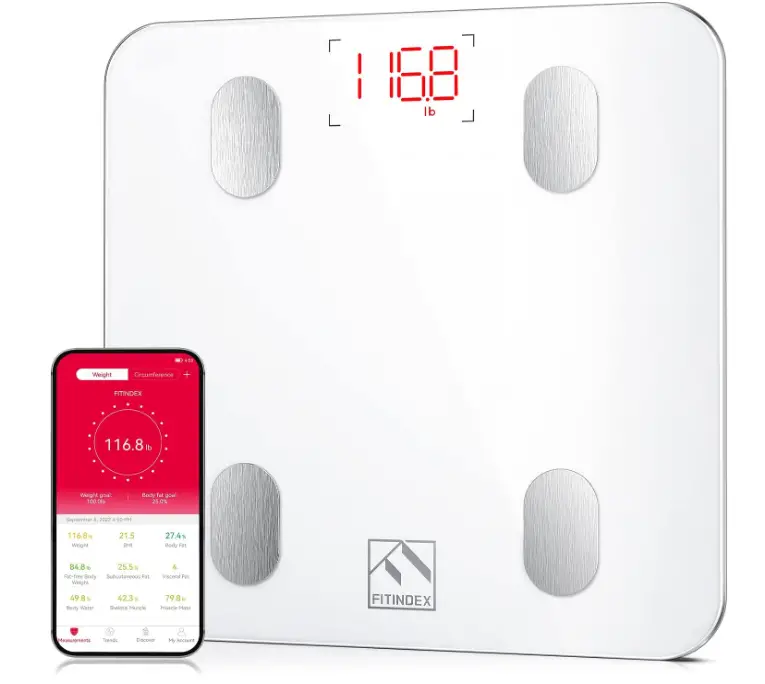
FITINDEX ES-26M Smart Scale for Body Weight
Specifications
- BRAND: FITINDEX
- COLOR: White
- WEIGHT LIMIT: 396 Pounds
- PRODUCT DIMENSIONS:2″L x 10.2″W x 0.96″H
- MATERIAL: Tempered Glass
- READOUT ACCURACY:2 Pounds
- CONNECTION METHOD: Bluetooth 4.0 or above
- PRODUCT DIMENSIONS:2 x 10.2 x 0.96 inches; 2.29 Pounds
Introduction
With the Fitindex App, you can connect your data with Apple Health, FitBit, Google Fit, Samsung Health, and Apple Watch to measure progress on the bathroom scale. Your fitness patterns are tracked by FITINDEX smart scales via the FITINDEX App. For long-term archiving, manual data entry, and other uses, export data in CSV format. It is Ideal for a bodybuilder, someone trying to lose weight, a teen, etc. We want you to know that FITINDEX will never give out your personal information to a third party. 13 crucial measurements are recorded by the FITINDEX scale for body weight, including weight, body fat, water, muscle mass, BMI, BMR, and bone mass. You can receive a thorough picture of your physical health with the use of accurate data so that you may pinpoint your areas of need and adjust your exercise objectives.
High-quality tempered glass, automated calibration, and stepper technology are all features of FITINDEX smart digital scales. Floor scales offer precise readings in 0.2 lb./0.05 kg increments up to 396 lb./180 kg. Unlimited users can be put up on Fitindex body scales. This body fat scale was created with user profiles for family and friends in mind. The Bluetooth scale has a baby mode that makes it easier to weigh and monitor the growth of your child or pet. Utilize Google Play or the App Store to get the FITINDEX App. Turn on the Bluetooth connection, take a small step on the calibration scale, and then take another step on the weighing scale to finish the measurement. Make sure to weigh on a hard, flat surface using the weight scale.
HOW IT WORKS
The FITINDEX scale assesses BMI in addition to weight and employs bioelectrical impedance analysis to provide more details about body fat percentage and visceral fat. For feedback on various health levels, these measurements also contain visual ranges (high, low, normal, overweight, etc.).
HOW TO SETUP
Utilize Google Play or the App Store to get the FITINDEX App. Turn on the Bluetooth connection, take a small step on the calibration scale, and then take another step on the weighing scale to finish the measurement. Make sure to weigh on a hard, flat surface using the weight scale.
HOW TO SYNC WITH APPLE HEALTH
On your iPhone or iPad, launch the “Health” app. Select “FITINDEX” from the list of sources by tapping the “Data Sources” button. When you connect, FITINDEX will synchronize the following information with Apple Health.
HOW TO RESET
- Remove one battery for 5 seconds to reset the scale.
- Reinstall the battery and step back onto the scale. 2. The scale and the app cannot connect.
Frequently Asked Questions
You can use the scale without the FITINDEX app but you can only get the weight on the LED display.
Yes. Each phone just needs to download the Fitindex app for iOS or Droid. You can even have multiple users on one phone.
Mine came with batteries. Because full not to throw them out. The scale comes wrapped between two Styrofoam pieces. One of the pieces has a hole cut in it where the batteries are.
Yes. The app on your phone can have more than one user, and you can load the app on multiple phones. I found it very easy to set up for two people.
Yes, that hasn’t been a problem for my husband and me. We have the scale synced to our respective cell phones, and my data doesn’t show up on his app, or vice versa.
I have the 2018 model. It used to sync with Fitbit, but no longer does. When I touch the toggle button to go from red to green it just restarts the login procedure. What number do we call for help, I see on the net where others have the same experience. I have 2 years of data on Fitindex and I want to keep that history; not switch from Fitbit or Fitindex.
I don’t know for sure but I have two hip replacement and weight seems to be accurate.
yes it works with I phone and links to the native health app which can then link the data to other apps such as diet or fitness buy the scale.
the problem may be that it’s not compatible with NiMH rechargeable batteries; you may need to use alkaline. (Under low loads, alkaline batteries have 1.5v each, while NiMH have 1.2v each, which might be too low for the scale – each type of device has its own lower voltage limits. (Under high loads like a motor or flashlight, these battery chemistries even out somewhat as the alkaline voltage drops more quickly due to internal resistance.) So try alkaline non-rechargeables.
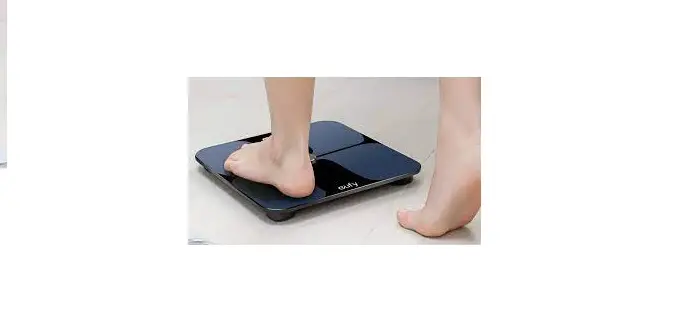
Please reset the batteries and then stand on the scale with bare feet, touching 4 electrode areas to try again. If there is any problem, please feel free to contact us via [email protected]
Your progress isn’t gone, you just can’t see it digitally:). No idea how to fix it but keep going!
No, it will not be shared through the app.
It may be a problem with the scale itself. I’d call the company as they may have a more detailed answer!
Select the data point you want to delete from the graph on the Trends tab. Then select the popup data with the right pointing arrow. That takes you to a calendar. In the upper right corner press “Select Data” then at the bottom of the screen select the bullet points you want to delete and then hit the trashcan icon below.
No, only when batteries are dead.