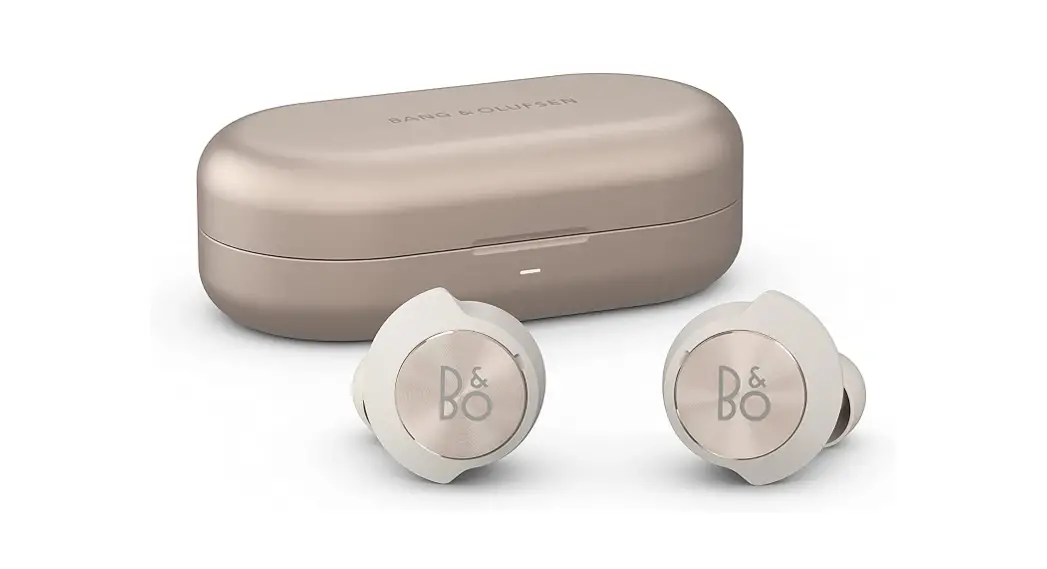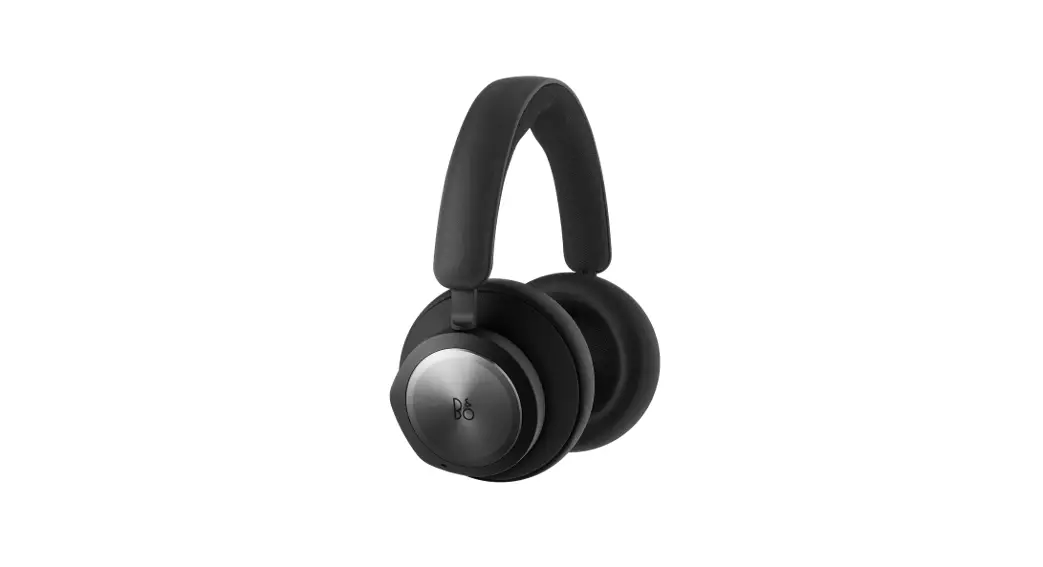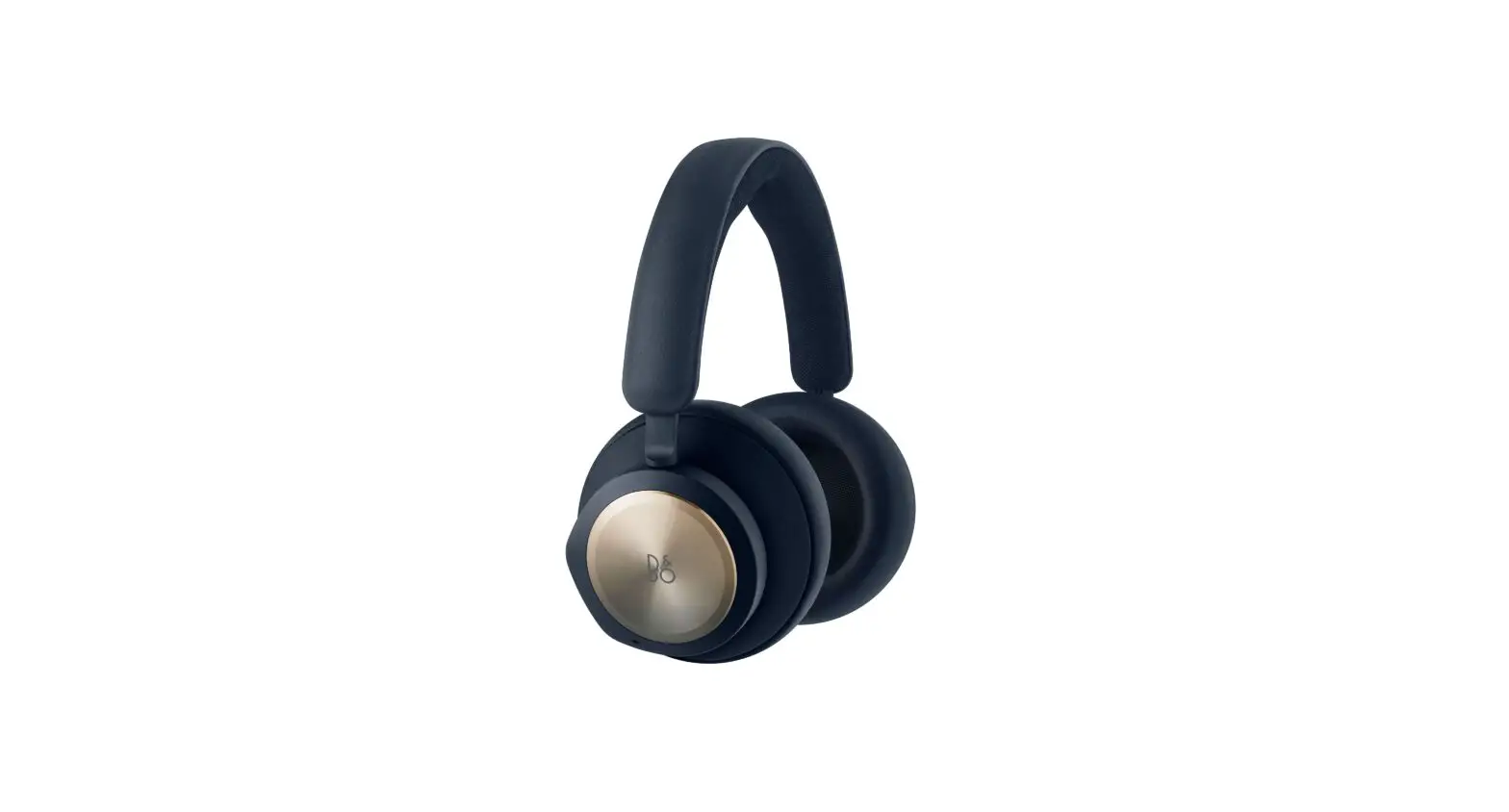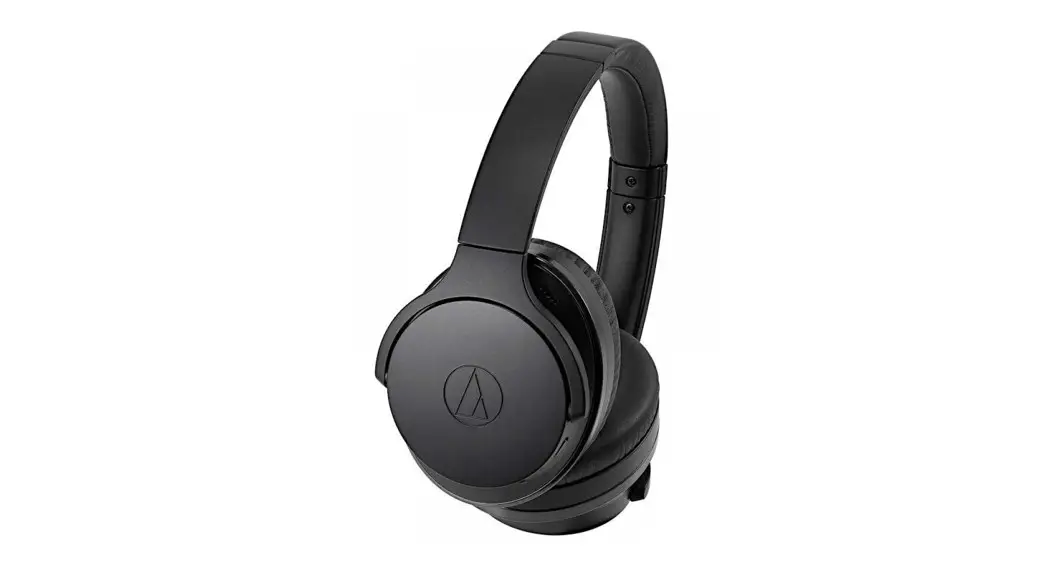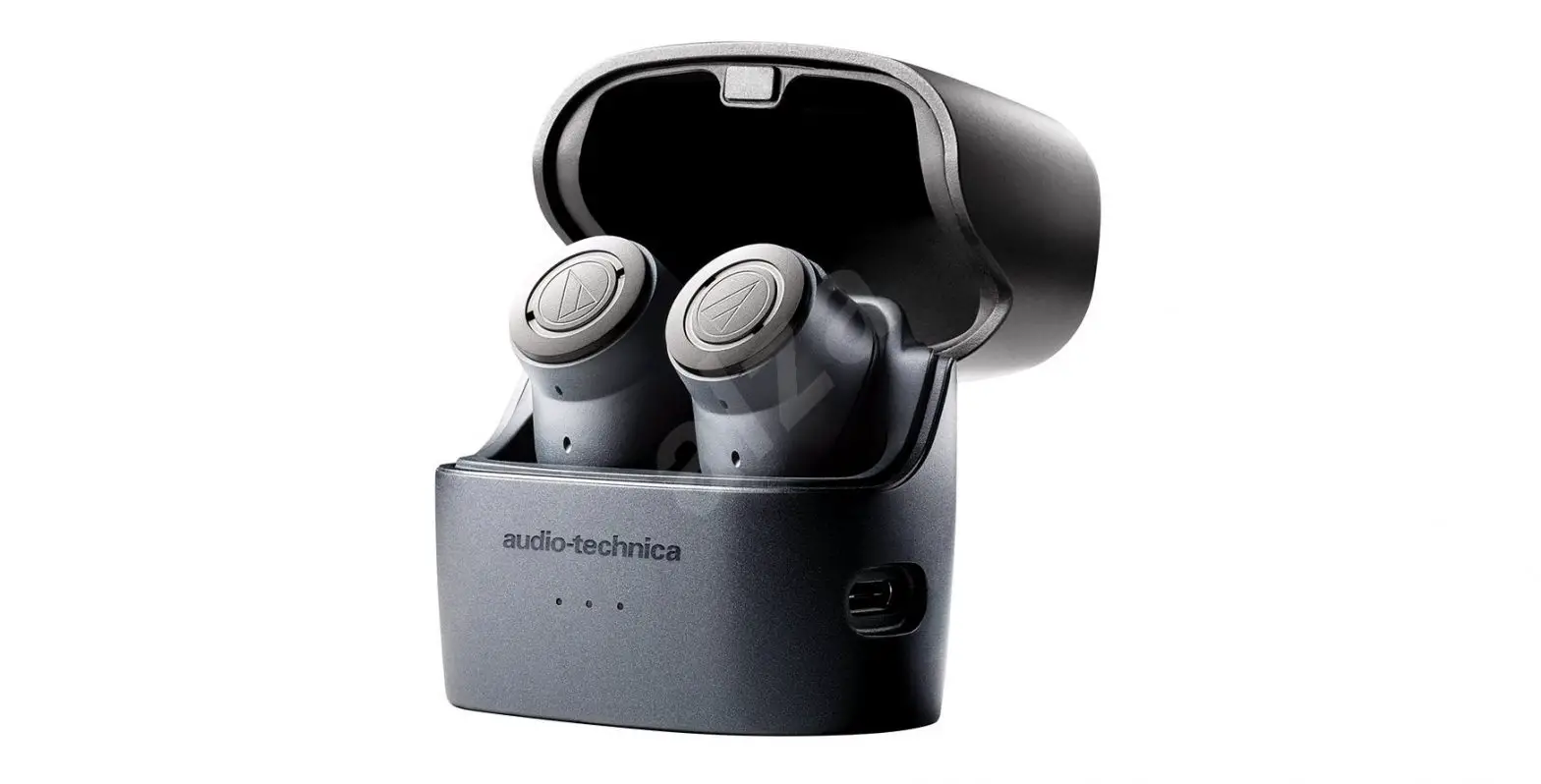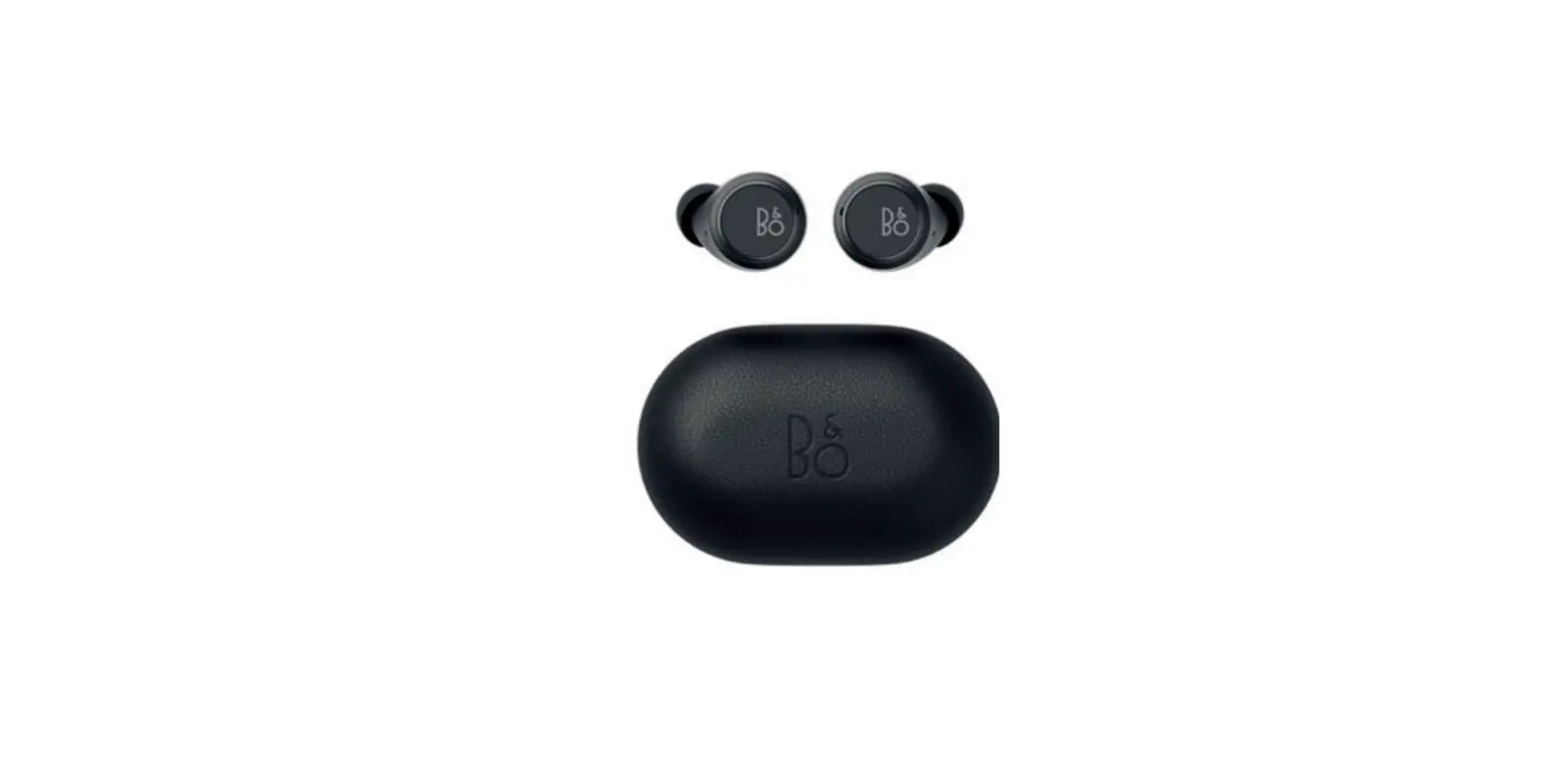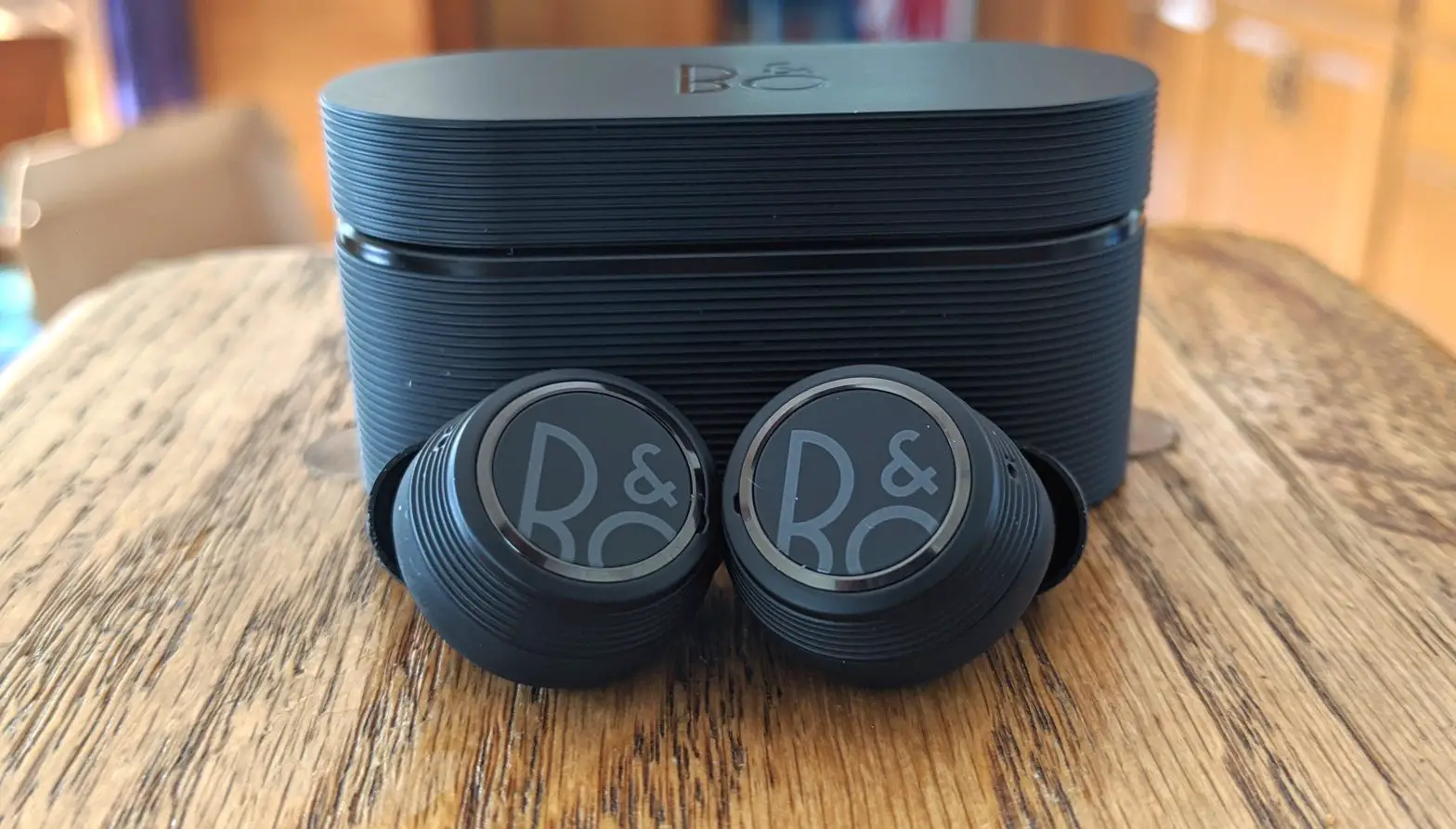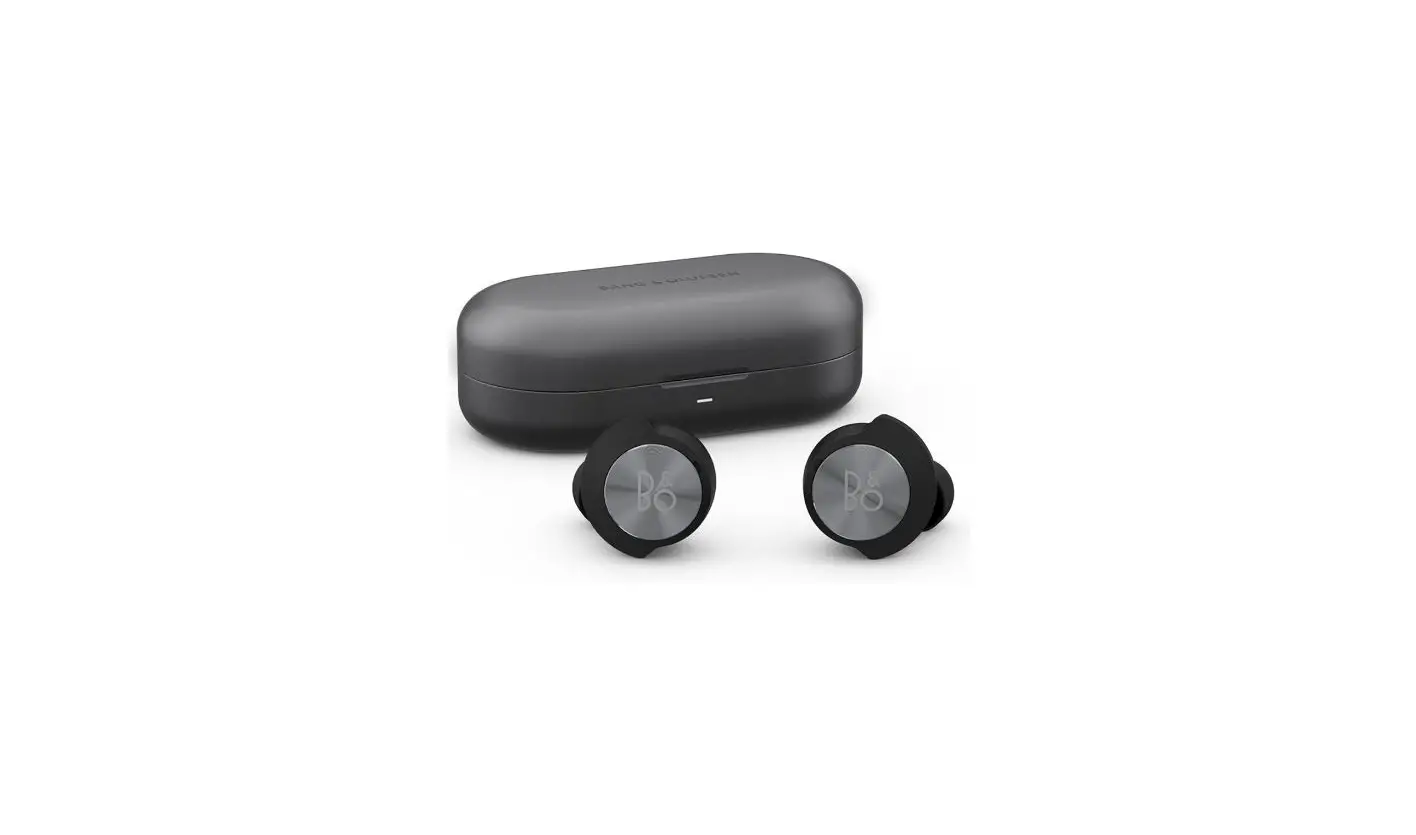

Bang Olufsen 1240300 Noise Cancelling Wireless In-Ear Earphones with 6 Microphones
DOWNLOAD BANG & OLUFSEN APP
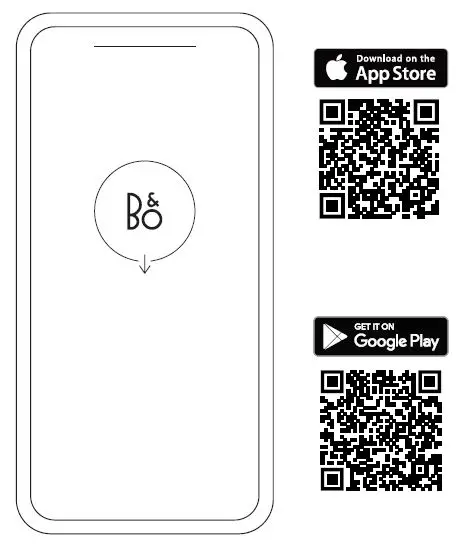
To set up your product, download the Bang & Olufsen App from the Google Play Store or Apple App Store. From this app, you can set up your product and get the full Bang & Olufsen experience. Unlock the full product experience of audio personalization, product support, and new features at your fingertips. When you first start the Bang & Olufsen App, you will be asked to create a user account. To set up your earphones, click to add a new product. If you already have an account this can be found under settings.
FIRST TIME SET UP
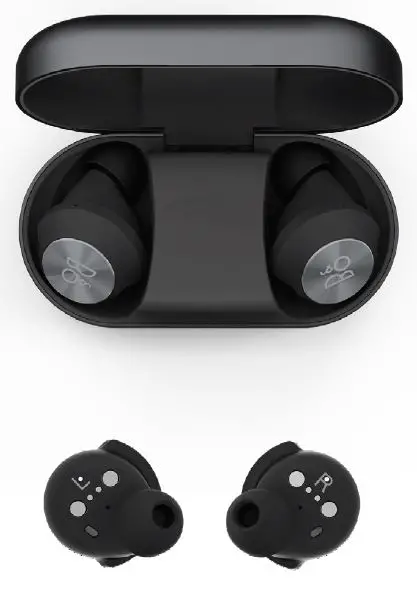
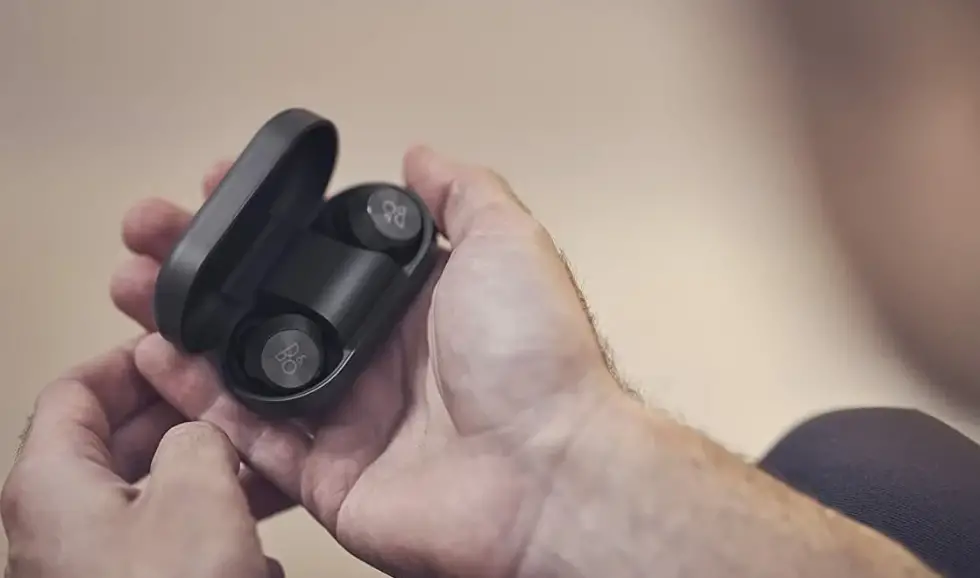
To turn on your new Beoplay EQ place the earbuds inside the charging case and wait for 2 seconds. Remove the earbuds and they will automatically go into Bluetooth pairing mode and the light indicators on the back will flash blue. Next, go to the Bang & Olufsen App to set up your product, connect to Bluetooth and personalize your earphones. Once Beoplay EQ is turned on, you will be able to find them in the Bluetooth settings of your device.
MUSIC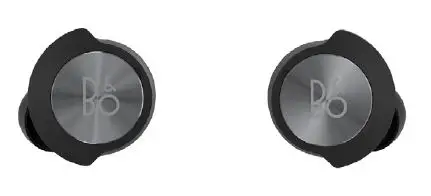
Use the touch interface on both earbuds to control your Beoplay EQ.
| Action | Gesture |
| Play/Pause | Right: Double press |
| Volume up | Right: Double press and hold (+) |
| Volume down | Left: Double press and hold (-) |
| Next | Right: Triple press |
| Previous | Left: Triple press |
| Active Noise Cancellation, Transparency, Neutral | Left: Double press (cycle) |
CALL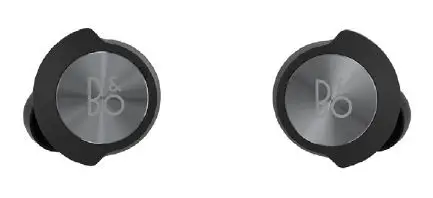
Use the touch interface on both earbuds to control your Beoplay EQ.
| Action | Gesture |
| Accept call | Right: Double press |
| End call | Right: Double press |
| Active Noise Cancellation, Own voice, Neutral | Left: Double press (cycle) |
SINGLE EARBUD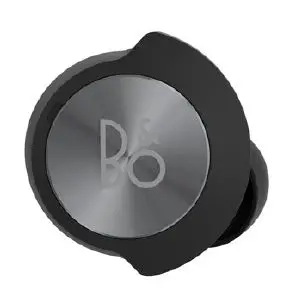
Use the touch interface on the earbud you are wearing to access the following controls.
| Action | Gesture |
| Play/Pause | Double press |
| Accept call | Double press |
| End call | Double press |
CHARGING
CHARGE WITH PAD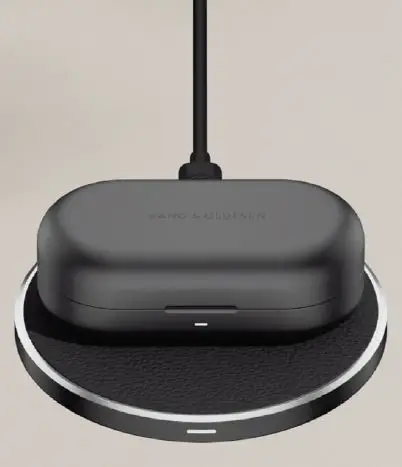
- The Qi-certified case can be wirelessly charged on a charging pad.
- Simply place the case on top of a charging pad connected to power.
- The indicator on the case will flash amber during charging and become solid green once fully charged.
- To charge your earphones, place them in the charging case.
CHARGE WITH USB-C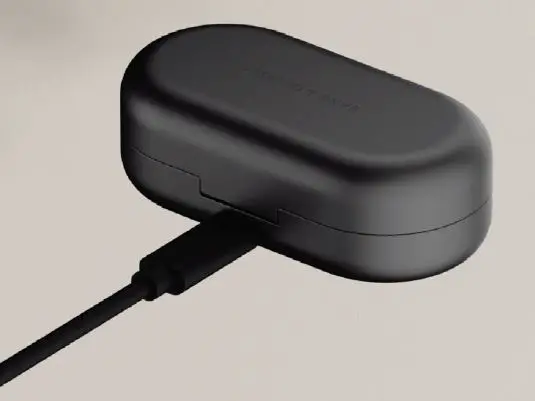
- Charge the case with the included USB-C adaptor, by connecting to the case and a charging adaptor or suitable device.
- The indicator on the case will flash amber during charging and become solid green once fully charged.
- To charge your earphones, place them in the charging case.
- Enjoy up to six hours of playtime with ANC on a single charge, with a further 12 hours stored in the charging case.
- For a quick boost, 15 minutes of charging in the case will provide two full hours of music.
BLUETOOTH PAIRING
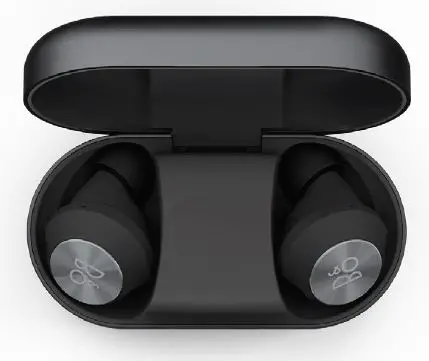
Place both earbuds in the case then Press and hold both aluminum touch panels for 6-8 seconds. The blue indicator will flash when pairing is initiated, allowing you to find Beoplay EQ on your device.
ACTIVE NOISE CANCELLATION
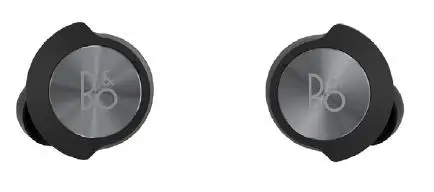
- Noise Cancellation lets you tune out your surroundings and focus on your music, podcast, or movie — or simply enjoy silence.
- Switch on Active Noise Cancellation by double pressing the left earbud. Tap again to cycle through Active Noise Cancellation, Transparency, and Neutral modes.
- You can also control ANC on the product page in the Bang & Olufsen App, where you have the option of automatically adjusting the ANC level according to your environment.
TRANSPARENCY MODE
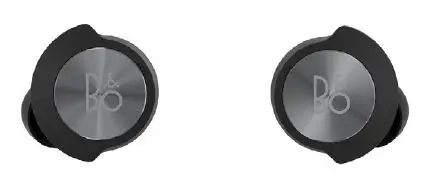
Transparency Mode lets you hear the world around you, without taking off your Beoplay EQ. Choose how much of the outside world you’d like to let in by double pressing on the left earbud and cycling through Active Noise Cancellation, Transparency, and Neutral modes. You can also control Transparency Mode on the product page in the Bang & Olufsen App.
OWN VOICE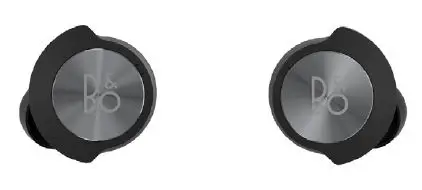
Own Voice technology captures and adjusts the volume of your voice, while also filtering out background noises, to give you a clear and true representation of how you sound. You can switch Own Voice on and off, or adjust the levels, by double pressing the left earbud while on a call. You can also control it on the product page in the Bang & Olufsen App.
ear tips
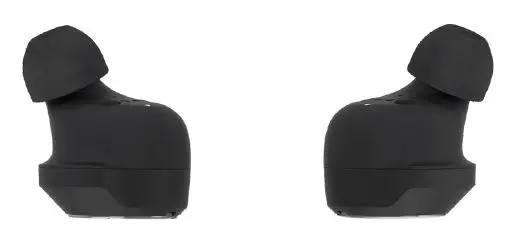
For the best sound experience, Beoplay EQ earbuds should be fully inserted into your ear canals. Choosing the right ear tips is essential for the truest fit. Try out different sizes to find the one that offers the best level of isolation from outside noises. Eartips from Comply Foam improve isolation and therefore the sound experience. Silicone ear tips are particularly good for sports.
FIT
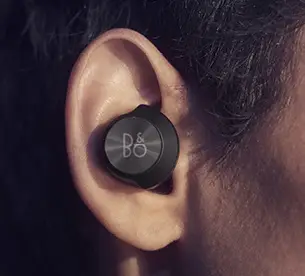
Finding the perfect fit means you can enjoy the full Beoplay EQ experience. A good fit offers you the most comfort and security as well as the best sound quality. Insert the earphones in your ear, then rotate them until the B&O logo is horizontal and the fin is resting outside the tragus of your ear.
EARBUD LIGHT INDICATOR
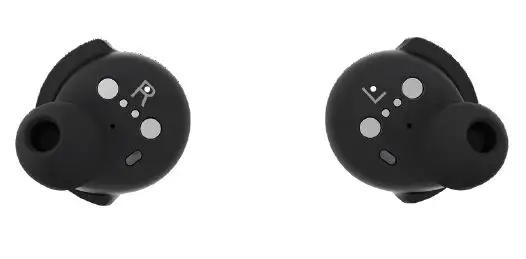
The light indicator on the back of each earbud shows various useful statuses.
| Action | Meaning |
| White flash | The product turns on or off |
| Solid blue | Open for Bluetooth pairing |
| Blue flash (5 seconds) | Bluetooth connected/ disconnected |
| Solid red | Battery is low |
| Fast flashing red | The battery is very low |
CHARGING CASE LIGHT INDICATOR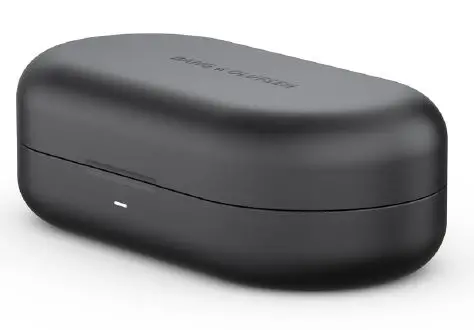
The light indicator on the front edge of the charging case shows the battery status of the case.
| Action | Meaning |
| Solid red for 5 seconds | Case battery low |
| Solid amber for 5 seconds | Case battery medium |
| Solid green for 5 seconds | Case battery high |
| Amber pulsing | Case charging |
| Solid green | Case battery full |
FACTORY RESET
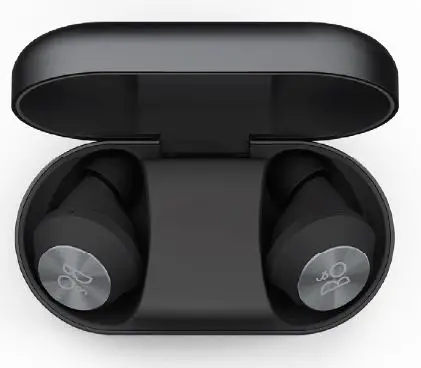
To restore Beoplay EQ to factory settings, place both earbuds inside the case and wait for the case LED to turn off — approximately 5 seconds. Press and hold the touch controls on both earbuds for approximately 20 seconds, until the LED indicator flashes red. Once the earbuds have turned off, you can start the setup process again.