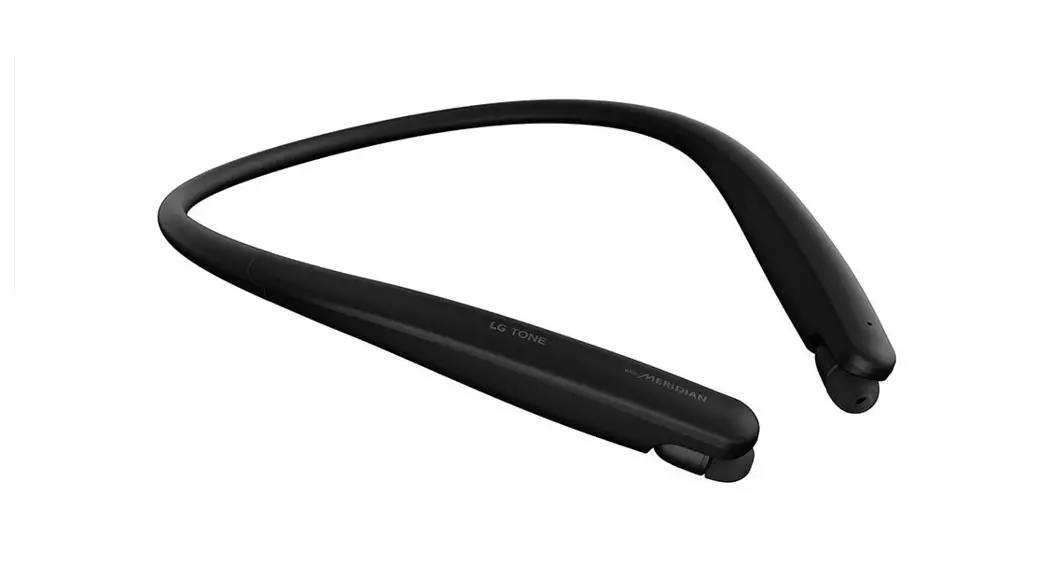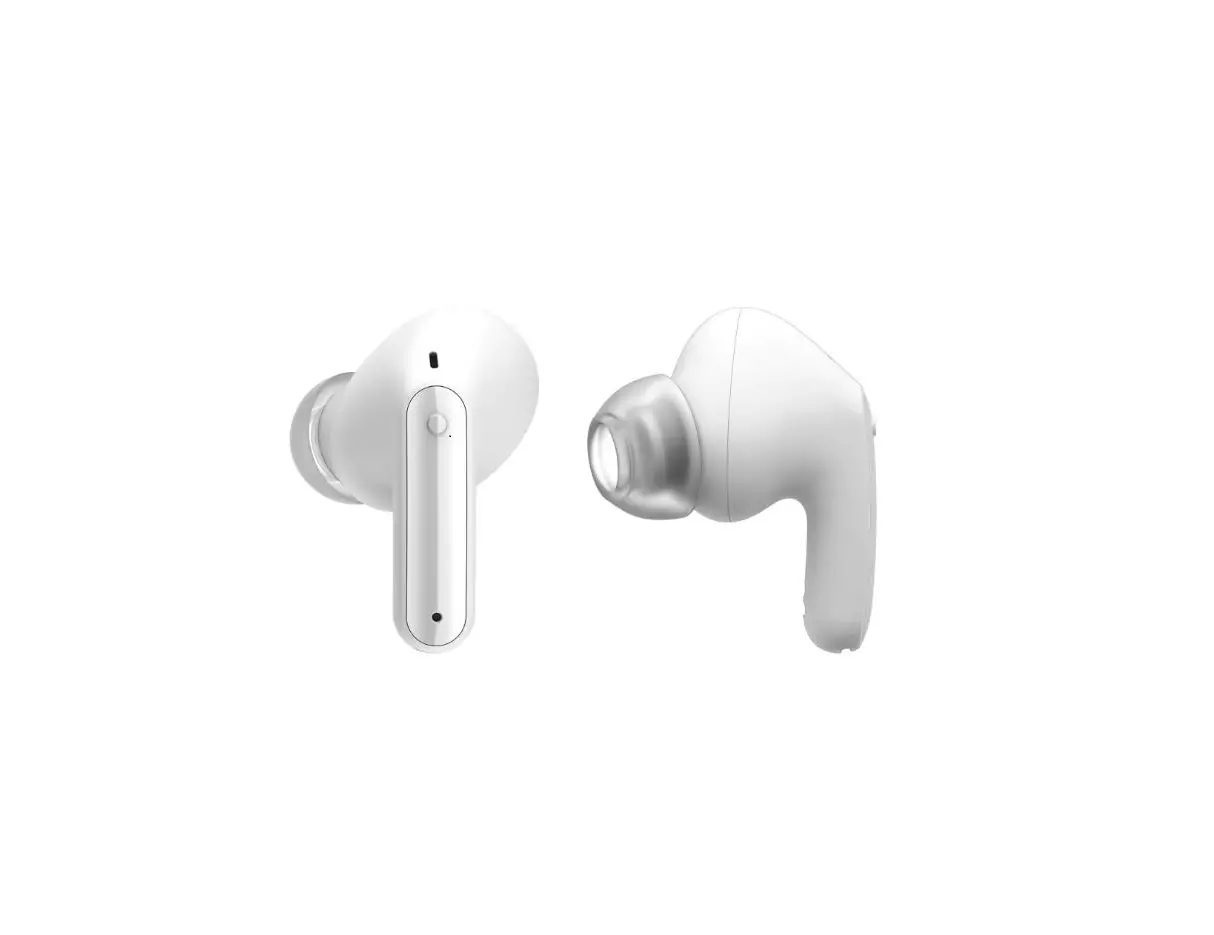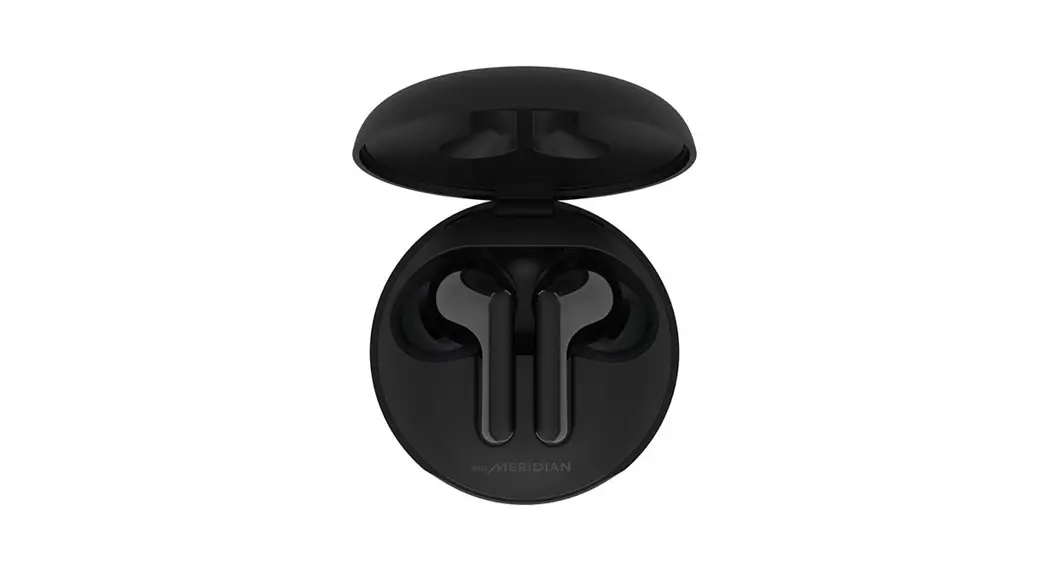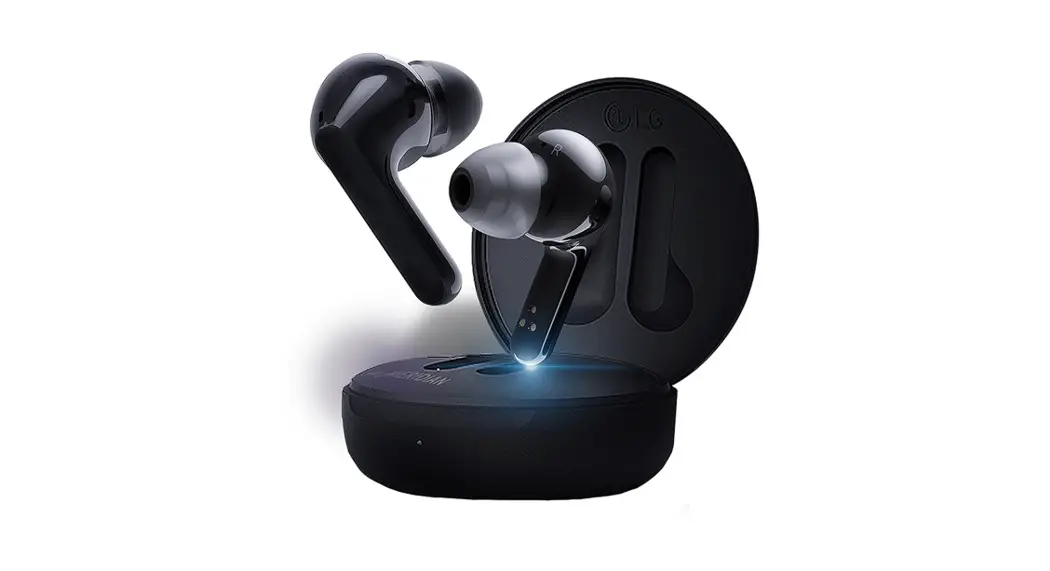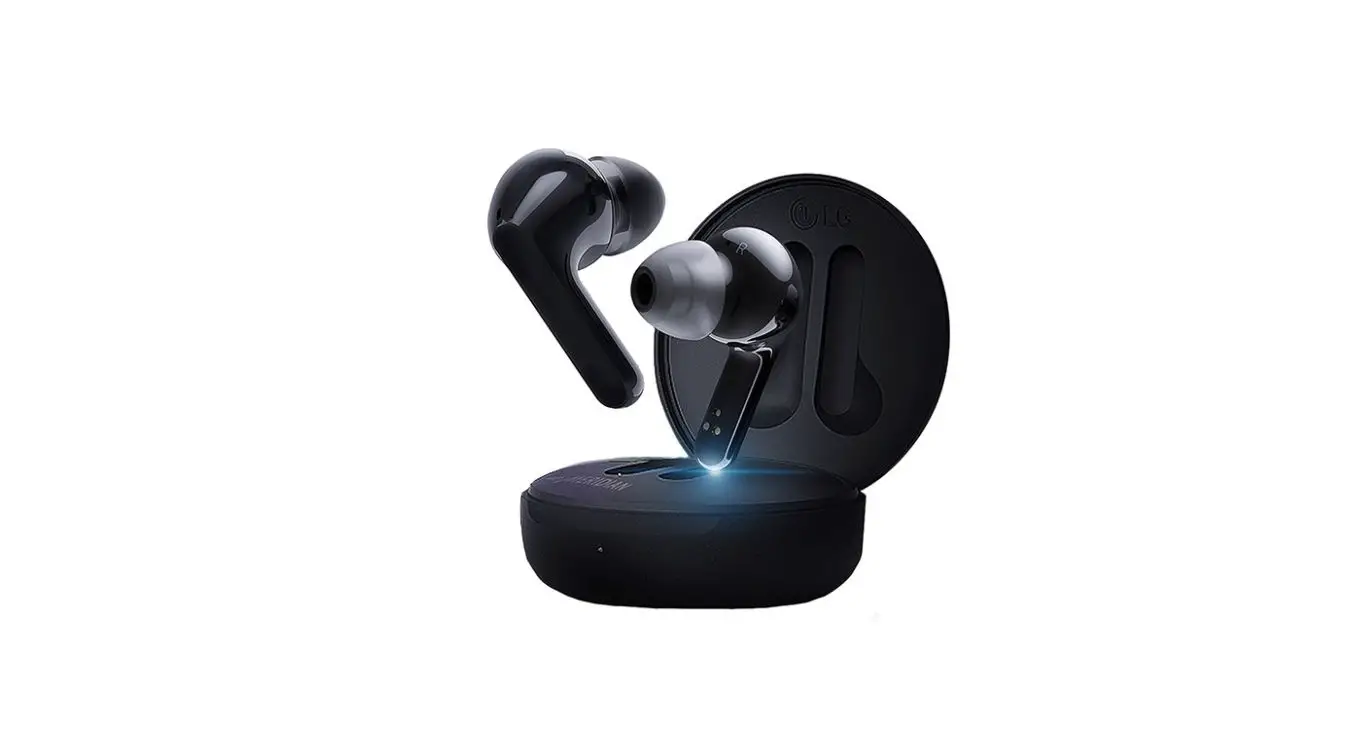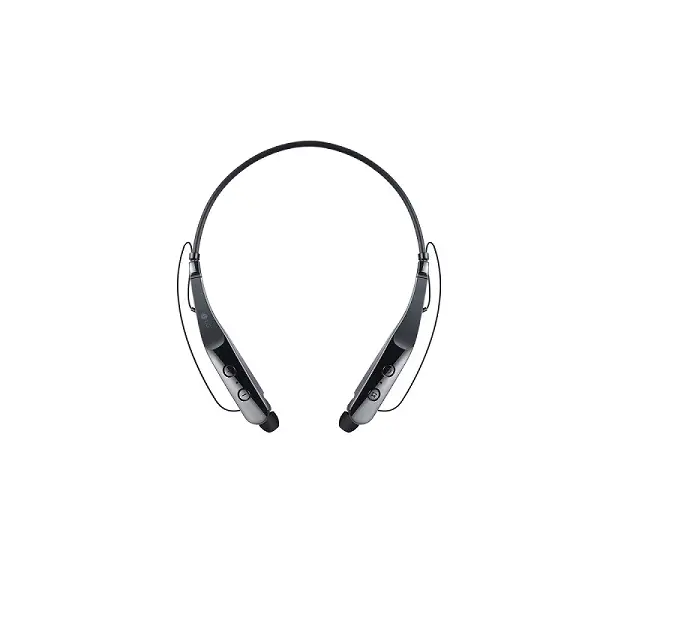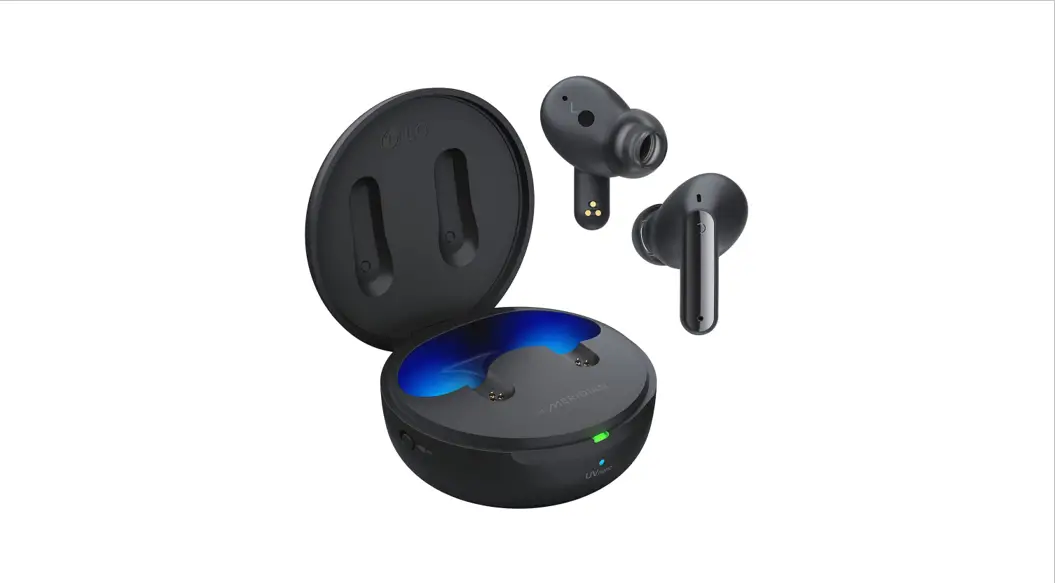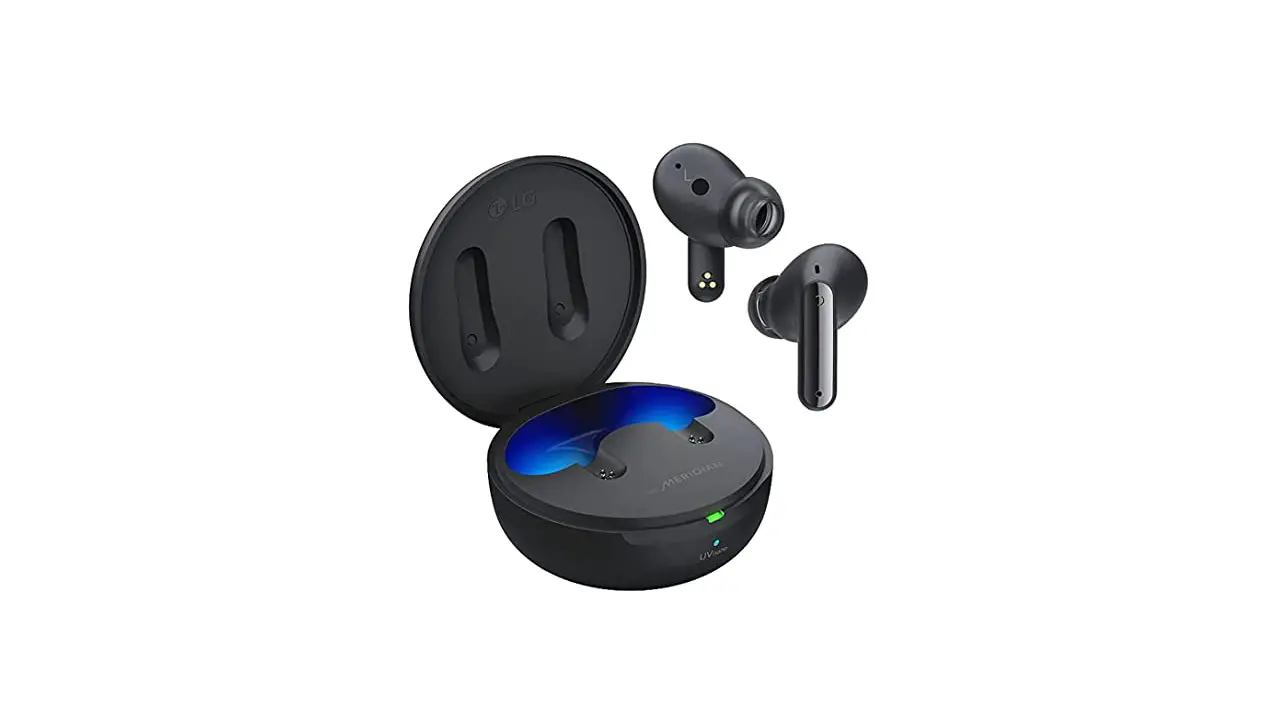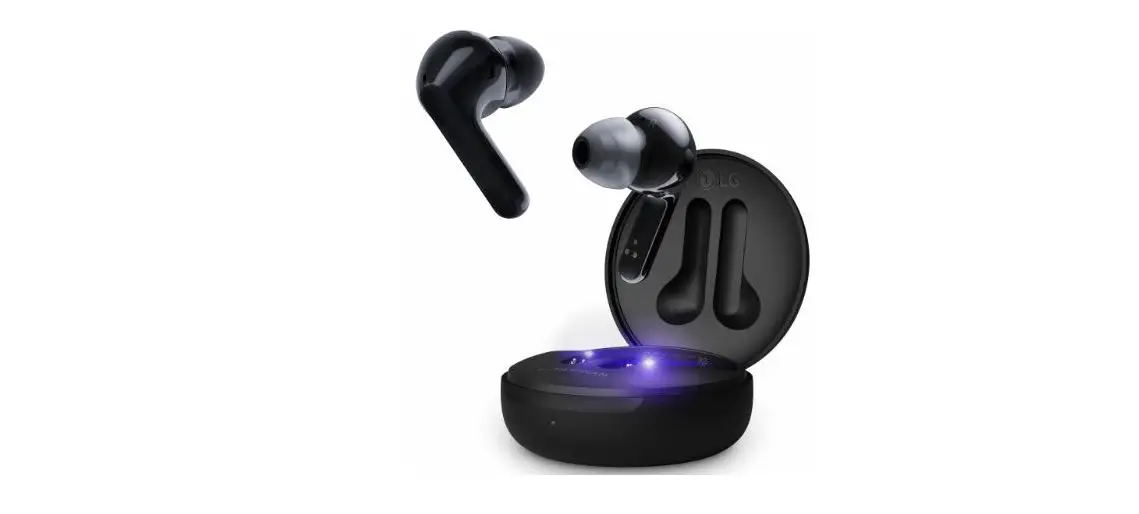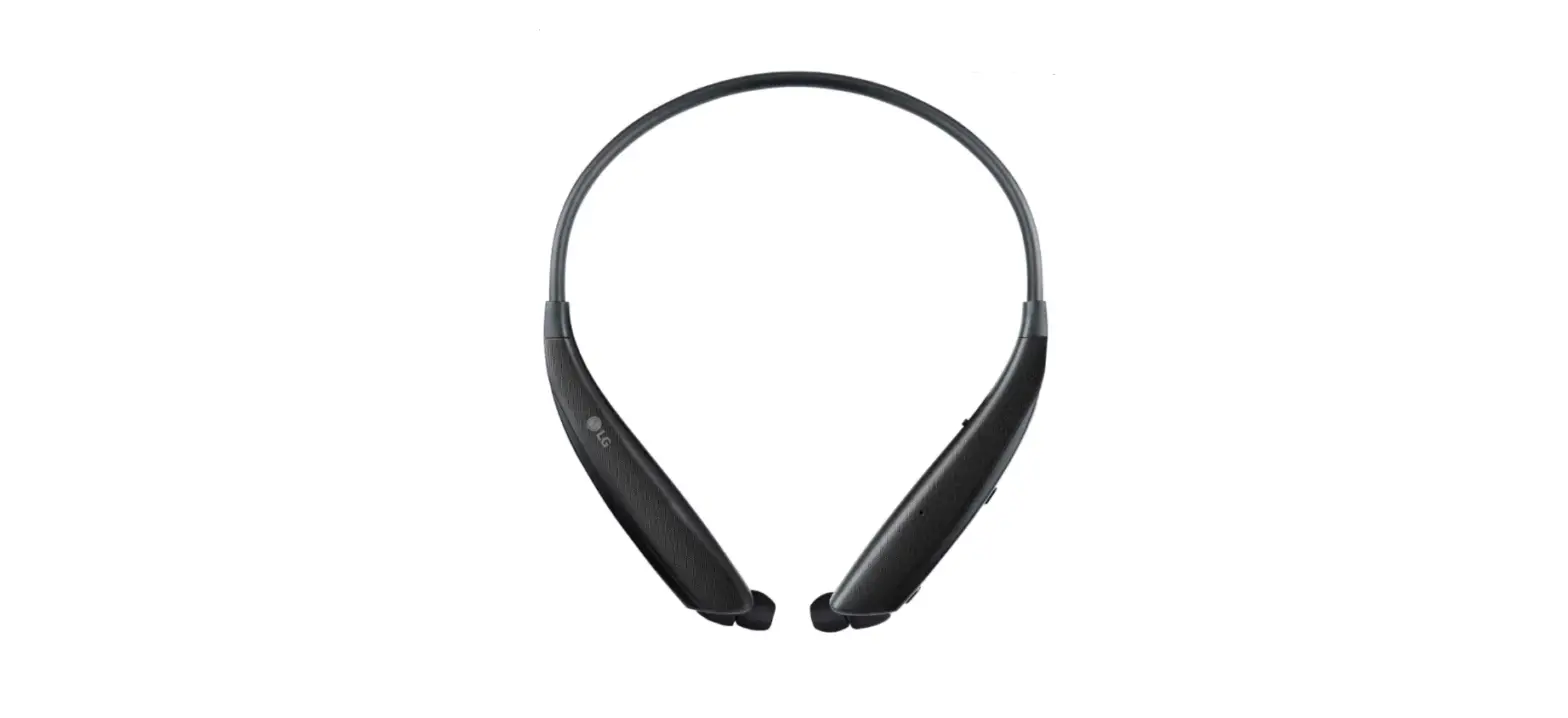

LG Tone Ultra HBS-830 Bluetooth Wireless Stereo Headset
Safety Cautions
CAUTION
- Do not disassemble, adjust, or repair the product arbitrarily.
- Do not place the product near excessive heat or flammable material.
- Do not arbitrarily replace the battery, as it may explode.
- The product may be damaged if an incompatible charger is used.
- Make sure that an infant or child does not swallow a magnet or a small component of the product.
- Make sure that foreign objects do not enter the charger’s connectors (charging port and power plug). Failure to do so may result in fire or electric shock.
- For your safety, do not wear the product while it is being charged.
- If you have a medical device implanted, contact your doctor before using this device.
- Do not pull the earphone cable with excessive force.
- For your safety, do not remove the battery incorporated in the product.
- The lithium-ion polymer battery is a hazardous component that can cause injury.
- Battery replacement by an unqualified professional can cause damage to your device.
- Do not replace the battery by yourself. The battery can be damaged, which can cause overheating and injury. The battery must be replaced by an authorized service provider. The battery should be recycled or disposed of separately of household wastes.
- In order to prevent unnecessary energy consumption, disconnect the device when fully charged. Always use an easily accessible power outlet for charging your device.
WARNING
- Do not drop the product from a high place.
- Make sure there is no water, alcohol, or benzene in contact with the product.
- Do not store the product in a wet or dusty place.
- Do not place heavy objects on the product.
- This product is not waterproof. Avoid humidity and water.
NOTE
- If the product is exposed to excessive sweat, clean the product.
- Keep the earbuds clean.
HD Speaker
If the communication network of the device you are connecting to supports HD Voice Calling, you can enjoy making voice calls and listening to music in high definition.
Product Components
- LG TONE ULTRA HBS-835 / LG TONE ULTRA α HBS-830(medium ear gels installed)

- Extra Ear Gels(small)

- Extra Ear Gels(small)

- Reference guide

- User Manual

- WEEE Card (Europe Only)

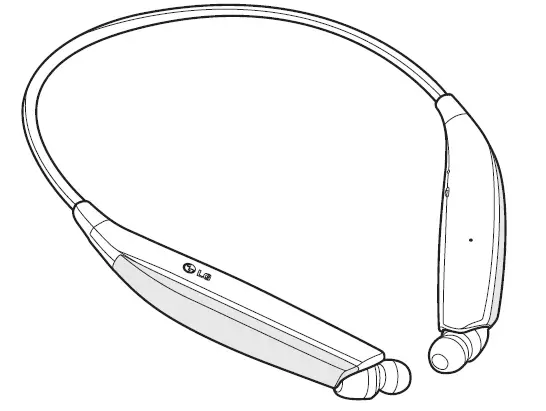
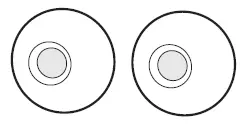
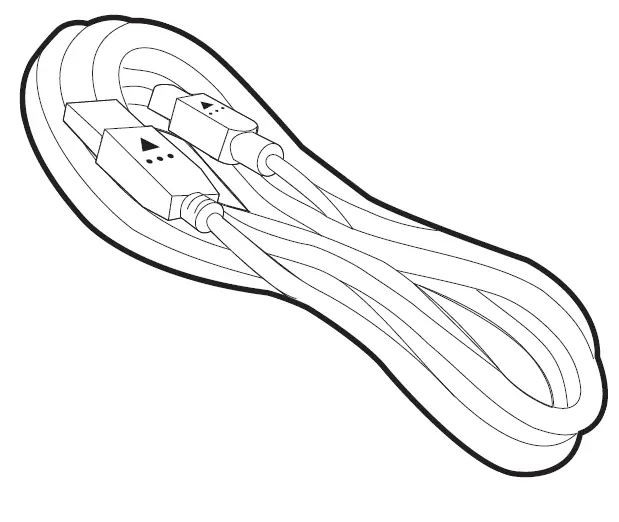
NOTE: Actual product design may differ from the images shown in the manual.
The option item is not available in some products.
CAUTION
Make sure authentic LG Electronics components are used. Using a non-authentic component may damage the product and thus void the warranty.!
Product Description
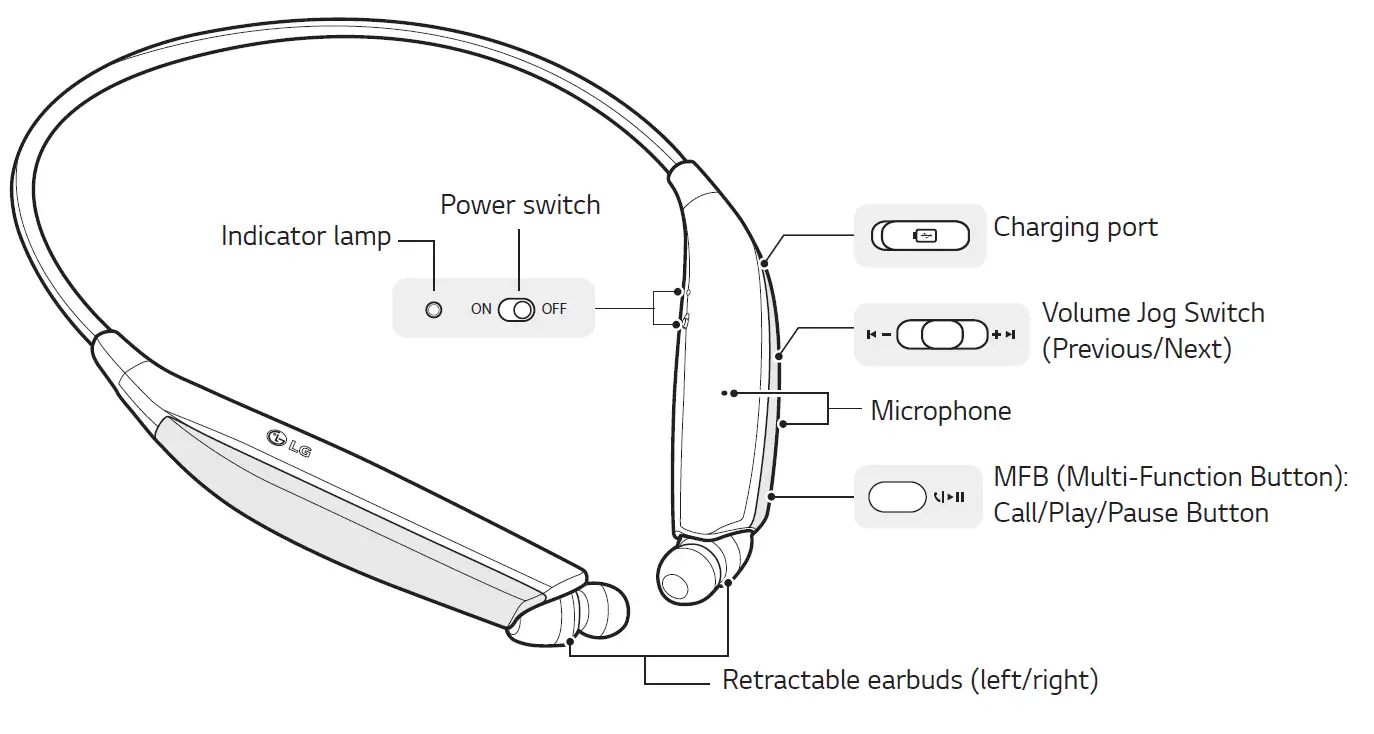
* The appearance and specifications of the actual product may differ depending on the model. NOTE: To prevent hearing loss, a control sound is played twice or at length when controlling the volume at high volumes.
Pairing and Connecting
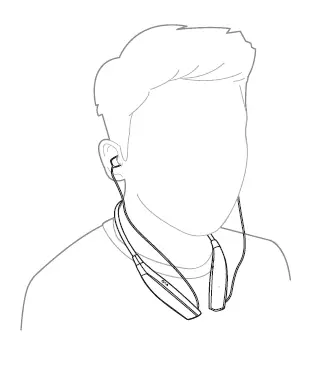
Put in your earbuds to easily pair and connect by following the voice prompts.
NOTE: If you are prompted for the authorization code (PIN code), type 0000.
If you hear that the battery is insufficient, recharge the battery before proceeding with pairing.
If pairing is not completed within three minutes, the power automatically turns off. If this happens, slide the Power switch from the OFF to the ON position to turn the power on.
Connecting Quickly
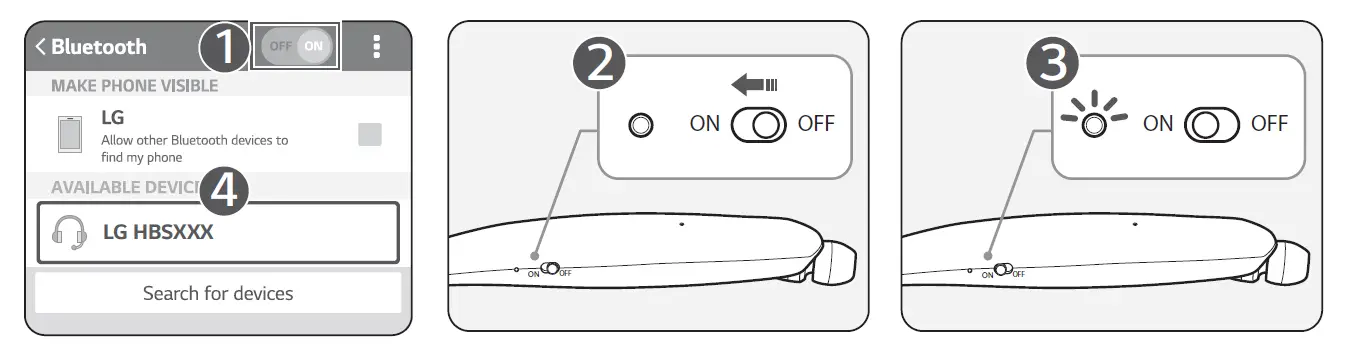
- From the mobile phone’s Settings menu, turn on Bluetooth.
- On the headset, slide the Power switch towards the ON position to turn on the power.
- The blue Indicator lamp turns on, and the headset enters Search mode.
- From the mobile phone or device, select [LG HBSXXX] to connect.
NOTE: In the above, HBSXXX is a model number unique to the product and may differ depending on the model (For example, in the case of an HBS-835 model, LG HBS835 is displayed). - A voice message will indicate that the connection is completed.
Fast Pair
- From the mobile phone’s Settings menu, turn on Bluetooth.
- On the headset, slide the Power switch towards the ON position to turn on the power.
- The blue Indicator lamp turns on, and the headset enters Search mode.
- Please place the mobile phone whose screen is unlocked or a device to be connected nearby and connect it to the headset according to the instructions on the screen.
- A voice message will indicate that the connection is completed.
NOTE: It only supports Android™ 6.0 or above. Before connecting the headset, configure the mobile device or the device to be connected to use the location information.
Connecting Manually (pairing with another phone or re-pairing)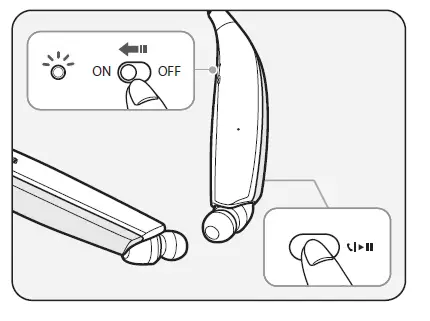
- Press and hold the MFB and slide the Power switch to the ON position to turn it on.
- The blue Indicator lamp turns on and the headset switches to Search mode.
- From the mobile phone or device, select [LG HBSXXX] to connect.
NOTE: In the above, HBSXXX is a model number unique to the product and may differ depending on the model (For example, in the case of a HBS-835 model, LG HBS835 is displayed).
Multiple Connections
The headset can be connected to two devices, such as a mobile phone and a PC, simultaneously. NOTE: If the headset is simultaneously connected to two devices, the main functions work based
on the “Main Connected Device.”
- Press and hold the MFB and slide the Power switch to the ON position to turn it on.
- Perform Steps 2 to 4 under “Connecting Quickly.” This device becomes the “Main Connected Device.”
- Try to connect to headset using a previously connected device. This device becomes the “Sub Connected Device.”.
Automatic Reconnection
If you turn on the headset, it will automatically connect to the most recent (Main or Sub Connected Device) device it was connected to. (If a device cannot be found, Search mode will be activated.)
If the product does not automatically connect to the device you want, search for your product on the device you want to connect to and connect it manually.
Indicator Lamp
| Status | Description |
| Power On/Power Off | The blue Indicator lamp flashes. |
| Search Mode | The blue Indicator lamp is on. |
| Headset/Hands-free Profile
Connected/Call Connected |
The Indicator lamp will flash blue every five seconds. |
Mobile Calling Functions
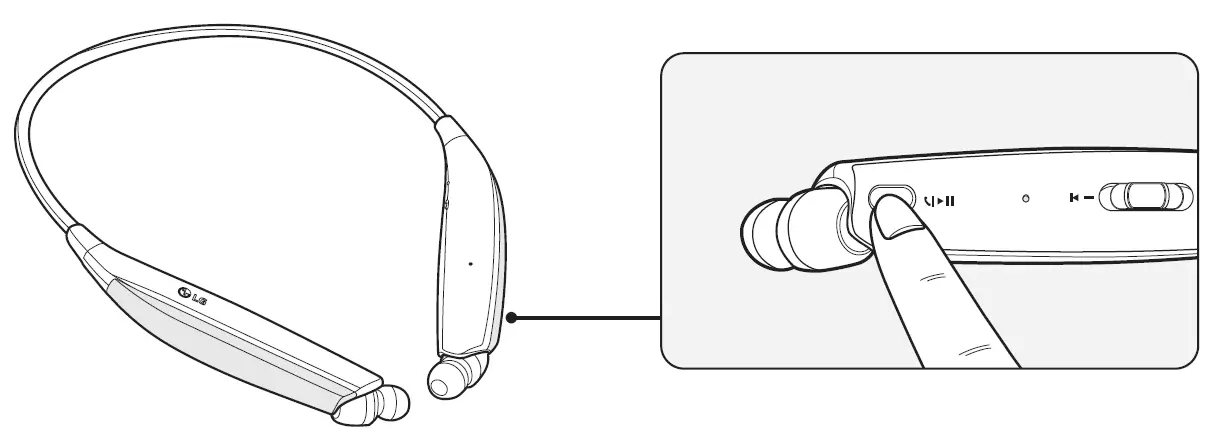
| Functions | Status | Description |
|
Answering Call |
Ringing | Briefly press the MFB.
NOTE: The headset will not vibrate if the Vibration function has been turned off. |
| Making a Call | Idle | If you make a call using a mobile phone, the call is automatically connected to the headset. |
| Switching Calls | Talking | Slide and hold the Volume jog switch in the volume up ( ) direction for more than one second. |
| Redial | Idle/
Music on | Press and hold the MFB for more than one second to place a call to the last number dialed |
| Voice Dial | Idle/
Music on | Briefly press the MFB twice to active your headset’s voice. |
|
Receiving a Call While on the Phone |
Talking | You can receive another call while on the phone by pressing and holding the MFB for one second.
The existing call switches to a call waiting for status. Press and hold the MFB again for one second to switch back to the previous call. Briefly press the MFB to end the existing call; briefly press it again to end the second call. (Performance may differ depending on the mobile phone settings.) |
| Rejecting a Call | Ringing | Press and hold the MFB for two seconds. |
| Enabling/Disabling Mute | Talking | Slide and hold the Volume jog switch in the volume down  direction for one second. direction for one second. |
| Volume up/Volume down | Talking | Briefly Slide the Volume jog switch to the volume up  or volume down direction. or volume down direction. |
CAUTION: Do not disable/enable the Mute function while driving, as you need to use both hands.
NOTE: The Voice Dial and Redial functions work on the Main Connected Device or on the device on which you made the last call. (The Voice Dial and Redial functions may work differently depending on the mobile phone being used.)
Playing Music
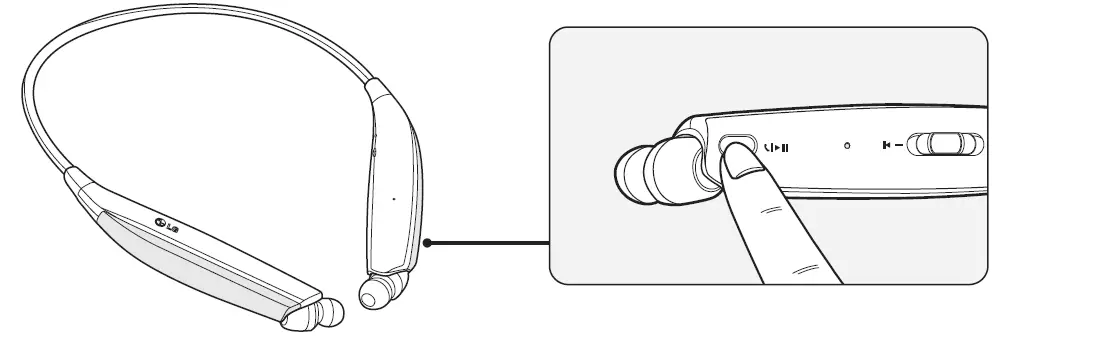
| Functions | Status | Description |
| Play | Idle | Briefly press the MFB. |
| Pause | Music on | Briefly press the MFB. |
|
Play Previous/Next Song |
Music on | Slide and hold the Volume jog switch in the Previous  or Next or Next  direction for one second to play the previous or next song. direction for one second to play the previous or next song. |
|
Volume up/Volume down |
Music on | Briefly Slide the Volume jog switch in the volume up )or volume down direction. |
Switching Music Players
To switch to a different music playback device when multiple devices are connected, stop the currently playing music and then play music from the device of your choice.
Battery Charging and Alerts
Open the Charging port cover and connect the charger to the Charging port.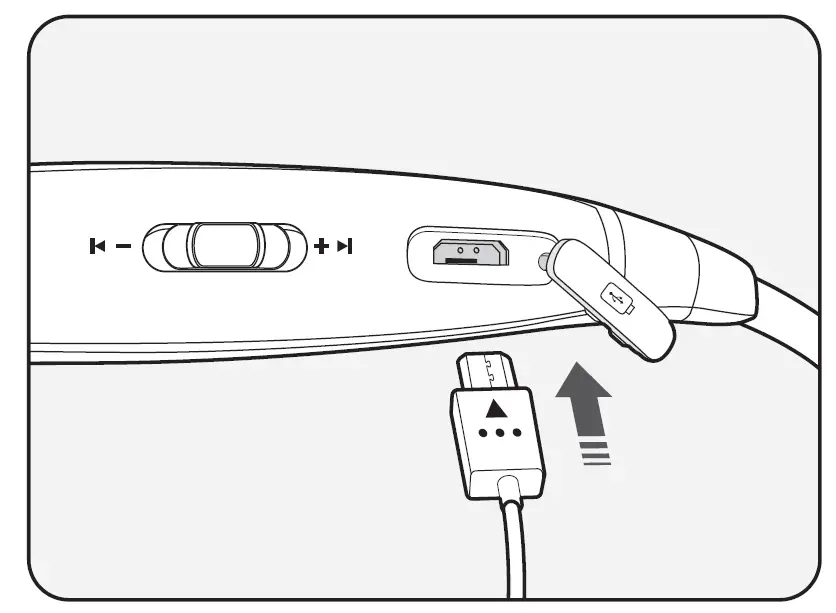
| Indicator Lamp | Red | Purple | Blue |
| Battery Status | Charging | 80% | Completed |
Slide and hold the Volume jog switch in the volume down direction for one second to check the Indicator lamp and battery level by voice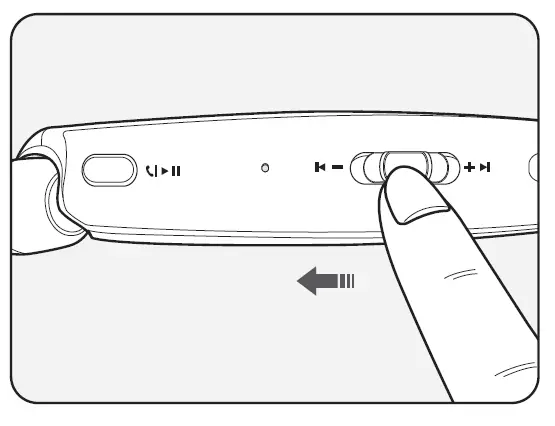
| Battery Status | Sufficient | Normal | Insufficient |
| Indicator Lamp | Blue flashes | Purple flashes | Red flashes |
Vibration Alert Settings
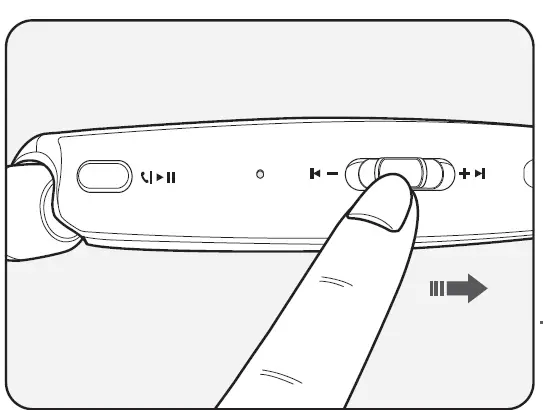
Slide and hold the Volume jog switch in the volume up ( ) direction for two seconds when the headset is not in use.
If you turn off the vibration alerts, it will not vibrate even when a call is being received or you are out of communication range.
NOTE: When vibration is turned off, the headset will not vibrate when receiving an incoming call.
Out of Range
If the device connected to the product is out of effective communication range (33 feet/10 meters), the communication signal becomes weak and the communication is lost.
If the device comes back within effective communication range, the product automatically reconnects to the device. If the device is not automatically reconnected, press the MFB on the product to connect to it manually.
If a device that is not in use goes out of communication range when multiple devices are connected, the product vibrates and a voice message indicates that the connection is lost. In this case, the automatic reconnection function is not supported.
LG Tone & Talk™
Tone & Talk supports various functions, including text & voice directions and calling. Search for “LG Tone & Talk” in the Google Play store (Android™ OS) or in the App Store® (iOS) to install Tone & Talk. You can scan the QR code on the right to install Tone & Talk.
NOTE: Some features in Tone & Talk may not be activated on iOS devices.
Google Play
App Store
| Function | Description |
|
Voice Notification | If you set Voice Notification to On, it reads the SMS, MMS, and social media
messages with voice. |
| Vibration Notification | You can set the vibration notification to ON/OFF in Notification Setting. |
|
Caller ID Notification | Android™: Set Caller ID Notification to On in the headset settings to receive
caller ID information with voice through your headset. iOS: In iOS v10.0 or higher, select [Settings] > [Phone] > [Notify Caller ID] and set the function. |
| Check Headset Battery | You can check the headset battery amount through the app screen. |
| Change Equalizer Mode | In the EQ menu, you can change the equalizer mode. |
|
Software Update | When there is a software update for the headset, it notifies you of the update
and allows you to update the software. |
NOTE: You can only use one function at a time when you make selections in the Tone & Talk app.
Troubleshooting
| Problems | Solutions |
| The power does not turn on | Check the battery level and charge it. |
|
Cannot make a call with the headset | If the mobile phone does not support headset and hands-free functions, you cannot use the calling features.
Check the battery level and charge it. |
|
Cannot connect the headset to mobile phone | Check whether the headset is turned on. Check whether the headset is in Search mode.
– Simultaneously press and hold the MFB and slide the Power switch to the ON position to put the headset in Search mode. |
| The sound is low | Control the sound level of the device connected to the headset. |
Specifications and Features
| Item | Comments |
| Bluetooth Specifications | V 5.0 (Headset/Hands-Free/A2DP/AVRCP) |
| Battery | Battery 3.7 V / 210 mAh, Lithium-ion polymer |
| Standby Time | HBS-835 : Up to 380 hours* / HBS-830 : Up to 380 hours* |
| Talk Time | HBS-835 : Up to 13 hours* / HBS-830 : Up to 13 hours* |
| Music Play Time | HBS-835 : Up to 15 hours* / HBS-830 : Up to 15 hours* |
| Charging Time | Approximately 2 hours |
| Rated Input Voltage | DC 4.75 V ~ 5.3 V, 400 mA |
| Operating Temperature | -10 °C (+14 °F) ~ +50 °C (+122 °F) |
|
Dimensions/Weight | HBS-835 : 144 mm (W) X 170 mm (L) X 17.7 mm (H) / 40 g HBS-830 : 144 mm (W) X 170 mm (L) X 17.7 mm (H) / 40 g |
| Operating Frequency | 2402 MHz to 2480 MHz |
| Target Power | 10 dBm |
* Duration of use may vary depending on the connected mobile device, features being used, settings, signal strength, operating temperature, frequency band, and other methods of use.
FAQS
Does it have google assistant?
If ur phone does it will b picked up by earpiece
How long is battery life?
According to the instructions on the box it says With noise cancellation turned off, you can get up to 15 hours of battery life, but it will be less if you turn noise cancellation on (it gets closer to 10 hours).
How’s the volume on this? Seems they are not loud enough when using a vacuum.
They are one of the loudest available and block noise well. If they were any louder, they would damage your hearing.
Do they vibrate?
It does vibrate for calls. Money doesn’t seem too for text messages or other notifications bit that could be my settings.
Does this pair with multiple devices at the same time?
It will pair with more than one device, however, not simultaneously.
What type of charger does it use?
It uses type C
Is there a button to push to retract earphones? I’d rather have that style than pull it to the end
No
Is there a button for advancing to the next song?
Volume witch doubles as track control, quick tap lifting up or down changes track, holding switch up or down controls the volume.
How long is the battery life?
It last more than 8 hrs. Listening to music or more than 24 stand by!
Are they waterproof??
No
How long does the battery last?
According to the instructions on the box it says With noise cancellation turned off, you can get up to 15 hours of battery life, but it will be less if you turn noise cancellation on (it gets closer to 10 hours).
Do these work with galaxy s20fe 5g?
Works with all Bluetooth-capable phones, just need to pair
Are the earbuds magnetic and retractable or just retractable?
Solely retractable. With the ‘around-the-collar design, the buds stay clear while performing tasks and a still accessible.
How is the sound quality as far as good bass, treble, mid, etc.?
Bass and all ranges are excellent.
How durable are they?
LG tone ultra HBS-830 has a good sound if you take care of it it’ll last you a good long time the sound is very well clear.
![Lg Tone Platinum+ Bluetooth Wireless Stereo Headset [hbs-1125] User Manual](https://static-data1.manualsee.com/1/img/415/16112/2020/12/LG-Tone-Platinum-Bluetooth-Wireless-Stereo-Headset-HBS-1125-FEATURED-1568x766.png "Lg Tone Platinum+ Bluetooth Wireless Stereo Headset [hbs-1125] User Manual")