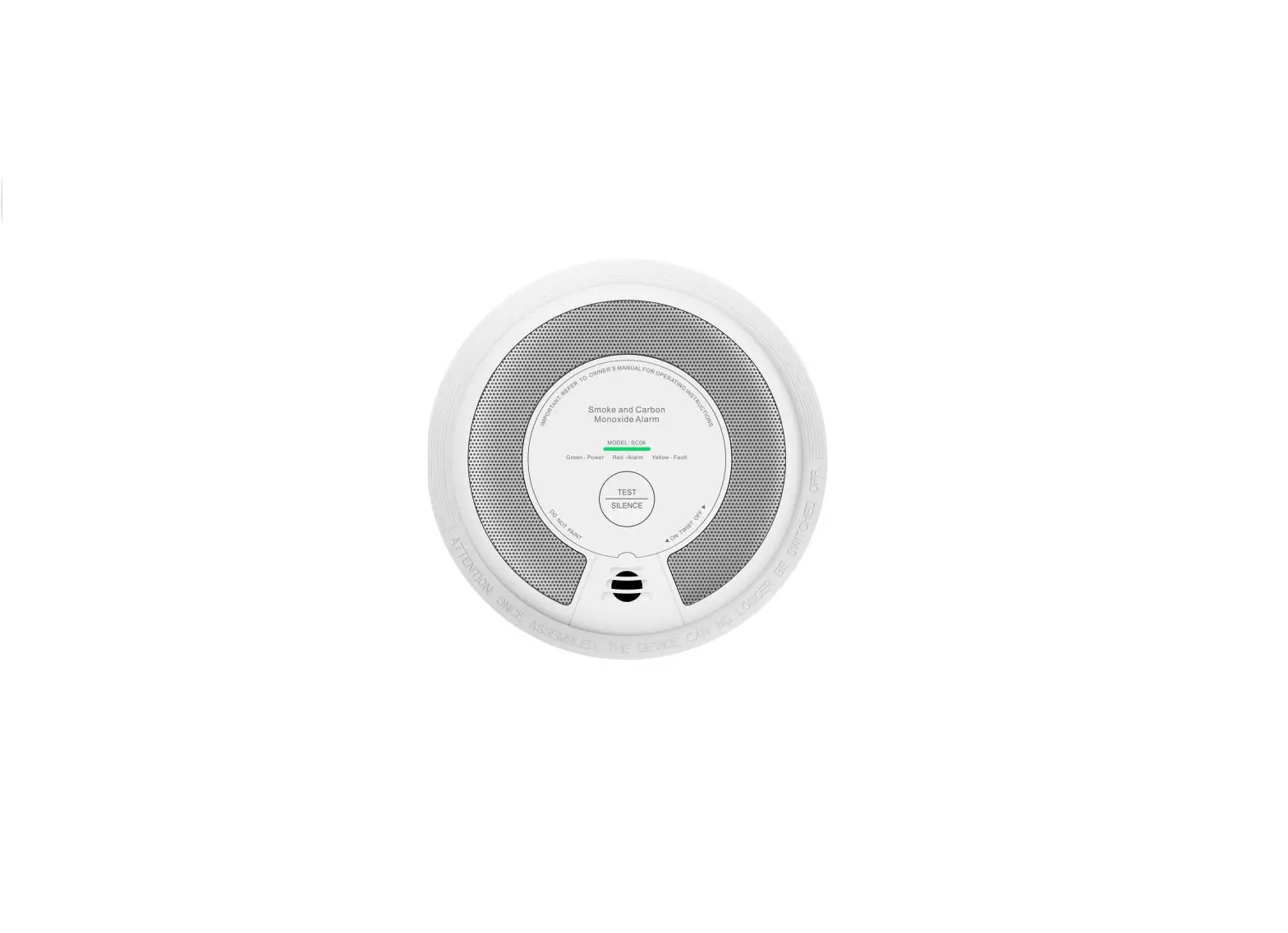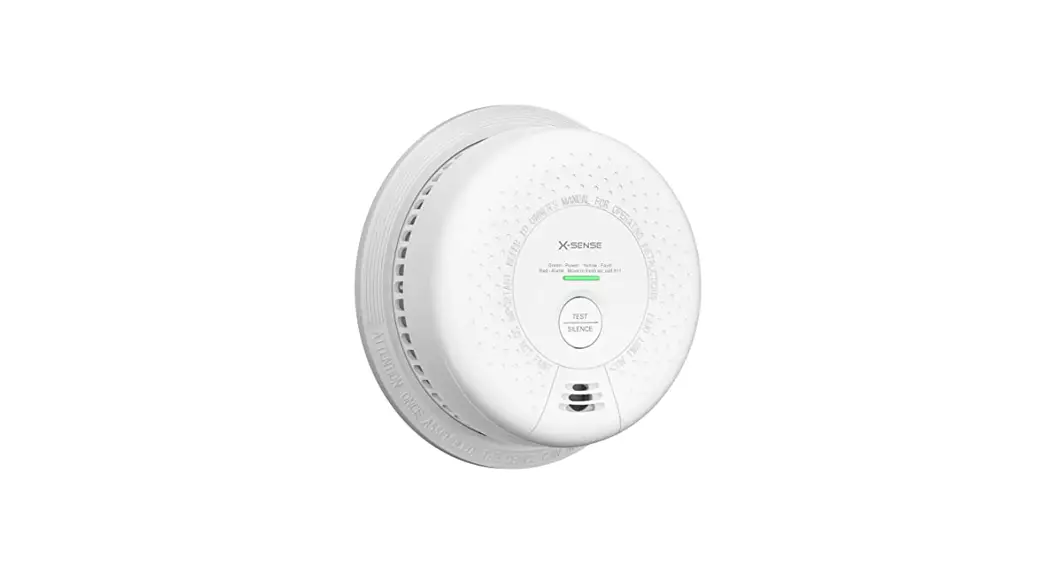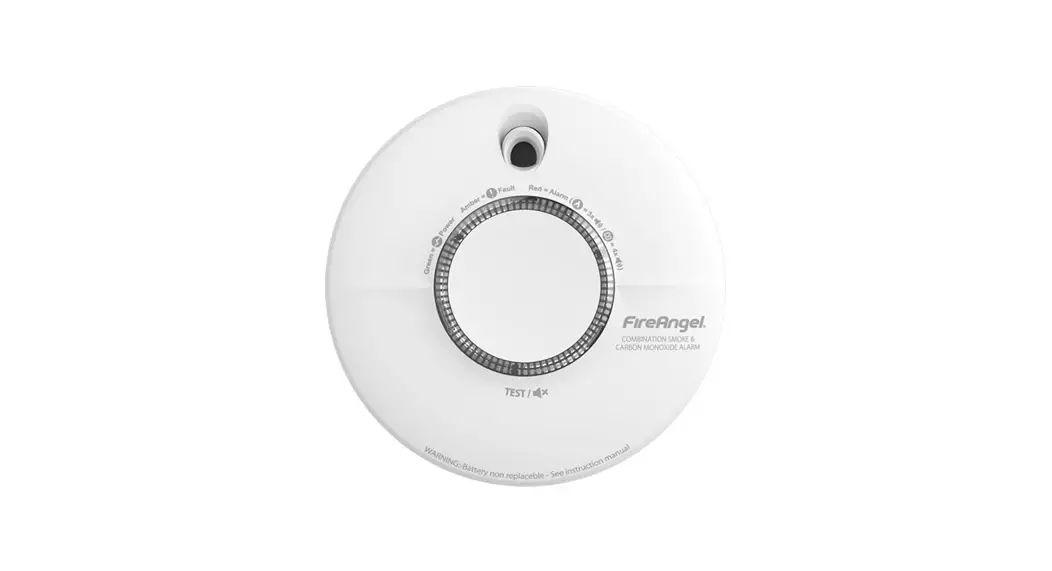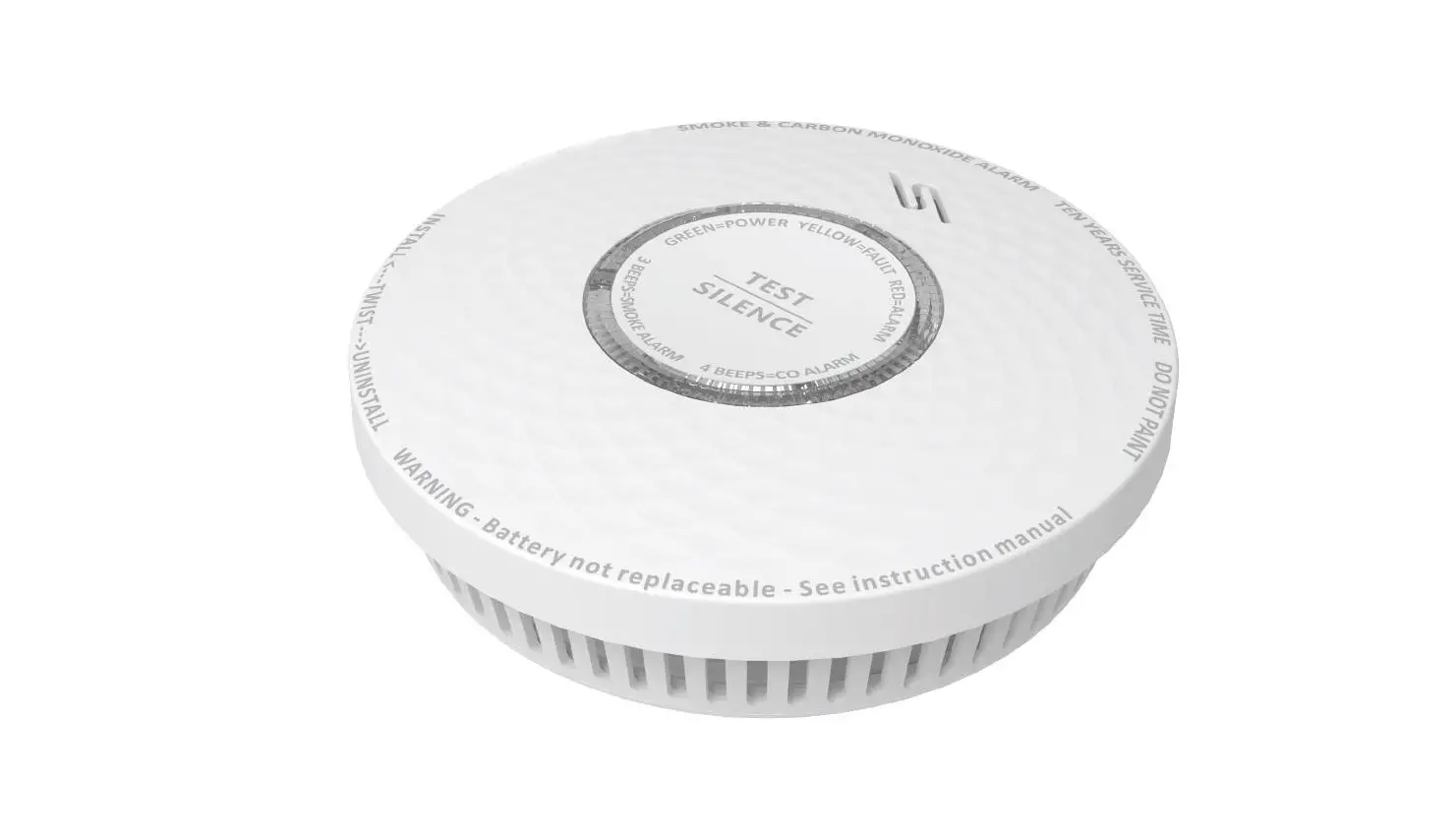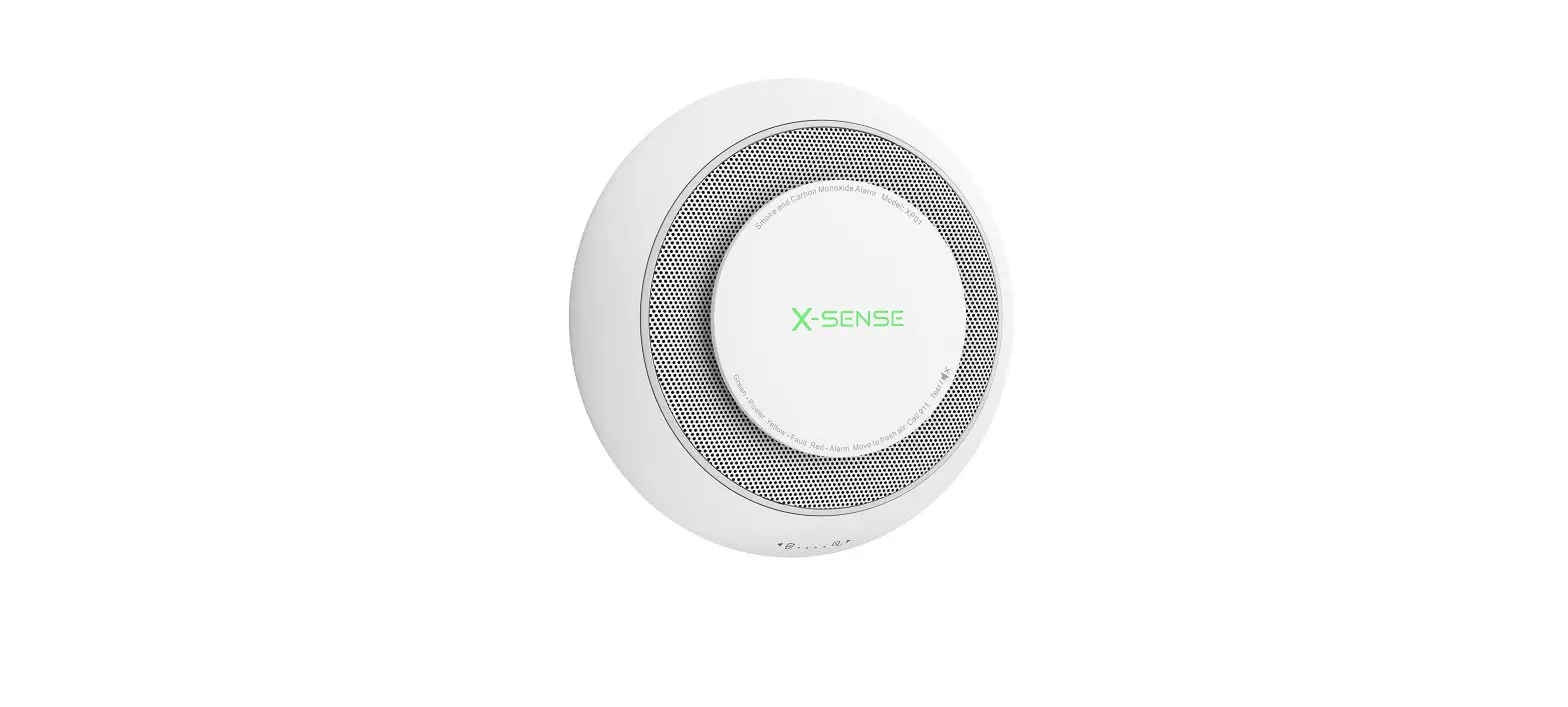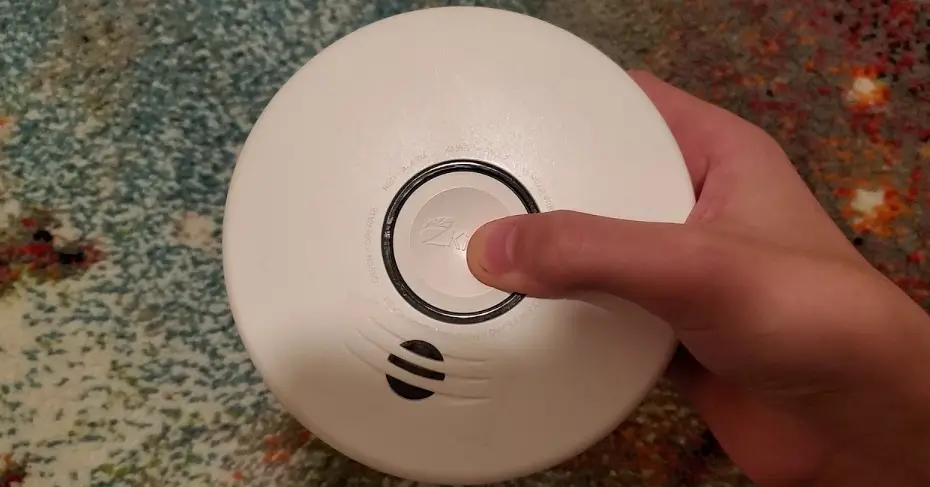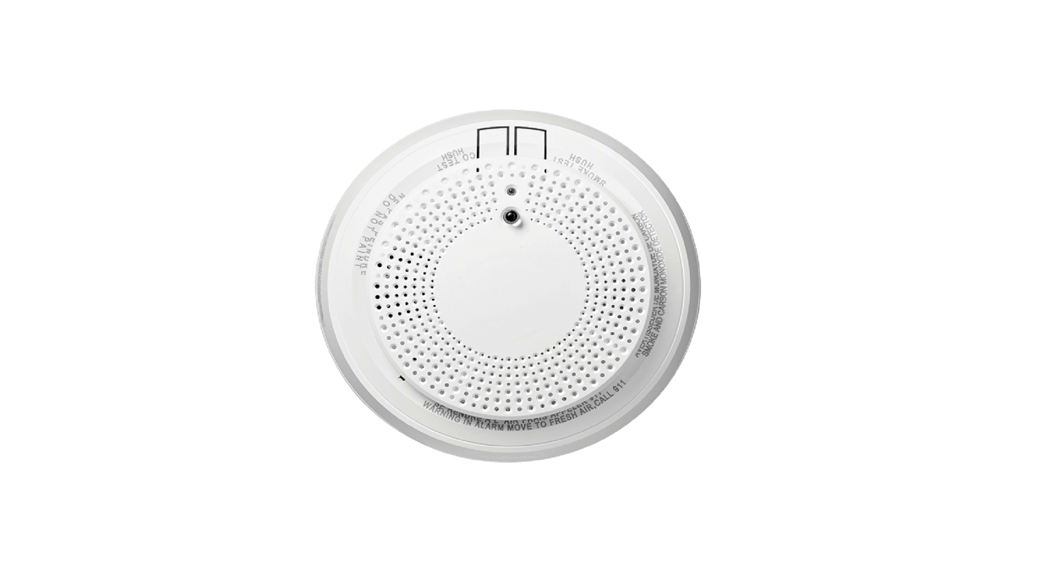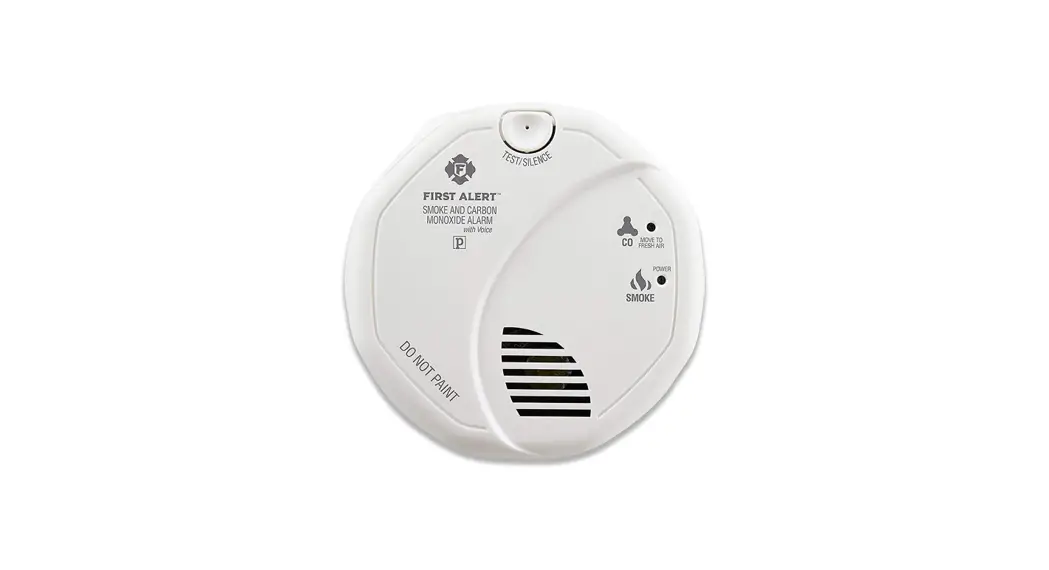
 SCO7CN Combination Smoke and Carbon Monoxide Alarm
User Manual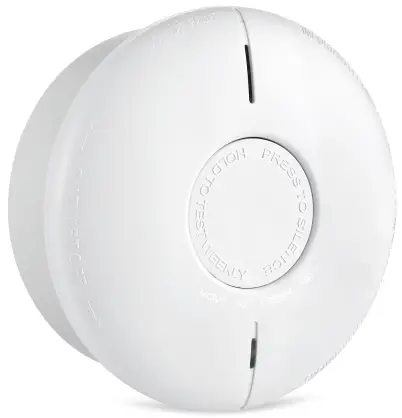
In the Box
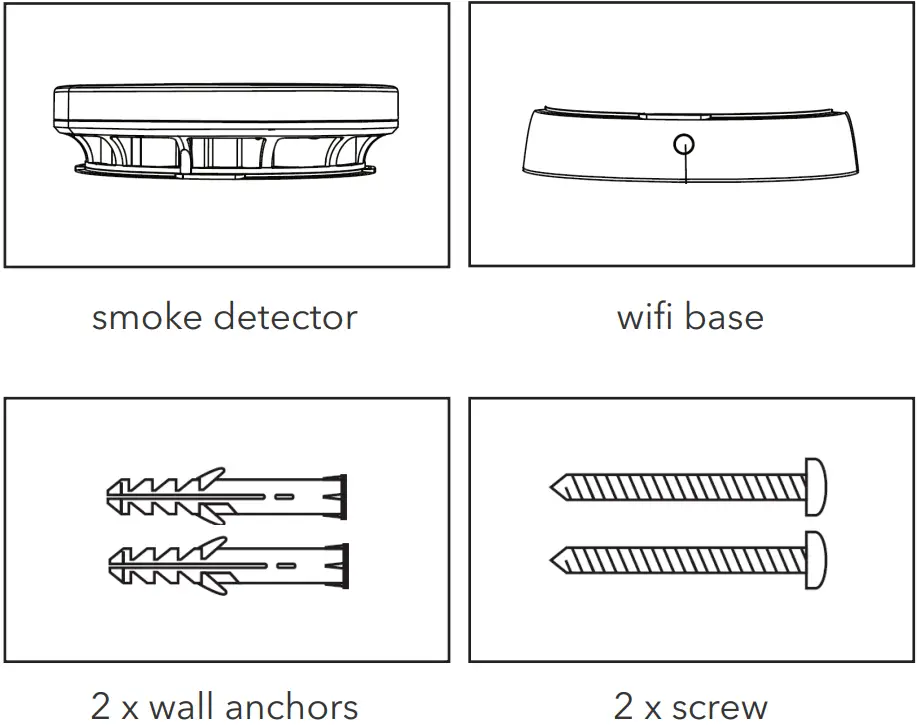
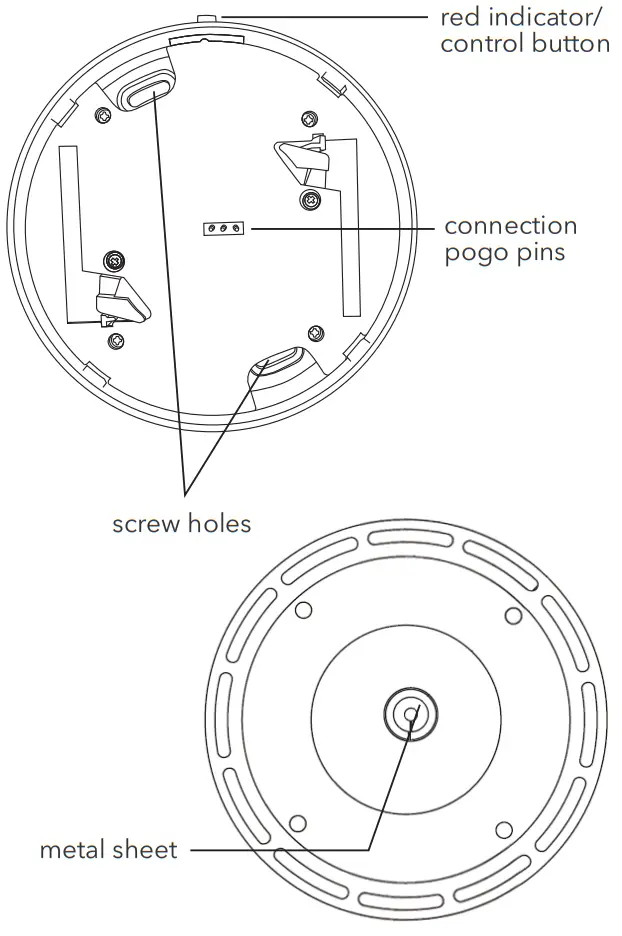
Introduction to Parts
 This product is intended for separate collection at a designated collection point. Do not dispose of the product with the household waste. For further information, please contact your local authorities.
 Dispose of empty batteries in a designated battery recycling bin.
Specifications
| Alarm Module | |
| Working Voltage | DC 3V battery (non replaceable) |
| Standby current | <12uA |
| Alarm current | <35mA |
| Low voltage threshold | 2.7V |
| Wifi Module | |
| Working Voltage | DC 6V battery (replaceble) |
| Low voltage threshold | 5.2V |
| Lifespan | >5 years |
| Alarm mode | LED & buzzer & APP alarm |
| Size | 4.8 x 0.8 in |
| Fire protection grade | V-0 |
| Frequency range: | 2412-2472MHz |
| Antenna gain: | 2.5dB |
| Max. Radio Transmission Power: | 13dB |
How to Setup
- Download “Wasserstein” App by scanning the QR code or download from Google play store, connected with your phone with 2.4GHz Wi-Fi network.
 https://qrco.de/bcH5Js
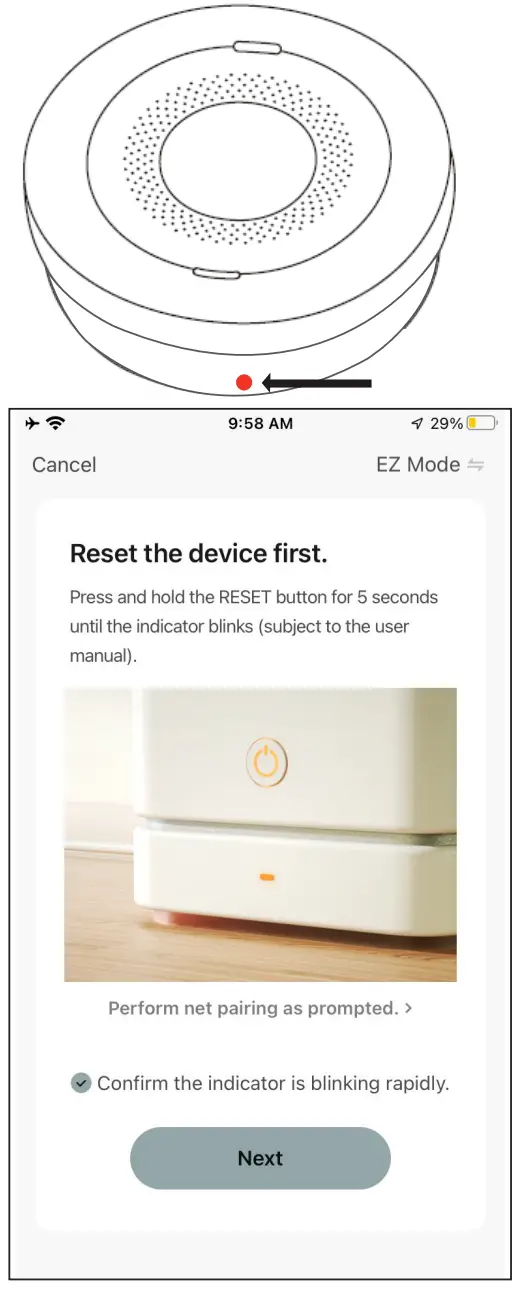
 - Remove the insulation sheets found at both batteries. The red indicator on the button will flash twice. If it is not removed, the detector will sound to alert that no battery is detected.

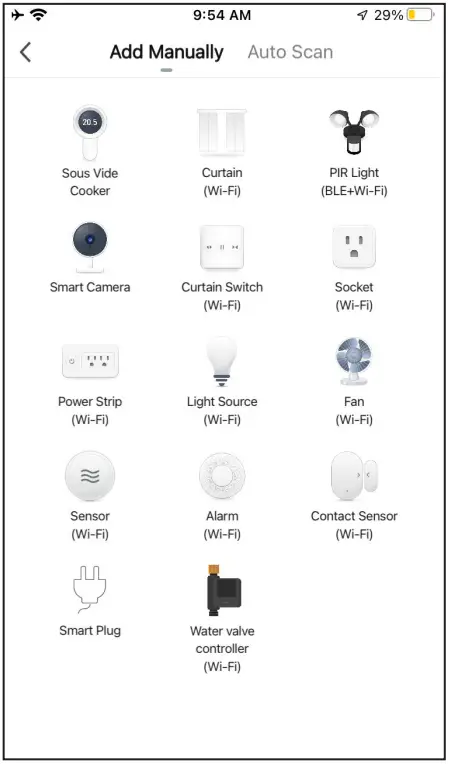
- Open the App. To add this device press the “+” on top right corner and choose “Alarm (WiFi)”.

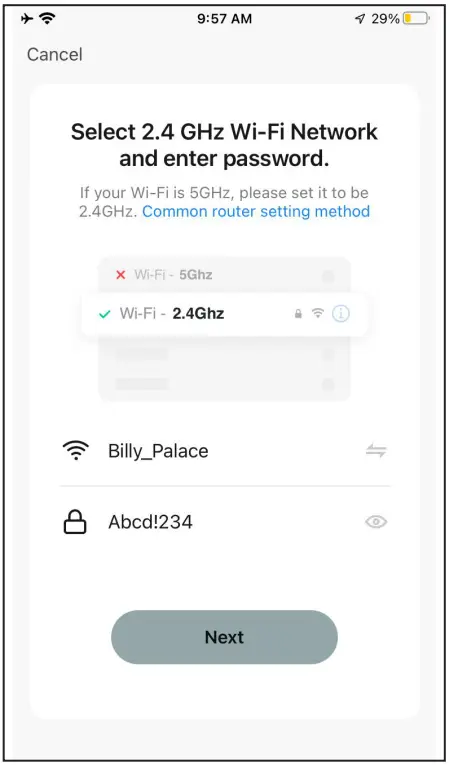
- Write down your network name and password.
Note: This device only works on a 2.4Ghz Wi-Fi network, not on a 5Ghz Wi-Fi network. You should change the Wi-Fi frequency of your network to 2.4Ghz network in the setting menu of your router.
- Press and hold the control button. Release it until indicator starts blinking.

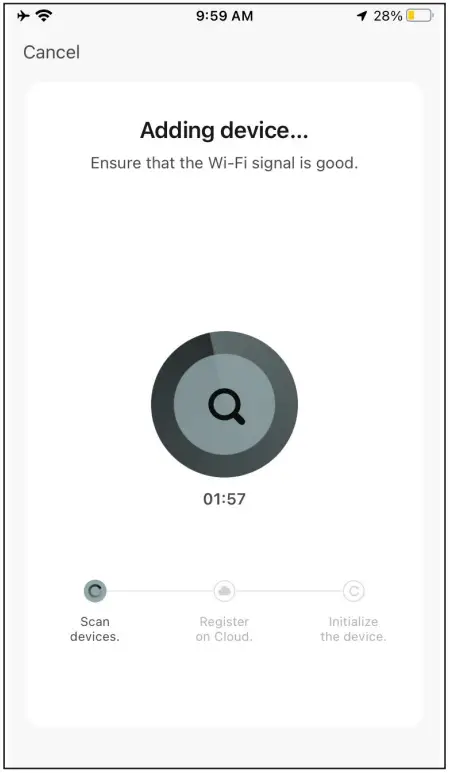
- Adding device, it takes about 2 minutes.

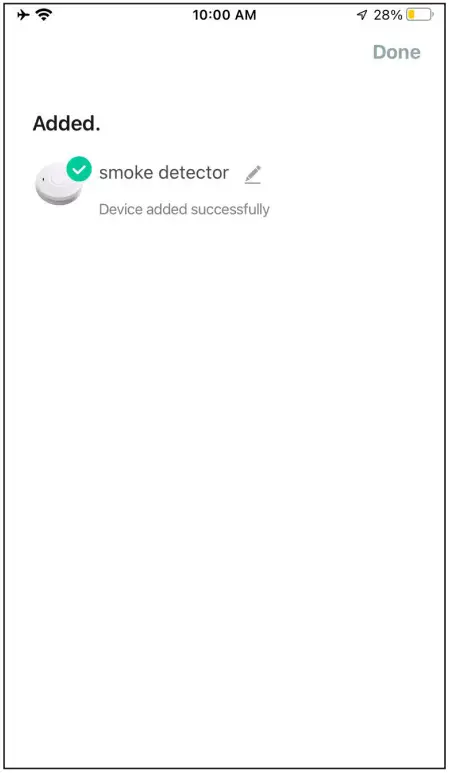
- Added successfully, click Done.

- If the device fails to add, repeat from step 3.
- Press the test button. The alarm will sound and you will receive an alert via the App.

- After the detector is triggered, turn it off by following the on-screen prompts and click “Alarming, click to turn off the sound.”
Note: The smoke alarm Wi-Fi module will be activated 10 minutes after it’s triggered, during this period, remote muted is available.
Note: The alarm will stay silent for 9 minutes. If there is still smoke detected after 9 minutes, the alarm will sound again.

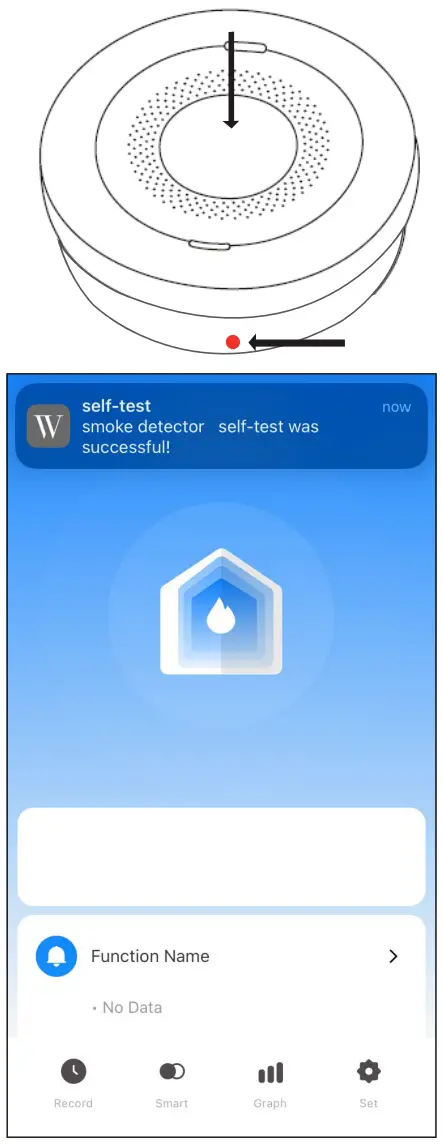
Ways to silence the alarm:
- Click the mute button on the APP.
- Press the TEST/HUSH button for a 2 seconds.
Installation
Test the alarm by pressing the button at the top of the smoke detector. The alarm is loud so test with caution.
- Preparation
Determine how many alarms you need and where is best to install them. - Installation
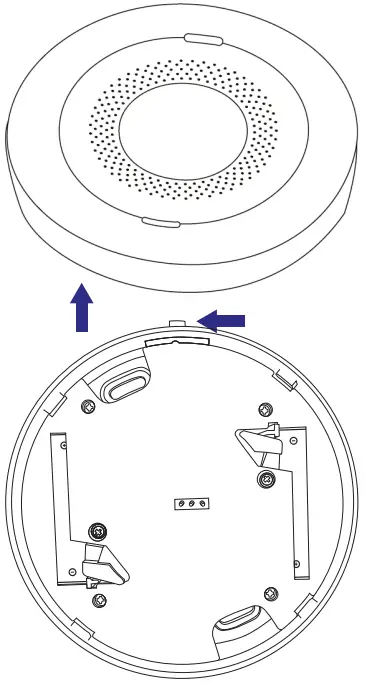
Disconnect the alarm module from the base module by twisting the base module counterclockwise.
Note: The smoke detector will power on automatically after the alarm module is attached to the Wi-Fi module.
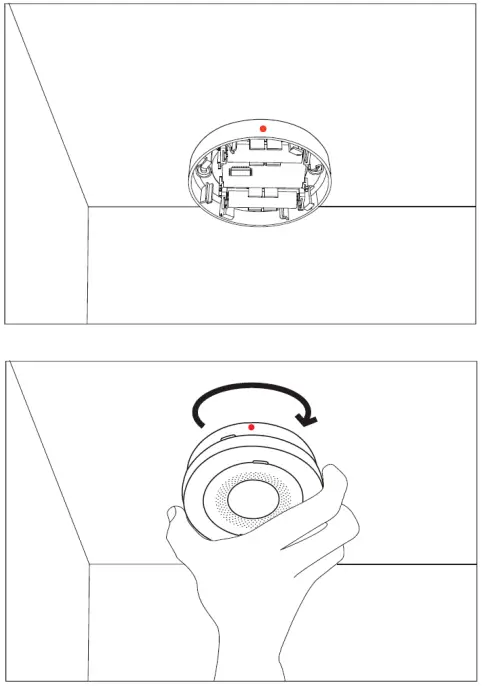
After installing the alarm, attach the alarm module back on the WiFi module. Turn until you feel a click to ensure the Alarm Module is secured in place.
Where To Install Smoke Detectors
It is recommended to have at least one smoke alarm per room, per floor.
As a minimum, smoke alarms should always be located between sleeping areas and potential sources of fire, like kitchens, living rooms, and garages.
Additional alarms should be placed in sleeping areas.
For best protection, smoke alarms should be installed in every room in your home, apart from those listed in section 4.
Where to NOT Install Smoke Detectors
- In windy areas, such as near fans, air conditioners, or open windows.
- In high humidity areas like bathrooms.
- At the top of an “A” frame ceiling. “Dead air” at the top may prevent smoke from reaching the alarm in time to provide an early warning.
- Less than 12 in from the wall when mounted on the ceiling.
- In insect-infested areas, tiny insects may affect performance.
- In kitchens, boiler rooms, laundry rooms, or garages.
- In very dusty or dirty areas, dirt and dust can build up and impair performance.
- Within 12 in of a light fixture.
- In locations that would make routine testing or maintenance hazardous (e.g. over a stairwell).
- On poorly insulated walls or ceilings.
- Near objects such as ceiling decorations that might impede the path of smoke to the alarm.
- Within 5 ft of fluorescent light fixtures.
Testing, Maintenance, and Cleaning
Test each alarm at least once a week
Always protect your hearing when testing. Press the test button for two seconds. The alarm will sound a few short, loud beeps. Upon releasing the button, the sound will stop. The App will receive a test signal after ten seconds.
Reset the alarm
If the test does not function properly, reset the Wi-Fi base.
Repeat the steps above.
Replace or return the alarm if the test does not function properly after completing these steps.
Cleaning
Clean the smoke alarm at least once a month; gently vacuum the outside of the smoke alarm using your household vacuum’s soft brush accessory. Test the smoke alarm after cleaning. Never use water, cleaners, or solvents since they may damage the unit.
Function Description
Low voltage alarm: When the built-in battery voltage of the smoke detector is below 2.7V, the red indicator light flashes once every 50 seconds, accompanied by an alarm. The App will also show a warning in the status bar.
Smoke alarm fault: The LED of the smoke alarm flashes once every 8 seconds and is accompanied by a buzzer. The App status displays an alarm fault.
If the device operates normally, the red LED indicator flashes once every 55 seconds.
Wi-Fi Module Batteries: The battery life of the base batteries is 5 years. If the power indicator in the App shows low battery, you need to replace the batteries in the Wi-Fi module.
Batteries required: Make sure to use 2x CR14505 3 volt Lithium batteries on the base. If NO battery or installed batteries less than 6 volt, the detector will sound after attaching the WiFi base or indicate LOW battery.
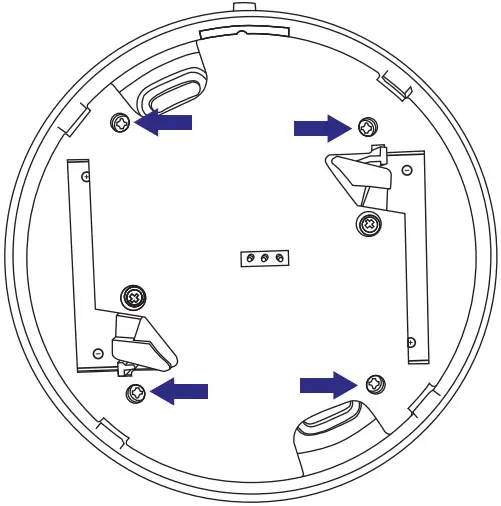
Remove the 4 screw and remove the back cover before replacing the batteries.
What to Do in Case of Fire
Immediately contact your local fire department.
Troubleshooting
Reset procedure: Unscrew the Wi-Fi module and press the reset button.
| PROBLEM | SOLUTION |
| Red LED flashes and the alarm sounds one beep every 50 seconds. | The alarm module battery has run out, replace the unit. |
| No response during App operation | Check that the network and the power suply are normal. |
| The App battery indicates red. | The Wi-Fi module battery is exhausted. Please replace the batteries. |
| The smoke alarm is being triggered when the residents are cooking or showering. | 1, clean the detector, refer to section 5 “Testing, maintenance and clearing”, 2, install the detector in another place, refer to section 3 “Installation Location”. |
| The detector sound as soon as attaching with the Wi-Fi base. | Check if the batteries are correctly installed on the base and the insulation sheets are removed. |
| The alarm module sound when holding the smoke alarm. | Do not touch the metal sheet found at the backside of the alarm mold. |
Get More Support
Scan the QR code below or email us at [email protected]

www.wasserstein-home.com
Made in China
 Fairway Independent Mortgage Corporation
 Thoughtful Smart Home Products — Wasserstein Home