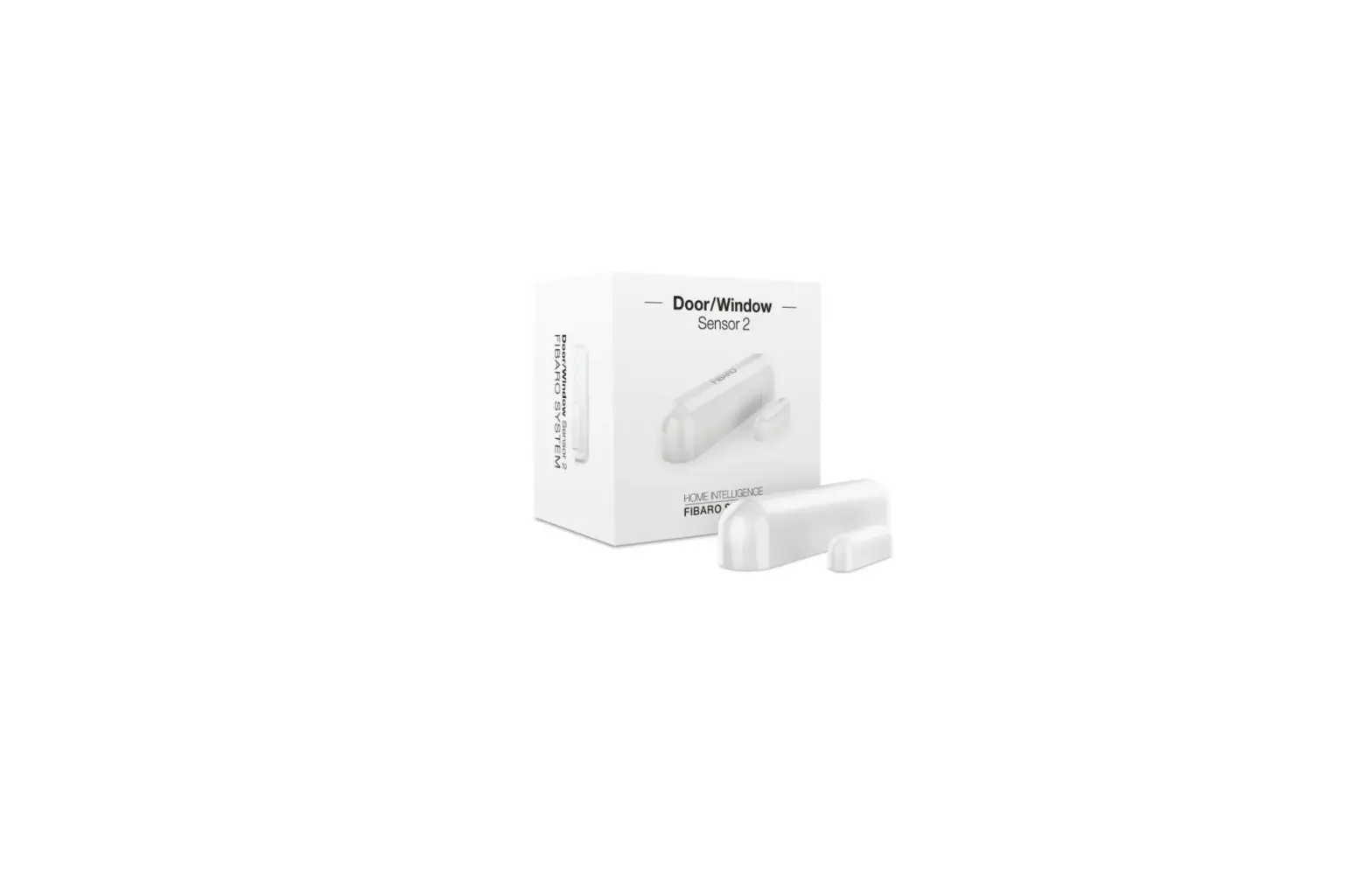
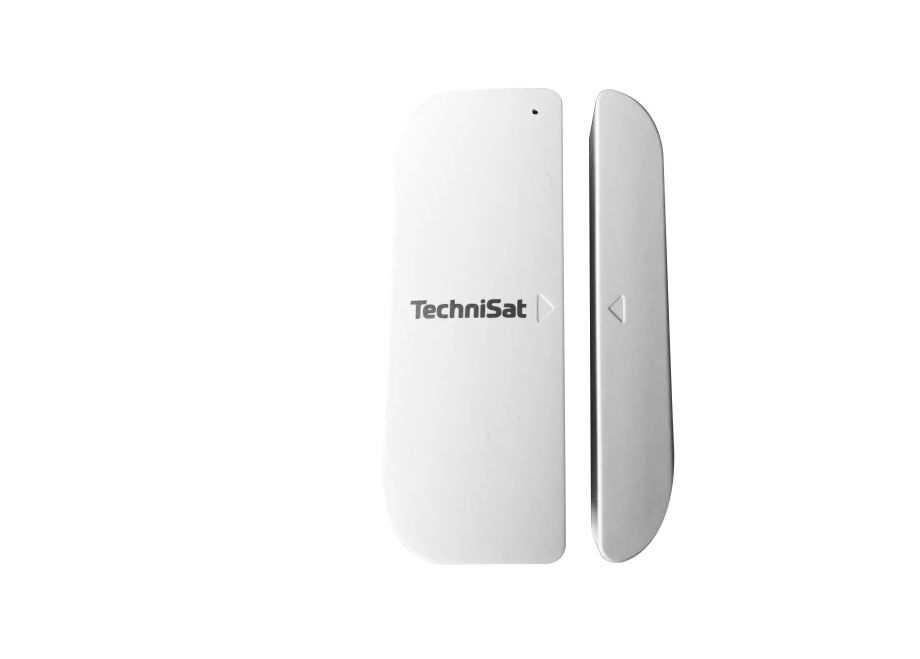
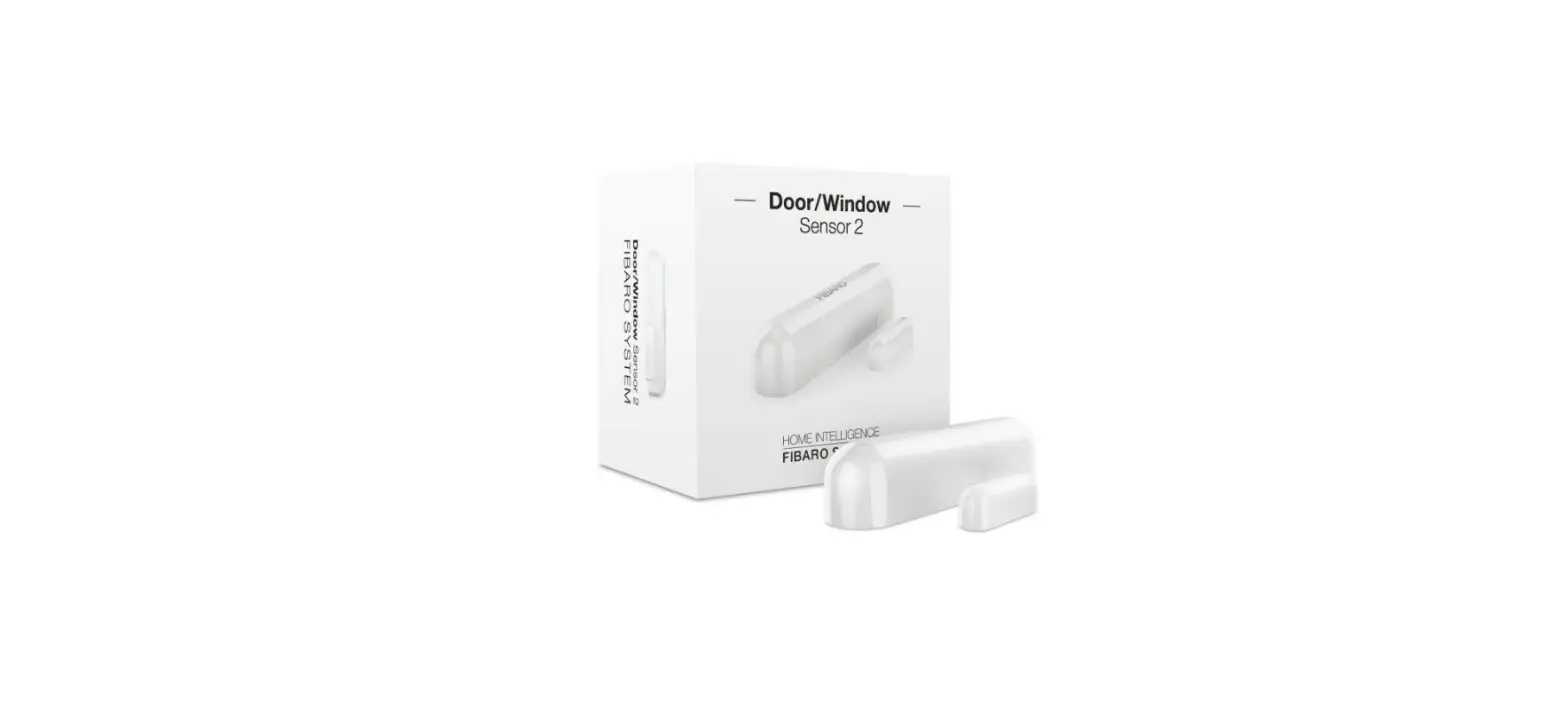
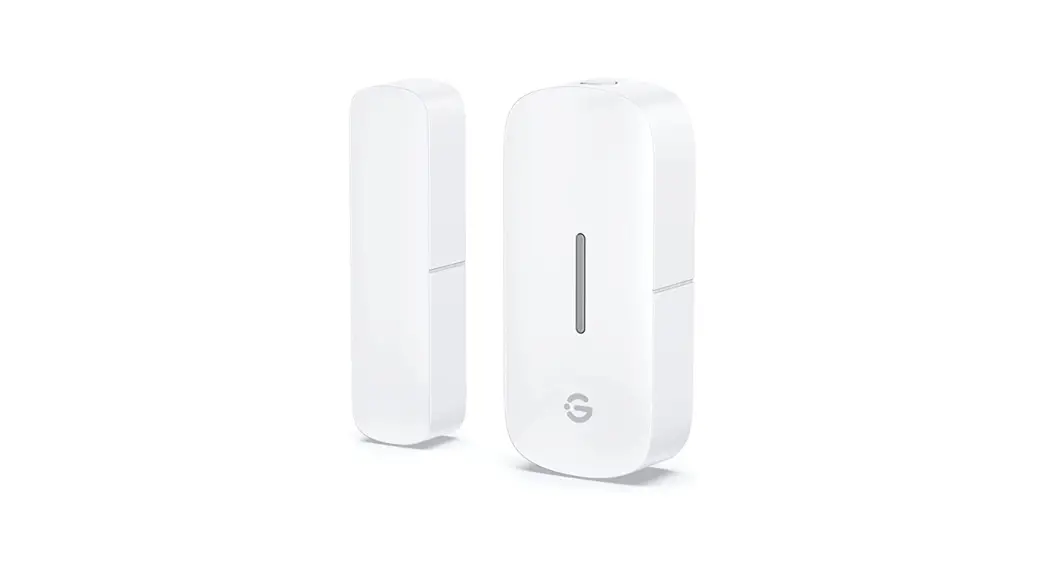
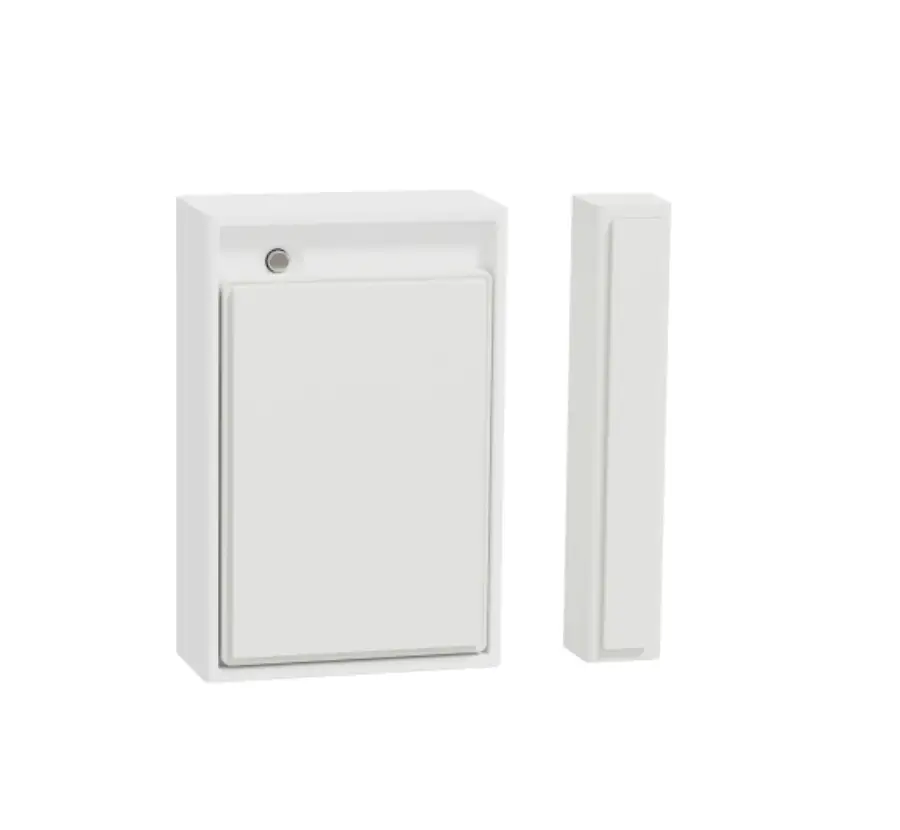
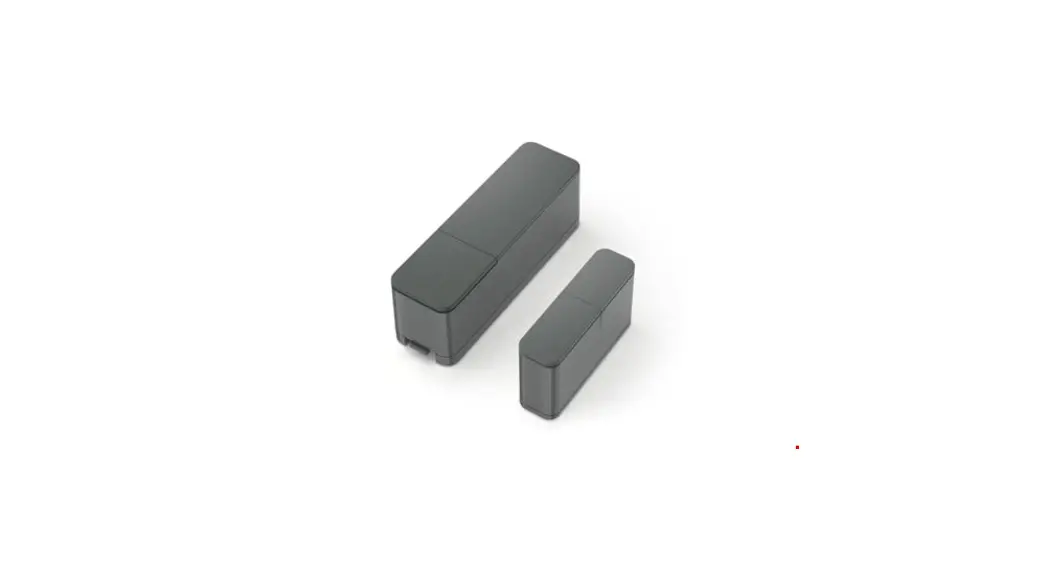
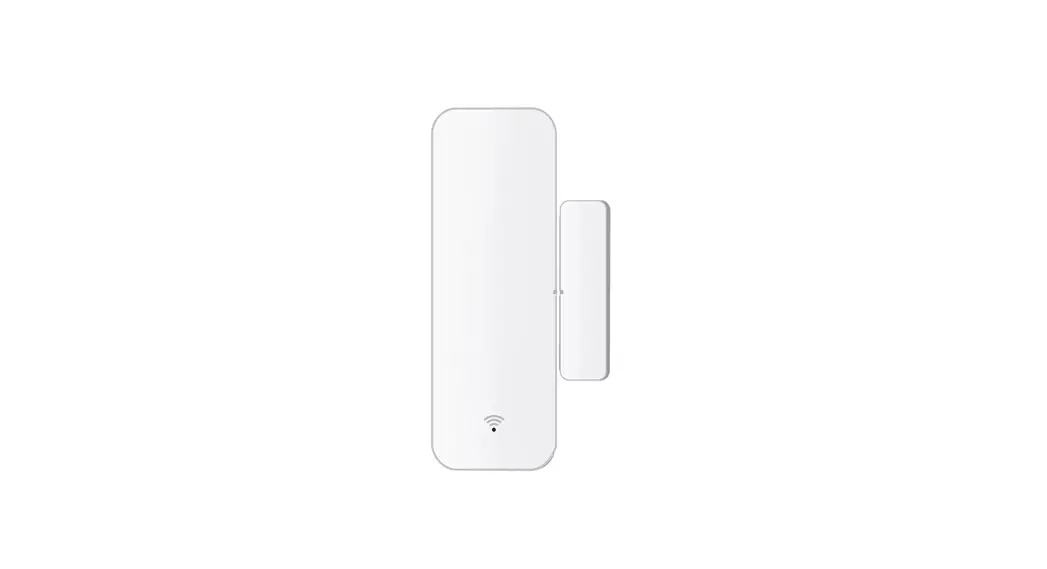
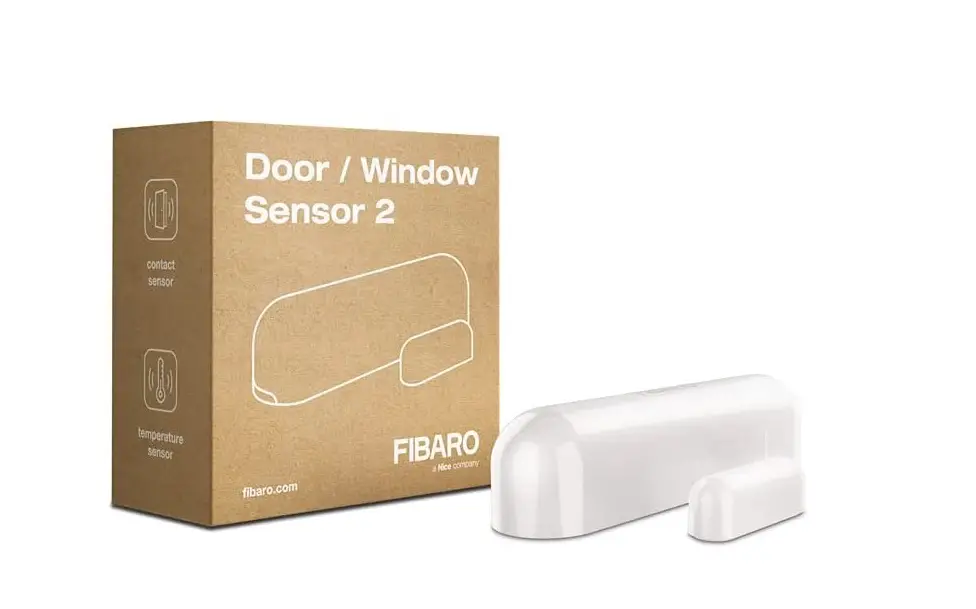
UT-11 Universal Transmitter Door Window Sensor
Product Information
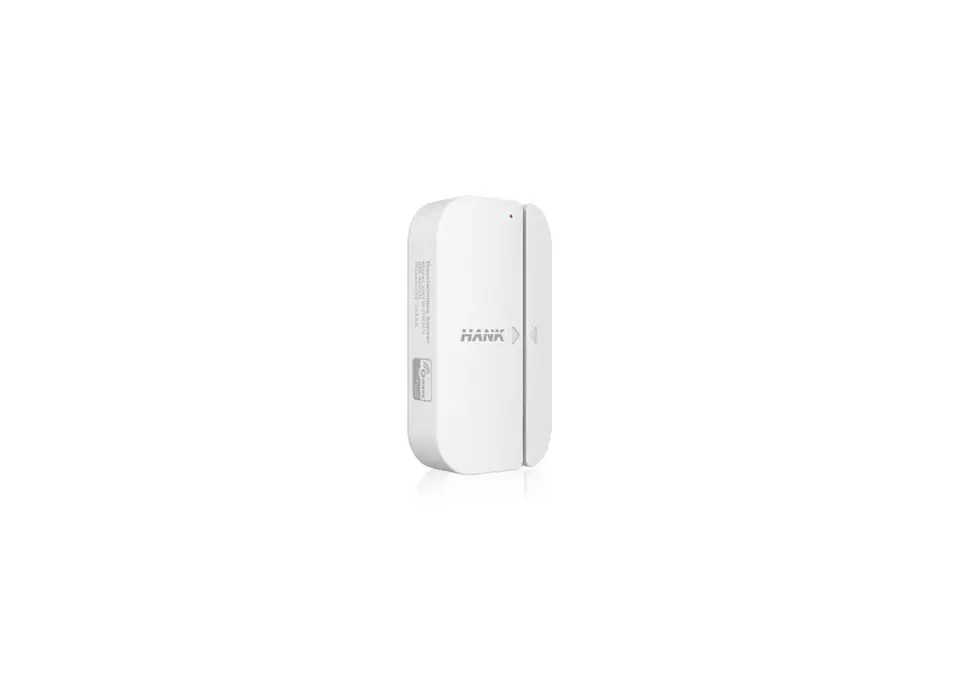
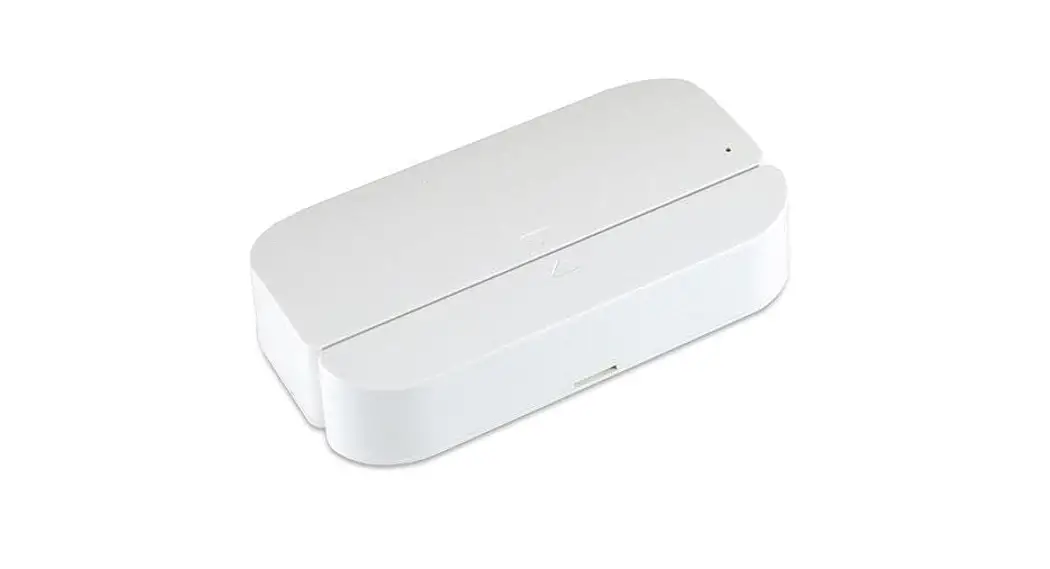
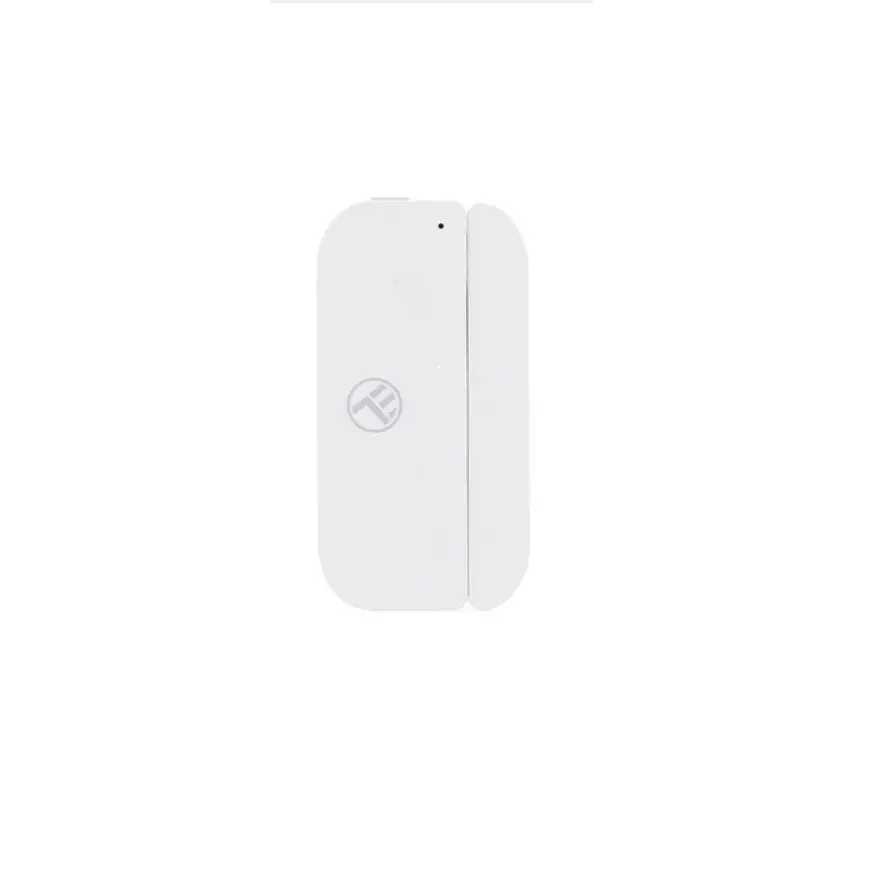
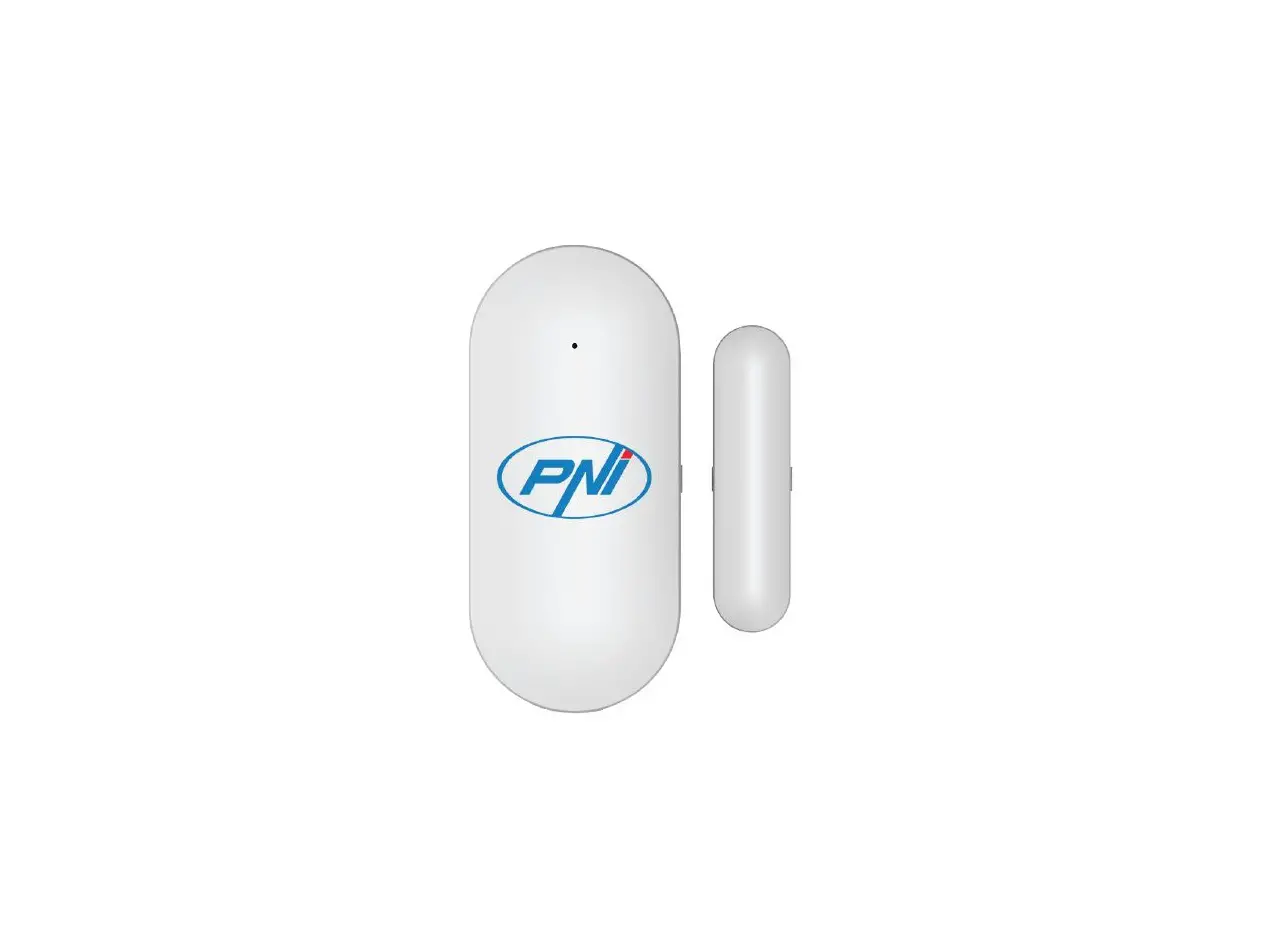
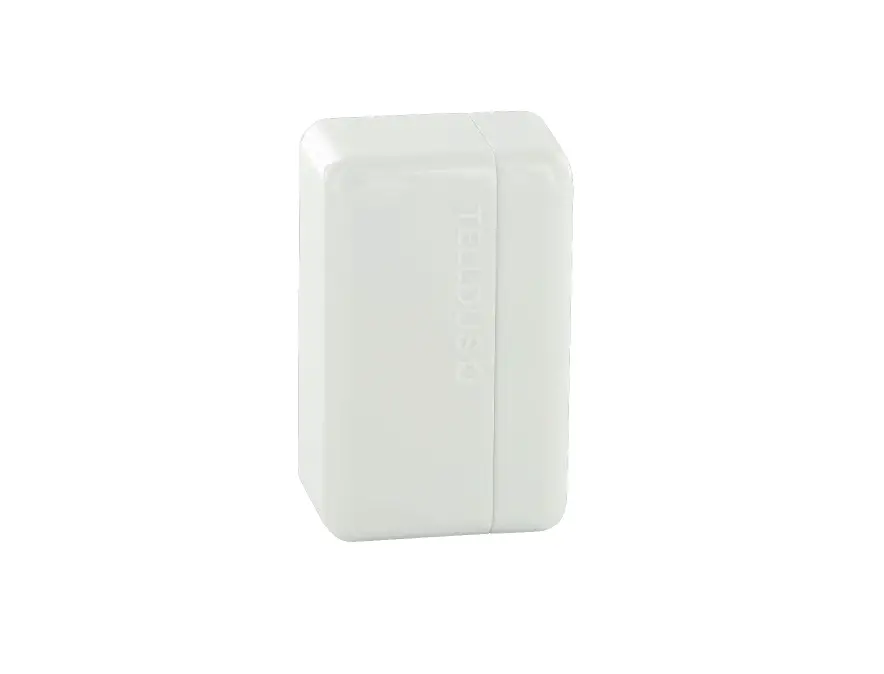
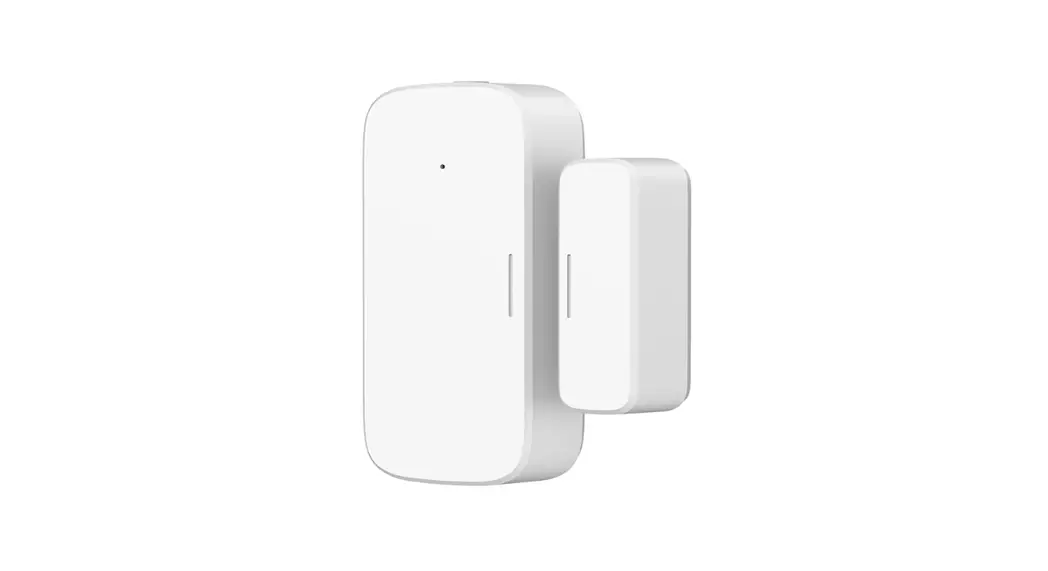
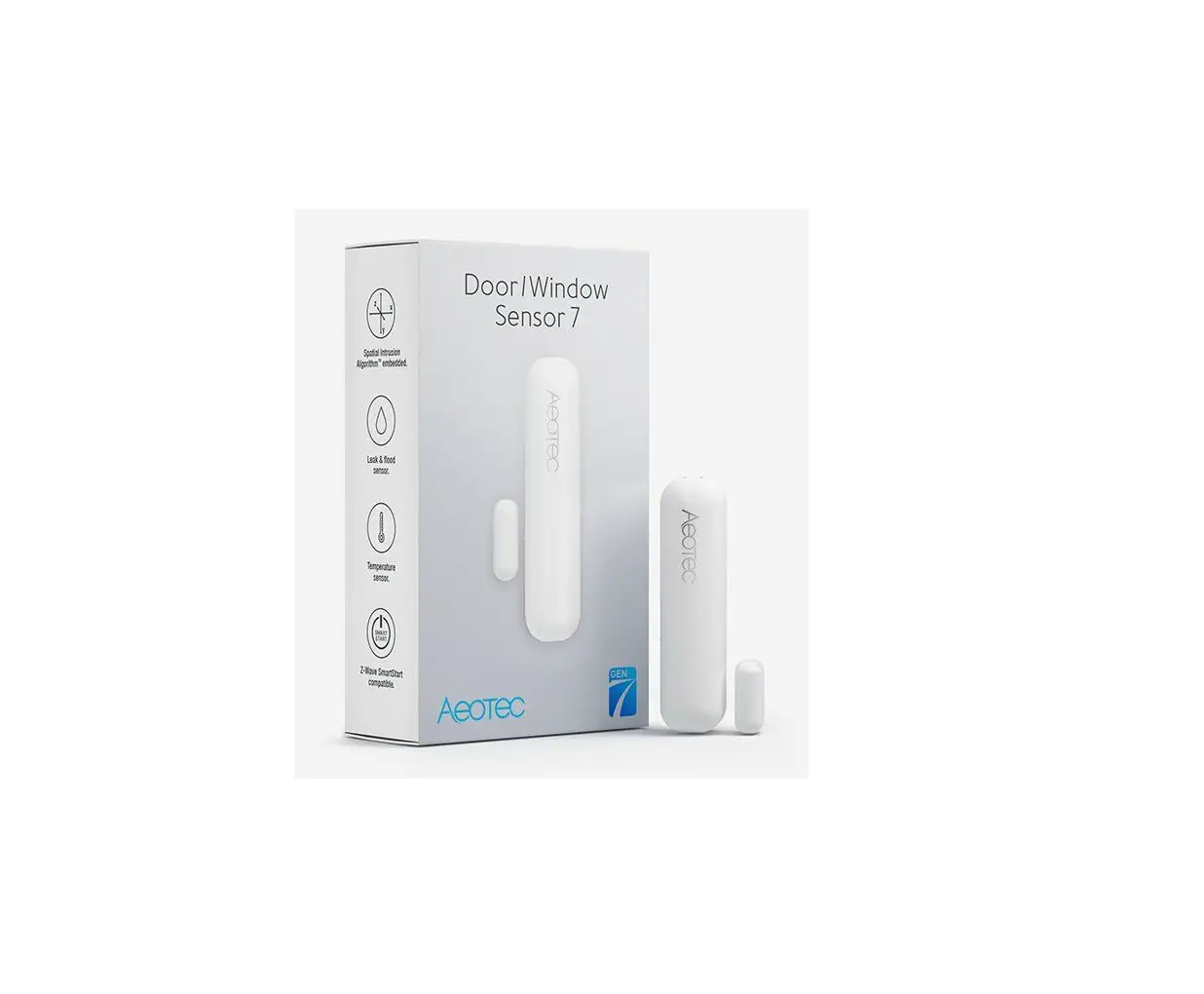
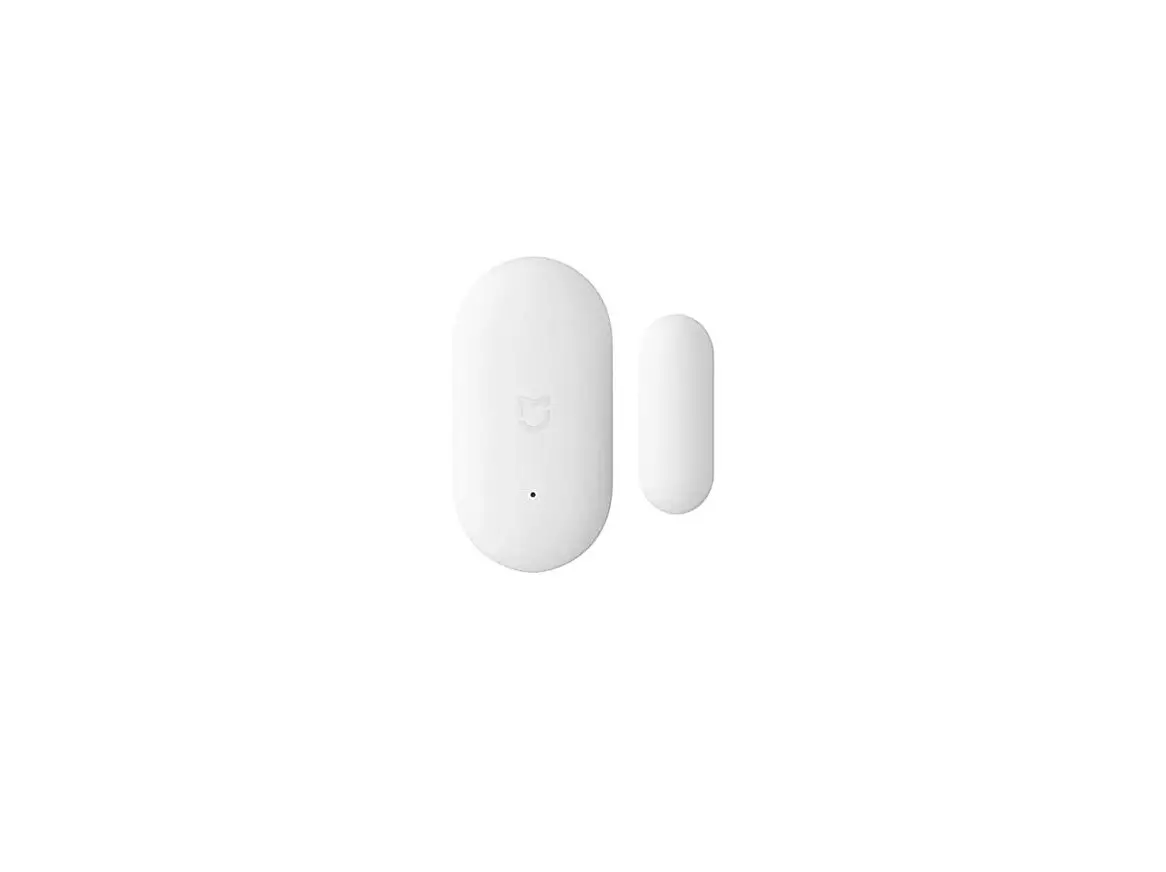
The Rondish Company Limited Universal Transmitter is a
door/window sensor that uses a magnetic switch to monitor whether a
door or window is open or closed. It has a red/green LED, a reset
button, and a cable exit for external device connection. The
transmitter has various settings including area code, latch, NC/NO
control, tracking, and door settings. The transmitter can be
mounted on a door frame using double-sided tape or screws with the
magnetic switch mounted on the door. The gap between the
transmitter and magnetic switch should be less than 7mm when the
door or window is closed. The Universal Transmitter is manufactured
by Rondish Company Limited in Hong Kong.
Product Usage
- Open UT-11 housing by removing the bottom cover to access the
power switch, external device connector, and settings dip
switch. - Select settings by choosing the appropriate options for area
code, latch, NC/NO control, tracking, and door settings. The
default settings are in bold. - Connect external device (if needed) by removing the cable exit
plastic cover for cable connection. - Turn the transmitter on by moving the On/Off switch to the ON
position (left). The red LED on top of the housing will be on for
approximately 2 seconds. - Close housing by ensuring that the bottom cover is closed. The
Universal Transmitter will be in standby mode until the bottom
cover is closed. - Pair with alarm by putting the external alarm into pairing mode
and opening and closing the magnetic switch to enter the UT-11 into
memory. Observe the alarm to confirm that the pairing process was
successful. - Mount the transmitter on the door frame using double-sided tape
or screws with the magnetic switch mounted on the door. The gap
between the transmitter and magnetic switch should be less than 7mm
when the door or window is closed. The Door setting must be enabled
to allow the door/window detection. - Operate the alarm trigger by setting Door to ON for door/window
opening detection or setting NC/NO selection to NC for circuit
opening detection. The UT-11 will alarm when the circuit
opens/closes or housing is opened. The alarm will reset based on
the Latch and Reset settings. - Use the bypass function by pressing Reset with no alarm on to
allow 15 seconds to exit the door without sending an alarm
signal.
Behavior Chart
| Call Triggered | Call Reset | Alarm Bypass | Tamper Alert | Low Battery |
|---|---|---|---|---|
| Red LED stays for 5s | Green LED flashes 3x | Green LED flashes for 15s | Red LED stays for 5s | Red LED blinks once every 5s |
Rondish Company Limited
Universal Transmitter
Door/Window Sensor
User Magnetic Switch
Door Magnetic Switch
(U.M.S)
Red/Green LED
Cable Exit
Reset Button
Setup
www.rondish.com
Step 1: Open UT-11 housing – The bottom cover can be opened for the access
the power switch, external device connector, and settings dip switch.
External device terminal connector
On/Off switch
Settings dip switch
UMS
Step 2: Select settings (defaults in bold)
FCCID: WNG-UT-11
Manufactured by Rondish Company Limited Unit G&H, 4/F, Block 1, Kwai Tak Ind. Ctr., 15-33 Kwai Tak Street, Kwai Chung, N.T. Hong Kong
– Area code: allows alarms to be filtered on a
central monitor; ranges between 0-7 depending
on switch positions of 1-3:
0 Off, Off, Off
4 On, Off, Off
1 Off, Off, On
5 On, Off, On
2 Off, On, Off
6 On, On, Off
3 Off, On, On
7 On, On, On
– Latch: when OFF the UT-11 will transmit reset as soon as it closes. When ON it transmits a reset
only when the Reset Button is pressed, or magnetic fob (Reset Key) is applied to the UMS.
– NC/NO: controls whether the UT-11 accepts a connected a Normally Closed or Normally Open device. Door setting should be OFF if used.
– Tracking: when enabled the UT-11 sends a heartbeat every 20 mins. (out of range detection)
– Door: when enabled the UT-11 will monitor whether the provided magnetic sensor switch is open or closed. Turn this OFF if you will connect an external device.
– Reset: when ON the Reset button is enabled. When OFF you must touch a magnetic fob to the UMS to send a reset signal
Step 3: Connect external device (if needed) – Remove the cable exit plastic cover for the cable
connection.
Step 4: Turn transmitter on – Move the On/Off switch to the ON position (left).
The red LED on top housing will be on for ~2s
Step 5: Close Housing – When the bottom cover is opened, the universal
transmitter is in standby mode. The bottom cover must be closed to start its operation
Step 6: Pair with Alarm – First put the external alarm into its pairing mode,
then close and open the magnetic switch to enter the UT-11 into memory. Observe the alarm to confirm the pairing process was successful.
Step 7: Mounting – Use the double-sided tape or screws to fix the UT-
11 on the door frame and the magnetic switch on the door. The gap should be < 7mm when the door/window is closed. The Door setting must be enabled to allow the door/window detection.
Operation
Alarm trigger – When Door = ON, the UT-11 will alarm when the
door or window opens – When Door = OFF and NC/NO selection is set to
NC, the UT-11 will alarm when the circuit opens – When Door = OFF and NC/NO selection is set to
NO, the UT-11 will alarm when the circuit closes – The UT-11 will alarm if the housing is opened
Alarm reset – When Latch = OFF, the alarm will reset when the
door/window closes
– When Latched = ON, the alarm will reset by pressing the Reset button or using a fob on HES
– When Reset = OFF, the alarm will reset only by touching a fob to the HES
Bypass function If Reset is pressed with no alarm on, it allows 15 seconds to exit the door without sending an alarm signal.
Behavior Chart
Call Triggered Call Reset Alarm Bypass Tamper alert Low Battery
Red LED stays for 5s Green LED flashes 3x Green LED flashes for 15s Red LED stays for 5s Red LED blinks once every 5s
Specifications
Battery Frequency Range Tracking Size Weight
1 x CR2477 lithium 433.92MHz 70m 30min 80 x 41 x 19mm 50g
Compatibility
Room Indicators Call Systems Pagers
Bed Monitors
Accessories
ILB-21 Over-Door Light
ZP-01(S) Network Repeater PAG-11 Caregiver Alert Pager PAG-31 Economy Pager NGM-21 CordFree Monitor NGM-41 Economy Cordless CR2477 Lithium coin battery
CK-01 Caregiver Key magnet
WARNING: Risk of explosion if battery is replaced by an incorrect type. Replace only with the same or equivalent type.
CAUTION: Lithium batteries cannot be disposed of with normal household waste. For disposal or recycling instructions please contact your local authorities.
Warnings.
Test regularly to ensure alarms are working properly.
This product uses radio frequency signals, which can be affected by building layout and construction materials. The manufacturer cannot guarantee the wireless range you get will match the estimates provided. You should test that there are no “dead areas” in your facility where alarms cannot be received.
FCC & CE Compliance
This device complies with part 15 of the FCC Rules. Operation is subject to the following two conditions: (1) This device may not cause harmful interference, and (2) this device must accept any interference received, including interference that may cause undesired operation.
Notes:
Any changes or modifications not expressly approved by the party responsible for compliance could void your authority to operate the equipment.
This equipment has been tested and found to comply with the limits for a Class B digital device, pursuant to part 15 of the FCC Rules. These limits are designed to provide reasonable protection against harmful interference in a residential installation. This equipment generates, uses, and can radiate radio frequency energy and, if not installed and used in accordance with the instructions, may cause harmful interference to radio communications. However, there is no guarantee that interference will not occur in a particular installation. If this equipment does cause harmful interference to radio or television reception, which can be determined by turning the equipment off and on, the user is encouraged to try to correct the interference by one or more of the following measures:
· Reorient or relocate the receiving antenna.
· Increase the separation between the equipment and receiver.
· Connect the equipment into an outlet on a circuit different from that to which the receiver is connected.
· Consult the dealer or an experienced RF technician for help.
This product contains a coin / button cell battery. If the coin / button cell battery is swallowed, it can cause severe internal burns in just 2 hours and can lead to death. Keep new and used batteries away from children. If the battery compartment does not close securely, stop using the product and keep it away from children. If you think batteries might have been swallowed or place inside any part of the body, seek immediate medical attention.
RF exposure statements
This equipment complies with FCC radiation exposure requirement set forth for an uncontrolled environment. End users must follow the specific operating instructions for satisfying RF exposure compliance.
EU declarationof conformity
RondishCo. Ltdherebydeclaresthatthedeviceisincompliancewiththe essential requirements and other relevant provisions of directives 2014/53/EU, 2014/35/EU& 2014/30/EU.
Operate FrequencyBands : 433.92MHz
Max. output power: 10mW
 Fall Prevention | Wander Management | Nurse Call | Rondish | Hong Kong