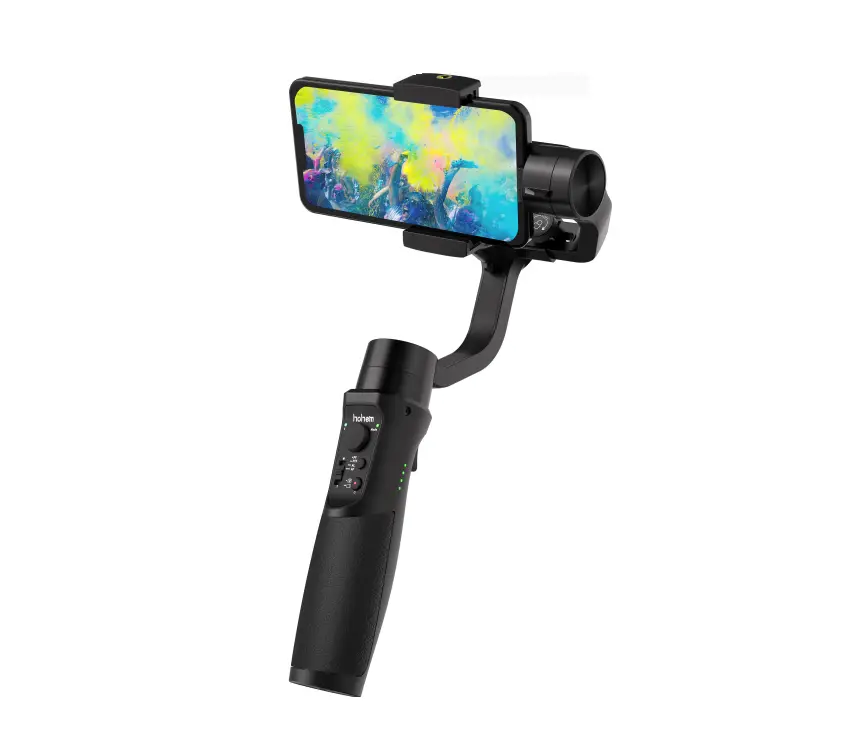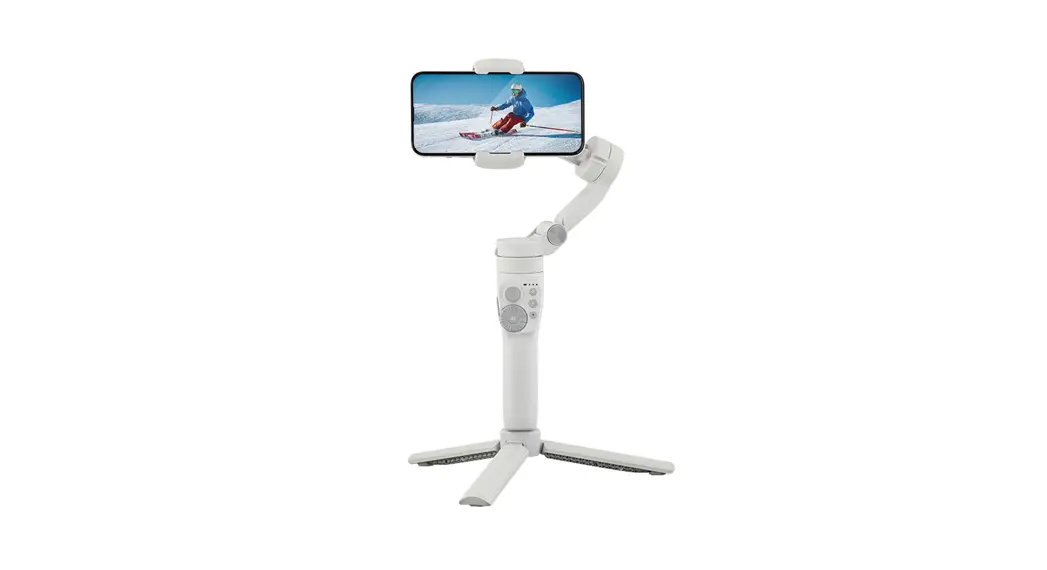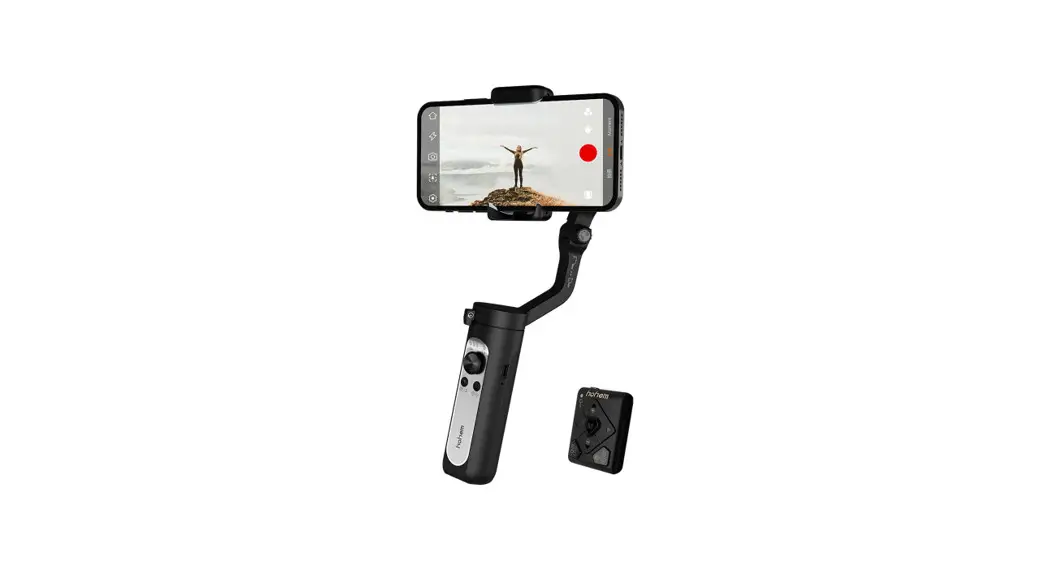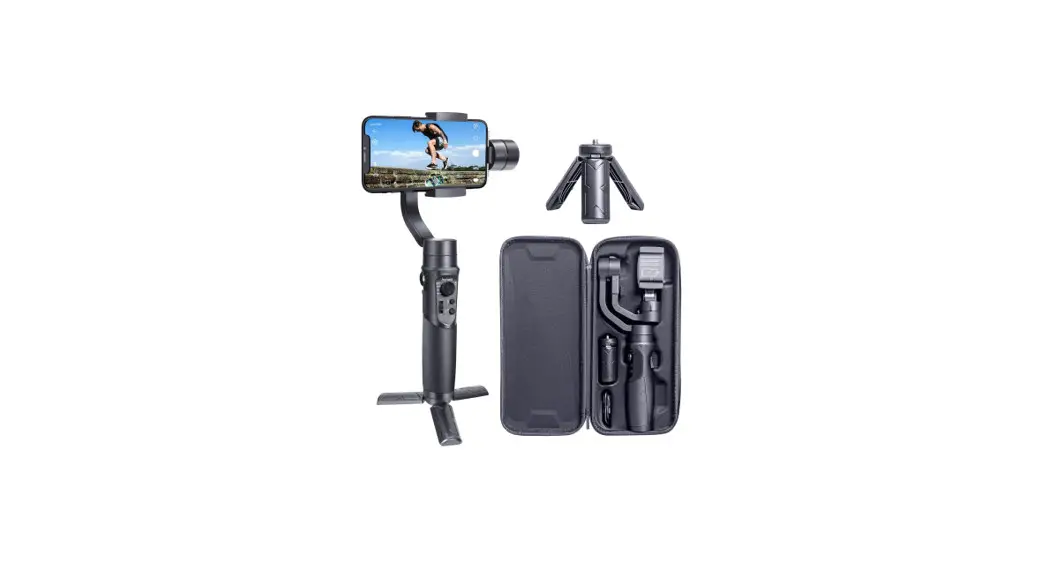
 iSteady Mobile Plus 3-Axis Handheld
User Guide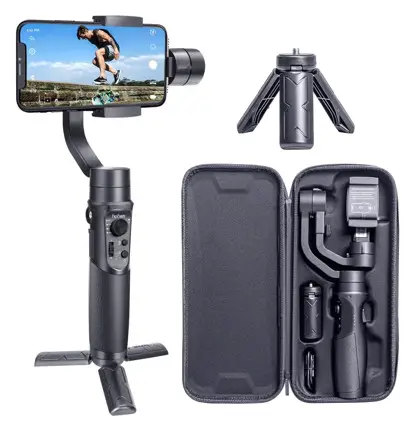

Download the app for your gimbal
 http://www.gimbalengine.com:8080/index.php/hohem-joy-us/
iSteady Mobile Plus 3-Axis Handheld Gimbal
 Do not turn on the gimbal without roughly balanced and smartphone mounted on! Highly recommended to remove the phone case before mounting your phone.
- Pull the phone clamp and mount the phone

- Push the phone to the rightmost to close to the motor

- Loosen the knob, and slide the arm to balance the gimbal

- Tighten the knob

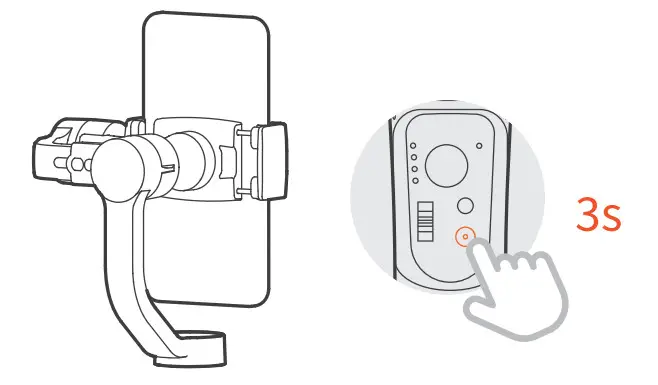
- Long press the power button to power on

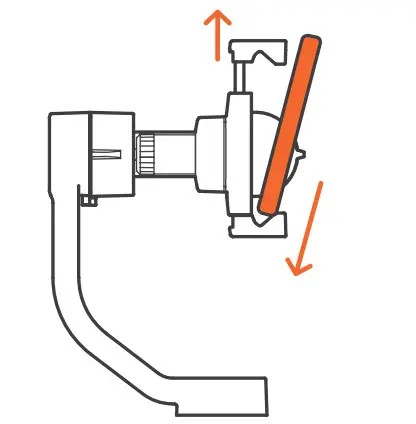
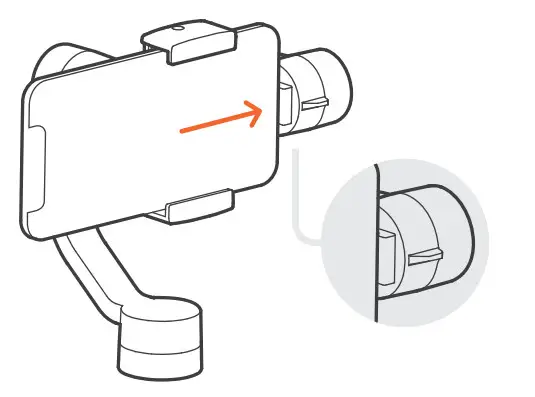
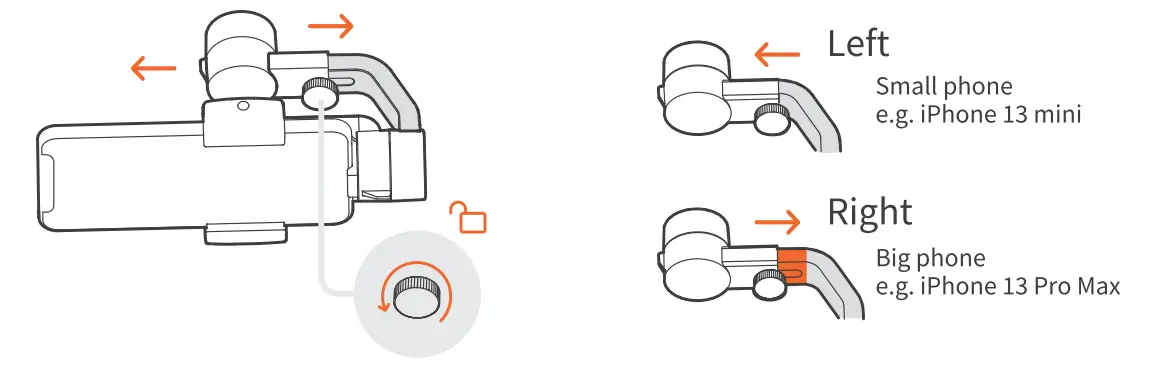
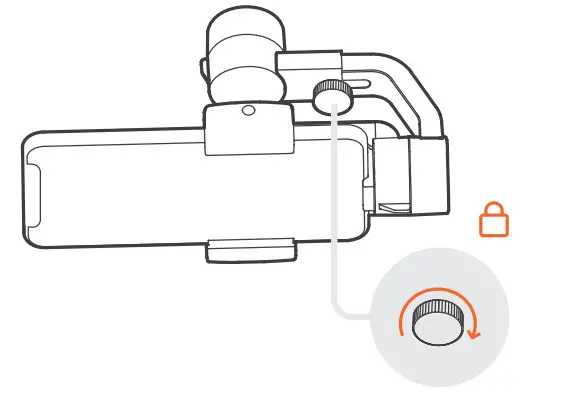
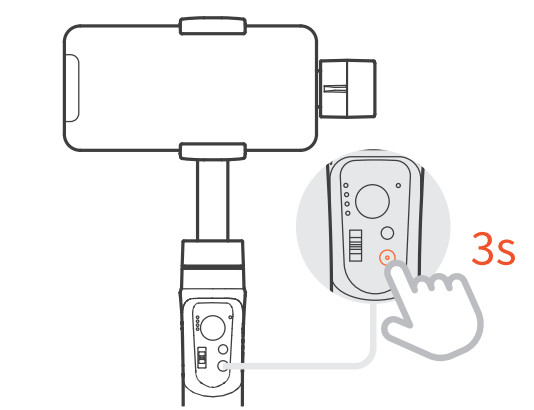
* For smartphone with screen size bigger than 6.7 inches (e.g. iPhone 13 Pro Max), iSteady Mobile+ can work well even without a perfect balancing before powering on.
- Loosen the knob, slide the arm to the leftmost and tighten the knob.

- Rotate the phone clamp 90 degrees

- Pull the phone clamp and mount the phone

- Make the phone roughly balance, and long press the power button to power on.

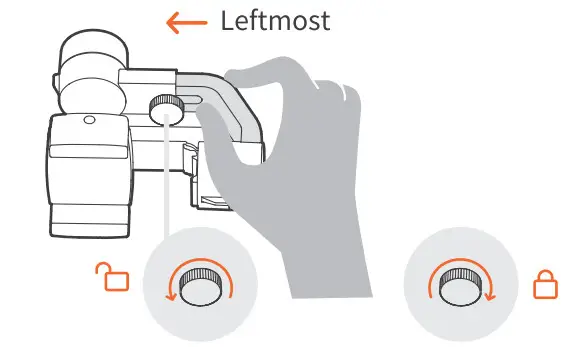
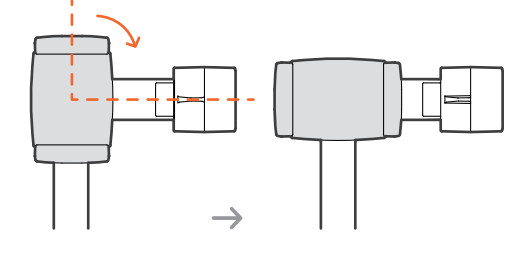
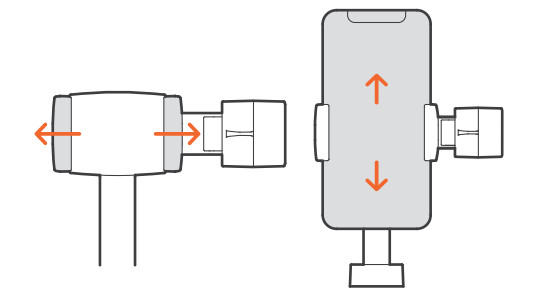
Quick Switch to Landscape Mode
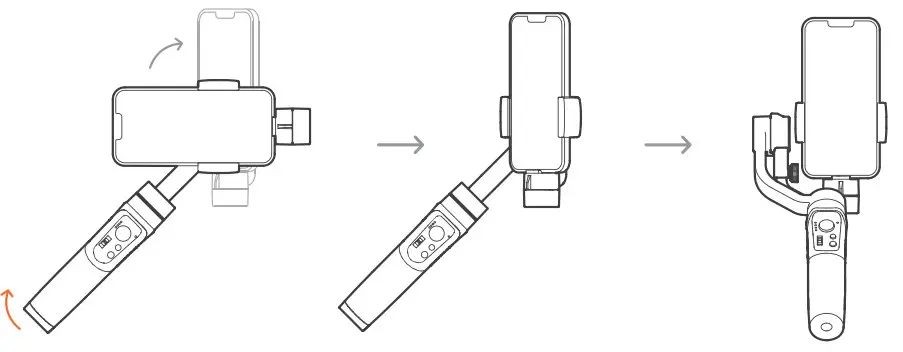
Rotate the handle to automatically switch to landscape mode
Connect us on Facebook
 http://facebook.gimbalengine.com
CALL CENTER (Toll Free)a
| UNITED STATES: Mon-Fri: | 1(888)9658512 9:00AM-5:00PM(EST) A32 |
| UNITED KINGDOM: Mon-Fri: | 44(0)808 2737578 2:00PM-10:00PM(GMT +0) |
| CANADA: Mon-Fri: | 1(855)758-8939 9:00AM-5:00PM(EST) |
| BRAZIL: Mon-Fri: | 55 (0)800 5911897 10:00AM-6:00PM(GMT -3) |
For more tutorial videos please scan YouTube QR code.
 https://www.youtube.com/watch?v=ogulWprKYJ0&list=PLHjdTJ71tqysFMG__NMuNqV7feEspwjhx