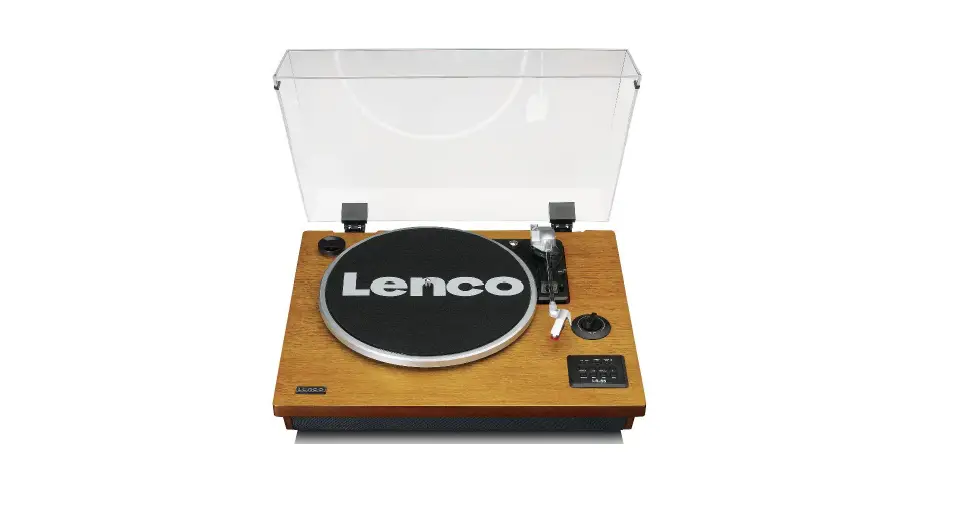
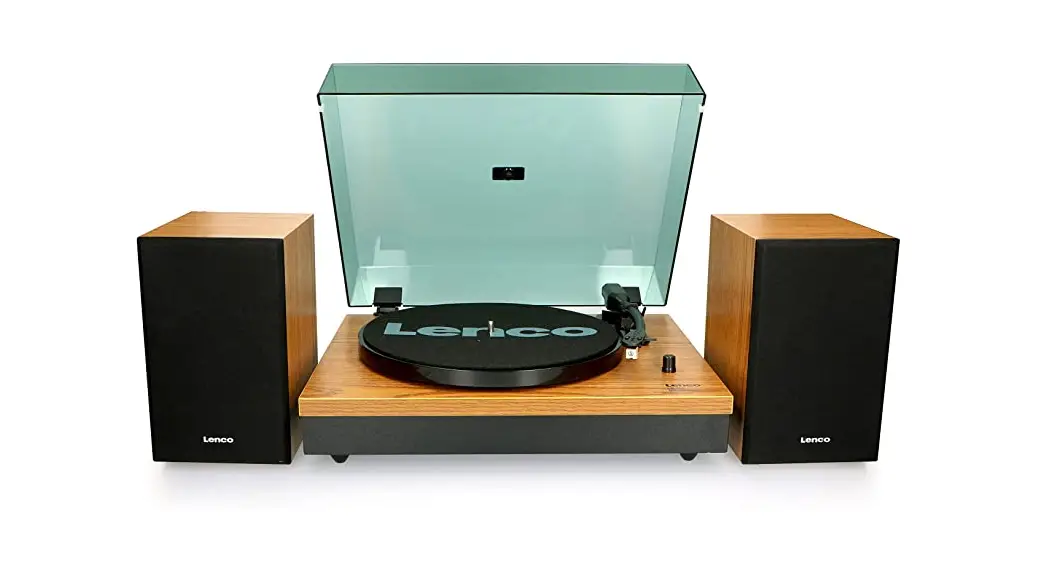
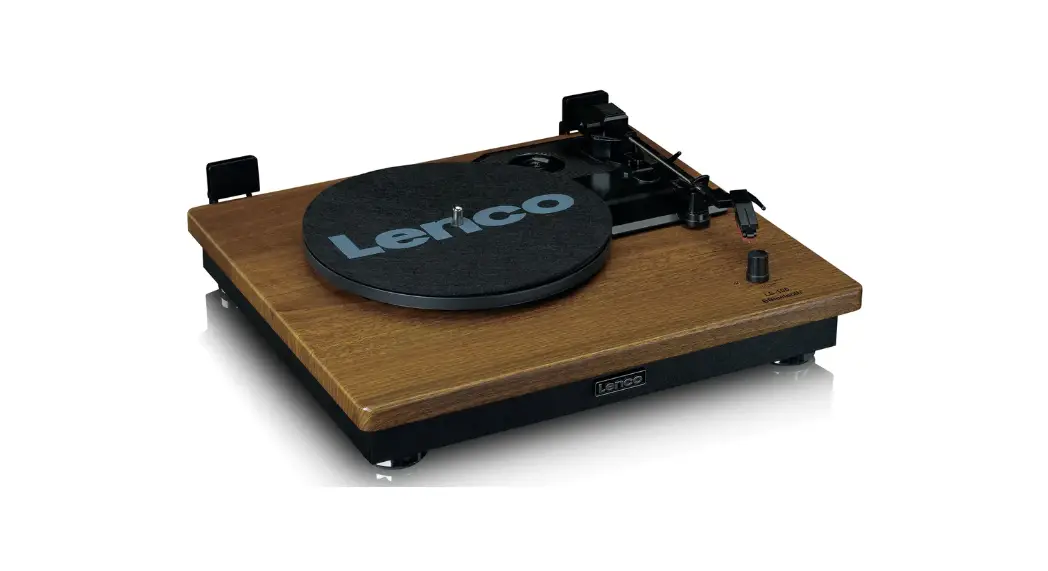
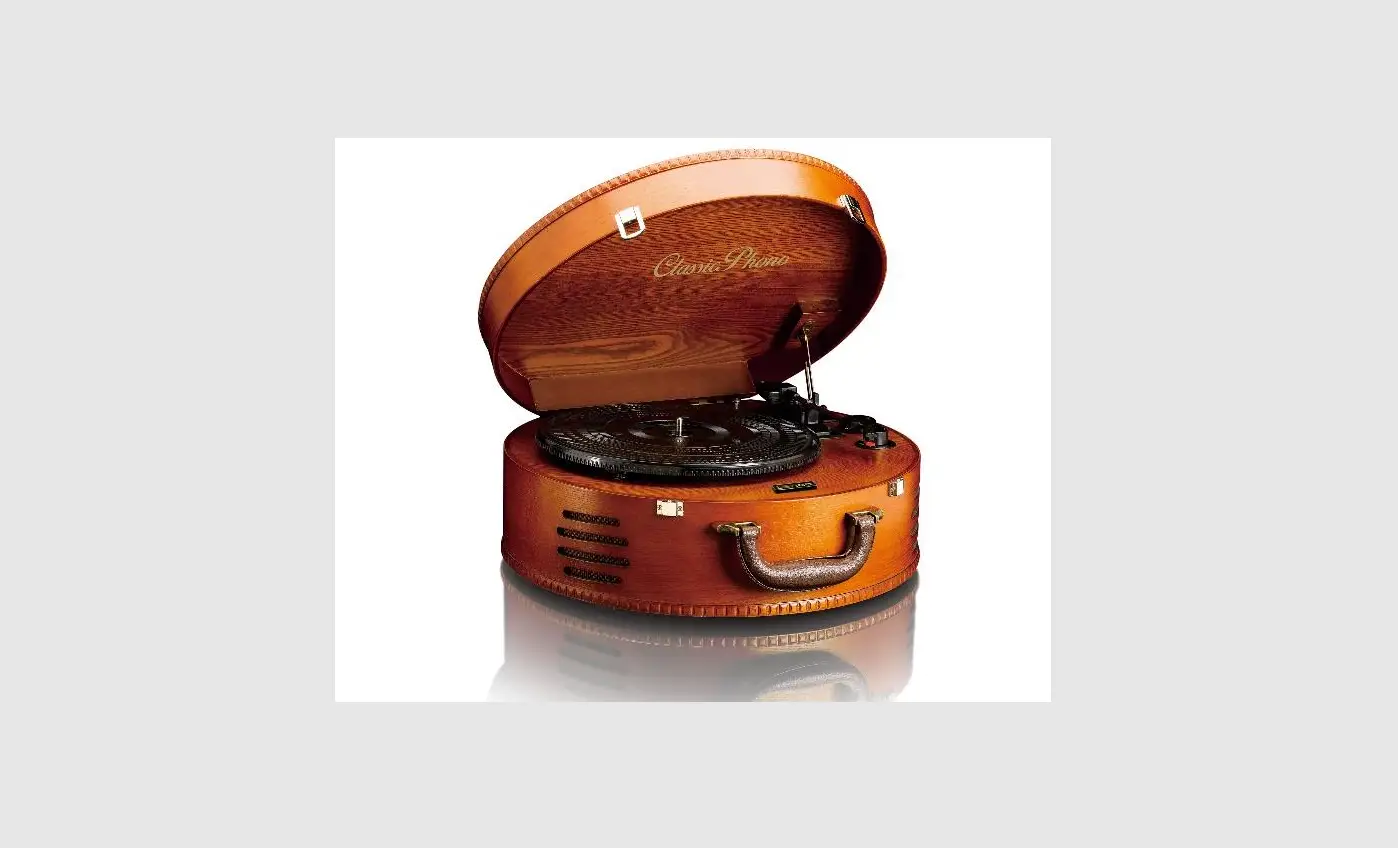
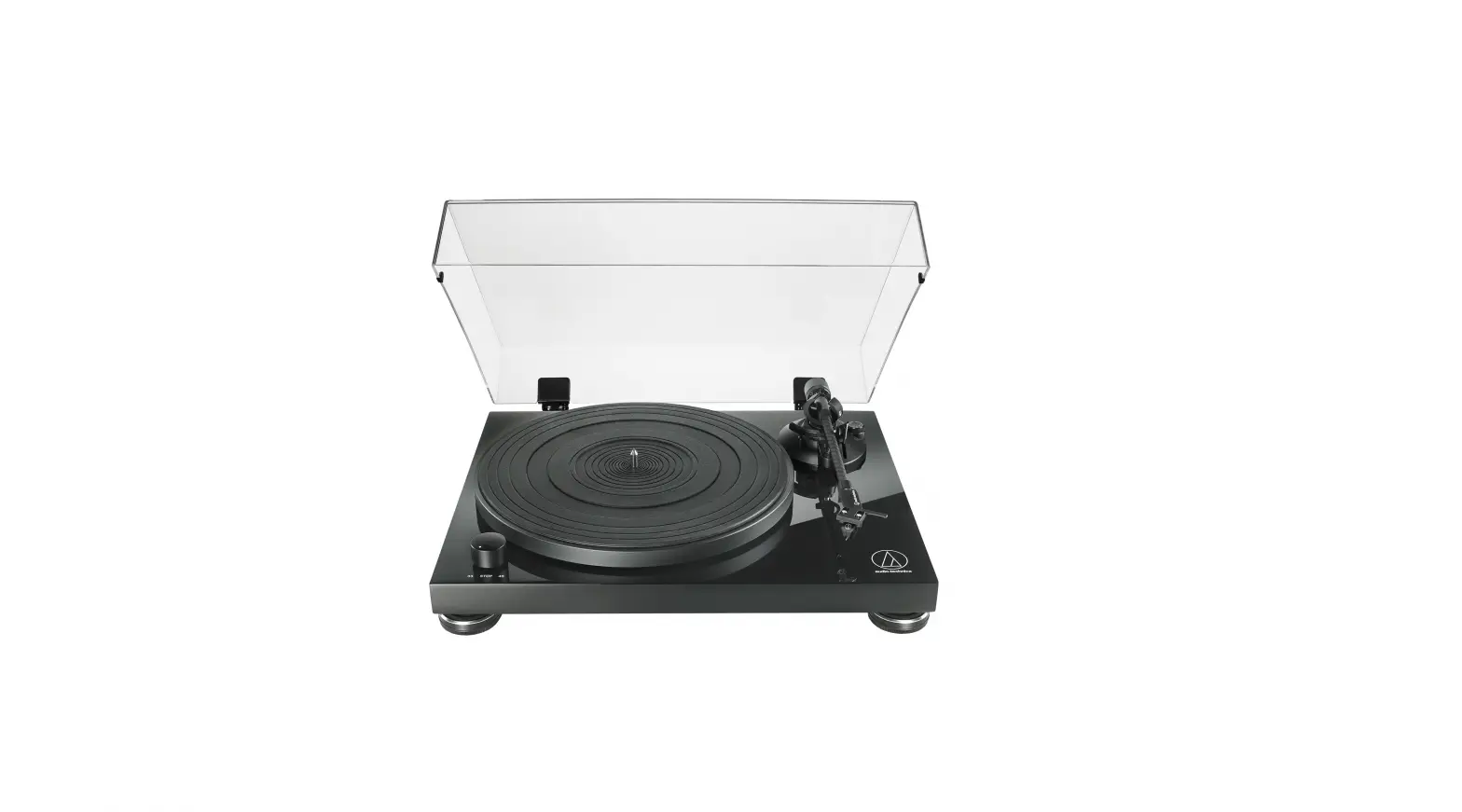
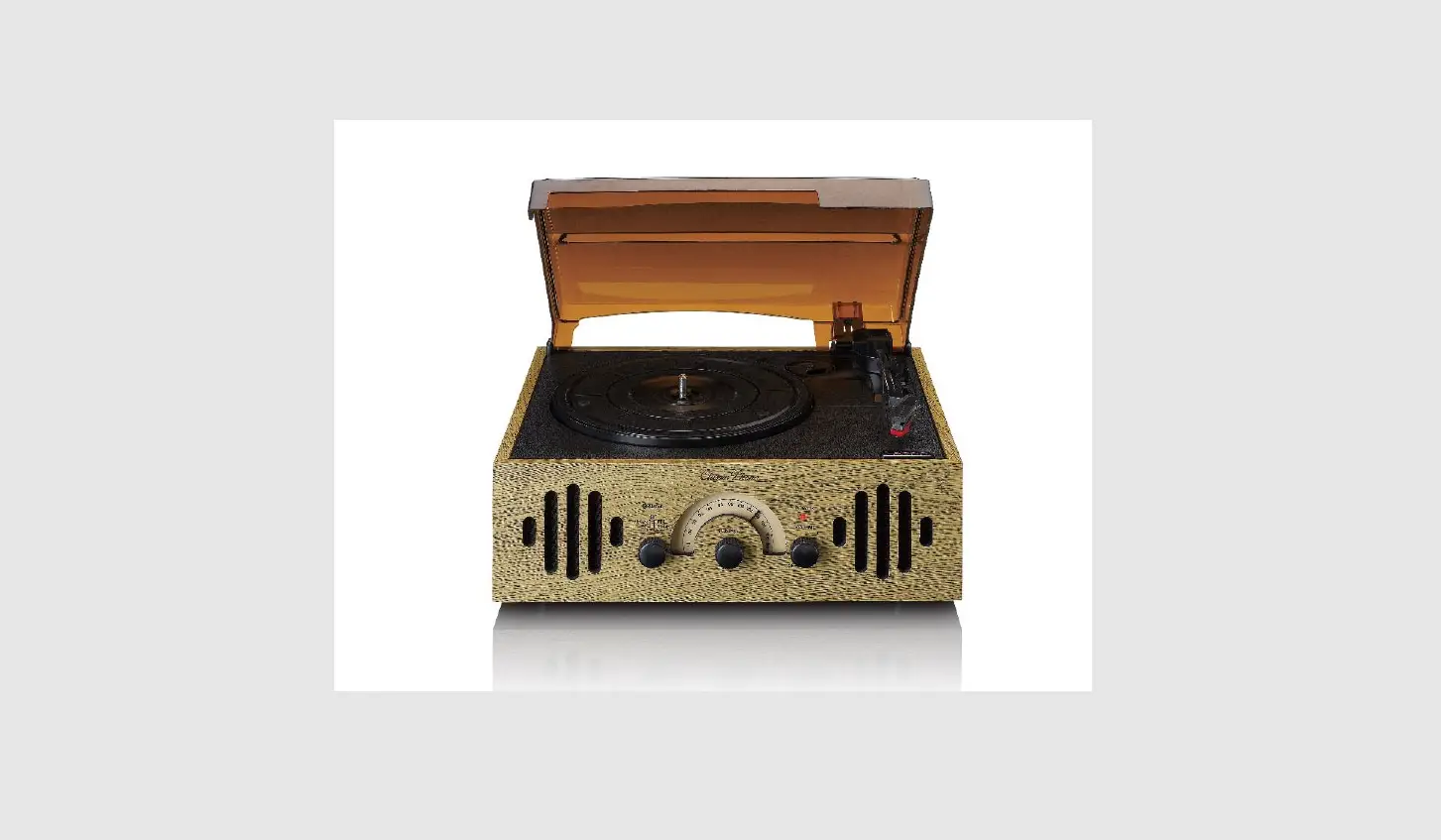
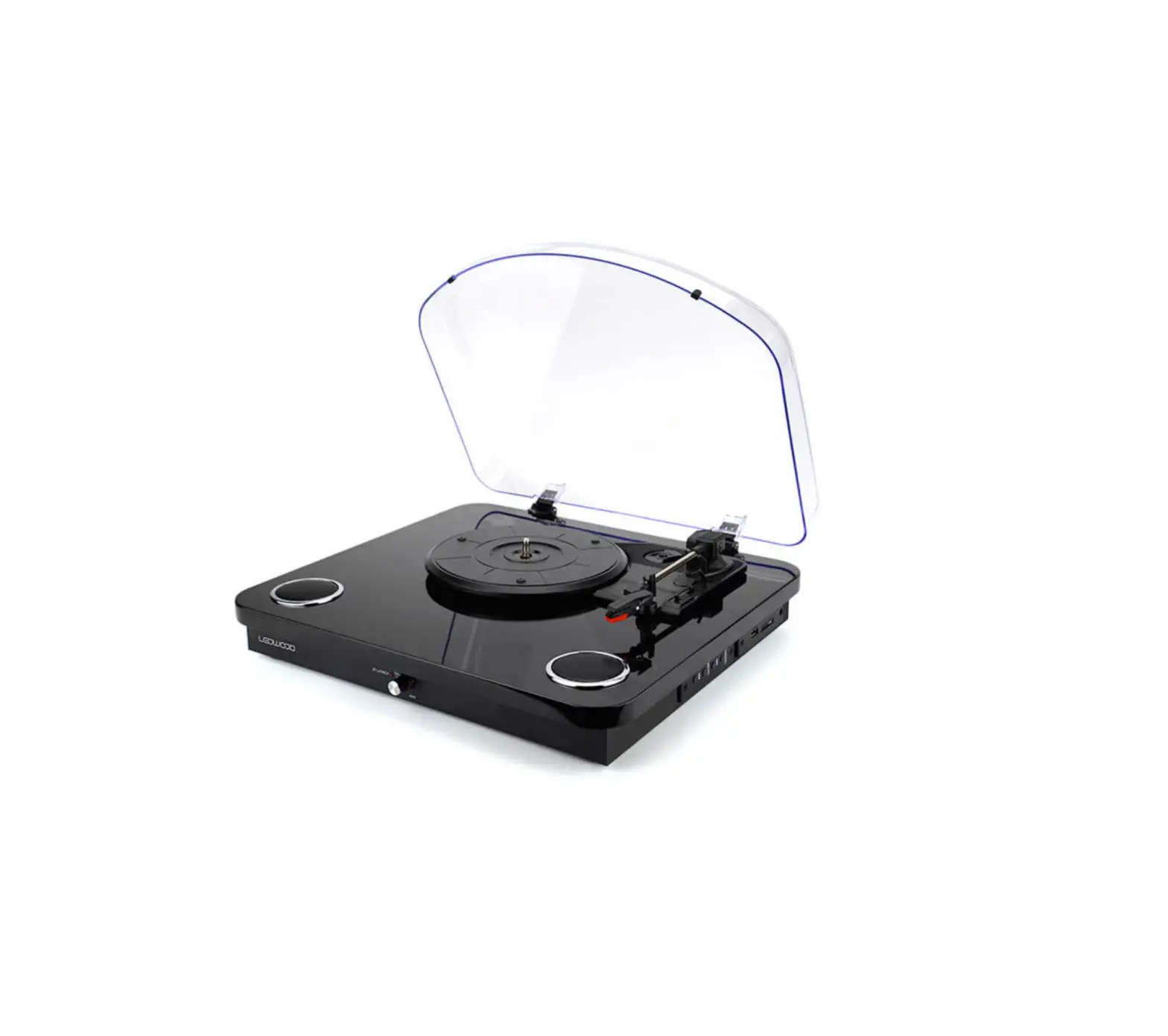
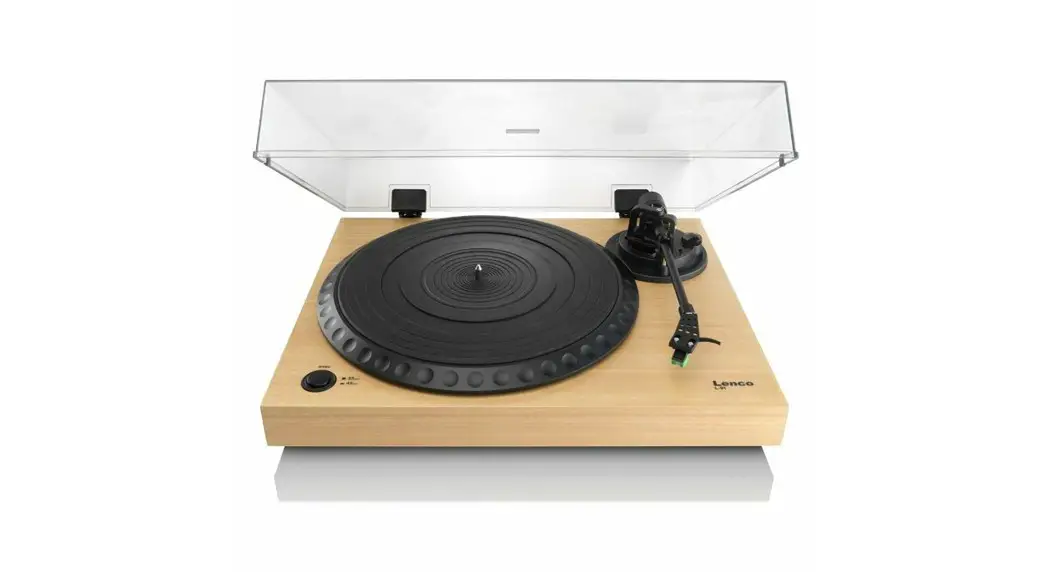
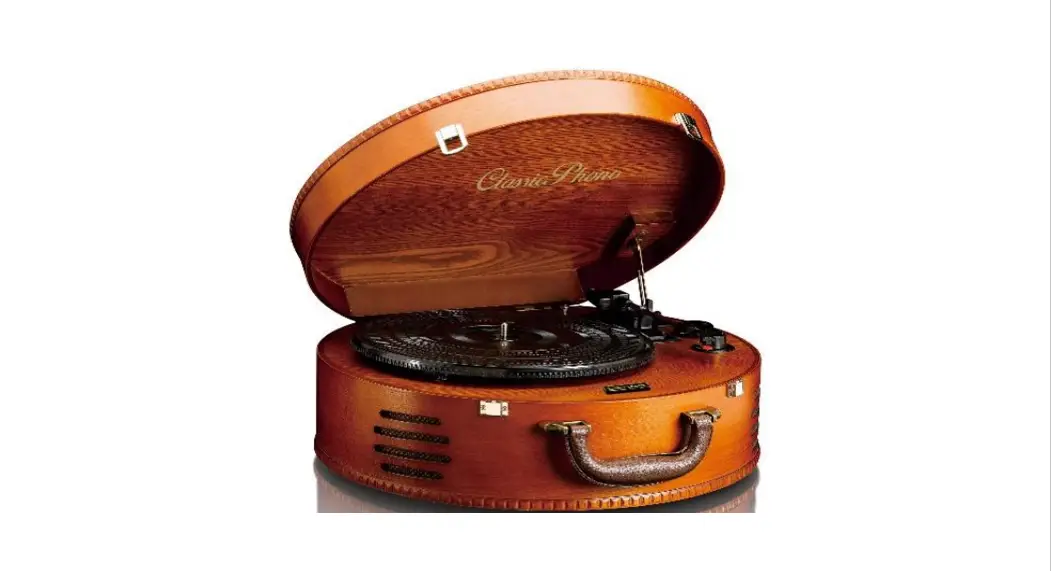
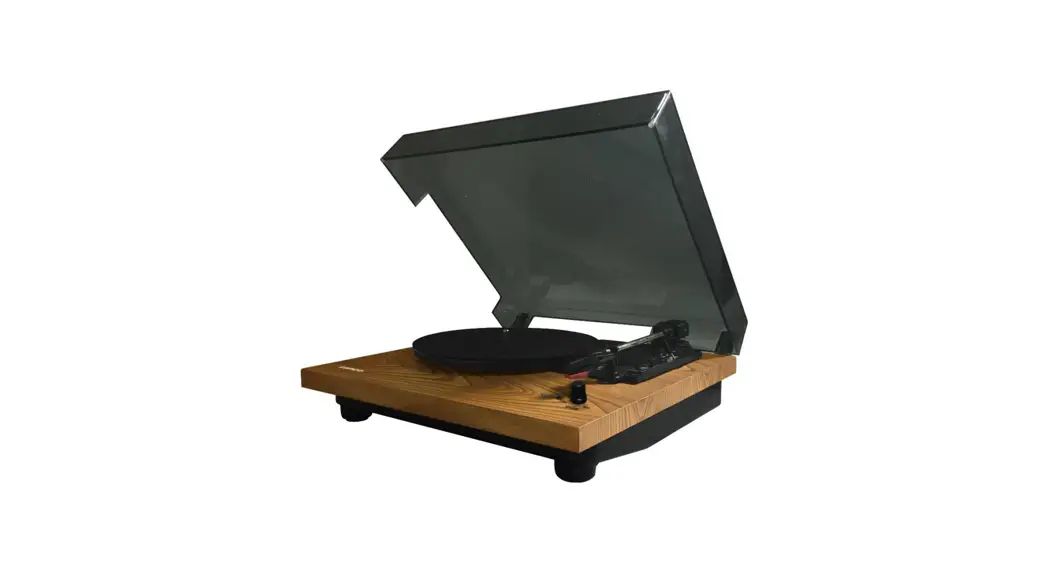
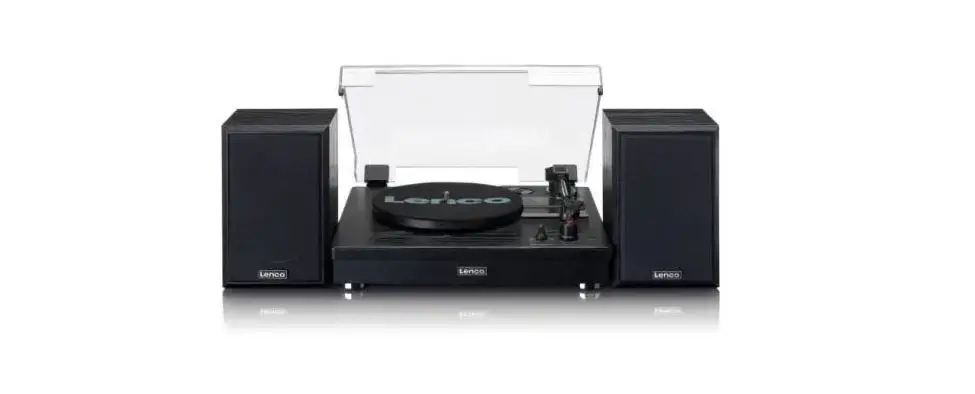
L-30 Wooden Turntable
Product Information: Wooden Turntable with MMC Cartridge and PC
Encoding
The L-30/L-101 is a wooden turntable that comes with an MMC
cartridge and PC encoding capabilities. It is designed to play
vinyl records and convert them into digital audio files that can be
saved on a computer.
The turntable has various features that make it easy to use,
such as adjustable speed control (33 1/3 and 45 RPM), anti-skating
mechanism, and a diamond stylus that ensures high-quality sound
reproduction. The turntable also has a built-in preamp that allows
it to be connected to any amplifier or receiver without the need
for a separate phono preamp.
Additionally, the turntable has a USB output that allows it to
be connected directly to a computer for recording purposes. The
software required for recording and editing is included in the
package.
Product Usage Instructions
Before using the turntable, it is important to follow these
precautions:
- Do not use the device near water.
- Clean only with a slightly damp cloth.
- Do not cover or block any ventilation openings. When placing
the device on a shelf, leave at least 5 cm (2 inches) of free space
around the whole device. - Install in accordance with the supplied user manual.
- Do not step on or pinch the power adapter. Be very careful,
particularly near the plugs and the power source.
To use the turntable, follow these steps:
- Connect the power adapter to the turntable and plug it into a
power source. - Connect the turntable to an amplifier or receiver using the RCA
cables. - If your amplifier or receiver does not have a phono input, turn
on the built-in preamp on the turntable. - Place a vinyl record on the turntable and adjust the speed
control to match the record’s speed. - Use the cueing lever to lift and lower the tonearm onto the
record. - Press the start button to begin playing the record.
- If you want to record the audio, connect the turntable to a
computer using the USB output and use the included software to
record and edit the audio. - When finished, turn off the turntable and unplug it from the
power source.
By following these instructions, you can enjoy high-quality
sound reproduction from your vinyl records and easily convert them
into digital audio files for convenient playback and storage.
Model
L-30/L-101
USER MAUNAL Wooden turntable with MMC cartridge and PC encoding GEBRUIKSHANDLEIDING Houten platenspeler met MMC element en PC encoding naar
MP3 BEDIENUNGSANLEITUNG Plattenspieler im Holzgehäuse mit Magnet-Tonabnehmer-
System und PC-Anschluss für die Umwandlung in MP3 MODE D’EMPLOI Platine en bois avec cellule à aimant mobile(MMC) et encodage MP3
via PC MANUAL DE USUARIO Giradicos con base de madera, capsula de bobina movil y PC
conversión en MP3
1
Index: English ………………………………………………………………………………………………………………….. 3 Nederlands ………………………………………………………………………………………………………….. 17 Deutsch ………………………………………………………………………………………………………………. 47 Français …………………………………………………………………………………………………………….. 32 Español……………………………………………………………………………………………………………….. 62
Version: 1.0
2
English
L-30/L-101
CAUTION: Usage of controls or adjustments or performance of procedures other than those specified herein may result in hazardous radiation exposure. This unit should not be adjusted or repaired by anyone except qualified service personnel. PRECAUTIONS BEFORE USE
KEEP THESE INSTRUCTIONS IN MIND: 1. Do not use this device near water. 2. Clean only with a slightly damp cloth. 3. Do not cover or block any ventilation openings. When placing the device on a shelf, leave
5 cm (2″) free space around the whole device. 4. Install in accordance with the supplied user manual. 5. Don’t step on or pinch the power adaptor. Be very careful, particularly near the plugs and the
cable’s exit point. Do not place heavy items on the power adaptor, which may damage it. Keep the entire device out of children’s reach! When playing with the power cable, they can seriously injure themselves. 6. Unplug this device during lightning storms or when unused for a long period. 7. Keep the device away from heat sources such as radiators, heaters, stoves, candles and other heat-generating products. 8. Avoid using the device near strong magnetic fields. 9. Electrostatic discharge can disturb normal usage of this device. If so, simply reset and restart the device following the instruction manual. During file transmission, please handle with care and operate in a static-free environment. 10. Warning! Never insert an object into the product through the vents or openings. High voltage flows through the product and inserting an object can cause electric shock and/or short circuit internal parts. For the same reason, do not spill water or liquid on the product. 11. Do not use in wet or moist areas such as bathrooms, steamy kitchens or near swimming pools. 12. Do not use this device when condensation may occur. 13. Although this device is manufactured with the utmost care and checked several times before leaving the factory, it is still possible that problems may occur, as with all electrical appliances. If you notice smoke, an excessive build-up of heat or any other unexpected phenomena, you should disconnect the plug from the main power socket immediately. 14. This device must be well ventilated at all time! 15. This device must operate on a power source as specified on the specification label. If you are not sure of the type of power supply used in your home, consult your dealer or local power company. 16. The socket outlet must be installed near the equipment and must be easily accessible. 17. Do not overload ac outlets or extension cords. Overloading can cause fire or electric shock. 18. Devices with class 1 construction should be connected to a main socket outlet with a protective earthed connection. 19. Devices with class 2 construction do not require a earthed connection. 20. Keep away from rodents. Rodents enjoy biting on power cords. 21. Always hold the plug when pulling it out of the main supply socket. Do not pull the power cord. This can cause a short circuit. 22. Avoid placing the device on any surfaces that may be subject to vibrations or shocks. 23. To protect the device during a thunderstorm, unplug the ac power adaptor. 24. When the device is not in use for long periods, unplug the ac power adaptor for safety reasons. 25. To clean the device, use a soft dry cloth. Do not use solvents or petrol based fluids. To remove severe stains, you may use a damp cloth with dilute detergent. 26. The supplier is not responsible for damage or lost data caused by malfunction, misuse, modification of the device or battery replacement. 27. Do not interrupt the connection when the device is formatting or transferring files. Otherwise, data may be corrupted or lost. 28. The usb memory stick should be plugged into the unit directly. Don’t use an usb extension
3
Obsah je uzamcen
Dokoncete, prosím, proces objednávky. Následn budete mít pístup k celému dokumentu.
Proc je dokument uzamcen? Nahnvat Vás rozhodn nechceme. Jsou k tomu dva hlavní dvody: 1) Vytvoit a udrzovat obsáhlou databázi návod stojí nejen spoustu úsilí a casu, ale i financní prostedky.
Dlali byste to Vy zadarmo? Ne*. Zakoupením této sluzby obdrzíte úplný návod a podpoíte provoz a rozvoj nasich stránek. Teba se Vám to bude jest nkdy hodit. *) Mozná zpocátku ano. Ale vzte, ze dotovat to dlouhodob nelze. A rozhodn na tom nezbohatneme. 2) Pak jsou tady ,,roboti”, kteí se pizivují na nasí práci a ,,vysávají” výsledky naseho úsilí pro svj prospch. Tímto krokem se jim to snazíme pekazit. A pokud nemáte zájem, respektujeme to. Urgujte svého prodejce. A kdyz neuspjete, rádi Vás uvidíme!