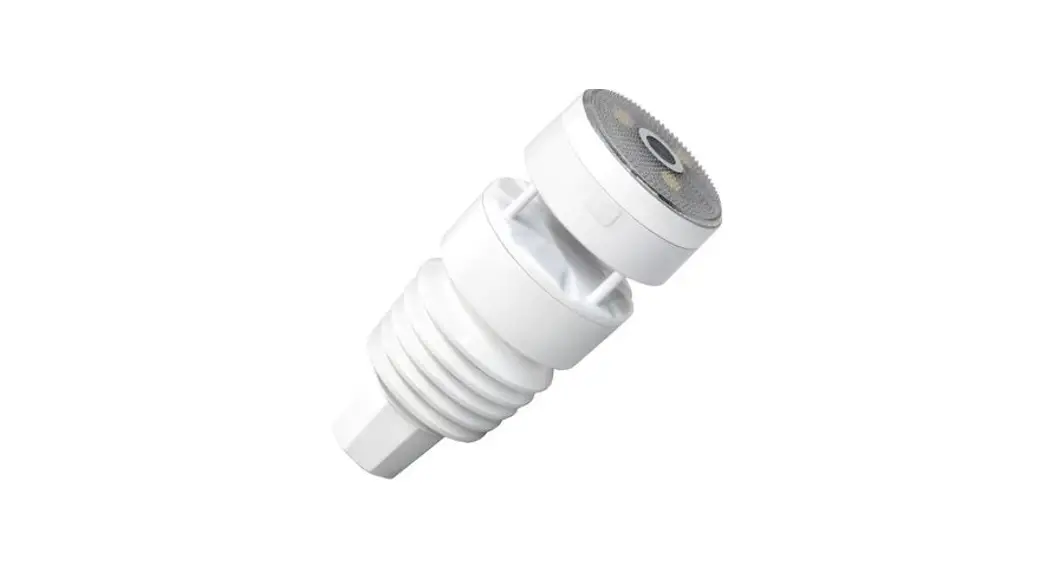
 WS90 7-in-1 Weather Station
Instructions
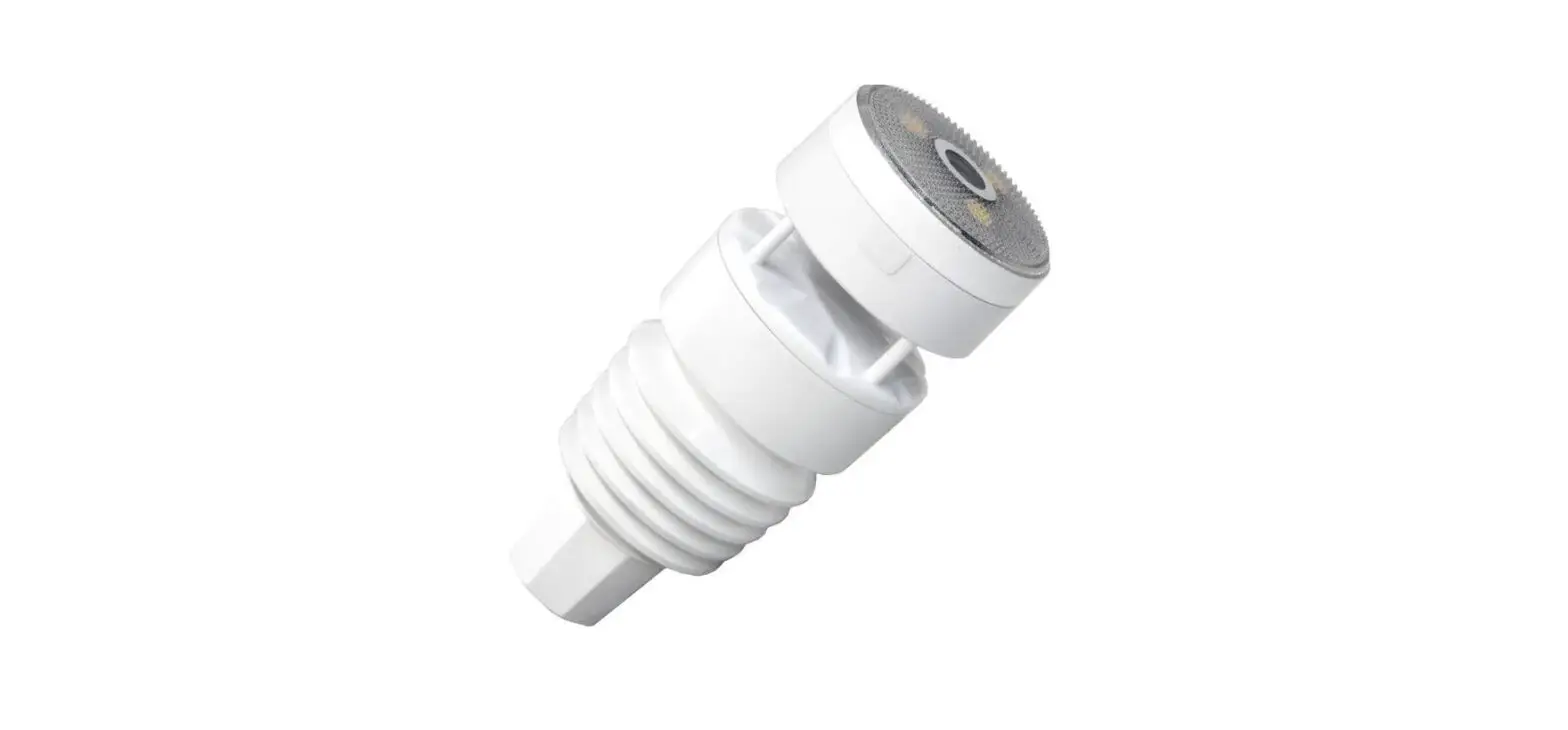
Compact and Built to last
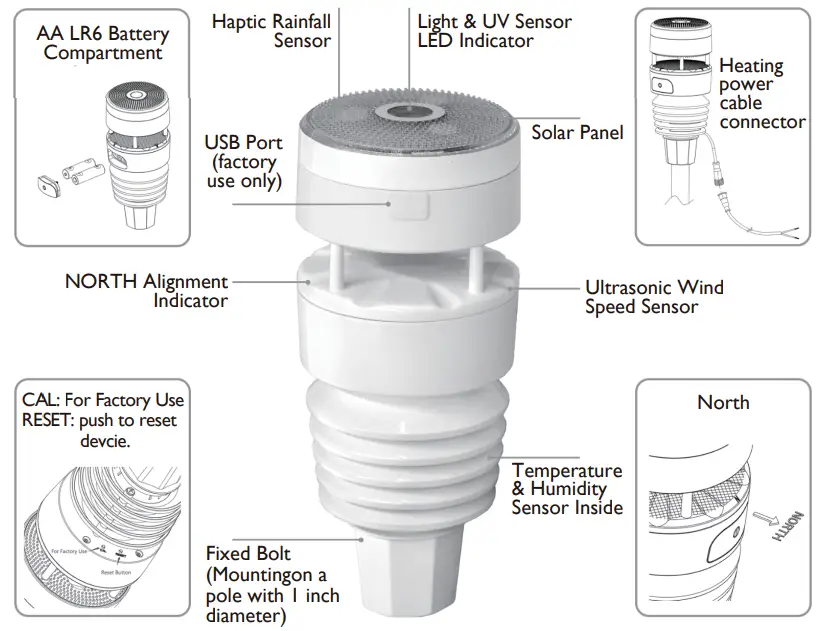
Feature
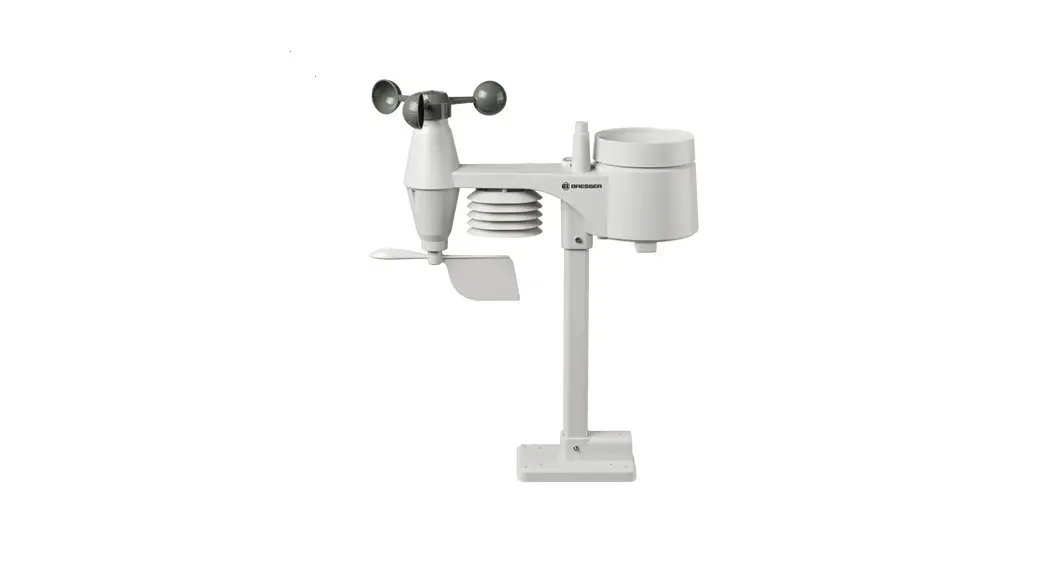
 | All-in-One Weather Station Temperature, humidity, wind direction and speed, light and UV levels |
 | Near – Zero maintenance All-in-one weather station with no moving parts |
 | Dual-Power Supply Solar Power Autonomy & Backup Battery |
 | Haptic Rainfall Sensor More accuracy with Anti-vibration design |
 | Get Live data instantly View live data on the Ecowitt app or at EcoWitt.net |
 | Get alert emails on your own defined alert condition, emails can be triggered to notify you of the alert |
 | Supports a bundle of sensors Those already developed sensors or to be developed future sensors are all supported. |
 | Light, compact yet robust: IPX5 install it outdoors and let it do its weather station magic |
 | Easy integration to 3rd party With its unique data exchange protocol, it can be integrated easily with 3rd party systems. |
 | Easy integration to 3 party Data can be picked and received through Hub GW2000 in 150m range |
Replaceable Temperature & Humidity Sensor
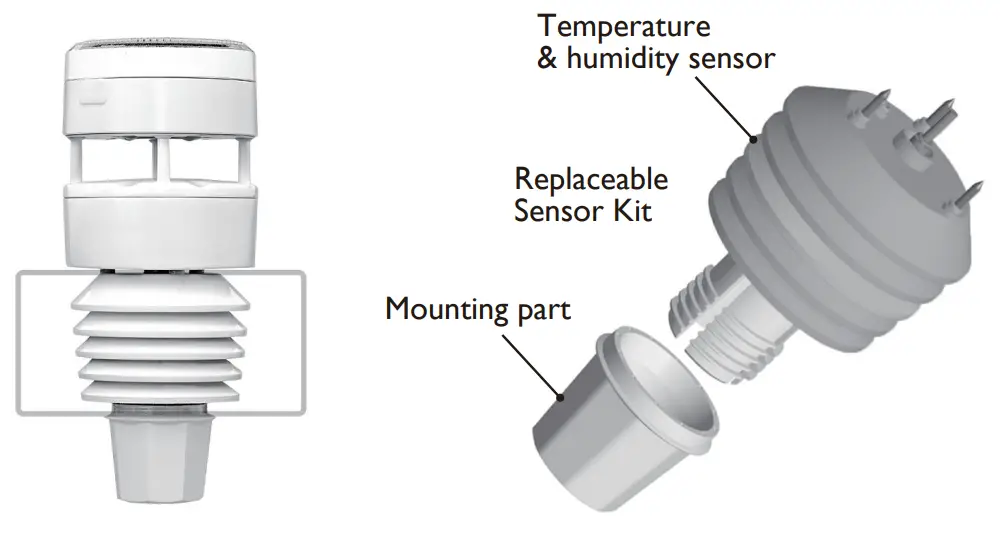
While compact, the entire structure of WittBoy is built to be robust and designed to withstand the test of time. The Temperature and Humidity Sensor Kit can be replaced whenever required.
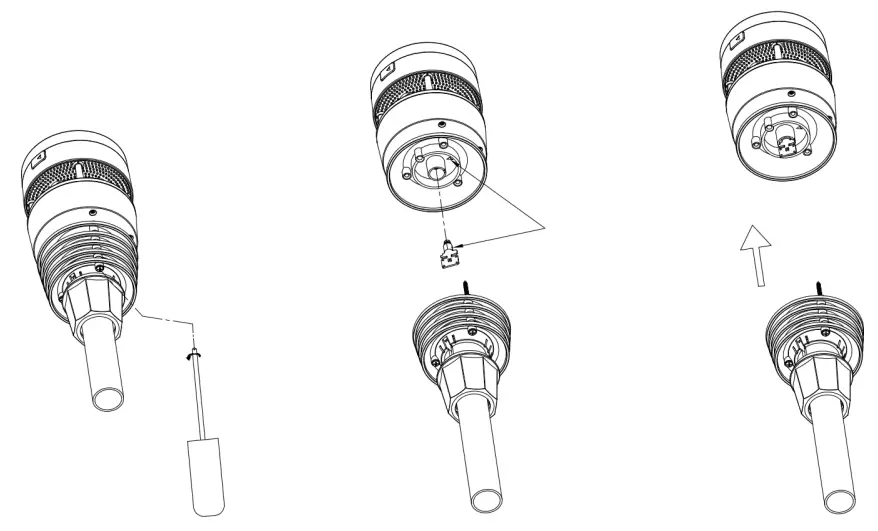 | ||
| 1. Use a screwdriver to untight the screws of the sensor. | 2. unplug the old sensor | 3. Replace the old Temp & Humidity sensor with a new one |
Paired with Wi-Fi Hub GW2000
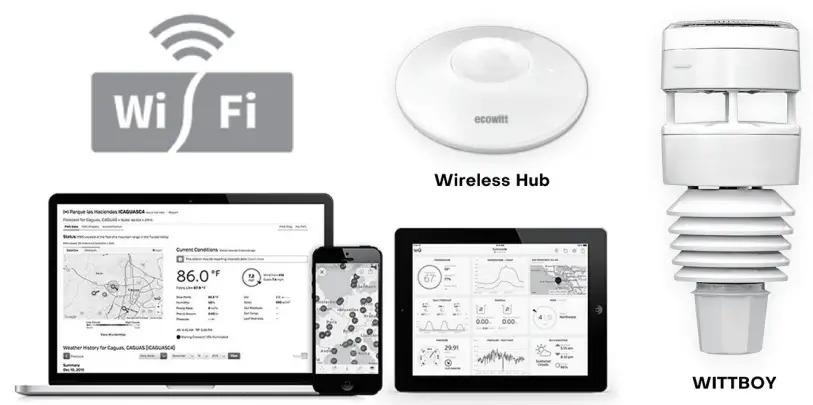
Your private weather station will pick up data on temperature, humidity, wind direction and speed, light and UV levels, as well as rainfall, and report it to you through its APP or the ecowitt.net website.
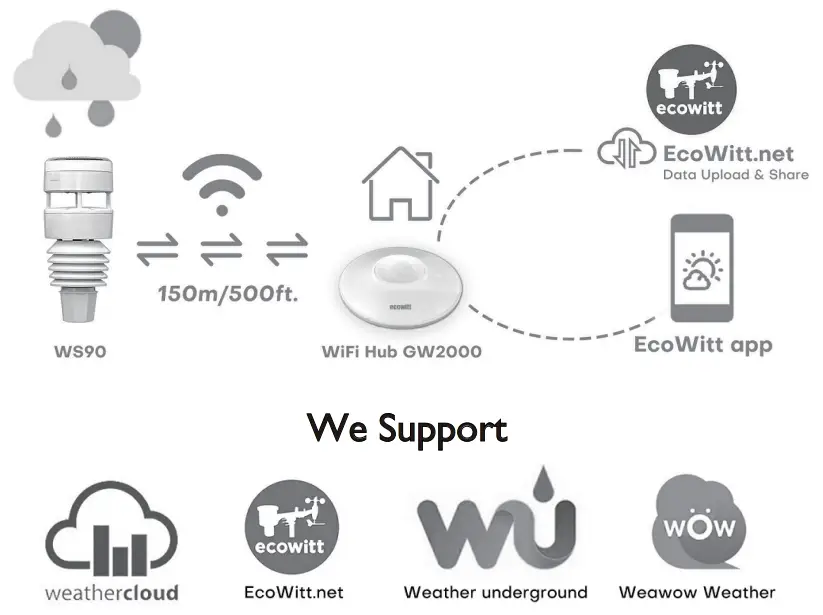 or your own defined server
Specification
Measurement specification
| Measurement | Range | Accuracy | Resolution |
| Wind speed | 0~40M/S | <10m/s,+/-0.5m/s ≥10m/s,+/-5% | 0.1M/S |
| Wind direction | 0~359° | <2m/s,±10° ≥2m/s,±7° | 1° |
| Temperature | -40~60°C | ±0.3°C(±0.6°F) | 0.1°C(±0.1°F) |
| Humidity | 1~99% | ±3.5% | 1% |
| Light | 0~200Klux | ±15% | 0.1Klux |
| UVI | 1~15 | ±2 | 1 |
| Rain | 0~9999 | TBA | 0.1mm |
Power consumption
| Anemometer sensor (main) | Anemometer sensor (backup) |
| The solar panel (built-in) 6.5V/4mA(integrated) | 2 x AA 1.5V battery (not included,recommended to use Lithium none rechargeable batteries) |
SETUP Via Embedded Webpage
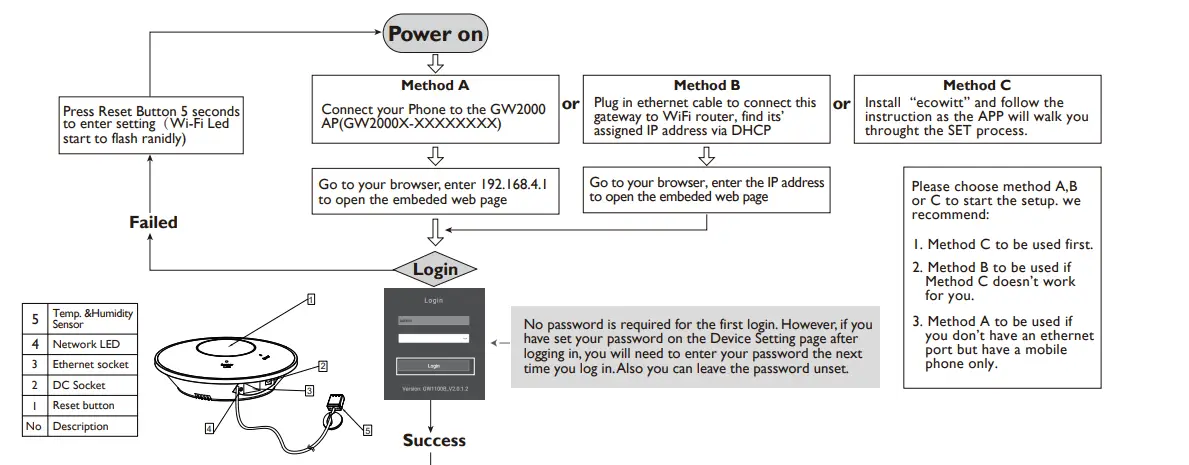
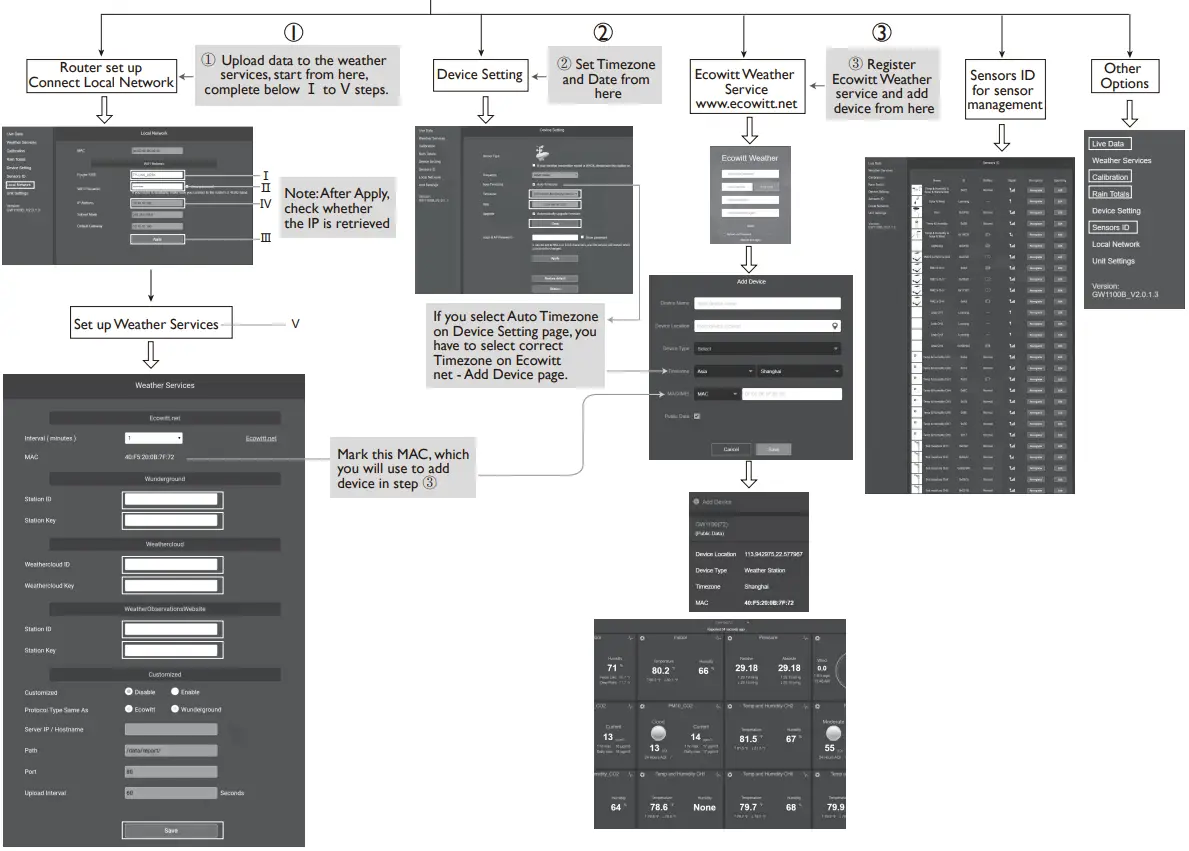
Attention:
Our product is continuously changing and improving, particularly online services and associated applications.
To download the latest manual and additional help, please contact us at [email protected] or [email protected] (EU/UK).
UK representative HUA TENG LIMITED
3 Glass Street, Hanley, Stoke On Trent,
ST1 2ET United Kingdom
EC representative AC WORKS CONSULTING Sri
Via Vilfredo Pareto 125,47521
Cesena(FC),ITALY
 https://www.ecowitt.com/support/download/178
Please scan the QR code to read the English manual and keep it for future reference
Instruction manuals
https://www.ecowitt.com/shop/goodsDetail/245
 Ecowitt Weather
 Ecowitt Weather
 ECOWITT Welcome to Ecowitt!