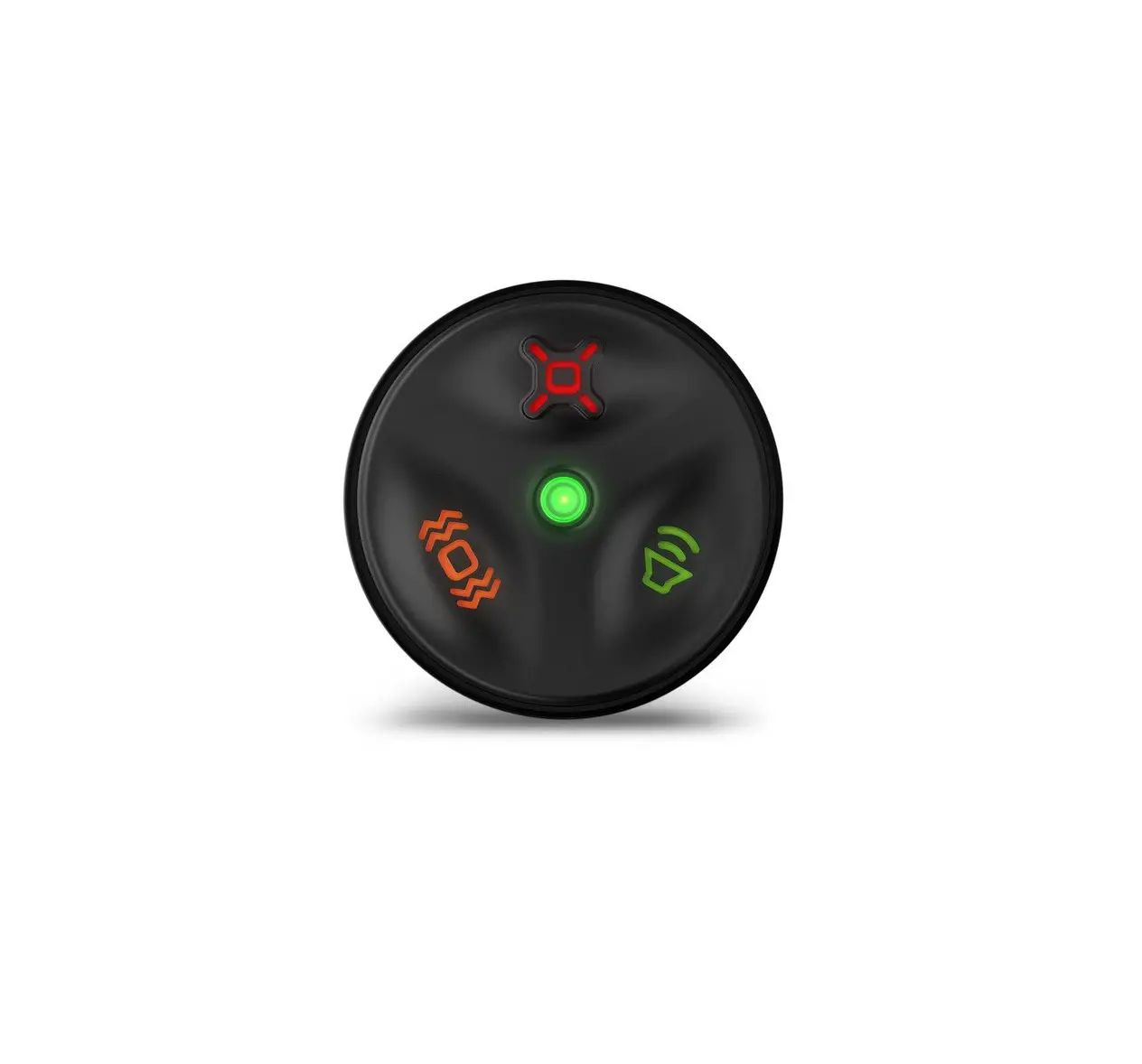
GARMIN Delta Canine Remote Owner
Introduction

See the Important Safety and Product Information guide in the product box for product warnings and other important information.
Device Overview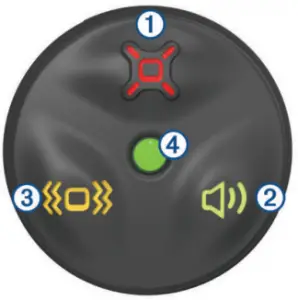
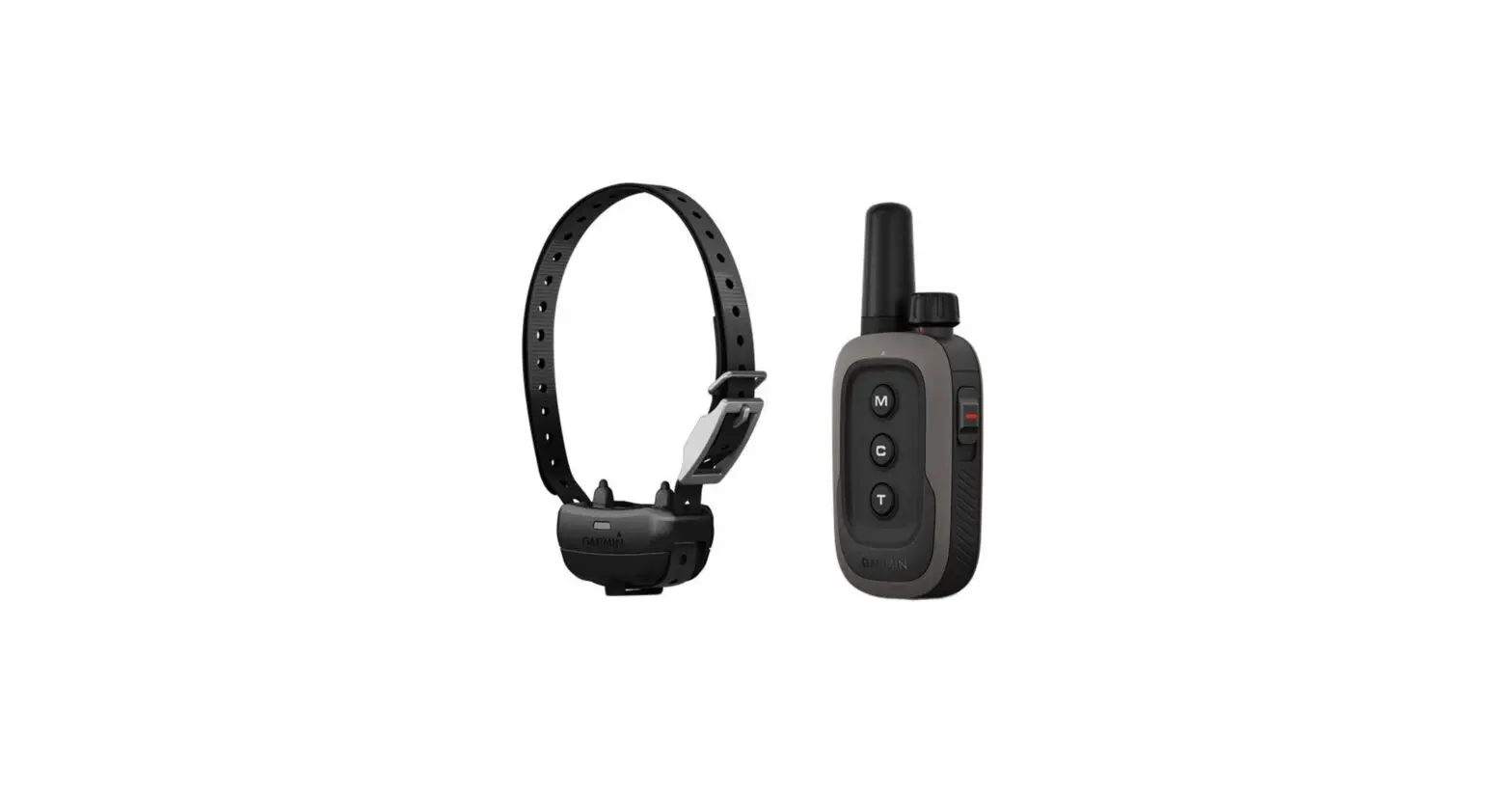
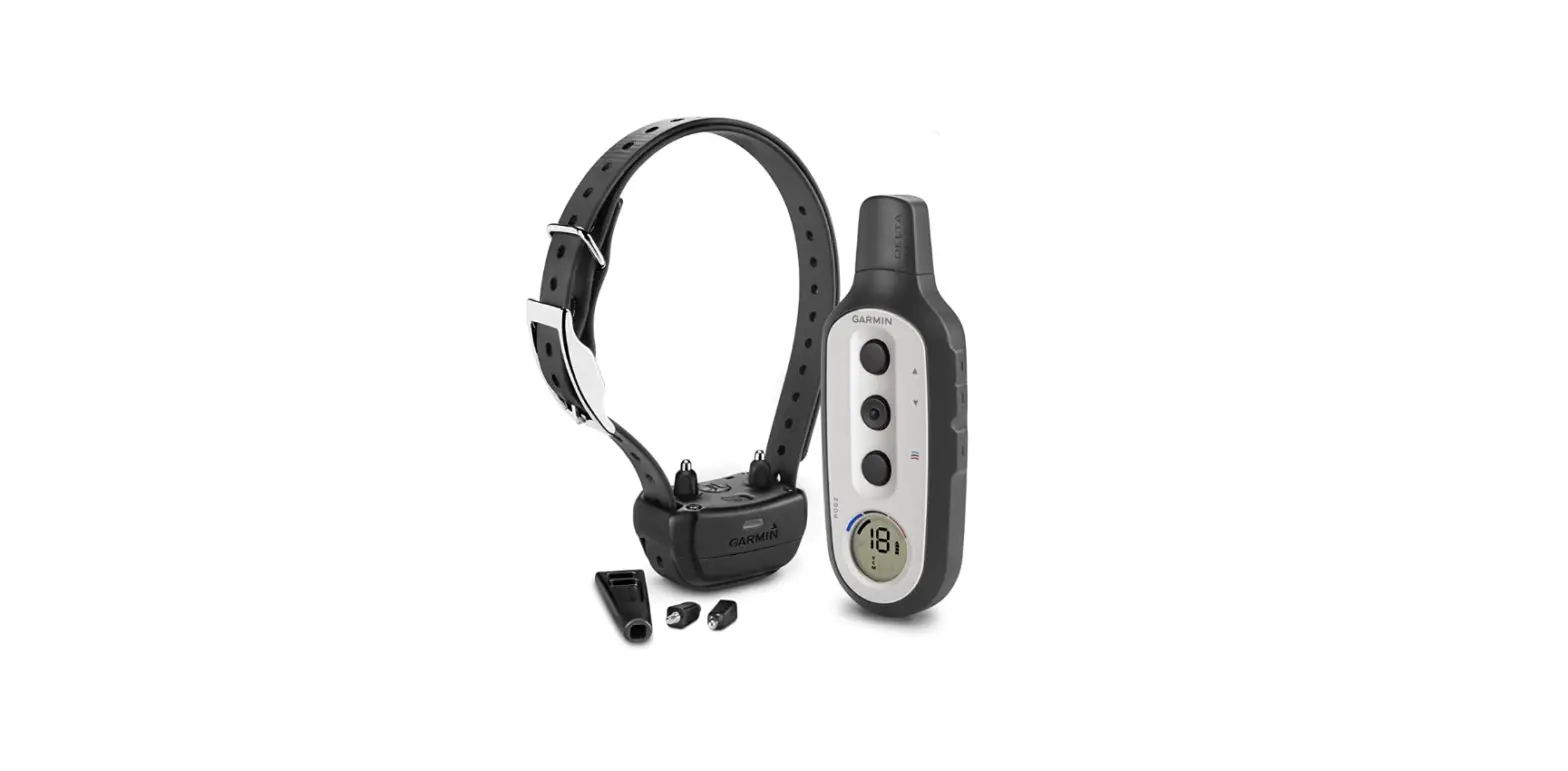
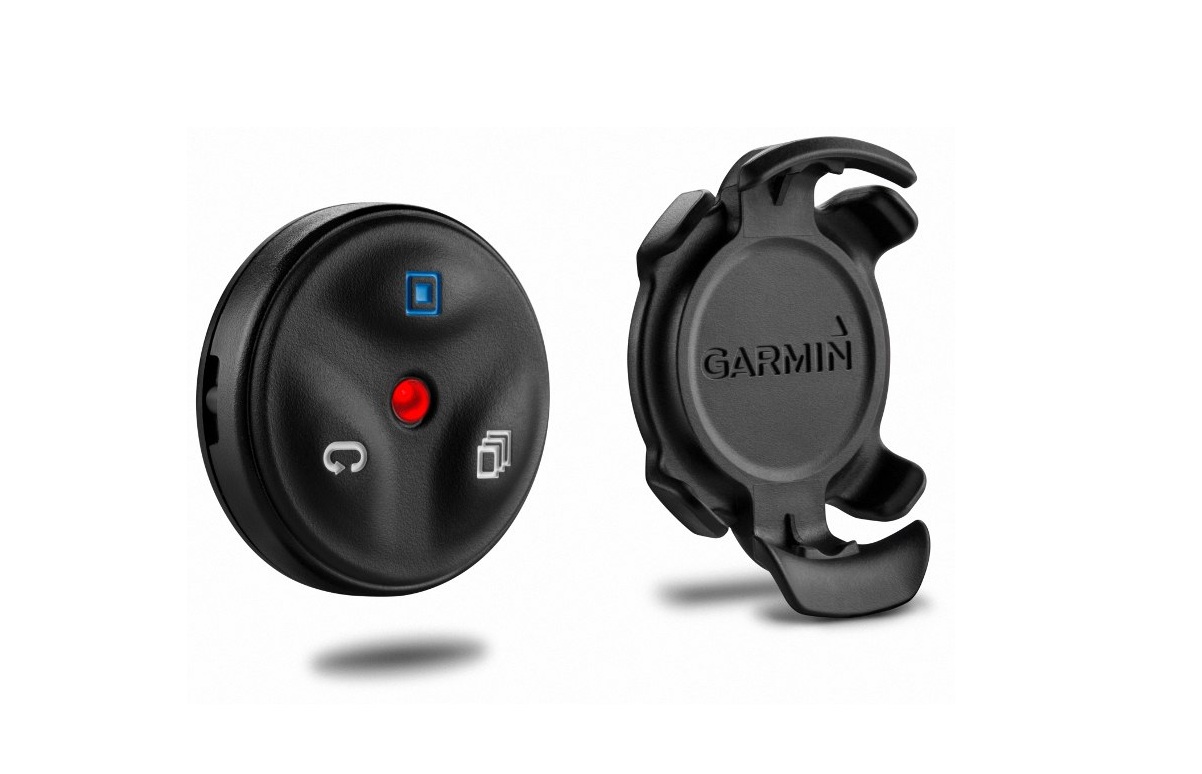
 | Stimulate key. Select to apply stimulation to the dog. |
 | Tone key. Select to activate an audible tone |
 | Vibration key. Select to apply vibration to the dog. |
 | Status LED. The LED flashes green when a key is selected, for a maximum of 8 seconds (training actions should typically be much shorter than 8 seconds). The LED flashes red when the remaining battery power is low |
Pairing the Remote with Your Device
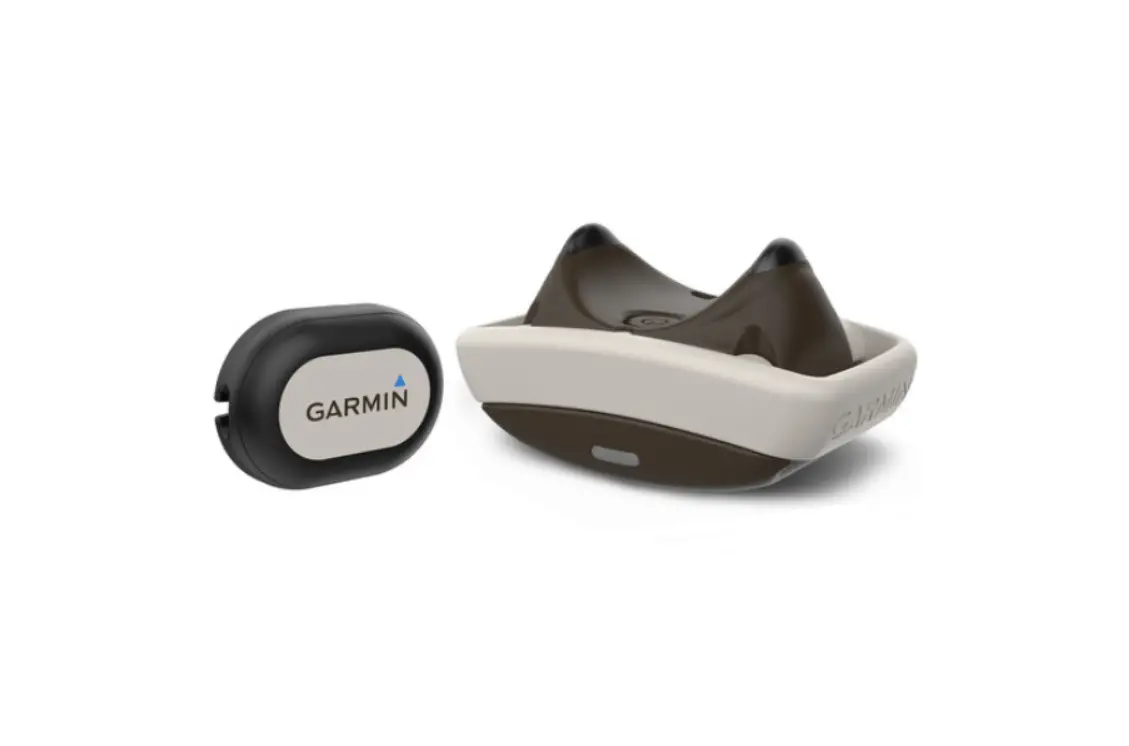
Before you can use the remote with your device, you must pair your Delta Smart™ device with the Garmin Canine™ app on your smartphone. See the Delta Smart Owner’s Manual for more information
- From the app store on your smartphone, install and open the Garmin Canine app.
- From the app menu, select My Family.
- Select a dog to pair with the remote.
- Follow the instructions in the app to pair the remote with your device.
After the remote is paired, it connects to your device whenever the device is in range and turned on.
Activating the Remote
To extend the life of the battery, the remote enters power save mode after 5 minutes of inactivity.
Select any key to reactivate the remote
NOTE: You may need to wait a few seconds for the remote to reconnect with the Delta Smart device before initiating a training command.
Using the Mounts
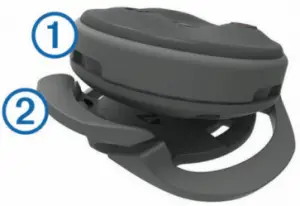
Several mounts are available for your remote, either included with the product or as an optional accessory. The mounts allow you to attach the remote to your body, your bike, or other objects.
- Align two of the notches
 with the sides of the mount, and press the remote into the mount until it clicks.
 - Press gently on the release tab and lift the remote from the mount.
Replacing the Battery
Before you can replace the battery, you must have a small Phillips screwdriver, a small flat screwdriver, and a CR2032 lithium coin-cell battery
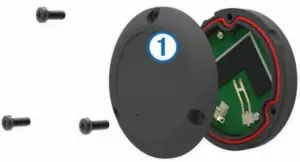
- Using a Phillips screwdriver, remove the three screws from
the back plate .
- Remove the back plate from the remote.
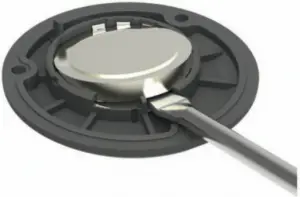
- Wrap the end of a small flat screwdriver with tape. The tape protects the battery, battery compartment, and contacts from damage.
- Carefully pry the battery from the back plate.

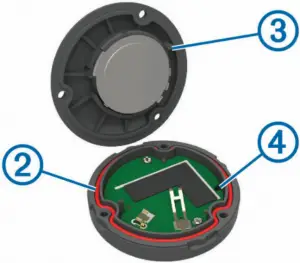
- Install the new battery into the back plate with the positive side facing down.
- Verify the gasket is fully seated in the groove

- Replace the backplate, aligning the post with the gap in the circuit board .
- Replace and tighten the three screws.
NOTE: Do not overtighten.
Specifications
| Battery type | User-replaceable CR2032 (3 V) |
| Battery life | Up to 1.5 yr. (1 hr./day) |
| Operating temperature range | From -10° to 50°C (from 14° to 122°F) |
| Water rating | 5 ATM1 |
© 2017 Garmin Ltd. or its subsidiaries
All rights reserved. Under the copyright laws, this manual may not be copied, in whole or in part, without the written consent of Garmin. Garmin reserves the right to change or improve its products and to make changes in the content of this manual without obligation to notify any person or organization of such changes or improvements. Go to www.garmin.com for current updates and supplemental information concerning the use of this product
Garmin® and the Garmin logo are trademarks of Garmin Ltd. or its subsidiaries, registered in the USA and other countries. Delta Canine™, Delta Smart™, and Garmin Canine™ are trademarks of Garmin Ltd. or its subsidiaries. These trademarks may not be used without the express permission of Garmin.

 Garmin Customer Support
 Garmin International | Home