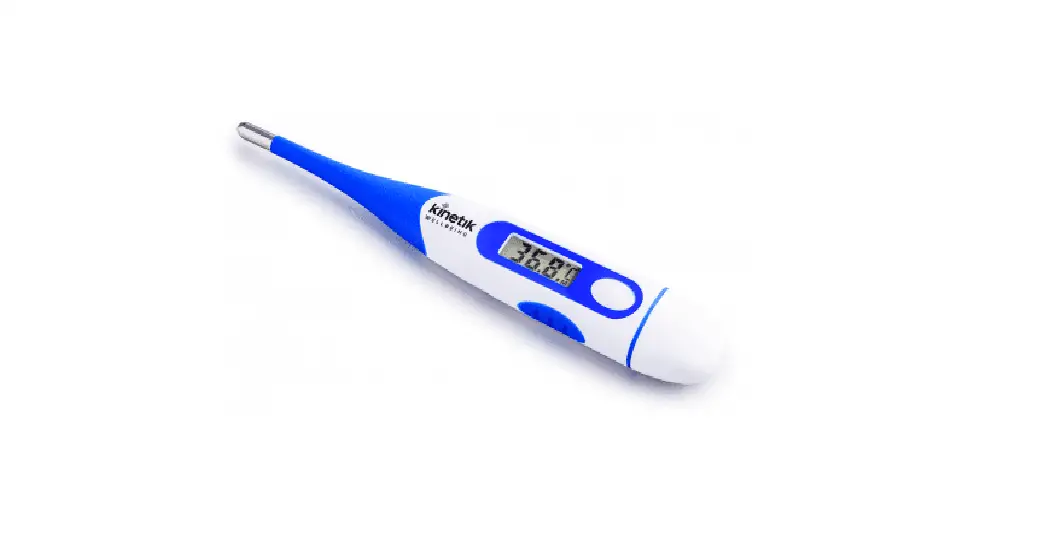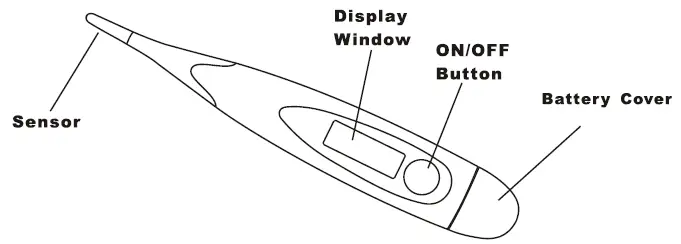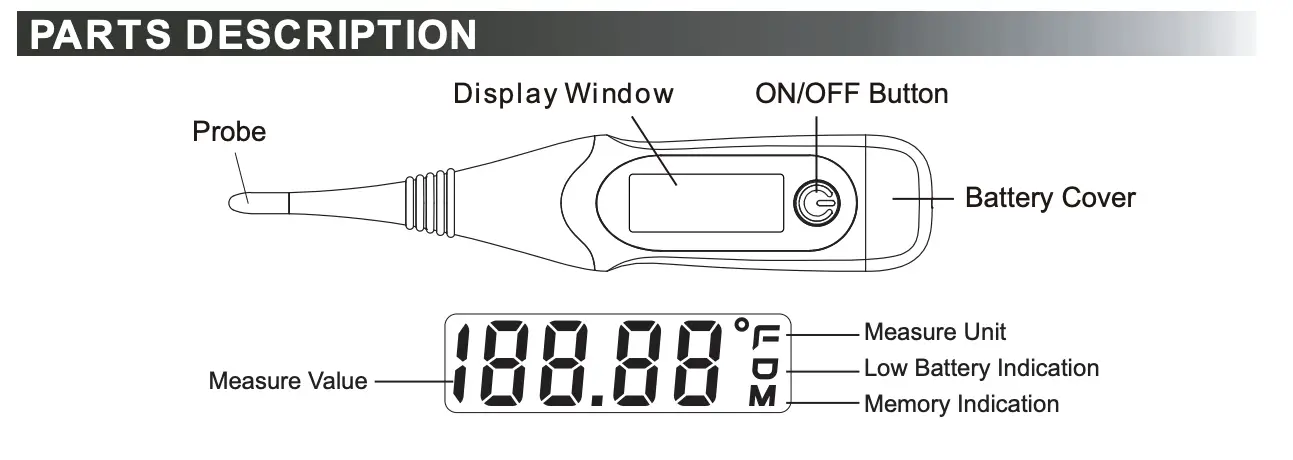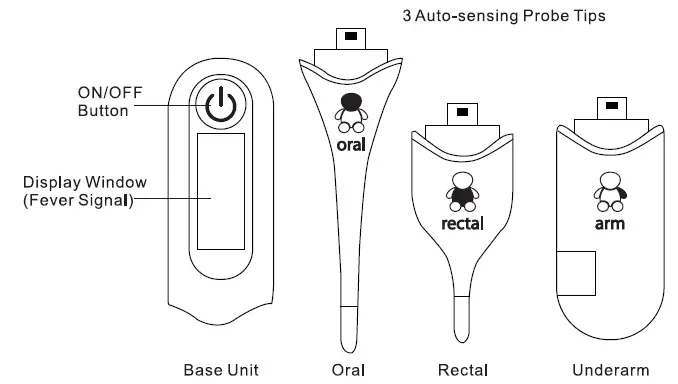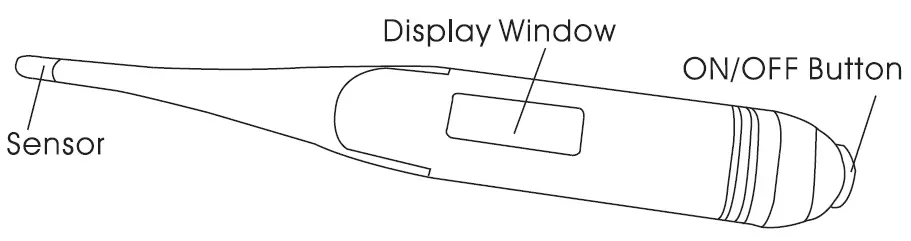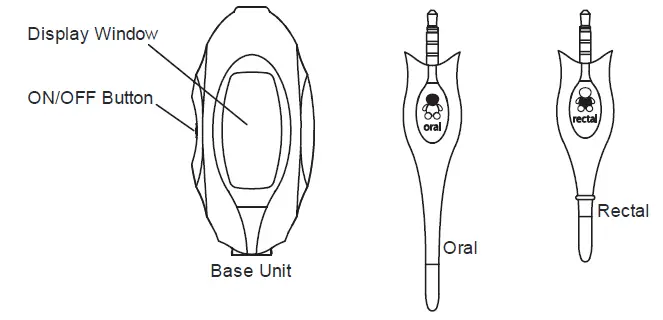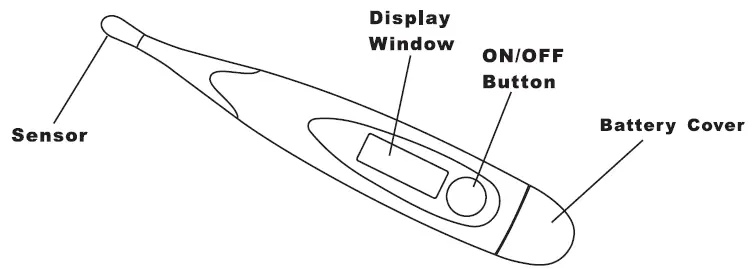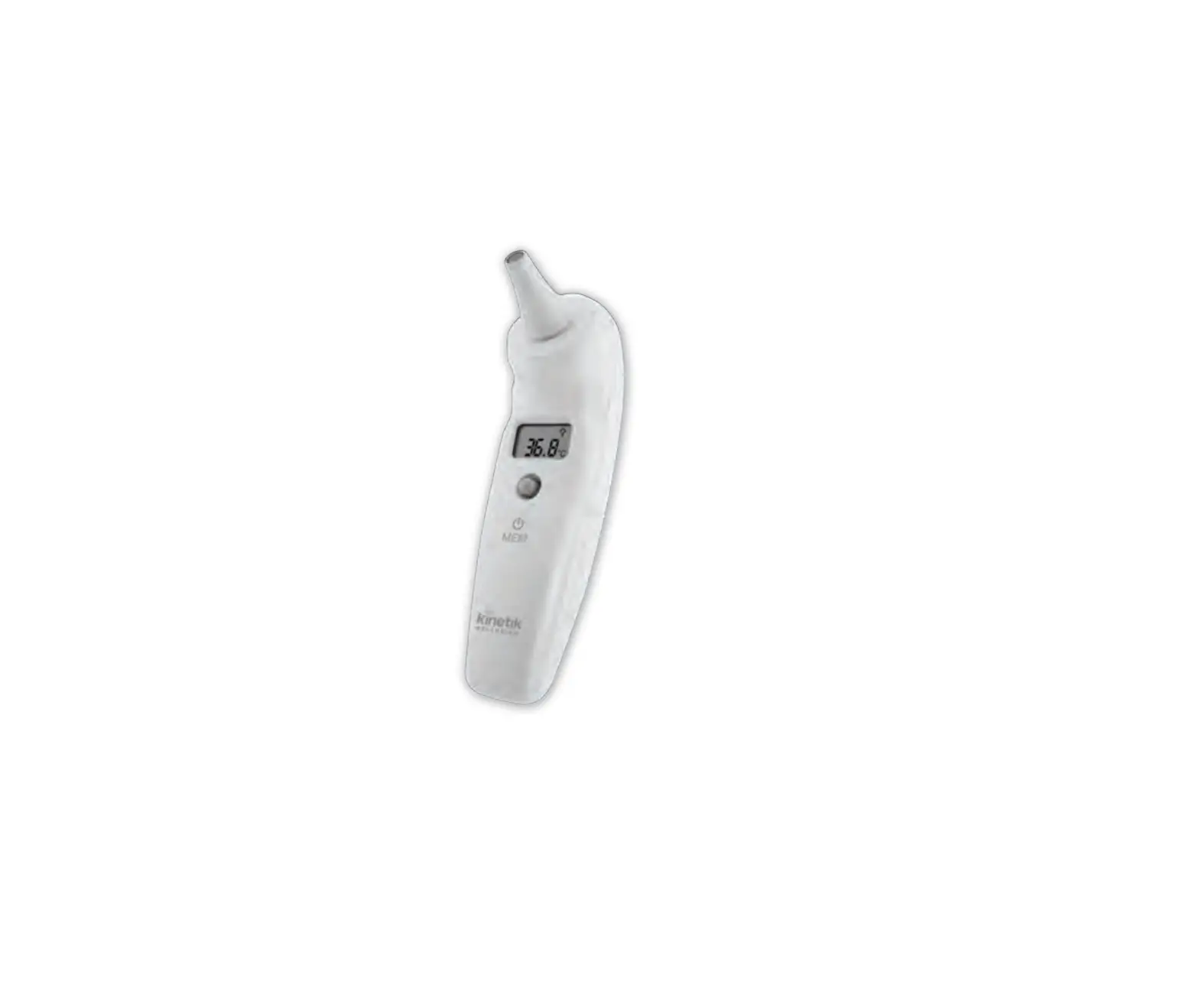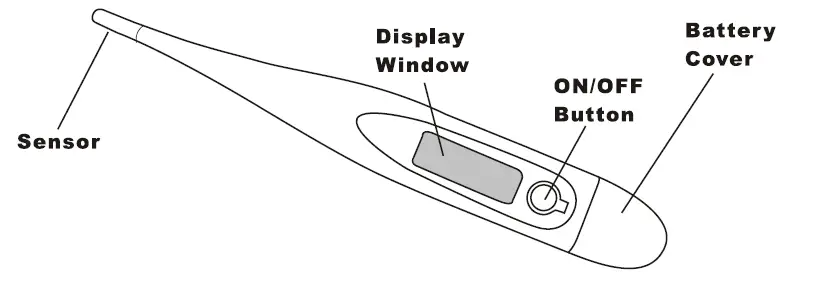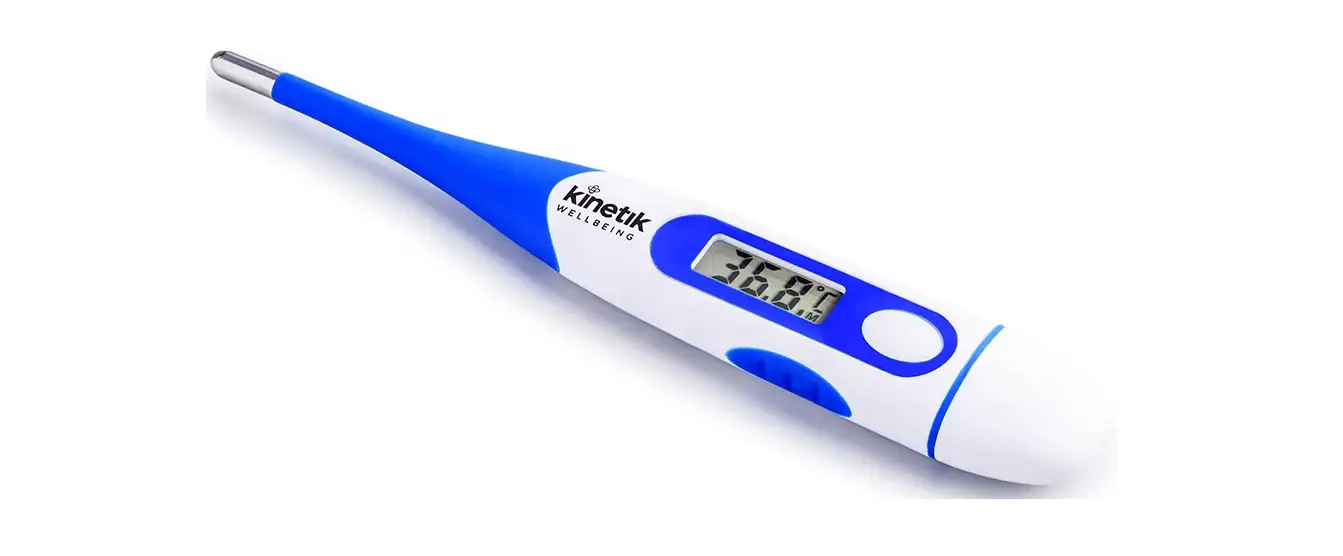
kinetik WELLBEING DT-K111D Digital Thermometer User Guide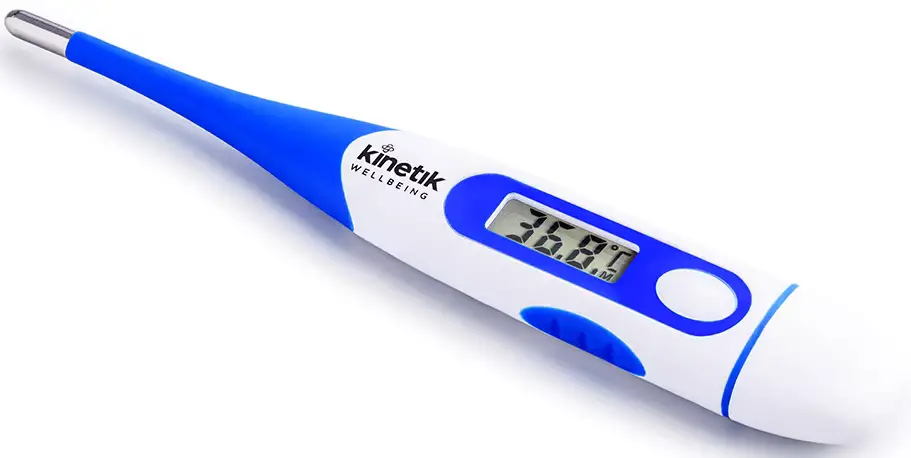
Assembly Instructions
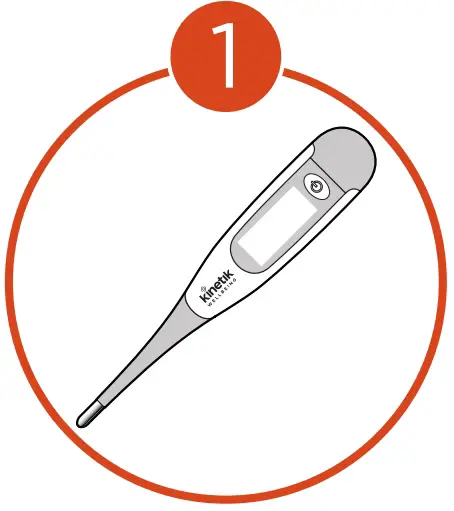
- Open box and remove thermometer.

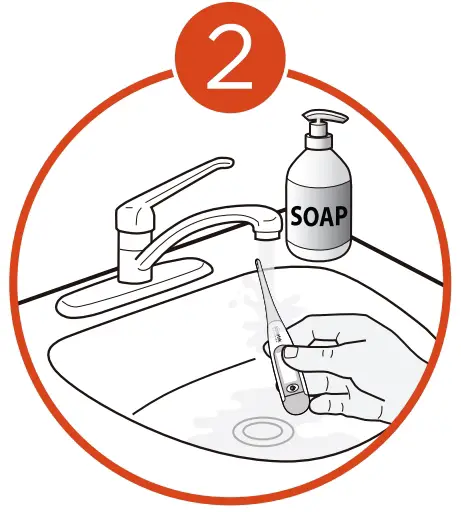
- Disinfect the probe (do not submerge in water).

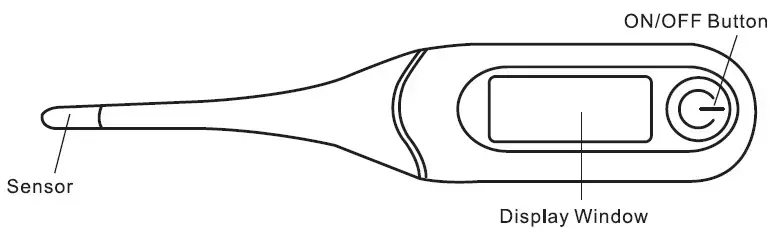
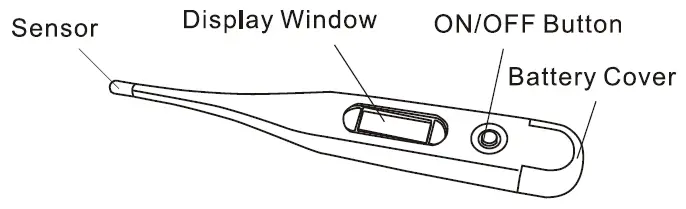
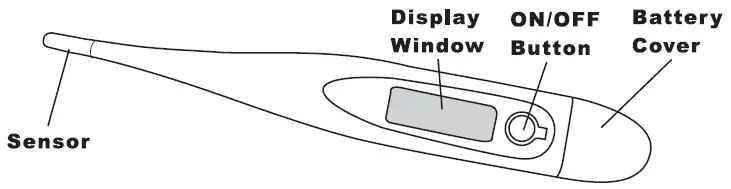
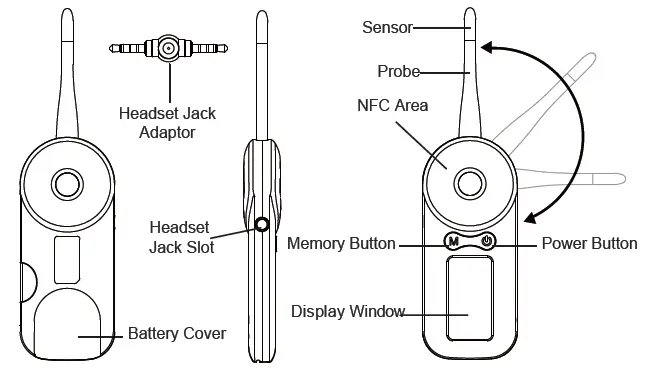
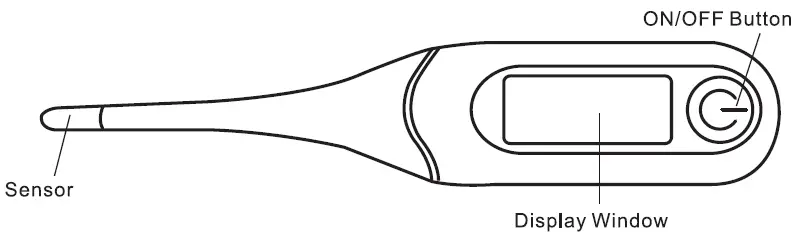
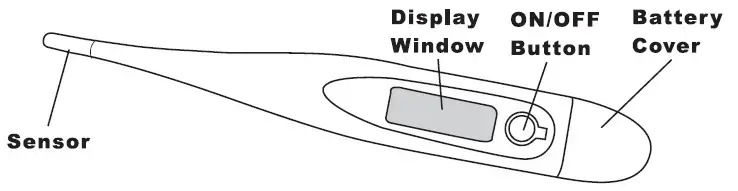
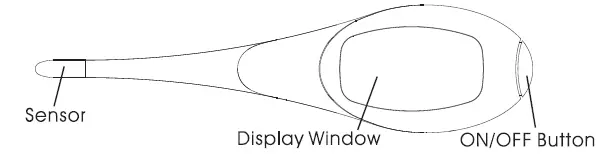
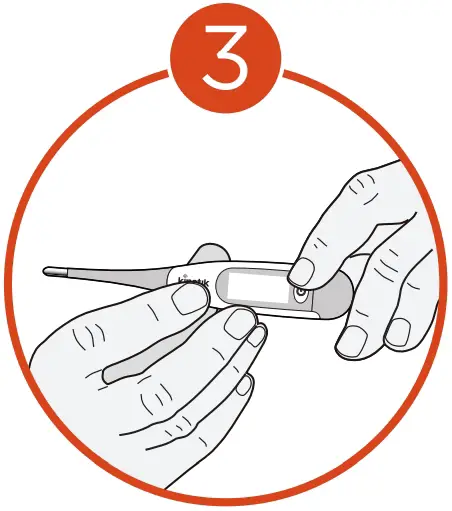
- Press the power button to run the self check test.

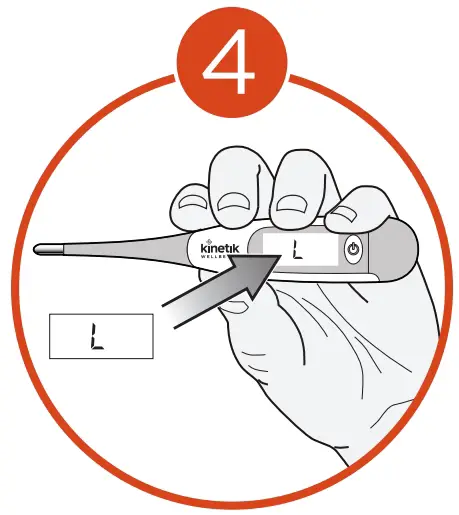
- Once “L” appears the thermometer is ready for use.

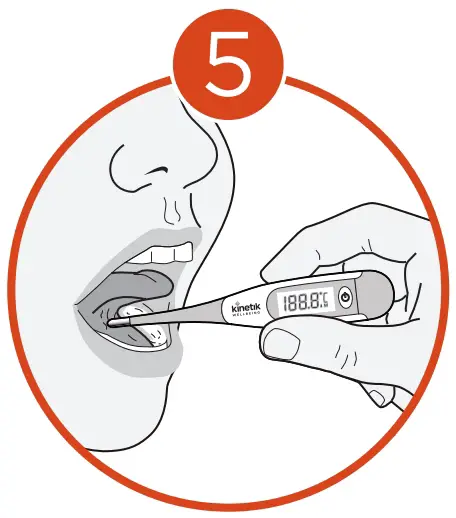
- Insert the thermometer in the desired location to take a reading. Wait until the thermometer beeps to display a constant reading before removing it.

Support
for more information visit : kinetikwellbeing.com