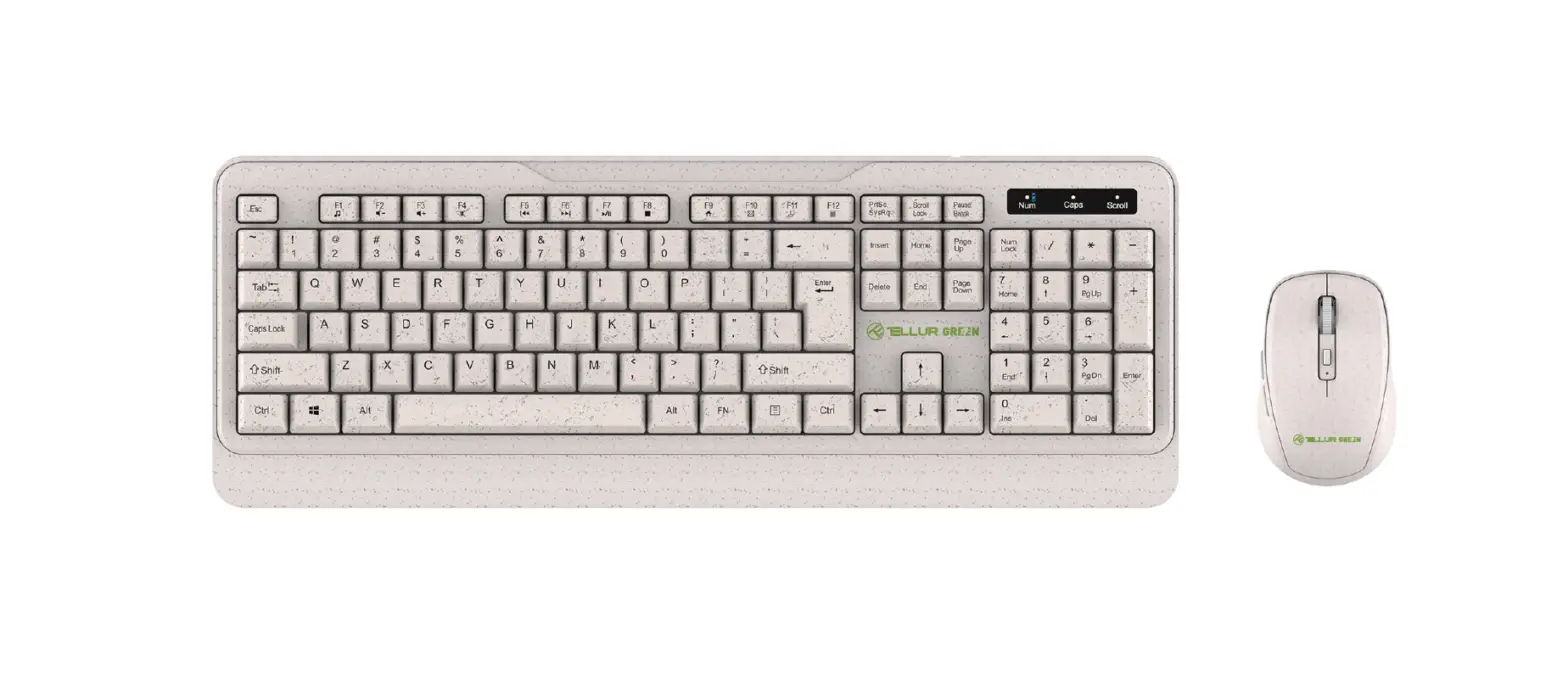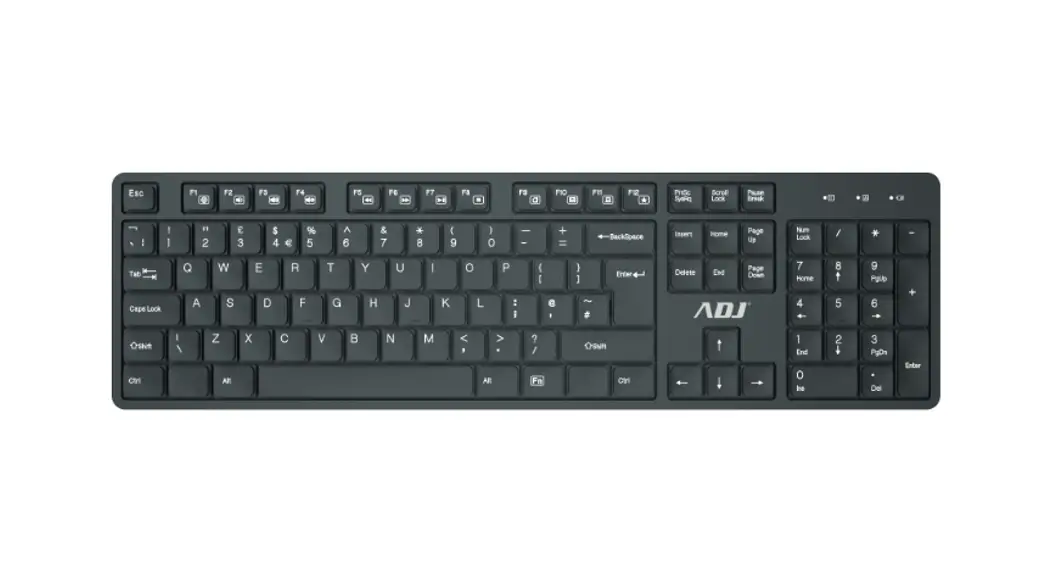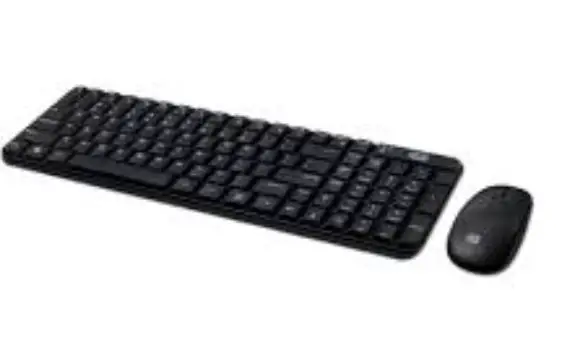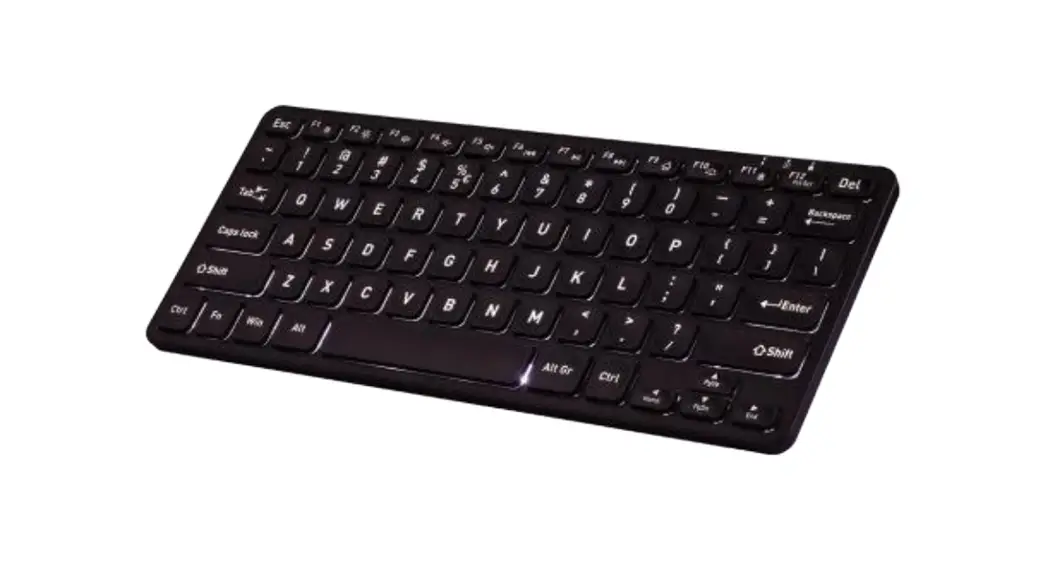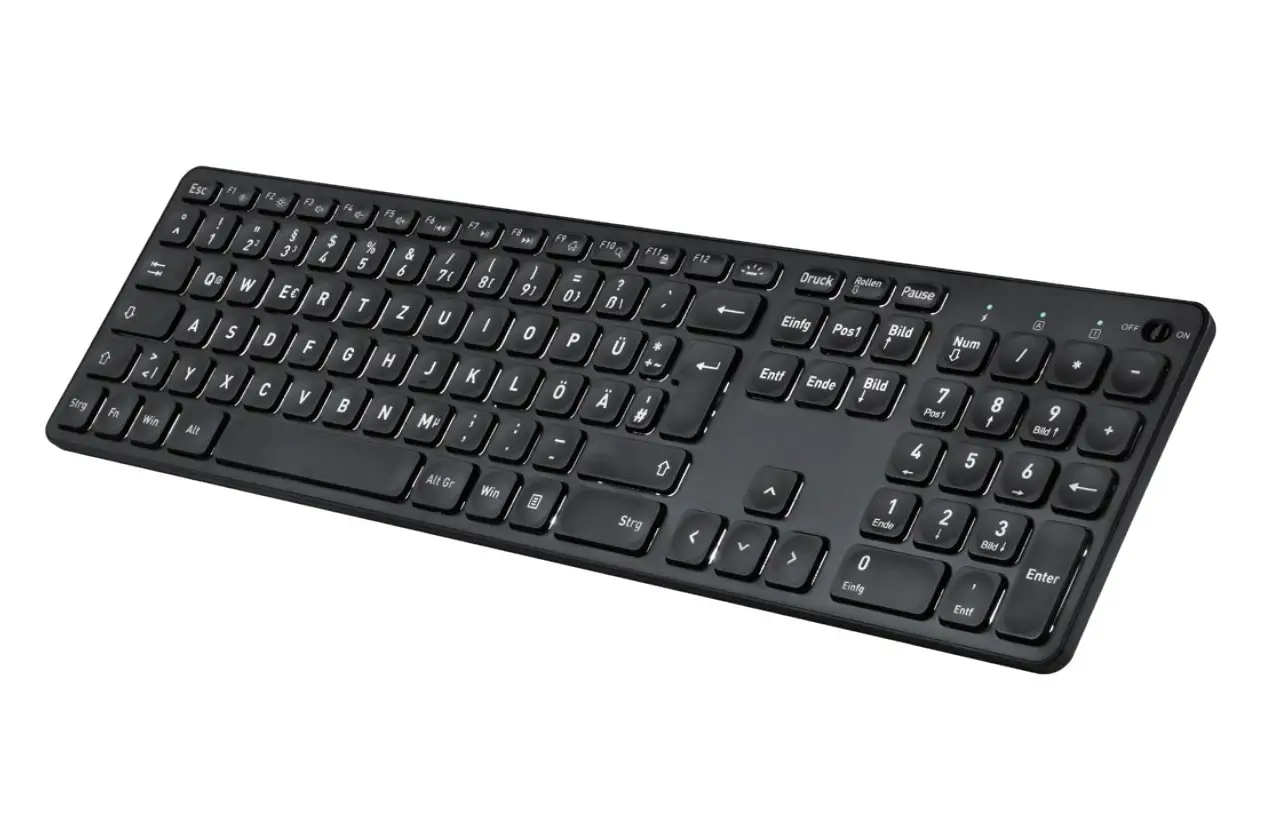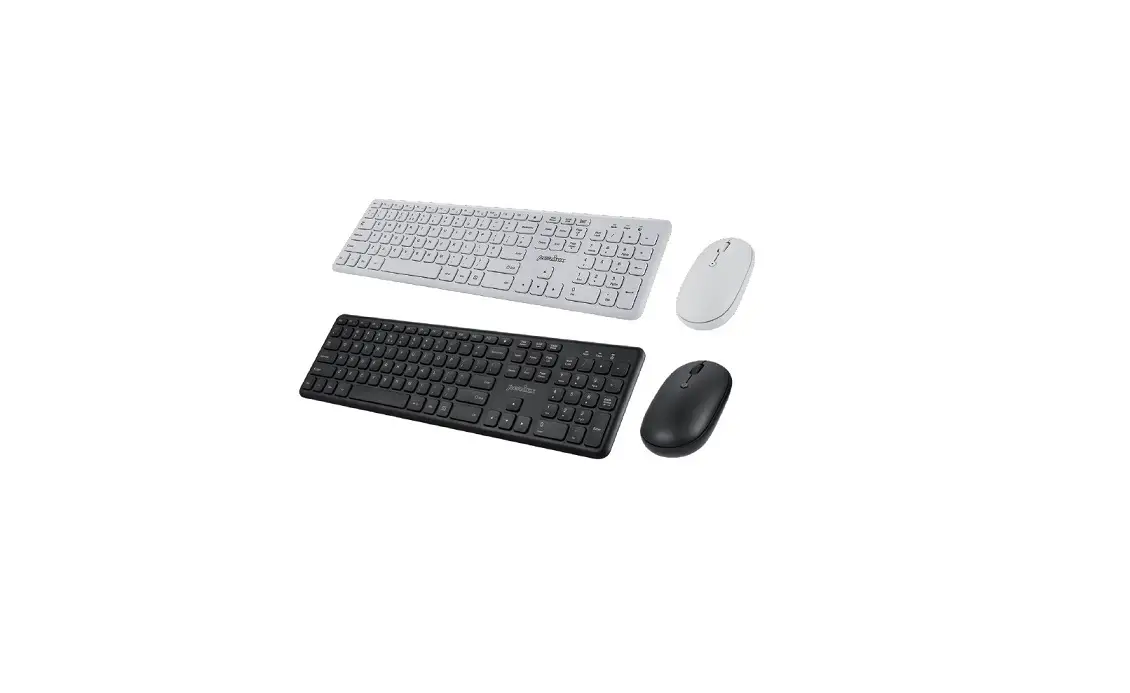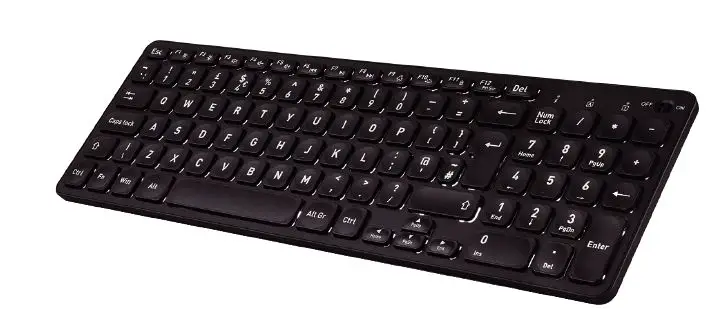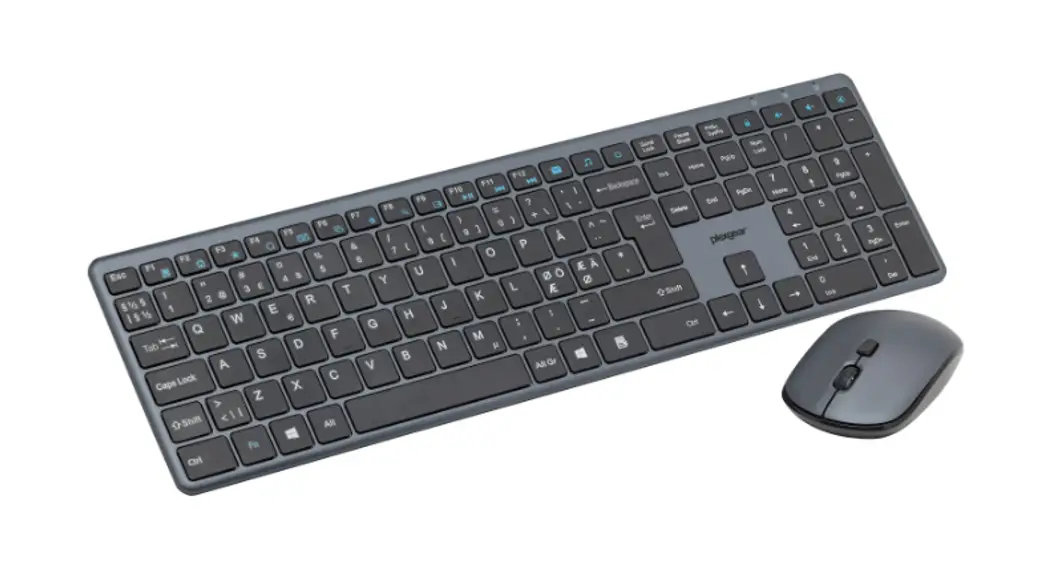
 61855 KM-Silent Wireless Keyboard and Mouse
User Manual
Specifications
| Receiver | USB 2.0 |
| Frequency | 2408MHz-2474MHz |
| Transmission power | 20mW Max |
| Mouse resolution | 1000/1400/1800 DPI |
| Range | up to 10m |
| 0S | Windows XP/7/8/10, Mac OS |
| Size (keyboard) | 409x119x20 mm |
| Batteries | 2x AAA, 1x AA (not included) |
Included
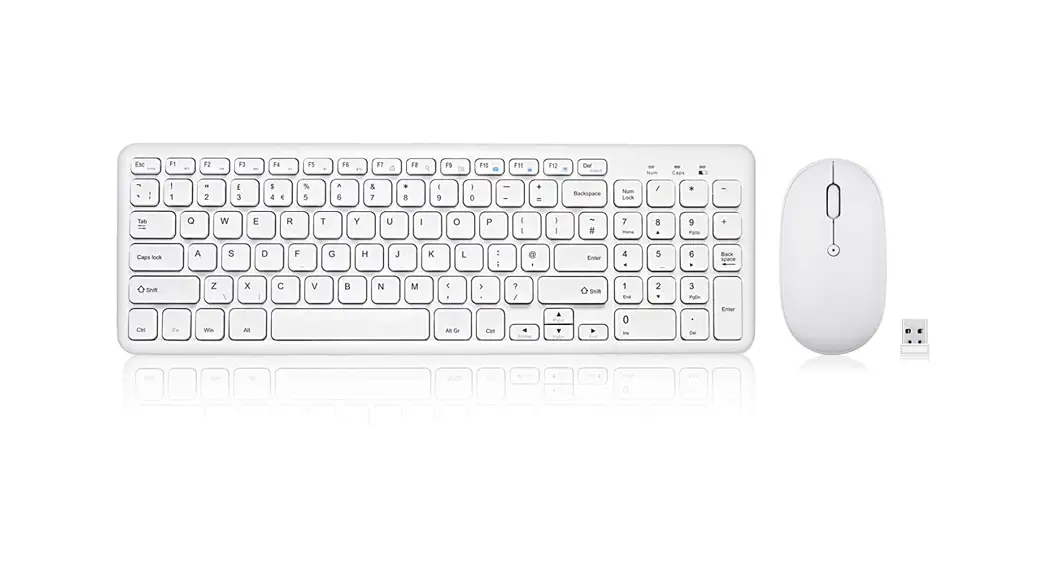
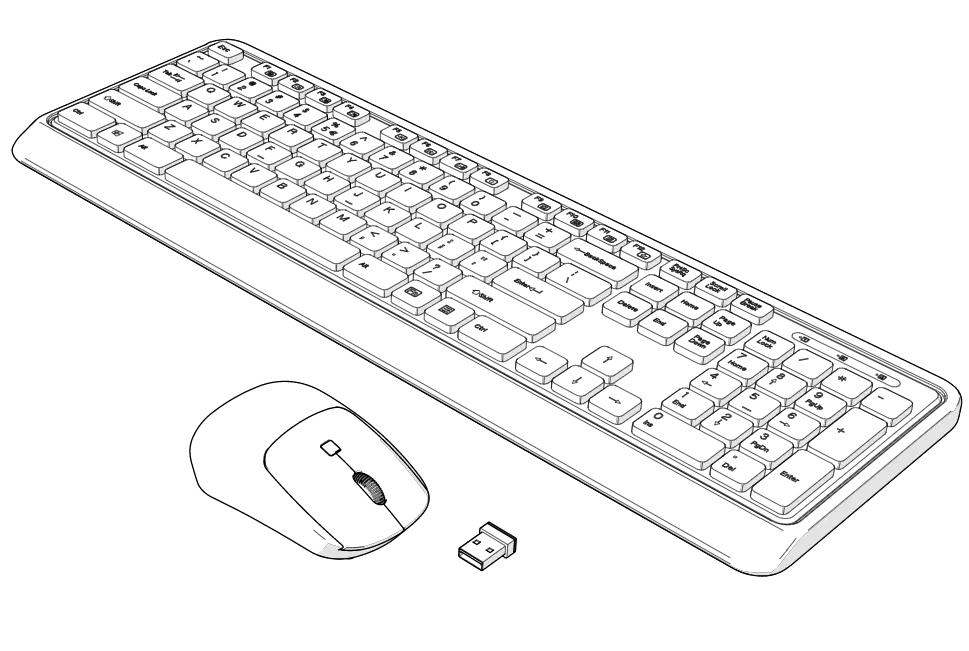
- Keyboard
- Mouse
- USB receiver
- Manual
Batteries
Insert 2 AAA batteries in the hatch on the back of the keyboard. Open the battery compartments underneath the mouse and insert 1 AA battery. Remove the USB receiver from inside the mouse while you’re at it and put the hatchback.
On/off
The keyboard and mouse automatically turn on when keys are pressed or any mouse buttons are clicked. The keyboard and mouse automatically go to sleep alter it has been inactive long enough.
Installation
- Turn on the keyboard and mouse.
- Connect the USB receiver to the computer. Avoid using a USB hub.
Pairing
If the keyboard or mouse should ever disconnect they have to be paired with the USB receiver again.
Pairing method (Mouse):
Turn on the power switch on the mouse. Remove the USB receiver. Press and hold the scroll wheel button and the right mouse button for 3 seconds. Keep it within a 1 meter distance of the receiver. Connect the USB receiver to the computer again. The LED under the mouse should light up and the mouse can now be used.
Pairing method (Keyboard):
Remove the USB receiver. Press and hold “ESC” and K keys on the keyboard at the same time for 3 seconds. Keep the keyboard within a 1-meter distance of the receiver. Connect the USB receiver to the computer again. The indicator on the keyboard should light up if the pairing was successful.
LED
The LED flashes during the pairing process and if the battery status is low.
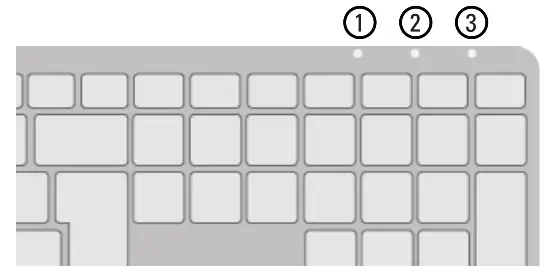
| 1. Num Lock | 3. Scroll Lock |
| 2. Caps Lock |
Hotkeys
FN+ F1 = Sleep mode (only Windows)
FN+ F2 = Browser
FN+ F3 = Bookmarks (only Windows)
FN+ F4 = Sharing center (only Windows)
FN+ F5 = Calculator (only Windows)
FN+ F6 = Task manager (only Windows)
FN+ F7 = Settings (only Windows)
FN+ F8 = Search
FN+ F9 = Action center (only Windows)
FN+ F10 = Play/Pause
FN + F11 = Previous track
FN + F12 = Next track
 =Mail (only Windows)
 = Media player (only Windows)
 =My PC (only Windows)
 =Lock computer
 =lncrease volume
 = Decrease volume
 = Mute
www.plexgear.com
B0x 50435 Malm~d
Sweden
2022-09-01