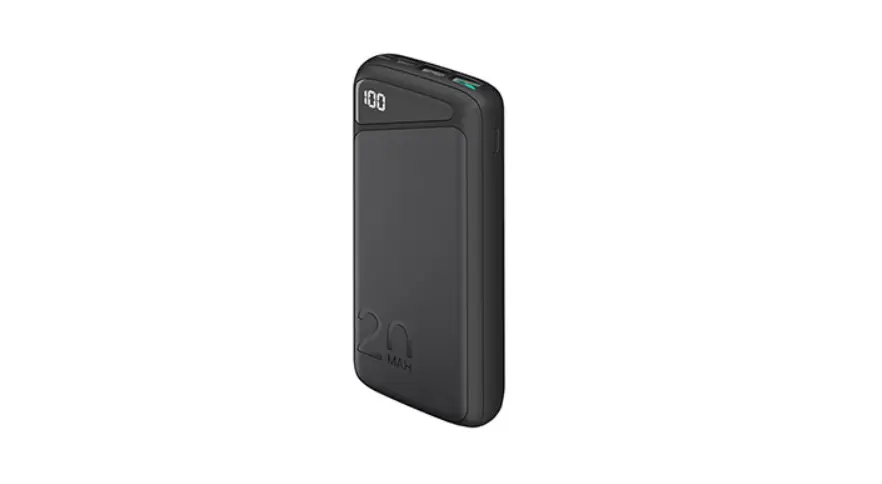
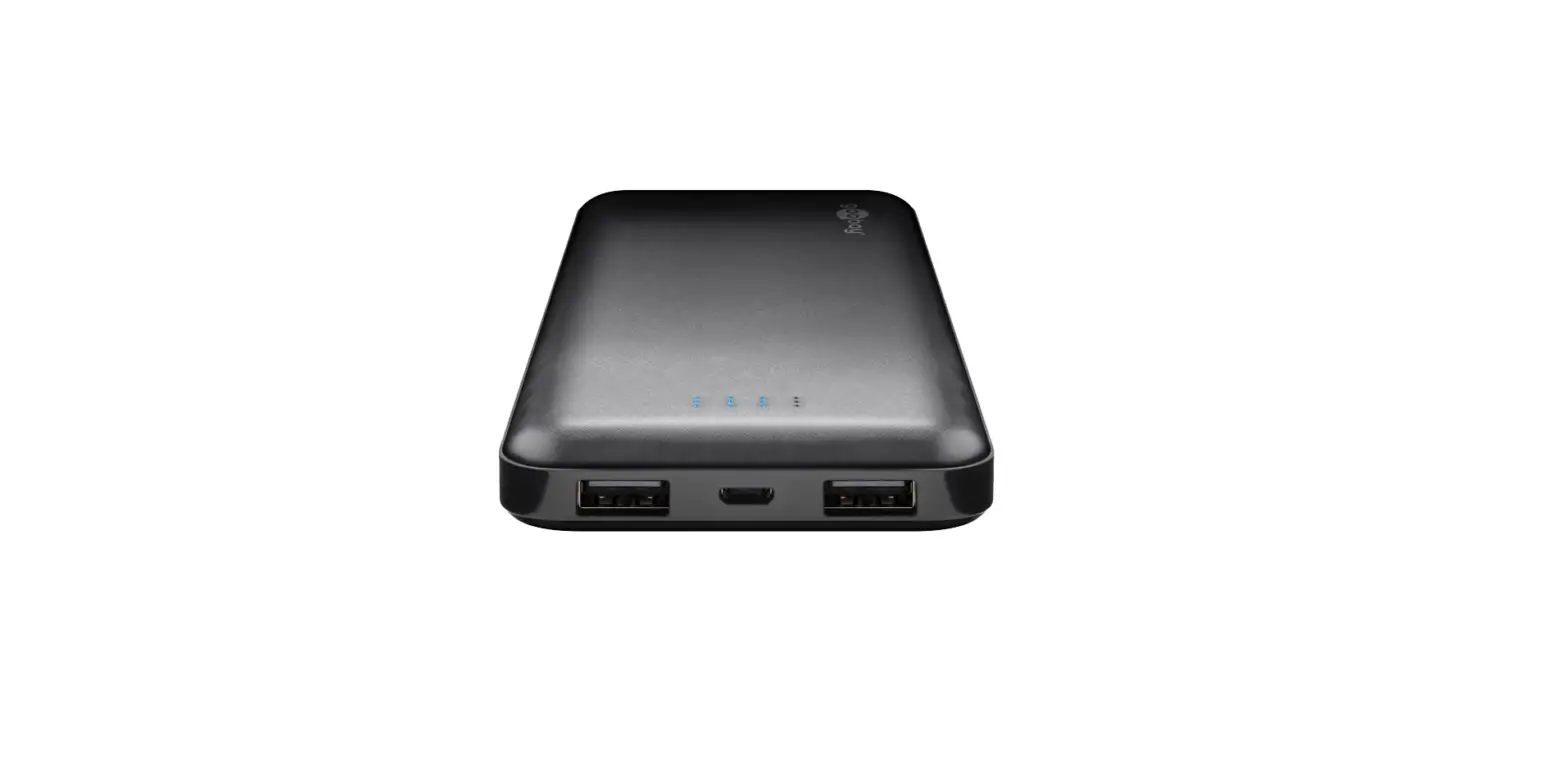
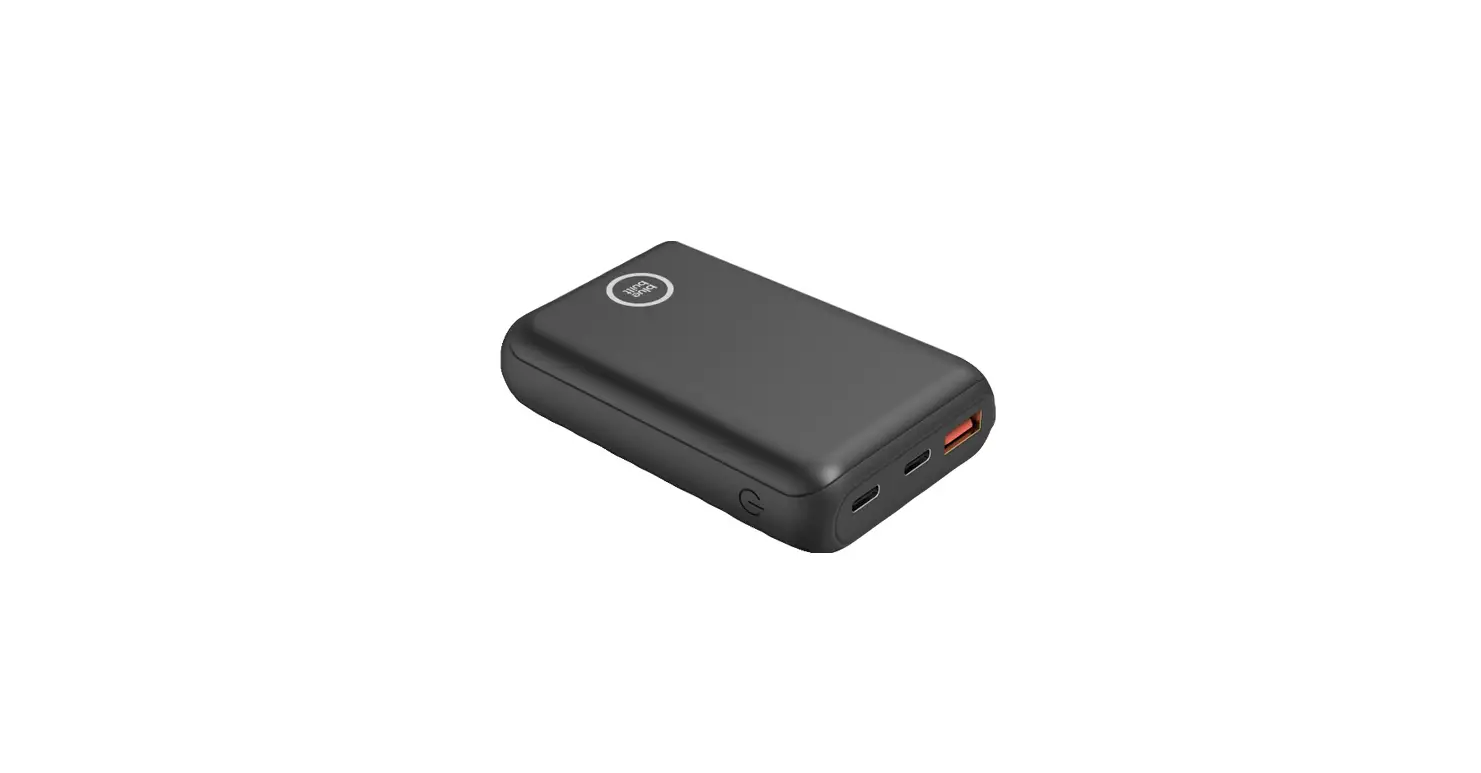
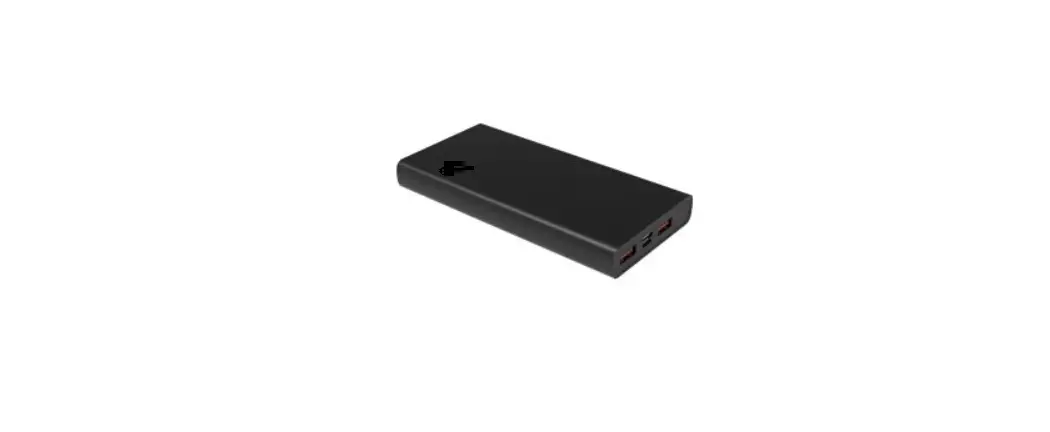
20230612 Standard Power Bank
Product Information
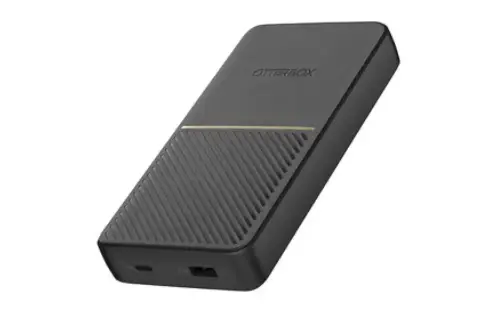
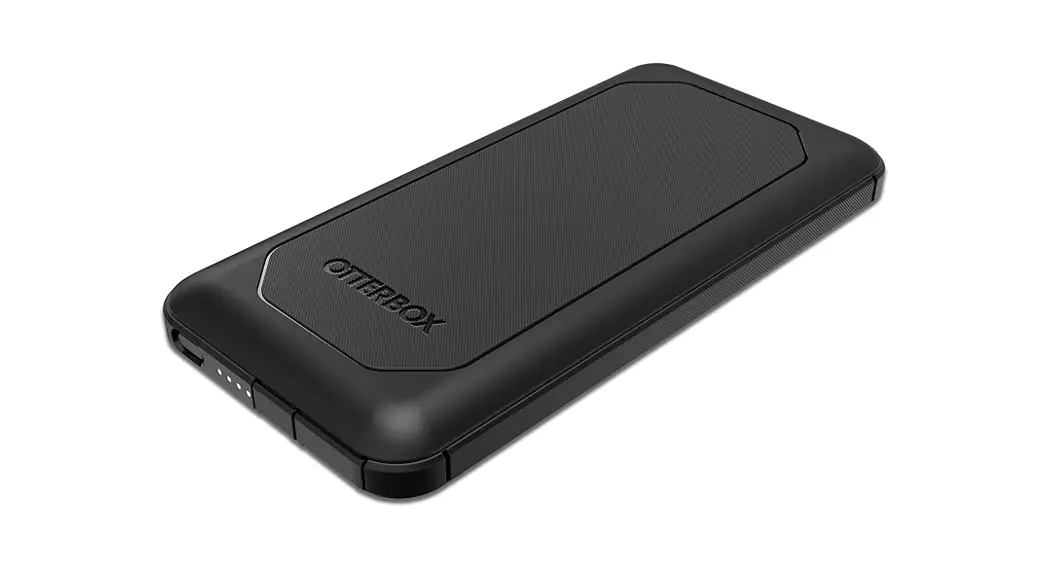
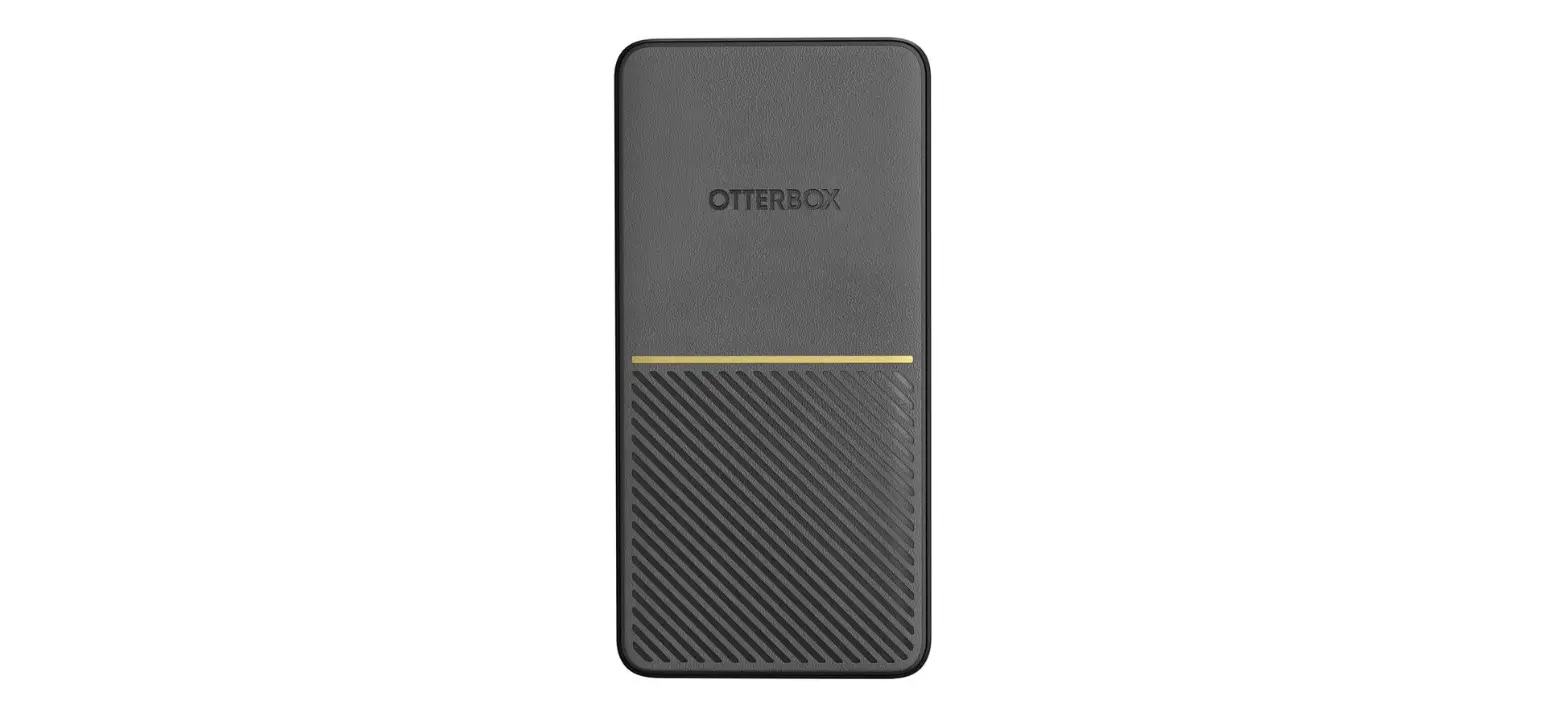
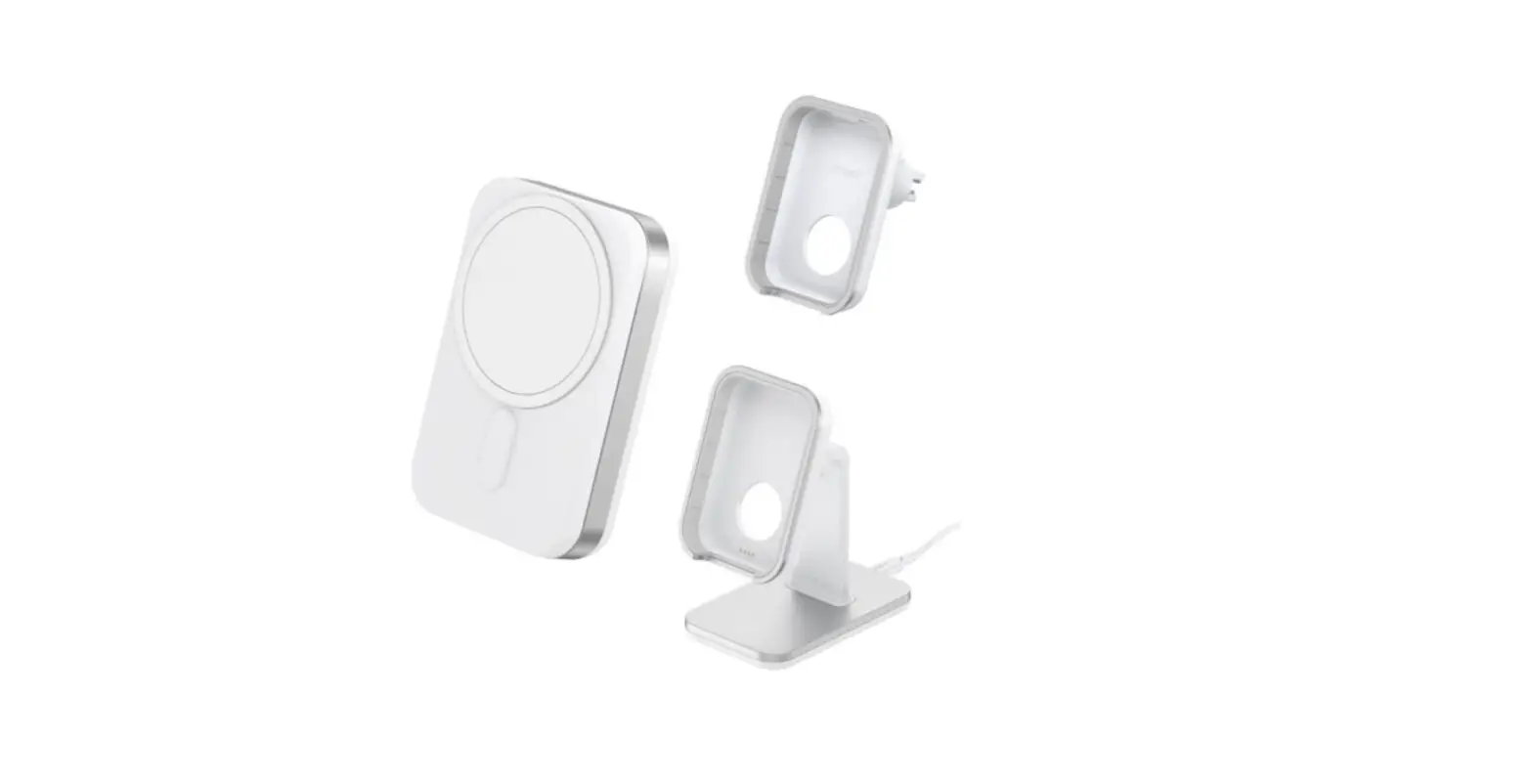
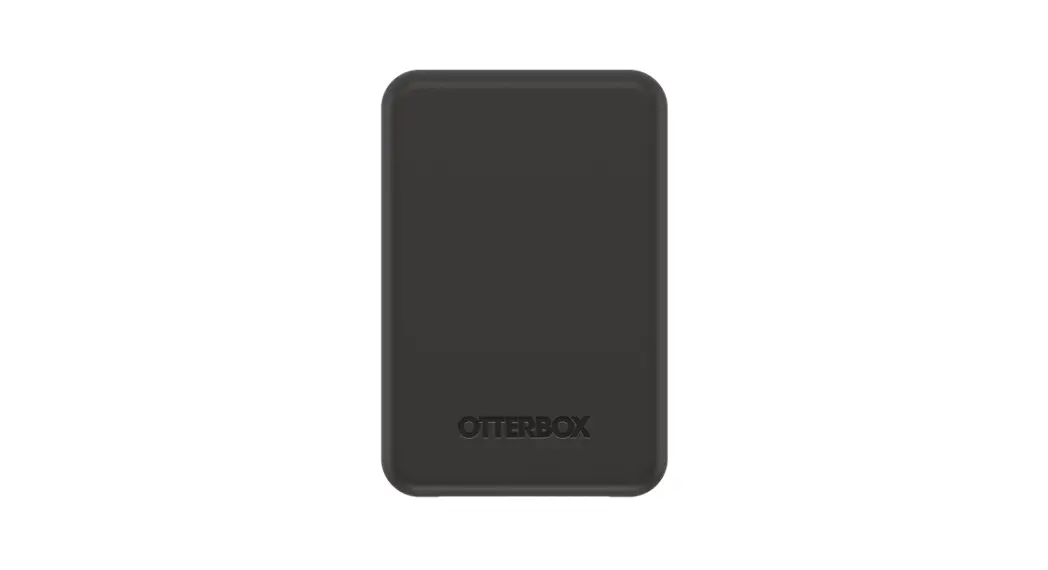
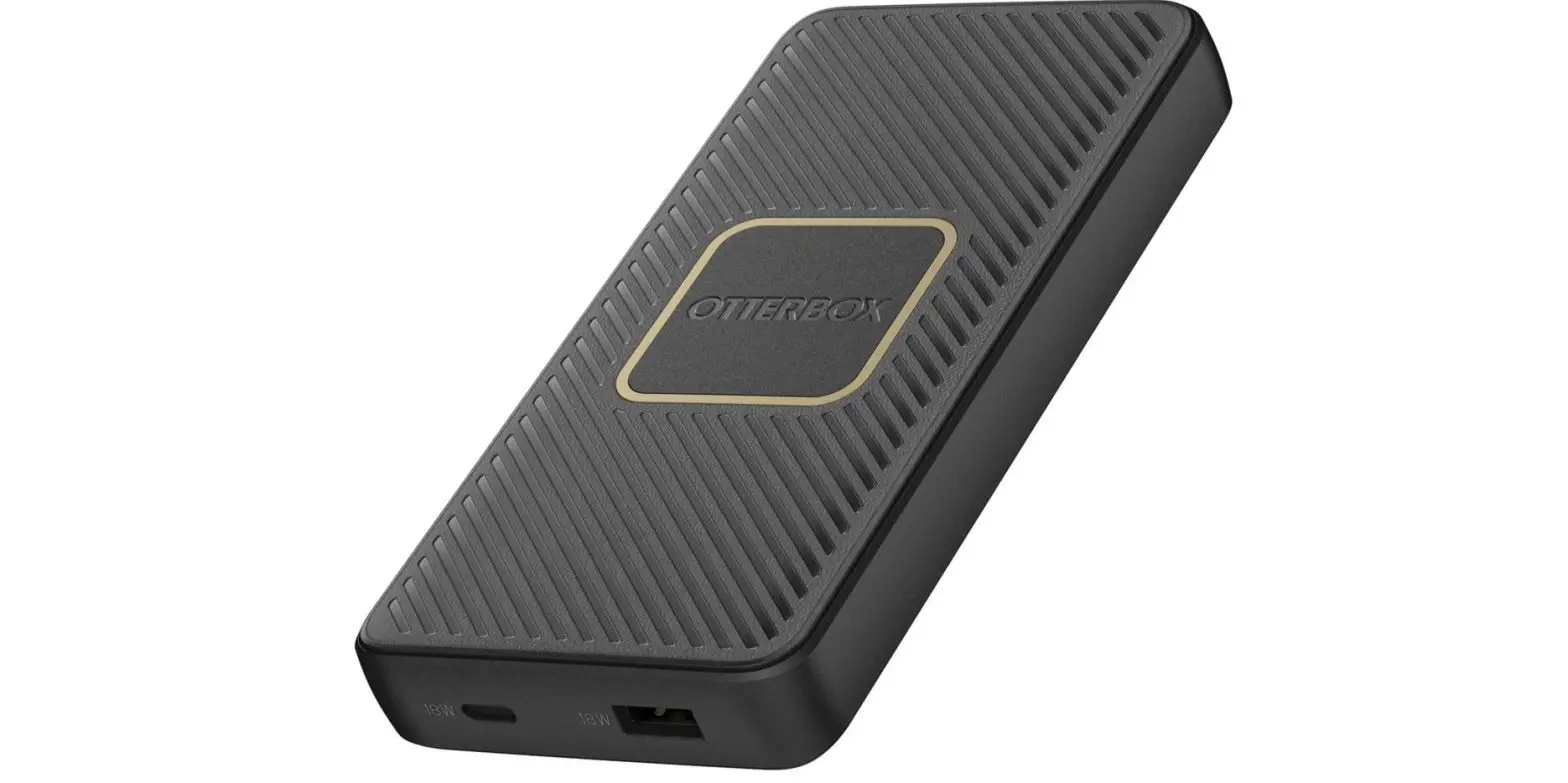
The Power Bank is a portable device designed to charge various
electronic devices. It features a wireless charging capability (if
applicable) and can automatically start charging most devices. The
Power Bank is manufactured by Otter Products LLC.
Specifications:
- Model: TR2305006-001
- Manufacturer: Otter Products LLC
- Page Count: 13
- Revision: 1
Customer Service:
- USA + Canada Toll-Free: 1-855-688-7269
- Email: [email protected]
- Website: otterbox.com/support
Compliance:
This device complies with Part 15 of the FCC Rules. It is
designed not to cause harmful interference and must accept any
interference received, including interference that may cause
undesired operation.
Product Usage Instructions
Fully charge for first use:
Before using the Power Bank for the first time, it is
recommended to fully charge it.
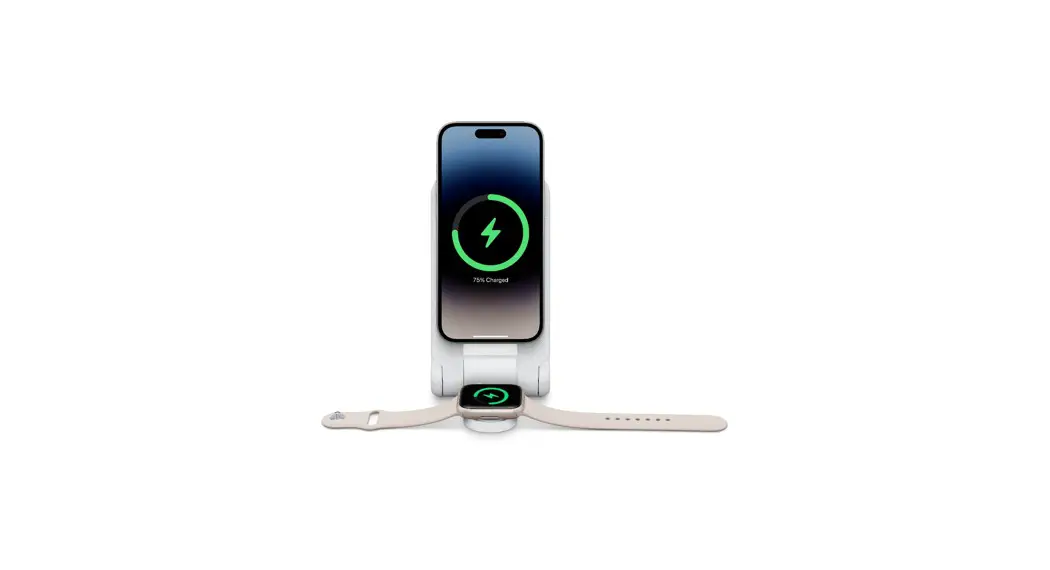
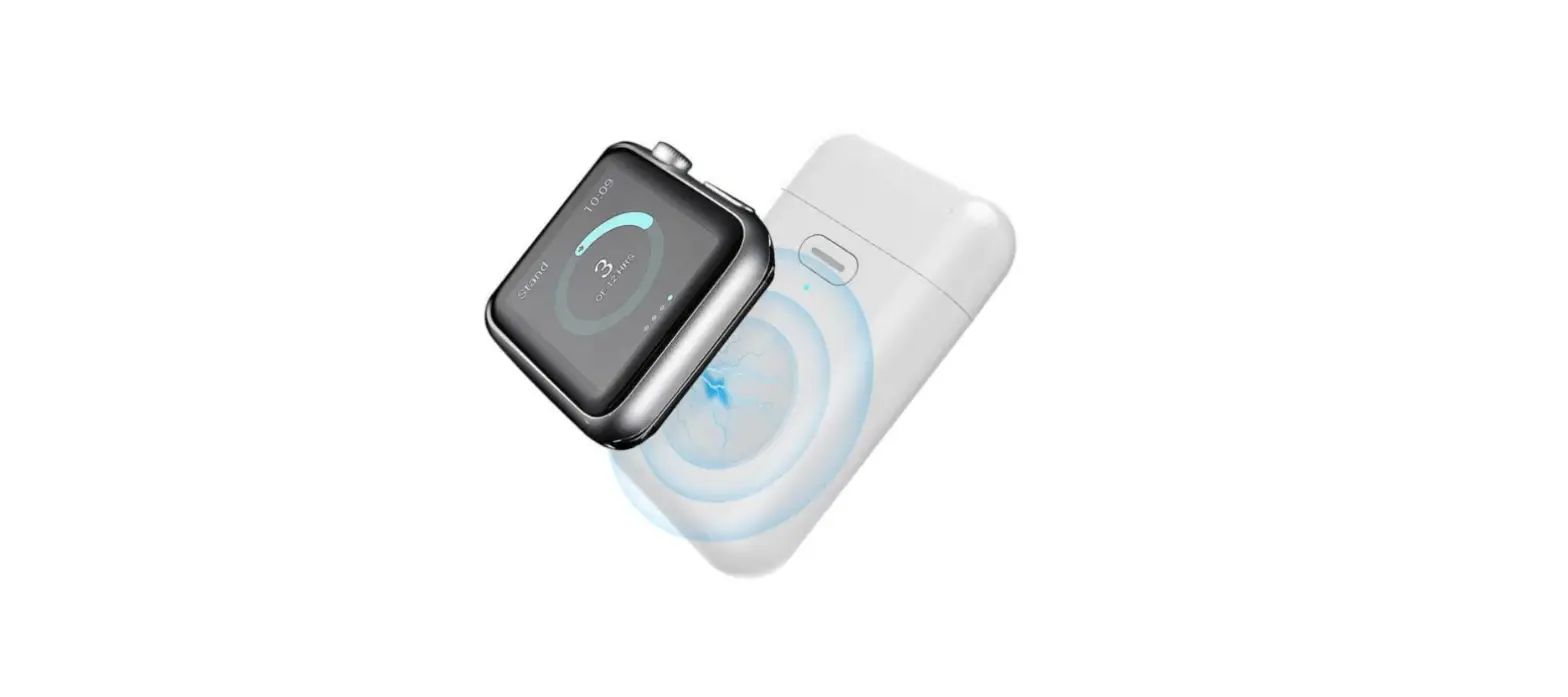
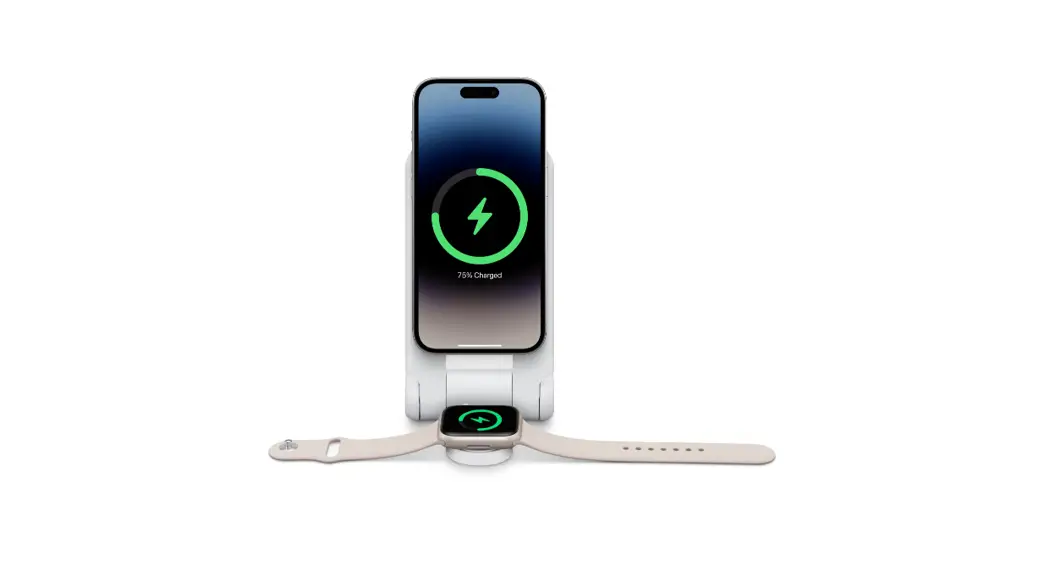
Wirelessly charge devices (if applicable):
If your Power Bank supports wireless charging, follow these
steps:
- Press the button on the Power Bank.
- Place your device flat on the side of the Power Bank featuring
the OtterBox logo. - An orange light will blink while detecting your device.
- If the device is detected, the orange light will stop blinking
and remain steady while charging.
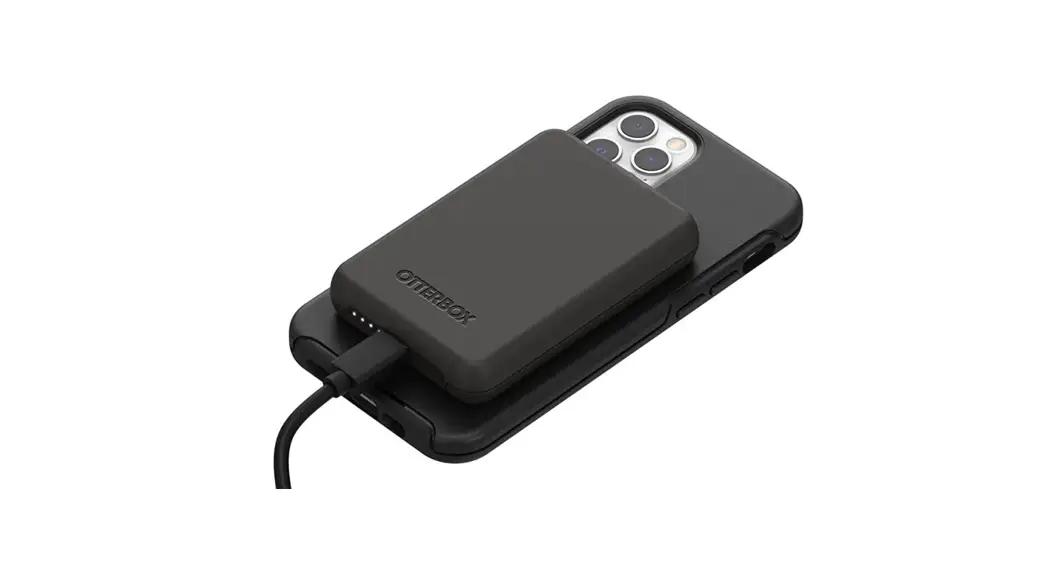
Charge devices:
The Power Bank can automatically start charging most devices.
Simply connect your device to the Power Bank using the appropriate
charging cable.
Care & Maintenance – Cleaning:
- Wipe the Power Bank with a dry cloth.
- Do not use solvents, chemicals, cleaning solutions, alcohol,
ammonia, or abrasives.
POWER BANK
Quick Start Guide
Fully charge for first use
While charging display continually shows (Fig. 1):
· 1 flashing LED < 25% capacity · 1 solid LED, 1 flashing LED 25-50% capacity · 2 solid LEDs, 1 flashing LED 50-75% capacity · 3 solid LEDs, 1 flashing LED 75-99% capacity · 4 solid LEDs 100% capacity
When not charging, press button to view capacity (Fig. 2):
· No LEDs 0% capacity · 1 flashing LED 0-10% capacity · 1 solid LED 10-25% capacity · 2 solid LEDs 25-50% capacity · 3 solid LEDs 50-75% capacity · 4 solid LEDs 75-100% capacity
WIRELESSLY CHARGE DEVICES (If applicable)
Press button and place your device flat on the side of the Power bank featuring the OtterBox logo. An orange light blinks while detecting your device and stops blinking if the device is not detected. The orange light blinks when a device is connected and charging.
CHARGE DEVICES
Power bank automatically starts charging most devices.
Care & Maintenance
Cleaning
1. Wipe with a dry cloth. 2. Do not use solvents, chemicals, cleaning solutions, alcohol, ammonia or abrasives.
CUSTOMER SERVICE
1-855-688-7269 USA + Canada – Toll Free [email protected] otterbox.com/support
This device complies with Part 15 of the FCC Rules. Operation is subject to the following two conditions: (1) this device may not cause harmful interference, and (2) this device must accept any interference received, including interference that may cause undesired operation.
Otter Products LLC
Page 1 of 13
TR2305006-001, Rev 1
CHARGEUR PORTATIF
GUIDE DE DÉMARRAGE RAPIDE
Charge complète pour une première utilisation
Pendant la recharge, l’écran affiche en permanence (illustration nº 1) :
· 1 voyant DEL clignotant < 25 % de capacité · 1 voyant DEL allumé en continu, 1 voyant DEL clignotant capacité de 25-50 % · 2 voyants DEL allumés en continu, 1 voyant DEL clignotant capacité de 50-75 % · 3 voyants DEL allumés en continu, 1 voyant DEL clignotant capacité de 75-99 % · 4 voyants DEL allumés en continu capacité de 100 %
Lorsque la batterie n’est pas en cours de charge, appuyez sur le bouton pour afficher la capacité (illustration n°2) :
· Aucun voyant DEL allumé capacité de 0 % · 1 voyant DEL clignotant capacité de 0-10 % · 1 voyant DEL allumé en continu capacité de 10-25 % · 2 voyants DEL allumés en continu capacité de 25-50 % · 3 voyants DEL allumés en continu capacité de 50-75 % · 4 voyants DEL allumés en continu capacité de 75-100 %
DISPOSITIFS DE CHARGE SANS FIL (si applicable)
Appuyez sur le bouton et placez votre appareil à plat sur le côté du chargeur portatif arborant le logo OtterBox. Un voyant orange clignote pour détecter votre appareil et cesse de clignoter si l’appareil n’est pas détecté. Le voyant orange clignote lorsqu’un appareil est connecté et en cours de charge.
APPAREILS CHARGÉS
Le chargeur portatif commence automatiquement à charger la plupart des appareils.
Entretien
Nettoyage
1. Essuyez avec un chiffon sec. 2. N’utilisez pas de solvants, de produits chimiques, de solutions de nettoyage, d’alcool, d’ammoniaque ou de
composants abrasifs.
SERVICE CLIENT
1-855-688-7269 Numéro gratuit aux États-Unis et au Canada [email protected] otterbox.com/support
Cet appareil est conforme à la section 15 des réglementations de la FCC. Son fonctionnement est soumis aux deux conditions suivantes :
(1) cet appareil ne doit pas provoquer d’interférences nuisibles, et (2) cet appareil doit accepter toute autre interférence reçue, notamment les interférences susceptibles d’occasionner un fonctionnement indésirable..
Otter Products LLC
Page 2 of 13
TR2305006-001, Rev 1
POWERBANK SCHNELLSTARTANLEITUNG
Vor dem ersten Gebrauch vollständig aufladen
Während des Ladevorgangs wird auf der Anzeige Folgendes angezeigt (Abb. 1):
· 1 blinkende LED < 25 % Kapazität · 1 durchgehend leuchtende LED, 1 blinkende LED 2550 % Kapazität · 2 durchgehend leuchtende LEDs, 1 blinkende LED 5075 % Kapazität · 3 durchgehend leuchtende LEDs, 1 blinkende LED 7599 % Kapazität · 4 durchgehend leuchtende LEDs 100 % Kapazität
Wenn das Gerät nicht aufgeladen wird, drücken Sie die Taste, um die Kapazität anzuzeigen (Abb. 2):
· Keine LEDs 0 % Kapazität · 1 blinkende LED 010 % Kapazität · 1 durchgehend leuchtende LED 1025 % Kapazität · 2 durchgehend leuchtende LEDs 2550 % Kapazität · 3 durchgehend leuchtende LEDs 5075 % Kapazität · 4 durchgehend leuchtende LEDs 75100 % Kapazität
GERÄTE DRAHTLOS AUFLADEN (ggf.)
Drücken Sie die Taste und legen Sie Ihr Gerät flach auf die Seite der Powerbank mit dem OtterBox-Logo. Ein orangefarbenes Licht blinkt, während Ihr Gerät gesucht wird, und hört auf zu blinken, wenn Ihr Gerät nicht gefunden wurde. Das orangefarbene Licht blinkt, wenn ein Gerät angeschlossen ist und aufgeladen wird.
GERÄTE AUFLADEN
Die Powerbank startet den Ladevorgang bei den meisten Geräten automatisch.
Pflege und Wartung
Reinigung
1. Mit einem trockenen Tuch reinigen. 2. Keine Lösungsmittel, Chemikalien, Reinigungslösungen, Alkohol, Ammoniak oder Scheuermittel verwenden.
KUNDENSERVICE
1-855-688-7269 USA + Kanada gebührenfrei [email protected] otterbox.de/support
Dieses Gerät entspricht Teil 15 der FCC-Regeln. Der Betrieb unterliegt den folgenden beiden Bedingungen: 1) Das Gerät darf keine gefährlichen Interferenzen verursachen. 2) Das Gerät muss jede empfangene Interferenz akzeptieren, auch solche Interferenzen, die unerwünschten Betrieb verursachen können.
Otter Products LLC
Page 3 of 13
TR2305006-001, Rev 1
POWER BANK GUIDA RAPIDA
Caricare completamente per il primo utilizzo
Durante la carica, sul display viene visualizzato quanto segue (fig. 1):
· 1 LED lampeggiante < 25% della capacità · 1 LED illuminato, 1 LED lampeggiante 25-50% della capacità · 2 LED illuminati, 1 LED lampeggiante 50-75% della capacità · 3 LED illuminati, 1 LED lampeggiante 75-99% della capacità · 4 LED illuminati 100% della capacità
Quando il dispositivo non è in carica, premere il pulsante per visualizzare la capacità (Fig. 2):
· Nessun LED 0% della capacità · 1 LED lampeggiante 0-10% della capacità · 1 LED illuminato 10-25% della capacità · 2 LED illuminati 25-50% della capacità · 3 LED illuminati 50-75% della capacità · 4 LED illuminati 75-100% della capacità
DISPOSITIVI RICARICABILI SENZA CAVI (ove applicabile)
Premi il pulsante e posiziona il dispositivo orizzontalmente sul lato del Power Bank dove è presente il logo OtterBox. Durante l’individuazione del dispositivo, lampeggia una luce arancione che smetterà di illuminarsi se il dispositivo non viene individuato.. La luce arancione lampeggia quando un dispositivo è connesso e in carica.
CARICARE I DISPOSITIVI
Il power bank inizia a caricare automaticamente la maggior parte dei dispositivi.
Cura e manutenzione
Pulizia
1. Pulire con un panno asciutto. 2. Non utilizzare solventi, prodotti chimici, soluzioni detergenti, alcool, ammoniaca o abrasivi.
SERVIZIO CLIENTI
1-855-688-7269 USA e Canada – Numero verde [email protected] otterbox.com/support
Questo dispositivo è conforme alla Parte 15 della Normativa FCC. Il funzionamento è soggetto alle due condizioni seguenti:
(1) questo dispositivo non deve provocare interferenze dannose e (2) deve accettare tutte le interferenze ricevute, comprese quelle che potrebbero provocare un funzionamento indesiderato.
Otter Products LLC
Page 4 of 13
TR2305006-001, Rev 1
POWER BANK GUÍA DE INICIO RÁPIDO
Realice una carga completa la primera vez que use el producto
Durante la carga, la pantalla mostrará constantemente (Figura 1):
· 1 LED parpadeando < 25 % de capacidad · 1 LED fijo, 1 LED parpadeando 25-50 % de capacidad · 2 LED fijos, 1 LED parpadeando 50-75 % de capacidad · 3 LED fijos, 1 LED parpadeando 75-99% de capacidad · 4 LED fijos 100 % de capacidad
Cuando no se está cargando, pulsa el botón para ver la capacidad (Fig. 2):
· Ningún LED 0 % de capacidad · 1 LED parpadeando 0-10 % de capacidad · 1 LED fijo 10-25 % de capacidad · 2 LED fijos 25-50 % de capacidad · 3 LED fijos 50-75 % de capacidad · 4 LED fijos 75-100 % de capacidad
CARGA DE DISPOSITIVOS SIN CABLES (si es el caso)
Pulsa el botón y coloca el dispositivo en horizontal sobre el lado del Power Bank con el logotipo de OtterBox. Una luz naranja parpadeará mientras detecta el dispositivo y parará si no detecta el dispositivo. La luz naranja parpadea cuando hay un dispositivo conectado y cargándose.
CARGA DE DISPOSITIVOS
El Power Bank comienza a cargar automáticamente la mayoría de dispositivos.
Cuidado y mantenimiento
Limpieza
1. Pasa un paño seco. 2. No utilices productos disolventes, químicos, productos de limpieza, alcohol, amoniaco ni abrasivos.
ATENCIÓN AL CLIENTE
1-855-688-7269 EE. UU. y Canadá – Llamada gratis [email protected] otterbox.com/support
Este aparato cumple con la sección 15 de las normas de la FCC. Su funcionamiento está sujeto a las siguientes dos condiciones:
(1) este aparato no puede causar interferencias dañinas, y (2) este aparato debe aceptar cualquier interferencia recibida, incluyendo interferencias que puedan causar un funcionamiento no deseado.
Otter Products LLC
Page 5 of 13
TR2305006-001, Rev 1
POWER BANK GUIA DE INÍCIO RÁPIDO
Carregar totalmente para primeira utilização
Durante o carregamento, é continuamente apresentado no ecrã (Fig. 1):
· 1 LED intermitente capacidade < 25% · 1 LED fixo, 1 LED intermitente capacidade de 25-50% · 2 LED fixos, 1 LED intermitente capacidade de 50-75% · 3 LED fixos, 1 LED intermitente capacidade de 75-99% · 4 LED fixos capacidade de 100%
Quando não estiver a carregar, prima o botão para ver a capacidade (Fig. 2):
· Nenhum LED capacidade de 0% · 1 LED intermitente capacidade de 0-10% · 1 LED fixo capacidade de 10-25% · 2 LED fixos capacidade de 25-50% · 3 LED fixos capacidade de 50-75% · 4 LED fixos capacidade de 75-100%
CARREGAR DISPOSITIVOS SEM FIOS (se aplicável)
Prima o botão e coloque o seu dispositivo sobre o lado do power bank com o logótipo OtterBox. Uma luz laranja pisca quando estiver a detetar o seu dispositivo e deixa de piscar se o dispositivo não for detetado. A luz laranja pisca quando um dispositivo estiver ligado e a carregar.
CARREGAR DISPOSITIVOS
O power bank começa a carregar automaticamente a maioria dos dispositivos.
Cuidados e manutenção
Limpeza
1. Limpe com um pano seco. 2. Não utilize solventes, agentes químicos, soluções de limpeza, álcool, amoníaco ou abrasivos.
APOIO AO CLIENTE
1-855-688-7269 USA + Canada – Chamada gratuita [email protected] otterbox.com/support
Este dispositivo está em conformidade com a Secção 15 das Normas da FCC. O respetivo funcionamento está sujeito às duas condições seguintes:
(1) este dispositivo não pode provocar interferências nocivas, e (2) este dispositivo tem de aceitar quaisquer interferências recebidas, incluindo interferências que possam provocar anomalias no seu funcionamento.
Otter Products LLC
Page 6 of 13
TR2305006-001, Rev 1
1
· LED1 25% · LED11 2550% · LED21 5075% · LED31 7599% · LED4 100%
2
· LED 0% · LED1 010% · LED1 1025% · LED2 2550% · LED3 5075% · LED4 75100%
OtterBox
1. 2.
1-855-688-7269 – [email protected] otterbox.com/support
FCC152 12
Otter Products LLC
Page 7 of 13
TR2305006-001, Rev 1
LED ( 1).
· LED 1 – 25% · LED 1 , LED 1 25~50% · LED 2 , LED 1 50~75% · LED 3 , LED 1 75~99% · LED 4 100%
, ( 2):
· LED 0% · LED 1 0~10% · LED 1 10~25% · LED 2 25~50% · LED 3 50~75% · LED 4 75~100%
( )
OtterBox . , . .
.
1. . 2. , , , , .
1-855-688-7269 + – [email protected] otterbox.com/support
FCC 15 . . (1) , (2) ( ) .
Otter Products LLC
Page 8 of 13
TR2305006-001, Rev 1
1
· 1 LED < 25% · 1 LED 1 LED 25-50% · 2 LED 1 LED 50-75% · 3 LED 1 LED 75-99% · 4 LED 100%
2
· LED 0% · 1 LED 0-10% · 1 LED 10-25% · 2 LED 25-50% · 3 LED 50-75% · 4 LED 75-100%
OtterBox
1. 2.
1-855-688-7269 + – [email protected] otterbox.com/support
FCC 15 (1) (2)
Otter Products LLC
Page 9 of 13
TR2305006-001, Rev 1
1
· 1 LED < 25% · 1 LED 1 LED 25-50% · 2 LED 1 LED 50-75% · 3 LED 1 LED 75-99% · 4 LED 100%
2
· LED 0% · 1 LED 0-10% · 1 LED 10-25% · 2 LED 25-50% · 3 LED 50-75% · 4 LED 75-100%
OtterBox
1. 2.
1-855-688-7269 – [email protected] otterbox.com/support
15 (1) (2)
Otter Products LLC
Page 10 of 13
TR2305006-001, Rev 1
:(1 .)
25% > LED
25-50% LED 1 , LED 1 50-75% LED , LED 2 75-99% LED , LED 3
100% LED 4
:(2 .) ,
LED 0%
0-10% LED 10-25% LED
25-50% LED 2 50-75% LED 3 75-100% LED 4
( )
.OtterBox . .
. Power Bank
. .1 . , , , , .2
1-855-688-7269 [email protected] otterbox.com/support – + ”
: .FCC 15
, (2) ,
.
Otter Products LLC
Page 11 of 13
TR2305006-001, Rev 1
:)1 (
%25 < LED 1 · %50-25 LED LED 1 · %75-50 LED LED 2· %99-75 LED 1 LED 3 ·
%100 LED 4 ·
:)2 (
%0 LED · %10-0 LED 1 · %25-10 LED 1 · %50-25 LED 2 · %75-50 LED 3 · %100-75 LED 4 ·
) (
.OtterBox . .
.
. .1 . .2
7269-688-855-1 – +
[email protected] otterbox.com/support
: .)FCC( 15 . )2( )1(
Otter Products LLC
Page 12 of 13
TR2305006-001, Rev 1
©2023 Otter Products, LLC. All rights reserved. The OtterBox name and OtterBox trademarks are the property of Otter Products, LLC, registered in the U.S. and other countries. All other trademarks are the property of their respective owners.
Otter Products LLC
Page 13 of 13
TR2305006-001, Rev 1
 Customer Support
 Support-Center