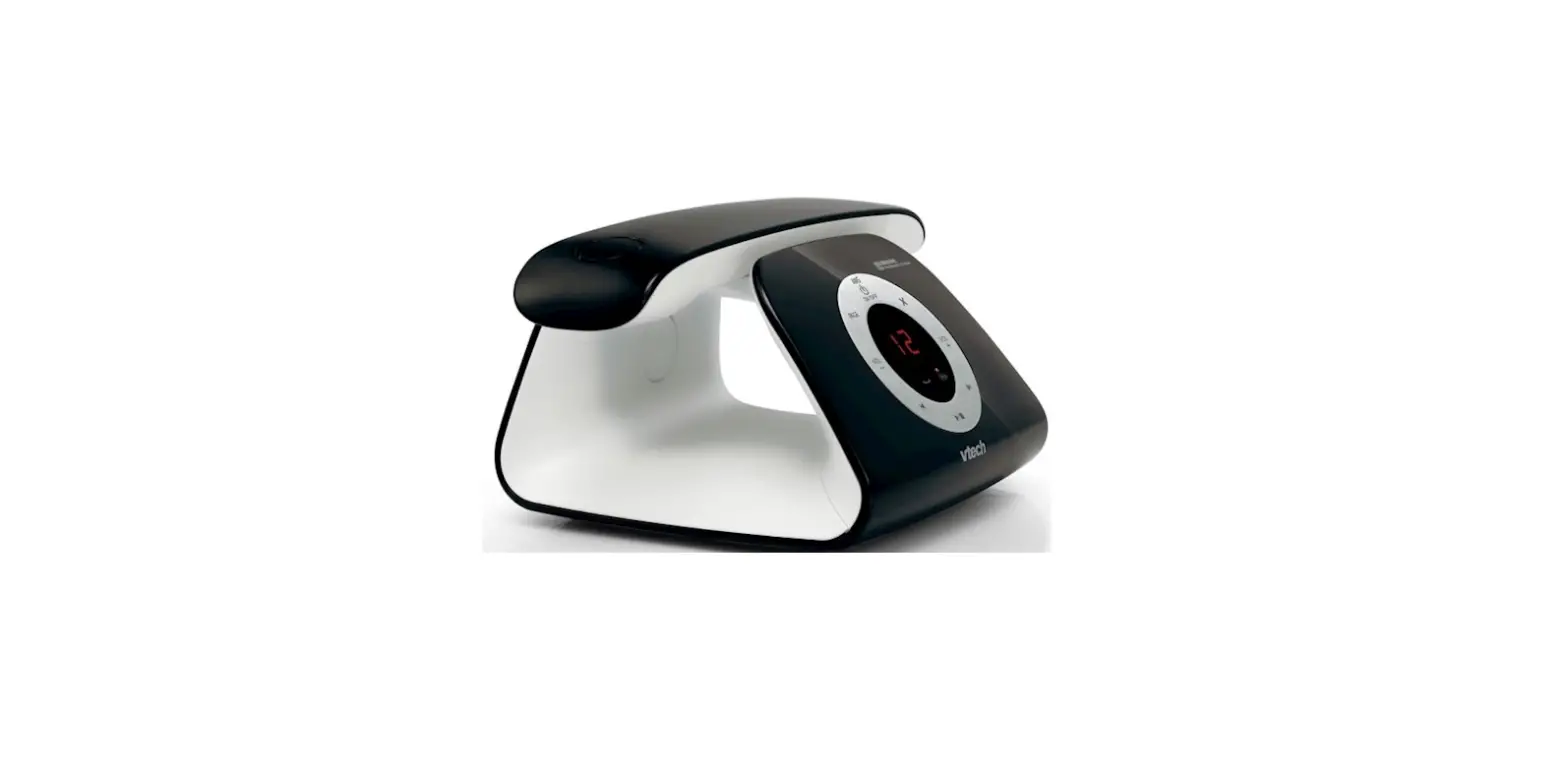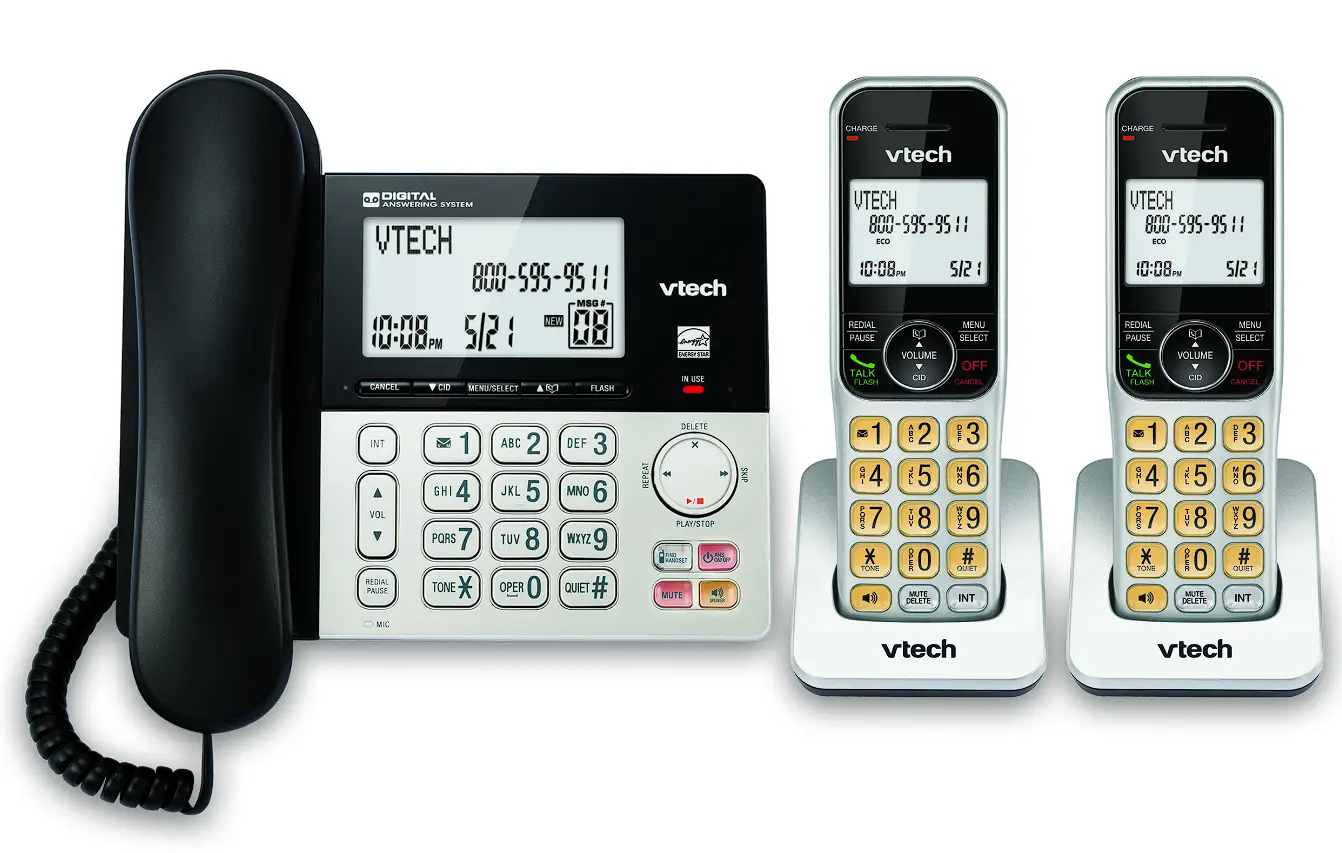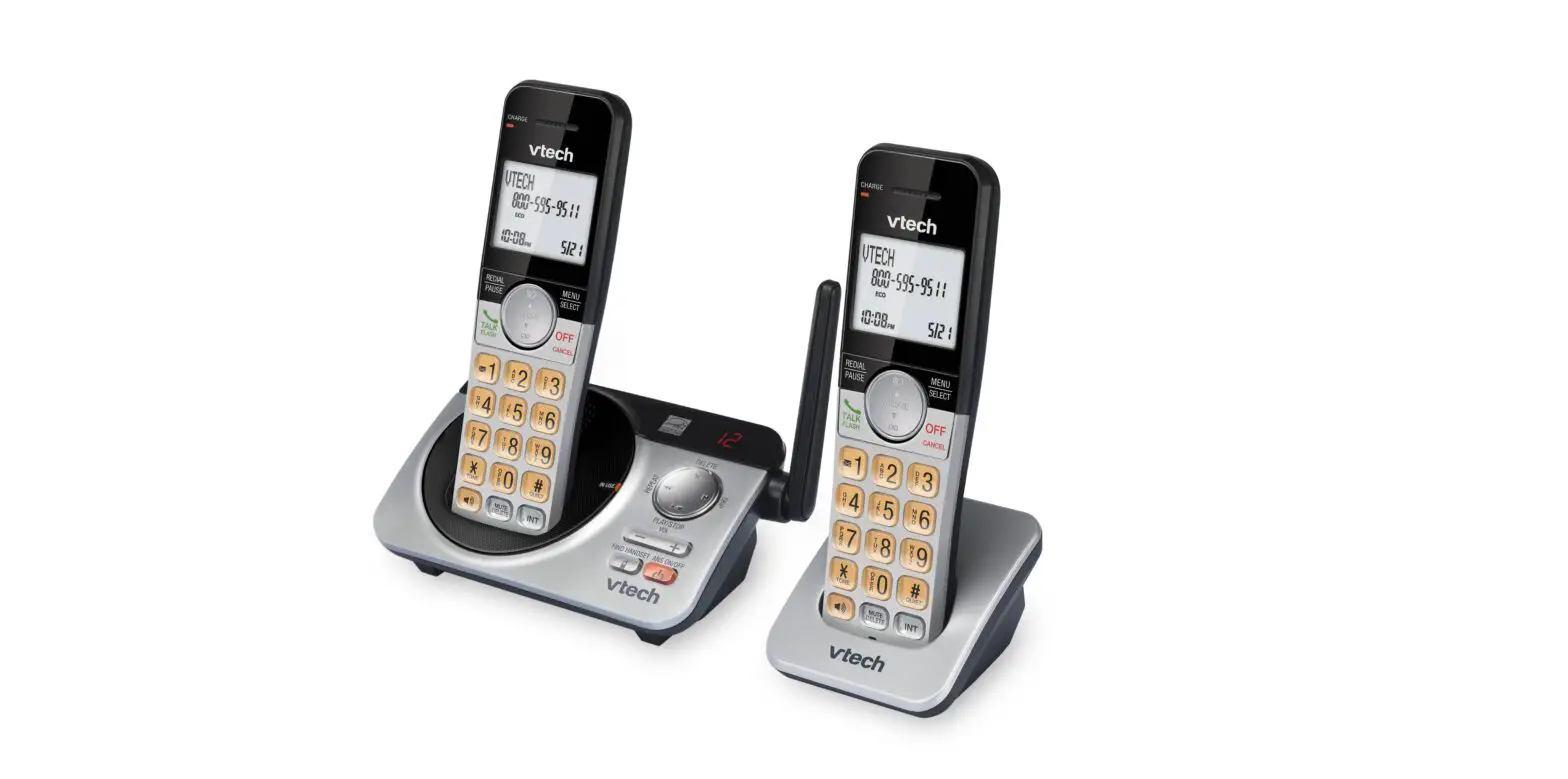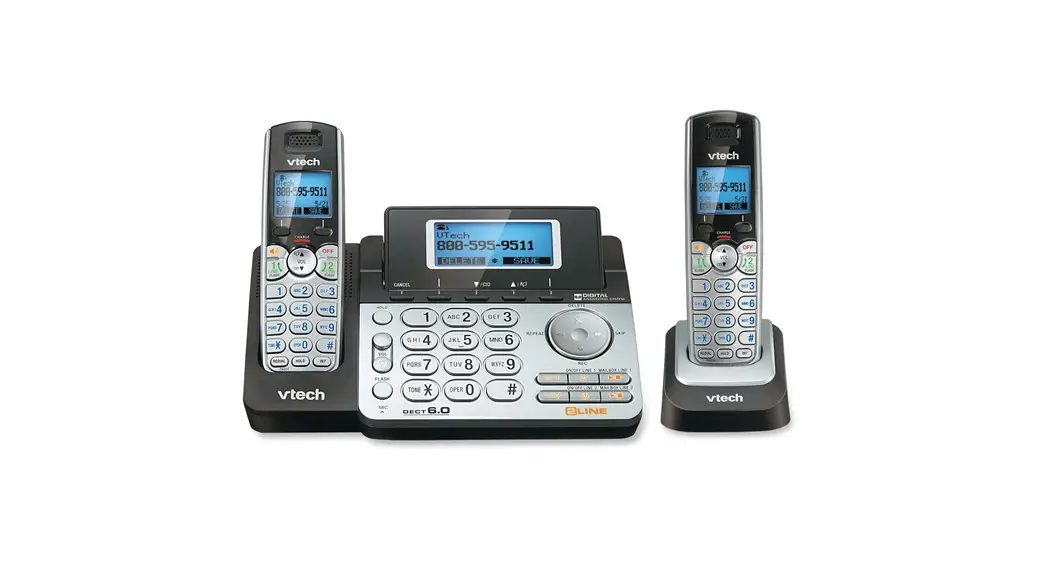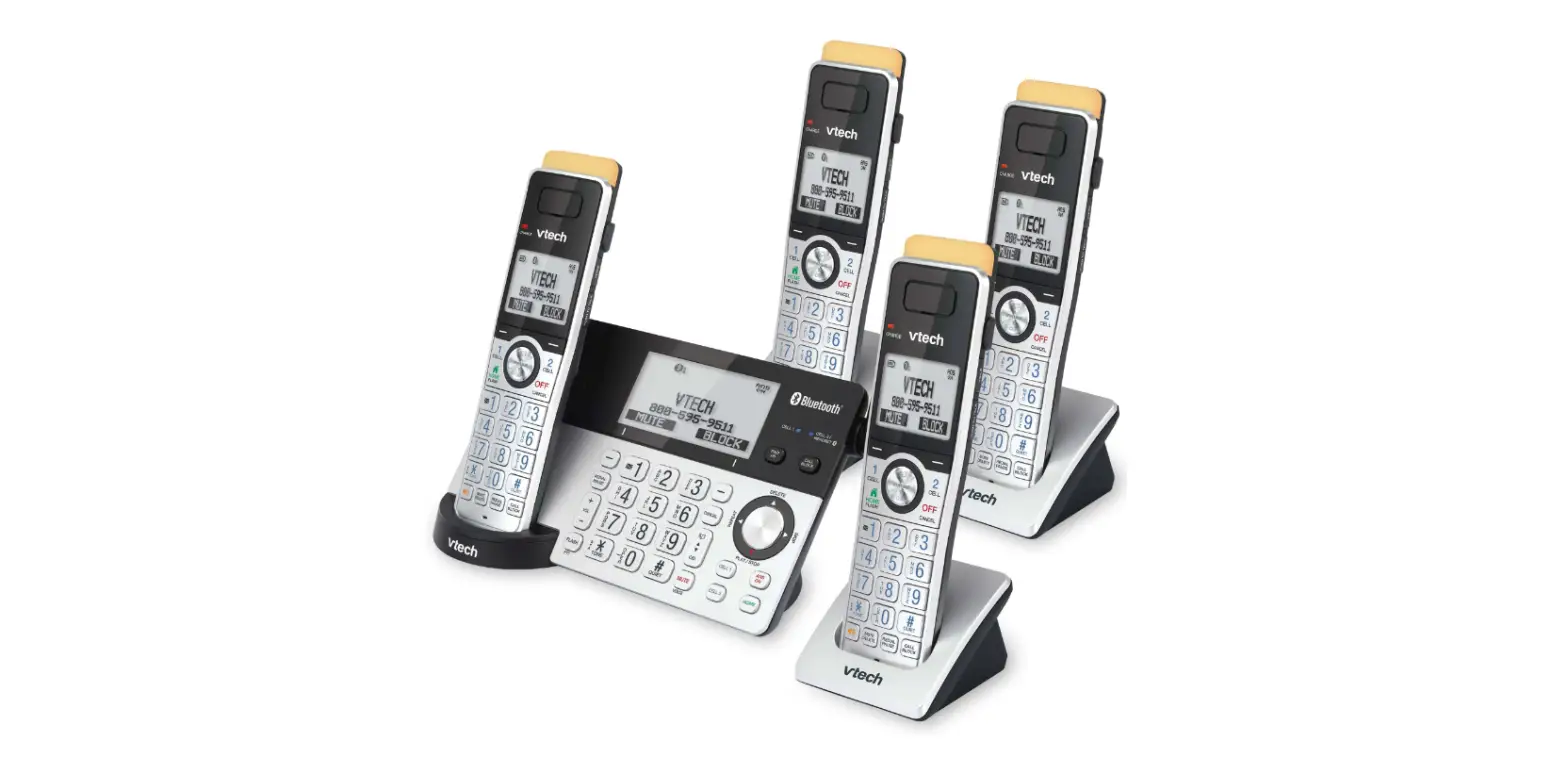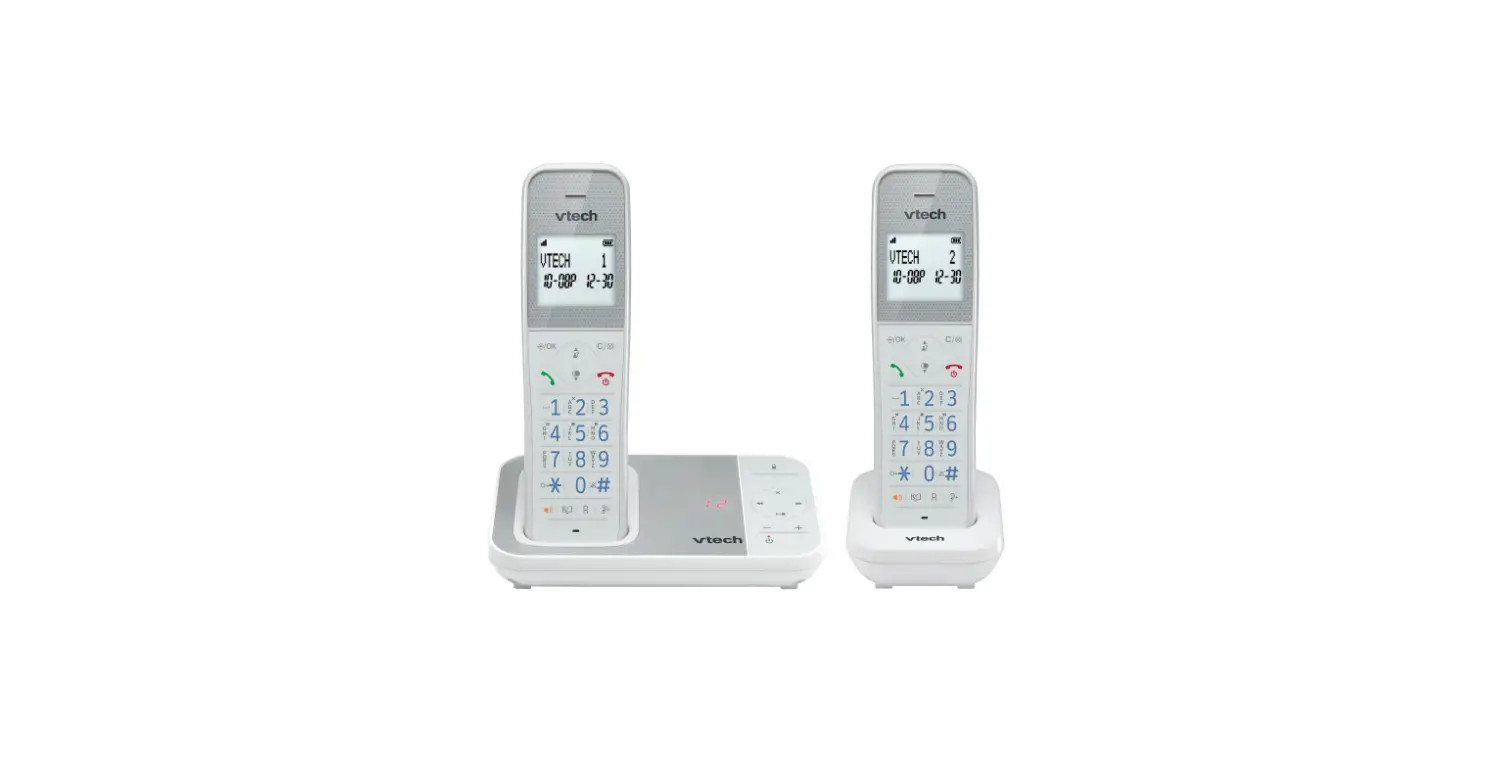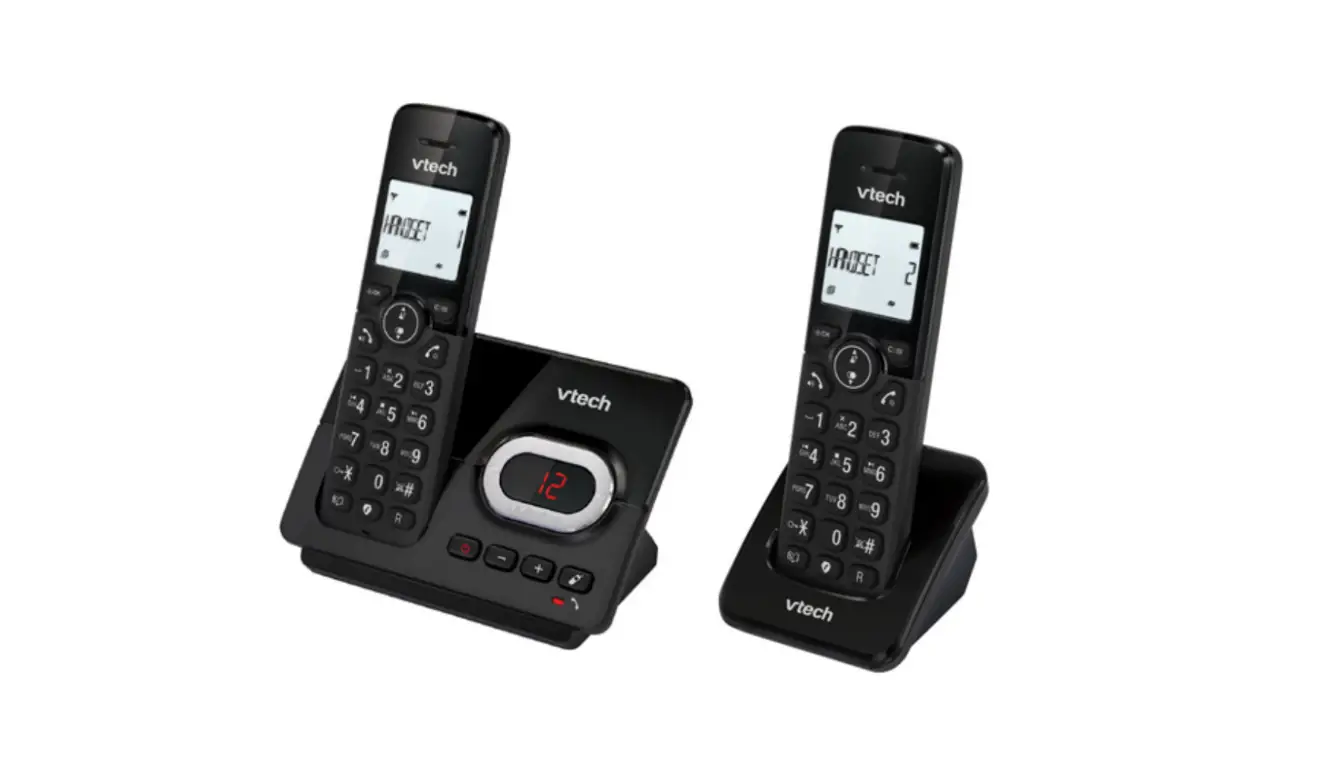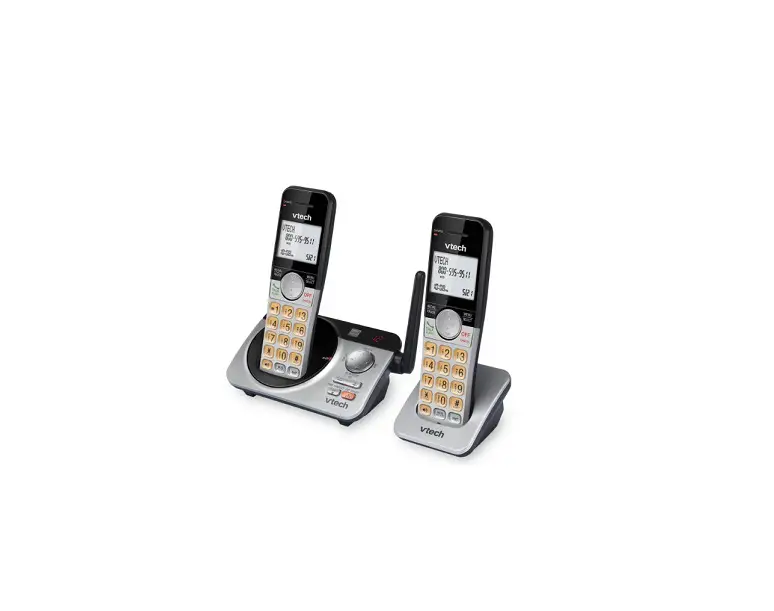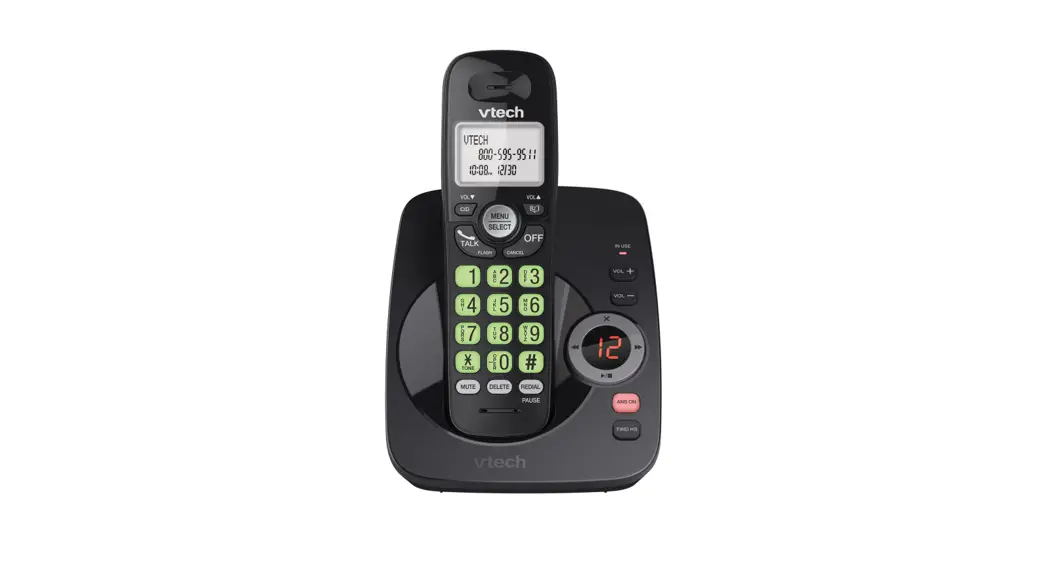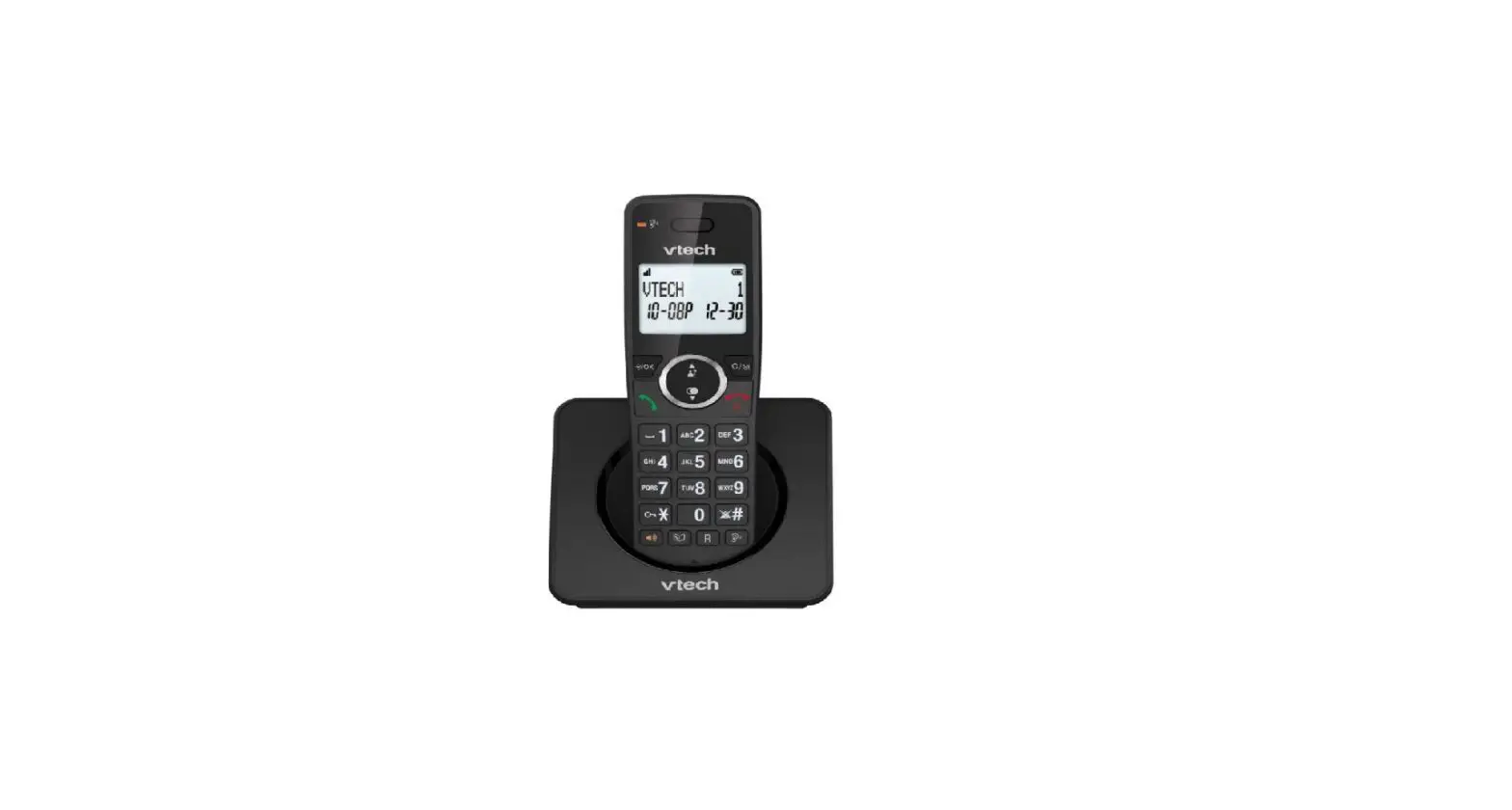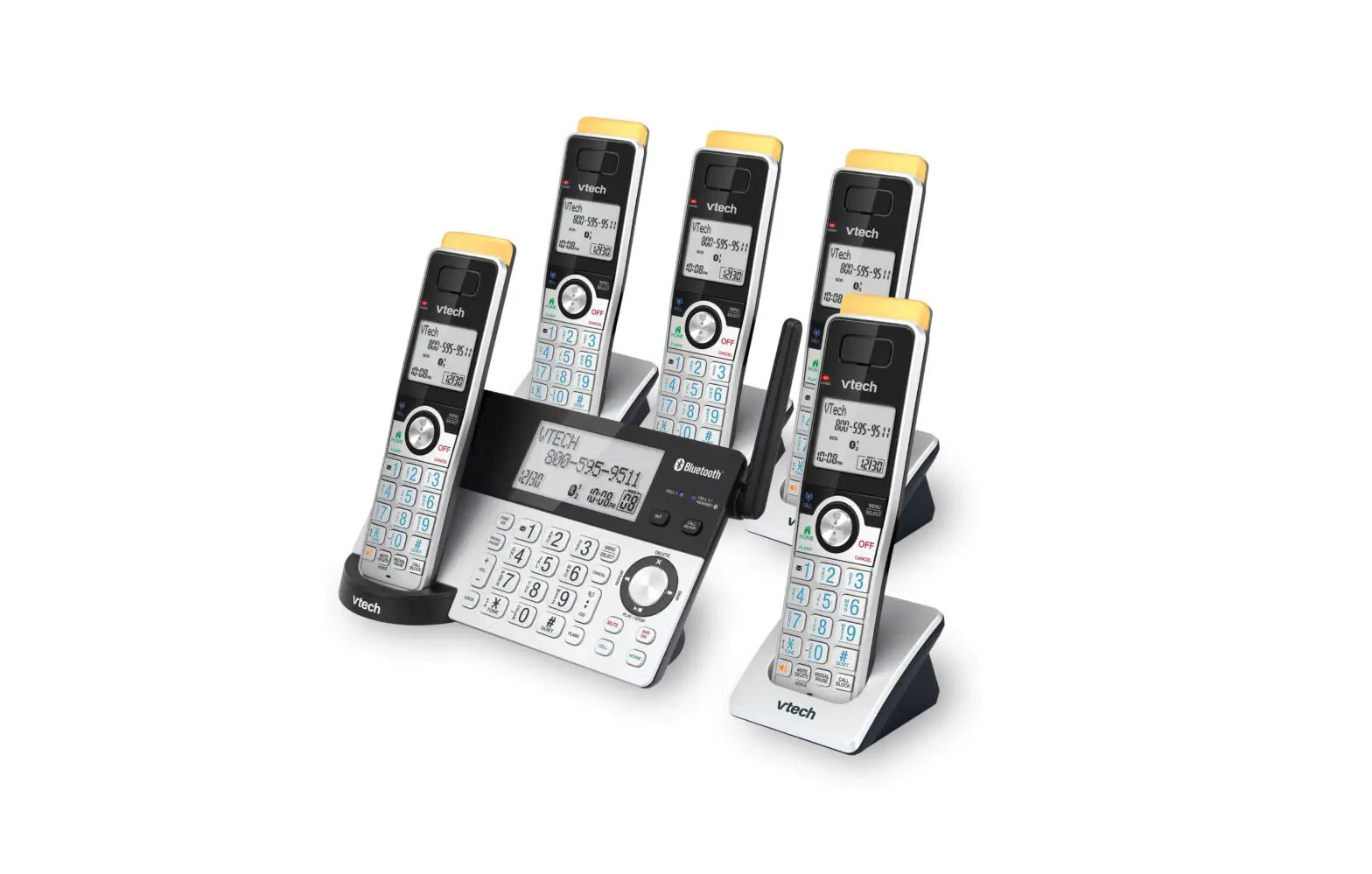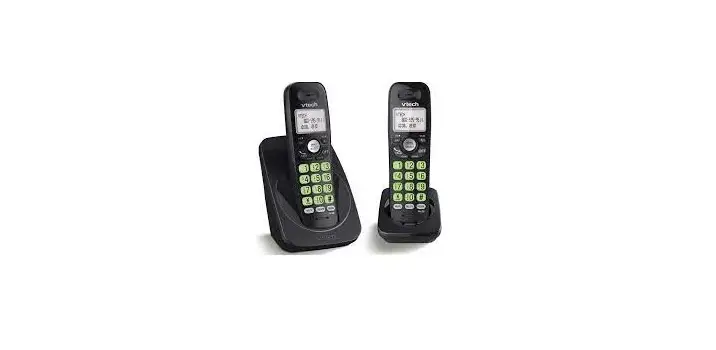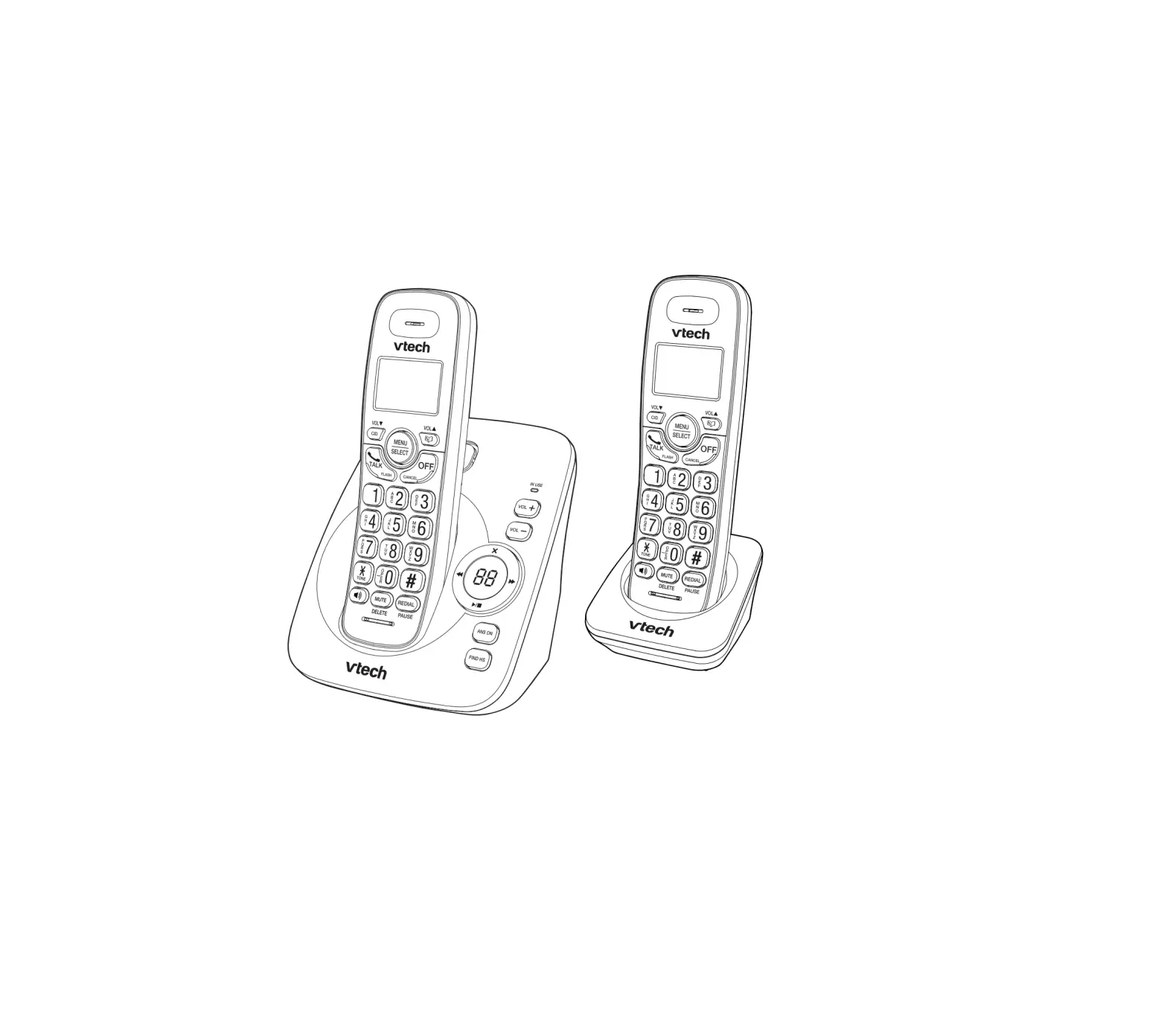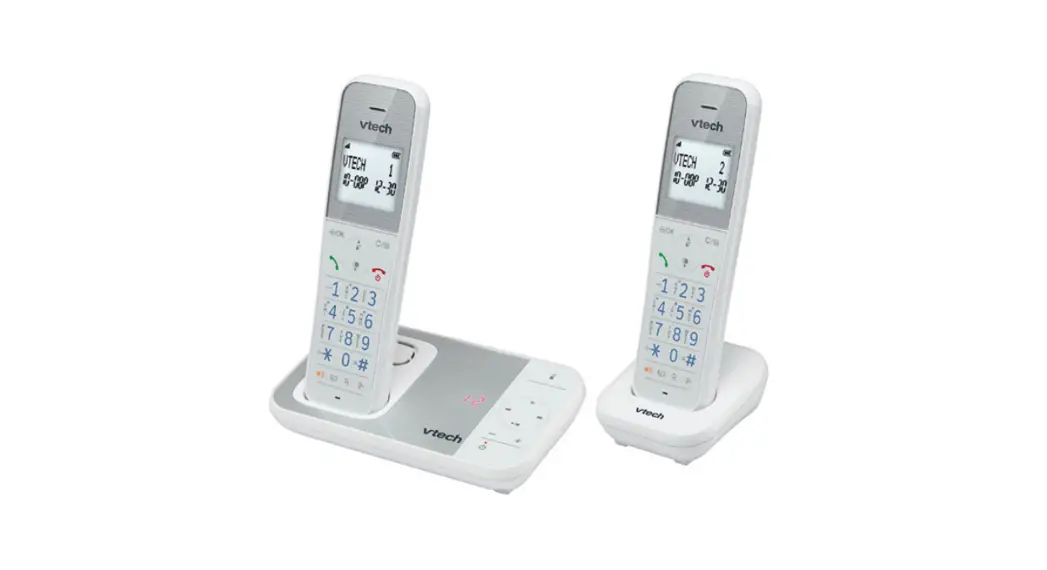
 XS1050 DECT Cordless Phone
User Guide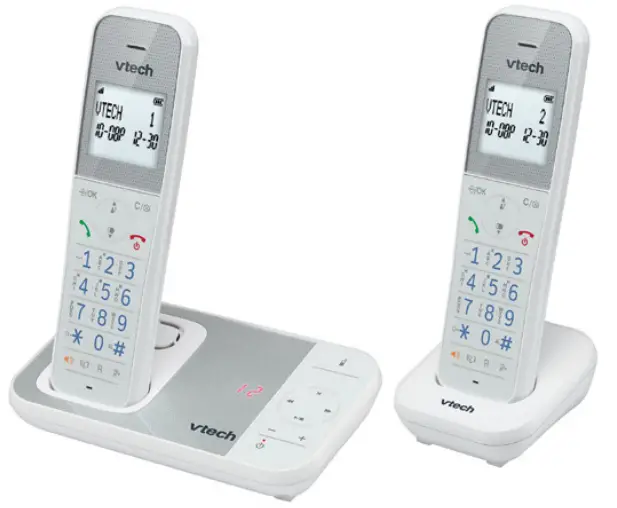 Quick Start Guide
XS1050 ,XS1051
XS1052, XS1053
Scan the QR code or go to euphones.vtech.com/support for support information
Important safety instructions
When using your telephone equipment, basic safety precautions should always be followed to reduce the risk of fire, electric shock and injury, including the following:
- Read and understand all instructions.
- Follow all warnings and instructions marked on the product.
- Unplug this product from the wall outlet before cleaning. Do not use liquid or aerosol cleaners. Use a damp cloth for cleaning.
- Do not use this product near water (for example, near a bath tub, kitchen sink, swimming pool).
- Do not expose the telephone to direct sunlight or extreme cold environment. Do not put the telephone close to heating sources such as radiators, cookers, etc.
- Do not overload wall outlets and extension cords as this can result in the risk of fire or electric shock.
- Unplug this product from the wall outlet and refer servicing to VTech/distributor under the following conditions:
When the power supply cord or plug is damaged or frayed.
If the product does not operate normally by following the operating instructions.
If the product has been dropped and the cabinet has been damaged.
If the product exhibits a distinct change in performance. - Avoid using a telephone (other than a cordless type) during an electrical storm. There may be a remote risk of electric shock from lightning.
- Do not use the telephone to report a gas leak in the vicinity of the leak.
- Use only the supplied NiMH (Nickel Metal Hydride) batteries! The operation periods for the handsets are only applicable with the default battery capacities.
- The use of other battery types or non-rechargeable batteries/primary cells can be dangerous. These may cause interference and/or unit damages. The manufacturer will not be held liable for damage arising from such non-compliance.
- Do not use third party charging bays. The batteries may be damaged.
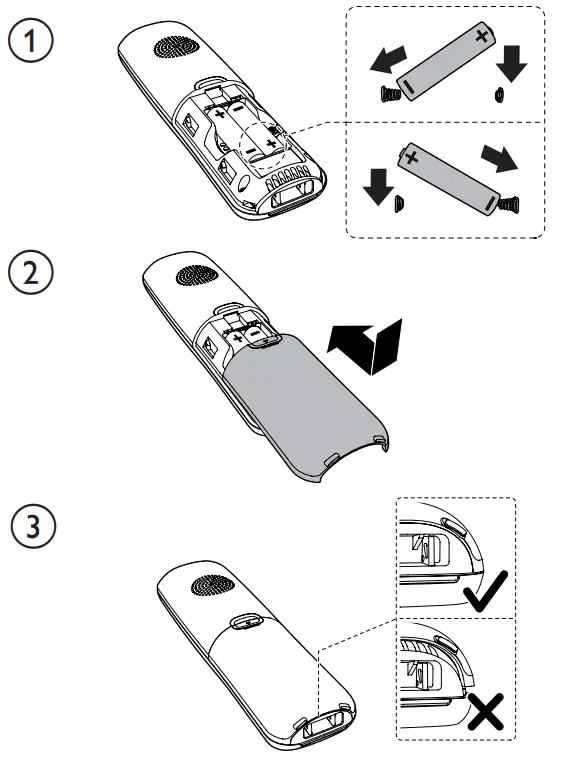
- Please note the correct polarity while inserting the batteries.
- Battery should not be exposed to excessive heat such as bright sunshine or fire and immersed in water.
 Use only adaptors and battery listed below; Use only the provided external power supply: Jiangxi Jian Aohai Technology Co., Ltd. Model: A318-060045W-EU1 | A318060045W-UK1. VTech Telecommunications Limited. Model: VT05EEU06045 | VT05EUK06045. Use only the supplied batteries: Yi Yang Corun Battery Co., Ltd.
Model: NiMH AAA600mAh 1.2V; GPI International Ltd. Model: VT60AAAHC; Shenzhen Highpower Technology Co., Ltd. Model: HFR-AAA600.
 Use only adaptors and battery listed below; Use only the provided external power supply: Jiangxi Jian Aohai Technology Co., Ltd. Model: A318-060045W-EU1 | A318060045W-UK1. VTech Telecommunications Limited. Model: VT05EEU06045 | VT05EUK06045. Use only the supplied batteries: Yi Yang Corun Battery Co., Ltd.
Disposal of Old Equipment and Batteries (WEEE)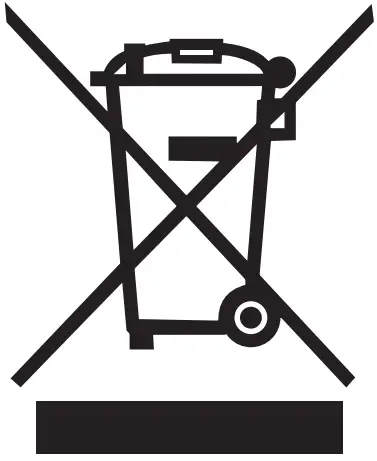 Only for European Union and countries with recycling systems These symbols (a, b) on the products, packaging, and/or accompanying documents mean that used electrical and electronic products and batteries must not be mixed with general household waste. For proper treatment, recovery and recycling of old products and batteries, please take them to applicable collection points in accordance with your national legislation. By disposing of them correctly, you will help to save valuable resources and prevent any potential negative effects on human health and the environment.
 For more information about collection and recycling, please contact your local municipality.
Penalties may be applicable for incorrect disposal of this waste, in accordance with national legislation.
Product disposal instructions for business users
If you wish to discard electrical and electronic equipment, please contact your dealer or supplier for further information.
Information on Disposal in other countries outside the European Union
These symbols (a, b) are only valid in the European Union. If you wish to discard these items, please contact your local authorities or dealer and ask for the correct method of disposal.
Note for the battery symbol
This symbol (b) might be used in combination with a chemical symbol. In this case it complies with the requirement set by the Directive for the chemical involved.
Recycle your device (WEEE directive 2012/19/EU)
The WEEE logo appears on the product to indicate that this product must not be disposed off or dumped with your other household wastes. You are liable to dispose of all your electronic or electrical waste equipment by relocating over to the specified collection point for recycling of such hazardous waste.
Approval and conformity
This product is intended for use within Europe and the UK. This equipment complies with the essential requirements to EU’s Radio Equipment Directive (2014/53/EU) and the UK’s Radio Regulations 2017 on radio systems and telecommunication equipment.
VTech Telecommunication Ltd. hereby declares that this telephone XS1050/XS1051/XS1052/ XS1053 is in compliance with the essential requirements and other relevant provisions of EU’s Radio Equipment Directive (2014/53/EU) and the UK’s Radio Equipment Regulations 2017.
The declaration of conformity may be viewed at https://www.vtech.com/rtte-directive.
The  symbol confirms the conformity of the telephone and the above directive.
Importer: VTech Electronics Europe Plc.
Napier Court, Abingdon Science Park, Abingdon, Oxon, OX14 3YT.
Manufacturer: VTech Telecommunications Ltd.
23/F, Tai Ping Industrial Centre, Block 1, 57 Ting Kok Road, Tai Po, Hong Kong.
| Operating condition | Power consumption |
| Off mode | <1 W |
| Network standby mode | <1 W |
Customer Service and Product Warranty
IMPORTANT Please retain this guide with your sales receipt as proof of the date of purchase.
Customer Service
Please call our Customer Services Department on 03306780149 (from the UK) or +44 3306 780149 (outside the UK) and a service representative will be happy to help you. PRODUCT REGISTRATION
Visit www.vtech.co.uk/clubvtech/login to register your VTech product
By joining the VTech Club you can also enter competitions, find out about news and events, seek expert advice for parents and let your kids play fun learning games and activities.
PRODUCT WARRANTY
Thank you for choosing this quality product from VTech.
- The product detailed above is covered by a one year warranty from the date of purchase, against any defects in materials or workmanship.
- The product may be returned to the place of purchase. Alternatively the product can be returned to VTech Electronics Europe (see address below), with proof of purchase, without proof of purchase no replacement will be provided.
- VTech Electronics Europe Plc will examine the product and if it is found to be defective due to faulty materials or workmanship, will replace the product at their discretion.
- If the product covered by this warranty is damaged due to misuse, modification or unauthori ed repair, or because of faulty batteries, battery discharge or incorrect electrical connections, then this warranty becomes void.
- This warranty is personal to the original purchaser and is not transferable.
- Breakages to the LCD screen are not covered by the warranty.
- Products returned to VTech Electronics Europe Plc, should be sent to the address shown below and packed carefully to avoid damage in transit. Please do not include batteries or adaptors. Please include details of the fault together with your name and address, contact phone number and/or email address.
- To keep an online record of your warranty, please register your product online at www.vtech.co.uk/clubvtech
V ech Electronics Eurepe P , c/o XPO Logistics, Warehouse 350, Cat & Fiddle Lane, West Hallam, DE7 6HE
THIS WARRANTY IS OFFERED AS AN EXTRA BENEFIT AND DOES NOT AFFECT CONSUMERS’ STAT UTORY RIGHTS.
This warranty is valid for the UK and Ireland only. For products purchased outside the UK and Ireland please contact your local distributor or place of purchase.
Technical Specifications
| Frequency control | Crystal controlled PLL synthesizer |
| Transmit frequency | 1.88 GHz to L9GHz |
| Channels | 10 |
| Nominal effective range | Actual operating range may vary according to environment conditions at the time of use. |
 Power requirement Power requirement | Handset battery 1)Yi Yang Corun Battery Co., Ltd.; Ni-MH AAA600mAh L2V 2)GPI International Ltd.; VT6OAAAHC 3)Shenzhen Highpower Technology Co., Ltd.; HFR-AAA600 Base/charger Adapter 1) Jiangxi Jian Aohai Technology Co., Ltd.: A318-060045W-EU1 (EU plug) A318-060045W-UK1 (UK plug) 2)N/tech Telecommunications Limited. VTOSEEU06045 (EU plug) VTOSEUK06045 (UK plug) Input 100-240VAC 50/60Hz 0.15A; Output 6VDC 0.45A 2.7W |
| RF power | <250mW |
Connect the base/charger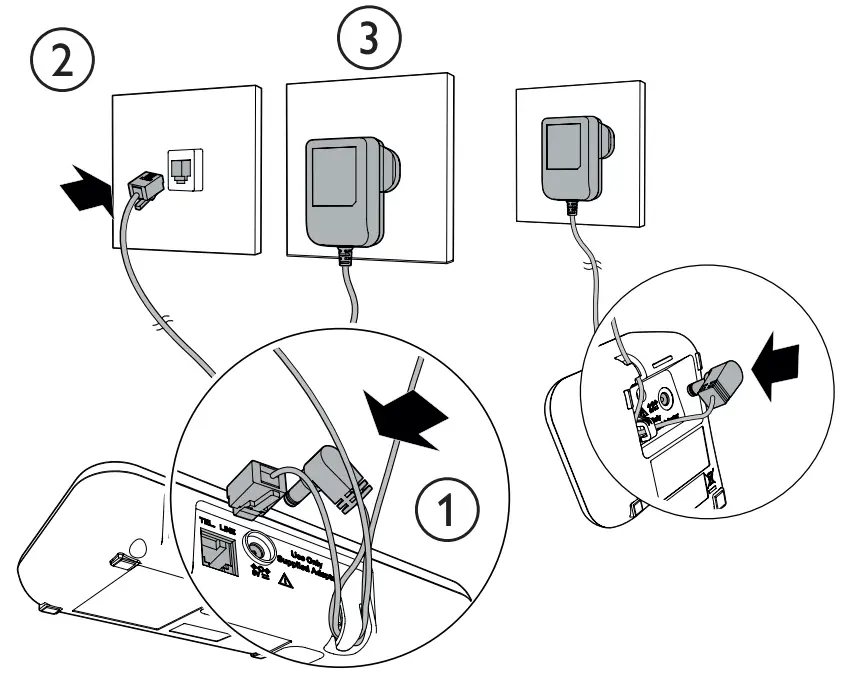 1 charger set for XS1051
2 charger sets for XS1052
3 charger sets for XS1053
Install the battery
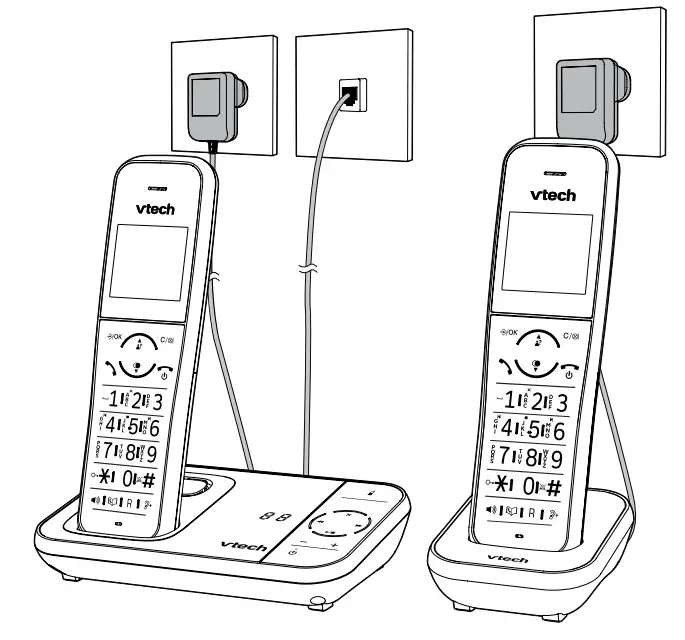
 Charge the battery
Settings
Set language HS SETTINGS
 LANGUAGE g English
Set date or time formatHS SETTINGS DATE & TIME DATE FORMAT DD-MM-YY / MM-DD-YY TIME FORMAT 12 HR / 24 HR
Set date & time→ HS SETTINGS DATE & TIMESET TIME enter the time → SET YEAR → enter the year → SET DATE → enter the date
Ringer – external calls→ HS SETTINGS RING SETUP EXT, RING to select melody
Ringer – internal calls→ HS SETTINGS RING SETUP INT, RING to select melody
Ringer – volume→ HS SETTINGS RING SETUP RING VOLUME to select volume
Tone – set key tone on/off → HS SETTINGS TONE SETUP KEY TONE ON / OFF
Tone – set alert tones on/off→ HS SETTINGS TONE SETUP BATTERY TONE / OUT OF RANGE → ON / OFF
Alarm – set alarm time and activation→ HS SETTINGS ALARM ON enter alarm time SNOOZE ON / OFF
Set the auto answer → HS SETTINGS AUTO ANSWER ON / OFF
Phonebook
Store a number entry →PHONEBOOK g
→ ALL CONTACTS → ADD enter name enter phone number
→ MELODY 1 to select melody
Quick access keys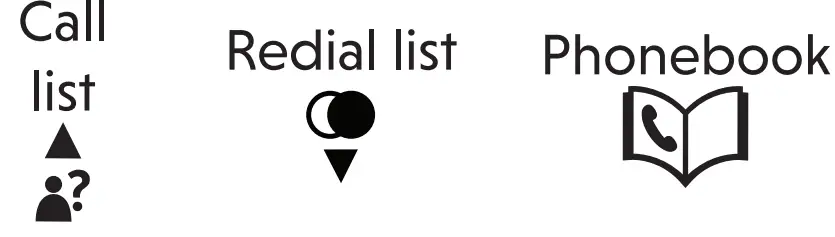
Nuisance and Unwanted Call Blocker
Add a call block entry → CALL BLOCKER
→ BLACK LIST ADD enter name enter phone number
Block unknown calls → CALL BLOCKER SETTINGS CALL TYPE UNAVAILABLE ON / OFF
Answering machine
Turn on or off with handset → ANS. MACHINE TAM ON/OFF ON / OFF
Turn on or off with base
Press to turn on; press again to turn off.
Play/stop, Delete, Repeat and Skip message
When there is a message on the answering machine, press these keys on the base to:-
To activate the handset controls during message playback, press:- →ANS. MACHINE MSG PLAYBACK
Press these handset keys to control messages.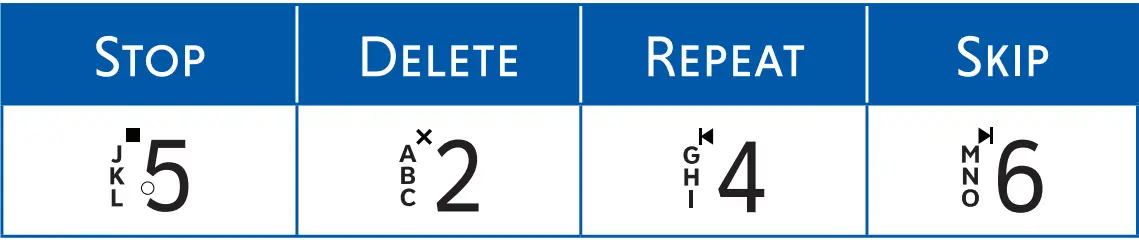
Other controls/indicators on the base
| Adjust base volume |  |
| Find handset |  |
| Message number |  |
Specifications are subject to change without notice. ©2022 VTech Telecommunications Ltd.
All rights reserved. 04/22. XS105X_UK_QSG_V1
 Electronic Learning Toys | Best Learning Toys | VTech UK
 Product Support & R&TTE Compliance | VTech