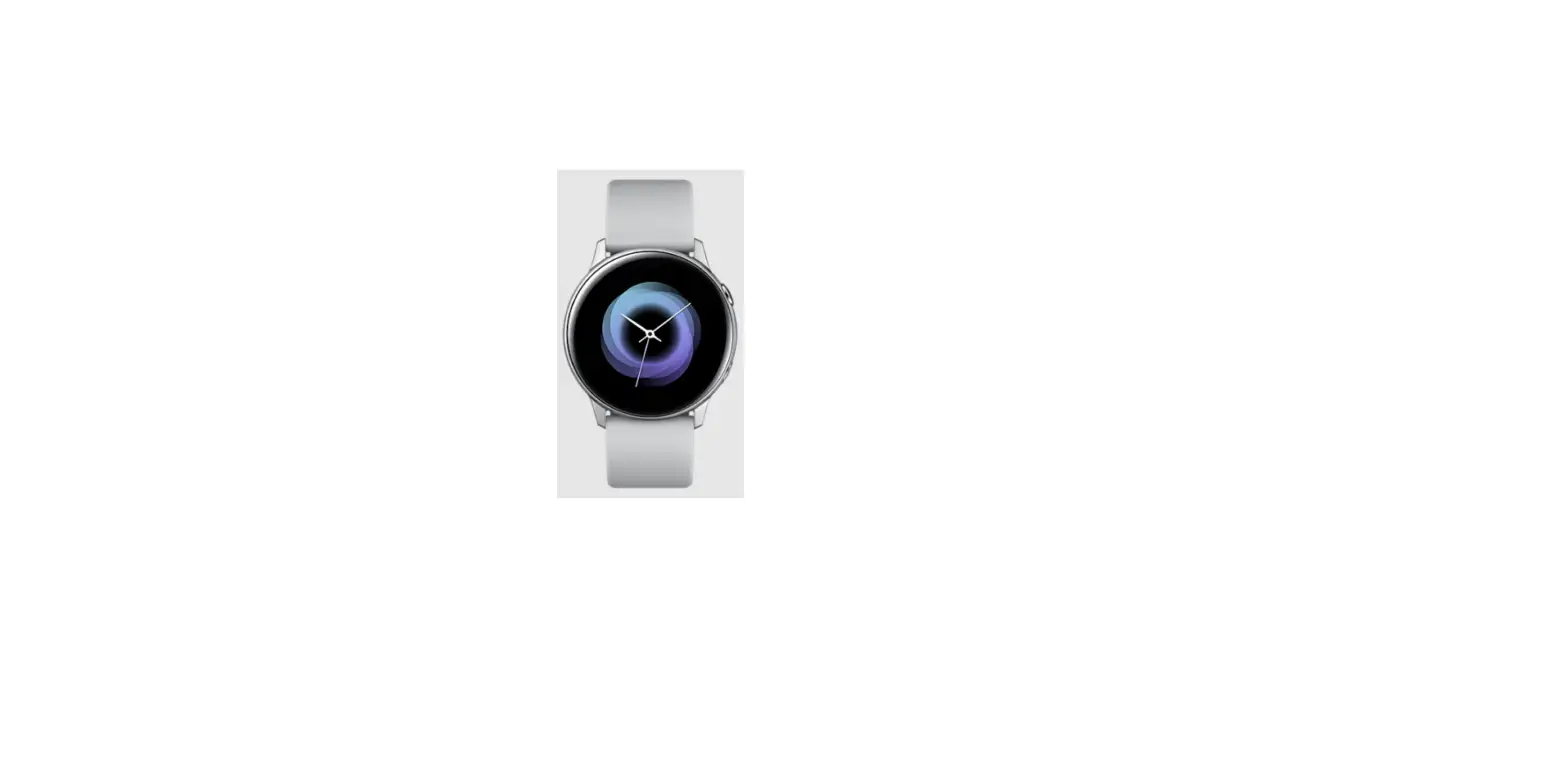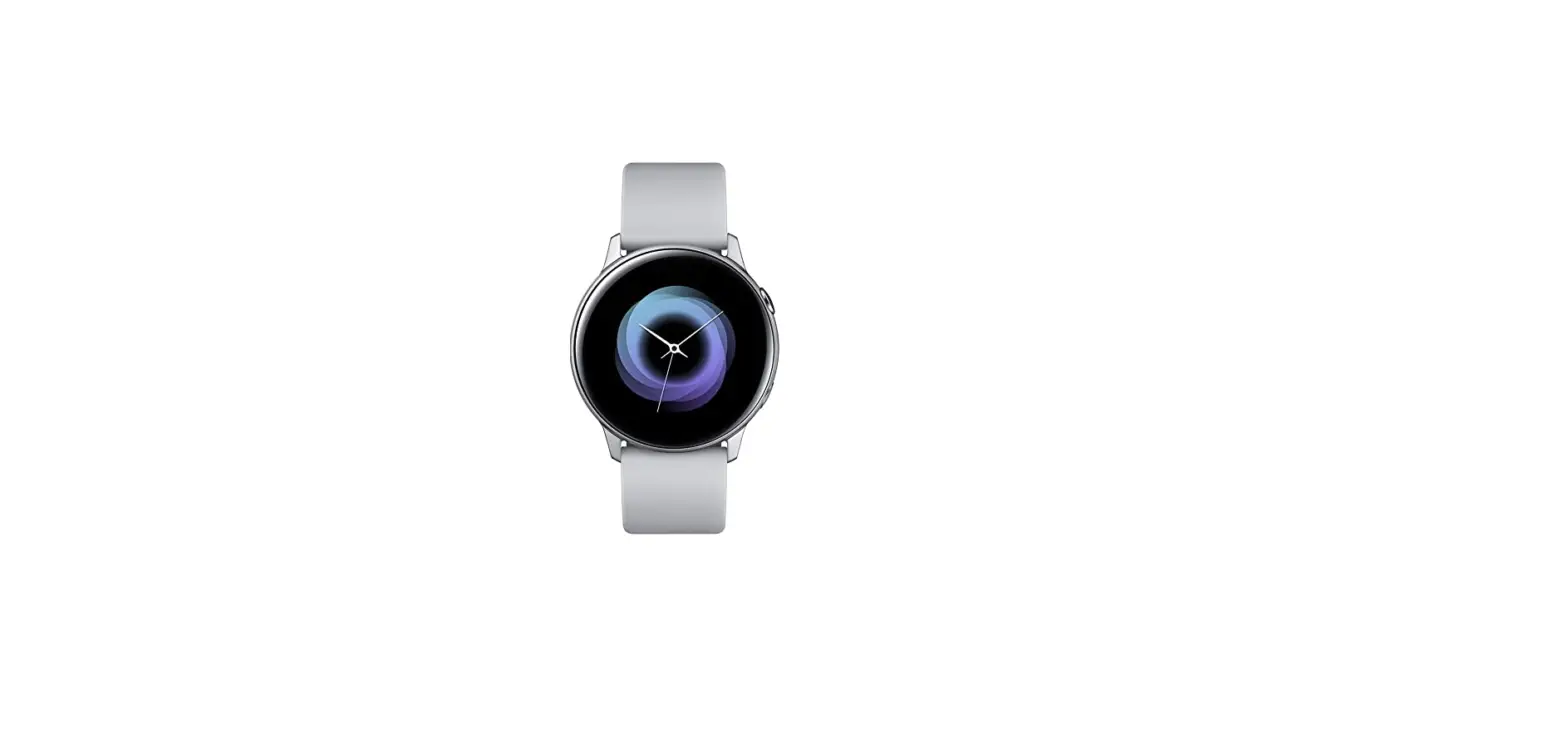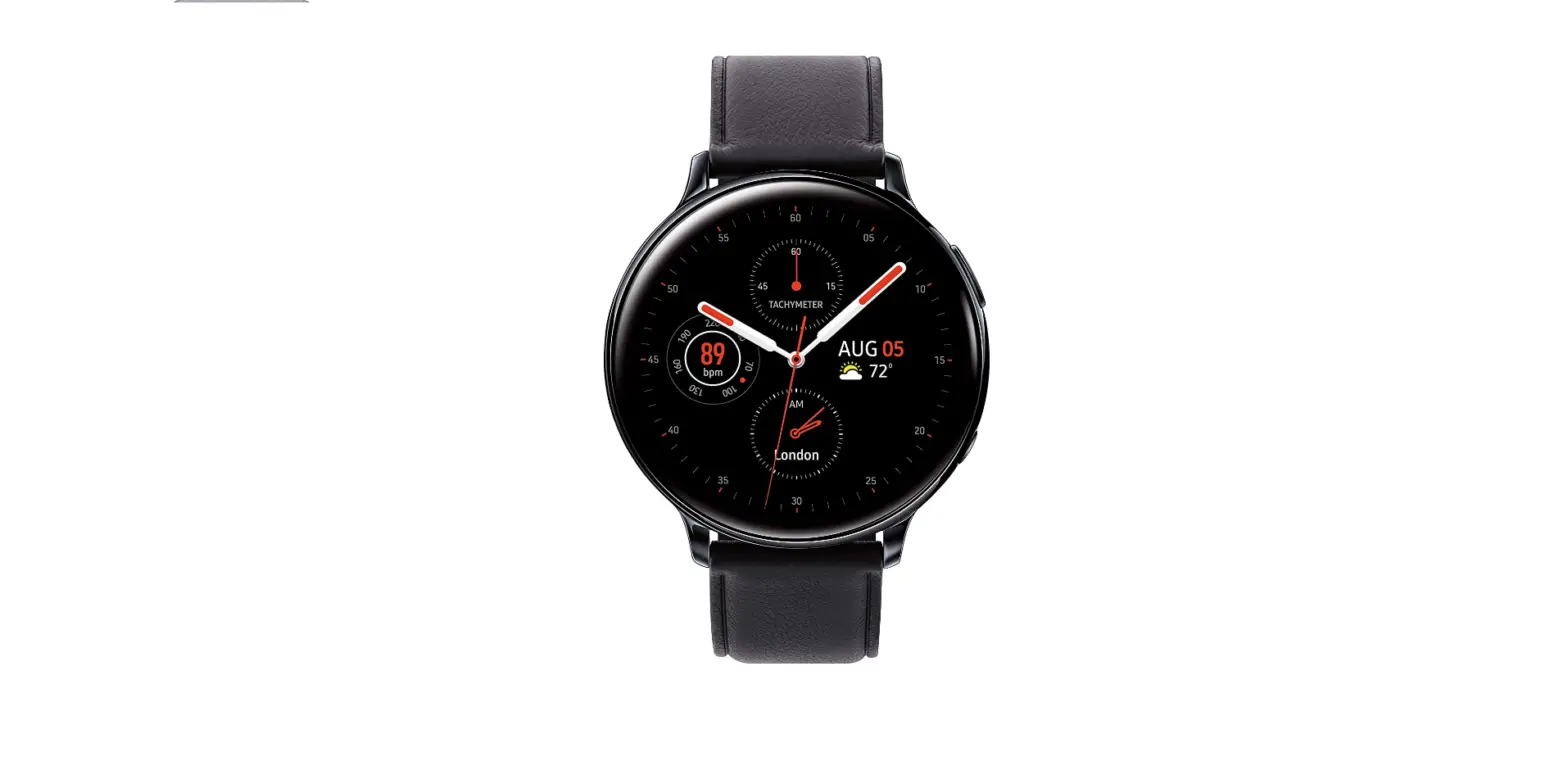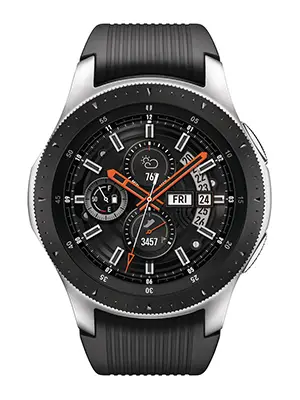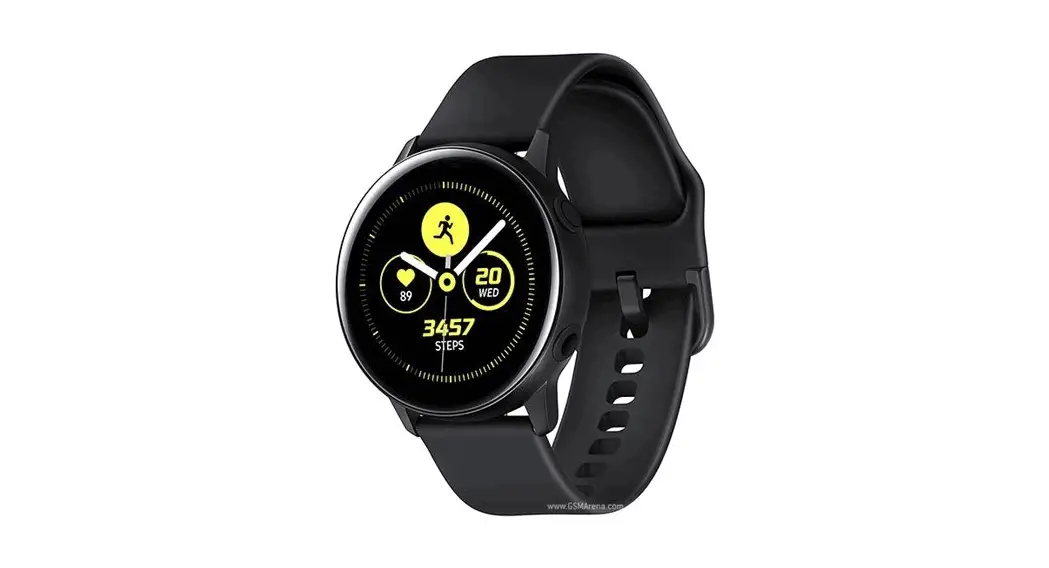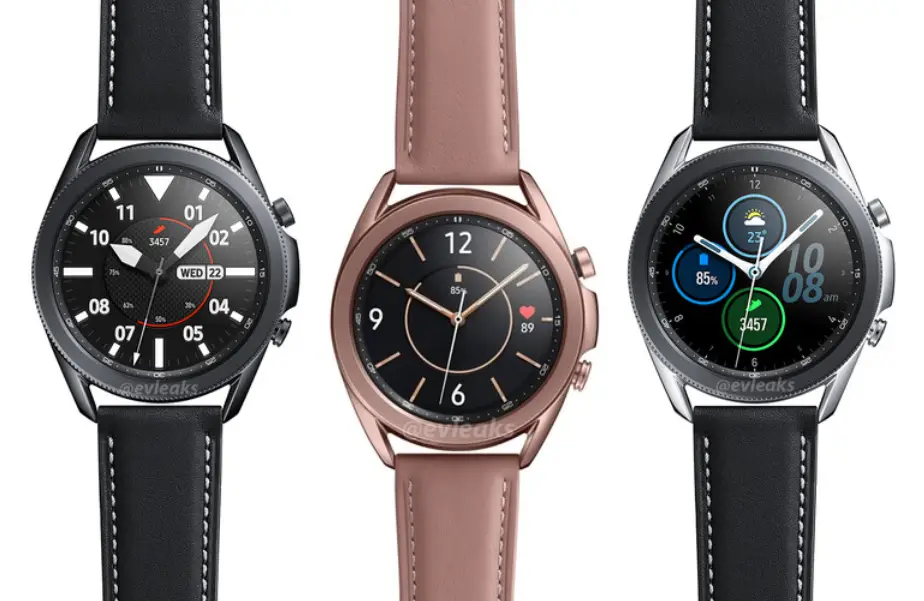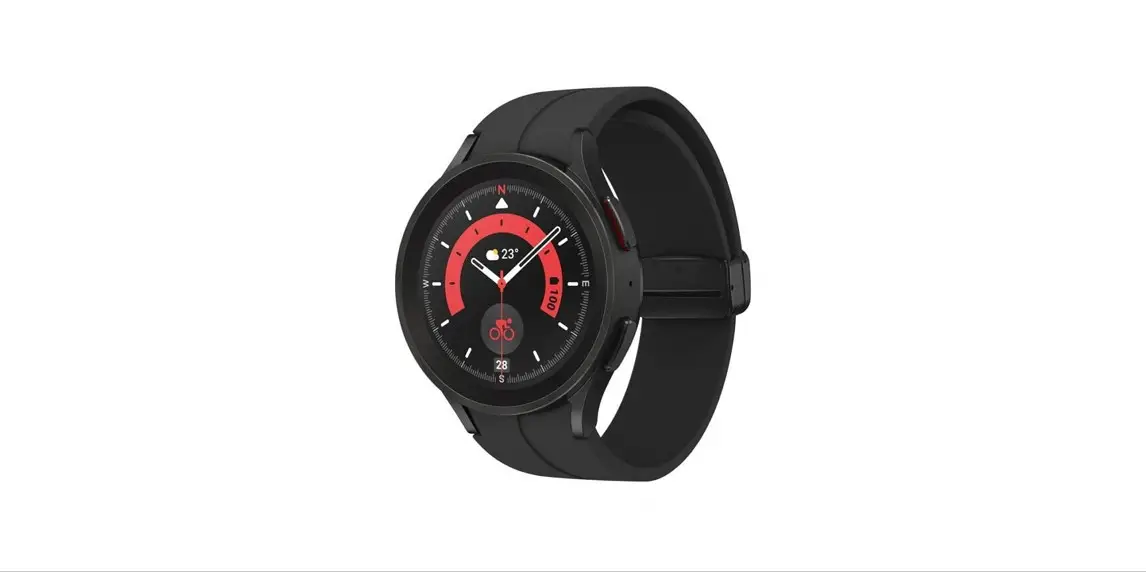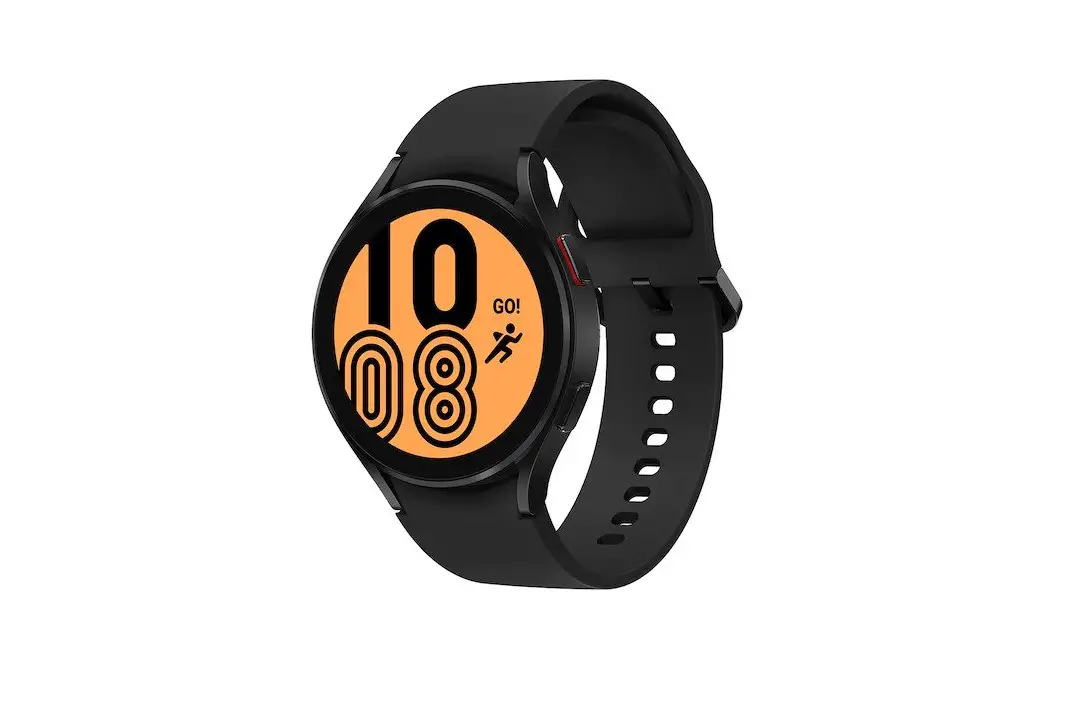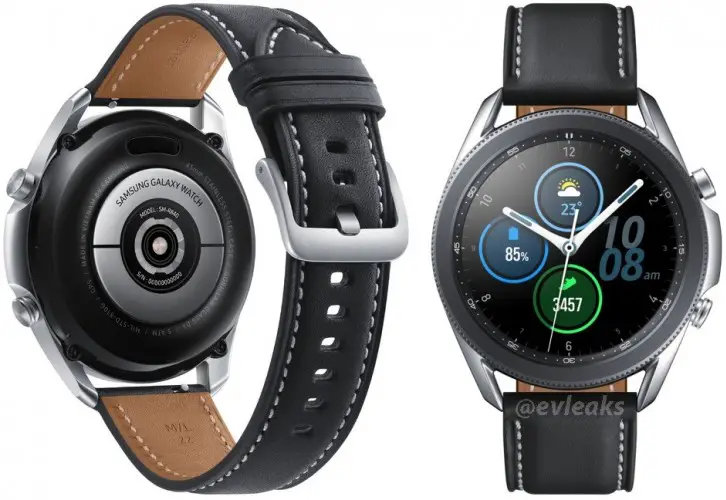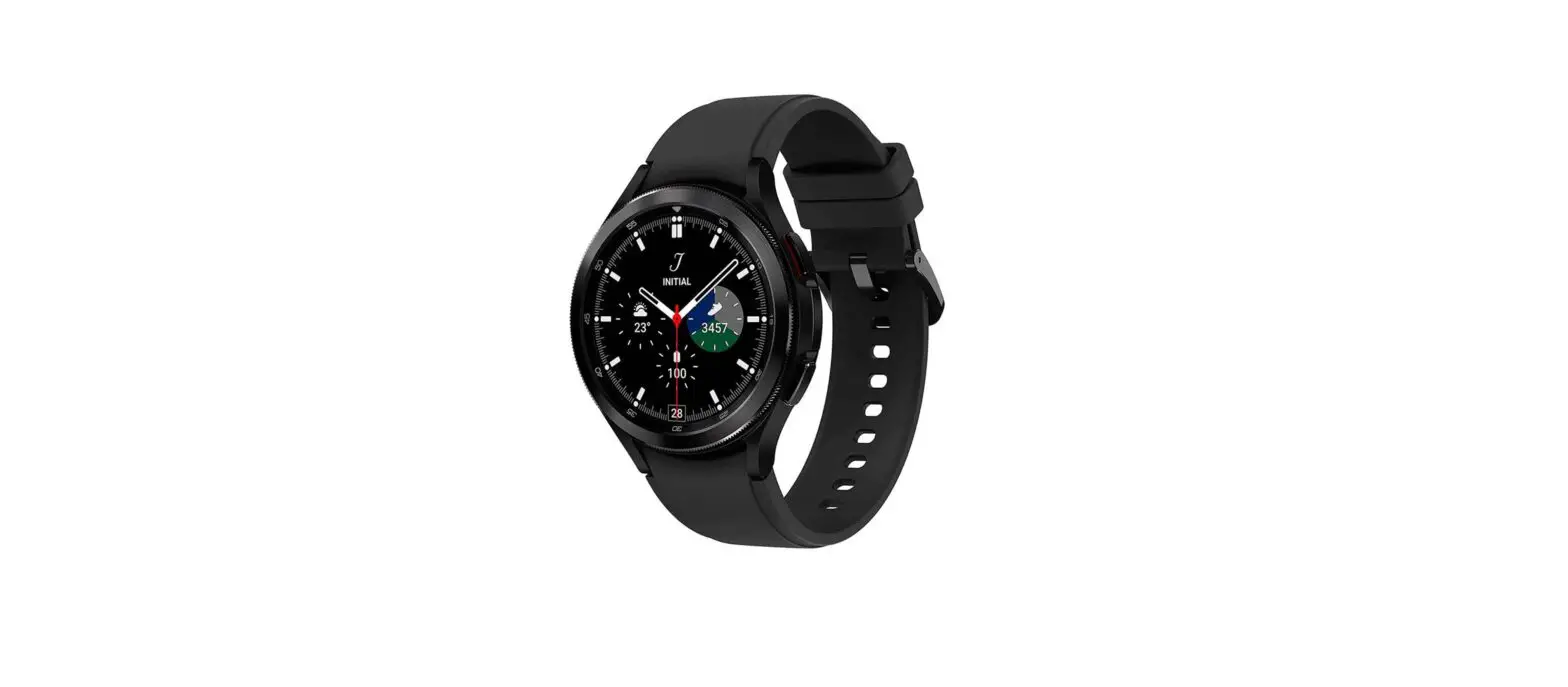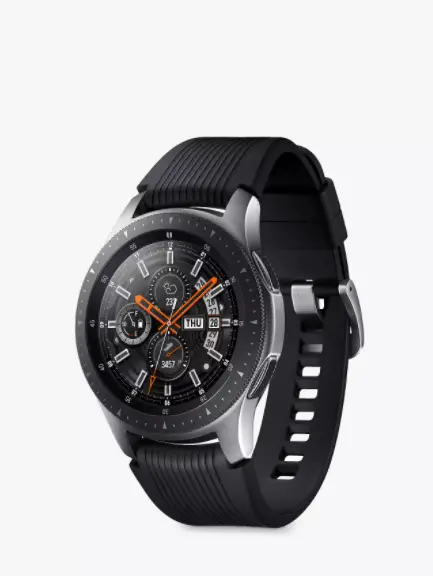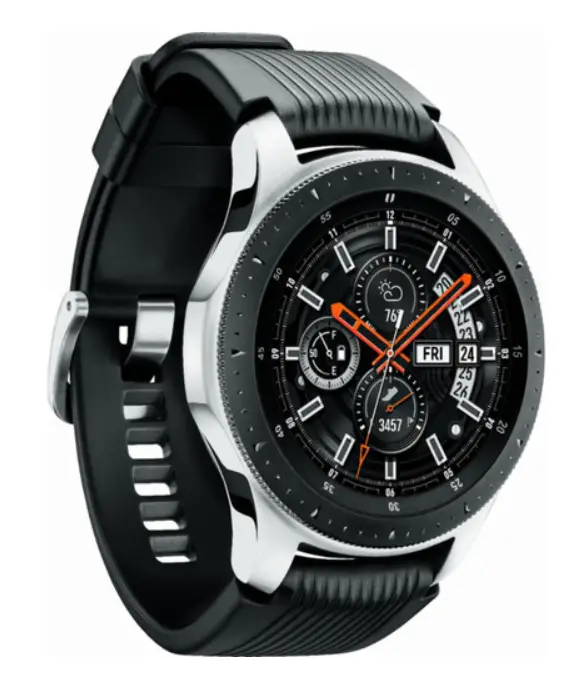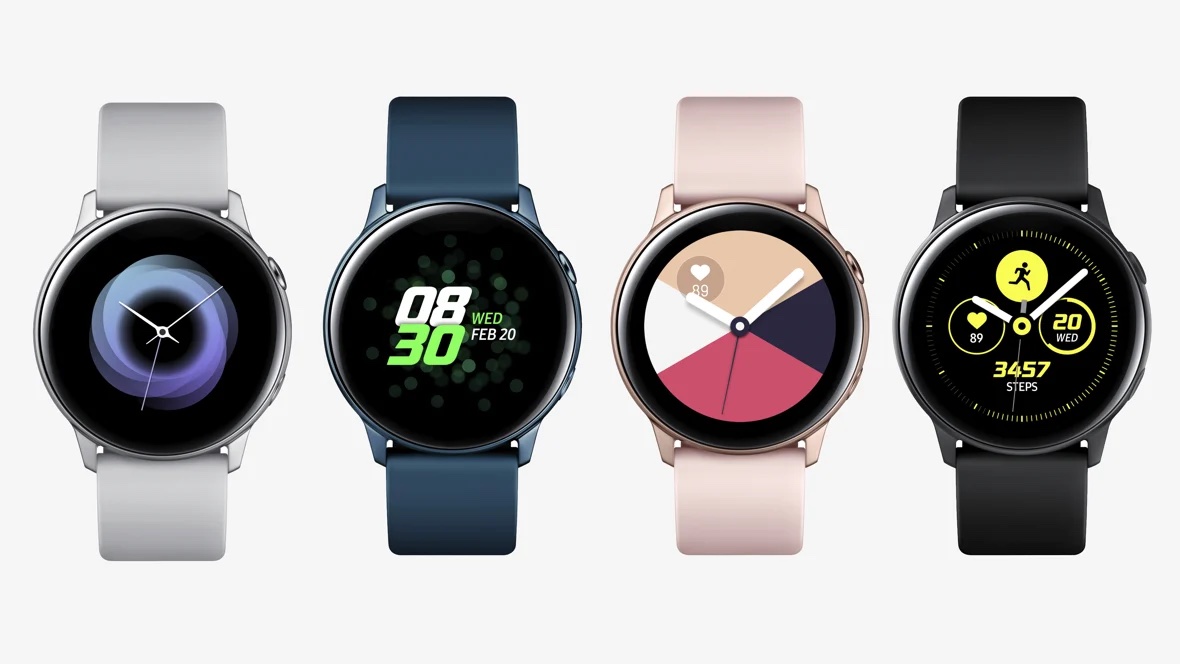
Samsung Galaxy Watch Active Quick Start Guide
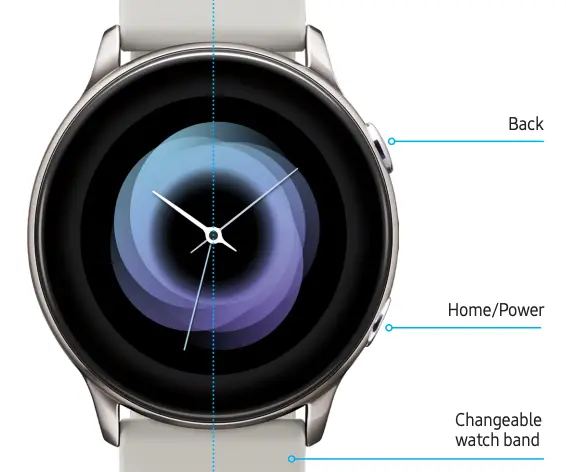
1. Charge
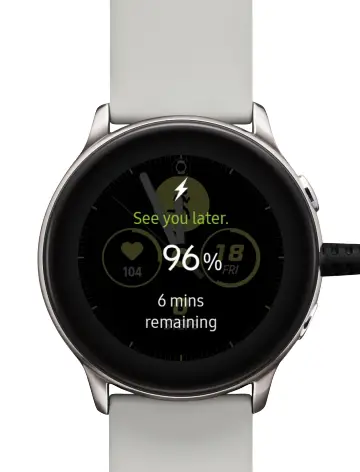
Charge your watch before using it
2. Connect
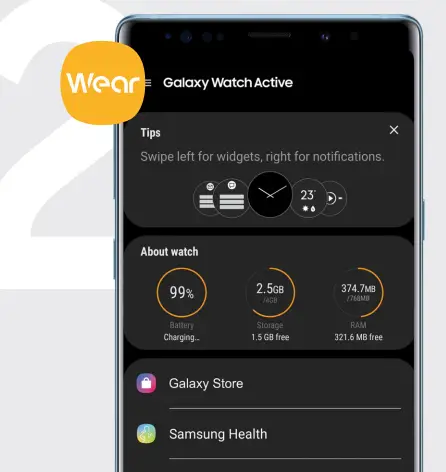
Visit Galaxy Store or the Google Play Store to install the Galaxy Wearable app to connect your watch and smartphone.
Open the app and follow the prompts to pair your watch to your smartphone.
For a more information about the Galaxy Watch, visit samsung.com/us/support/mobile/wearables
Swipe the screen to:
- View notifications and widgets
- View the Quick Panel
- Navigate screens
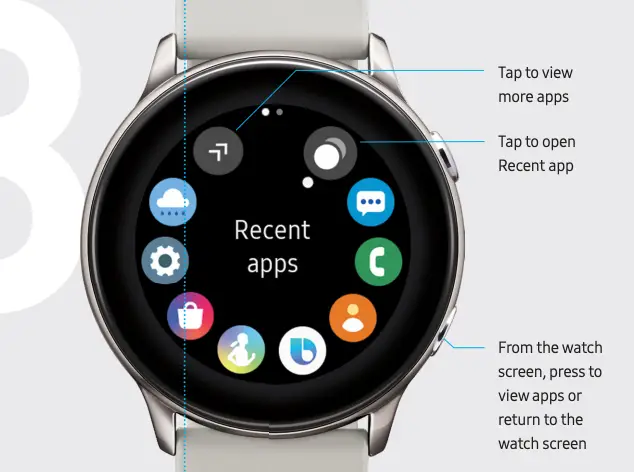
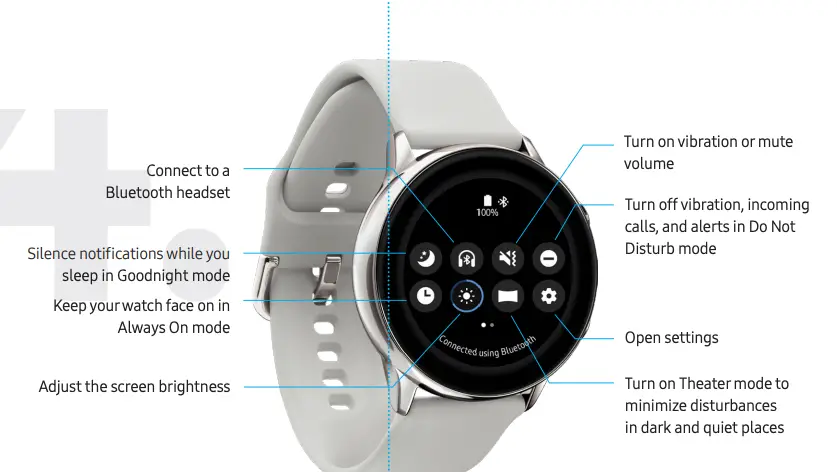
4. Explore
From the top edge of any screen, swipe down to view the Quick Panel
5. Customize
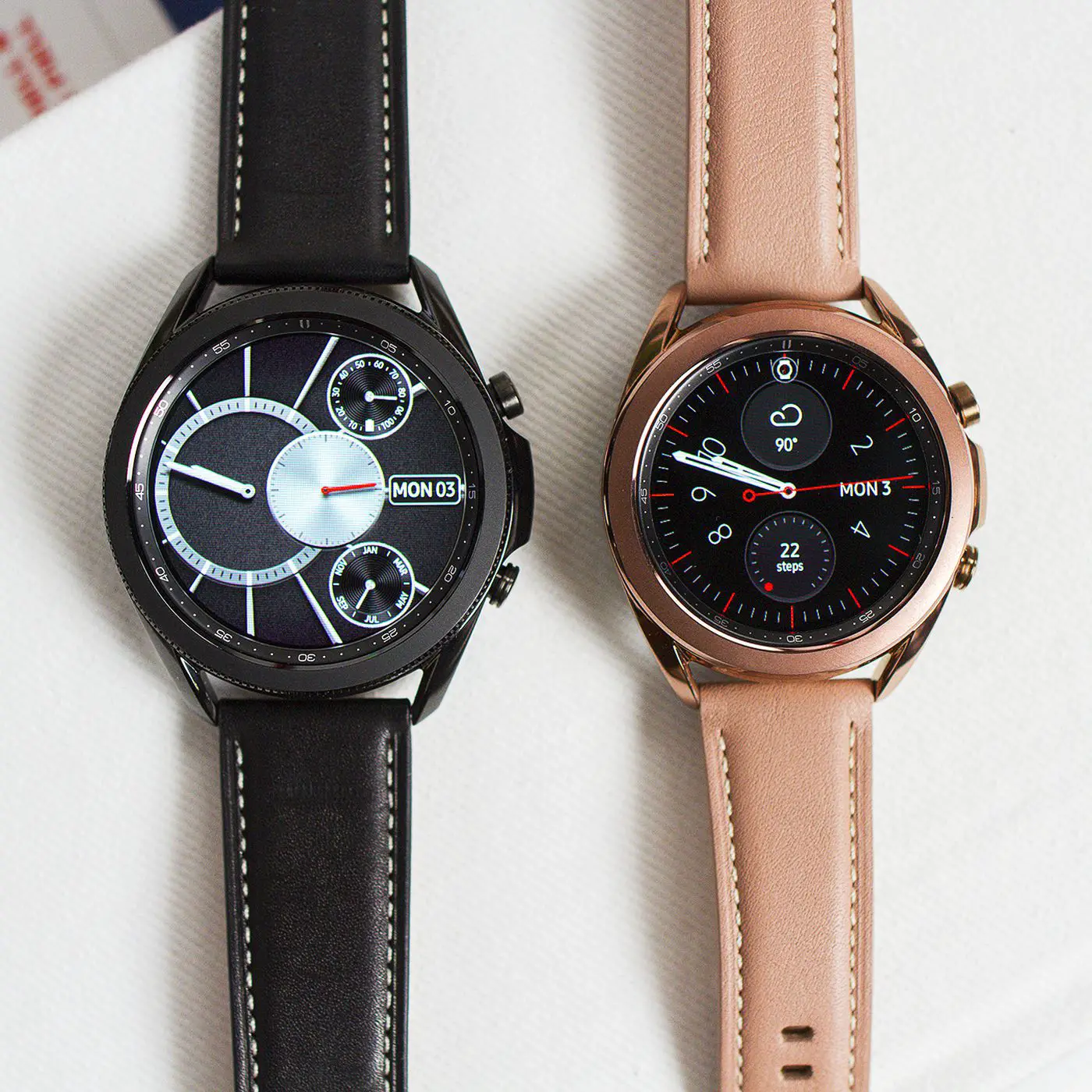
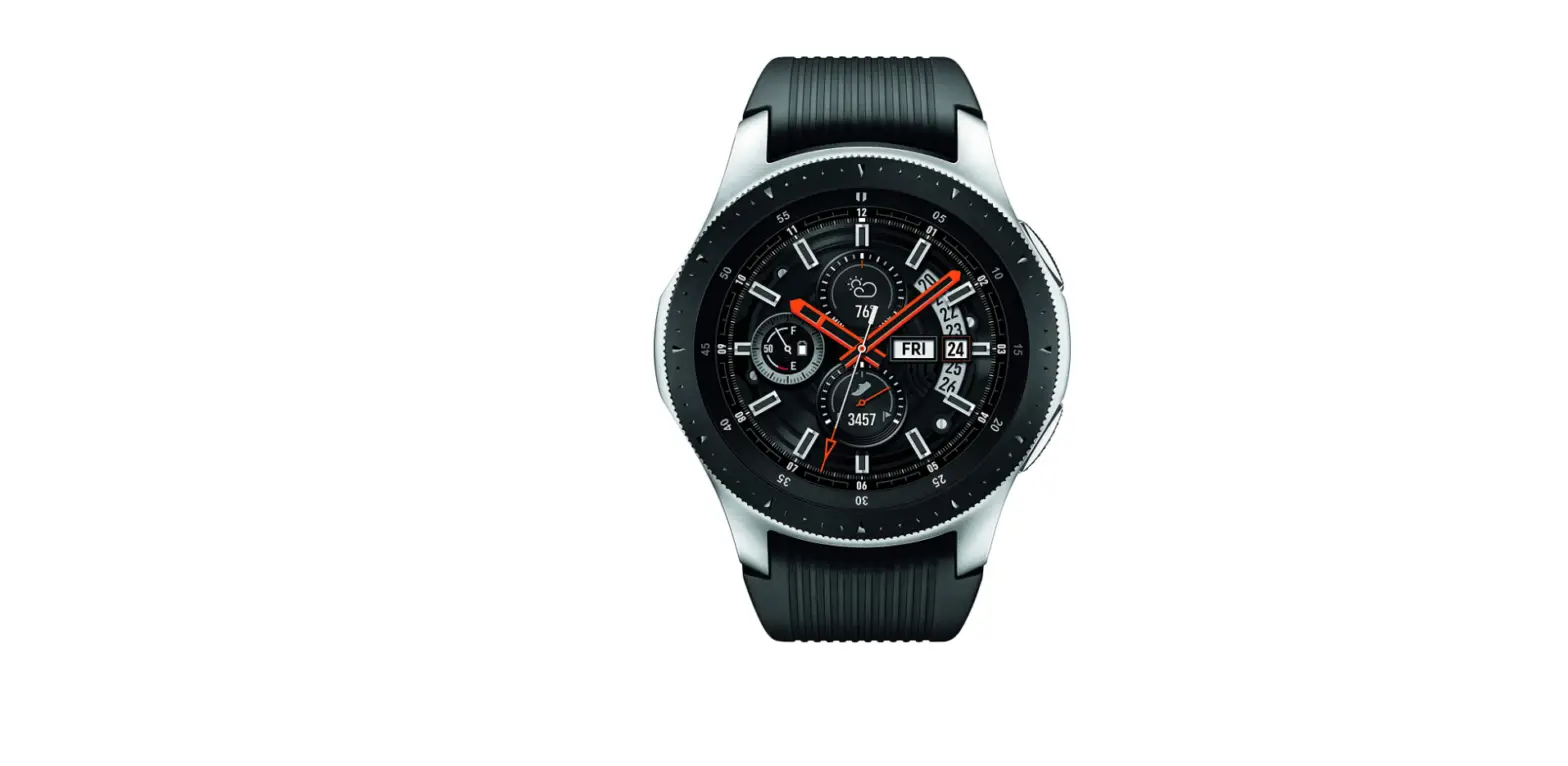
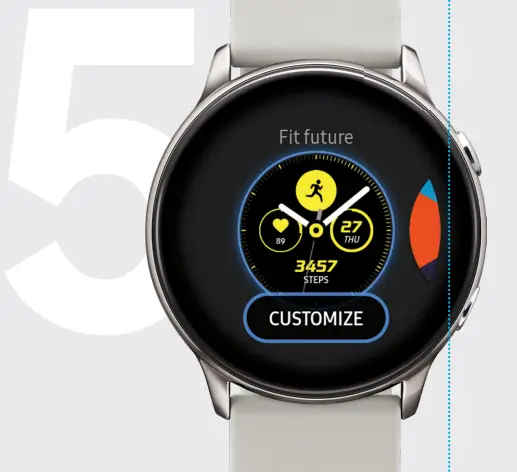
Touch and hold the watch face and select a preloaded watch face or download a new one.
Tap CUSTOMIZE to create a custom watch face or download additional watch faces by rotating to the last screen and tapping Galaxy Store.
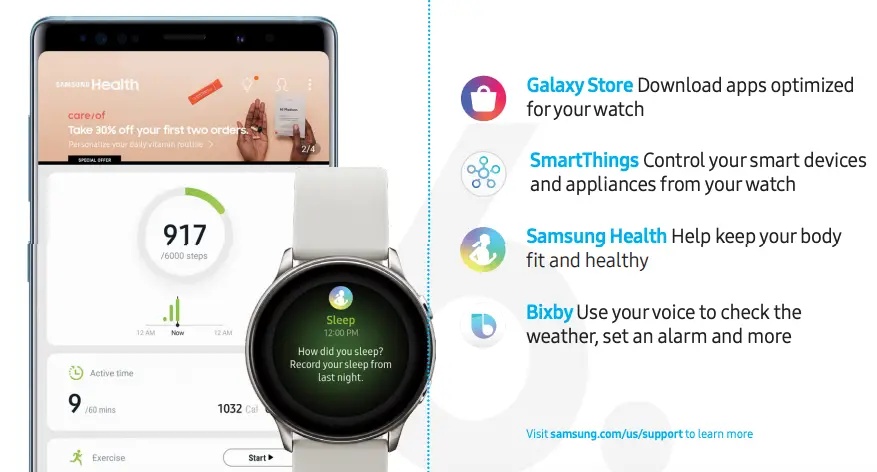
6. Useful apps
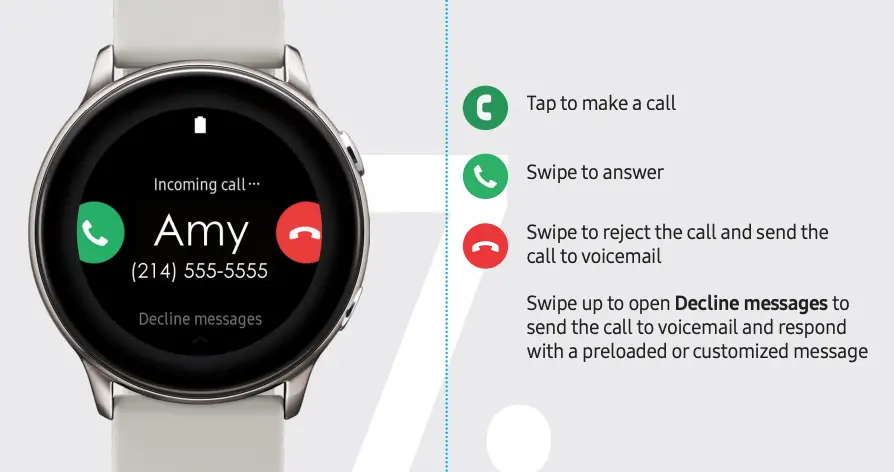
7. Calls
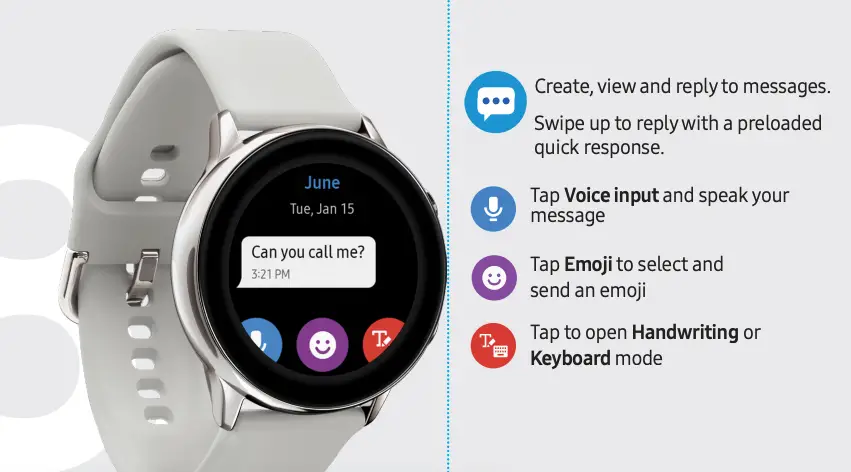
8. Messages
9. Find your device
 If you misplace your Galaxy Watch or the connected smartphone, you can use the Galaxy Wearable app to find it.
Find My Watch
From your smartphone, tap Galaxy Wearable  > Find My Watch and tap Start
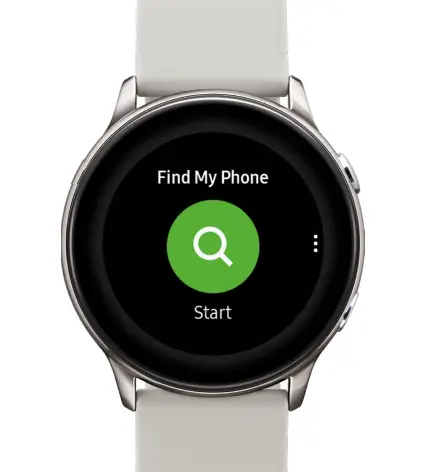
Find My Phone
From the watch, tap Find My Phone > Start
©2019 Samsung Electronics America, Inc. Samsung and Samsung Galaxy Watch are trademarks of Samsung Electronics Co., Ltd. Google Play Store is a trademark of Google LLC. Other company names, product names and marks are the property of their respective owners. Screen images simulated. Appearance of devices may vary.
 Printed in Vietnam
GH68-50101A_Rev_1.1
 Support Home | Official Samsung Support US