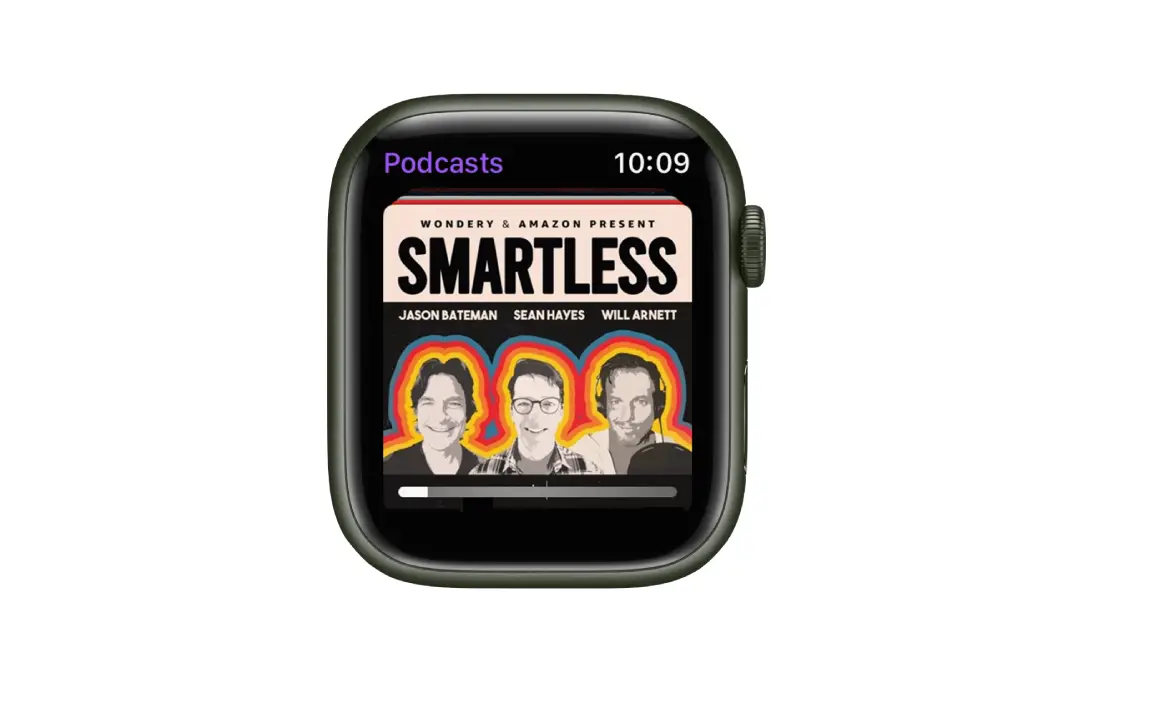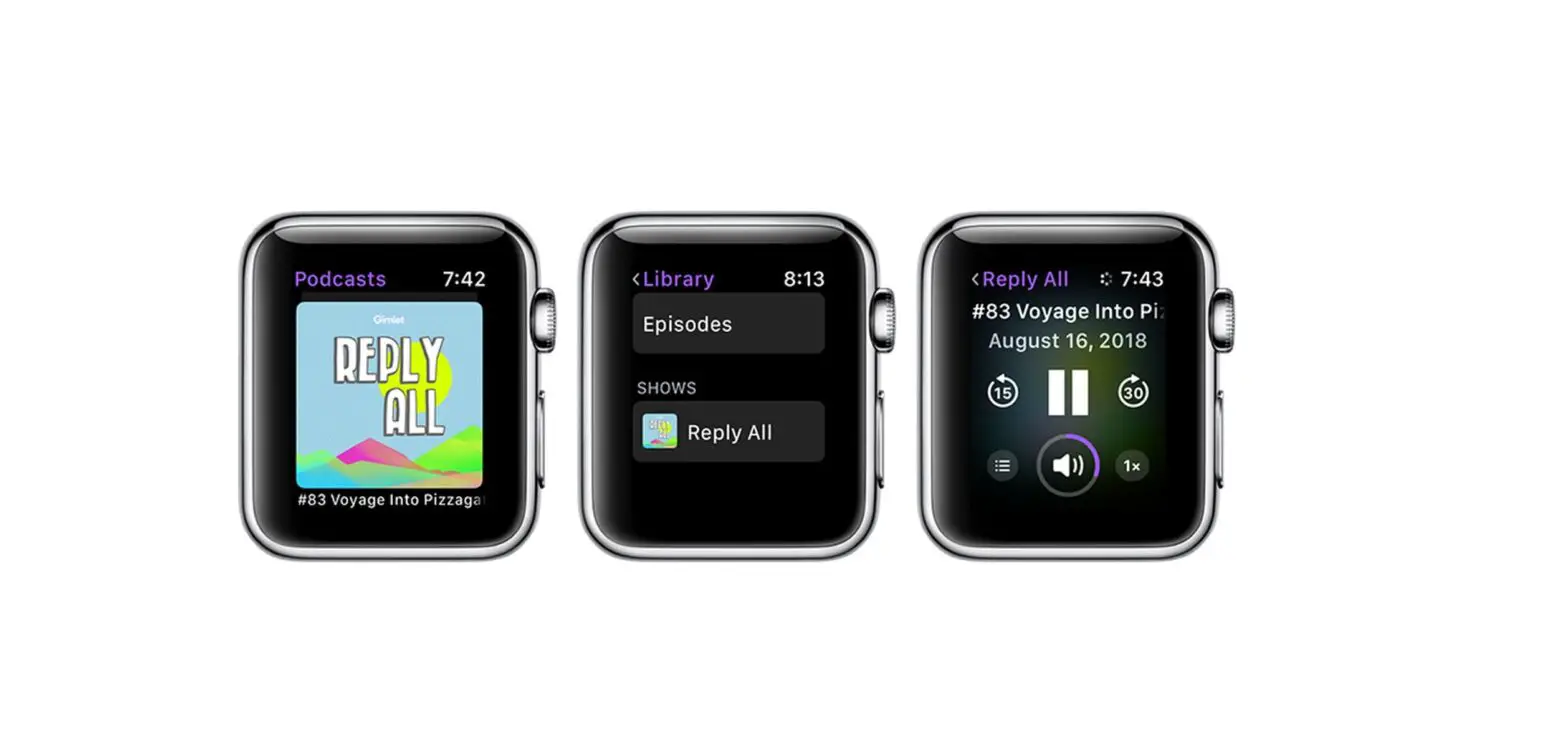
Download an episode so you can play it when you’re offline.
- Tap Library, then tap a show to see its information page.
- Swipe left on an episode, then tap
 or .
or .
 or
or  .
.When you save an episode, it’s automatically downloaded so you can listen to it offline. To turn off this option, go to Settings > Podcasts, then turn off Download When Saving.