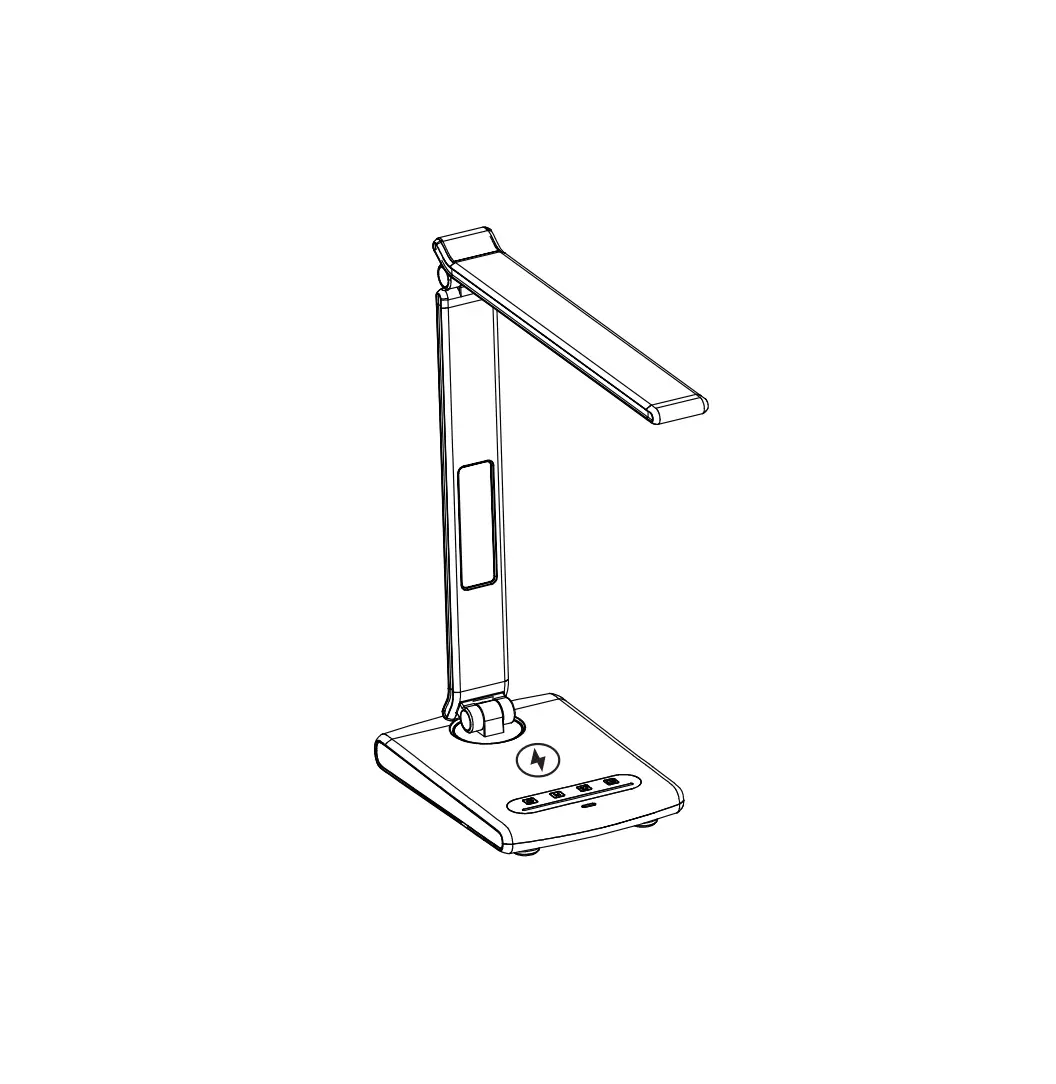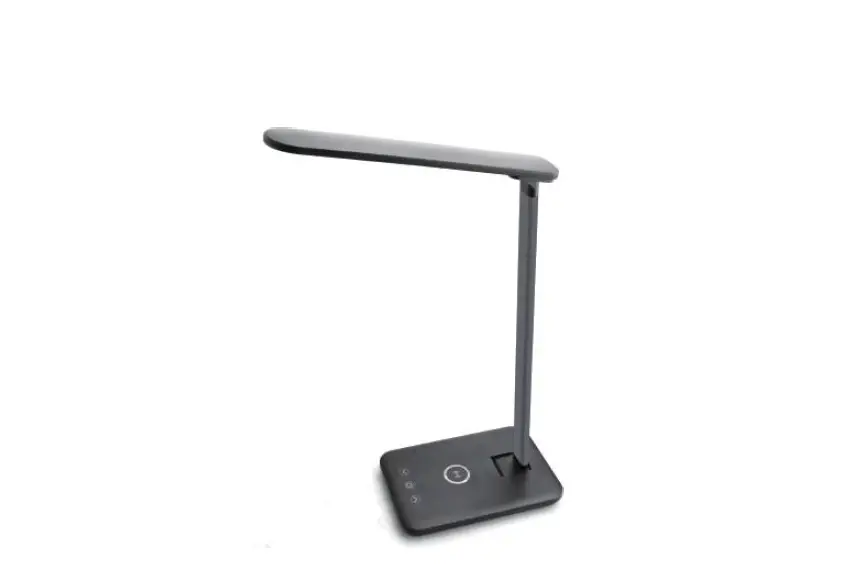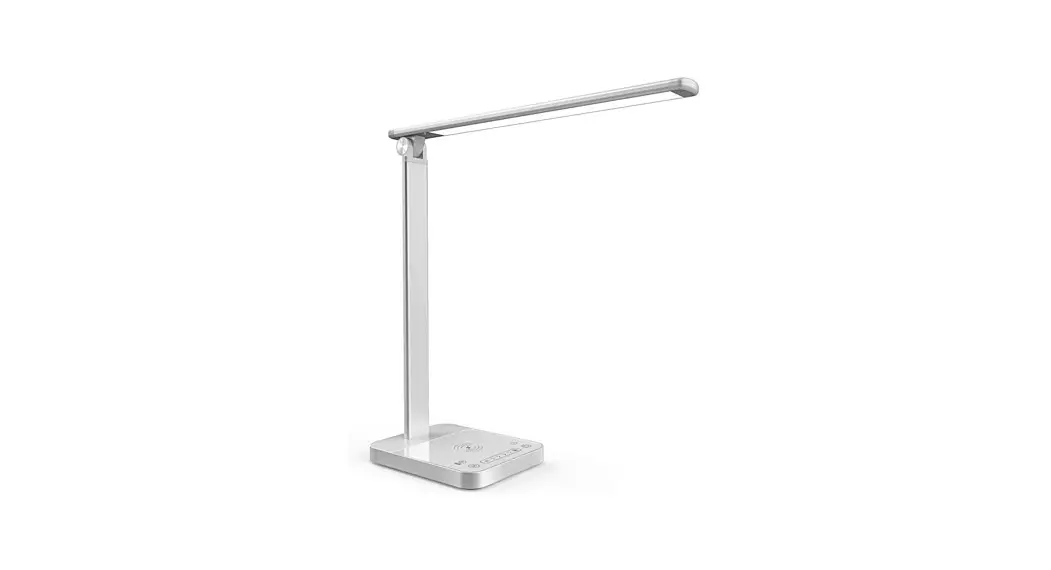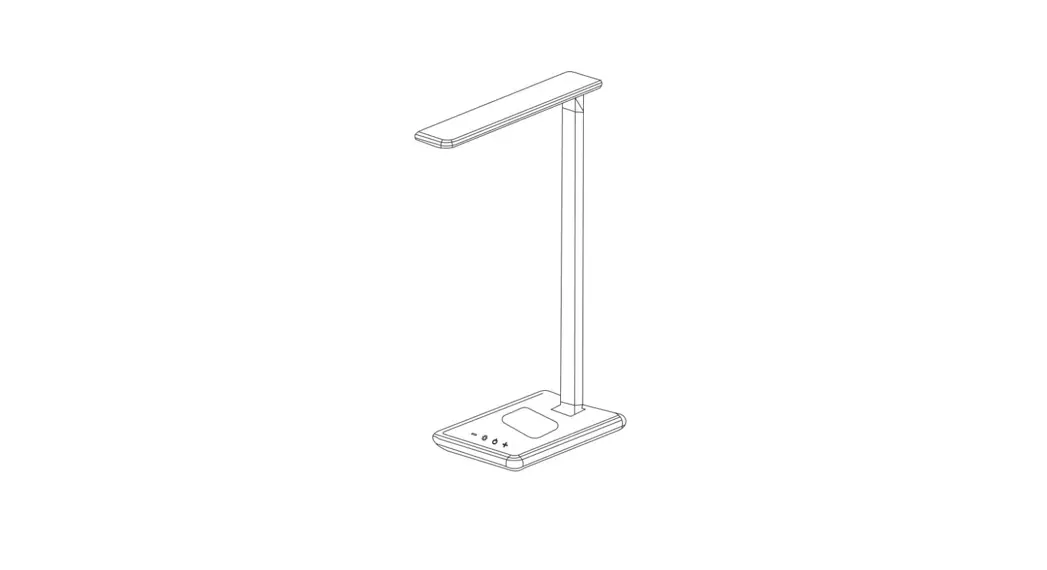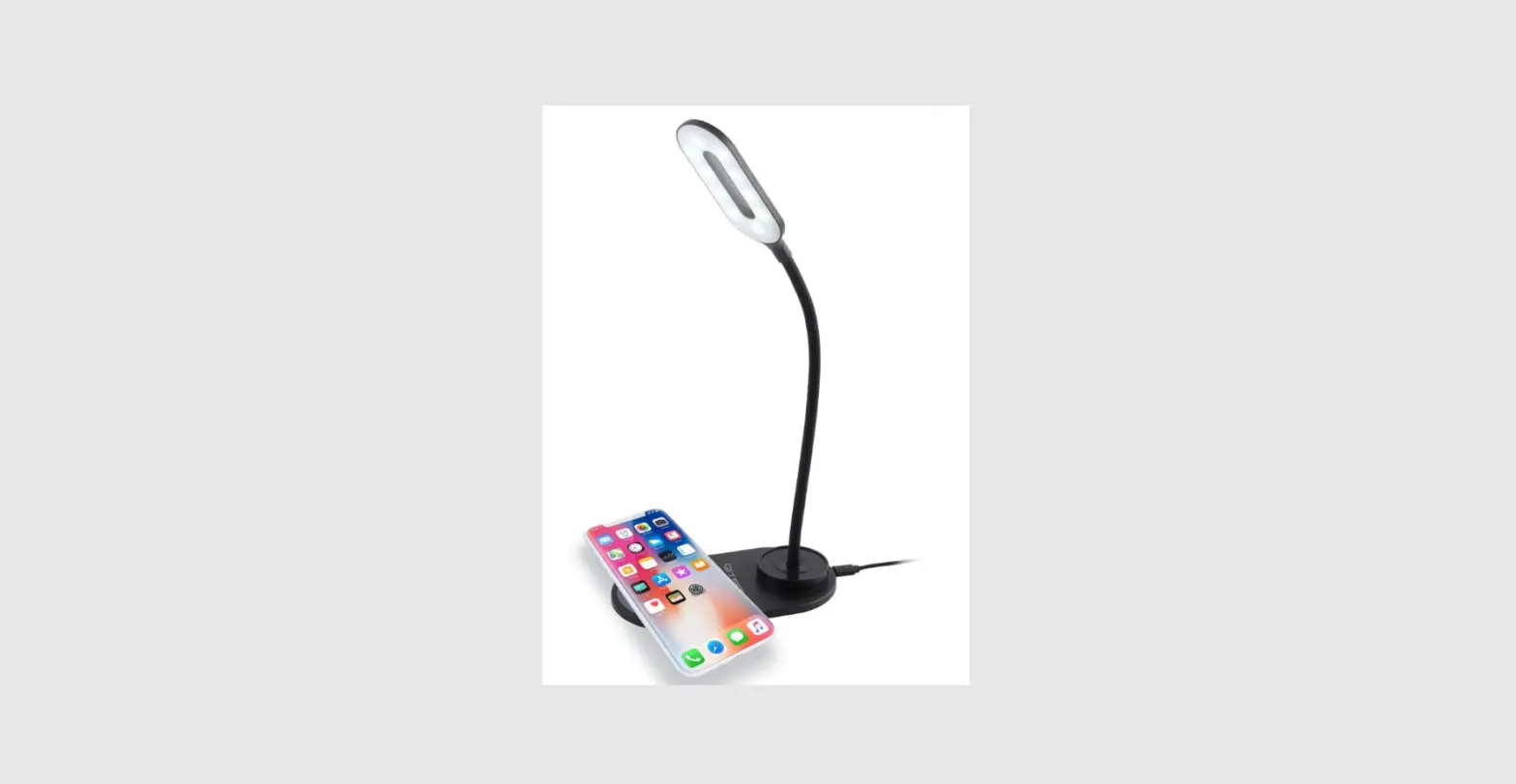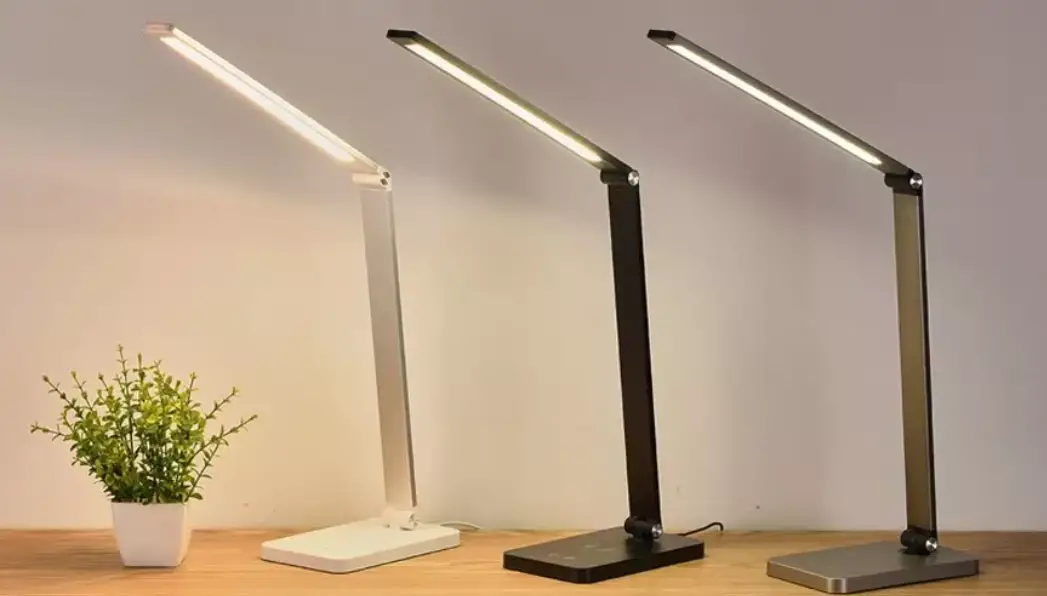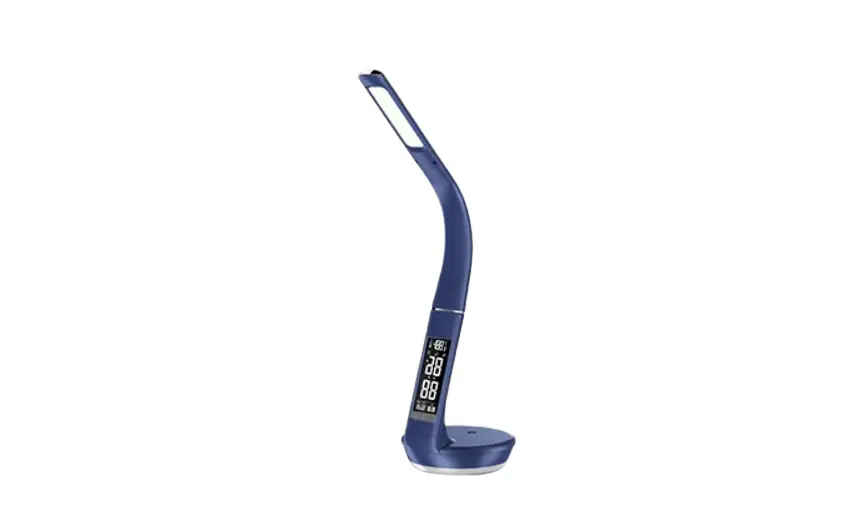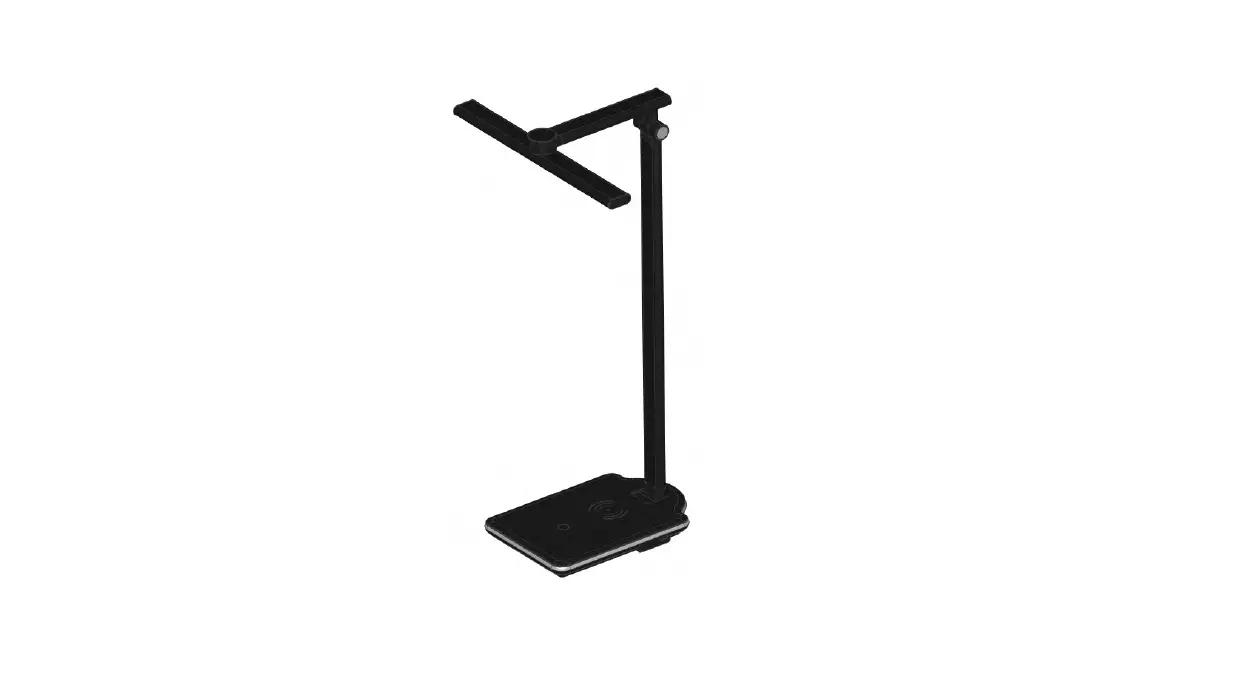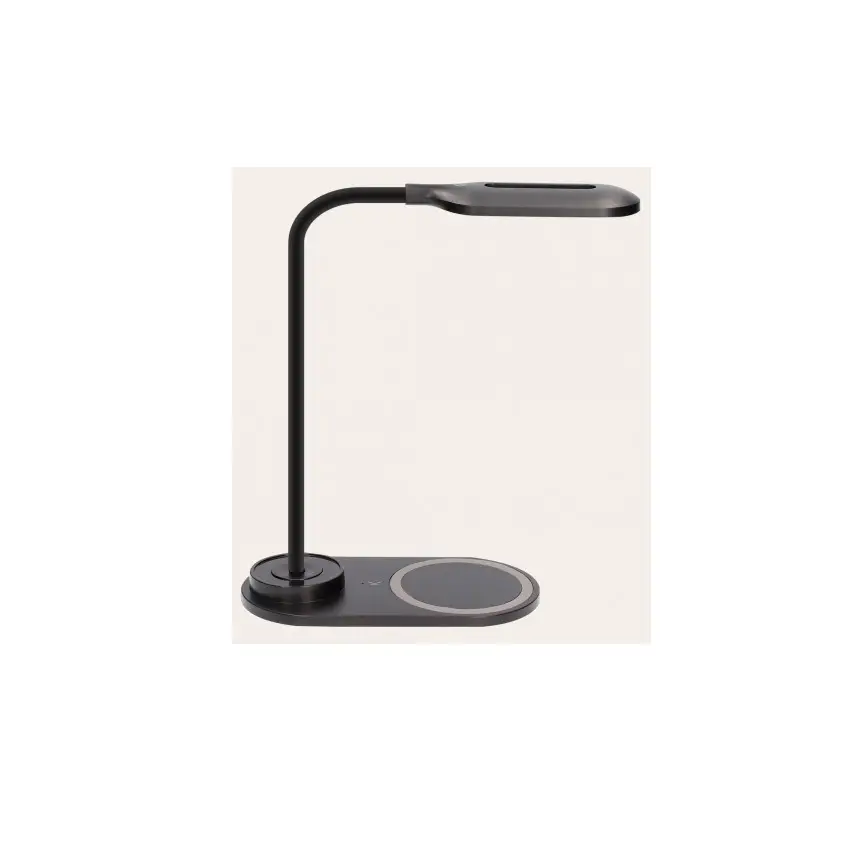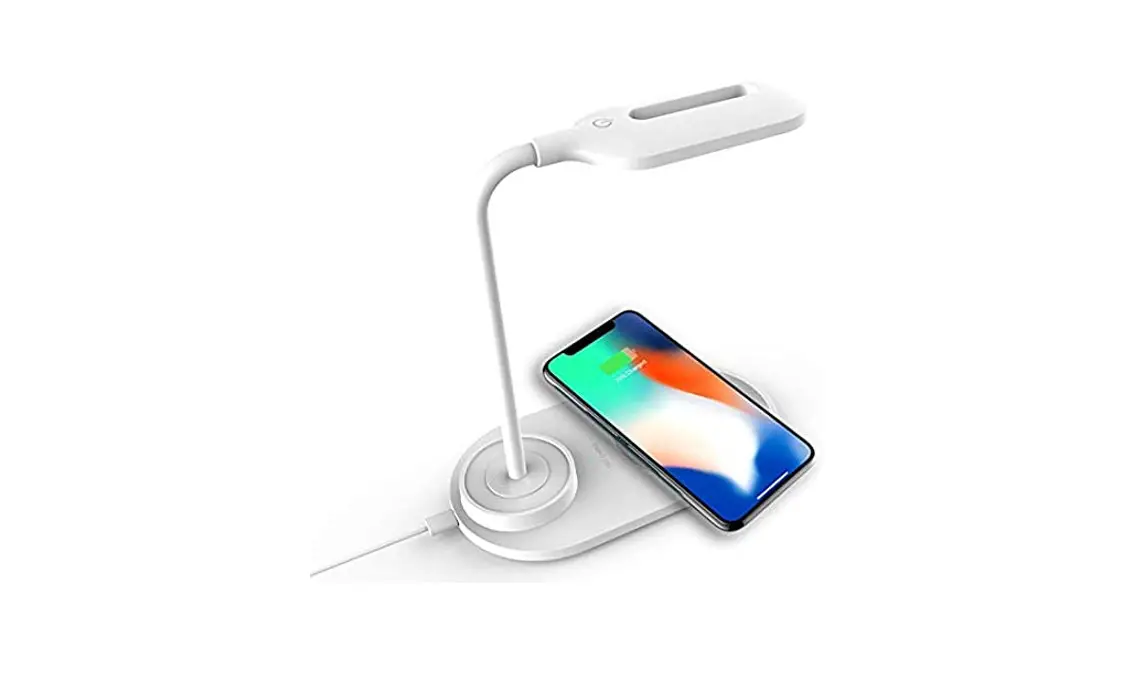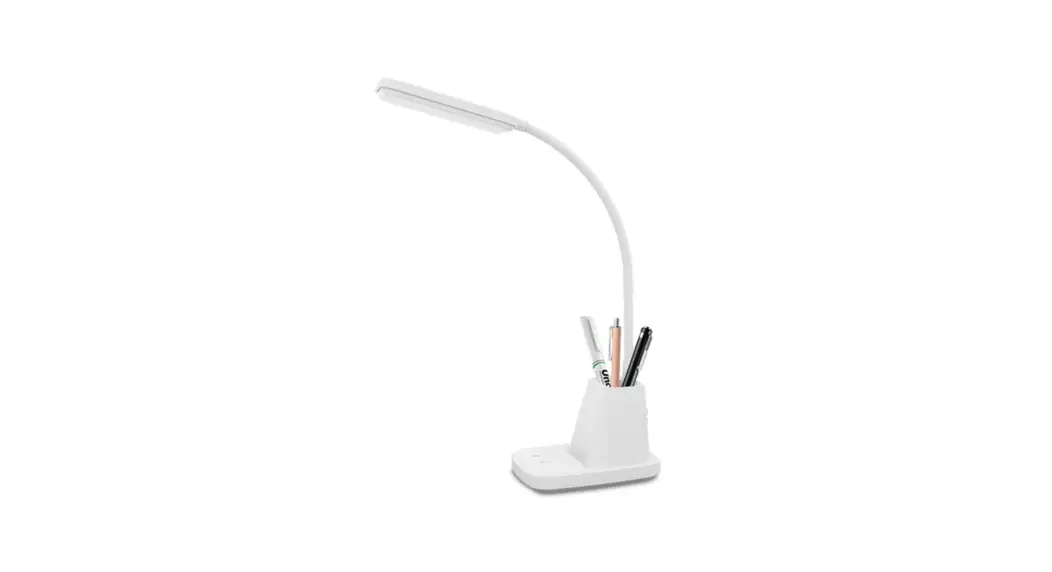

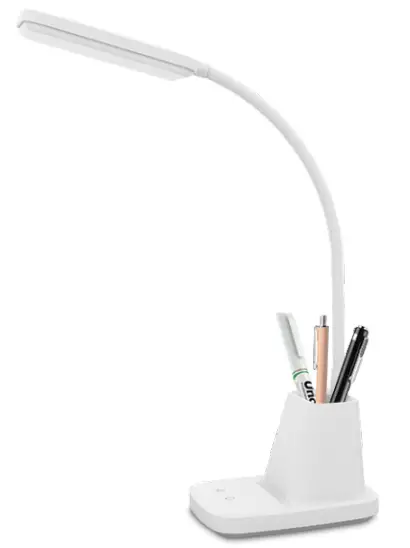
 wireless charger desk lamp
User Manual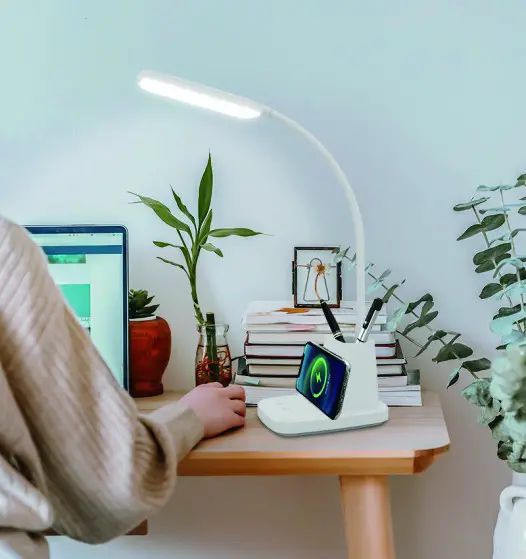
*Please read the instruction manual carefully before using the product and keep it with proper care.
Product Introduction
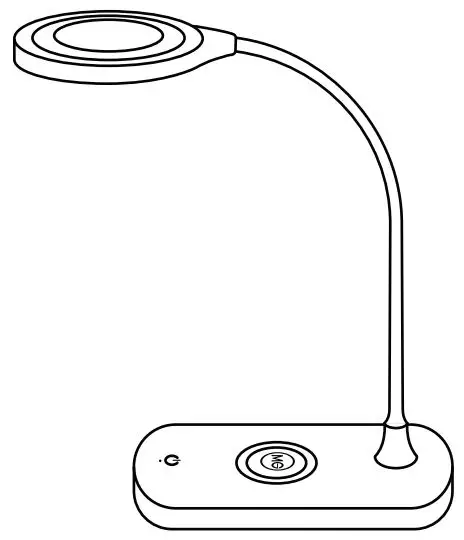
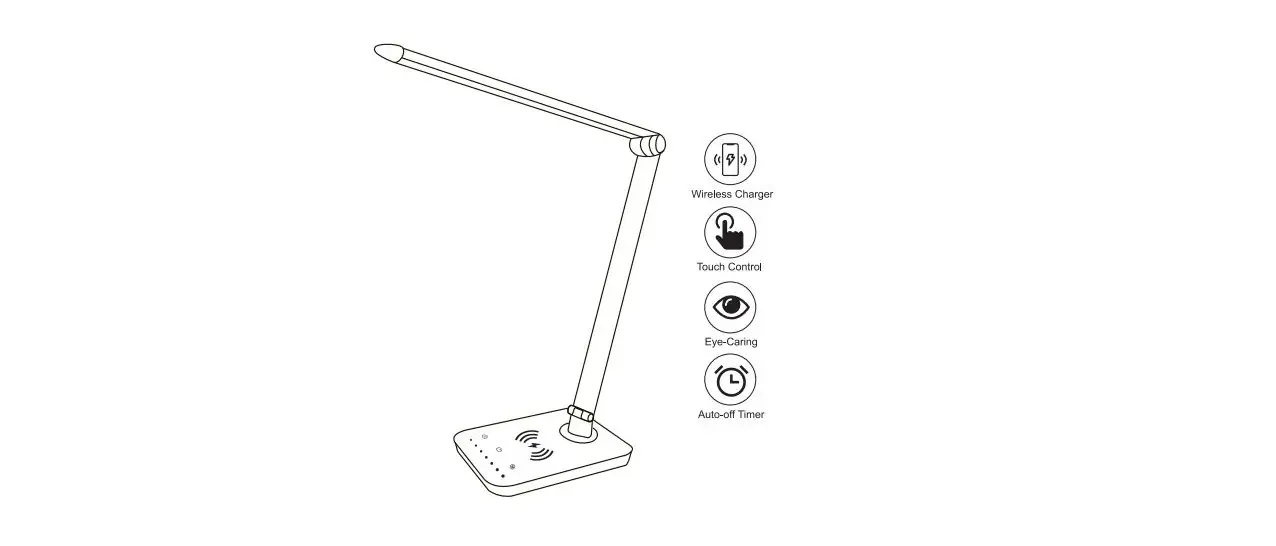
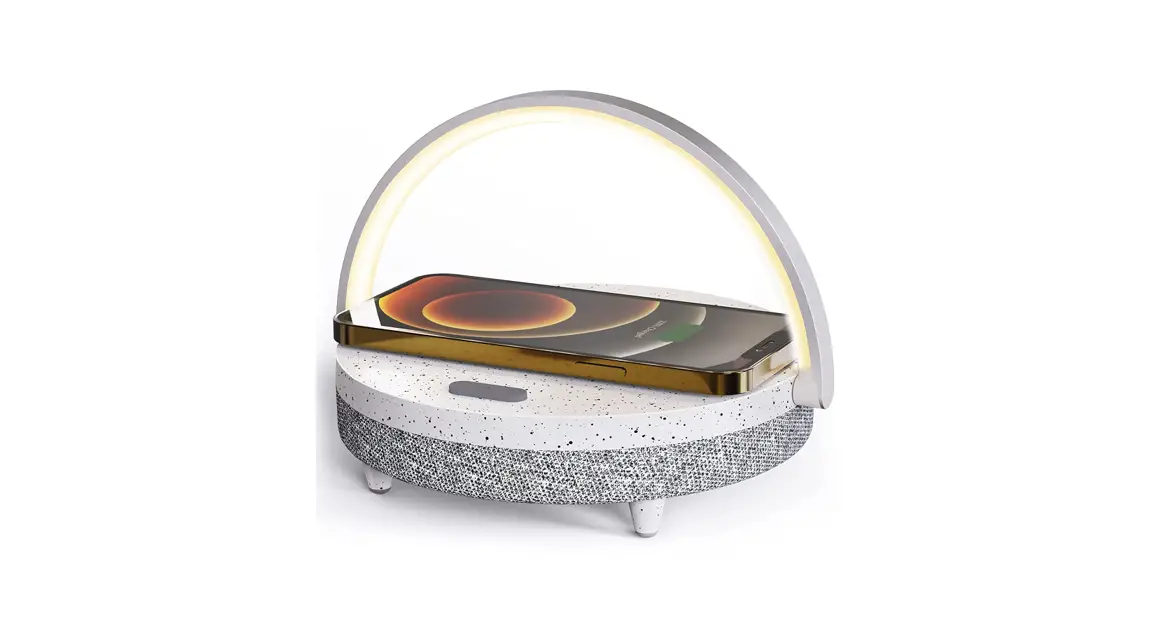
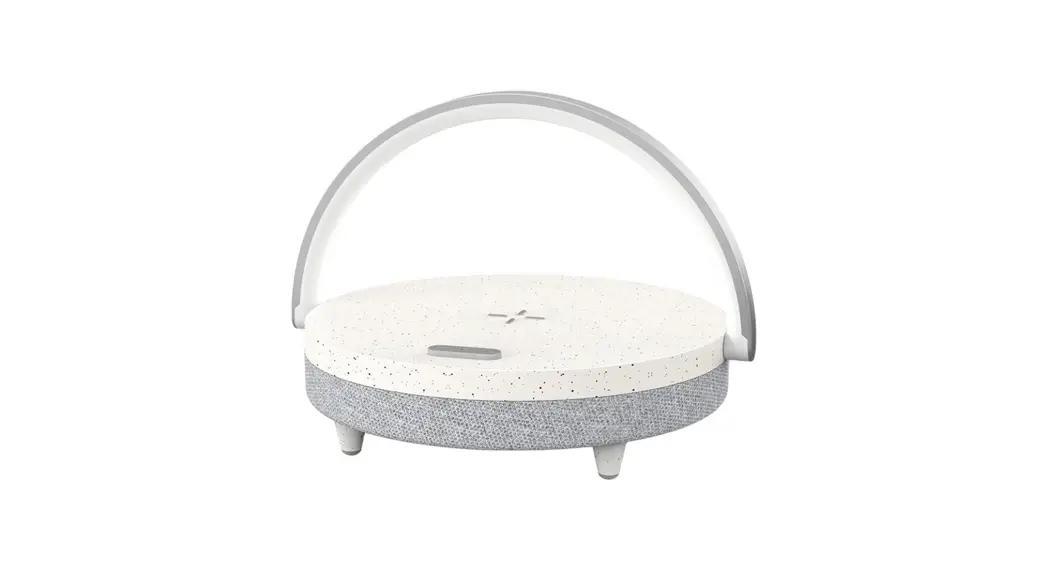
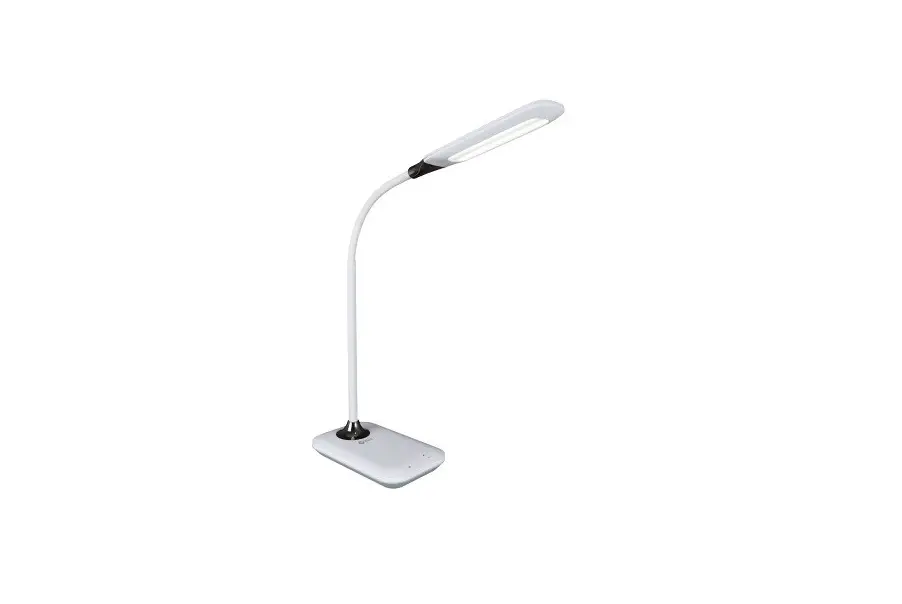
This LED desk lamp has a built-in wireless charger (support lOW Max). You can freely adjust 3 light colors and brightness. The memory function can automatically return to the brightness and color mode you set last time. The flexible gooseneck makes it compact and portable. Its base takes up very little space and provides good light without blue light and visual strobes. 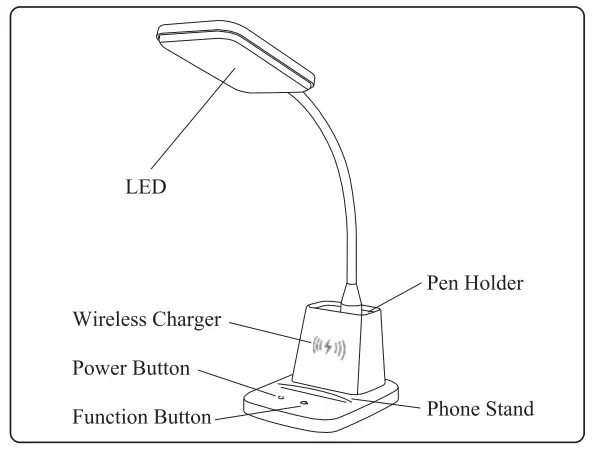
Product Features
- Pen Holder
- Phone Stand
- 3 Color Modes
- Wireless Charger
- Touch Control
- Stepless Dimming
- Compact and Potable
- Large Luminous Surface
- Brightness Memory Function
- No Blue Light Hazard/ No Visible Strobing
Product Parameters
| Name | wireless charger desk lamp |
| Model No | CP-TD-FX-E-001 |
| Color | White/Black/Pink/Blue |
| Material | Plastic |
| Light source | LED |
| Luminous flux | 800LM |
| Rated power | 8W |
| Adjustable Angle | 360° |
| Wireless Charger | 10W Max |
| Number of LED lamp beads | 56 pcs |
| Adapter input | 100-240V AC 50/60Hz |
| Desk lamp input | 5V 3A |
| Interface type | DC 5.5 |
| Color temperature | 3000K/4000KJ5000K |
| Product Dimension | 6.29″ x 5.1″ x 21.65″ |
* The above data are measured by the laboratory, the actual use will be slightly different depending on the specific circumstances.
Installation Instructions
- Open the package, take out the desk lamp, and place it on the desktop steadily.
- Insert the power cord of the adapter into the power input interface of the lamp body and connect to the power.
- Touch the power button to turn on the lamp.
5. Functional description
- Touch on/off

When plugin the adapter, touch the power button to turn on the light, touch it again to turn off the light, and the cycle repeats. - Brightness adjustment

When the light is on, long press the function button to adjust the brightness from 5% to 100%. - Color temperature options
When the light is on, briefly tap the function button to choose the appropriate color temperature: 3000K warm white / 4000K cool white / 5000K bright white. - Memory function
When power is on, the desk lamp will be returned to the same brightness and color you set on the last time. - Professional suggestion
We suggest you adjust the brightness to the maximum when reading or writing for a better lighting experience.
Product Accessory List
LED Desk lamp *1
Adapter-4’1 Manual*1
Names and list of hazardous substances in product
| l’unmn,’ | Hazardous substances | |||||
| I cud | Mercury | Cadmium (Cd) | Hexavalent chromium (Cr (VT)) | Polybrominated biphenyls (PIM) | Polybrominated dethoshcnl (PROP) | |
| Achiptcr | 0 | 0 | 0 | 0 | 0 | 0 |
| LED | 0 | 0 | 0 | 0 | 0 | 0 |
| Circuit board | X | Q | 0 | 0 | 0 | 0 |
| Shell and other parts | Q | 0 | 0 | 0 | 0 | 0 |
This form is compiled in accordance with SJ/T 11364.
0: It indicates that the content of the toxic and harmful substance in all homogeneous materials of the component is below the limit specified in GB/T 26.572 standard.
X: The content of toxic and harmful substances in at least one homo generous material of this part exceeds the limit stipulated in GB/T26572 standard. This product complies with EU RoHS 2.0 Directive (2011/65/EU)
- This product complies with the Measures for the Administration of the Restricted Use of the Hazardous Substances Contained in electrical and Electronic Products.
- During the environment-friendly use period, this product will not have any problems such as leakage or exudation of harmful substances to affect customers’ health in normal use, please rest assured to use.
- The environment-friendly use period of our products is 10 years, and the “environment-friendly use period is only valid when the product is used under the normal conditions described in this manual.
Safety warnings and cautions
- Warning to prevent accidents that threaten personal safety such as breakage, fall, electric shock, fire, etc. Please install and use in strict accordance with the instructions. Do not modify the lamp and exchange parts and accessories without permission.
- Do not use a power supply that exceeds the rated voltage range. Long-term use beyond the rated voltage range may damage the lamp.
- The lamp cannot be placed in an unstable place. (Cannot be used on slopes over 6°)
- Lamps must not be connected in series with other electrical appliances and cannot be used in parallel with a dimmer.
- When inspecting and maintaining lamps, please ask electrical professionals for help. Maintenance by non-professionals is prone to danger.
- When an abnormal phenomenon occurs the lamp, cut off the power quickly and contact the retail store. (The product model should be provided during maintenance, refer to the model on the lamp body)
- If the external flexible cable or cord of this lamp is damaged, the cable should be replaced by the manufacturer or service agent or a qualified person to avoid danger. * Notice: the light source in this lamp cannot be replaced by users. It needs to be replaced by the manufacturer or service agent or a qualified person.
Lamp maintenance and repair
Warning: before maintaining and repairing the lamp, the power supply must be cut off to prevent electric shock.
To use this product safely and efficiently, please clean and inspect it regularly (once every six months). When cleaning the lamp, please cut off the power first, and use a soft dry cloth dipped in soapy water to wipe it. Do not use other reagents to clean, that will cause discoloration or damage to the lamp.
This device complies with part 15 of the FCC Rules. Operation is subject to the following two conditions: (1) this device may not cause harmful interference, and (2) this device must accept any interference received, including interference that may cause undesired operation. Any changes or modifications not expressly approved by the party responsible for compliance could void the user’s authority to operate the equipment.
NOTE: This equipment has been tested and found to comply with the limits for a Class B digital device, pursuant to Part 15 of the FCC Rules. These limits are designed to provide reasonable protection against harmful interference in a residential installation. This equipment generates, uses, and can radiate radio frequency energy and, if not installed and used in accordance with the instructions, may cause harmful interference to radio communications. However, there is no guarantee that interference will not occur in a particular installation. If this equipment does cause harmful interference to radio or television reception, which can be determined by turning the equipment off and on, the user is encouraged to try to correct the interference by one or more of the following measures:
- Reorient or relocate the receiving antenna.
- Increase the separation between the equipment and receiver.
- Connect the equipment into an outlet on a circuit different from that to which the receiver is connected.
- Consult the dealer or an experienced radio/TV technician for help.
The equipment complies with FCC radiation exposure limits set forth for an uncontrolled environment. During the operation of the vice, a distance of 15 cm surrounding the device and 20 cm above the top surface of the device must be respected. Made in China