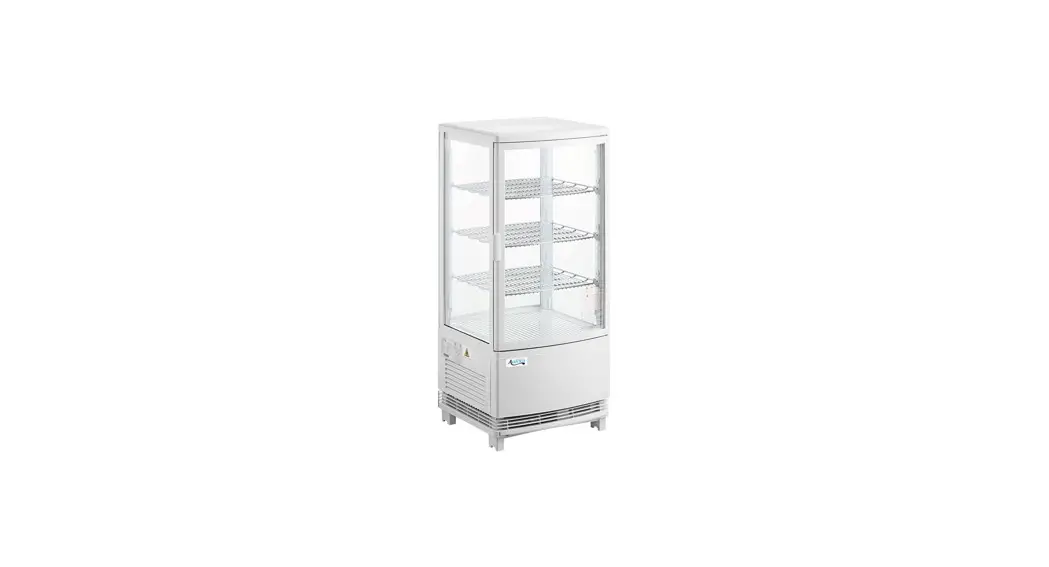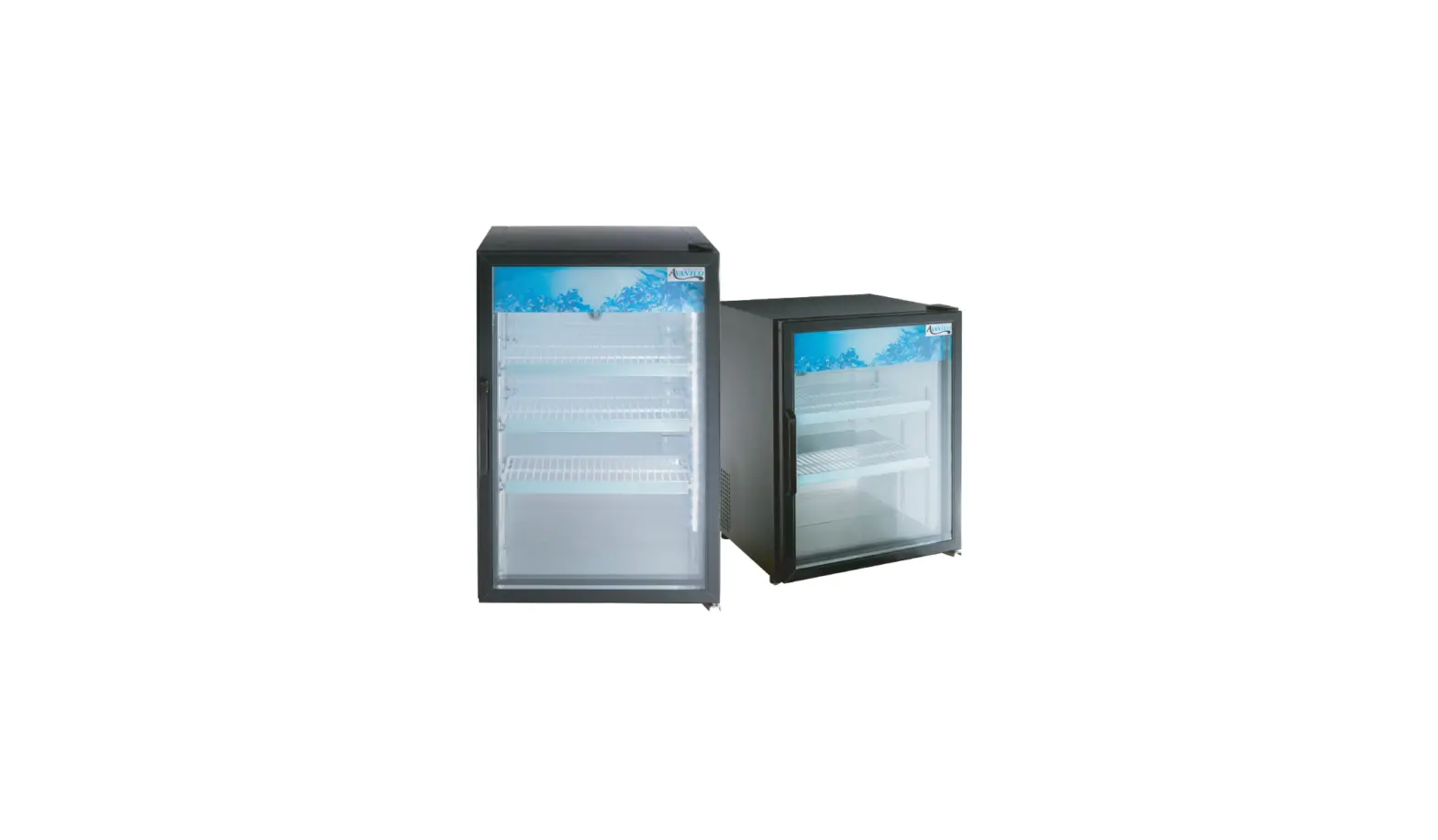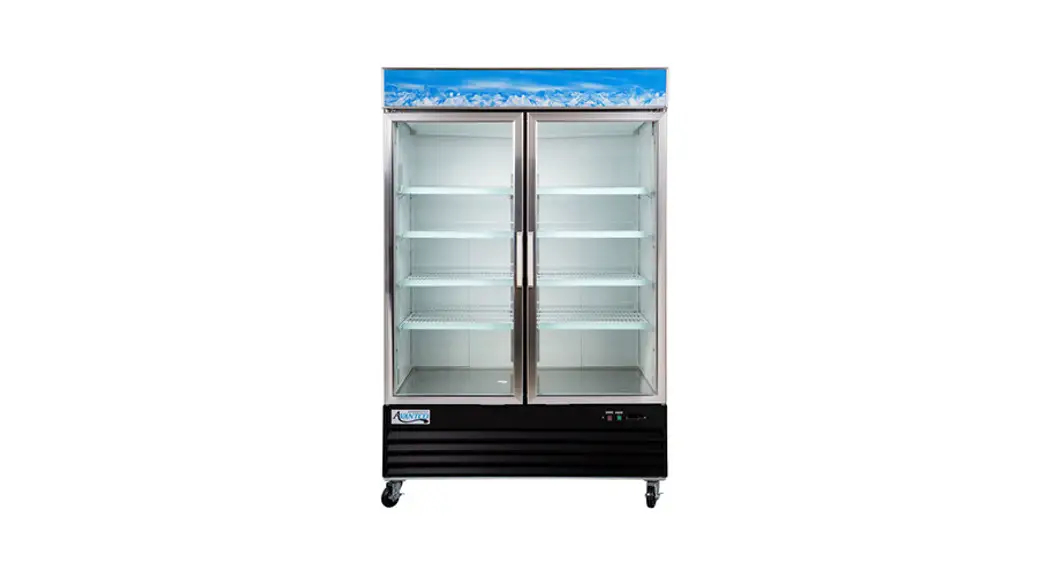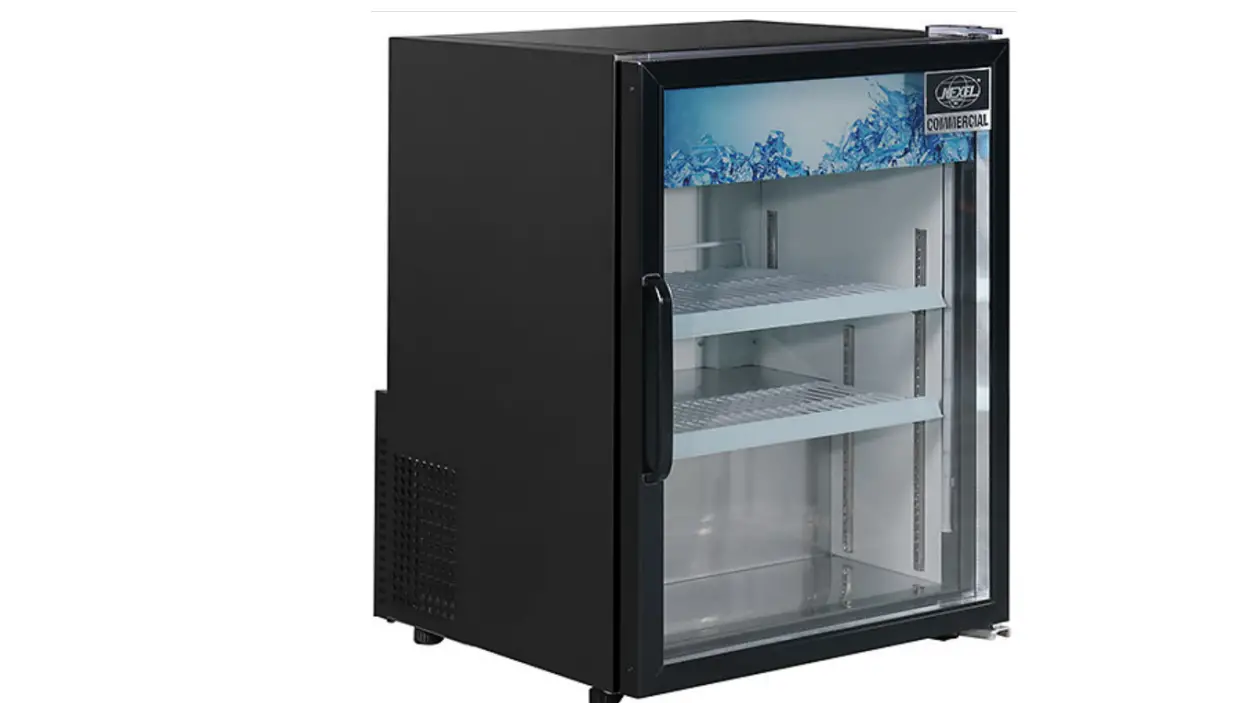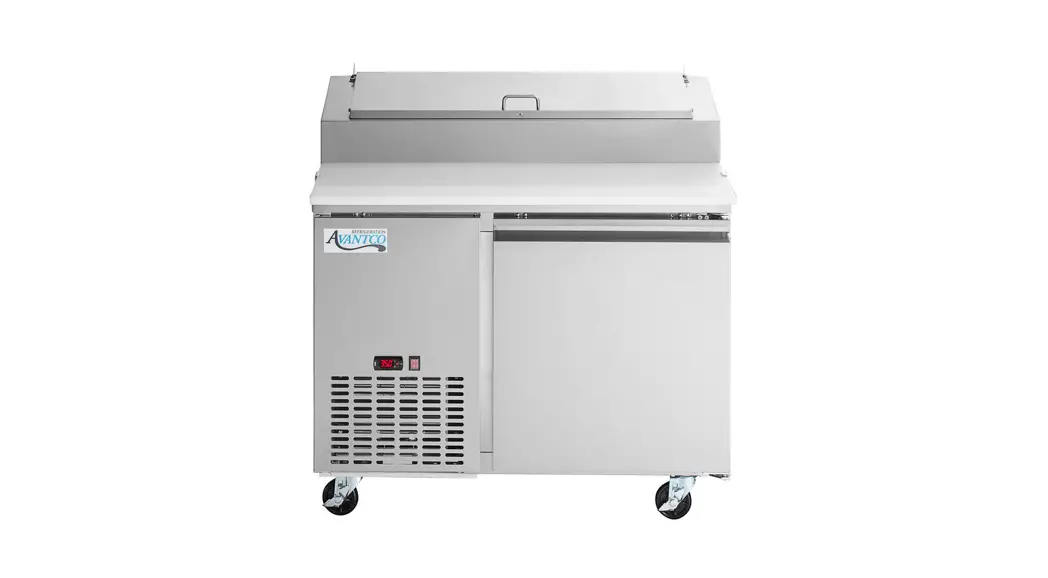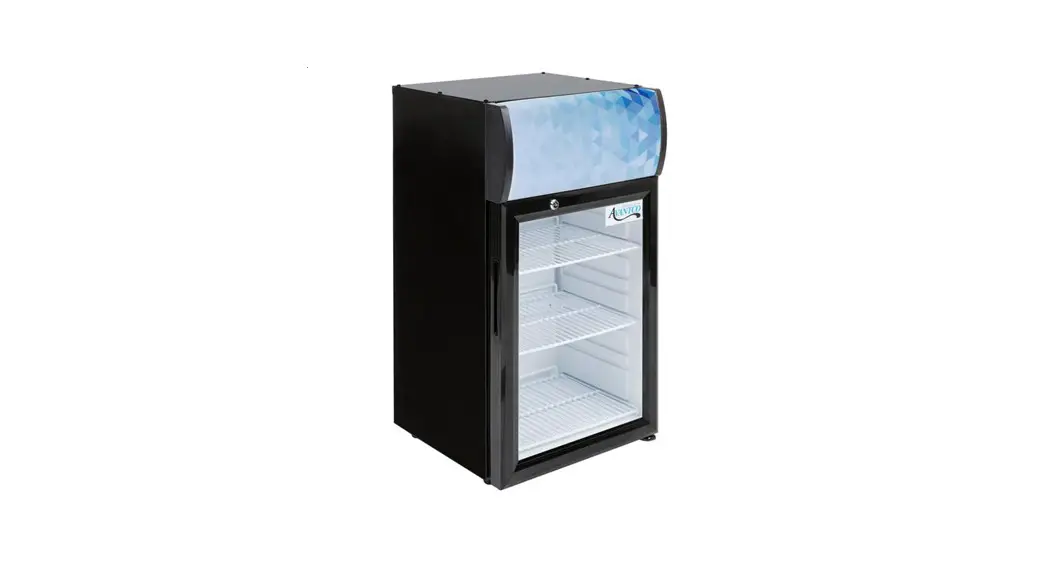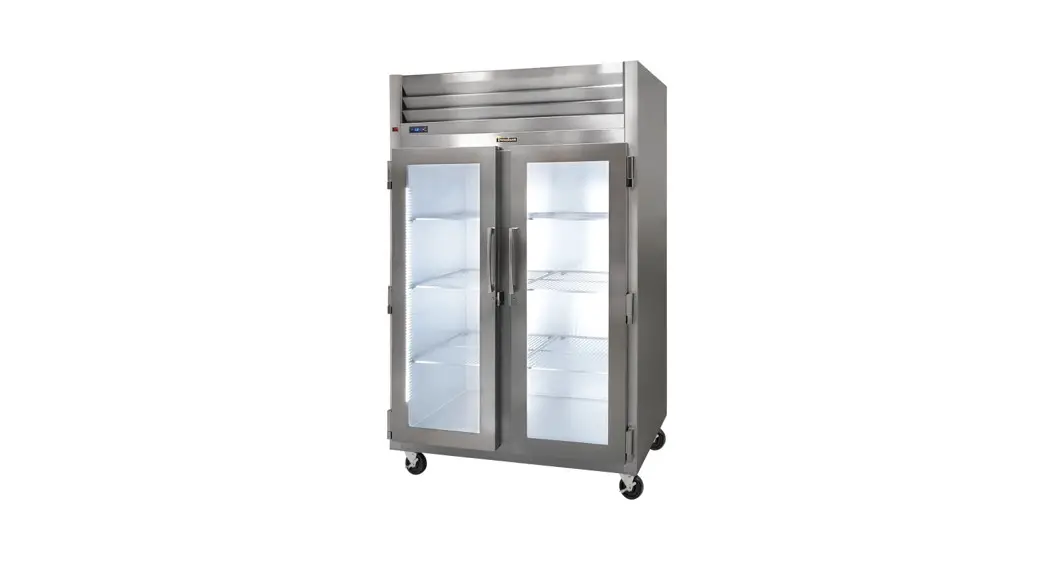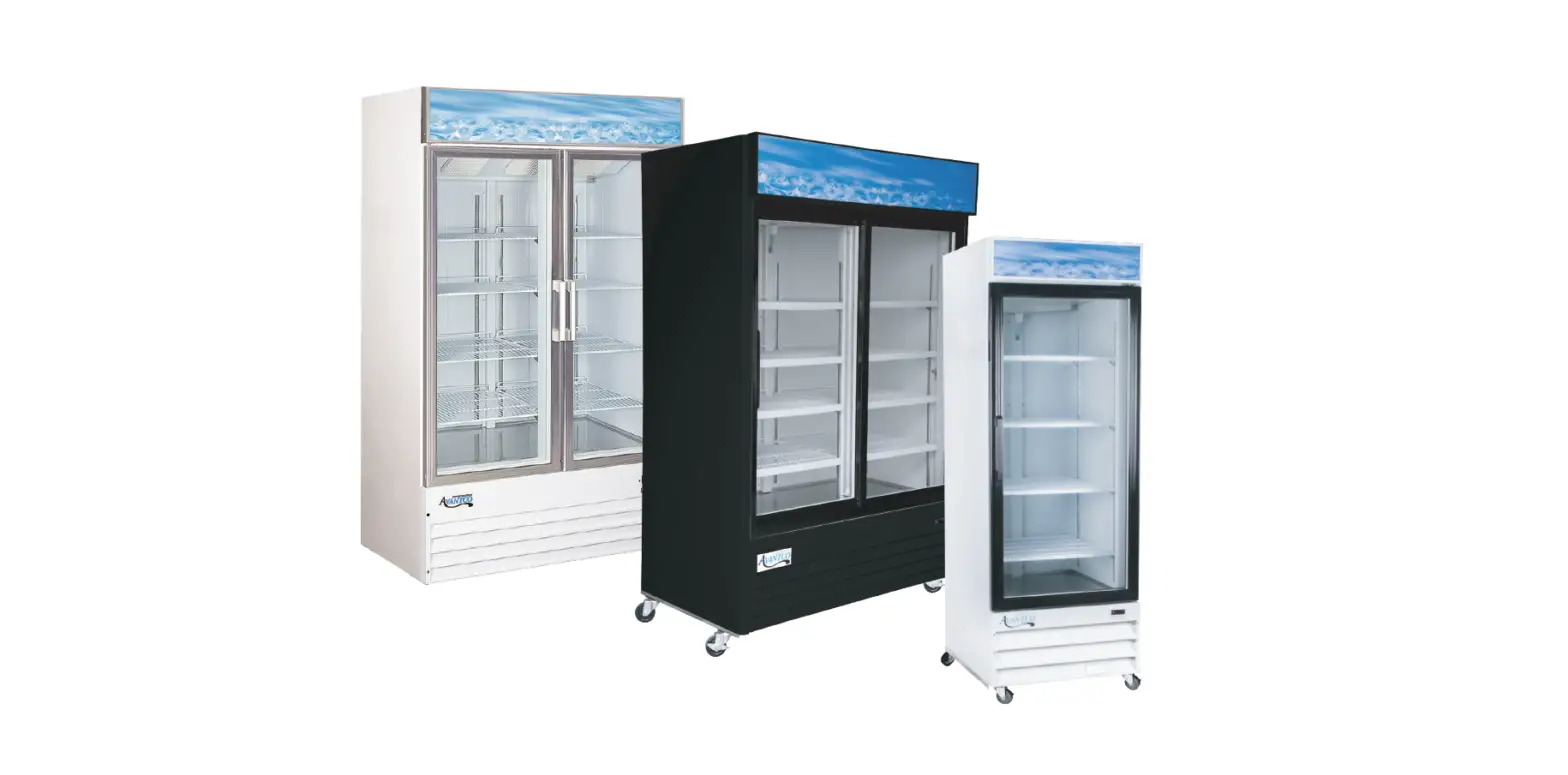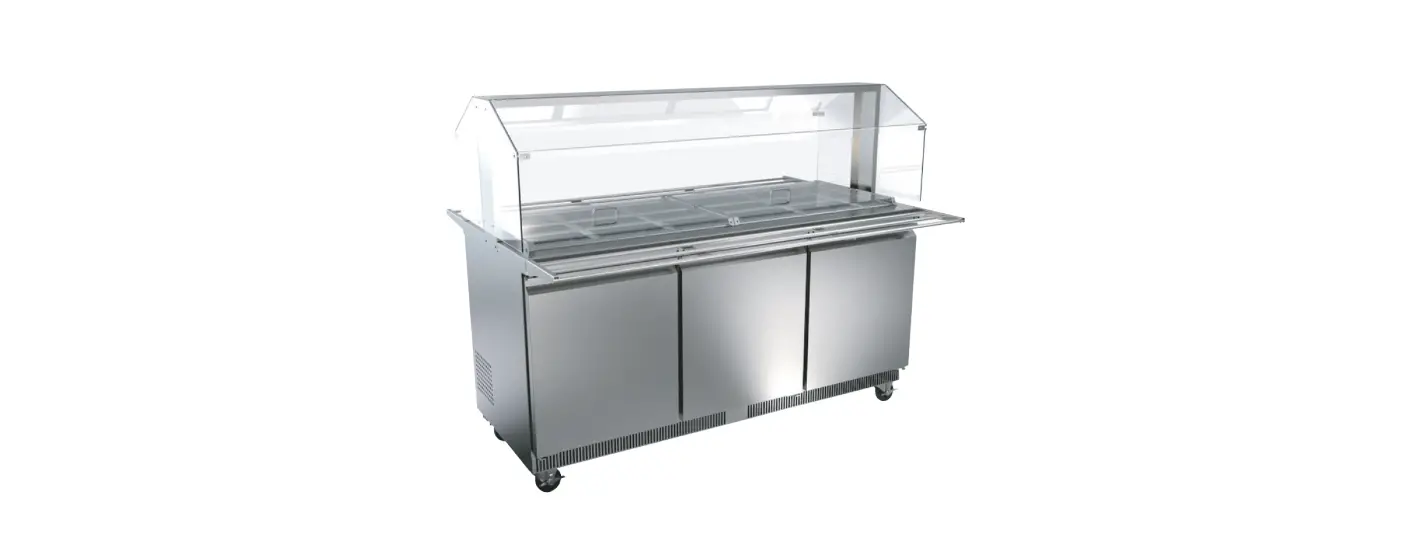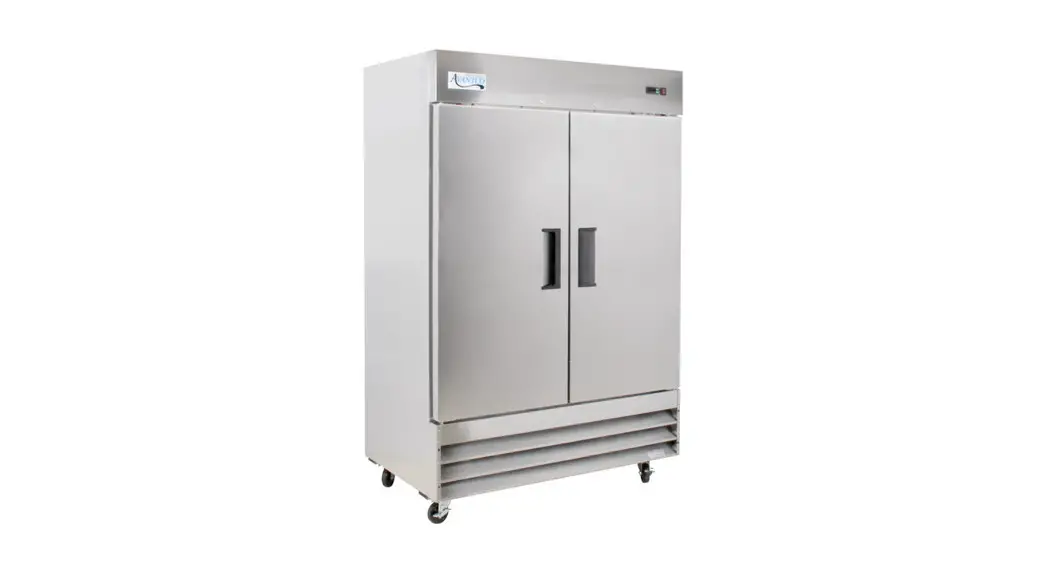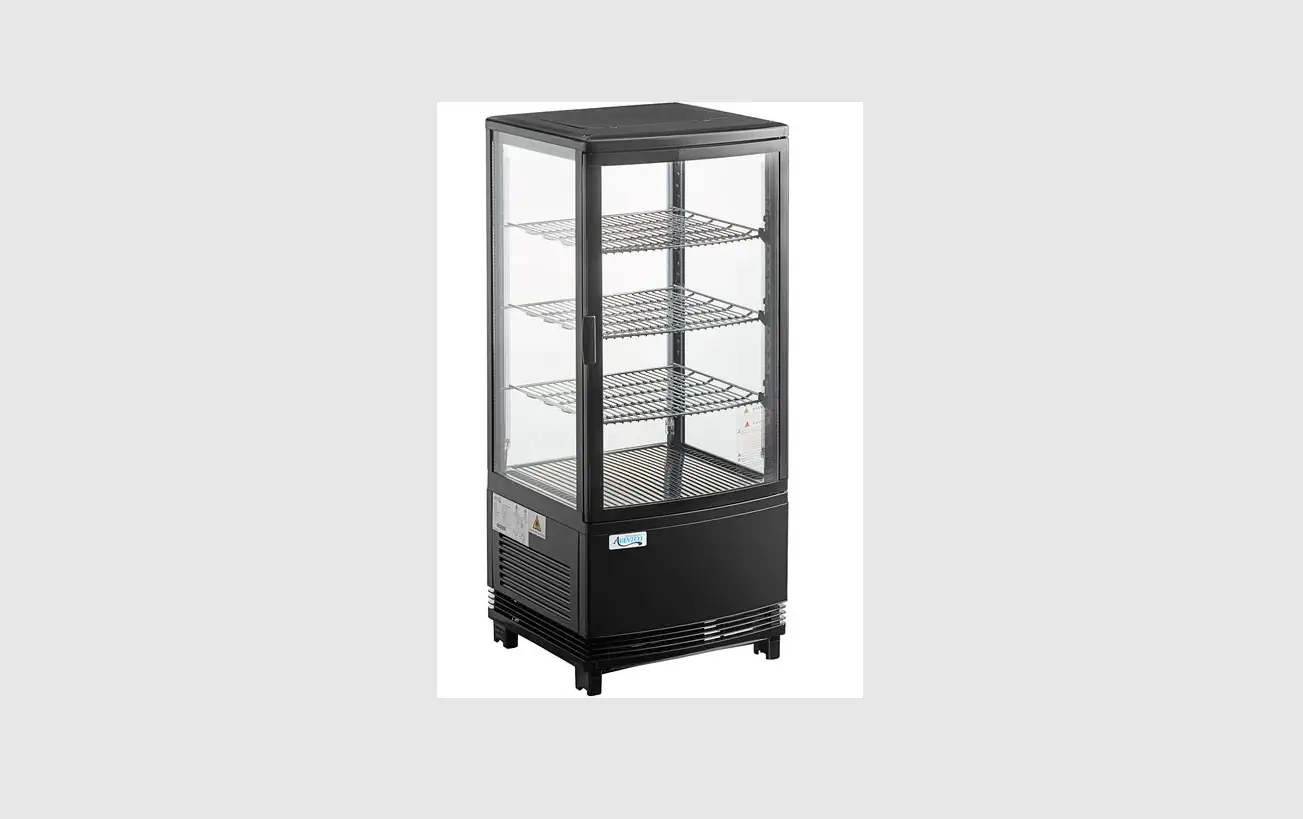

AVANTCO REFRIGERATION GSM-3-HC Glass Sided Countertop Display Refrigerator
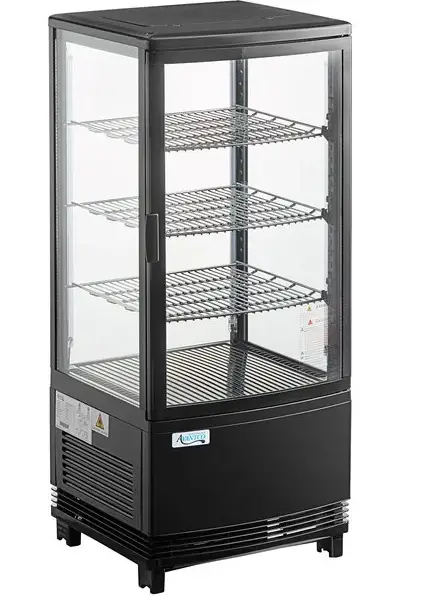
Customizable Panel Instruction Guide
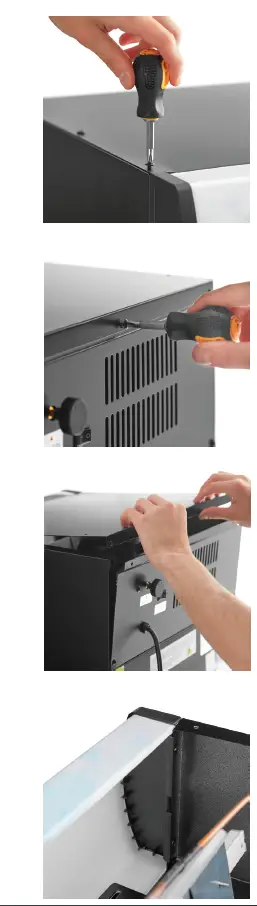
- Unscrew all screws (6) from the top of the unit.
- Unscrew the (3) screws on the back of the unit connected to the top panel.
- Remove the top panel.
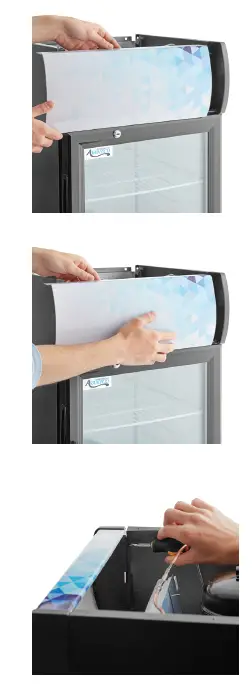
- From the inside of the unit, unscrew the (2) screws from the left side end cap and remove the end cap.
- Pull the panel out of the right-side end cap by pulling the panel to the left.
- Replace the old panel with the new panel by sliding it into the right-side end cap, and making sure the bottom goes around the hinge.
- Re-attach the left-side end cap and top panel by replacing and attaching the previously removed screws
 Avantco Refrigeration