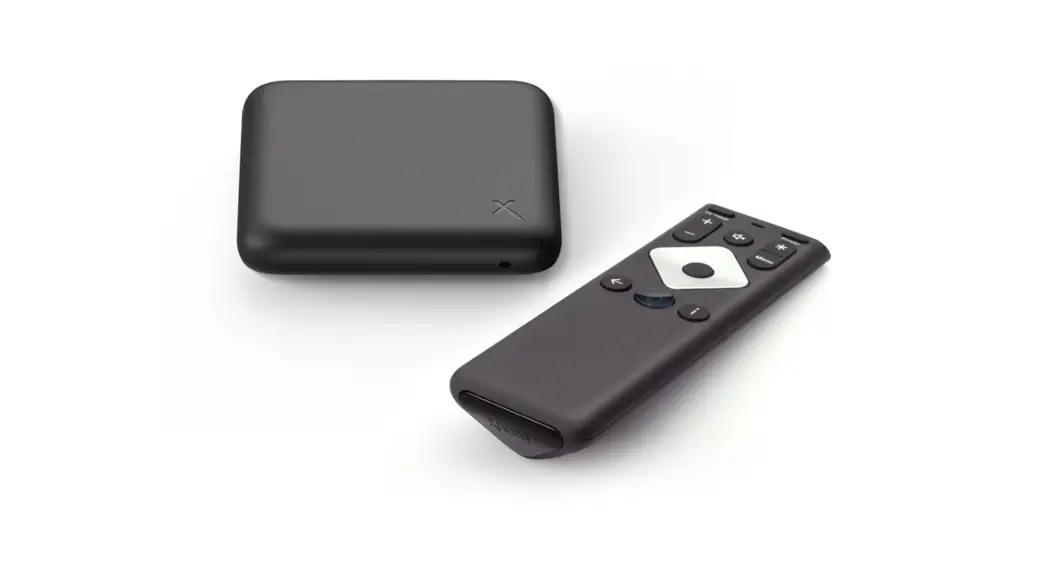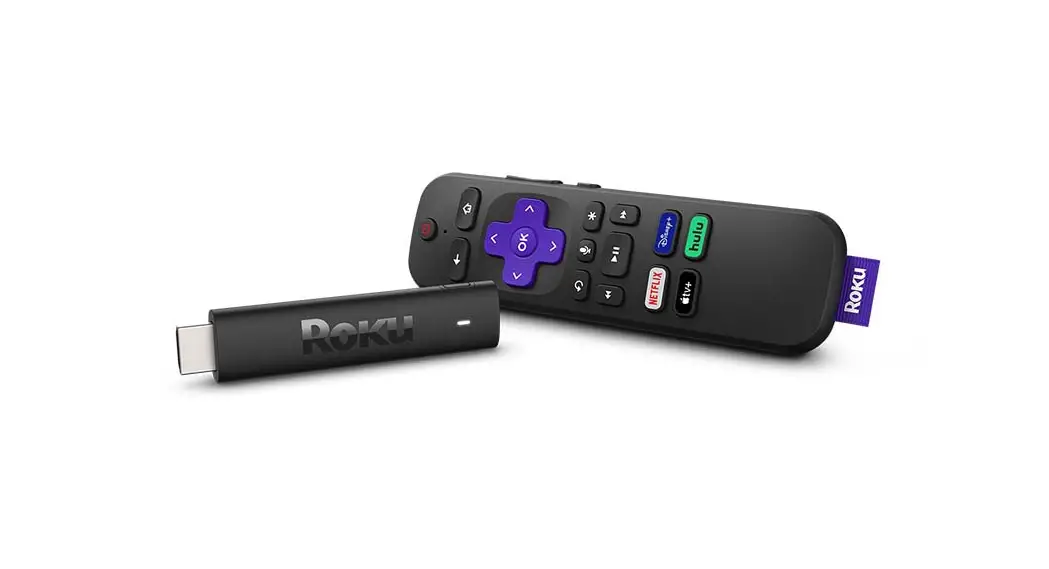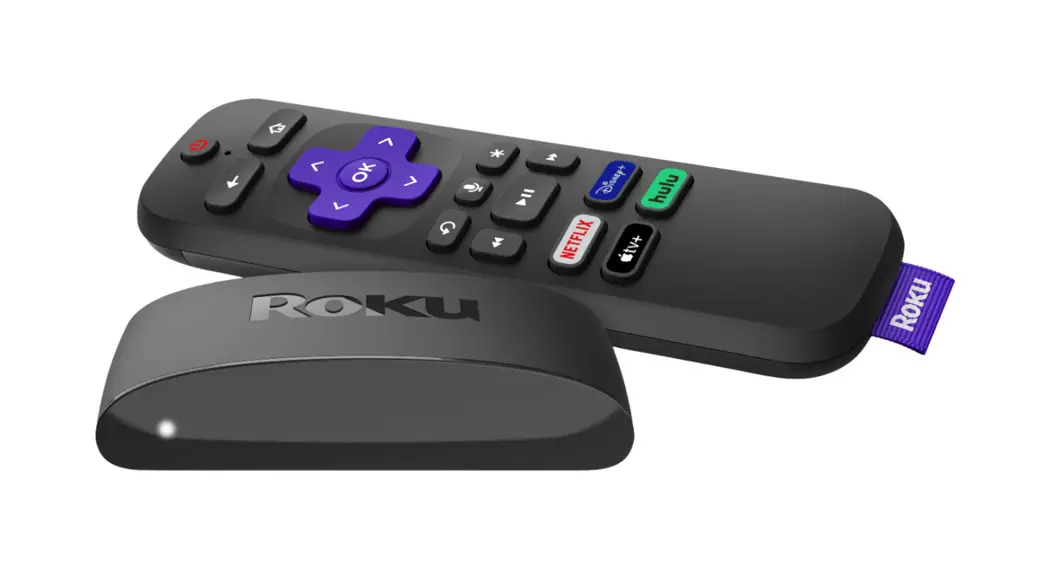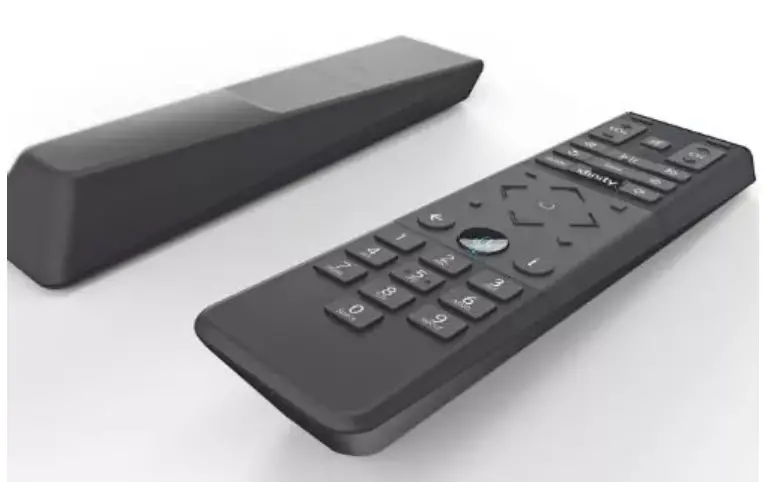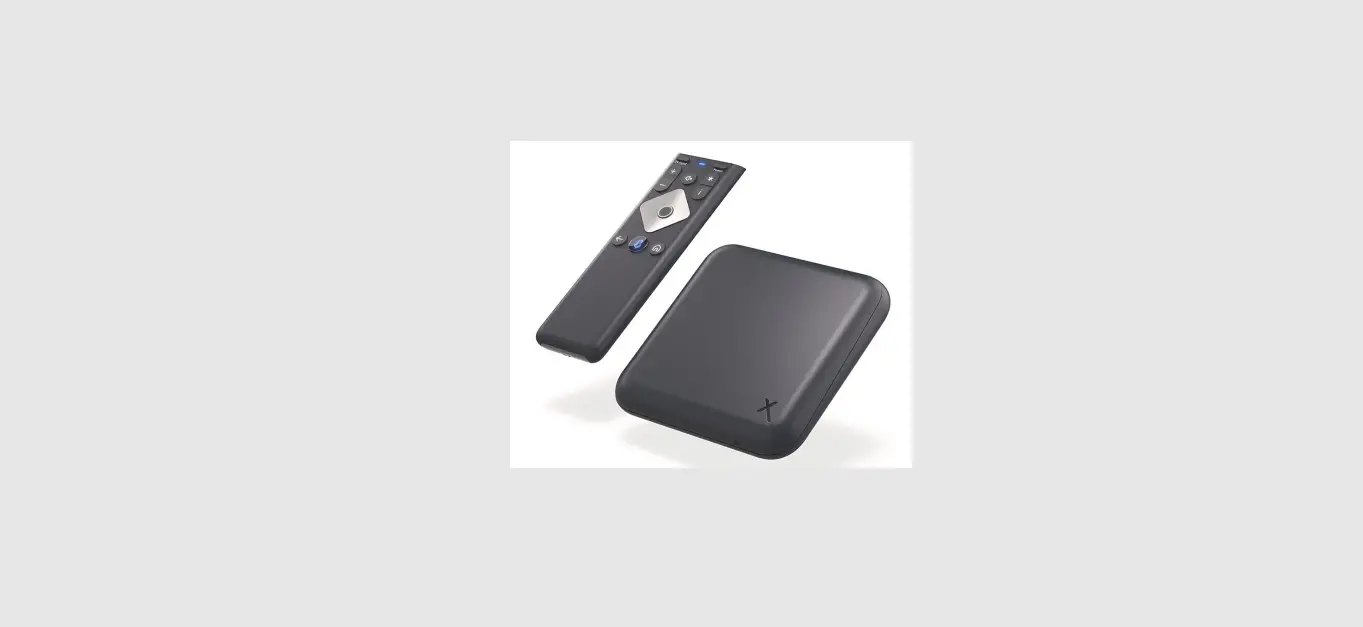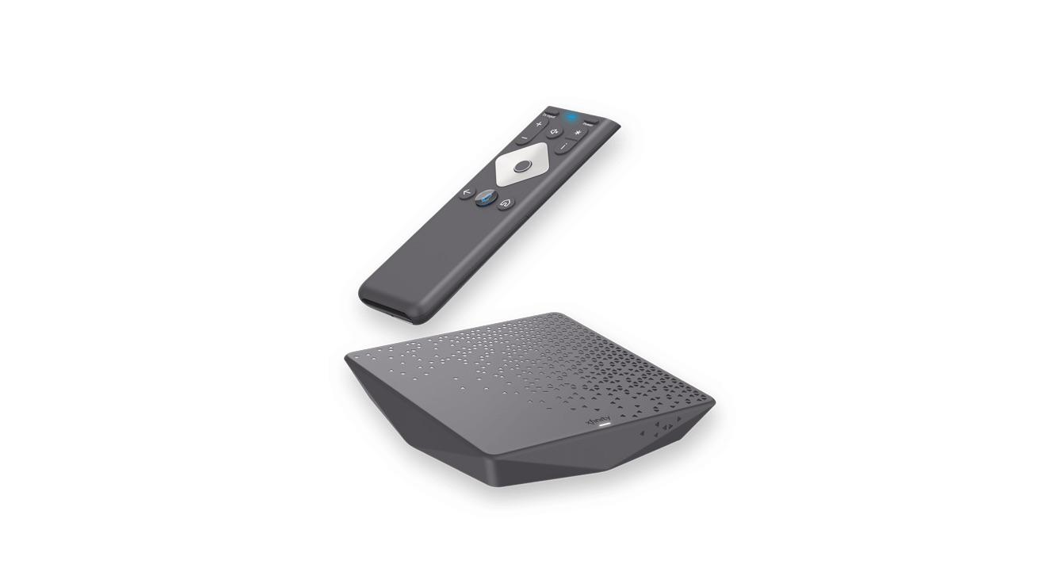
 4K Flex Streaming Box
Instructions
Flex Streaming Box
Get started
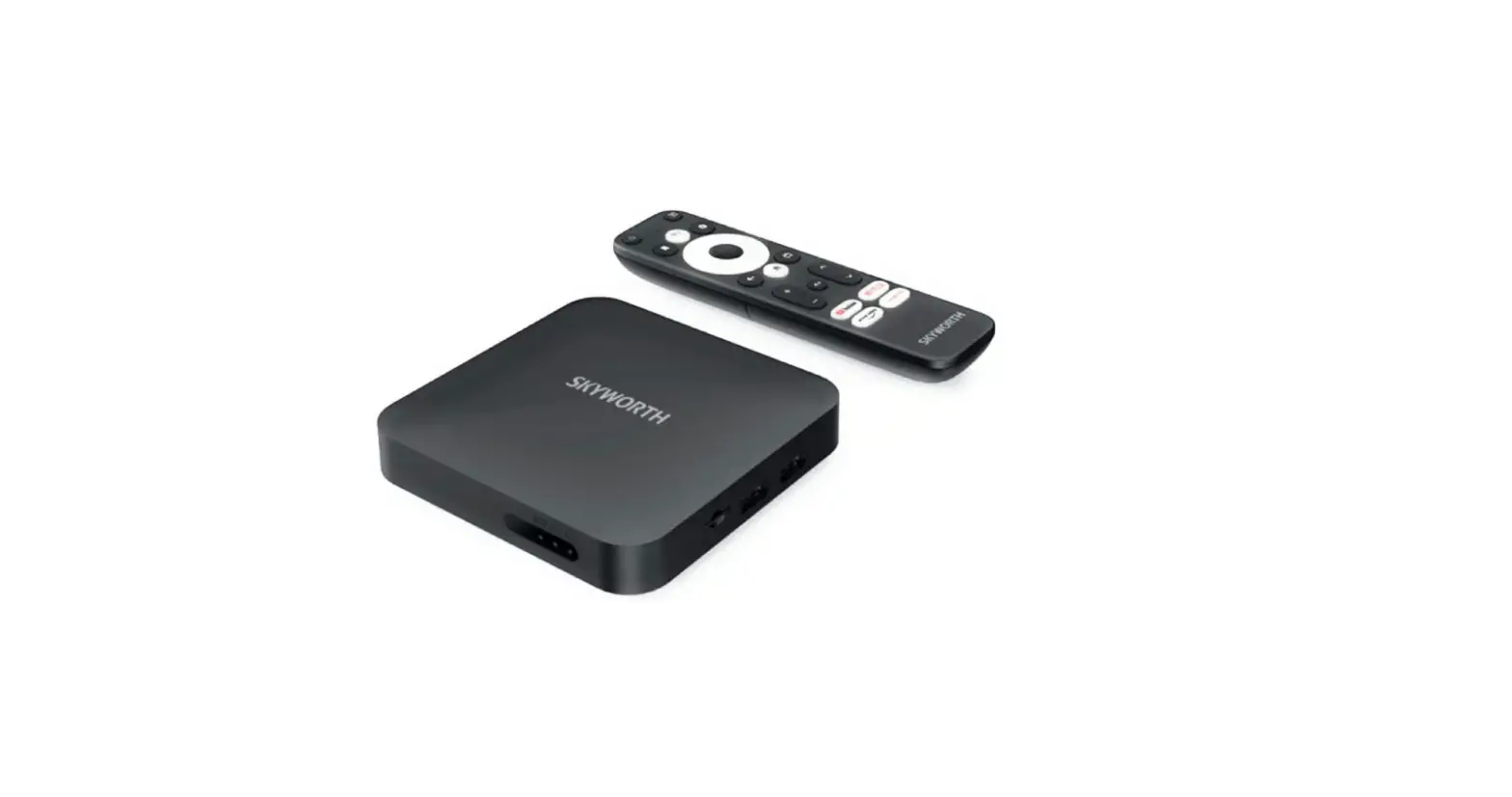
- Your TV and TV Box need to be on, with the TV set to the correct input.
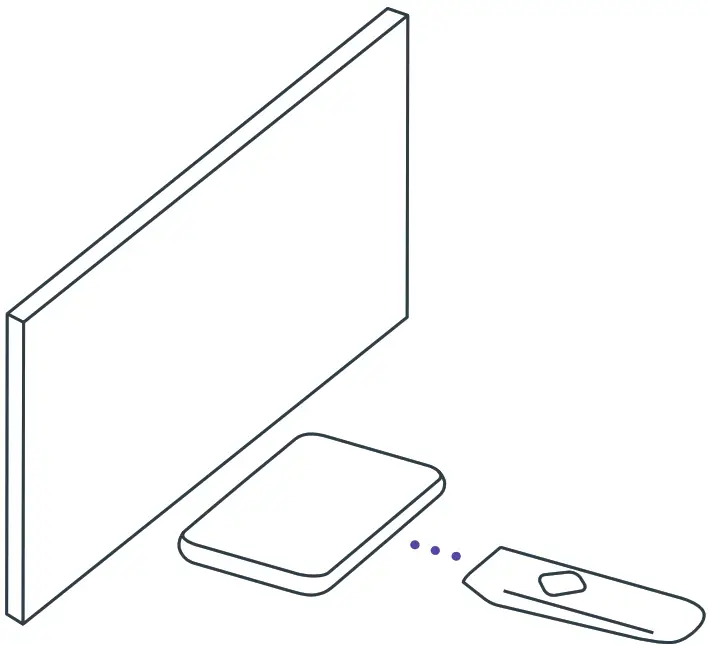
- Make sure the front of the TV Box is not obstructed.

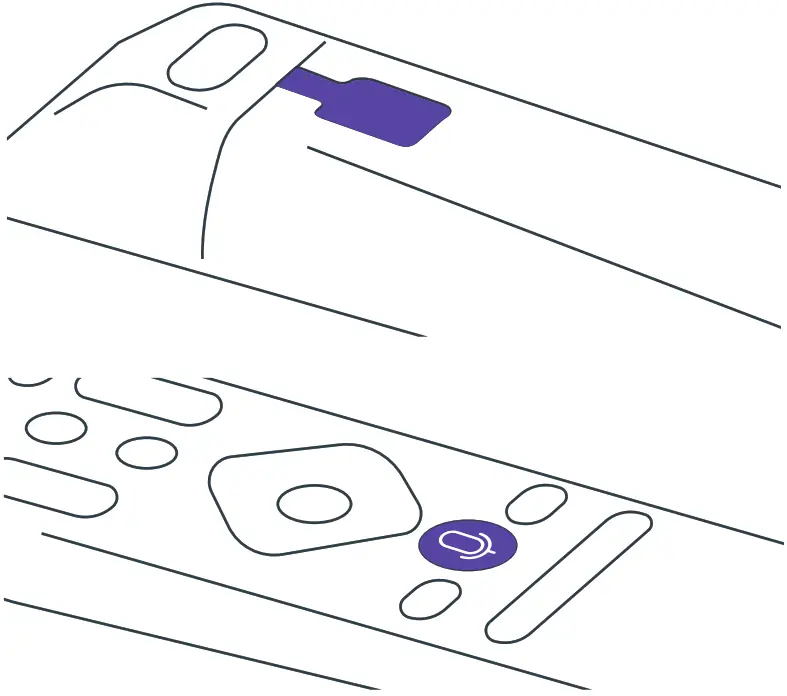
- Remove the pull tab. 2AA batteries are pre-installed.
- Point the remote at the TV Box, Press the Voice button and follow the onscreen instructions.


Accessibility 
Mute 
Voice control 
Navigation OK selection 
Home 
Page up / down






FCC Compliance Statement
This equipment has been tested and found to comply with the limits for a Class B digital device, pursuant to part 15 of the FCC rules. These limits are designed to provide reasonable protection against harmful interference in a residential installation. This equipment generates, uses, and can radiate radio frequency energy and, if not used in accordance with the instructions, may cause harmful interference to radio communications. There is no guarantee that interference will not occur in a particular installation. If this equipment does cause harmful interference to radio or television reception, the user is encouraged to try to correct the interference by one or more of the following measures:
- Reorient or relocate the receiving antenna.
- Increase or decrease the separation between the equipment and receiver.
- Connect the equipment into an outlet on a circuit different from that which the receiver is connected.
- Consult the place of purchase or an experienced remote control/TV technician for help.
- It is strongly recommended that the TV be plugged into a separate wall outlet.
The user is cautioned that changes and modifications made to this equipment without the approval of the manufacturer could void the user’s authority to operate this equipment. This device complies with part 15 of the FCC rules. Operation is subject to the following two conditions:
- This device may not cause harmful interference, and
- this device must accept any interference received, including interference that may cause undesired operation.
Need help? xfinity.com/chat
Learn more about FCC information at: xfinity.com/xr-remote-fcc-compliance-notice
Explore accessibility features: xfinity.com/support/accessibility
Antimicrobial additives protect this remote from the growth of bacteria.
 Asistente de Xfinity - Obtén ayuda 24/7, para cualquier pregunta
 Xfinity Assistant - Get 24/7 assistance for your questions