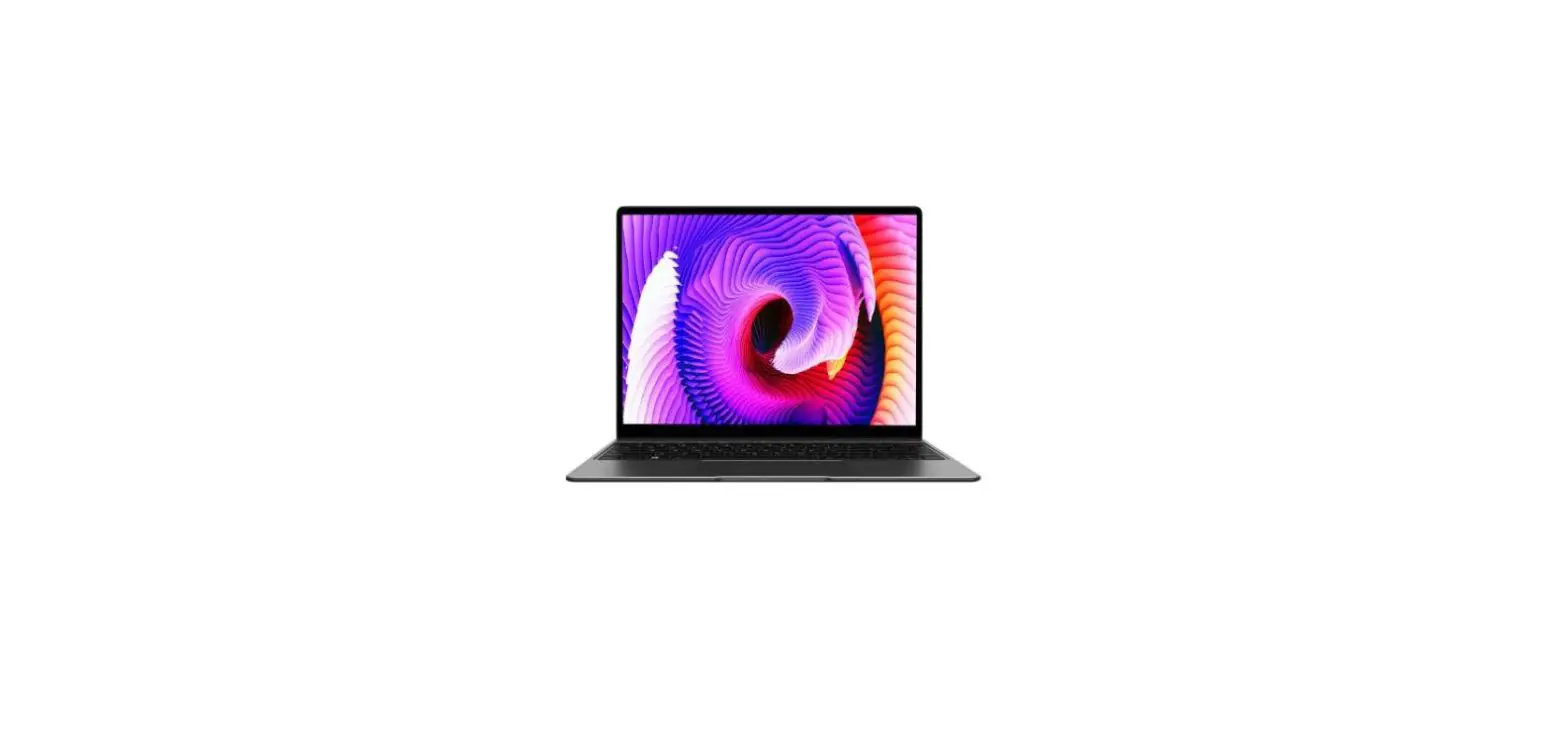
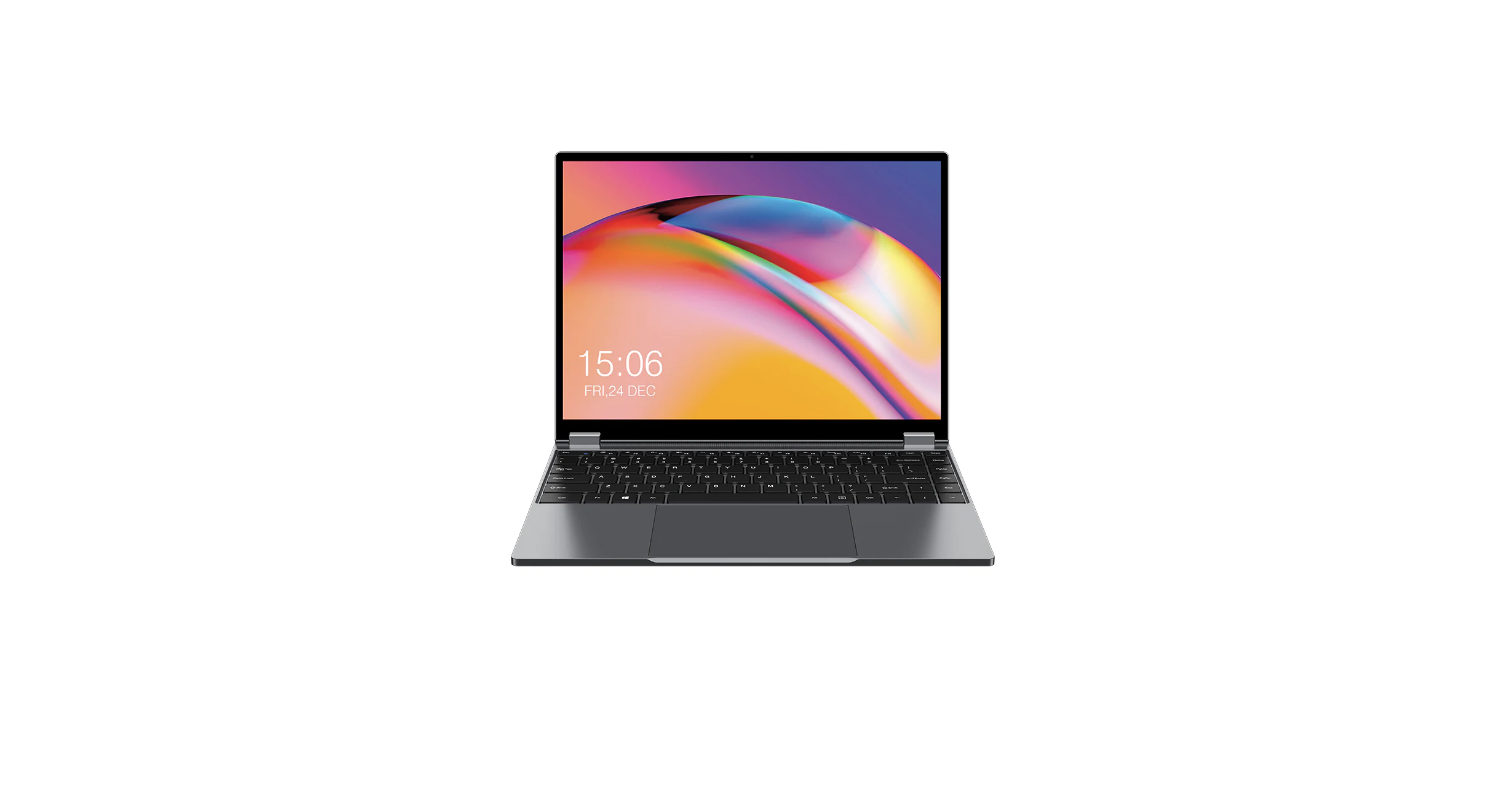
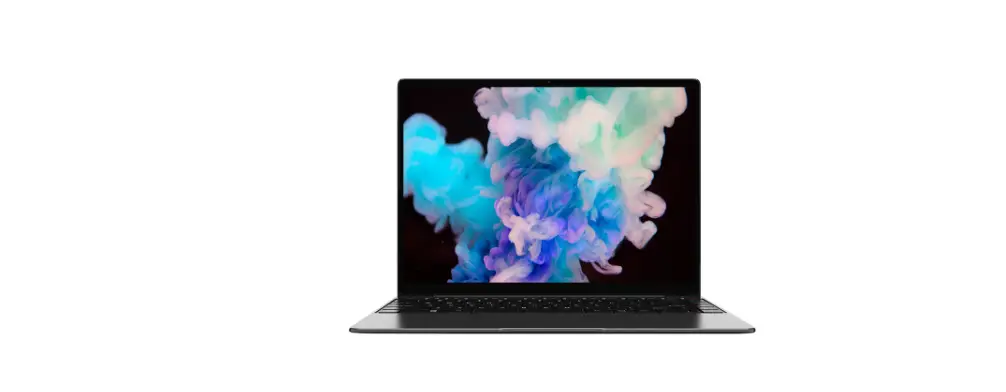
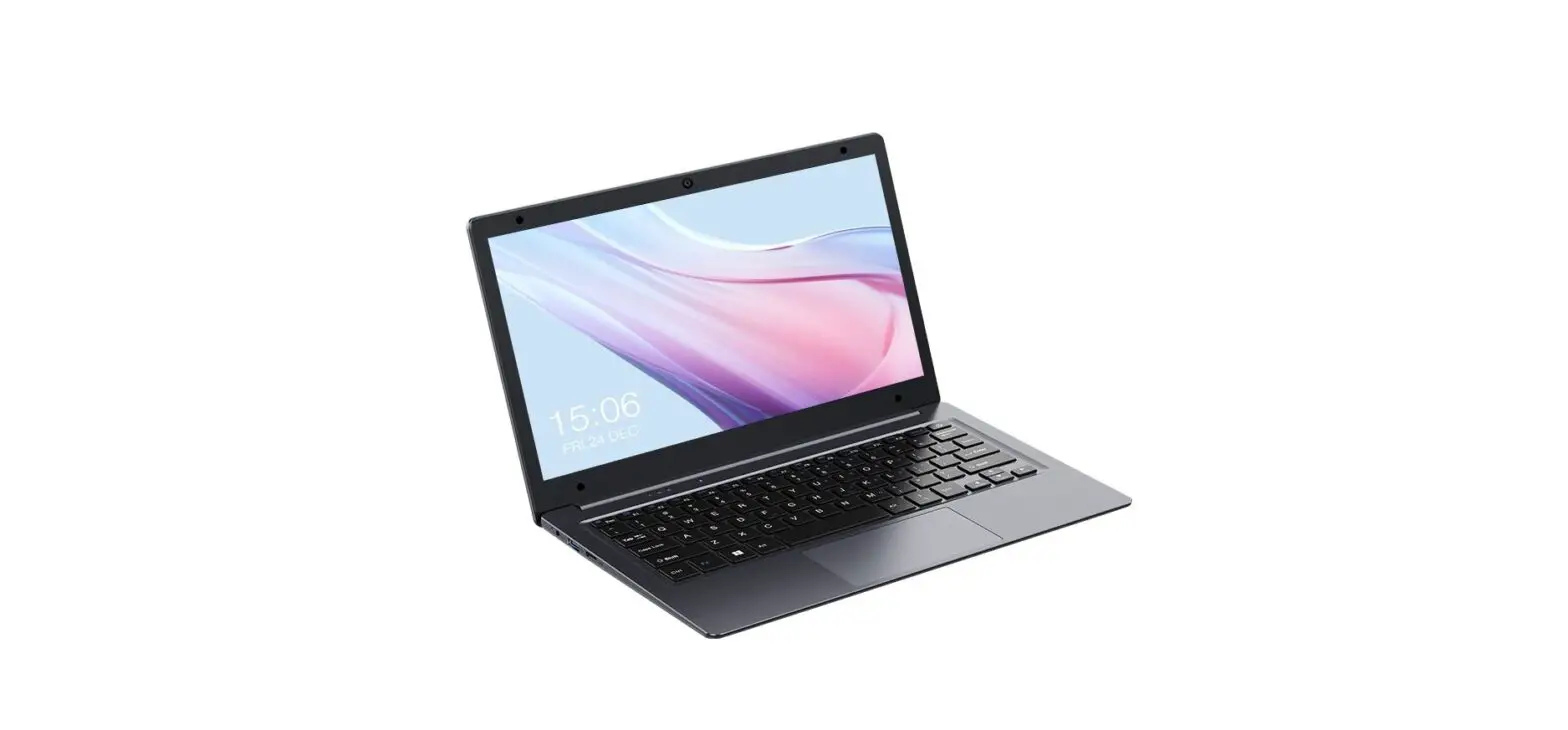
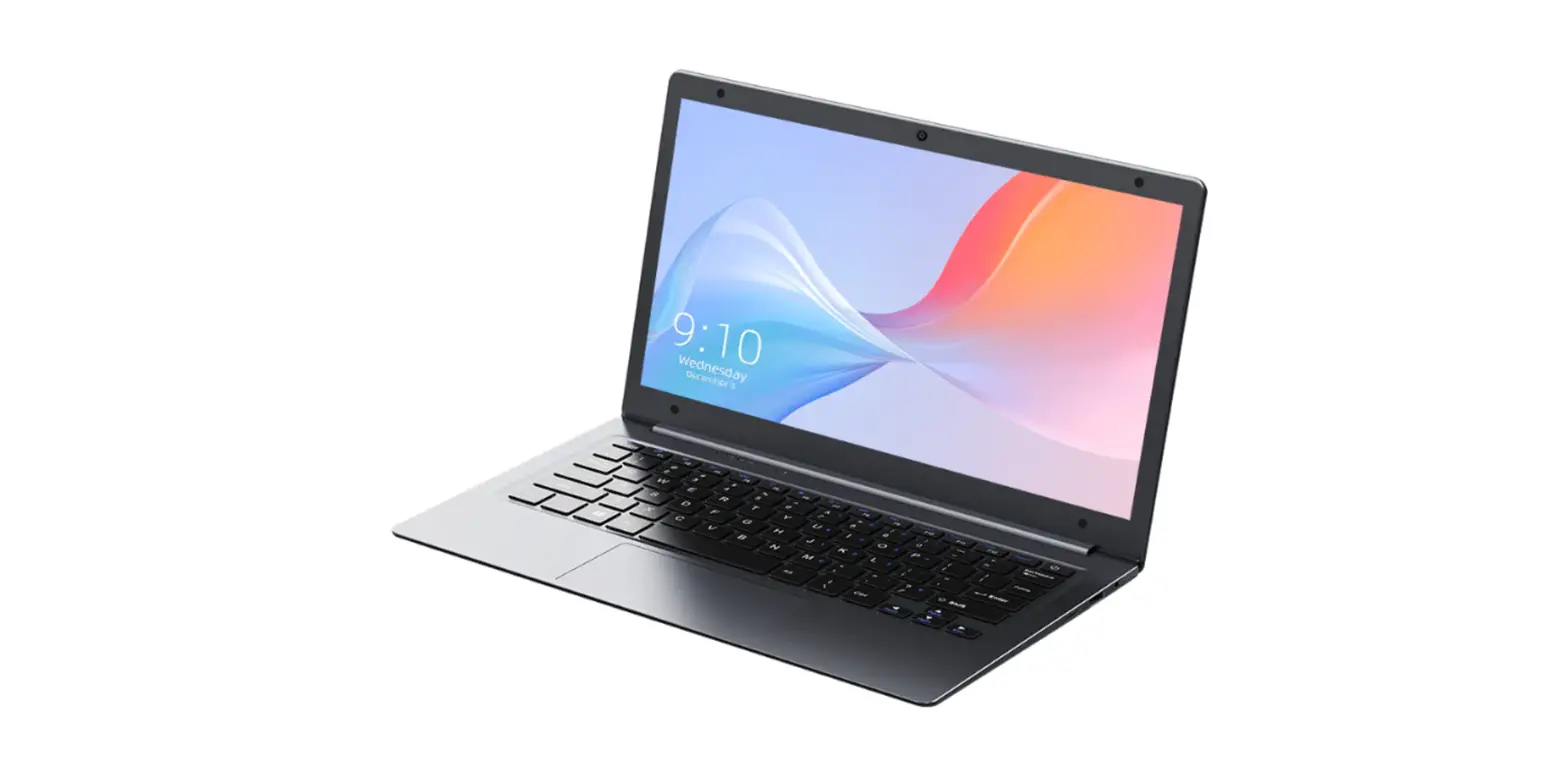
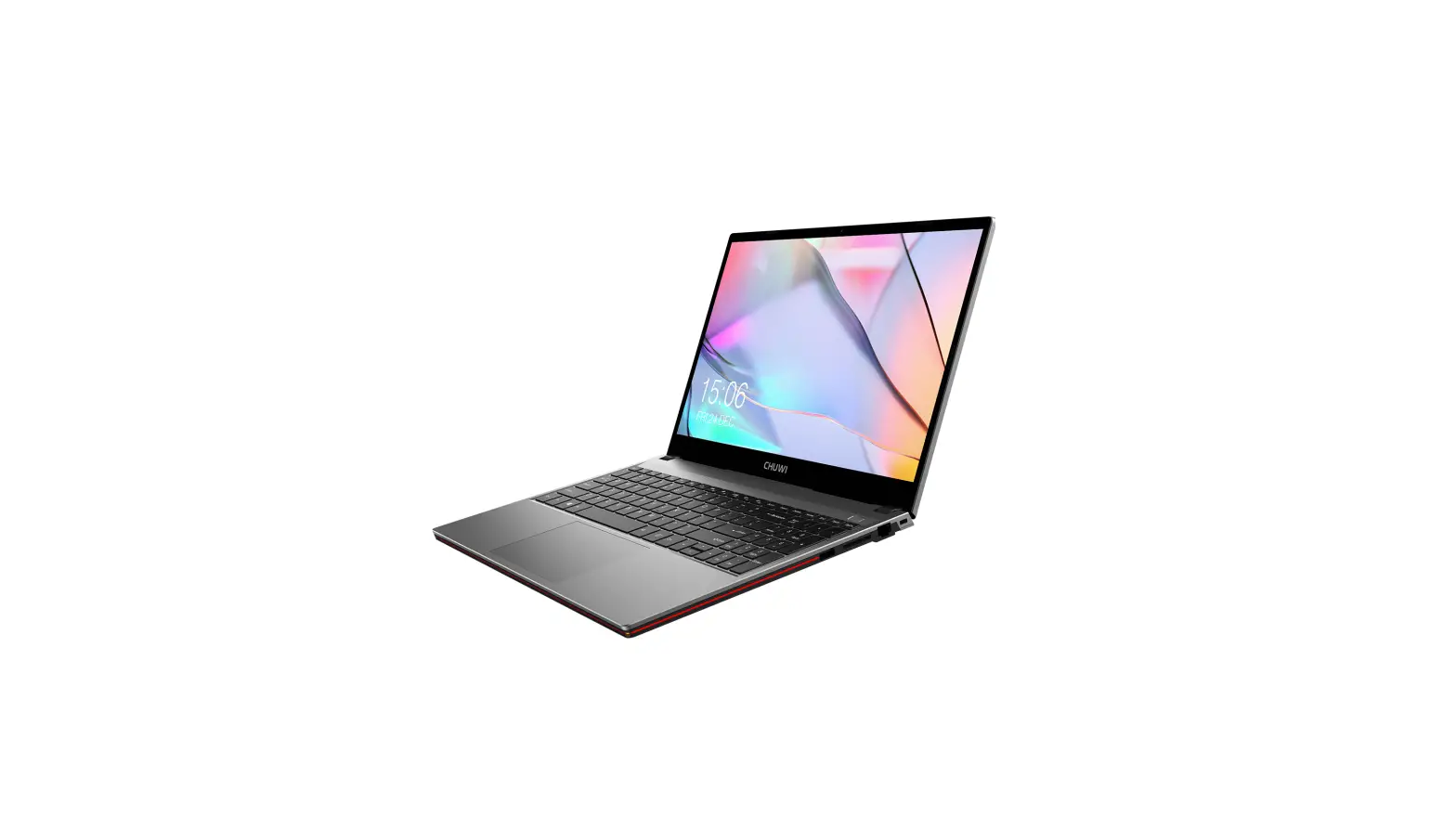
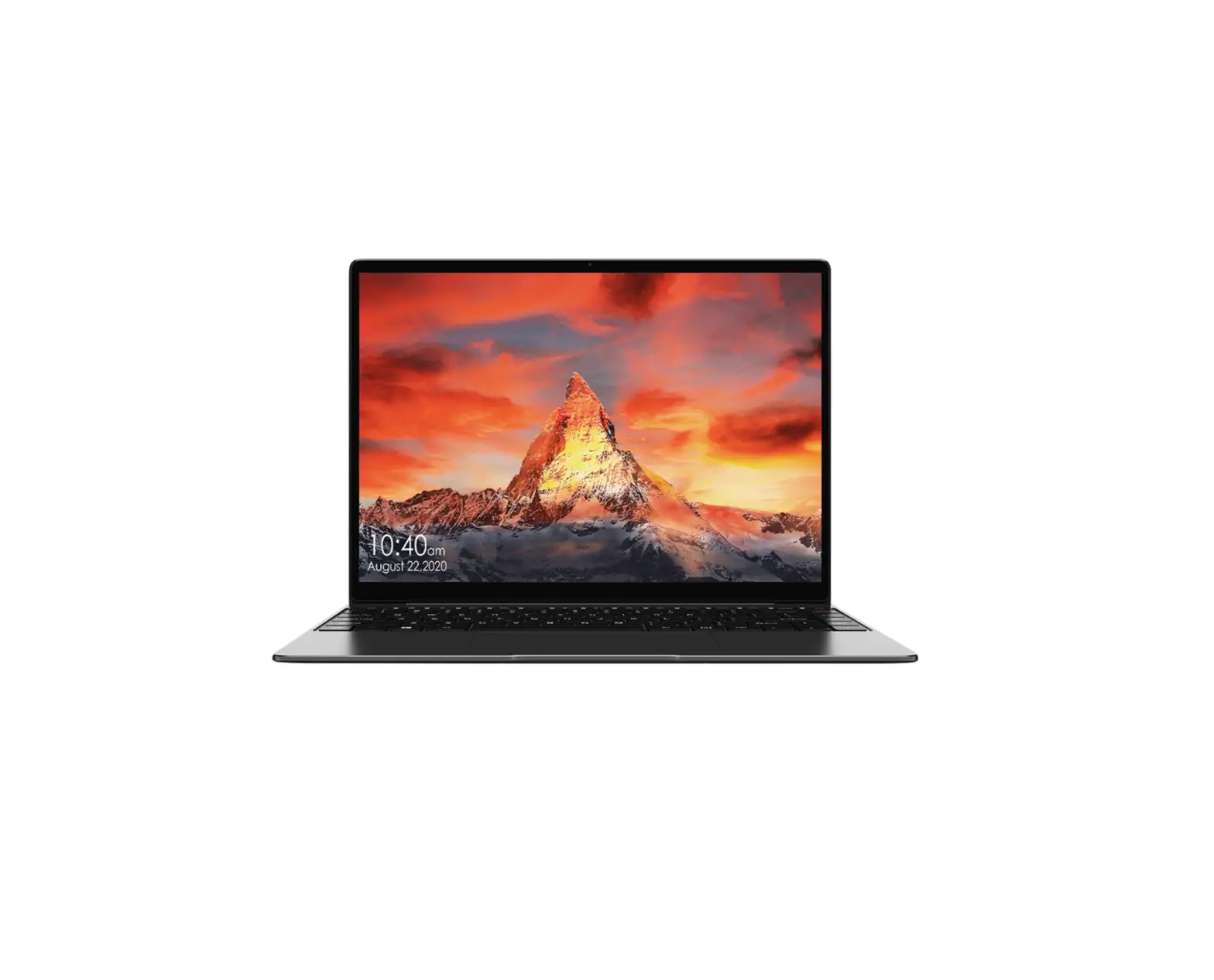
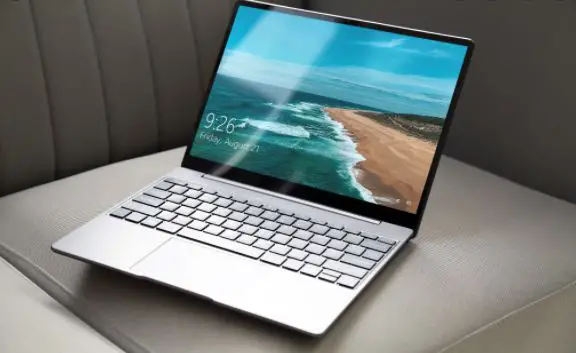
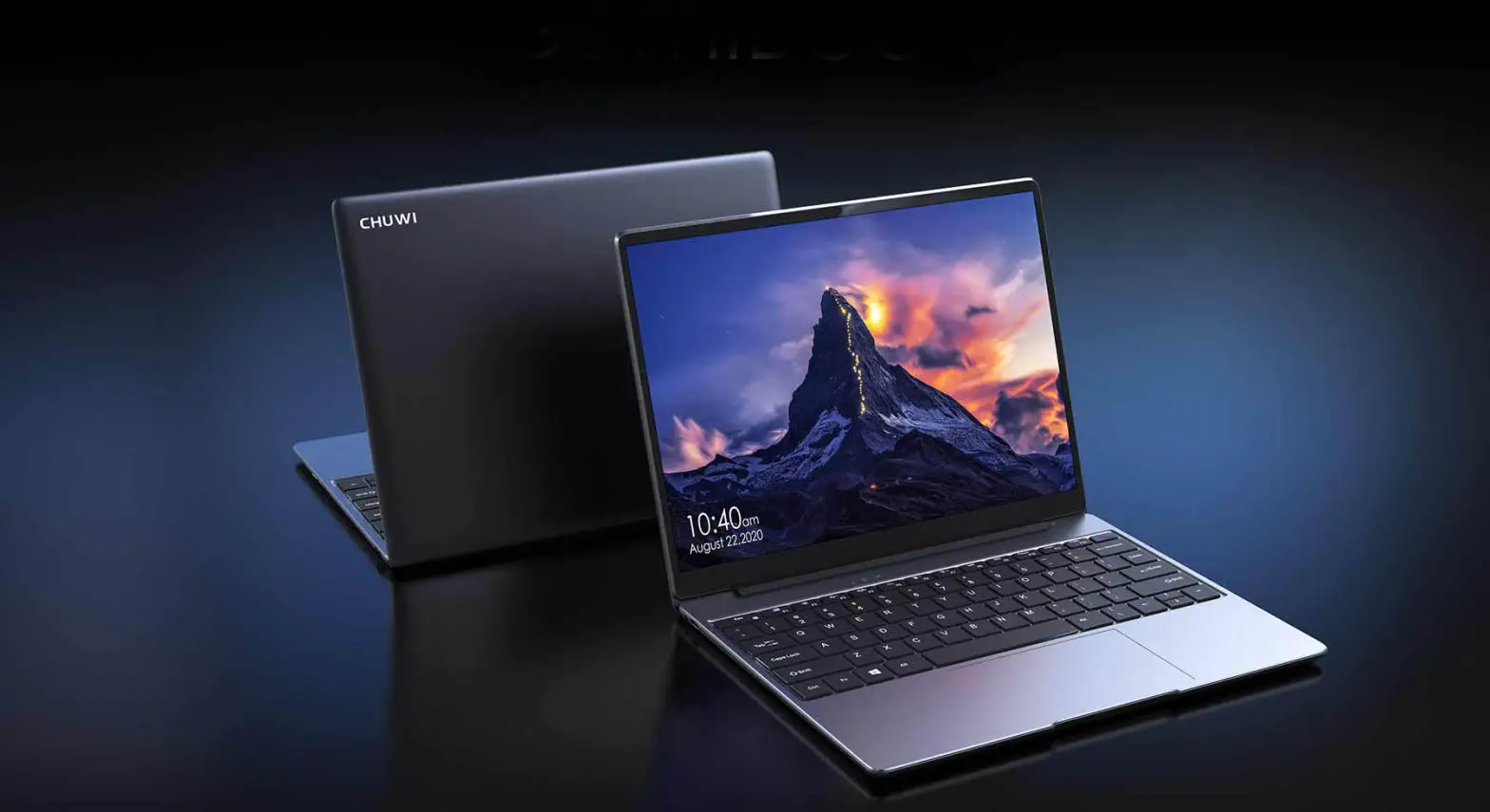
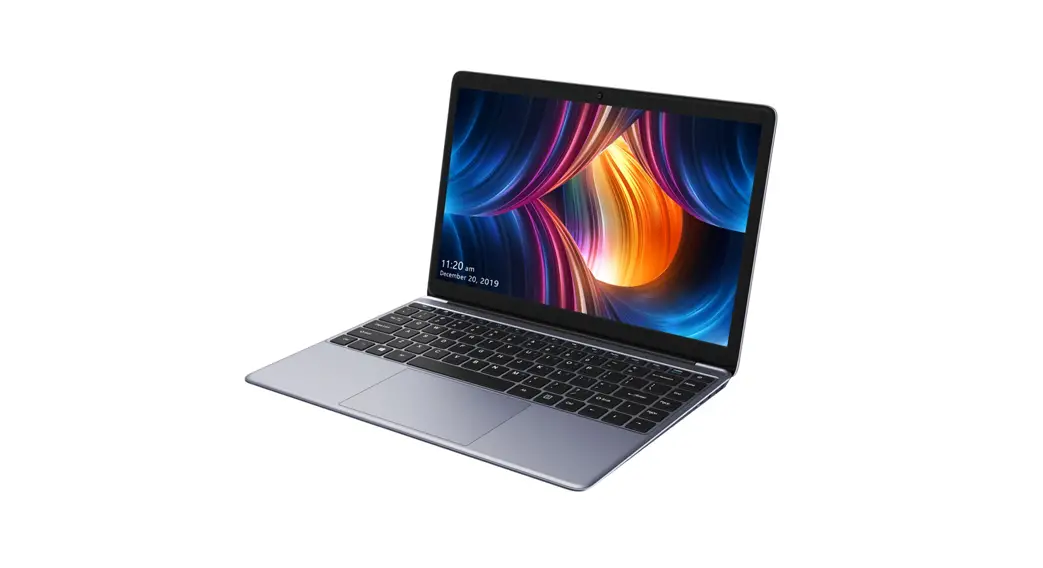
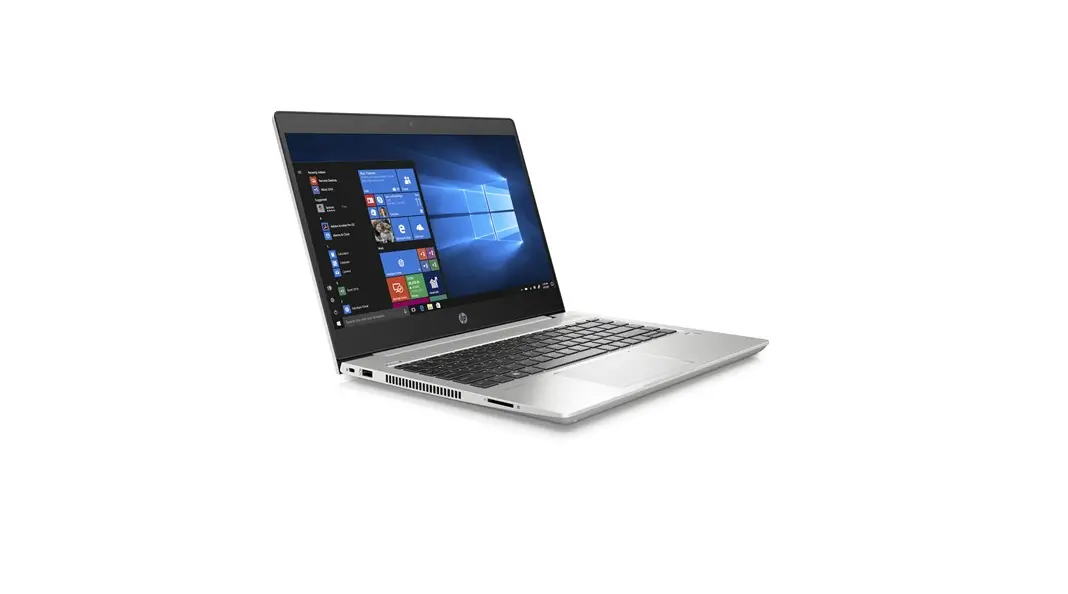
CoreBook X Laptop
Product Information:
- Brand: CHUWI
- Model: CoreBook X
- System: Windows 11
- CPU Brand: Intel Core i3-1215U / i5-1235U
- Screen Size: 14 inches
- Screen Scale: 3:2
- Resolution: 2160 x 1440 pixels
- Network Connection: WIFI6 (802.11ax1)
- Hot Function: Bluetooth 5.1
- Expansion Slot: TF Card up to 128G
- Other Interfaces: 3.5mm headphone jack, DC
(Power interface), TF Card slot, USB-A 3.0 x 1, Type-C 3.0 x 1, 1T
M.2 2280 - Camera: 1.0MP
- Battery Capacity: 46.2Wh (11.55V/4000mAh)
- Charger: Input: AC100-240V, 50-60Hz Output:
19V=3.42A - Size: 310mm x 229.5mm x 20.6mm
- Play Format: Voice format: OGG, ACC, M4A,
FLAC, AMR etc. Video format: AVI, MKV, MP4, M4V, WEBM, 3GP, MPEG4
etc.
Product Usage Instructions:
To turn on the CoreBook X, press the power button. To turn it
off, click on the power off option in the operating system. In
special circumstances, you can force shut down the laptop by
pressing the power button for several seconds, but frequent force
shut downs may cause system files to go missing or the laptop to
crash.
The Solution to Common Problem:
- If the laptop can’t boot, check if the battery is fully
charged. Check the power adapter before starting the machine again.
If it is still unable to boot after charging, please contact with
our distributors. - If WIFI can’t work, confirm whether there is a WIFI hotspot.
Make sure that the laptop is connected to the WIFI (enter the
settings to check). Confirm the WIFI signal strength and link
permission.
CoreBook X
UserManual
Guide dell’utente Guía del usario Bedienungsanleitung Guide d’utilisation
MadeinChina
English
Introduction
Dear users, Thank you for choosing CHUWI. This is a product elaborately developed by CHUWI for freely surfing on the internet, Please read this user manual carefully before using the machine, so as to correctly use the function of the machine! Disclaimer: 1. Please make sure to use the original power brick for charging. For problems or faults caused by any third-party adapter, the company does not undertake responsibility. 2. Users can use the music video, pictures and software which provide by third part but we don’t take any responsibility for the copyright issue or software fault. 3. If the product fails, we will strictly comply with the warranty terms, but in the process of use may cause property losses or economic losses, we will not be responsible. 4. The device comes with factory – built software that can be used after actual testing.However, if you delete or do not delete yourself while looking for compatibility or other issues, there will be no impact on the machine.Please note that it is not a product quality problem. 5. The company reserves the right to improve the product, product specifications and design are subject to change without prior notice! Please refer to the real product.
(1). The attentions · Computers are precision electronic instruments, please do not disassemble by yourself. · Avoid throwing collision. · Avoid using device in high temperature, low temperature, humidity, dust, strong magnetic field and long time exposure to sunlight. · Wipe gently the device by wrung-out wet cotton cloth, Avoid contact with other chemicals. · This device can’t survive drip and splash water, and can’t place it beside such as a full glass of liquid. · Please use appropriate volume to avoid damaging your hearing. · Please use original battery, charger and other accessories.The use of any other type of accessories will violate the warranty and may cause the equipment to malfunction. · Do not disconnect the device during formatting or ongoing uploads and downloads, or you may cause application errors. · Dispose of waste machinery and accessories in accordance with local environmental regulations. · If you have any questions during the use of the equipment, please contact your local distributor or contact our customer service center directly. · The company reserves the right to improve the product, product specifications and design are subject
(2) Instructions
The way to turn on the laptop is to press the button, please press the power button to turn on it. Please click “power off” in the OS to turn off the laptop. Pressing the power button for several seconds by force to turn off the laptop can be used in special circumstances. What customers need to pay attention to is that frequent power-off by force may cause system files missing or crash of the laptop.
(3).The solution of common problem 1. laptop can’t boot
a. Check if the battery is fully charged. b. Check the power adapter before starting the machine again. c. If it is still unable to boot after charging, please contact with ourdistributors. 2. WIFI can’t work a.Please confirm whether there is a WIFI hotspot. b.Make sure that the is connected to the WIFI (enter the settings to check). c. Please confirm the WIFI signal strength and link permission.
(4).Technical specification
Brand:
CHUWI
Model:
CoreBook X
System:
Windows 1 1
CPU Brand:
Intel Core i3-1215U / i5-1235U
Screen size:
14″
Screen scale:
3:2
Resolution:
2160*1440
Network Connection: WIFI6 (802.11ax1)
Hot function:
Bluetooth 5.1
Expansion slot:
TF Card up to 128G
Other interface:
3.5mm headphone jack, DC (Power interface) ,
TF Card slot, USB-A 3.0*1, Type-C 3.0*1, 1T M.2 2280
Camera:
1.0MP
Battery capacity: 46.2Wh(11.55V/4000mAh)
Charger:
Input: AC100-240V, 50-60Hz Output: 19V=3.42A
Size:
310mmX229.5mmX20.6mm
Play format:
Voice format: OGG, ACC, M4A, FLAC, AMR etc
Video format: AVI, MKV, MP4, M4V, WEBM, 3GP, MPEG4 etc
CHUWI
1 2 3 4 5
2
OS 5
1 a. b. c. 2 a.Wi-Fi b.Wi-Fi c.Wi-Fi
:
CHUWI
:
CoreBookX
:
Windows11
CPU:
IntelCorei3-1215U/i5-1235U
:
:
3:2
:
2160*1440
: WIFI6(802.11ax1)
:
Bluetooth5.1
TF128
3.5mmDCTF
Type-C3.0*1USB3.0*11TM.22280
1.0MP
:
46.2Wh(11.55V/4000mAh)
:
:AC100-240V,50-60Hz:19V=3.42A
:
310mmX229.5mmX20.6mm
: OGG,ACC,M4A,FLAC,AMR
AVI,MKV,MP4,M4V,WEBM,3GP,
MPEG4
CHUWICHUWI , 1. 2. 3. 4. 5.
(1) · · · · · · · · · · ·
Español
Introducción
Estimados usuarios, Gracias por elegir CHUWI. Este es un producto desarrollado por CHUWI para navegar libremente en Internet. ¡Lea este manual de usuario detenidamente antes de utilizar la máquina para utilizar correctamente la función de la máquina! Descargo de responsabilidad: 1. Asegúrese de utilizar el bloque de alimentación original para cargar. Para problemas o fallos causados por cualquier adaptador de terceros, la compañía no asume responsabilidad. 2. Los usuarios pueden usar video musical, las imágenes y el software que proporcionan terceros, pero no nos hacemos responsables por problemas de derechos de autor o fallos del software. 3. Si el producto falla, cumpliremos estrictamente con los términos de la garantía, pero en el proceso de uso puede causar pérdidas de propiedad o pérdidas económicas, no seremos responsables. 4. El dispositivo viene con un software de fábrica que puede usarse después de las pruebas reales. Sin embargo, si se elimina o no se elimina a sí mismo mientras busca compatibilidad u otros problemas, no habrá impacto en la máquina. Tenga en cuenta que este no es un problema de calidad del producto. 5. ¡La compañía se reserva el derecho de mejorar el producto! Las especificaciones y el diseño del producto están sujetos a cambios sin previo aviso. Por favor, consulte el producto real. (1) Atención · Los ordenadores son instrumentos electrónicos de precisión, no lao desmonte usted mismo. · Evite tirar o dar golpes. · Evite usar el dispositivo a alta temperatura, baja temperatura, humedad, polvo, campo magnético fuerte y exposición prolongada a la luz solar. · Limpie suavemente el dispositivo con un paño de algodón húmedo escurrido. Evite el contacto con otros productos químicos. · Este dispositivo no puede sobrevivir al goteo y salpicaduras de agua, y no puede colocarlo al lado, como un vaso lleno de líquido. · Utilice el volumen apropiado para evitar dañar su audición. · Utilice la batería original, el cargador y otros accesorios. El uso de cualquier otro tipo de accesorios violará la garantía y puede causar un mal funcionamiento del equipo. · No desconecte el dispositivo durante el formateo o las cargas y descargas continuas, o puede causar errores en la aplicación. · Deseche los desperdicios de maquinaria y accesorios de acuerdo con las regulaciones ambientales locales. · Si tiene alguna pregunta durante el uso del equipo, comuníquese con su distribuidor local o directamente con nuestro centro de servicio al cliente. · ¡La compañía se reserva el derecho de mejorar el producto, las especificaciones y el diseño del producto están sujetos a cambios sin previo aviso! Por favor, consulte el producto real.
(2) Instrucciones
La forma de encender el portátil es presionar el botón, presione el botón de encendido para encenderla. Haga clic en “apagar” en el sistema operativo para apagar la portátil. Presionar el botón de encendido durante varios segundos forzadamente para apagar la portátil se puede usar en circunstancias especiales. A lo que los clientes deben prestar atención es que el apagado frecuente forzado puede causar la falta de archivos del sistema o el bloqueo de la portátil. Solución de problemas comunes 1. El PC no puede arrancar a. Compruebe si la batería está completamente cargada. b. Compruebe el adaptador de corriente antes de volver a encender la máquina. c. Si aún no puede arrancar después de la carga, póngase en contacto con nuestros distribuidores. 2.WIFI no puede funcionar a. Por favor confirme si hay un punto de acceso WIFI. b. Asegúrese de que la esté conectada al WIFI (ingrese las configuraciones para verificar). c. Confirme la intensidad de la señal WIFI y el permiso de enlace.
(4). Especificaciones técnica
Marca:
CHUWI
Modelo:
CoreBook X
Sistema Operativo:
Windows 1 1
CPU de la marca:
Intel Core i3-1215U / i5-1235U
Tamaño de pantalla:
14 ”
Pantalla escala:
3:2
Resolución:
2160*1440
Función de punto de acceso : WIFI6(802.11ax1)
Funciones :
Bluetooth 5.1
Ranura de expansión:
Card Tarjeta TF de hasta 128G
Otra interfaz:
Toma de auriculares de 3.5 mm, DC (interfaz de
alimentación), Lector de tarjetas TF, Type-C 3.0 * 1
USB3.0*1, 1T M.2 2280
Cámara:
1.0MP
Batería:
46.2Wh (11.55V/4000mAh)
Entrada del cargador:
AC100-240V, 50-60Hz Salida: 19V =3.42A
Tamaño:
310mmX229.5mmX20.6mm
Formatos compatibles
Formato de voz: OGG, ACC, M4A, FLAC, AMR, etc.
Formato de vídeo: AVI, MKV, MP4, M4V, WEBM,
3GP, MPEG4 etc, Funciones
!CHUWI. . , . : 1. . , . 2. , . , . 3. , . ,. 4. , . , .. 5. , , , . (1). · . . ·. ·, , . · .. · . ,,. · , . · , . , . · , , . · . · Chuwi. · , , , . · ,,
· , .
(2).
3 , . . , ( 10) . .( ). 1. ),. ). ),. 2.WiFi ). ),WiFi. ) WiFi .
4
: : : : : : : : : : :
: : : : :
CHUWI CoreBookX Windows11 IntelCorei3-1215U/i5-1235U 14″ 3:2 2160*1440 WIFI6(802.11ax1) Bluetooth5.1 MicroSD(TF)128 3,5,,DC(Powerinterface) TF-,Type-C3.0*1,USB3.0*1,1TM.22280 1.0 46.2Wh(11.55V/4000mAh) :AC100-240,50-60,:19V=3.42A 310mmX229.5mmX20.6mm :AVI,MKV,MP4,M4V,WEBM,3GP, MPEG4
Deutsch
Einführung
Sehr geehrte Benutzer, vielen Dank, dass Sie sich für CHUWI entschieden haben. Dies ist ein von CHUWI entwickeltes Produkt zum freien Surfen im Internet. Bitte lesen Sie diese Bedienungsanleitung sorgfältig durch, bevor Sie die Maschine benutzen, um die Funktion der Maschine richtig nutzen zu können! Haftungsausschluss: 1. Bitte stellen Sie sicher, dass Sie zum Aufladen die Original-Ladestation verwenden. Für Probleme oder Fehler, die durch Adapter von Drittanbietern verursacht werden, übernimmt das Unternehmen keine Verantwortung. 2. Benutzer können die Musikvideos, Bilder und Software von Drittanbietern verwenden, wir übernehmen jedoch keine Verantwortung für Urheberrechtsverletzungen oder Softwarefehler. 3. Wenn das Produkt ausfällt, halten wir uns strikt an die Garantiebedingungen. Bei der Verwendung können jedoch Sach- oder wirtschaftliche Verluste entstehen. Wir sind nicht dafür verantwortlich. 4. Das Gerät wird mit einer werkseitig erstellten Software geliefert, die nach dem eigentlichen Testen verwendet werden kann. Wenn Sie sich jedoch löschen oder nicht löschen, während Sie auf Kompatibilität oder andere Probleme achten, hat dies keine Auswirkungen auf das Gerät. Bitte beachten Sie, dass dies der Fall ist kein Produktqualitätsproblem. 5. Das Unternehmen behält sich das Recht vor, das Produkt zu verbessern. Produktspezifikationen und Design können ohne vorherige Ankündigung geändert werden! Bitte beziehen Sie sich auf das reale Produkt. Die Aufmerksamkeiten · Computer sind elektronische Präzisionsinstrumente. Bitte bauen Sie sie nicht selbst auseinander. · Vermeiden Sie das Werfen und Zusammenstoßen. · Vermeiden Sie die Verwendung des Geräts bei hohen Temperaturen, niedrigen Temperaturen, Feuchtigkeit, Staub, starken Magnetfeldern und langer Sonneneinstrahlung. · Wischen Sie das Gerät vorsichtig mit einem ausgewrungenen feuchten Baumwolltuch ab. Vermeiden Sie den Kontakt mit anderen Chemikalien. · Dieses Gerät kann Tropf- und Spritzwasser nicht überstehen und kann es nicht neben ein volles Glas Flüssigkeit stellen. · Verwenden Sie eine angemessene Lautstärke, um Ihr Gehör nicht zu schädigen. · Bitte verwenden Sie Originalakku, Ladegerät und anderes Zubehör. Die Verwendung anderer Zubehörteile verstößt gegen die Garantie und kann zu Fehlfunktionen des Geräts führen. · Trennen Sie das Gerät nicht während des Formatierens oder des Hoch- und Herunterladens. Andernfalls können Anwendungsfehler auftreten. · Entsorgen Sie Abfallmaschinen und Zubehör gemäß den örtlichen Umweltschutzbestimmungen. · Wenn Sie während der Verwendung des Geräts Fragen haben, wenden Sie sich bitte an Ihren örtlichen Händler oder direkt an unser Kundendienstzentrum. · Das Unternehmen behält sich das Recht vor, das Produkt zu verbessern. Produktspezifikationen und Design können ohne vorherige Ankündigung geändert werden! Bitte beziehen Sie sich auf das reale Produkt.
Anleitung
Der Weg, um den Laptop einzuschalten, ist, die Taste zu drücken, drücken Sie bitte die Ein-Taste, um es einzuschalten. Bitte klicken Sie im Betriebssystem auf “Ausschalten”, um den Laptop auszuschalten. Das Drücken des Ein/Ausschalters für einige Sekunden mit Gewalt, um den Laptop auszuschalten, kann unter besonderen Umständen verwendet werden. Kunden müssen darauf achten, dass ein häufiger Abschalten mit Gewalt dazu führen kann, dass Systemdateien fehlen oder der Laptop abstürzt. Die Lösung des gemeinsamen Problems 1.laptop kann nicht booten a.Prüfen Sie, ob der Akku vollständig aufgeladen ist. b. Überprüfen Sie das Netzteil, bevor Sie das Gerät erneut starten. c.Wenn es nach dem Laden immer noch nicht booten kann, wenden Sie sich bitte an unsere Distributoren. 2.WIFI kann nicht funktionieren a.Bitte bestätigen Sie, ob es einen WIFI-Hotspot gibt. b.Stellen Sie sicher, dass das mit dem WIFI verbunden ist (geben Sie die Einstellungen Überprüfen). c. Bitte bestätigen Sie die WLAN-Signalstärke und die Linkberechtigung.
4TechnischeDaten
Marke:
CHUWI
Modell:
CoreBook X
System:
Windows 11
CPU-Marke:
Intel Core i3-1215U / i5-1235U
Bildschirmgröße:
14″
Bildschirmmaßstab: 3:2
Auflösung:
2160*1440
Netzwerk:
WIFI6 (802.11ax1)
Funktionen:
Bluetooth 5.1
Erweiterungssteckplatz: TF-Karte bis 128G
Andere Schnittstelle: 3,5mm Kopfhörerbuchse, DC(Power-Schnittstelle)
TF-Kartensteckplatz , Typ-C 3.0*1, USB3.0*1 1T M.2 2280
Kamera: Präposition: 1.0 MP
Batteriekapazität:
46.2Wh (11.55V/4000mAh)
Ladegerät: Eingang: AC100-240V, 50-60Hz Ausgang: 19V =3.42A
Größe:
310mmX229.5mmX20.6mm
Wiedergabeformat: Sprachformat: OGG, ACC, M4A, FLAC, AMR usw.
Videoformat: AVI, MKV, MP4, M4V, WEBM,
3GP, MPEG4 usw.
“”
1. a. b. c. 2.WIFI a.WIFI b.WIFI c.WIFI
: : : : : : : : : : :
: : : :
CHUWI/ CoreBookX Windows11 IntelCorei3-1215U/i5-1235U 14 3:2 2160*1440 WIFI6(802.11ax1) 5.1 128GTF 3.5mmDC()USB3.0*1 TFType-C3.0*11TM.22280 100 46.2Wh(11.55V/4000mAh) :AC100-240V50-60Hz:19V=3.42A 310mmX229.5mmX20.6mm :OGG,ACC,M4A,FLAC,AMRetc :AVI,MKV,MP4,M4V,WEBM,3GP,MPEG4etc
lingua italiana
Introduzione
Caro cliente, grazie per aver scelto un prodotto CHUWI. Questo Tablet/PC è stato pensato e prodotto da CHUWI per accompagnarti nella vita quotidiana e darti la migliore esperienza d’uso per Internet, Video, Giochi ed Applicazioni a casa o in ufficio. Per favore leggi il manuale d’uso per avere tutte le informazioni necessarie prima dell’utilizzo! Avvertenze: 1. Per favore, usare solo il carica batterie originale fornito. Per qualsiasi malfunzionamento causato da alimentatori diversi da quello fornito a corredo, l’azienda non si prende responsabilità e non fornisce garanzia. 2. Questo Tablet / PC è un prodotto high-tech, che include software e hardware. È possibile utilizzare musica, video, immagini o software forniti da terze parti, ma non ci assumiamo alcuna responsabilità per eventuali problemi di copyright o malfunzionamento del prodotto. 3. Se il prodotto si guasta, lo ripareremo secondo i nostri termini di garanzia. Non ci assumeremo alcuna responsabilità per l’eventuale danno causato da incuria o utilizzo improprio del prodotto, senza nessuna considerazione delle conseguenze. 4. Il dispositivo ha un software integrato, che può essere normalmente utilizzato dopo aver superato i test qualitativi di fabbrica. Tuttavia, se si riscontrano problemi di compatibilità o altri problemi del software, è possibile ripristinarlo allo stato di origine, senza avere alcun impatto sulla macchina o di qualità del prodotto. 5. La società si riserva il diritto di migliorare o aggiornare i prodotti, modificare le specifiche o il design! Si prega di considerare il prodotto che vi arriverà, come il modello più aggiornato disponibile. (1)Per Favore seguite queste indicazioni nel caso servissero: ·I computer sono strumenti elettronici di precisione, non smontare da soli. · Evitare di lanciare una collisione. · Evitare l’uso del dispositivo ad alta temperatura, bassa temperatura, umidità, polvere, forte campo magnetico ed esposizione prolungata alla luce solare. · Pulire delicatamente il dispositivo con un panno di cotone bagnato strizzato, evitare il contatto con altri prodotti chimici. · Questo dispositivo non può sopravvivere a gocciolamento e spruzzi d’acqua e non può posizionarlo accanto a un bicchiere pieno di liquido. · Utilizzare un volume appropriato per evitare danni all’udito. · Utilizzare batterie, caricabatterie e altri accessori originali. L’uso di qualsiasi altro tipo di accessori viola la garanzia e può causare malfunzionamenti dell’apparecchiatura. · Non scollegare il dispositivo durante la formattazione o i caricamenti e i download in corso, altrimenti si potrebbero causare errori dell’applicazione. · Smaltire i macchinari e gli accessori di scarto in conformità con le normative ambientali locali. · In caso di domande durante l’uso dell’apparecchiatura, contattare il proprio distributore locale o contattare direttamente il nostro centro di assistenza clienti. · L’azienda si riserva il diritto di migliorare il prodotto, le specifiche e il design del prodotto sono soggetti a modifiche senza preavviso! Si prega di fare riferimento al prodotto reale.
(2) Istruzioni
Per avviare il PC è necessario premere il pulsante apposito per alcuni secondi. Fare clic su “Spegni” nel sistema operativo per spegnere il PC. Premere il pulsante di accensione per alcuni secondi per forzare lo spegnimento; Lo spegnimento forzato può essere utilizzato in circostanze speciali. Ciò a cui i clienti devono prestare attenzione è che il frequente spegnimento forzato potrebbe causare la perdita dei dati o dei file di sistema o l’arresto anomalo del PC. (3).Soluzioni ai problemi più comuni 1.Il Computer non si avvia
a.Controllare se la batteria è completamente carica. b.Controllare se il dispositivo è collegato alla ricarica, attaccare la spina e
connettere il cavo. c.Se continua a non accendersi, contattare il servizio assistenza 2.La connessione Wi-Fi non funziona A.Per favore verificate di essere in un’area nella quale sono presenti WIFI
hotspot. B.Assicurarsi che il sia collegato al WIFI (verificare visivamente nelle
impostazioni wifi). C.Per favore verifica l’intensità del segnale WIFI e l’autorizzazione al
collegamento.
(4).Technical specification
Marca: Modello: Sistema: Modello Cpu: Dimensioni Schermo: Rapporto Schermo: Risoluzione: Connessione: Altri Collegamenti: Slot di Espansione: Altre Interfacce:
Fotocamera: Capacità Batteria: Caricabatterie: Dimensioni: Formati Supportati:
CHUWI CoreBook X Windows 11 Intel Core i3-1215U / i5-1235U
14″
3:2 2160*1440 WIFI6 (802.11ax1) Bluetooth 5.1 TF Card fino a 128Gb 3.5mm Jack cuffie, Interfacca MicroSD, Power In Ricarica, 1T M.2 2280 USB-A 3.0*1, Type-C 3.0*1 1.0 MP 46.2Wh (11.55V/4000mAh) Ingresso AC100-240V, 50-60Hz Uscita: 19V=3.42A 310mmX229.5mmX20.6mm Audio: OGG, ACC, M4A, FLAC, AMR etc Video: AVI, MKV, MP4, M4V, WEBM, 3GP, MPEG4 etc
Le français
Introduction
Chers utilisateurs, Merci d’avoir choisi CHUWI. Il s’agit d’un produit conçu par CHUWI pour naviguer en toute liberté sur Internet. Veuillez lire attentivement ce manuel avant d’utiliser la machine pour pouvoir utiliser correctement ses fonctions! Avertissement: 1. Veillez à utiliser le bloc d’alimentation d’origine pour le chargement. En cas de problèmes ou de pannes causés par un adaptateur tiers, la société décline toute responsabilité. 2. Les utilisateurs peuvent lire des vidéos, écouter de la musique, consulter des images et exécuter des logiciels fournis par une tierce partie, mais nous déclinons toute responsabilité en ce qui concerne le droit d’auteur ou une défaillance logicielle. 3. En cas de défaillance du produit, nous nous conformerons strictement aux conditions de la garantie, mais nous ne serons pas responsables si ce produit entraîne des pertes de biens ou des pertes financières, 4. Le périphérique est fourni avec une configuration usine testée. .Cependant, si vous réalisez des transformations, cela est susceptible d’engendrer des problèmes de compatibilité. Veuillez noter qu’il s’agira alors d’un problème de compatibilité et non un problème de qualité du produit. 5. L’entreprise se réserve le droit d’améliorer le produit. Les spécifications et la conception du produit sont sujettes à modification sans préavis ! Merci de vous référer au produit réel.
ATTENTIONS · Les ordinateurs sont des appareils électroniques de précision, ne les démontez pas vous-même. · Ne pas jeter le produit. · Évitez d’utiliser l’appareil à des températures élevées, basses températures, dans des endroits humides ou à forte poussière, dans des champs magnétiques puissants ou sous une exposition prolongée au soleil. · Essuyez délicatement l’appareil avec un chiffon de coton humide et sec. Évitez le contact avec des produits chimiques. · Cet appareil ne doit pas être exposé à l’eau et aux éclaboussures. Ne pas le placer à côté, par exemple, d’un verre plein de liquide. · Veuillez laisser le volume audio à un niveau approprié pour ne pas endommager votre audition. · Veuillez utiliser une batterie, un chargeur et d’autres accessoires d’origine. L’utilisation de tout autre type d’accessoires enfreindra la garantie et pourrait entraîner un dysfonctionnement de l’équipement. · Ne déconnectez pas l’appareil pendant le formatage ou les téléchargements en cours, car vous risqueriez de provoquer des erreurs dans l’application.
(1) Instructions
La façon d’allumer l’ordinateur portable est d’appuyer sur le bouton, s’il vous plaît appuyez sur le bouton d’alimentation pour l’allumer. S’il vous plaît cliquez sur “éteindre” dans le système d’exploitation pour éteindre l’ordinateur portable. Appuyer sur le bouton d’alimentation pendant plusieurs secondes par la force pour éteindre l’ordinateur portable peut être utilisé dans des circonstances spéciales. Ce que les clients doivent prêter attention à, c’est que fréquentes coupures de courant par la force peuvent causer des fichiers système manquants ou crash de l’ordinateur portable. La solution du problème commun 1.ordinateur portable ne peut pas démarrer a.Vérifiez si la batterie est complètement chargée. b.Vérifiez l’adaptateur d’alimentation avant de redémarrer la machine. c.S’il n’est toujours pas en mesure de démarrer après la charge, s’il vous plaît contacter nos distributeurs. 2.WIFI ne peut pas fonctionner a.S’il vous plaît confirmer s’il ya un hotspot WIFI. b.Assurez-vous que la est connectée au WIFI (entrez les vérifier). C. Veuillez confirmer la force du signal WIFI et l’autorisation de lien.
Marque: Modèle: Système: Marque CPU: Taille de l’écran: Échelle d’écran: Résolution: Réseau: Caractéristiques populaires: Emplacement d’extension: Autre interface :
Préposition de la caméra: Capacité de la batterie: Entrée de chargeur : Taille: Format de lecture:
CHUWI CoreBook X Windows 1 1 Intel Core i3-1215U / i5-1235U 14″ 3:2 2160*1440 WIFI6 (802.11ax1) Bluetooth 5.1 TF Card jusqu’à 128G prise casque 3.5mm DC (interface de puissance)
TF Card slot Type-C 3.0 -1,USB3.0*1 1T M.2 2280 1.0MP 46.2Wh(11.55V/4000mAh) AC100-240V, 50-60Hz Sortie : 19V=3.42A 310mmX229.5mmX20.6mm Format vocal :OGG, ACC, M4A, FLAC, AMR etc. Format vidéo:AVI, MKV, MP4, M4V, WEBM, 3GP, MPEG4 etc
CHUWI INNOVATION TECHNOLOGY (SHENZHEN) CO., LTD. Marketing Center: F2, Building 3, Lijincheng Industrial Park,Industrial east Road, Longhua District, Shenzhen City, China Note: Memory nominal capacity description: 1G = 1000,000,000 Bytes: Some space for storing system files, etc. Available space is less than nominal capacity. To acquire more information, please call Chuwi’s service line: 4008-296-288 or login at www.chuwi.com. Hotline:(+86)4008-296-288, website:WWW.CHUWI.COM
CHUWIINNOVATIONTECHNOLOGY(SHENZHEN)Co.,Ltd. www.chuwi.com 32 1G=1,000,000,000Bytes 4008-296-288
CHUWI INNOVATION AND TECHNOLOGY(SHENZHEN)CO., LTD. Marketing center: F2, Building 3, Li jincheng Industrial Park, Industrial east Road, Longhua District, ShenZhen City, China Hotline:(+86)4008-296-288, website:WWW.CHUWI.COM Nota: descrizione della capacità nominale della memoria: 1G = 1000.000.000 byte: spazio per la memorizzazione dei file di sistema ect. Lo spazio disponibile è inferiore alla capacità nominale. Altri informazioni, csi prega di Contattare il Centro Assistenza di CHUWI : 4008-296-288 accedere all’indirizzo www.chuwi.com.
CHUWI INNOVATION TECHNOLOGY (SHENZHEN) CO., LTD. Centro de Marketing: F2, Building 3, Lijincheng Industrial Park, Industrial east Road, Longhua District, Shenzhen City, China Nota: Descripción de la capacidad nominal de la memoria: 1G = 1000,000,000 Bytes:algo de espacio para almacenar archivos del sistema, etc. El espacio disponible es menor que la capacidad nominal. Para obtener más información, llame a la línea de servicio de Chuwi: 4008-296-288 oinicie sesión en www.chuwi.com. Línea directa: (+86) 4008-296-288, sitio web: www.chuwi.com
CHUWI INNOVATION TECHNOLOGY (SHENZHEN) CO., LTD. : F2, Building 3, Lijincheng Industrial Park, Industrial east Road, Longhua District, Shenzhen City, China . : 1 = 1000 000 000 . cenar .. . , , Chuwi:4008-296-288 web- www.chuwi.com.
CHUWI INNOVATION TECHNOLOGY (SHENZHEN) CO., LTD. Marketingzentrum: F2, Gebäude 3, Lijincheng Industrial Park, Industrie-Oststraße, Longhua District, Shenzhen, China Beschreibung der Speichernennkapazität: 1G = 1000.000.000 Bytes. Einige Speicherplatz zum Speichern von Systemdateien usw. Der verfügbare Speicherplatz ist kleiner als Nennkapazität. Um weitere Informationen zu erhalten, wenden Sie sich bitte an Chuwis Servicetelefon: 4008-296-288 oder melden Sie sich unter www.chuwi.com an.
CHUWI INNOVATION LIMITED. F2, bâtiment 3, parc industriel de Li Jincheng, route industrielle Est, district de Longhua, ville de ShenZhen, Chine Note : selon la capacité nominale de mémoire 1Go = 1000,000,000 octets. De l’espace est utilisé pour le stockage de fichiers systèmes. L’espace disponible est inférieur à la capacité standard nominale.Pour plus d’informations, contactez la hotline Chuwi au 4008-296-288 où connectez-vous sur www.chuwi.com
 Chuwi Official-Laptop, Android/Windows Tablet PC,Mini PC