
TSR1
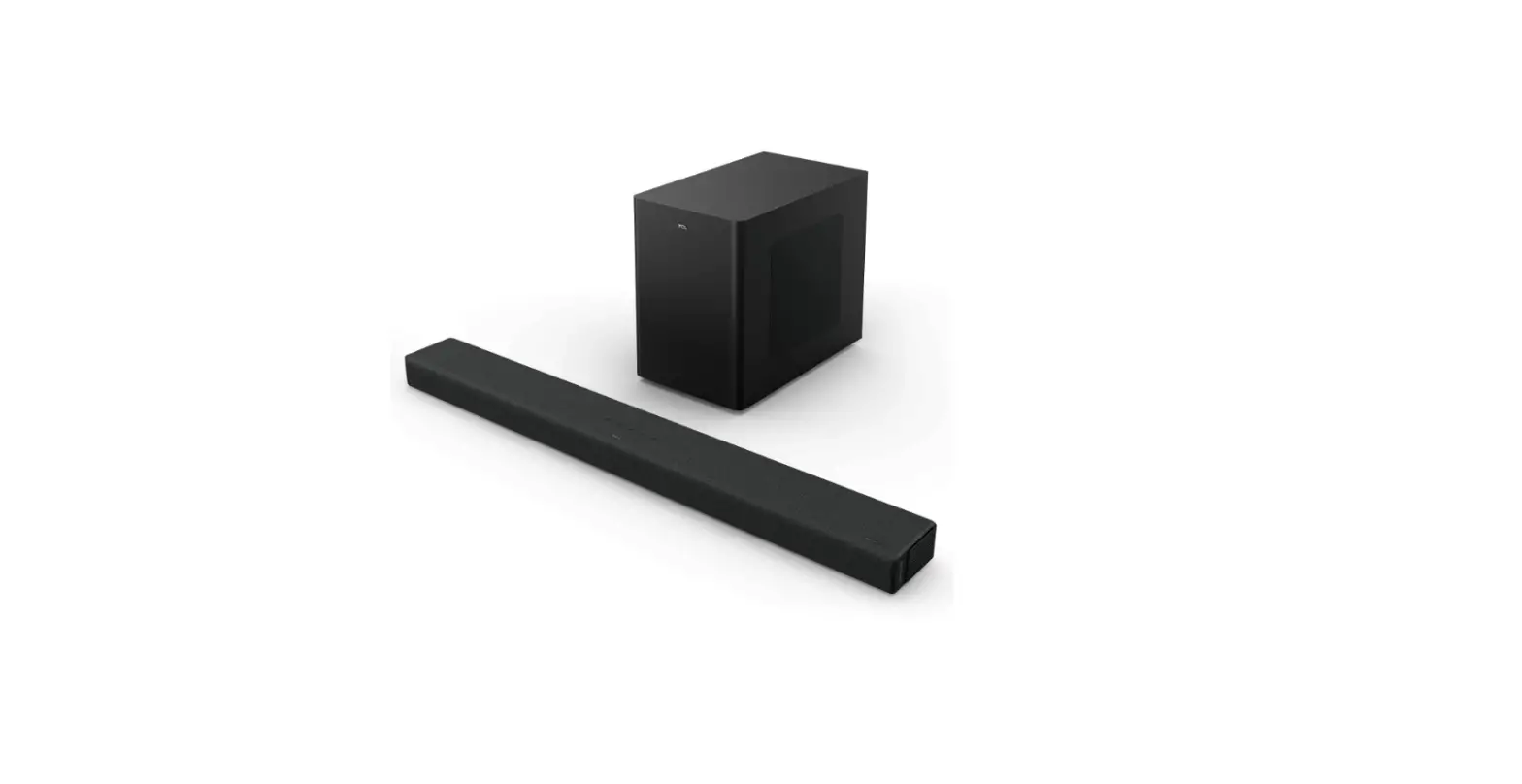
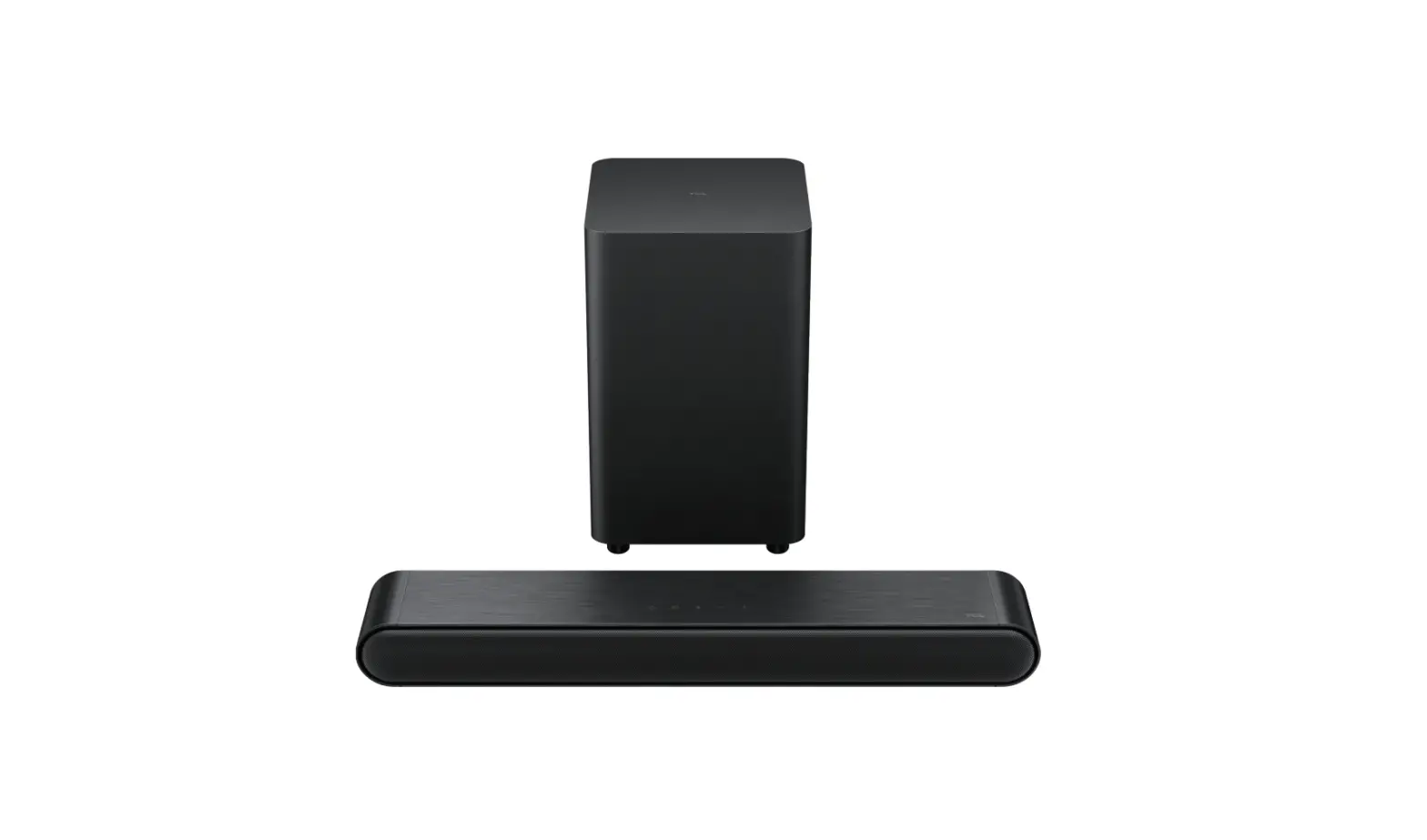
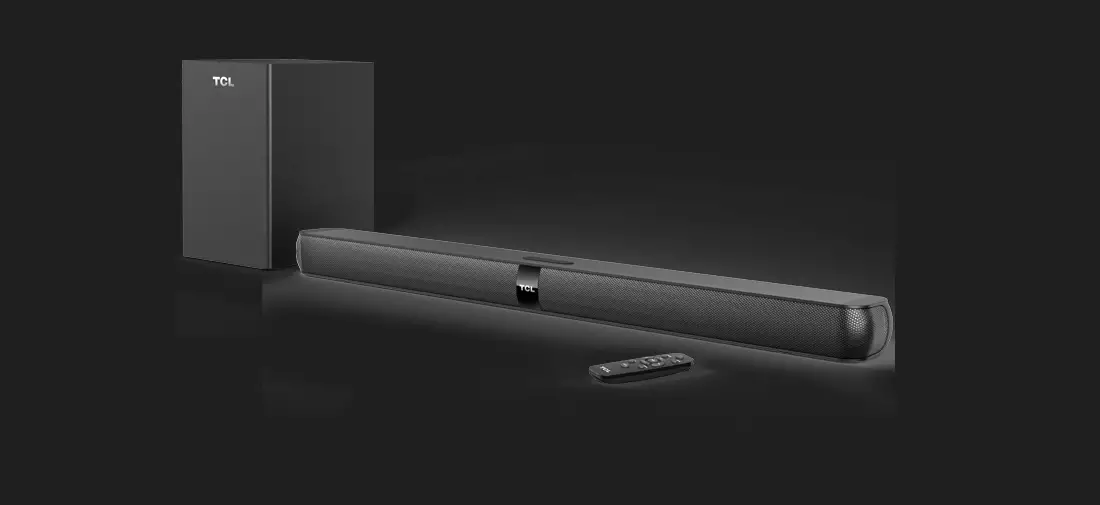
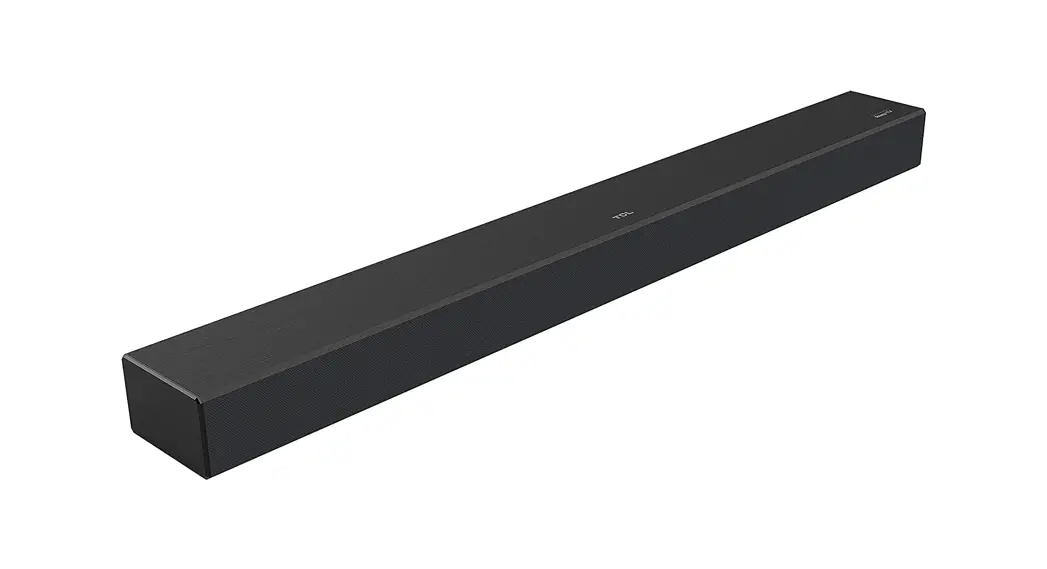
2.0 TCL Roku TV Wireless Soundbar
Quick Start Guide

Register Your Product
Register your TCL Roku TV Wireless Soundbar to receive the latest news on product releases, promotional offers, and more!*
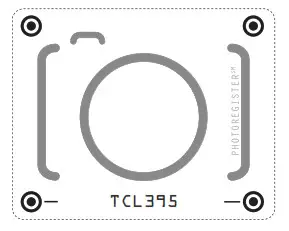
Text to Register
Text a photo of the camera icon to 71403
Or register online at register.tcl.com
Need help? Visit photoregister.com/help or text HELP to 71403
Enjoy exclusive benefits with registration:
 | Expedited support and service |
 | Insider tips on your soundbar |
 | Exclusive offers and promotions |
 | Verification of ownership |
*Only Available to U.S. Customers
What’s in the box
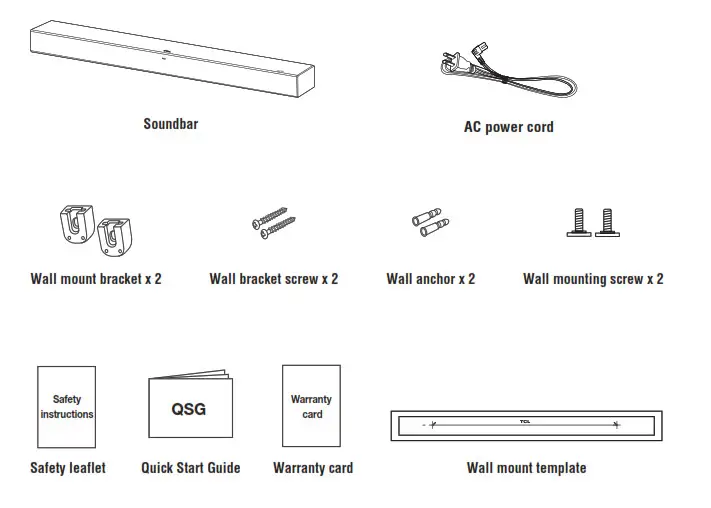
Make sure you read all the safety information before you use this product.
Overview
- AC input power connector
- Reset button

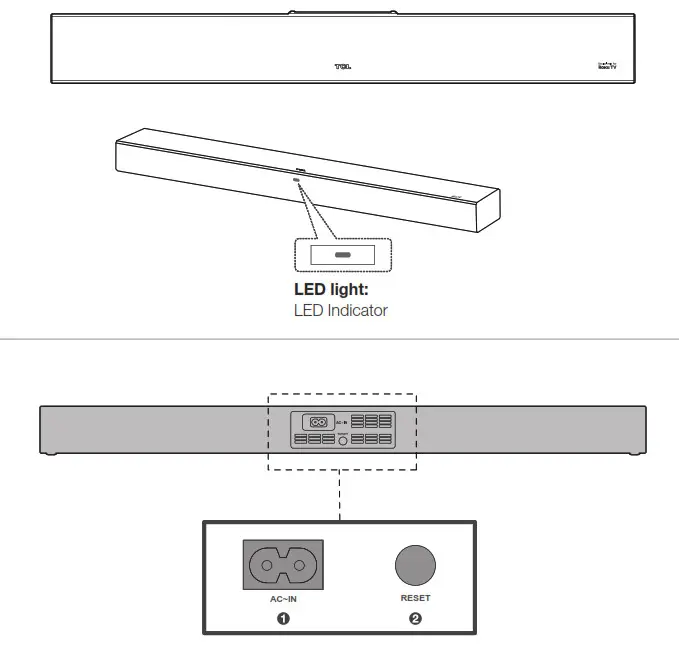
- Short press for restart.
- Long press for about 10 seconds for factory reset.
Soundbar LED light

| LED Expression | Product State | Color |
| Solid | Powered On | White |
| Setup (waiting) | ||
| Booting up | ||
| Ready | ||
| Blinking | Setup (working) | |
| Working / Busy | ||
| Looking for Roku TV™ | ||
| Software Update | ||
| Solid moving to a slow blink | Restart | |
| Blink 3 times, then solid moving to a slow blink | Factory Reset |
Position your soundbar
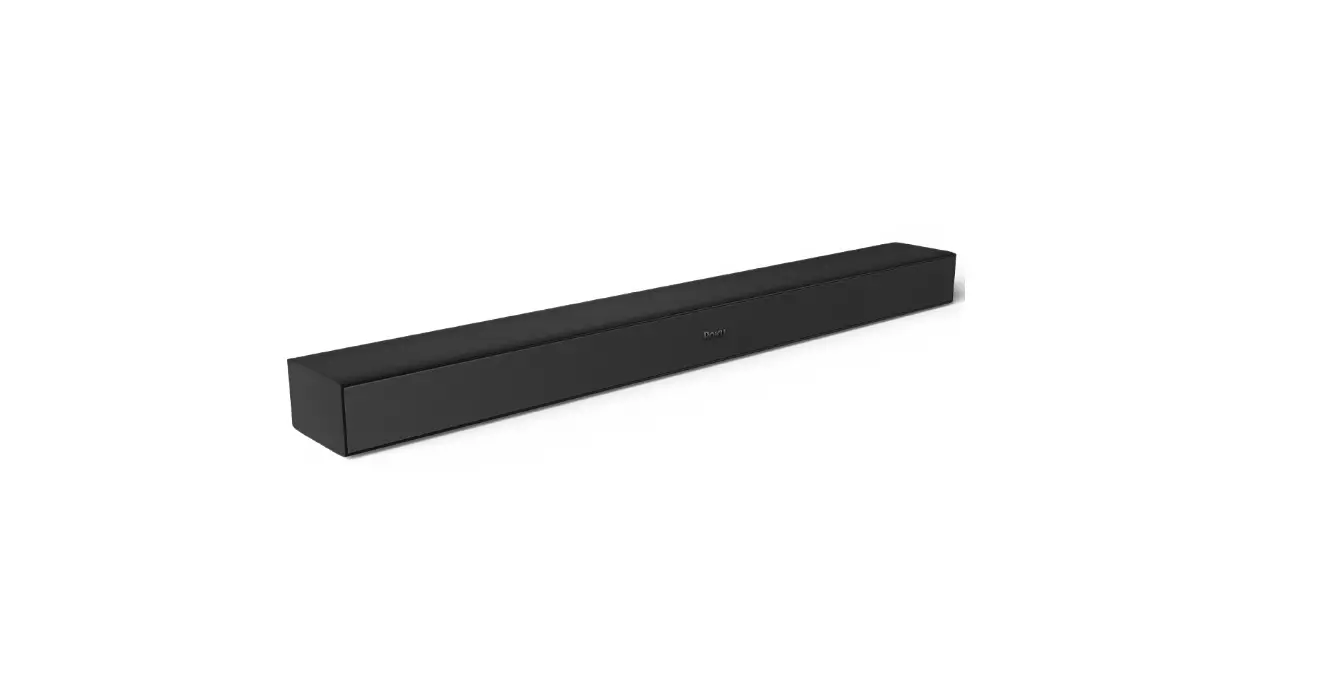
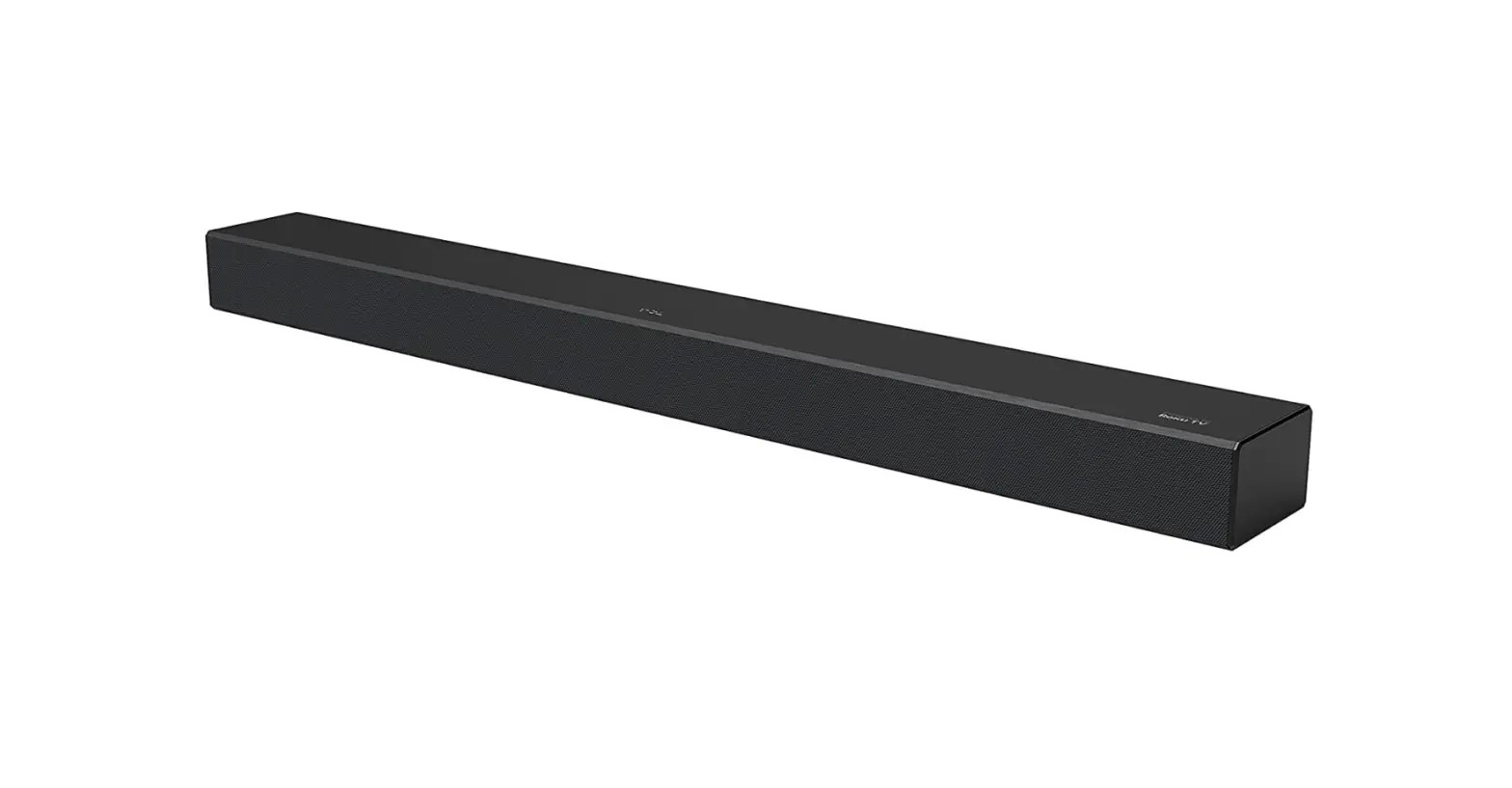
The ideal place to position the soundbar is centered underneath your Roku TV.
We also recommend moving the soundbar as close to the edge of the stand as possible, for better sound.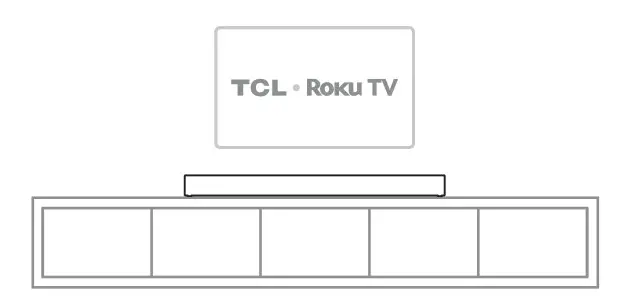
Wall mount your soundbar
Required tools:
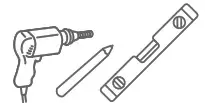
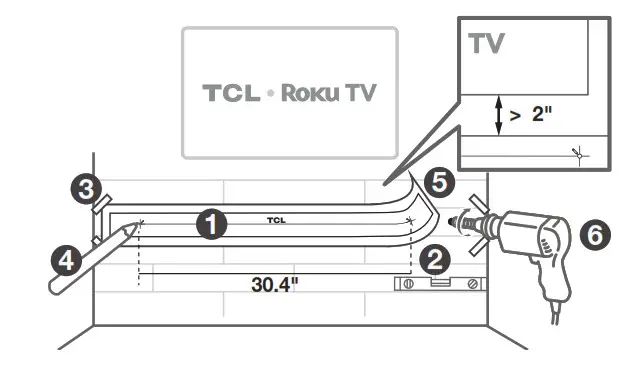
- Place the supplied wall-mount template on the wall. Make sure the wall mount template is at least 2 inches below the center of the Roku TV.
- Use a level to make sure the wall mount template is positioned accurately.
- Use the tape to stick the wall mount template firmly on the wall.
- Mark on the wall using each marking on the template through the mounting holes.
- Take away the wall mount template.
- Drill a screw hole at each marking on the wall.
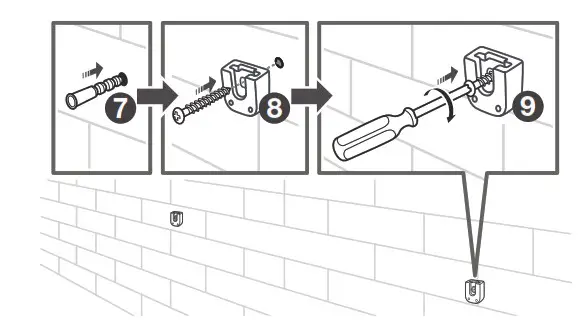
Required tools:
- Insert the supplied wall anchors into 2 screw holes on the wall.

- Insert the supplied wall bracket screws through the wall brackets into the wall anchors.
- Fix and tighten the wall bracket screws on the wall.

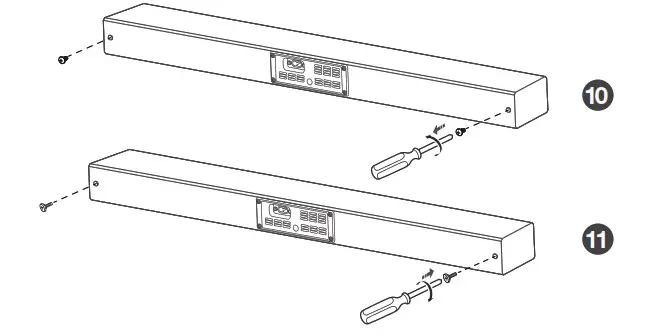
- Unscrew the screws from the back of the soundbar and set them aside for potential use in the future.
- Tighten the supplied wall mounting screws into the screw holes in the back of the soundbar.

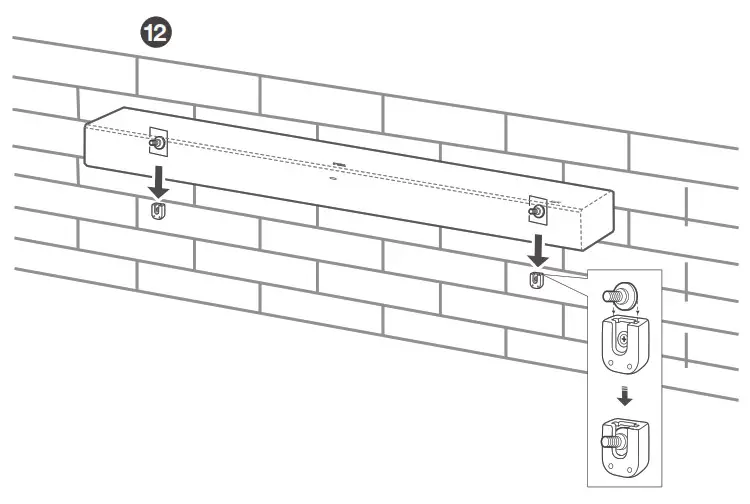
- Hang the soundbar on the wall mount brackets.

Connect to your Roku TV
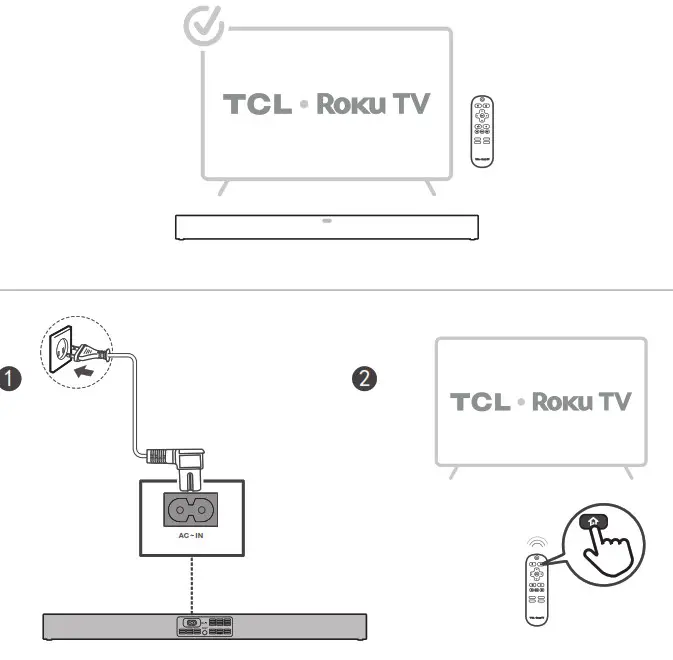
What you’ll need:
- Roku TV is connected to the internet.
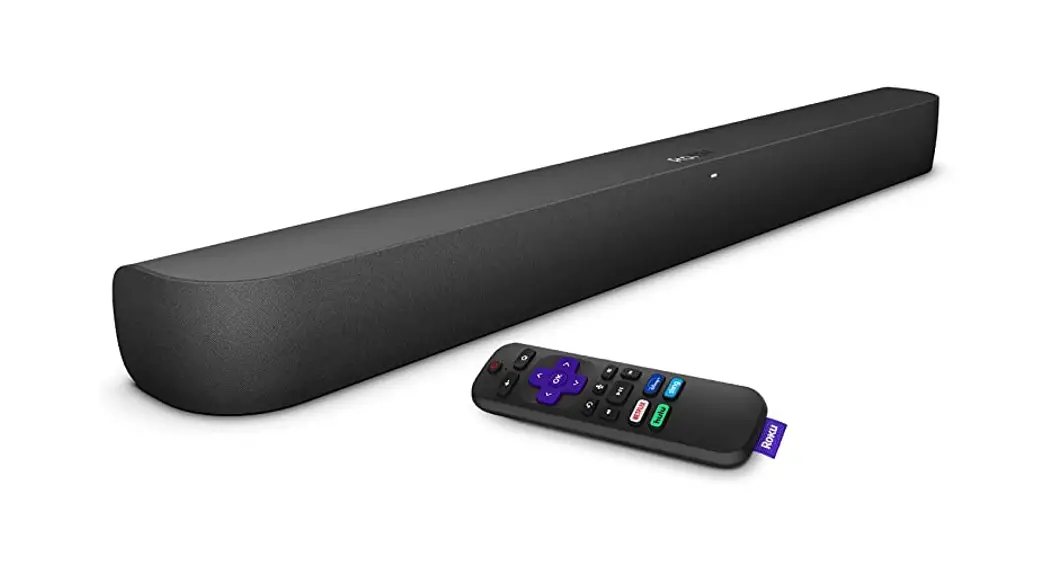
- Your Roku TV remote.

Let’s get started:
Power up your soundbar.
Press and hold on  to your Roku TV remote for 5 seconds to open the setup menu.
Connect to your Roku TV
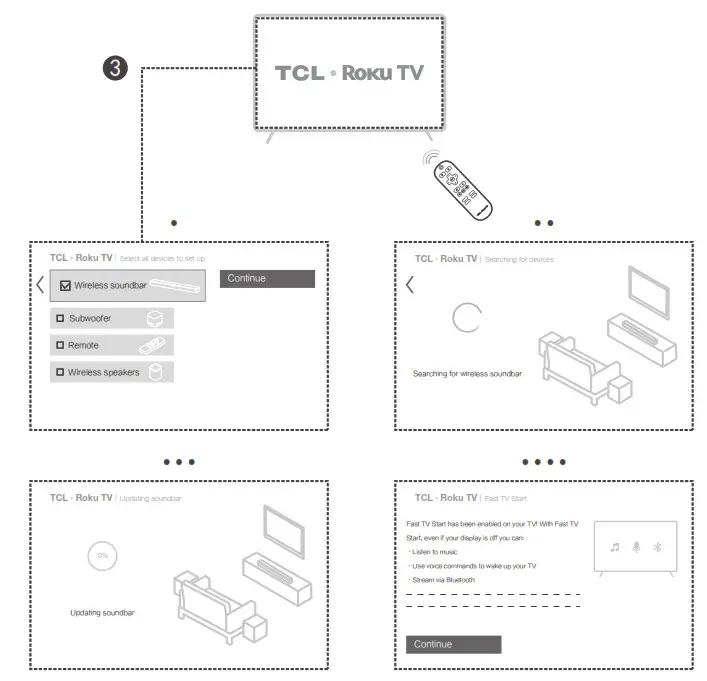
3. Follow the on-screen setup. Choose Wireless soundbar and select Continue to begin the pairing process.
Pair with your Bluetooth ® device
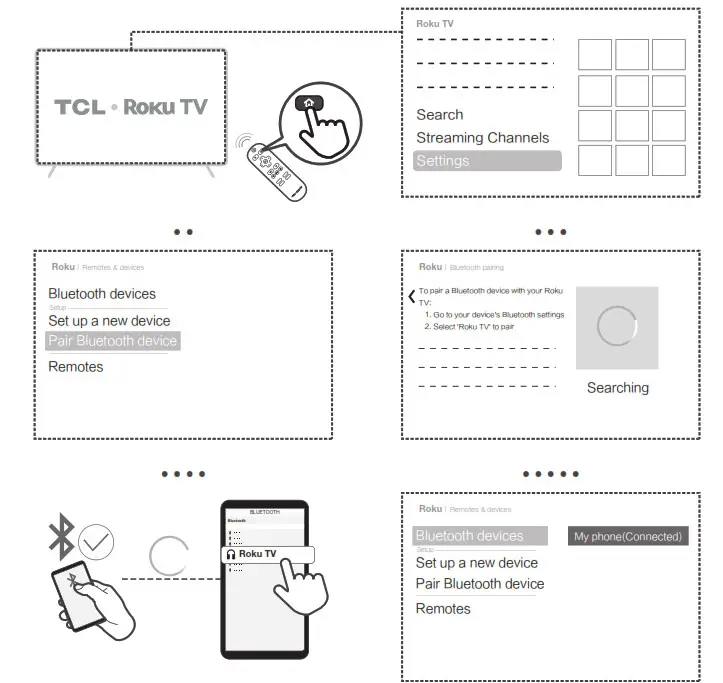
You can stream music from your mobile device via Bluetooth. Make sure your soundbar is connected to your TV before you start. (Refer to section 5)
- Press the Home button on your Roku remote. Select Settings, followed by Remotes & devices.
- Select Pair Bluetooth device. When you see the Bluetooth pairing screen, go to your smartphone, tablet, or computer and follow the next several steps.
> Open Bluetooth settings on your smartphone, tablet, or computer.
> Wait a moment for your Bluetooth device to scan for devices and discover your Roku TV.
> Select your Roku TV from the list of available devices. - Pairing is successful.
A Bluetooth device (phone, tablet, etc.) only needs to follow the pairing process once.
Once it’s been paired, you can reconnect any time by choosing the Roku TV from the list of Bluetooth devices on your smartphone, tablet, etc.
FAQ
Does this soundbar work with any TV?
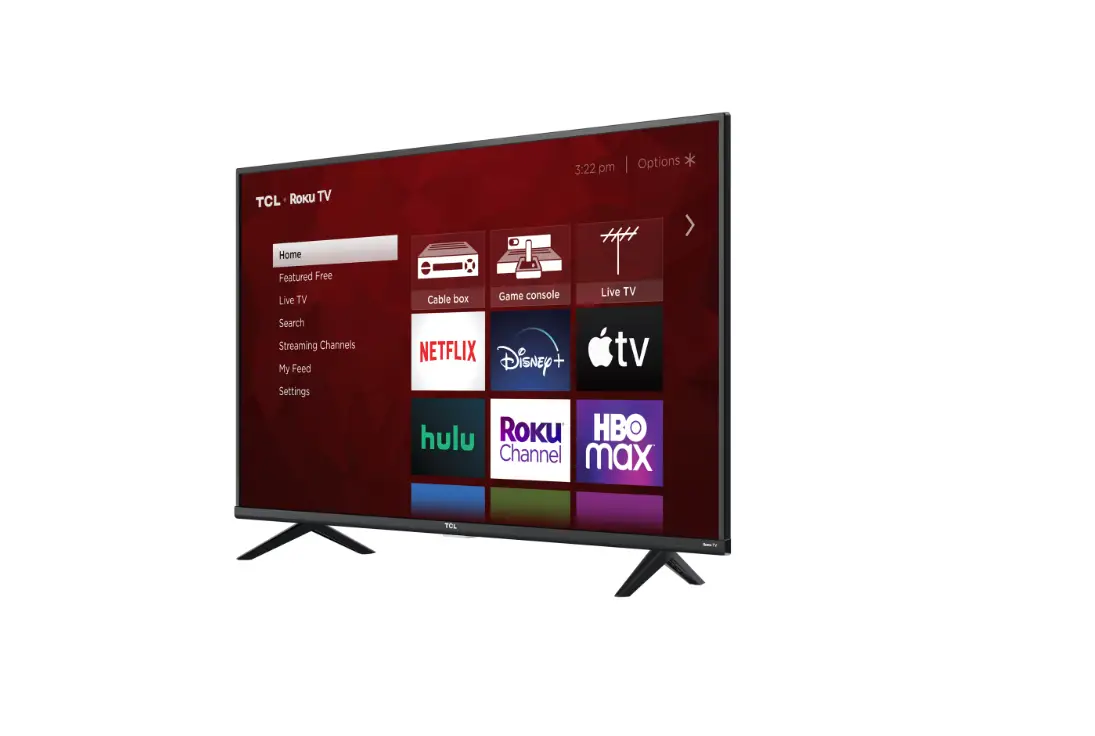
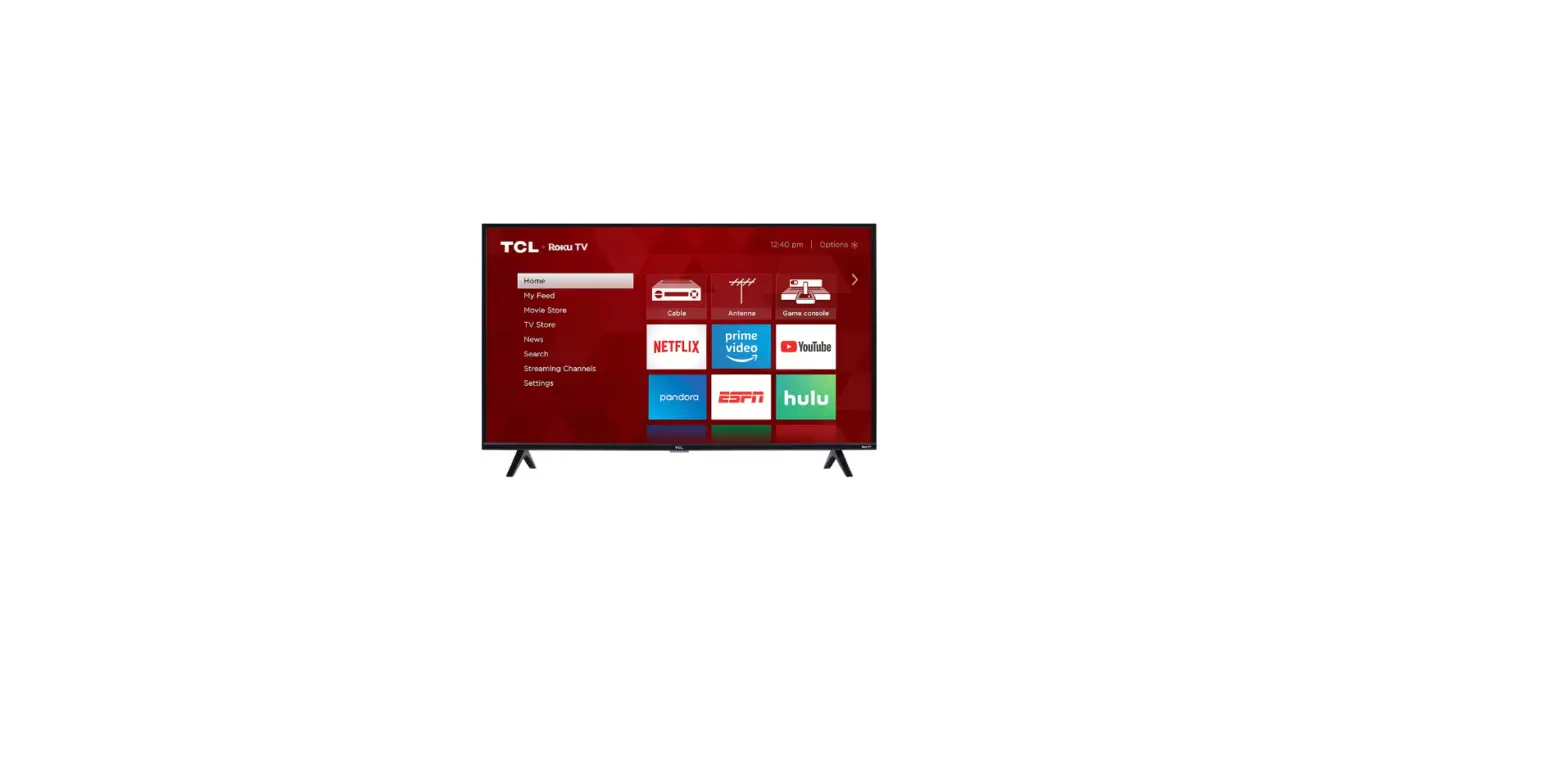
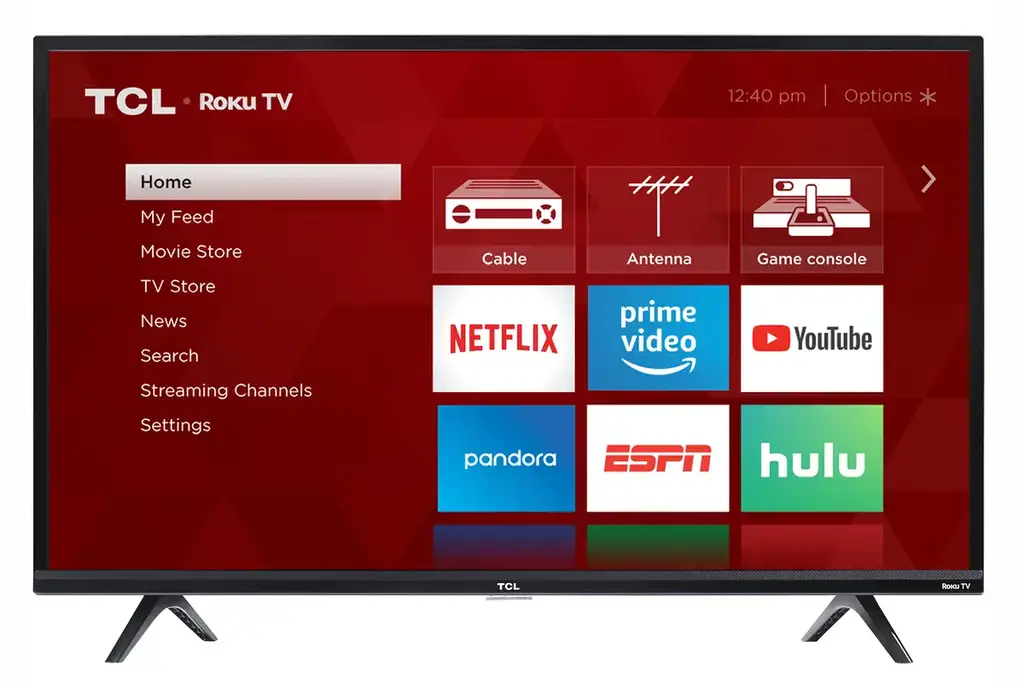
No, the soundbar is only compatible with Roku TV. All Roku TVs will have a “Roku TV” logo in the lower right corner of the TV bezel and the home screen of the TV will say Roku TV.
Does this soundbar work with other Roku streaming players or wireless devices at the same time?
No, the soundbar and other Roku wireless devices are mutually exclusive.
How to use sound settings?
- While streaming video or music, press*.
- Select Sound Settings.
- Turn on the settings you want.
How to turn off the LED light of the soundbar on your Roku TV?
- Press the Home
 button on your Roku TV remote.
 - Settings > System > Power.
- Follow the on-screen setup to turn off Standby LED.
All technology names mentioned are the trademarks or registered trademarks of their respective companies.
DO NOT RETURN TO THE STORE
WE ARE READY TO HELPcontact us first r with any questions

supporttcl.com 1-877-300-9223 TAKE CARE WHEN REMOVING THE SOUNDBAR
 The Elluetoolword mark and logos are registered trademarks formed by Bluetooth SIG. Pc. and any use of such marks by TIE Corporation is under license. Other trademarks and trade names are thaws of diet respective owners.
ROKU
Roku and Roku tvs are the trademarks or registered trademarks of Rohs. lot.
Copyright 0 2021 TCL All rights reserved
!SRI NA USA OSG VII