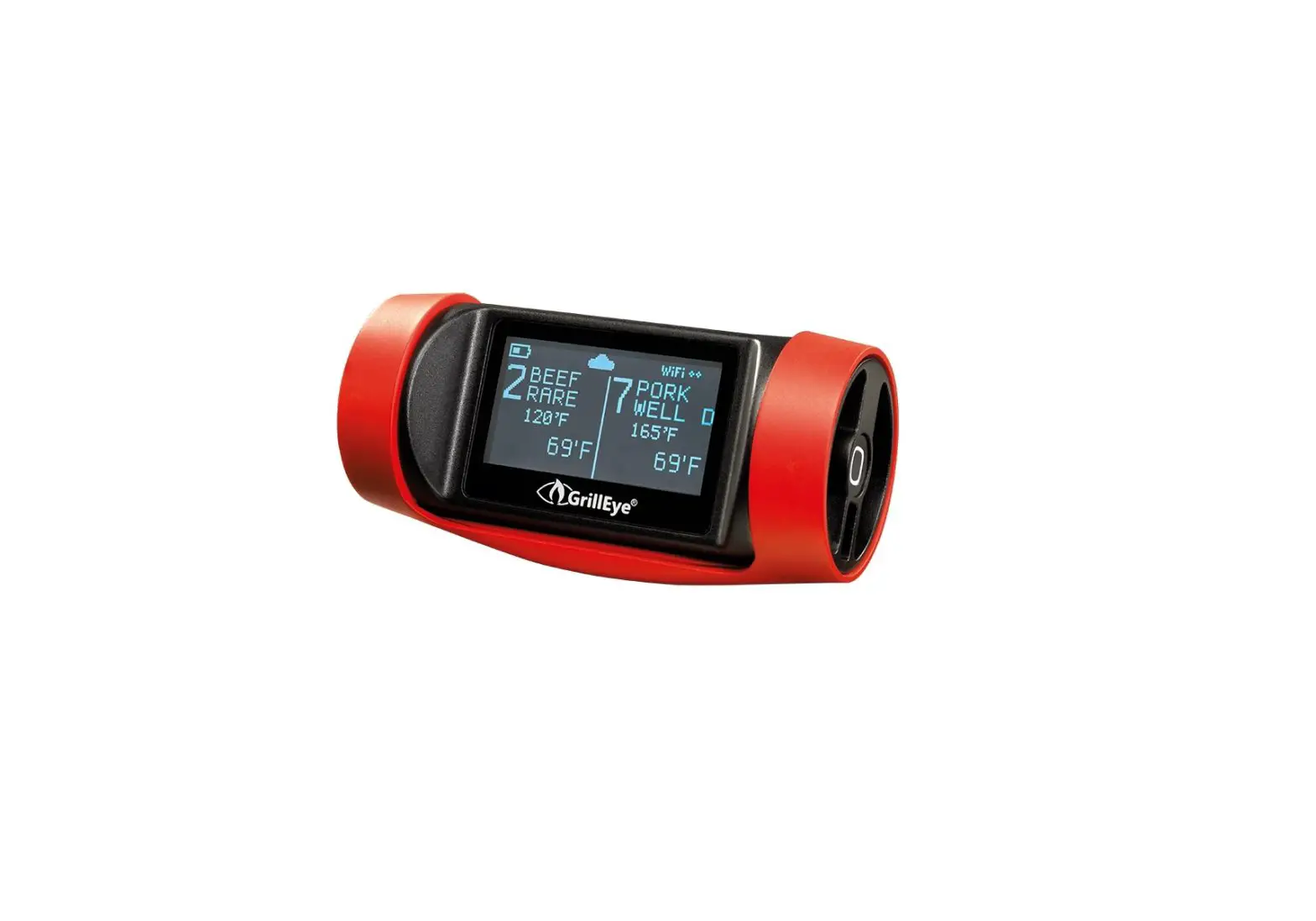
GrillEye PRO
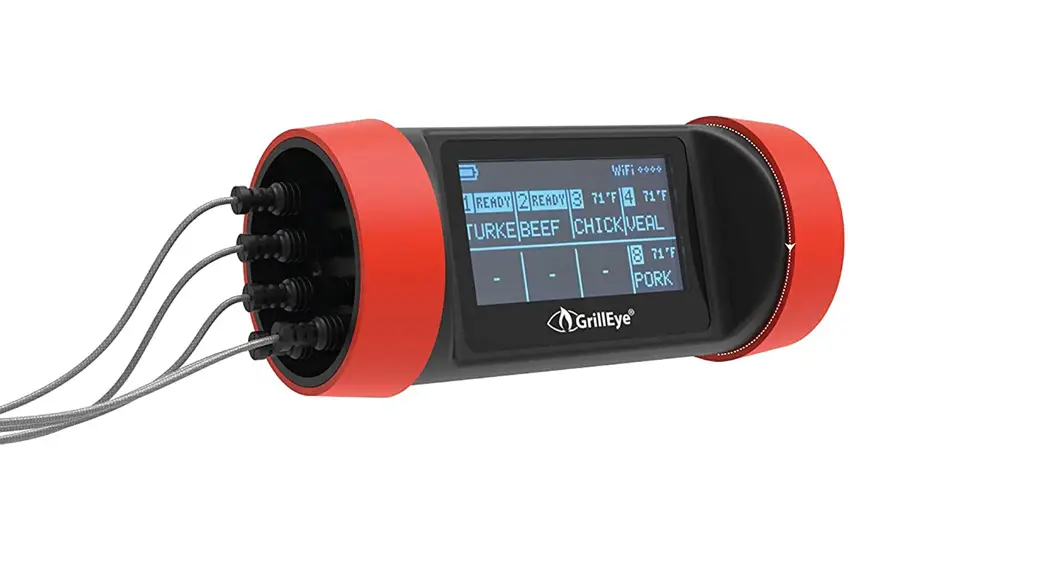
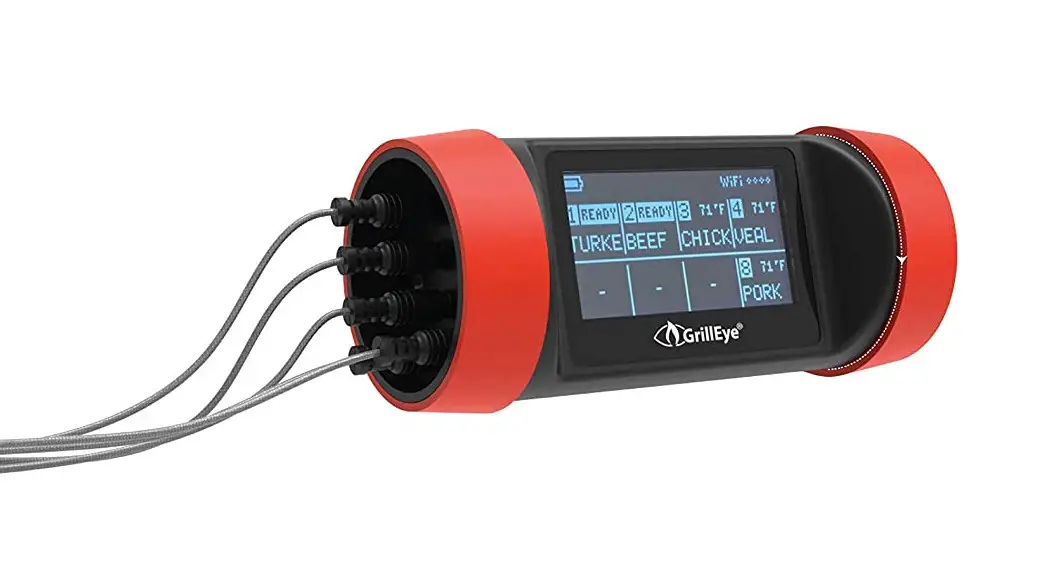
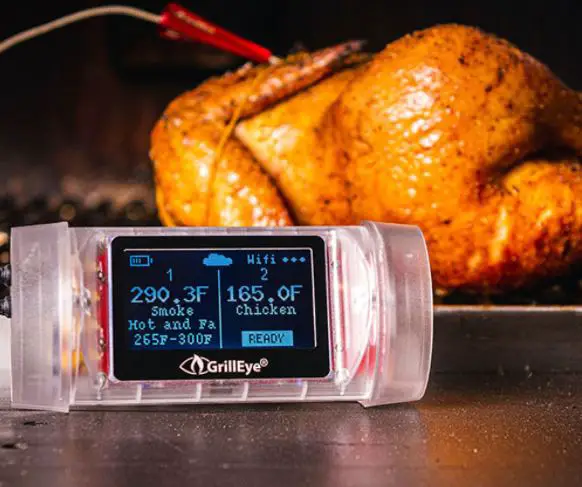
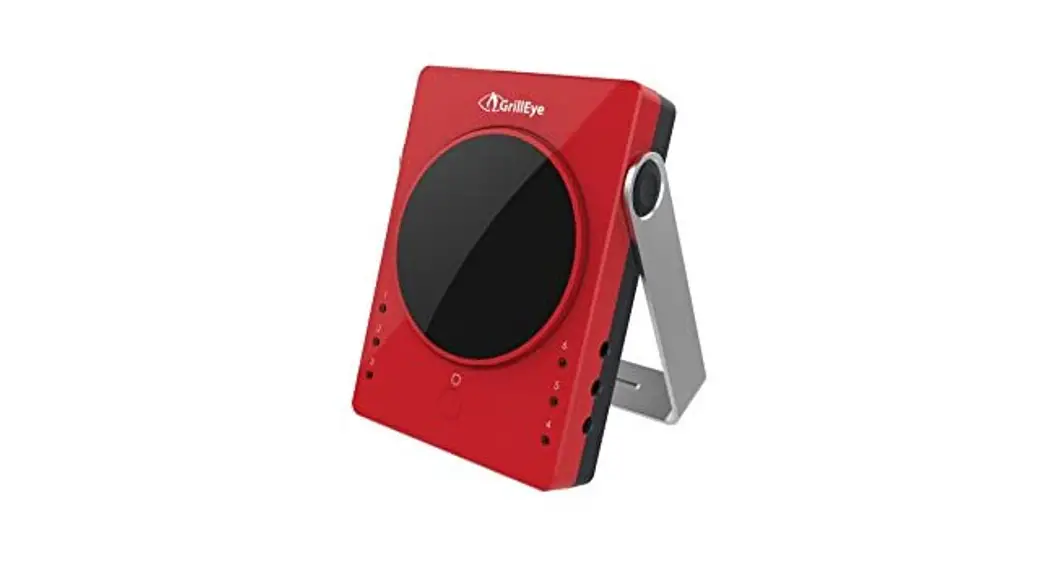
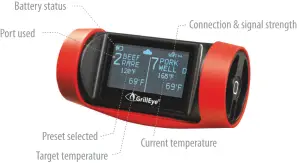
DISPLAY EXPLAINED
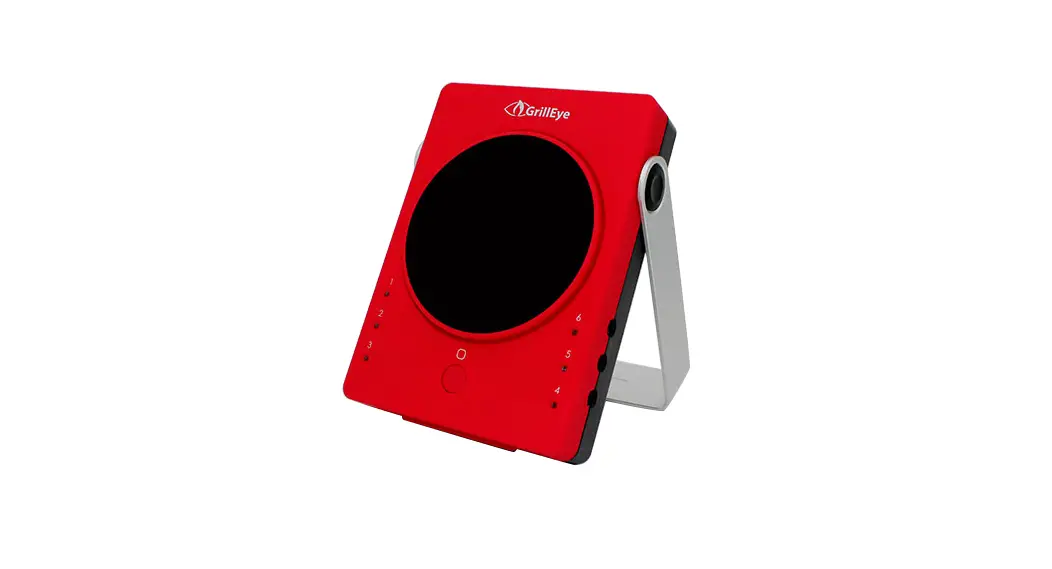
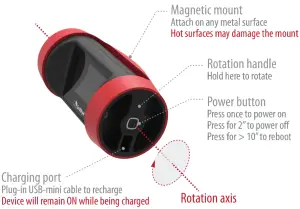
MECHANICS EXPLAINED
PREPARE TO USE YOUR GRILLEYE® PRO PLUS
Visit our YouTube channel (grilleye.com) for detailed video instructions | Visit grilleye.com and our facebook page for support
 | DOWNLOAD THE GRILLEYE® PRO APP |
| iOS ver. 10.0 or later Android ver. 4.4 or later | |
 | MAKE SURE YOUR GRILLEYE PRO+ IS CHARGED. |
| MAKE SURE YOUR GRILLEYE PRO+ IS CHARGED. GrillEye® PRO PLUS runs on a powerful, rechargeable battery that can last up to 48 hrs of continuous use* (charge for ~21/2 hrs until full). Product can be used while being charged. * full load / proximity function activated | |
 | SWITCH ON BLUETOOTH® ON YOUR MOBILE |
| GrillEye® PRO PLUS requires Bluetooth 4.0 or higher. It is compatible to latest Bluetooth 5.0 technology to achieve even higher speeds at low energy consumption. | |
 | ACTIVATE WIFI® ON YOUR MOBILE |
| WiFi connection with internet access. Connect to your network and update to the latest firmware in order to exploit GrillEye PRO Plus to its full potential (including remote monitoring – CLOUD). | |
POWER-UP YOUR GRILLEYE® PRO PLUS
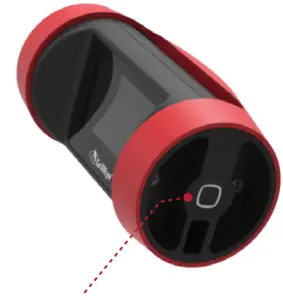
Press once the Power button.
A short “beep” will sound and the screen will light-up to display the GrillEye® logo.
| Power-down When connected to a power source, the device will not power-o‑ in order to allow you to monitor the charging process. |
LAUNCH THE GRILLEYE® PRO APP & PAIR
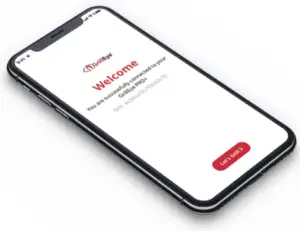
Once the app opens and detects a GrillEye PRO+ device near your mobile, it will connect automatically.
Press the “Let’s grill” button and you are ready to go!
The rst 2” of pairing
|
** more on https://youtu.be/FujE1PRjMvA
SETUP CONNECTION WITH YOUR WiFi
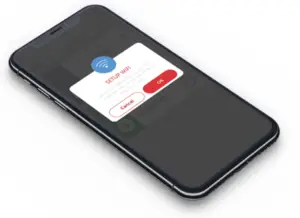
After pairing, the app will prompt you to select your WiFi network from a list of available networks. Select your network and enter your password to connect.
| Connection to your WiFi Connection to your WiFi ensures limitless range***. If you miss initial WiFi setup, you can find the option in app Settings. In cases where WiFi may not be available (e.g. power outage) you can use only Bluetooth® (range of ~10m/30ft). |
*** requires latest firmware and Internet access
TIPS FOR PRO-GRADE RESULTS
 | CONNECT TO YOUR WIFI® AND SURF THE CLOUD |
| Enjoy unmatched range anywhere as long as you have the GrillEye® PRO Plus connected to your WiFi* . Once the app detects your WiFi has an active Internet connection it will automatically switch to Cloud-mode. | |
 | SET TEMPERATURE UNITS TO °F or °C |
| If your mobile phone supports localisation preferences (e.g. language, temperature units of measurement etc.), the GrillEye® PRO app will detect them and setup everything automatically. If not, just visit the app Settings to adjust as needed. | |
 | EXPLOIT ULTRA CAPACITY OF 8-PORTS FOR MAXIMUM ACCURACY |
| The GrillEye® PRO Plus allows you to monitor temperature of up to 8 di‑erent sources. Want to use your 4 chambers smoker? No problem. Now you can monitor, e‑ortlessly, all chambers’ ambient temperature as well as all meats’ core temperature. | |
 | CHARGE USING ANY USB PHONE CHARGER |
| GrillEye® PRO Plus runs on a powerful, rechargeable battery that can last up to 48 hrs of continuous use* on a single charge. Recharge using any USB phone charger (~21/2 hrs until full). In case you forgot to charge, you can use it while charging it. | |
SAFETY GUIDELINES
 | AVOID PROLONGED EXPOSURE TO HEAT Heating the product, above 50°C / 122°F may damage its electronics. |
 | KEEP AWAY FROM FIRE If a surface is too hot to touch, it’s too hot for magnetically mounting the GrillEye® PRO+ |
 | DO NOT ATTEMPT TO OPEN OR MODIFY Any unauthorised attempt to open the device will constitute its warranty to become void. |
 | NOT WATER-RESISTANT / WATERPROOF The device is designed for outdoor use. Do not expose directly to condensed moisture / rain. |
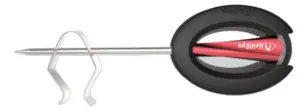
 | CAUTION! GRIP MAY BECOME HOT WHILE IN USE When heated do not touch without protective gloves |
 | DO NOT EXPOSE DIRECTLY ONTO FIRE Prolonged exposure directly onto re (temp. > 380°C / 716°F) may cause the probe to malfunction. |
 | NOT DISHWASHER SAFE Avoid submersion into water. Do not put inside the dishwasher. |
 | KEEP AWAY FROM CHILDREN Probe tip can cause injuries to children. Keep away from their reach. |
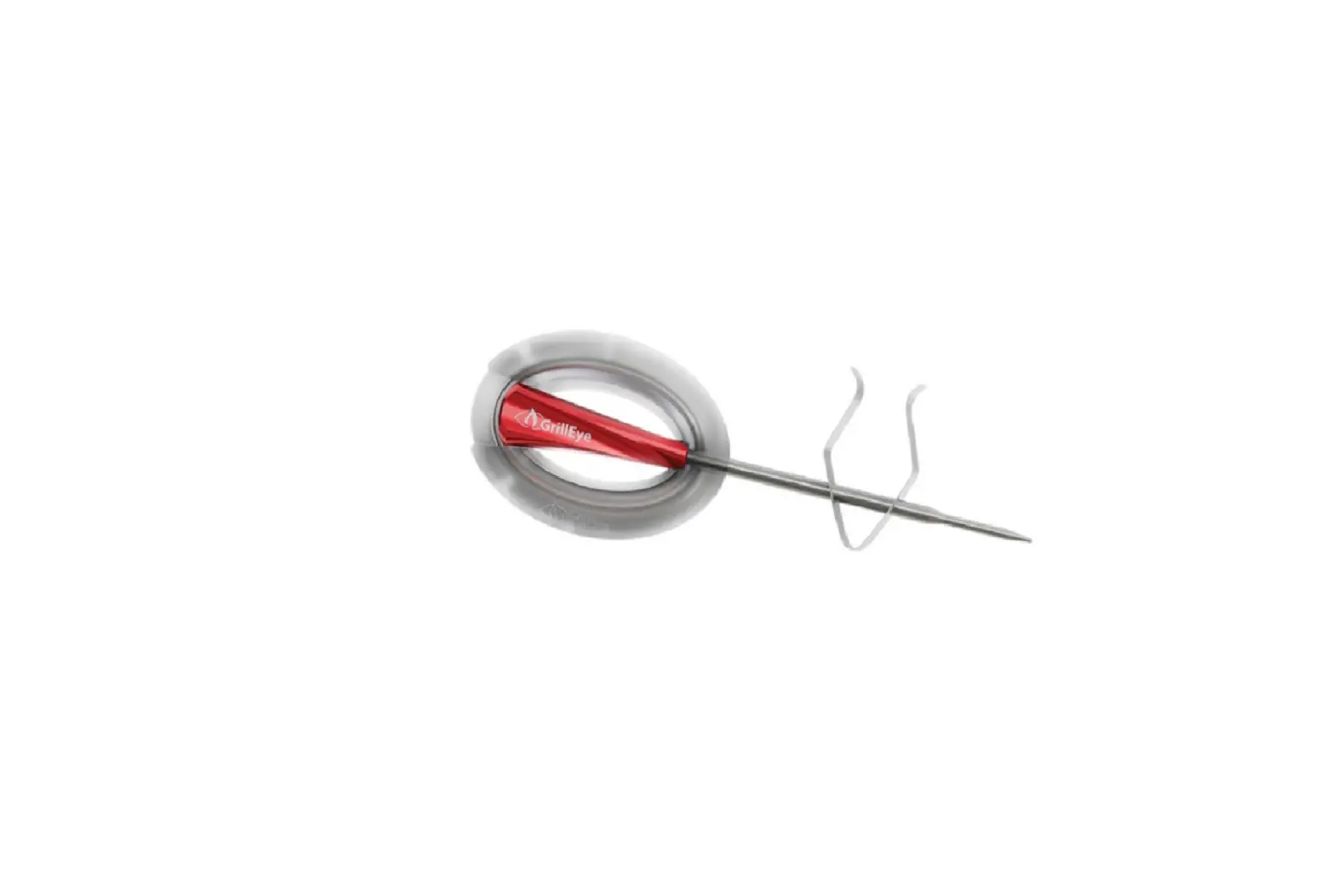
 | REMOVE WRAP BEFORE USING Probe wrap is for storage purposes only. Unfold wire and remove wrap before each use. |
SPECIFICATIONS
| MATERIAL | Engineering thermoplastic UL94-V0 class (non-ammable, sun-resistant) |
| OPERATING TEMPERATURE | -10°C to 50 °C / -14 °F to 122 °F |
| BATTERY | Li-Ion, 2500mAh |
| MATERIAL | Aluminium & Stainless steel |
| RANGE | -50°C to 300 °C / -58 °F to 572 °F | ACCURACY: ±0,5°C / 1.8°F |
| MAX. TOLERANCE | 380°C / 716°F |
COMPATIBILITY
- iOS: 10.0 or later | Apple Watch: 1st generation or later
- Android: 4.4 (KitKat) or later
- Bluetooth: 4.0 or later
- WiFi: 802.11 b/g/n
- GrillEye®, GrillEye® PRO+
DOCUMENTATION / CERTIFICATES |
G&C ltd® offers a limited warranty against manufacturing defects, in compliance with the laws and regulations of each region of distribution. For details about the warranty, visit www.grilleye.com/warranty or send an email to [email protected]. Operation of the device is subject to the following conditions (1) this device may not cause interference, and (2) this device must accept any interference, including interference that may cause undesired operation of this device.
Apple®, the Apple logo, iPad®, iPhone®, and iPod® touch are trademarks of Apple Inc., registered in the U.S. and other countries. App Store is a service mark of Apple Inc. The Bluetooth® word mark and logos are registered trademarks owned by Bluetooth SIG Inc. Android® and Google Play are trademarks of Google Inc. WiFi® and other trademarks and trade names are those of their respective owners.