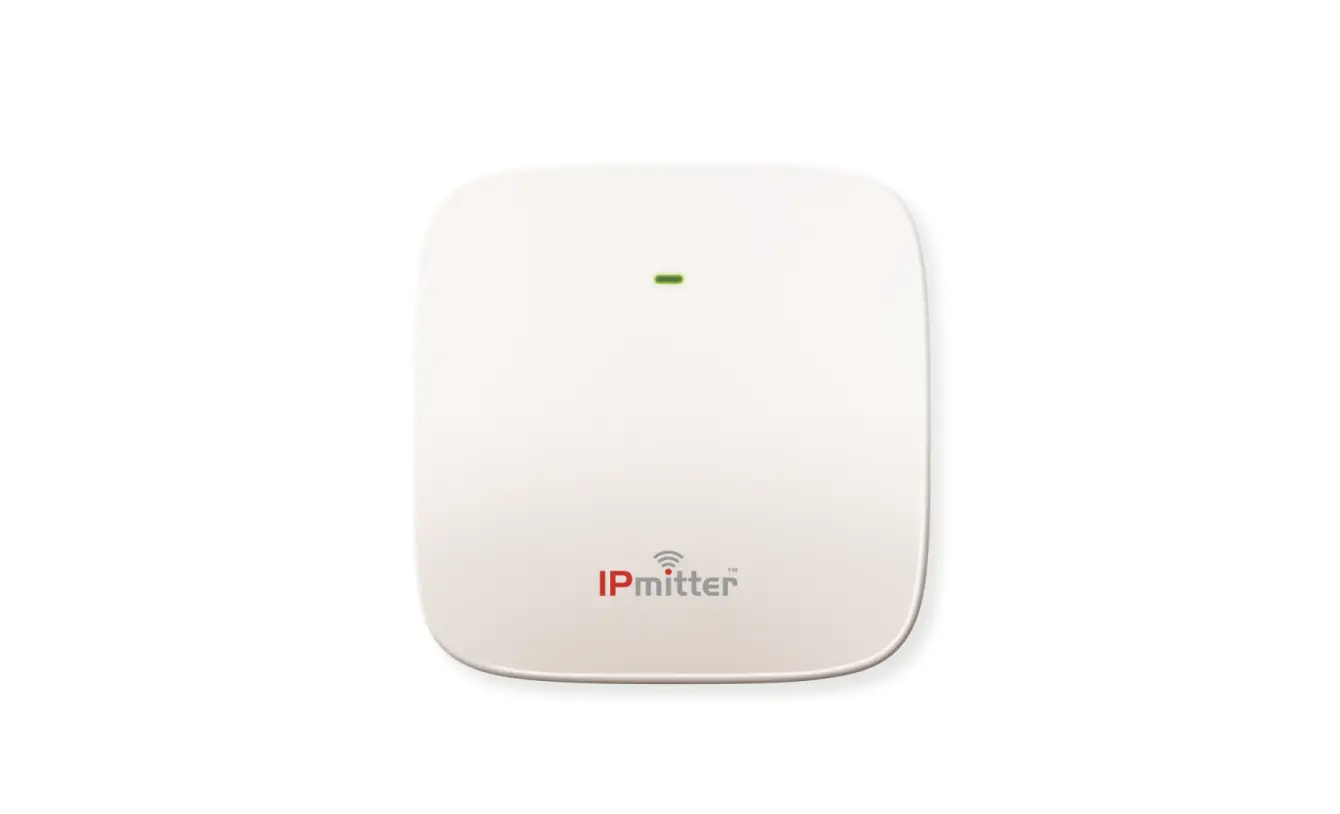

IPMIT100 – Quick Start Guide
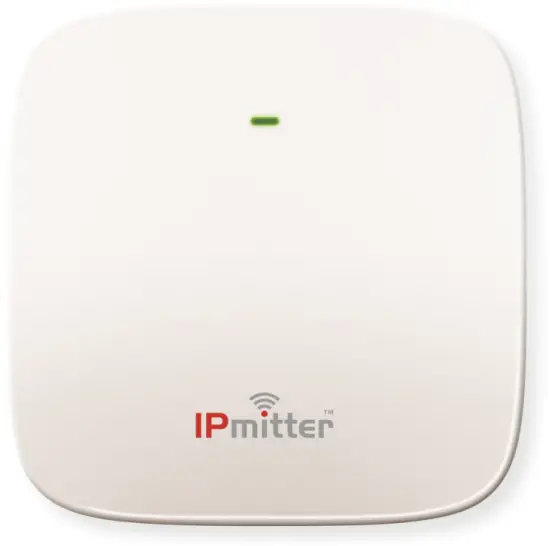

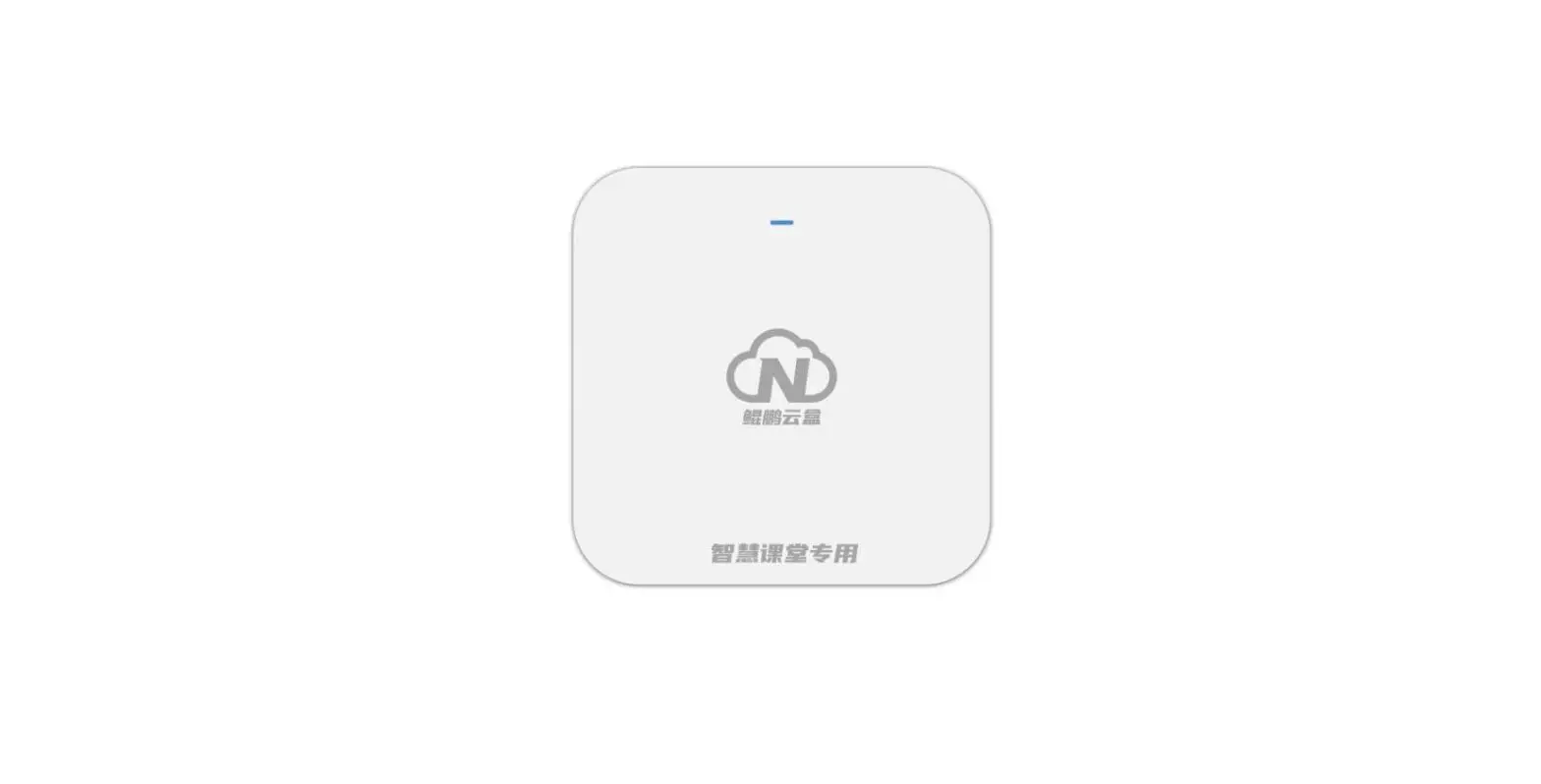
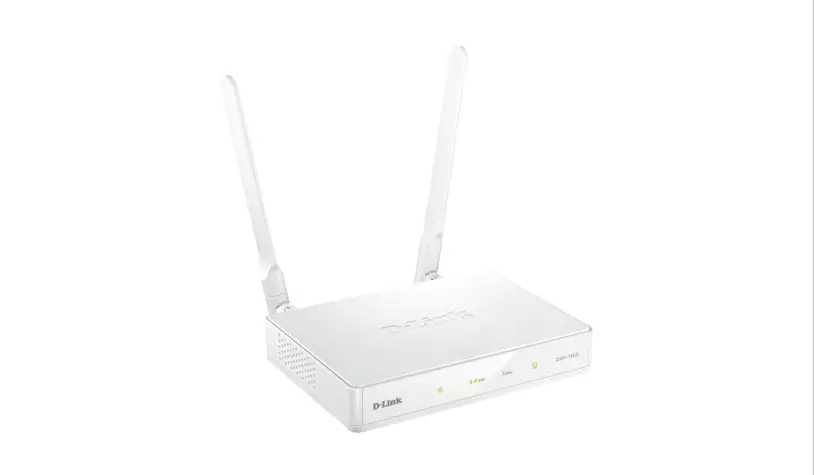
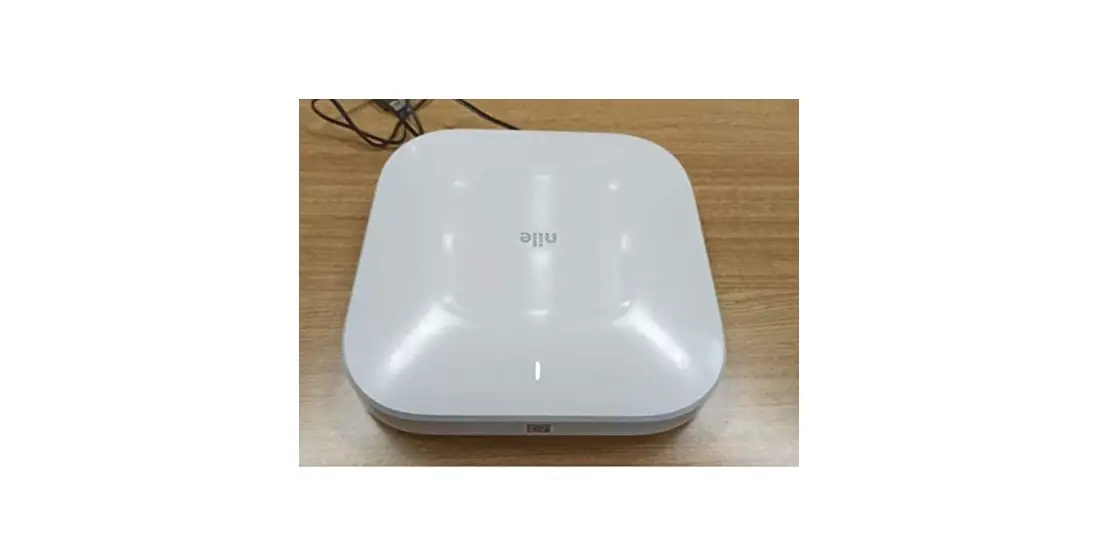
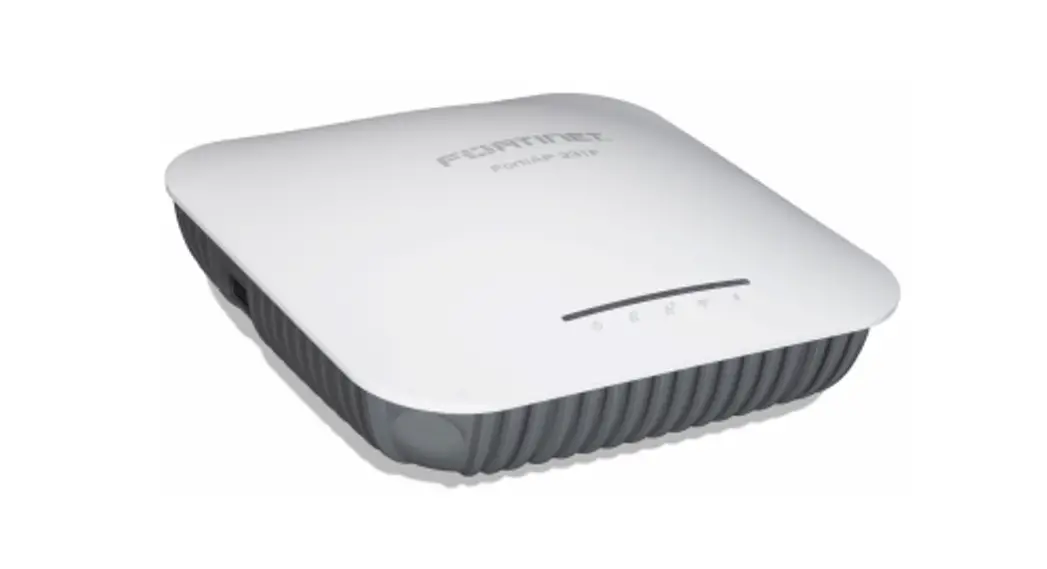
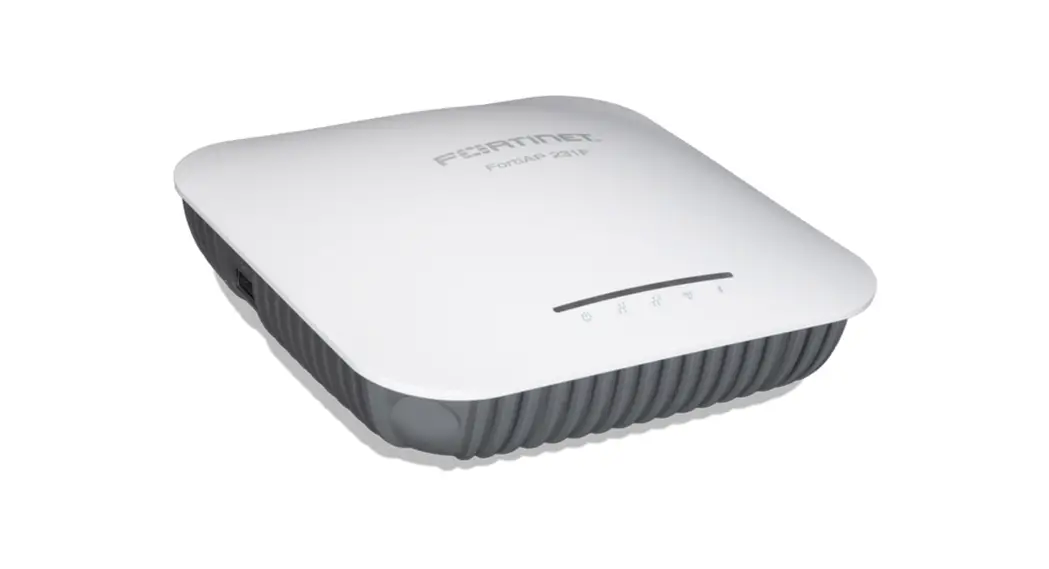
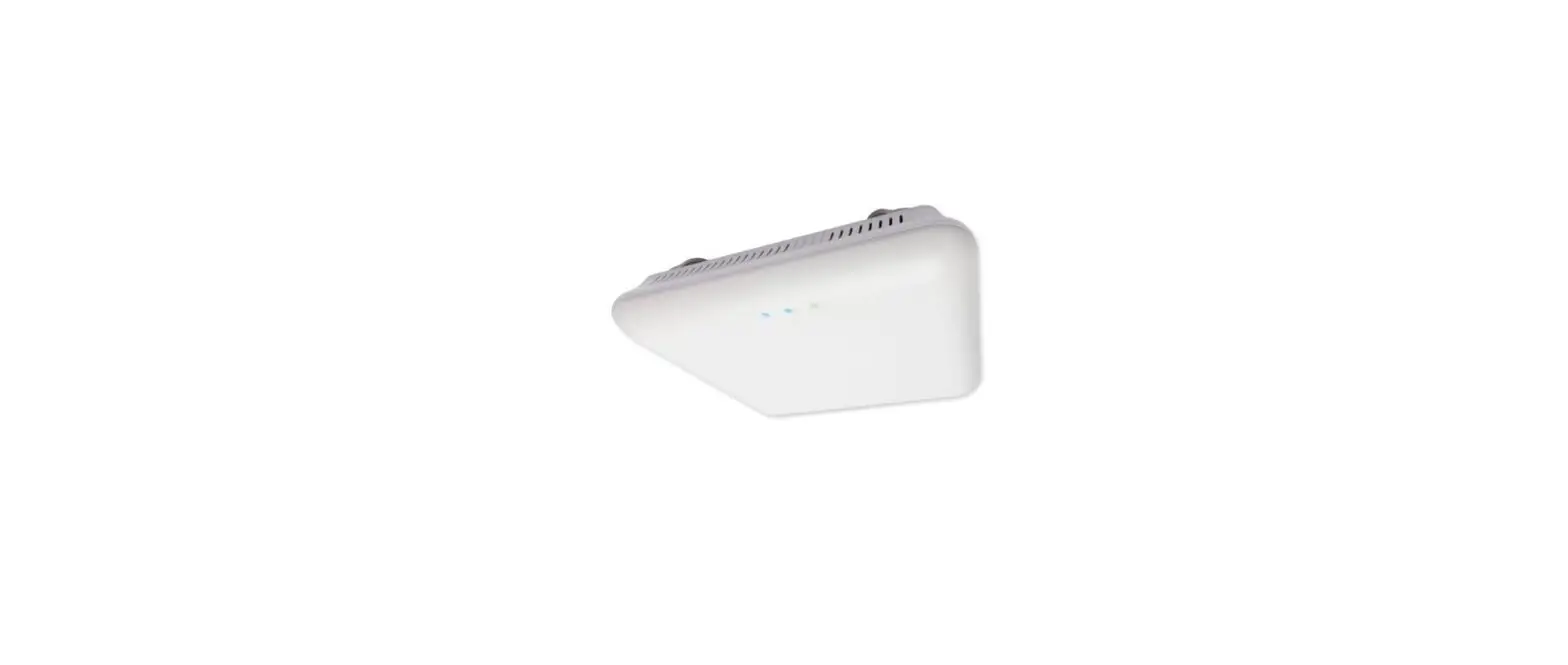
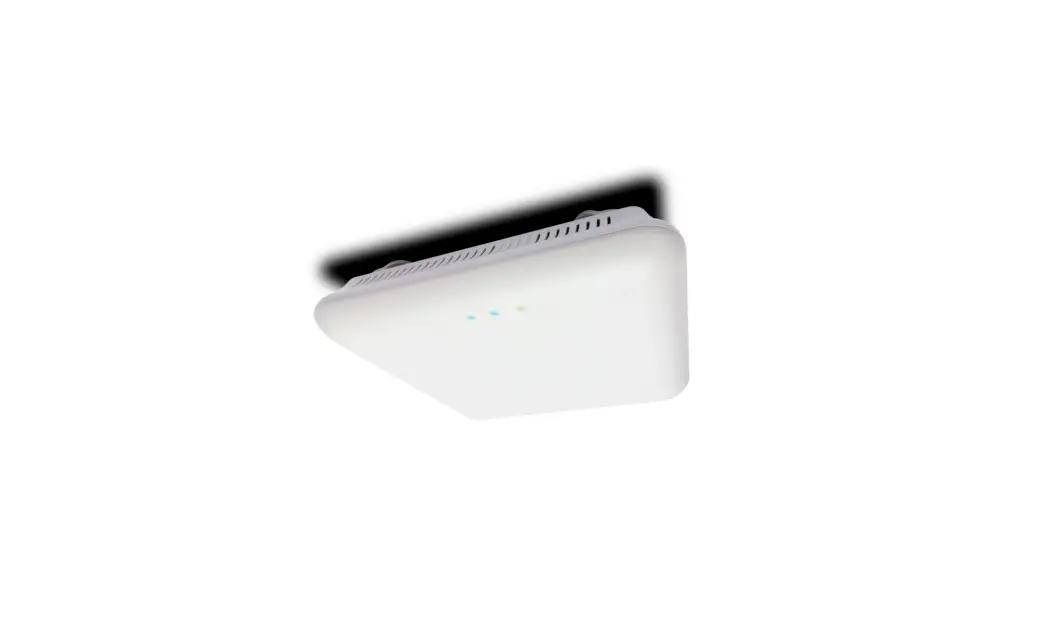
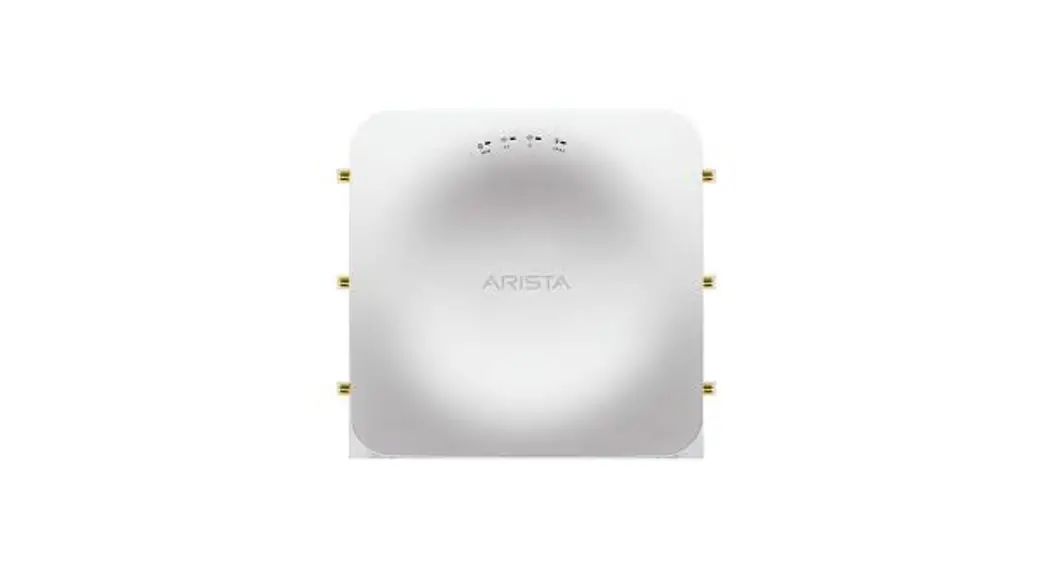
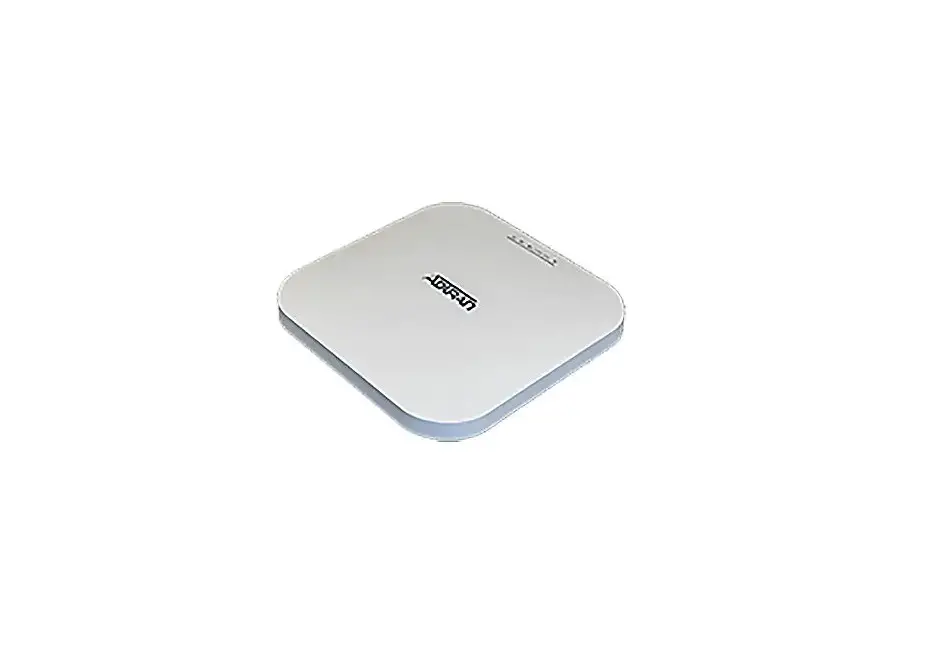
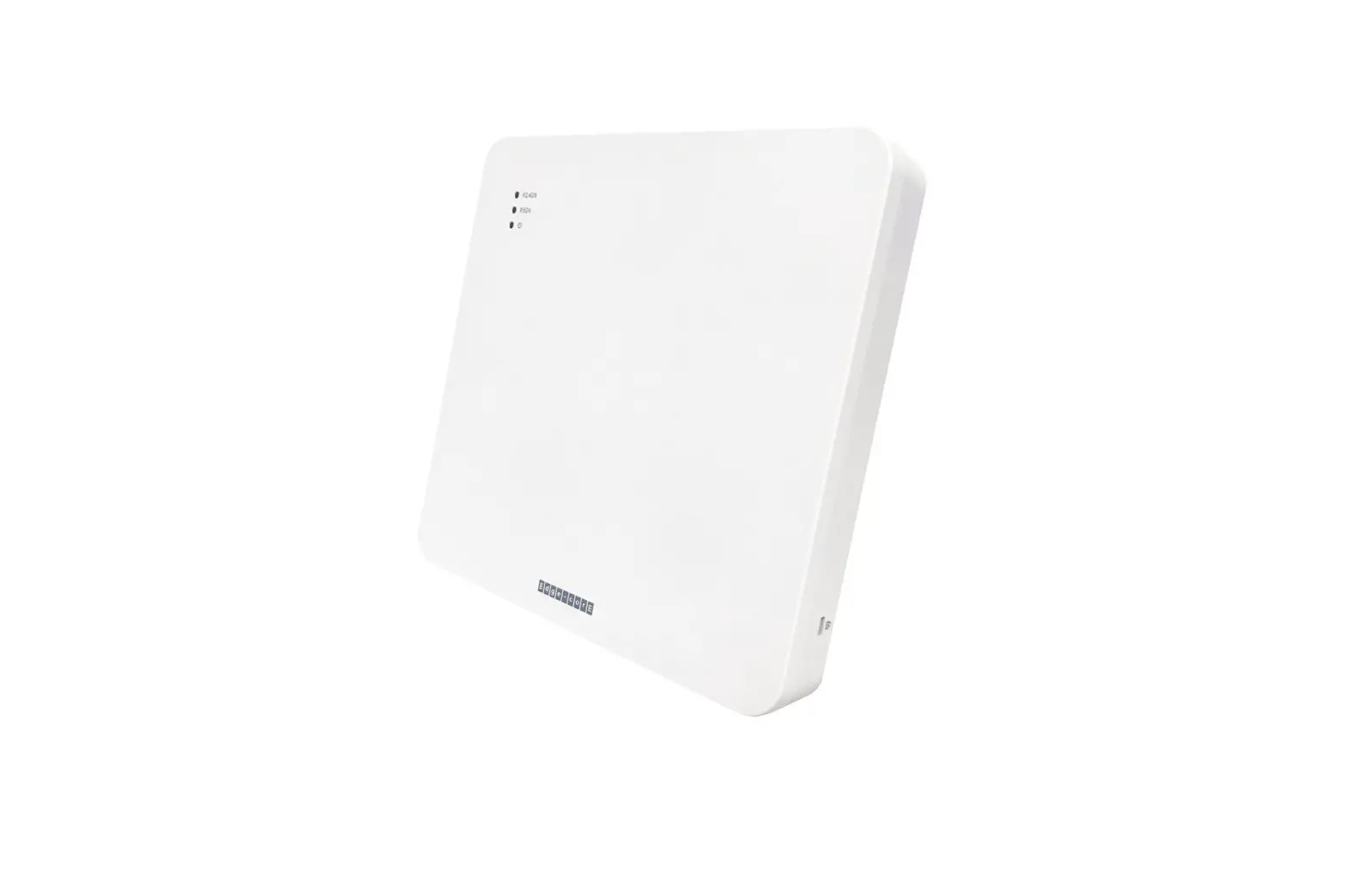
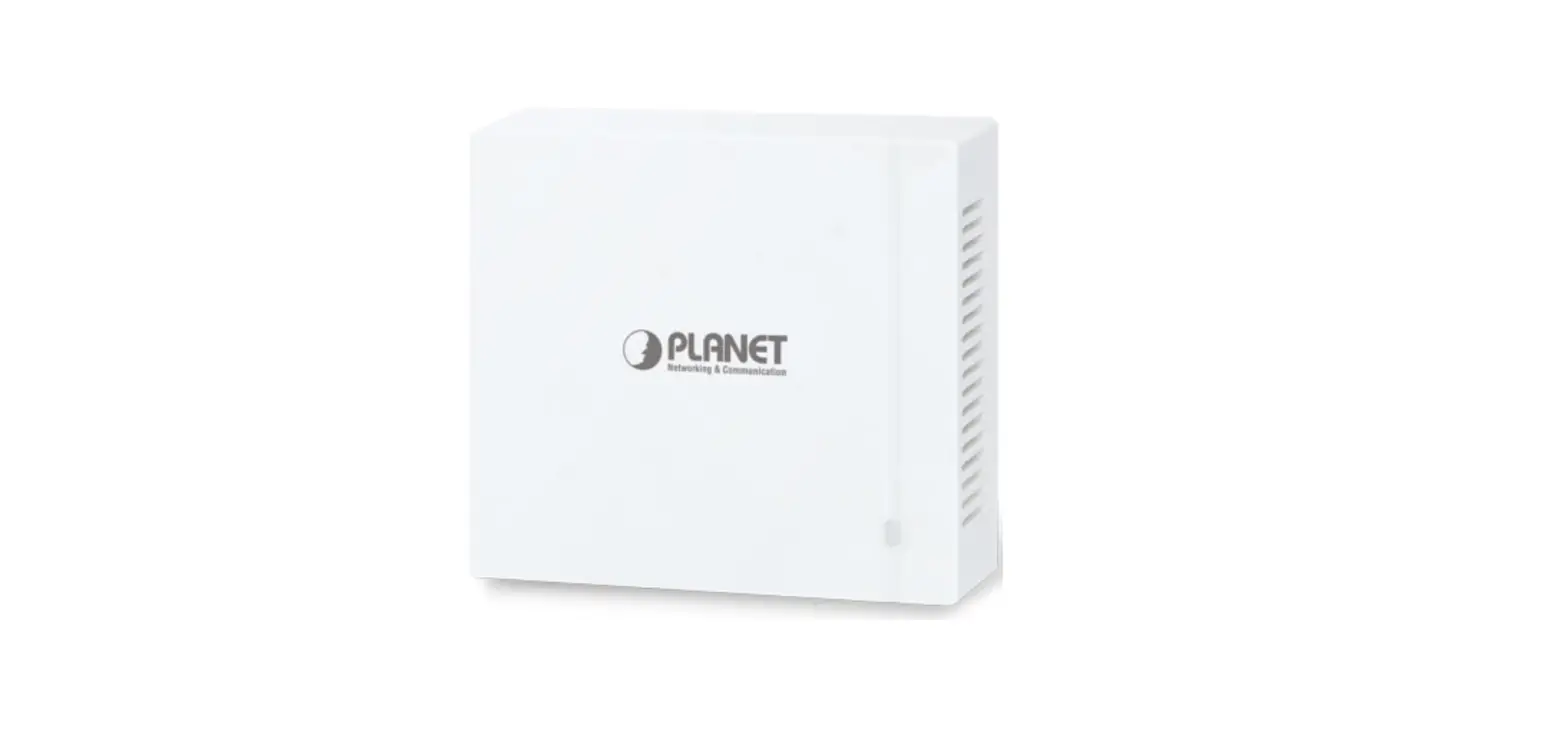
The IPmitter ceiling and wall access point (IPMIT100) has dual band technology and can simultaneously connect equipment to your LAN on both 5.8GHz and 2.4GHz channels
Powering
Option 1 – Power from 12V DC (via the 2.1mm DC Socket), the current consumption is 300mA. The IPMIT100 is polarity sensitive so connections must be made correctly.
Option 2 – Power using 48V PoE, in the RJ45 WAN/POE Socket The IPMIT100 will take approximately 1 minute to boot up.
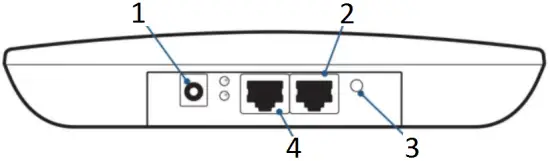
- 2.1 mm DC Socket
- WAN PoE
- Reset
- LAN
Indoor Wi-Fi Access Point
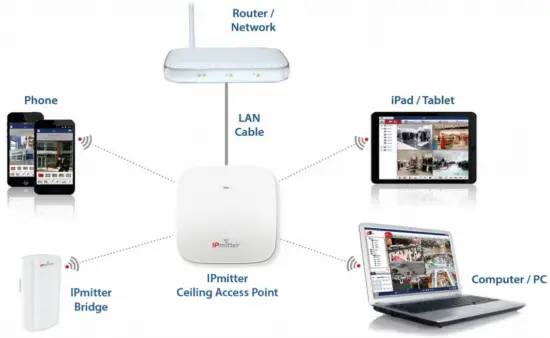
For more setup options see the full manual
To setup the IPMIT100, login to the interface on a browser on a Windows PC/ Laptop.
1. Open a web browser, input the IP address of the device. (default = 192.168.1.123)
The IPmitter may be on a different network IP range to the computer, to add another IP range to the Windows PC/ Laptop scan the QR code below for the “how to guide”

www.softcctv.com/helpdesk /kb/faq.php?id=571
2. Input the username and password, and click Login.
Default login details are:-
Default IP 192.168.1.123
Password ipmitter
3. Go to “Wizard” on the left, then select the mode required.
AP Mode – Set this mode to allow the IPMIT100 to act as a Wi-Fi access point for devices to connect onto a wired network.
Repeater Mode – Set this mode for a Wi-Fi link of the IPmitter to another existing Wi-Fi network to “extend” and repeat the Wi-Fi signal. The network port then will act as an extension of the original existing network
| LAN Port 1 Speed | 10Mbs/ 100Mbs |
| LAN Port 2 Speed | 10Mbs/ 100Mbs |
| Frequency | 2.4Ghz + 5.8Ghz |
| Wireless Data Speed | 750Mbps |
| Wireless Standard | IEEE802.11AC/N/G |
| PoE Voltage | 48V |
| 12V Input Option | Yes |
| Modes | Access Point/ Repeater |
| Mounting | Wall Or Pole (Not Supplied) |
| Dimensions | 185 x 185 x 30mm |
All specifications are approximate. System Q Ltd reserves the right to change product specifications or features without notice. Whilst every effort is made to ensure that these instructions are complete and accurate, System Q Ltd cannot be held responsible for any losses, no matter how they arise, from errors or omissions in these instructions, or the performance or non-performance of the equipment refered to.
Quick Start Guide – qIPMIT100 Copyright 2021 System Q Ltd
 This symbol indicates that equipment must not be mixed with general household waste. For treatment, recovery and recycling please return to your local designated WEE/CG0783SS collection point as defined by your local council.
 SoftCCTV.com Helpdesk