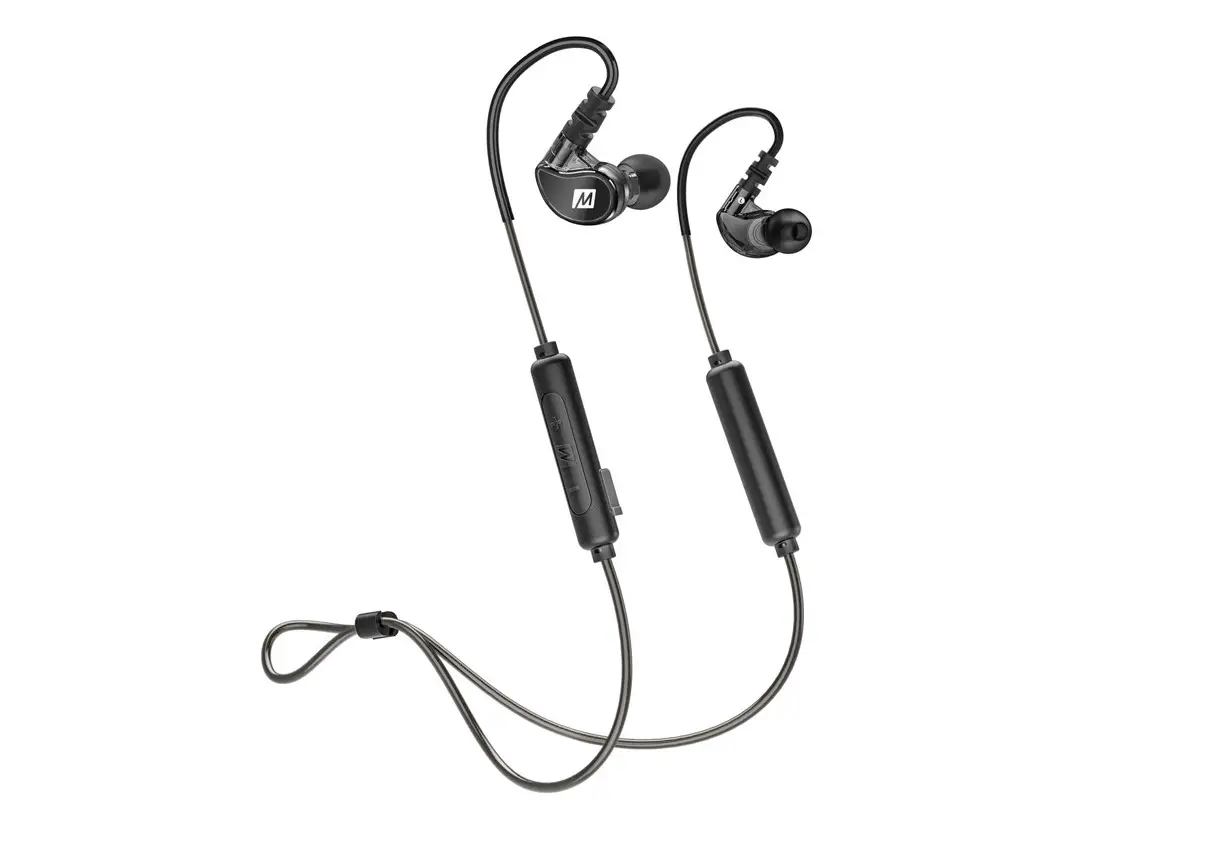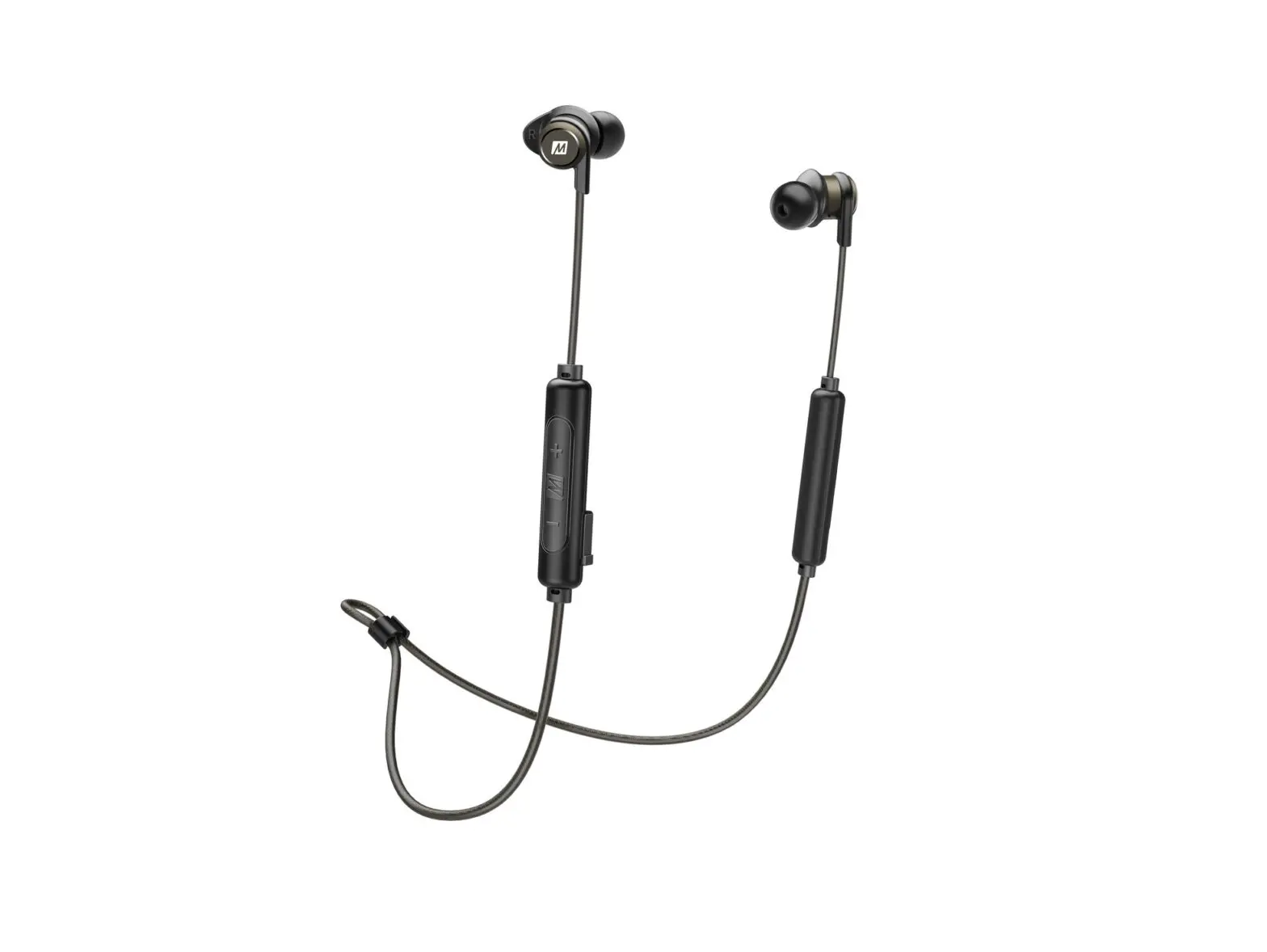

USER MANUAL
NEEVVEERR LOOSSEE FOOCCUS
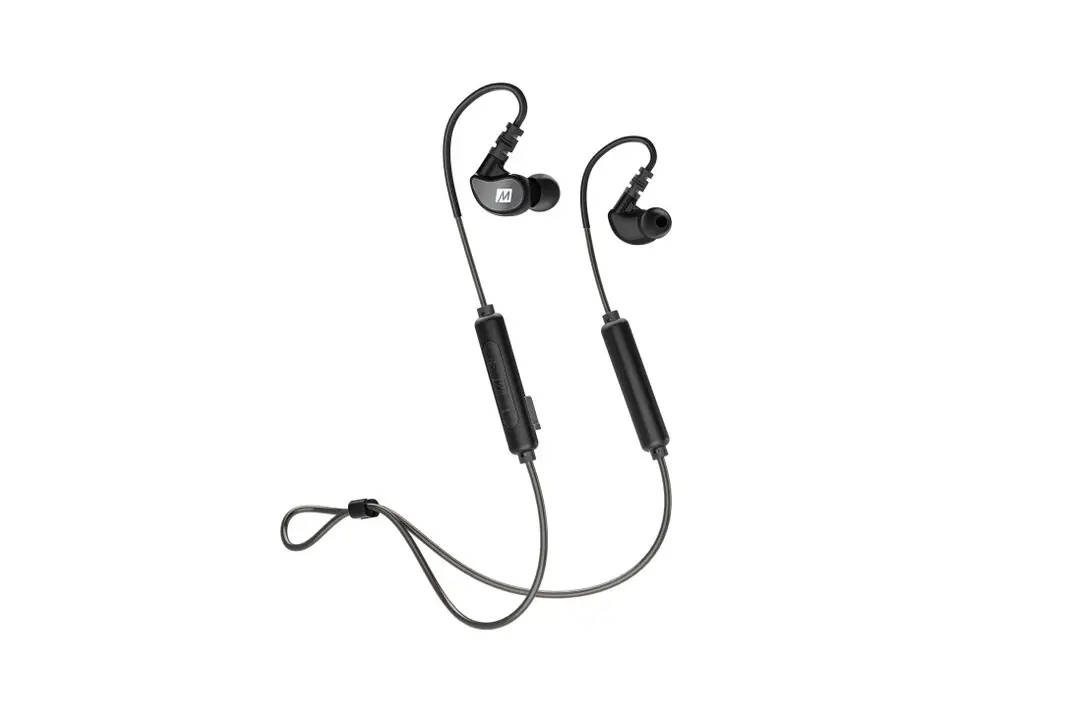
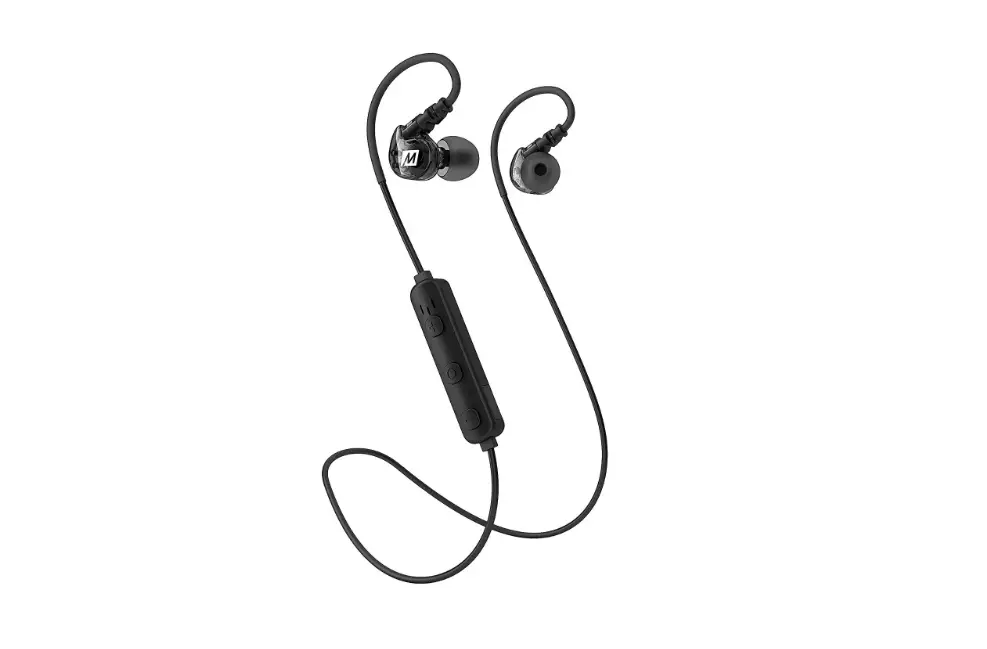
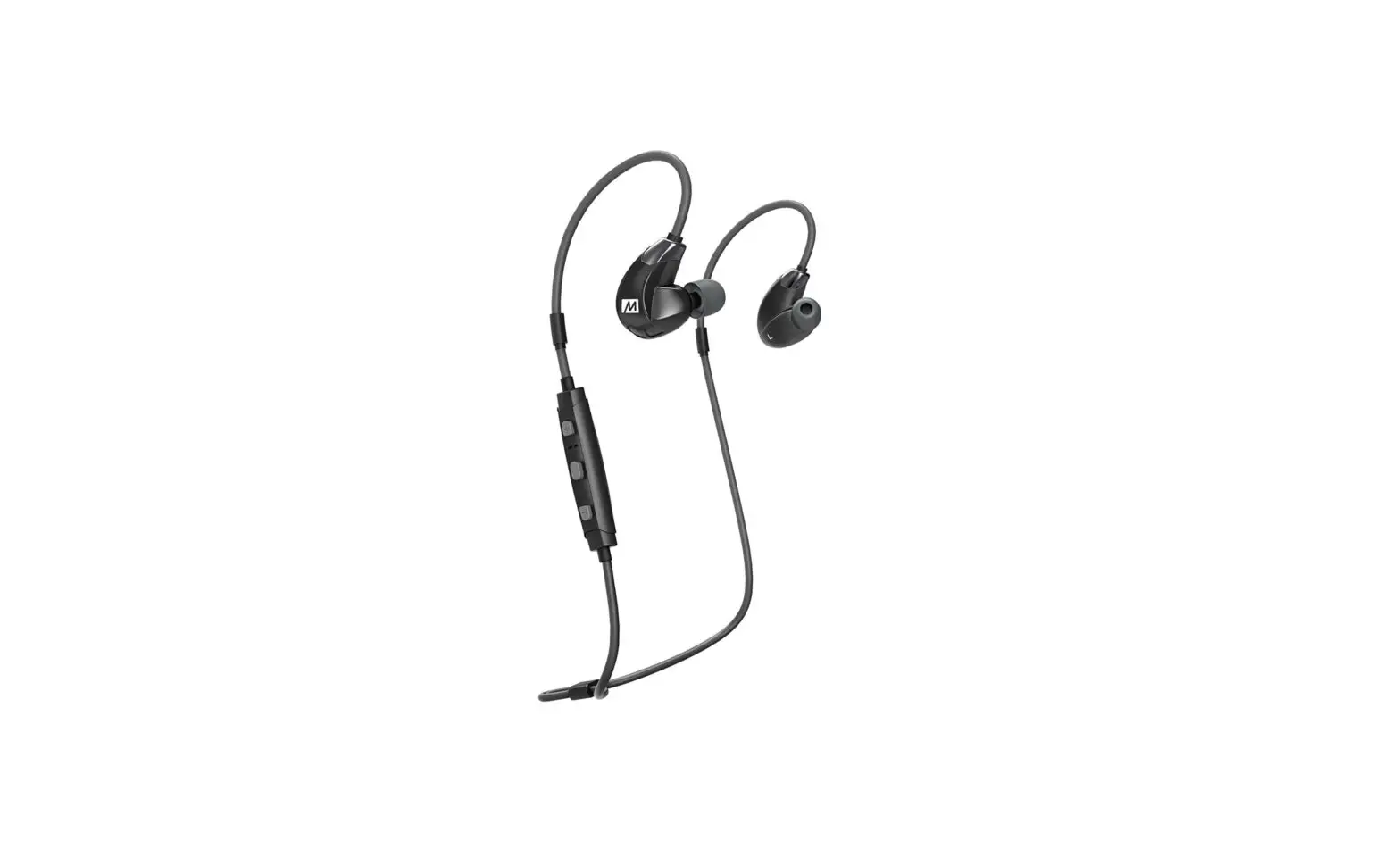
WIRELESS IN-EAR STEREO HEADSET
www.MEEaudio.com/X5
BLUETOOTH SUPPORT PAGE
Please visit the Bluetooth Support page at MEEaudio.com/Bluetooth for video setup guides and troubleshooting information.
https://goo.gl/Zrqt1p
MUSIC ENJOYMENT FOR EVERYONE
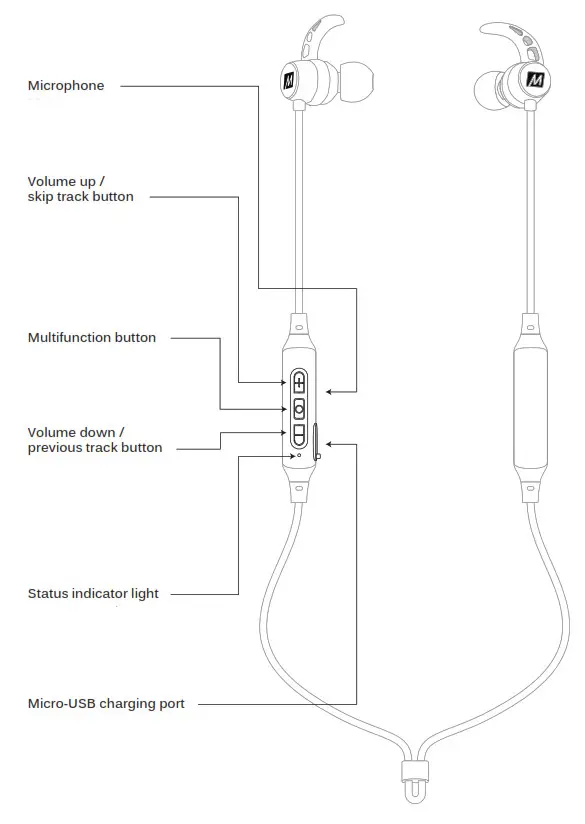
PRODUCT OVERVIEW
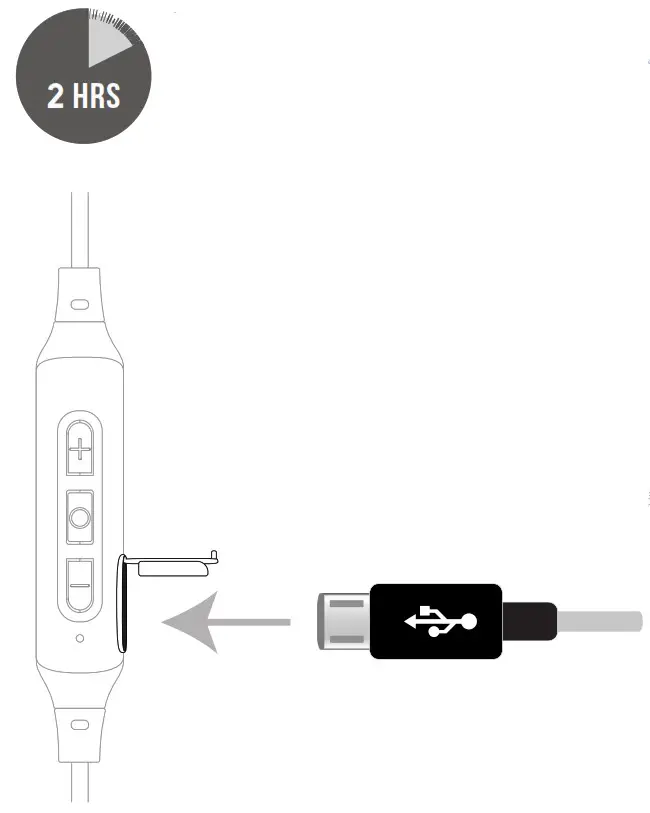
STEP 1 – CHARGING
Connect the Micro-USB charging cable to any powered USB port and to the charging port of the X5.
The status indicator light will turn blue once the X5 is charged and ready for use.
Close the USB port cover completely after charging for maximum sweat resistance.
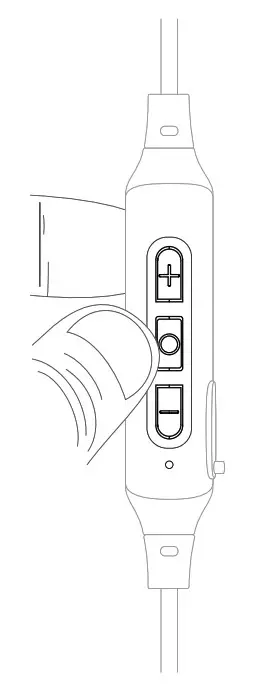
STEP 2: PAIRING
Press and hold the Multifunction button for about 7 seconds until you hear the headset say “Pairing” and the light flashes red and blue.
Open the Bluetooth menu on the device you wish to pair (usually located in Settings > Bluetooth). If needed, select “search for devices”, “add new device”, or “refresh”.
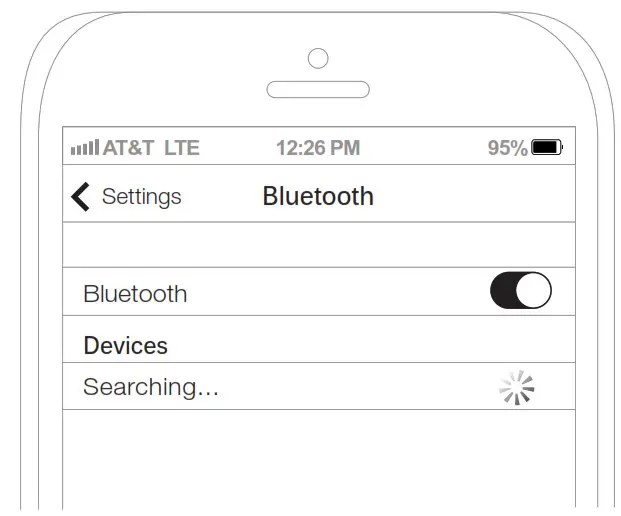
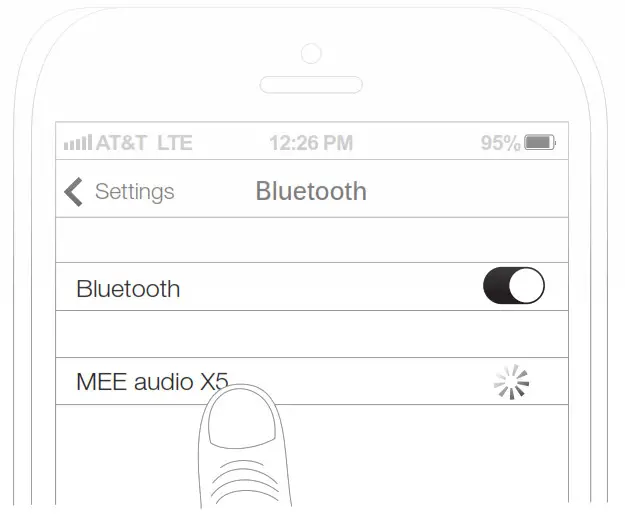
Select “MEE audio X5” and allow pairing to complete. Use “0000” if a pin is required.
Visit the Bluetooth Support Page at MEEaudio.com/Bluetooth for additional Bluetooth pairing and setup information.
STEP 3: SELECTING EARTIPS AND EARFINS
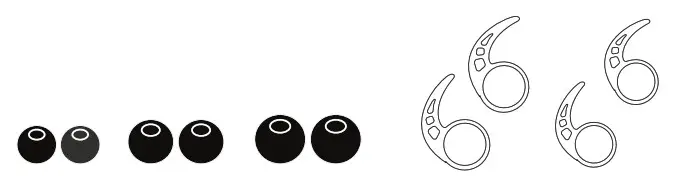
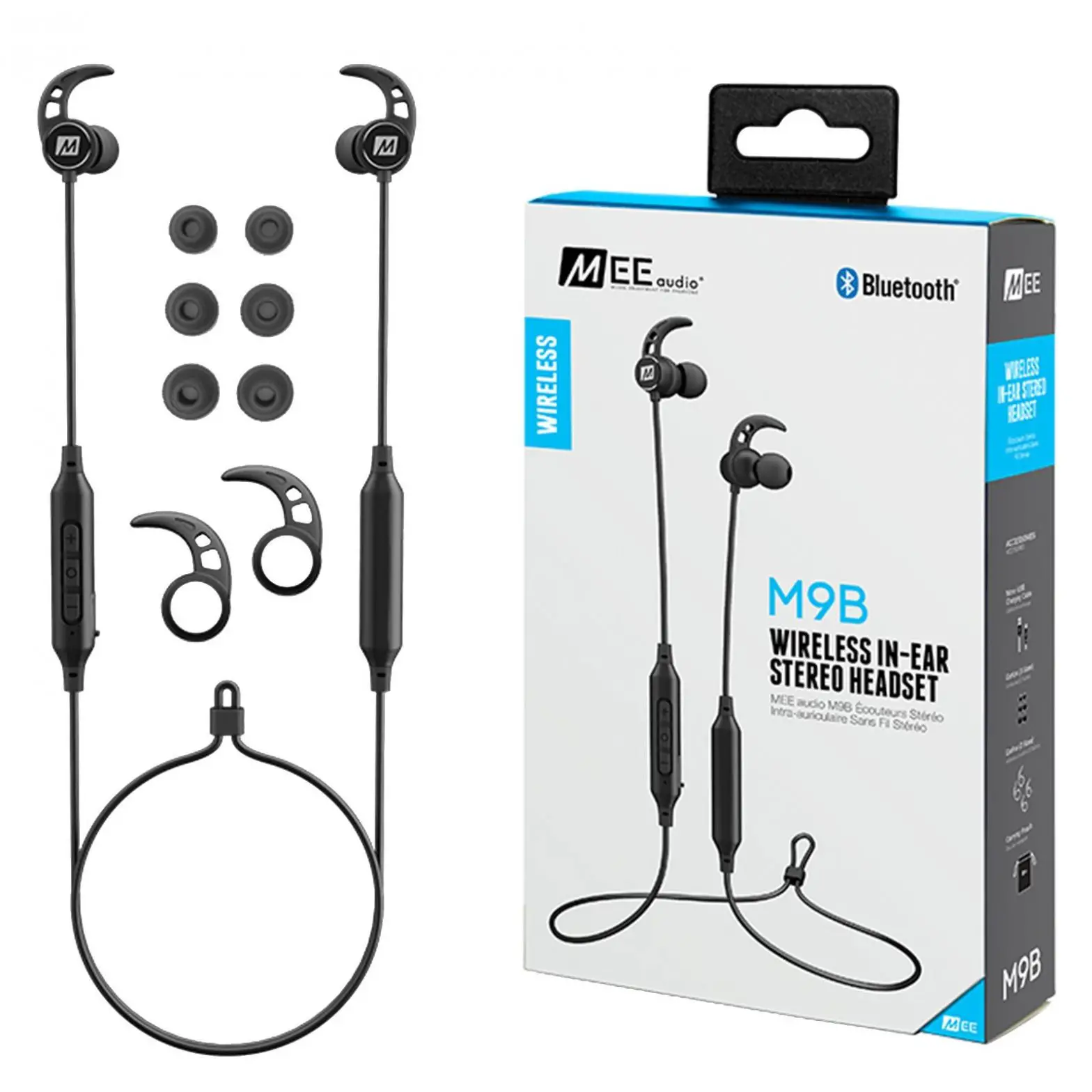
Select the earfin size that provides the most secure fit, then select the eartips with the best sound and comfort for your ears.
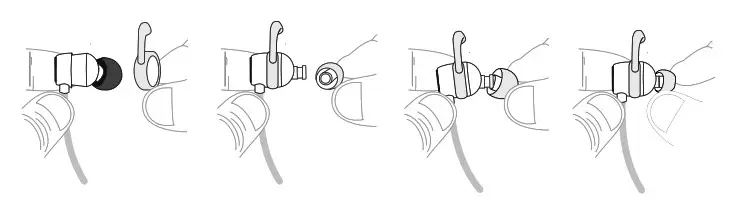
If your music sounds tinny or lacks bass, try different eartips.
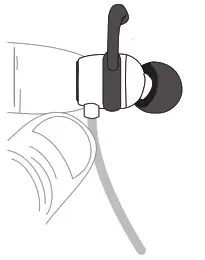
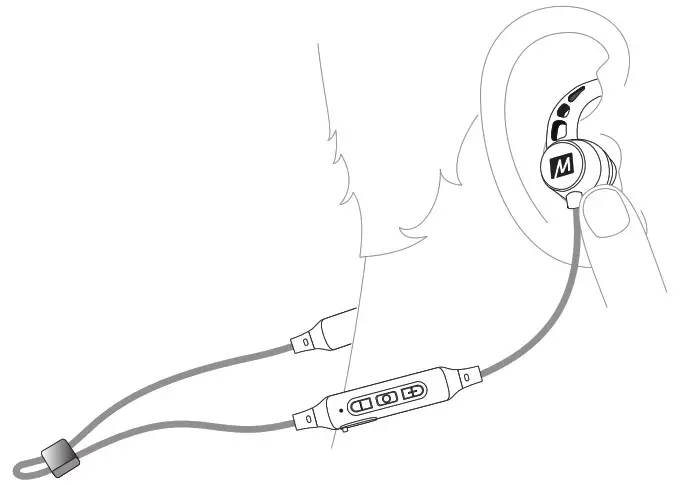
STEP 4: WEARING THE X5
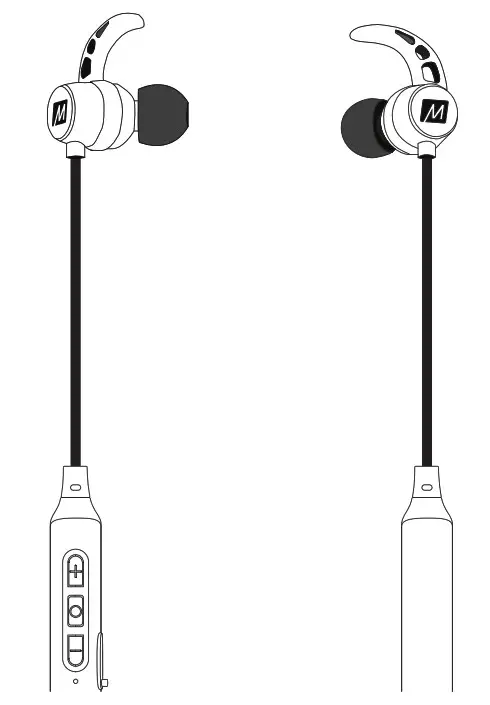
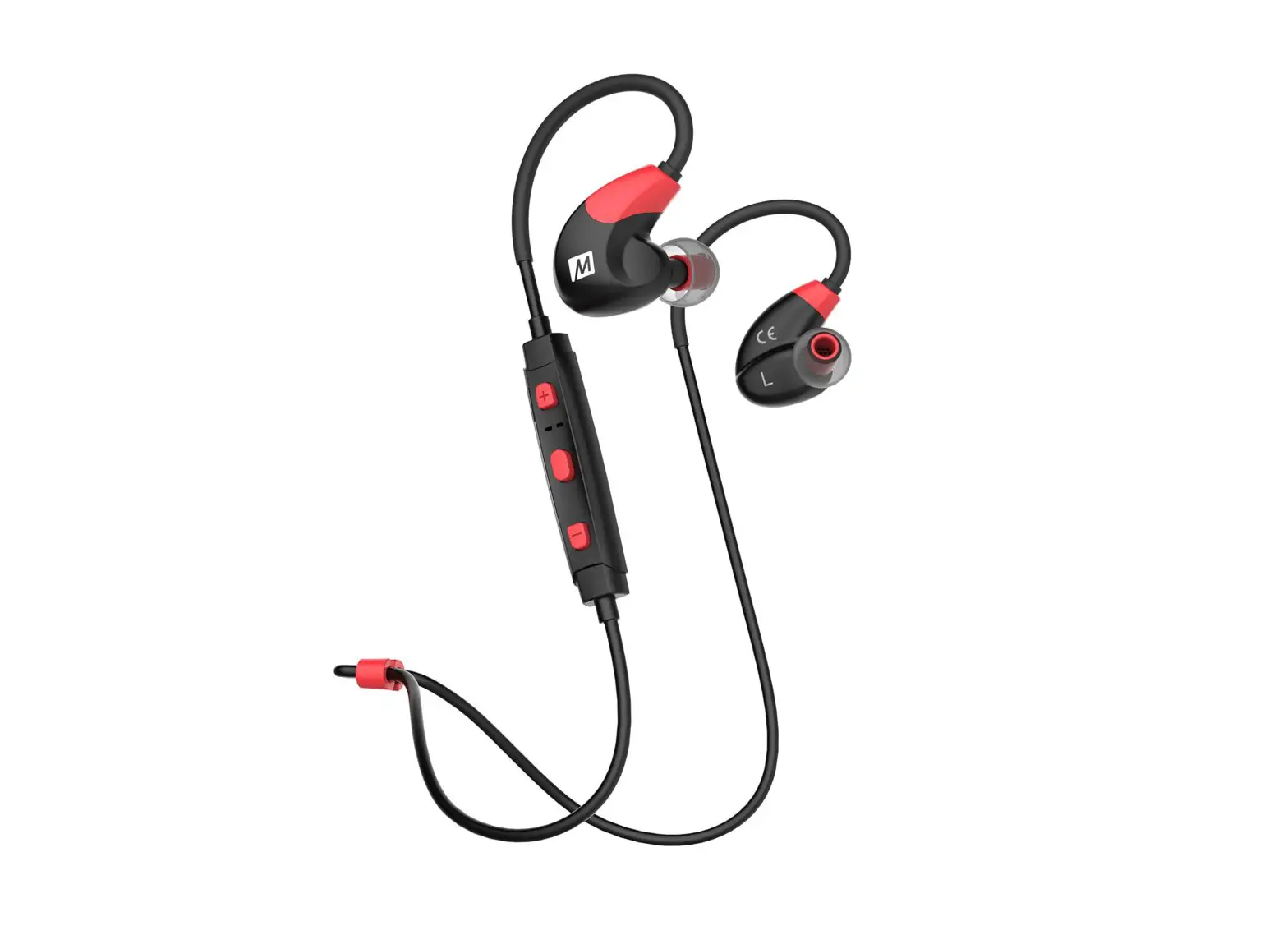
Identify the right and left earpieces.
Place the cable behind your neck and put each earpiece in the corresponding ear.
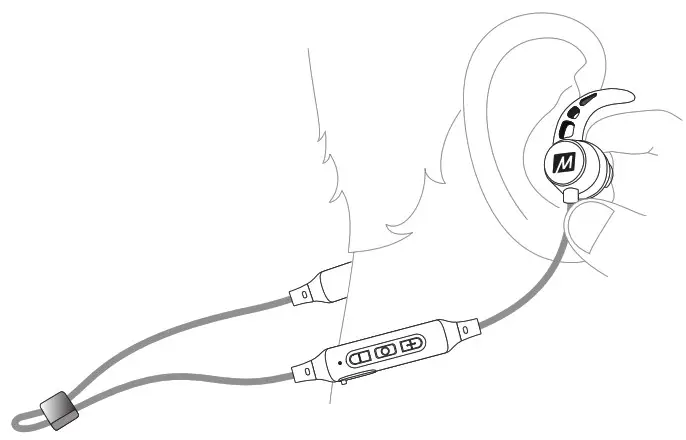
Adjust each earpiece until it fits flush in your ear and the eartip seals the ear canal.
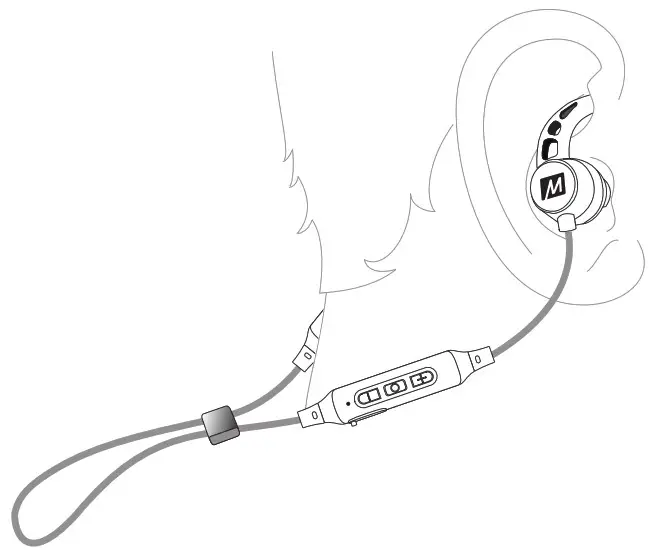
Tighten the sliding cable cinch for the most secure fit.
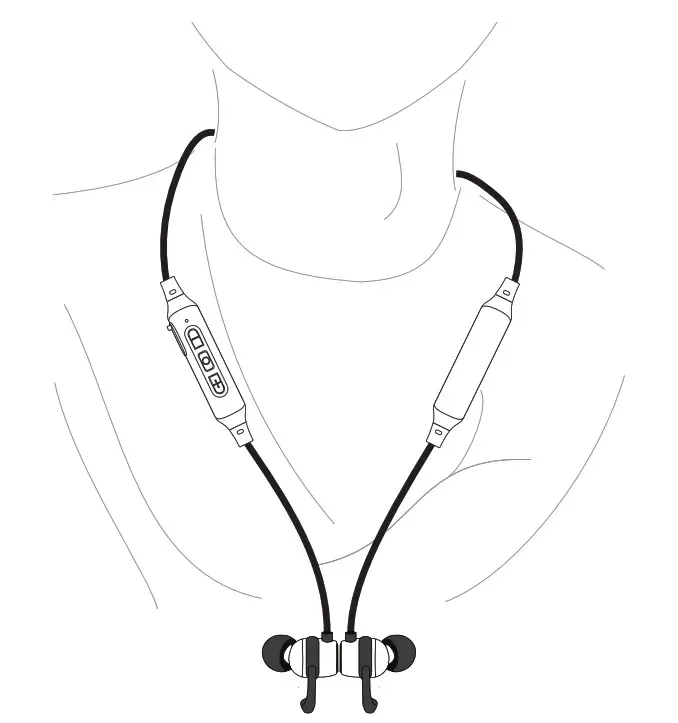
When not in use, clip earphones together using built-in magnets.
FUNCTIONALITY AND CONTROLS (EN, DE)
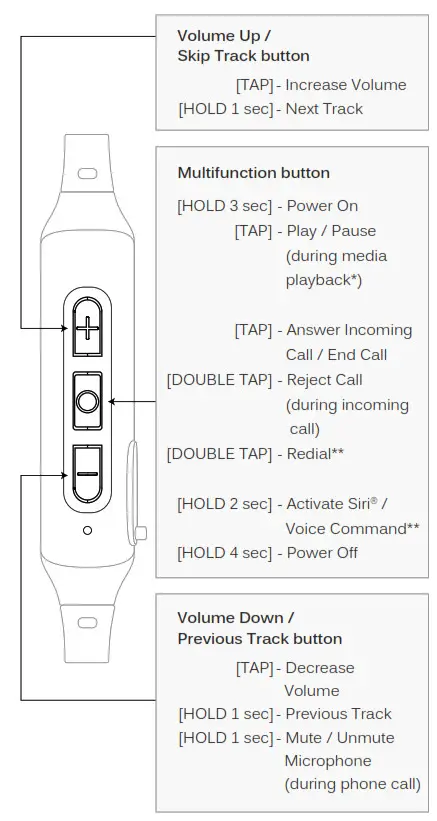
* You may need to bring your music player application up on the screen for media playback to start
** Not all devices support this functionality
FACTORY RESET
FACTORY RESET
To perform a full reset, first put the X5 in standby mode (headset is powered on but not connected to any devices). Make sure to turn off Bluetooth or delete the “MEE audio X5” pairing from any nearby devices that have previously been paired with the X5.
Once in standby mode, press and hold the volume up and volume down buttons simultaneously until you hear a tone. All previously paired devices will be cleared from memory and a new pairing will need to be created before the X5 can be used.
WARNING
WARNING
Using headphones at high to moderate volumes for extended periods of time will result in permanent hearing damage. It is advised you keep volume levels moderate to low at all times for your safety. Do not use while driving a car, cycling, operating machinery, or performing other activities that require hearing surrounding sounds. Keep the device and packaging out of reach of children.
ADDITIONAL INFORMATION
FOR ADDITIONAL SUPPORT
• Visit our Bluetooth Support Guide at MEEaudio.com/Bluetooth for additional Bluetooth setup information.
• View additional FAQs and troubleshooting guides at MEEaudio.com/Support.
• Contact us at [email protected].
WARRANTY
MEE audio products purchased from authorized resellers are covered by a 1-year manufacturer warranty. For more information, visit MEEaudio.com/Support
www.MEEaudio.com
[email protected]

Have a question?
Email [email protected]
MEE audio and its logo are registered trademarks of S2E, Inc. All rights reserved.
Siri® is a registered trademark of Apple Inc.
The Bluetooth® word mark and logos are registered trademarks owned by Bluetooth SIG, Inc. and any use of such marks by MEE audio is under license. Other trademarks and trade names are those of their respective owners.
MEE audio X5 Wireless In-ear Stereo Headset User Manual – Download [optimized]
MEE audio X5 Wireless In-ear Stereo Headset User Manual – Download