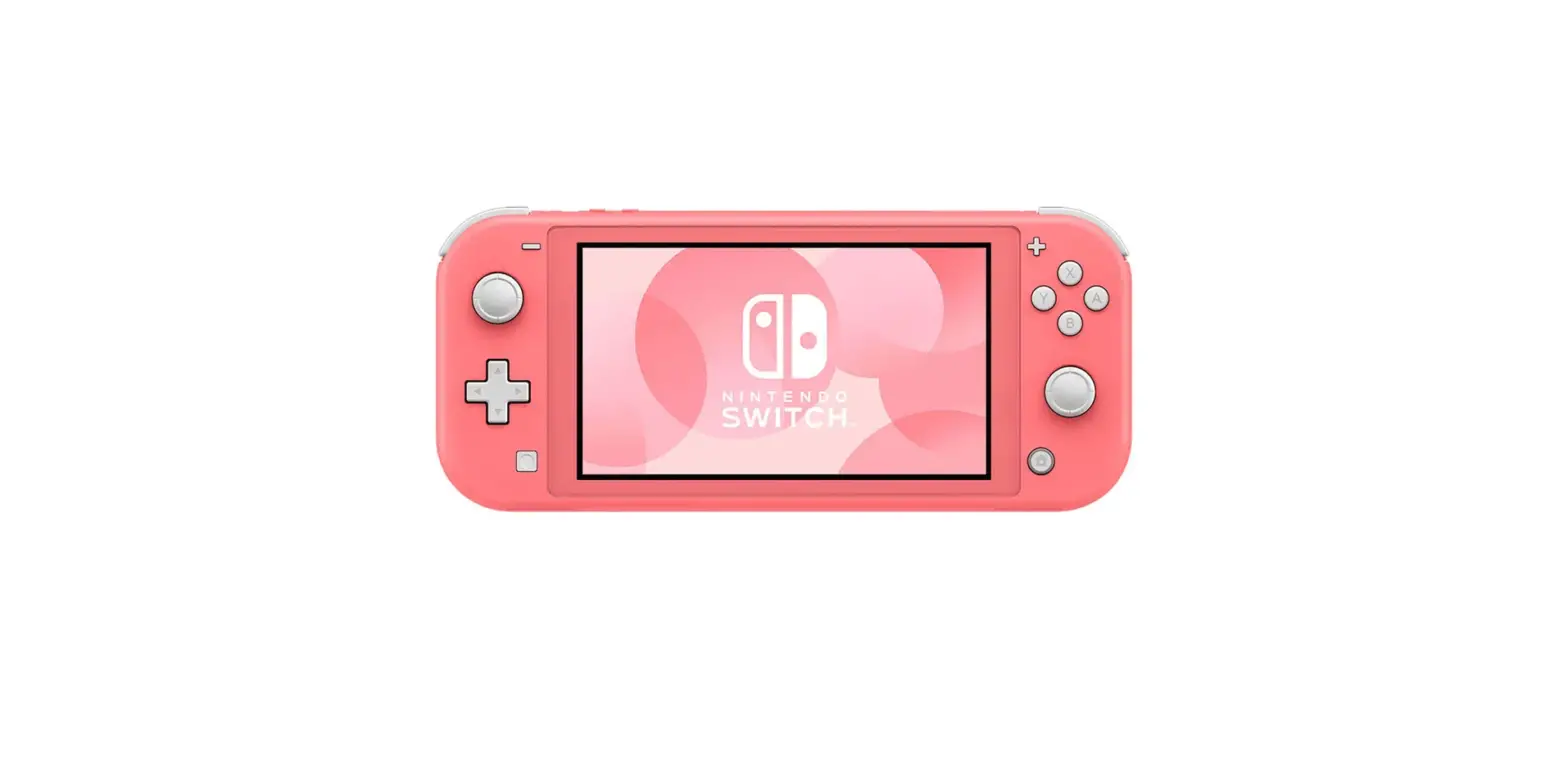
NS-GSMPK Protection Kit for Nintendo Switch Lite
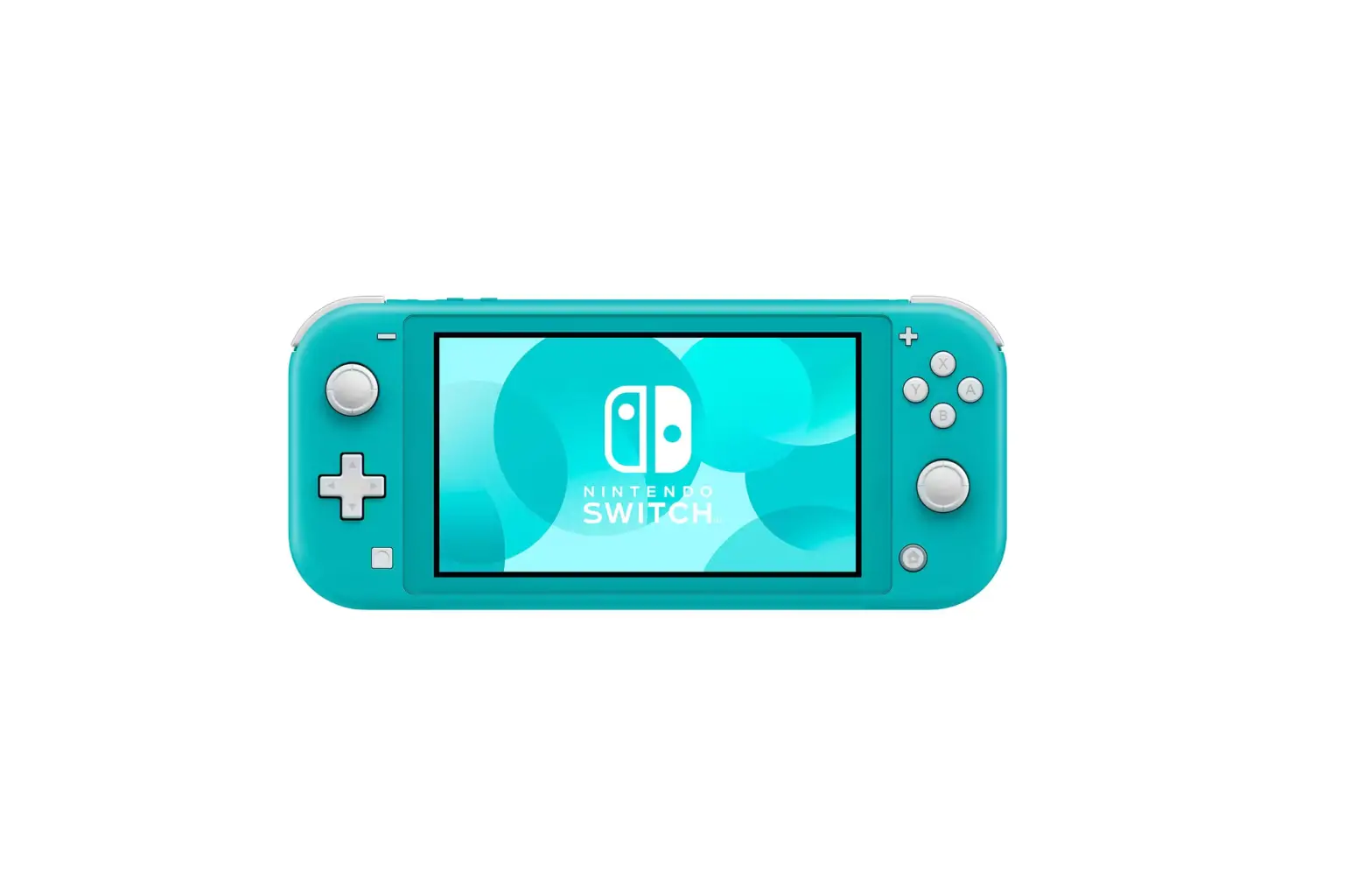
Protection Kit for Nintendo Switch Lite
Package Contents:
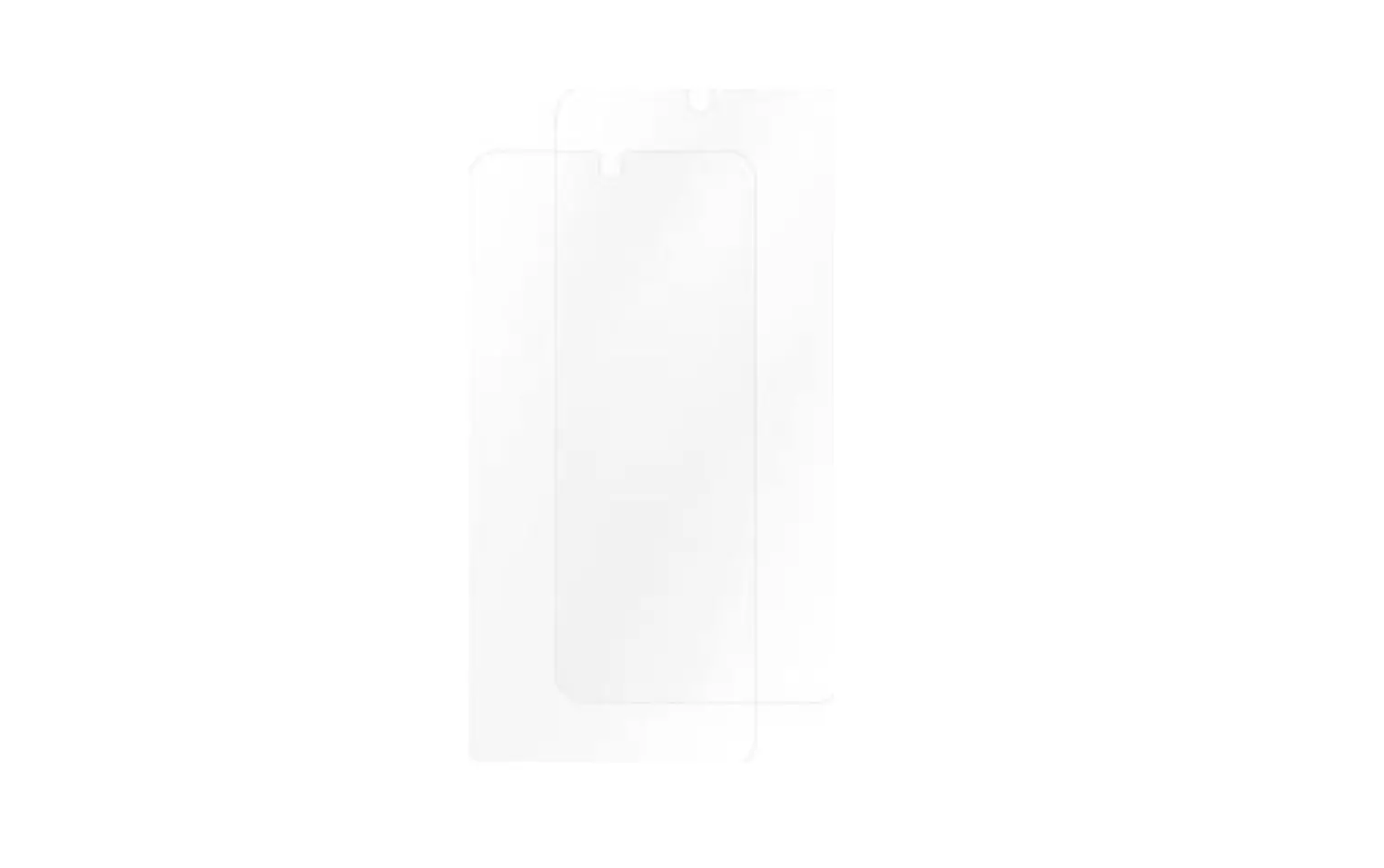
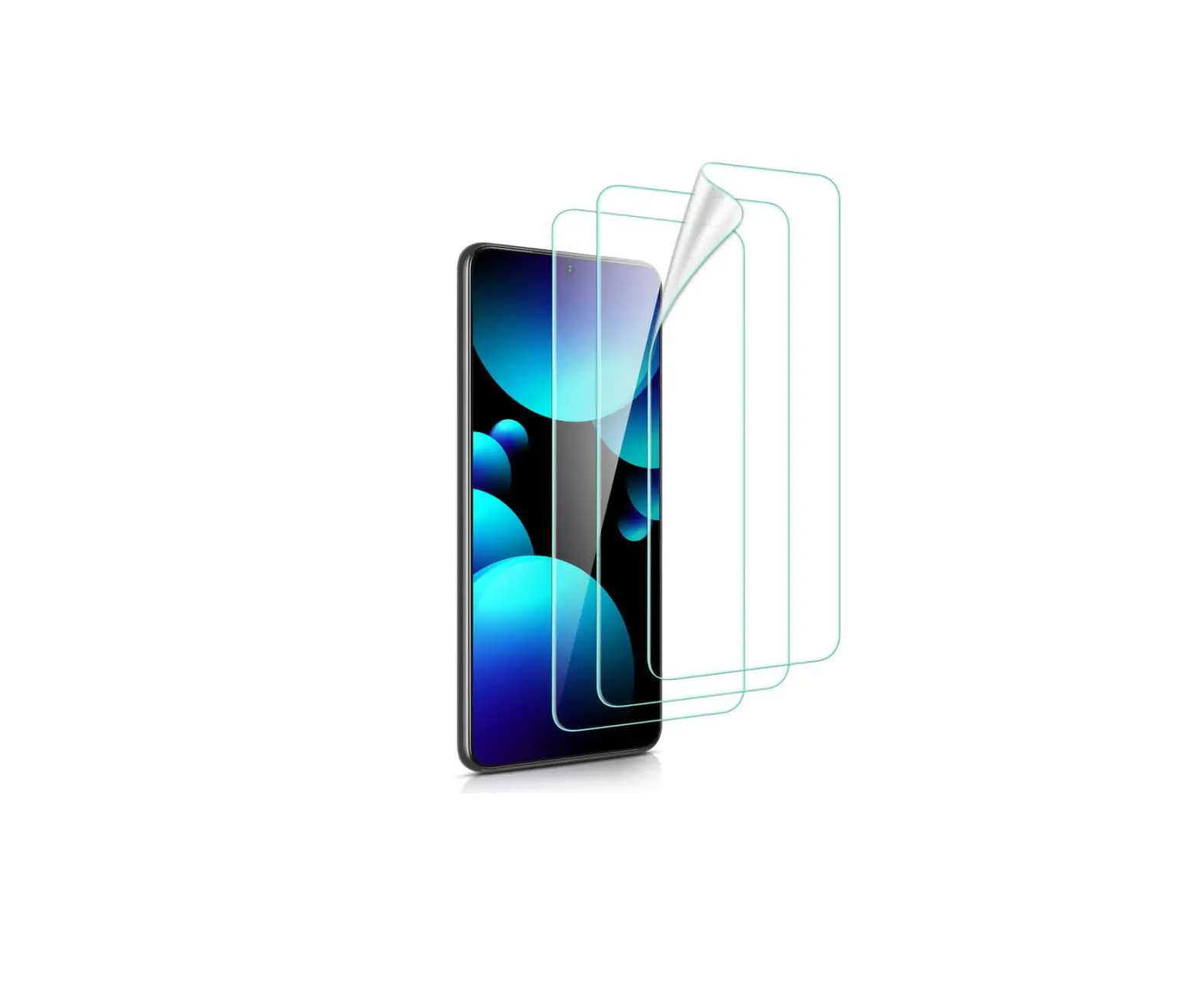
1. Screen Protector
2. Wet Cloth
3. Dry Cloth
4. Dust Absorber
5. Guide Stickers
Features:
– Provides protection for your Nintendo Switch Lite screen
– Helps prevent scratches and damage
– Easy to install and remove
Attaching Your Screen Protector:
- Remove your Switch’s silicone grip (if needed).
- To prevent bubbles, clean your Switch’s screen with the wet
cloth (1), then remove moisture with the dry cloth (2). - Press the dust absorber to your Switch’s screen repeatedly to
clean any remaining debris. - Stick the two guide stickers onto the lower left and upper
right corners of the screen protector. - Use tab 1 to peel the back film off the screen protector, then
discard the film. - Use the two guide stickers to align the screen protector with
the edge of your screen, then press it down from left to right to
adhere. If the screen protector is not aligned correctly, firmly
push the screen protector with your fingers to slide it into
place. - If there are bubbles, press them out toward the edges of the
screen protector. - Remove the guide stickers, then reattach your Switch’s silicone
grip (if needed).
One Year Limited Warranty:
For warranty details, visit www.insigniaproducts.com
Contact Insignia:
For customer service, call 877-467-4289 (U.S. and Canada) or
01-800-926-3000 (Mexico). Visit www.insigniaproducts.com
V2 ENGLISH 19-0480
QUICK SETUP GUIDE
Protection Kit for Nintendo SwitchTM Lite
NS-GSMPK / NS-GSMPK-C
PACKAGE CONTENTS
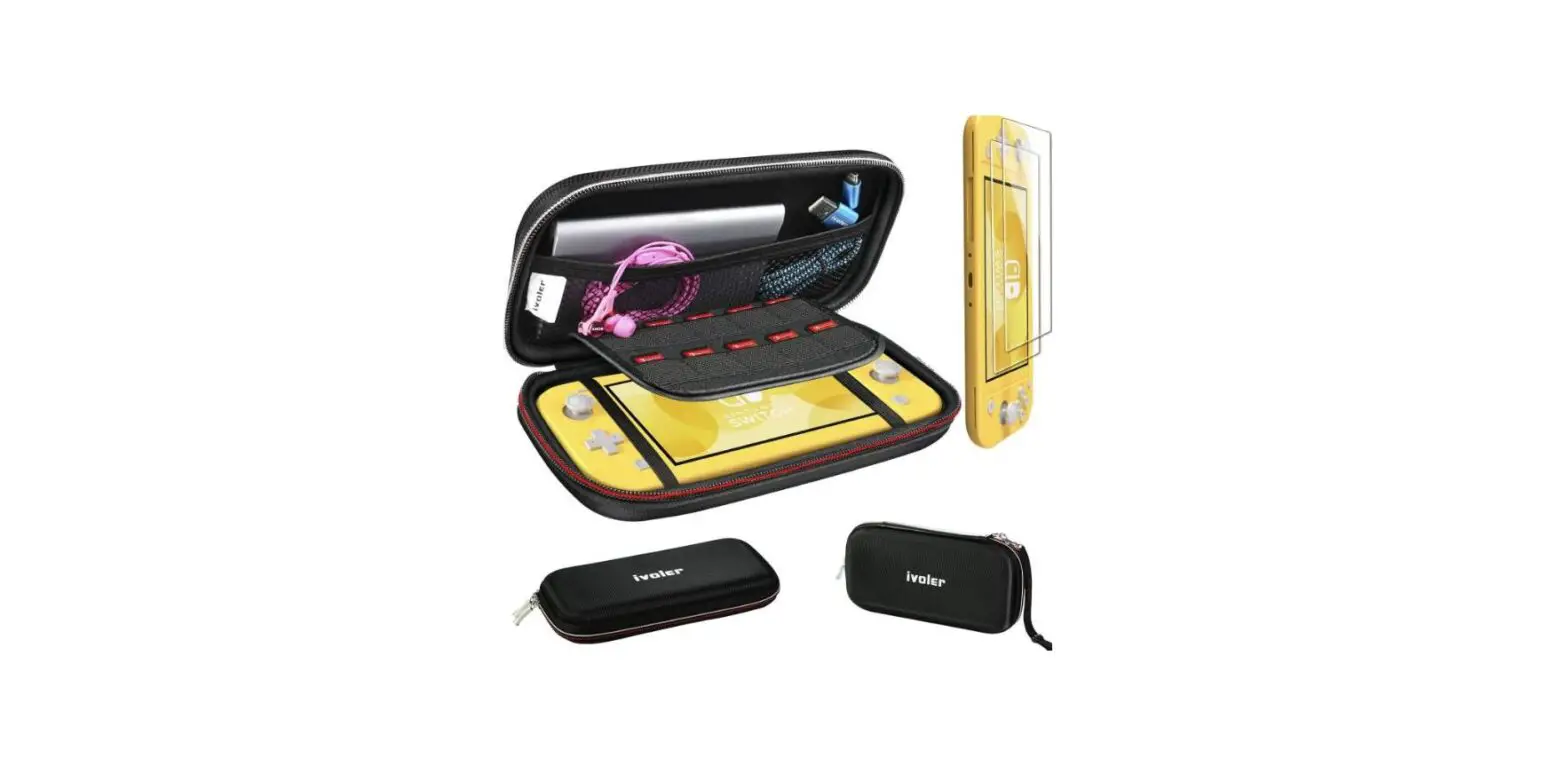
· Glass protector
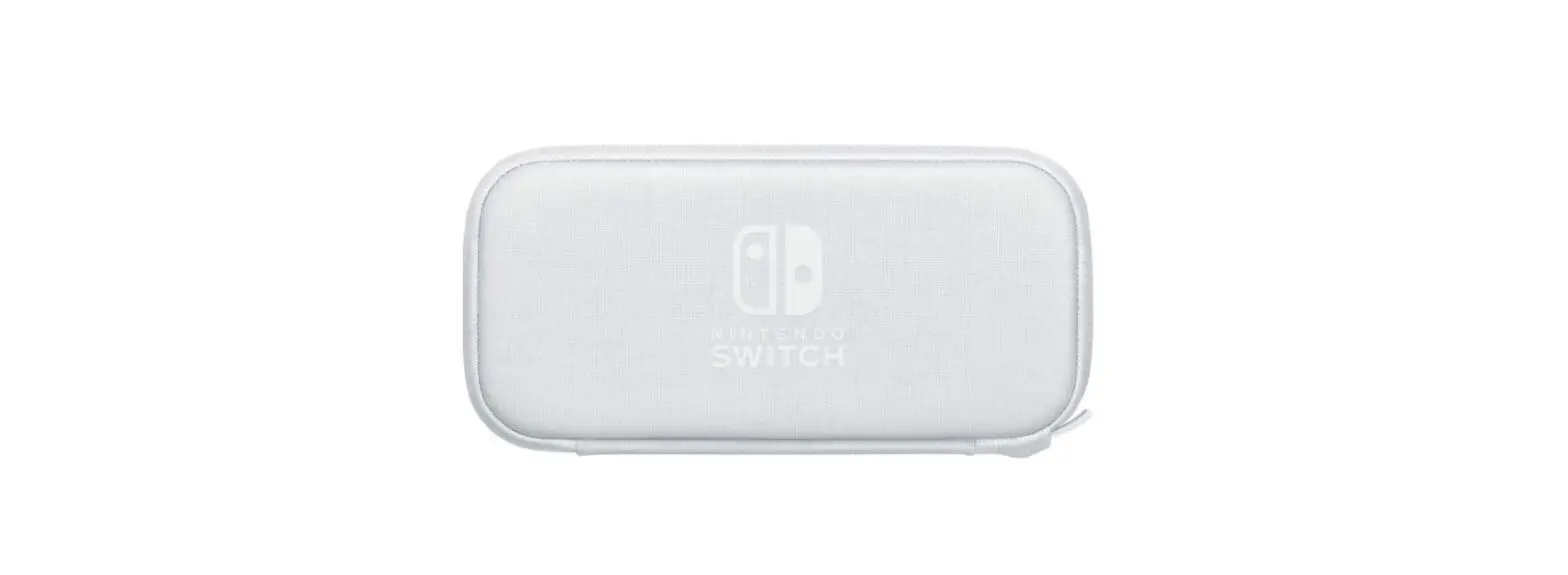
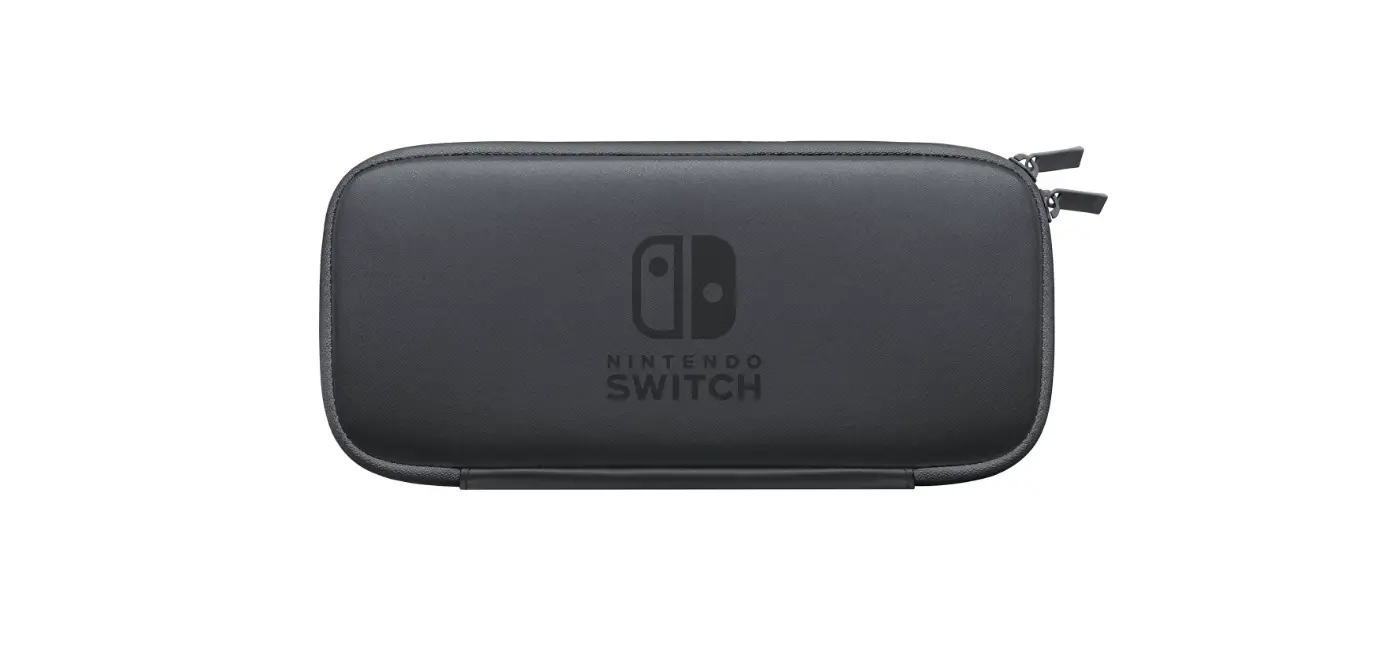
· Carrying case
· Silicone grip
· Dust absorber
· Dry cloth
· Wet cloth
· Guide stickers (2)
· Quick Setup Guide
Before using your new product, please read these instructions to prevent any damage.
FEATURES
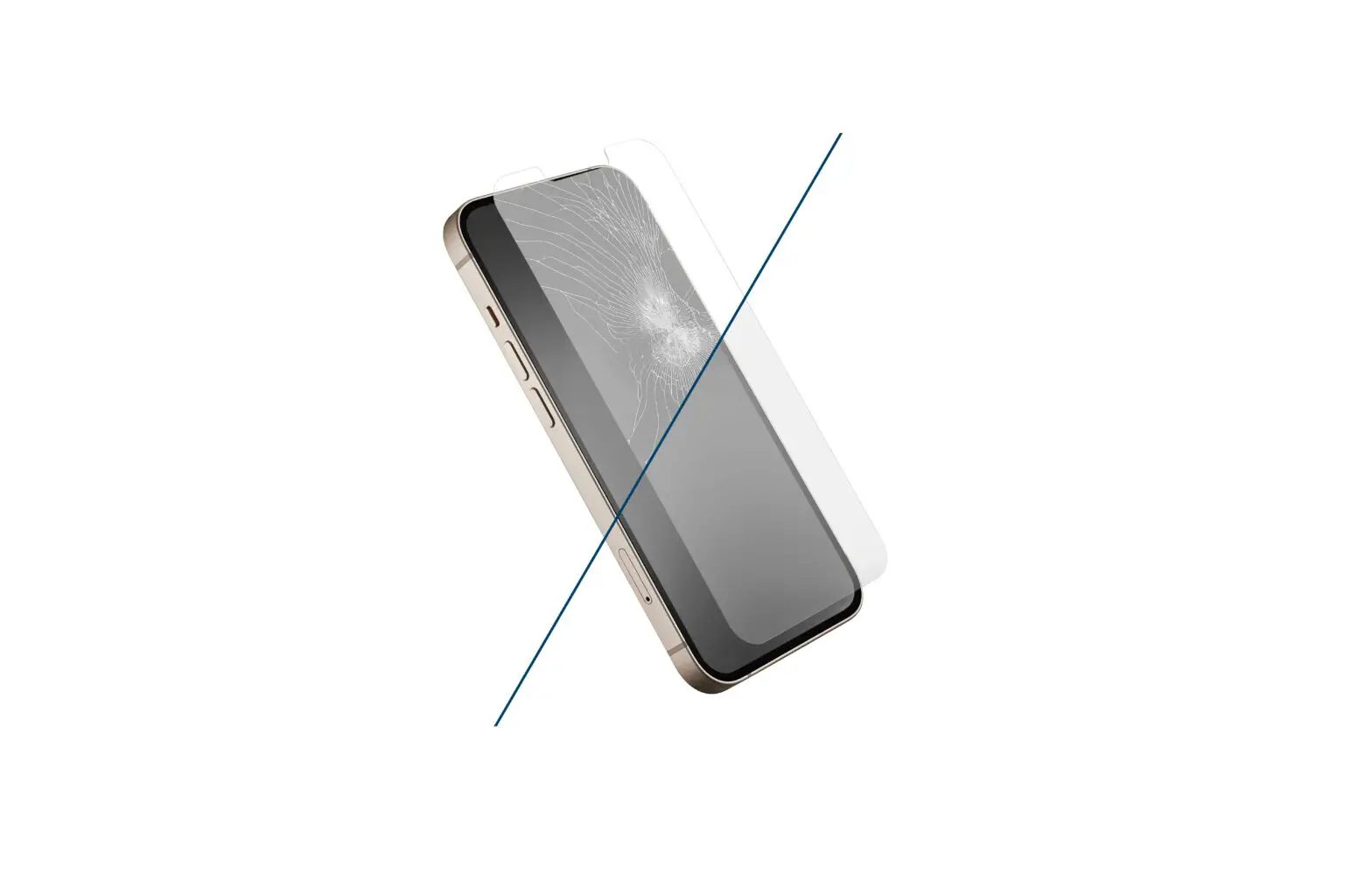
· Impact-resistant glass screen protector with a 9H hardness rating protects your screen from scratches
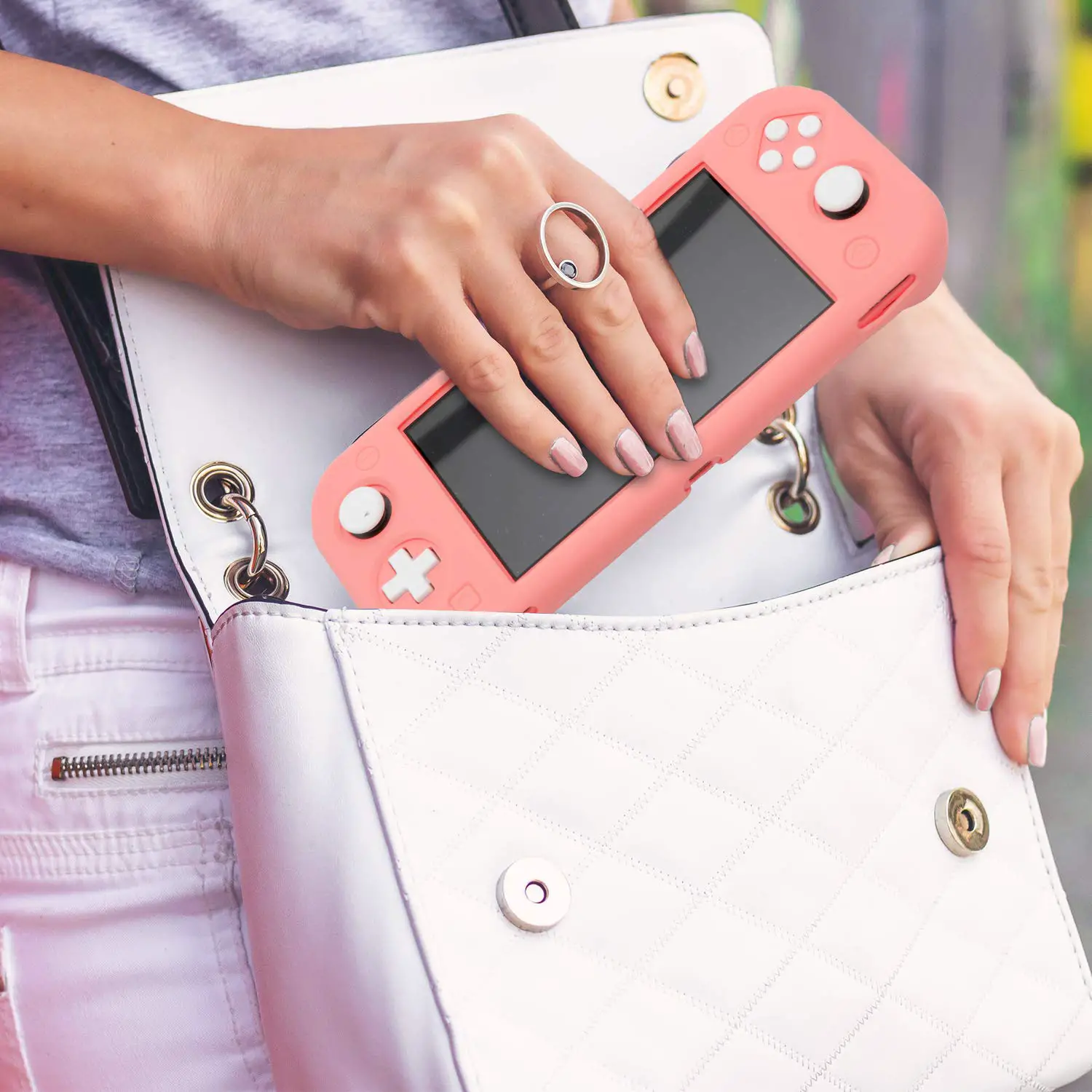
· Silicone grip gives you access to all buttons and ports while protecting against damage
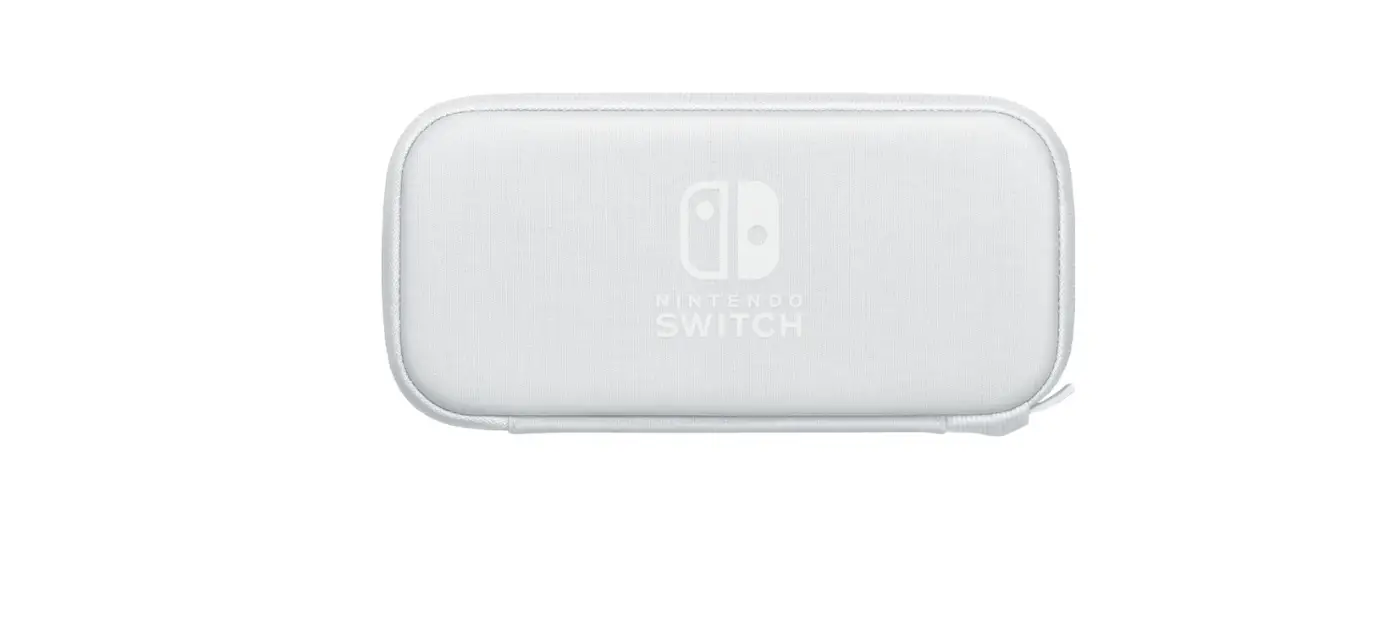
· Zippered carrying case includes a handle for easy transport · Accessories pocket stores your earbuds, charging cables, and
adapters · Carrying case flap holds your game cards in place · Extra large case fits your Switch Lite with the silicone grip
attached
ATTACHING YOUR SCREEN PROTECTOR 1 Remove your Switch’s silicone grip (if needed). 2 To prevent bubbles, clean your Switch’s screen with the wet
cloth (1), then remove moisture with the dry cloth (2).
3 Press the dust absorber to your Switch’s screen repeatedly to clean any remaining debris.
4 Stick the two guide stickers onto the lower left and upper right corners of the screen protector.
5 Use tab 1 to peel the back film off the screen protector, then discard the film.
1
6 Use the two guide stickers to align the screen protector with the edge of your screen, then press it down from left to right to adhere. If the screen protector is not aligned correctly, firmly push the screen protector with your fingers to slide it into place.
7 If there are bubbles, press them out toward the edges of the screen protector.
8 Remove the guide stickers, then reattach your Switch’s silicone grip (if needed).
ONE YEAR LIMITED WARRANTY Visit www.insigniaproducts.com for details.
CONTACT INSIGNIA: For customer service, call 877-467-4289 (U.S. and Canada) or 01-800-926-3000 (Mexico) www.insigniaproducts.com
INSIGNIA is a trademark of Best Buy and its a liated companies Distributed by Best Buy Purchasing, LLC 7601 Penn Ave South, Richfield, MN 55423 U.S.A. ©2019 Best Buy. All rights reserved.
V2 ENGLISH 19-0480
 Insignia Consumer Electronic Products