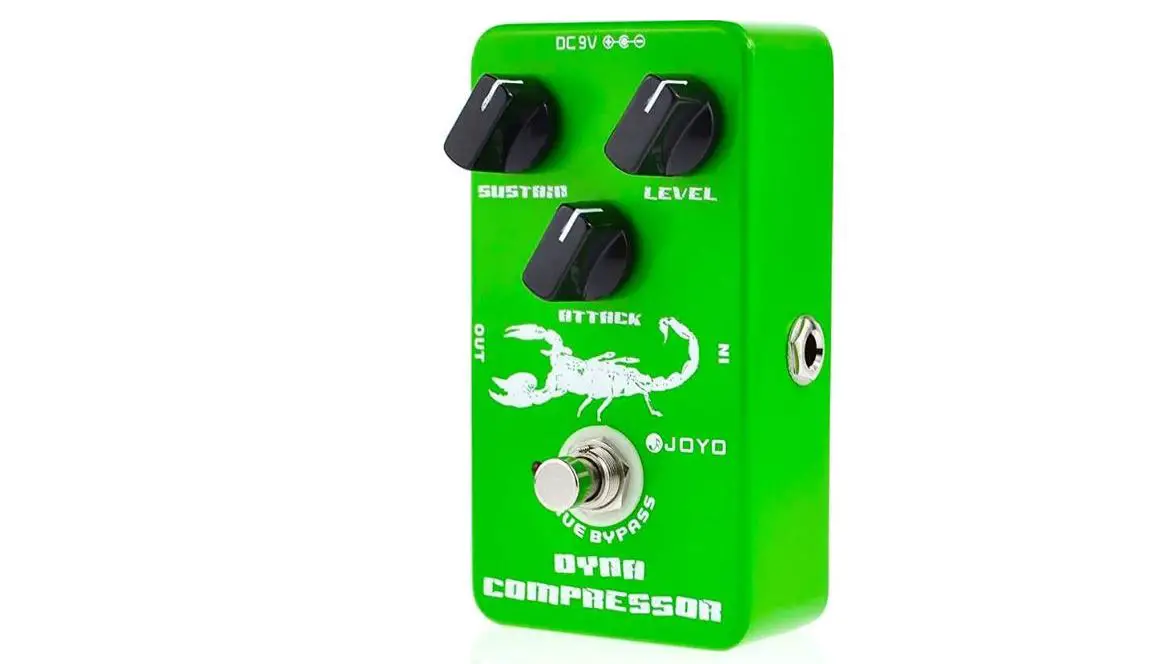

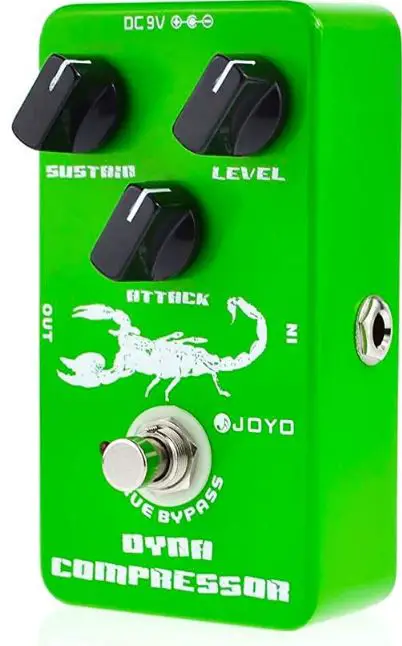
JOYO JF-10 Dynamic Compressor Guitar Effect Pedal 
Warning
- Do not disassemble or repair this unit by yourself.
- Do not use or store this unit in the following circumstances: high temperature, high humidity, dirty or strong shock places.
- Do not drop off this unit or bump this unit off hard surface.
- Do not use cleaning liquid or alcohol to clean this unit in case of damage.
- Remove batteries if not using the unit for a long period of time.
- Please dispose the used battery properly
Battery placement
- Press the front of the battery cover and then slide back to remove the cover. Take out the flat batteries.
- Put the battery into the battery compartment by placing the negative(-) pole of battery facing inside. Insert the front of cover and then press down and push to close.
How to use
- To get the pedal ready by linking the connector wire.
- SUSTAIN–To control the delaying time of compressing.
- ATTACK–To control the starting time of compressing effect.
- LEVEL –To control the output level.
- LED–LED indicates power statement.
- adapter–When you use an adapter, the battery inside will stop working automatically.
specifications
- Input Impedance: SOOKO
- Output Impedance: 10KO
- Running Current: BmA
- Power: 6F22 9V Battery/ DC 9V adapter
- Dimension:120(L)X72(W)X55(H) mm
- Weight:290g