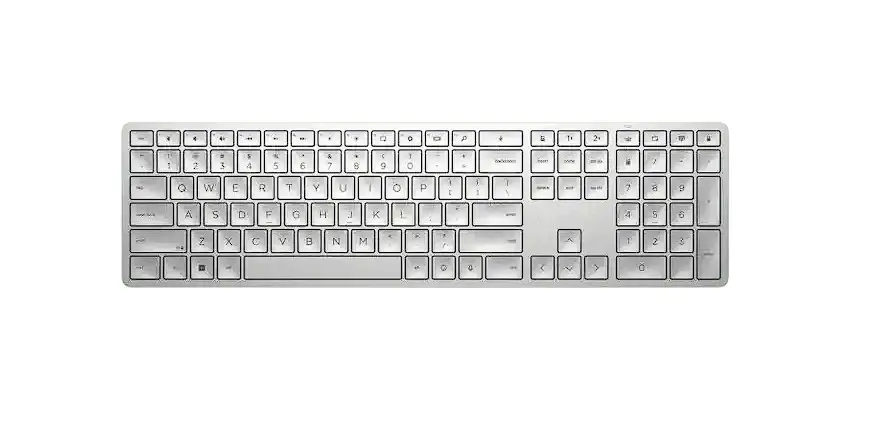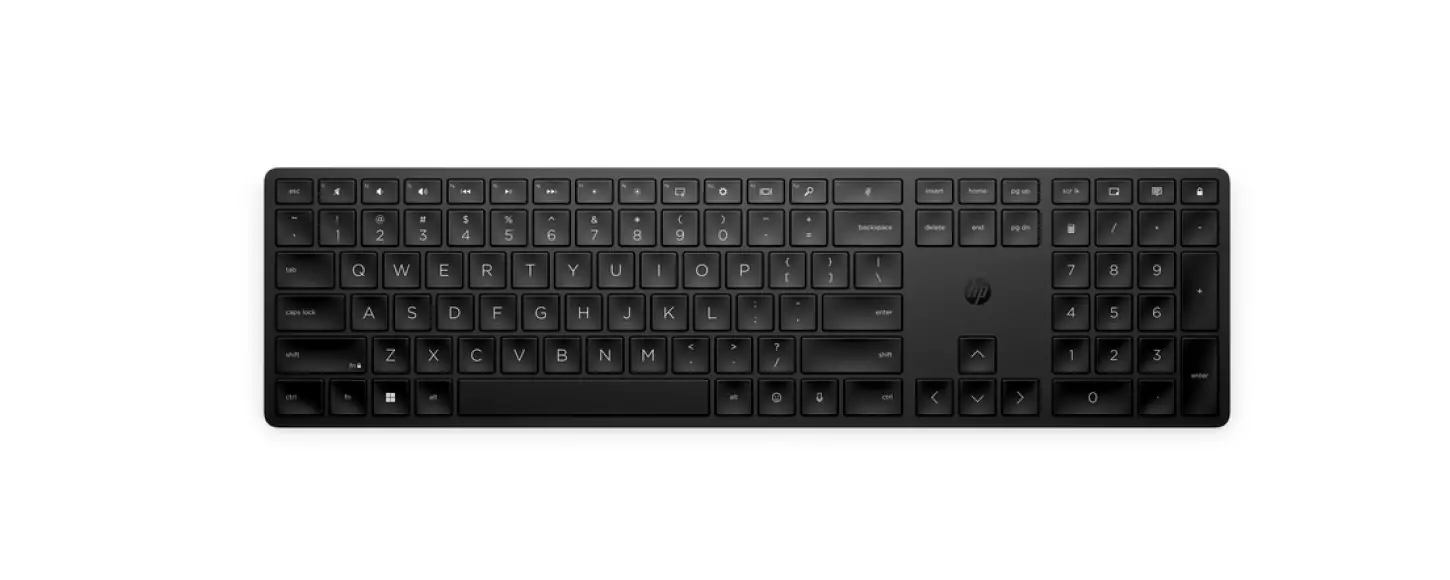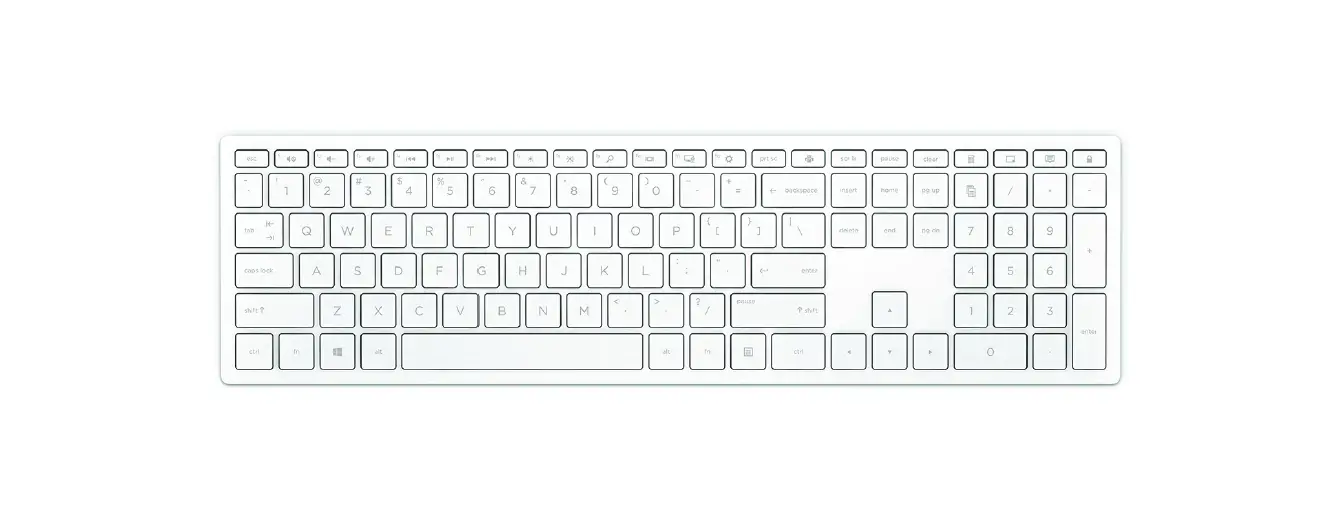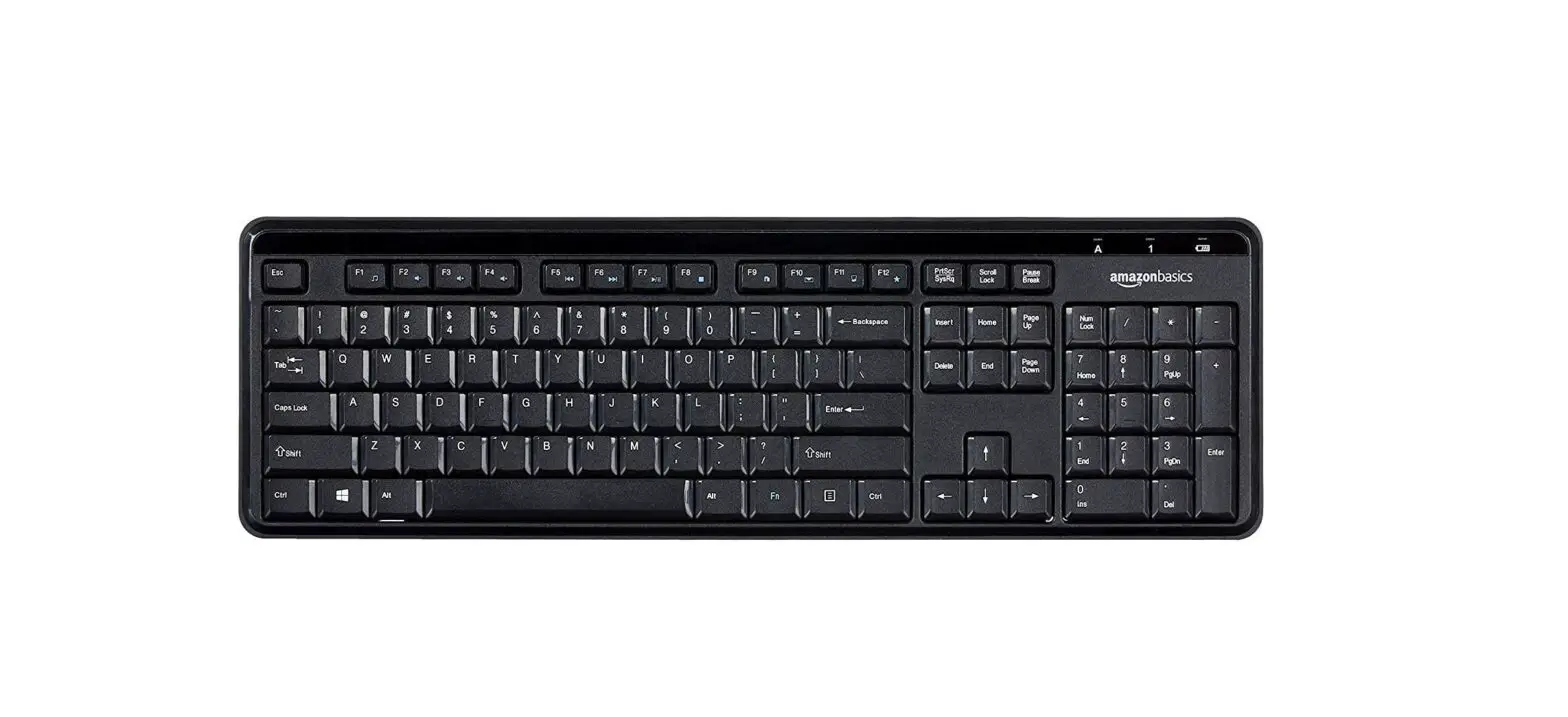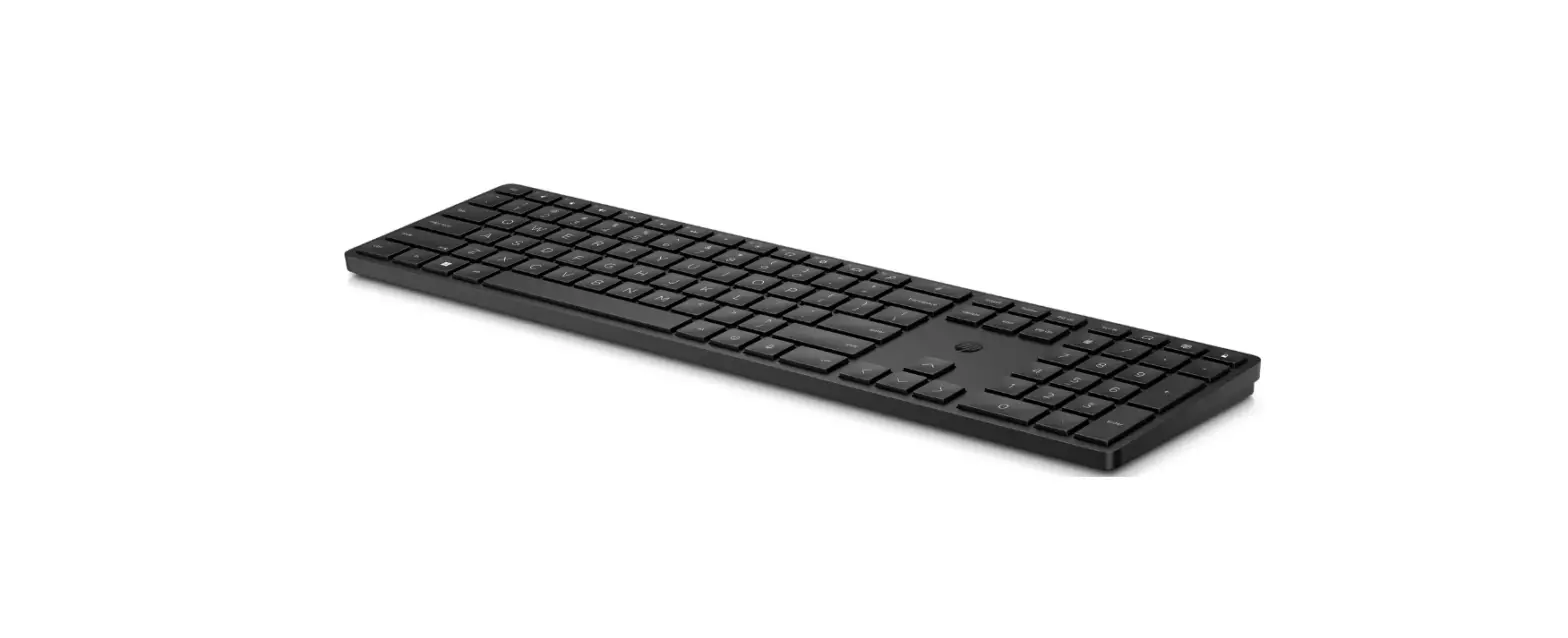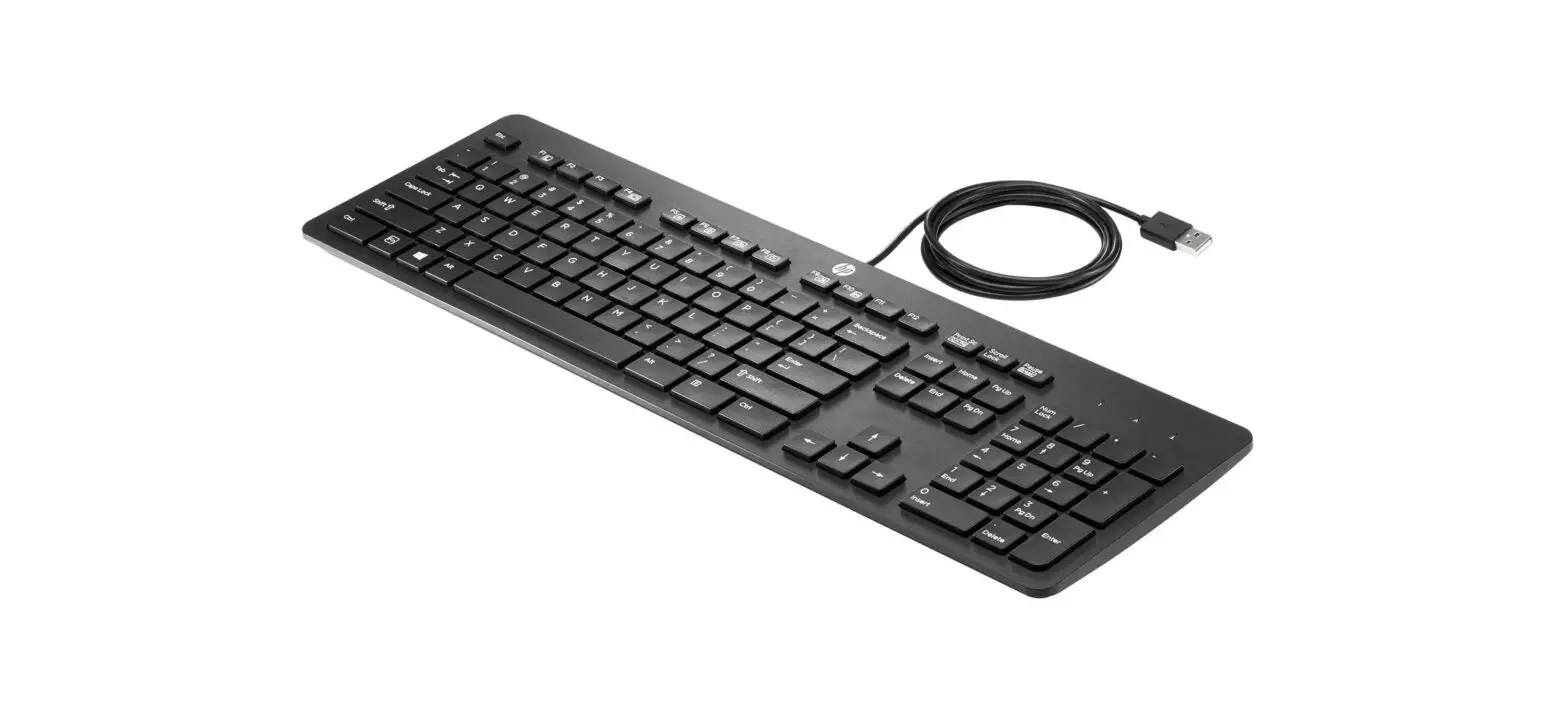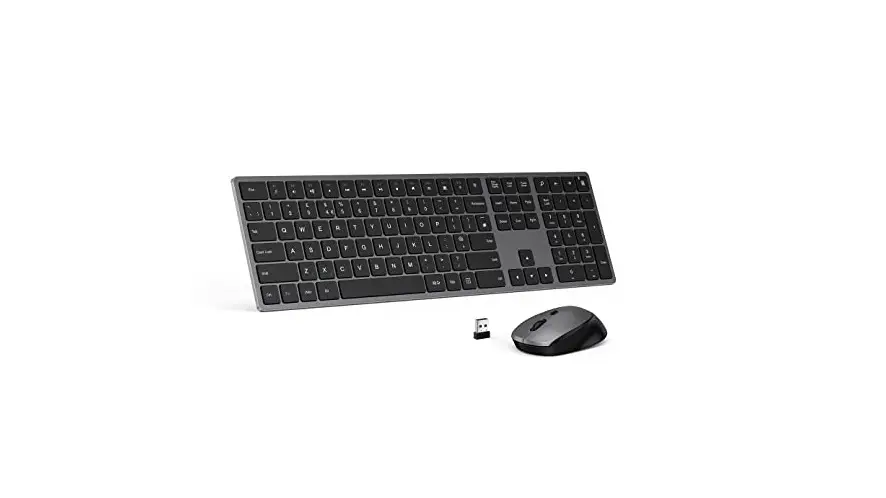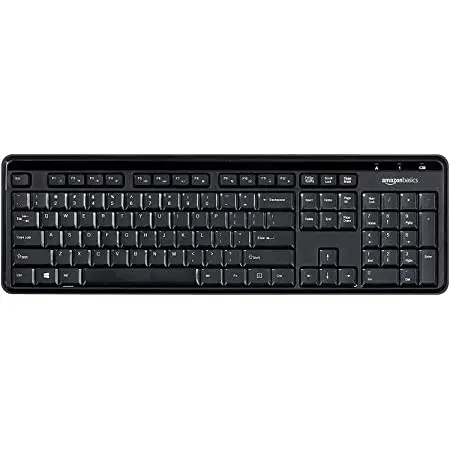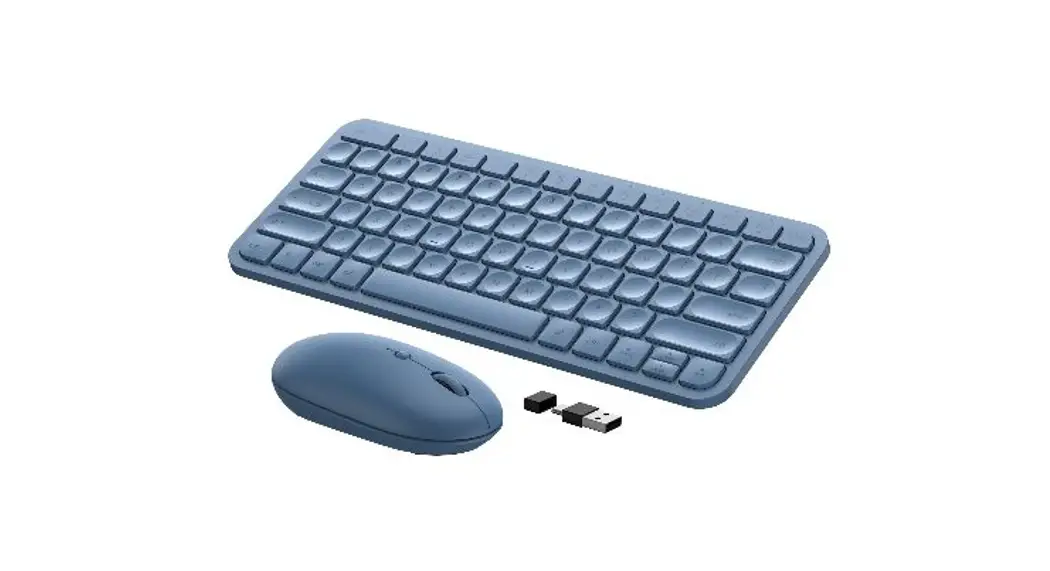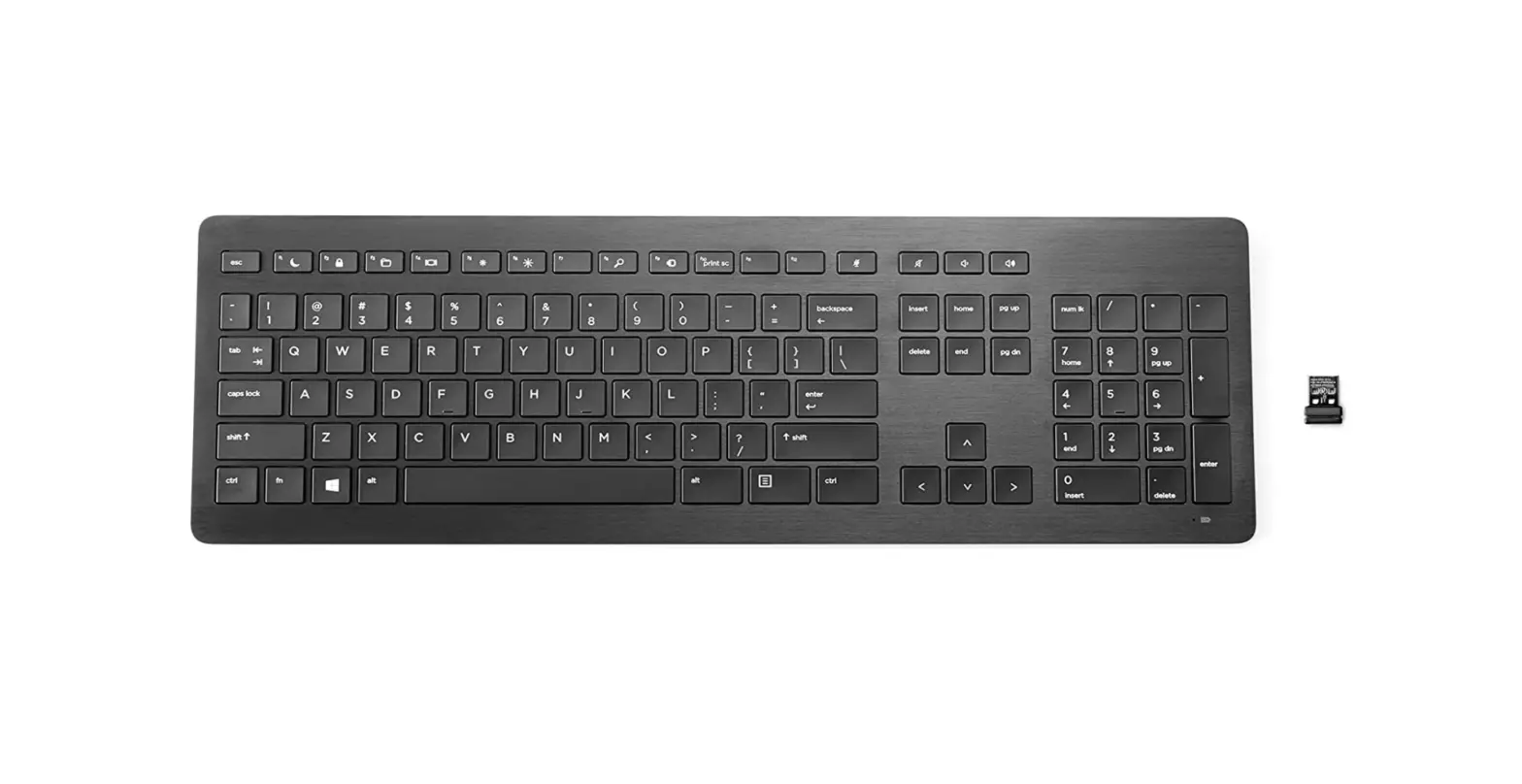
 HP Z9N41AA Wireless Premium Keyboard
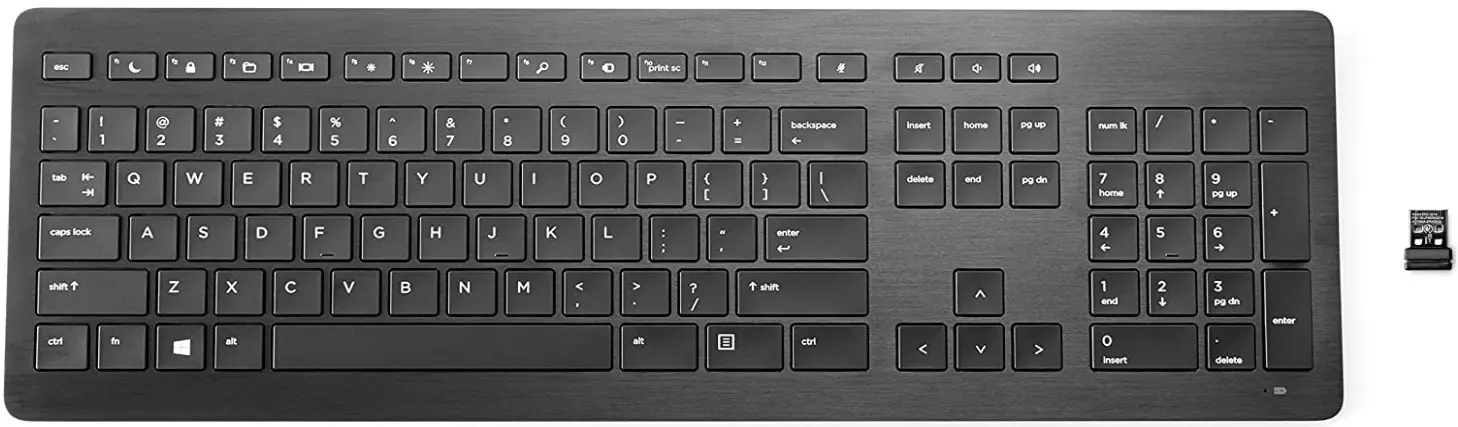
Specifications
- Minimum dimensions (W x D x H): 43.3 x 14.1 x 1.18 cm
- Minimum dimensions (W x D x H): 17.04 x 5.55 x 0.46 in
- Weight: 0.65 kg
- Weight: 1.44 lb
- Package dimensions (W x D x H): 48.7 x 16.7 x 3.28 cm
- Package weight: 0.83 kg
- Battery life: 3 months
- UPC Number: (ABA) 190780983942; (ABC) 190780983959; (ABM) 190780983966
- Manufacturer Warranty: One-year limited warranty.
Description
- Stylish, comfortable, intuitive interactivity on and off the desk.
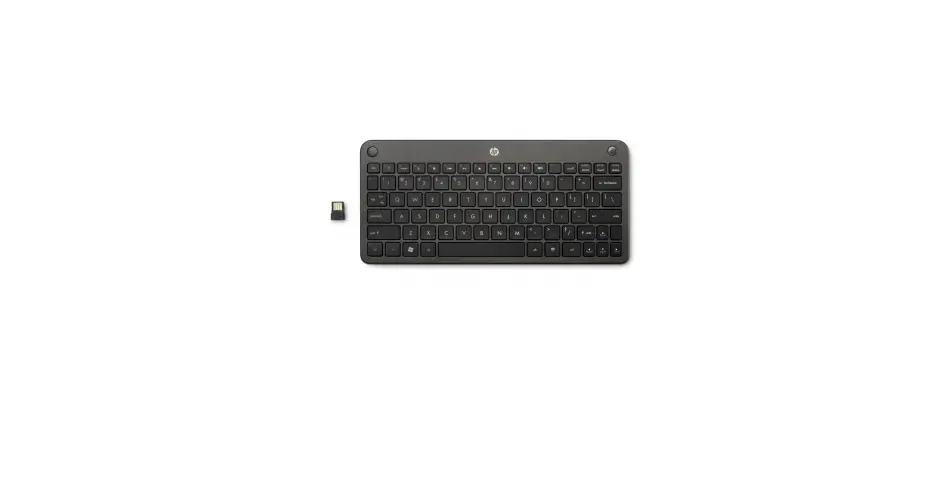
Boost your productivity and work comfortably at your desk or across the room with the elegant, redesigned, anodized aluminum-trimmed HP Wireless Premium Keyboard. - Pretty and pretty smart
Optimize productivity with the space-saving slim problem and ultra-quiet, low-problem scissor keys that foster focus, easy travel, and accurate typing. Get comfortable with an adjustable slope, and breathe easy with a keyboard that resists minor spills. - Link-5 connectivity
Work up to 30 ft (10 m) away from your PC with the Link-5 USB nano-receiver that also becomes a wireless hub for up to four additional Link-5 accessories so you can conserve USB ports on your PC. - Stay charged
Conserve power with an On/Off switch and avoid surprises with a convenient LED that alerts you when the battery is low. Charge up while you work by plugging the keyboard’s micro-USB cable into any USB port on your PC.
What’s in the box?
- HP Wireless Premium Keyboard
- Dongle
- Documentation
Top Recommended Displays, Accessories, and Services
No Top Recommended Displays, Accessories, and Services.
- Messaging Footnotes: No Messaging Footnotes
- Technical Specifications Footnotes: No Technical Specifications Footnotes
Copyright © 2017 HP Development Company, L.P. The only warranties for HP products are set forth in the expressly limited warranty statements accompanying such products. Nothing herein should be construed as constituting an additional warranty. HP shall not be liable for technical or editorial errors or omissions contained herein. The actual product may vary from the image shown.
Features
- The wireless keyboard has a 2.4 GHz interface, a maximum operating range of 33 feet, a nano USB wireless receiver, 110 keys, and hotkeys.
- On/Off Switch; US Keyboard Layout; Scissors Technology;
- Numeric keypad, 5.6-inch depth, a height of 0.5 inches, and a weight of 23.14 ounces.
- The cord is 6 feet long and includes a Micro-USB to the USB connector.
Adherence to Standards
SRRC, NCC, RCM, CSA, UL, BSMI, CB, EMC, FCC Part 15, cCSAus, and Windows 7, Windows 10, and Windows 8 are the required operating systems.
Type
- Rechargeable
- Once installed
- Lithium-ion technology
- Service
Support
Limited guarantee of one year; minimum and maximum operating temperatures are 32 and 104 degrees, respectively.
FAQ’s
Verify that the keyboard’s batteries are in good condition and are properly inserted into the gadgets. Make sure the receiver is no farther than 19.5 inches from the keyboard. Hit the receiver’s Connect button. Press the Connect key on the keyboard in 3 seconds.
The switch is located on the bottom of the wireless keyboard and mouse.
These keyboards lack a NUMLOCK key since the number pad’s keys only have the intended use that is printed on them.
The On/Off switch for the keyboard is at the bottom back.
The Connect button is red and may be found on the back corner of the keyboard, underneath the plastic tab
To activate the fn (function) mode, simultaneously press the fn key and the left shift key. Pressing the fn key and a function key simultaneously initiates the default action while the fn key light is on.
Two AA batteries are needed for the mouse and the keyboard.
The little light on the caps lock key turns on during the first configuration to signal that the keyboard is in use. However, once operational, this light behaves as normal: light off = lower case; light on = higher case.
When you turn the keyboard around, there is a nub directly behind the “Hewlett-Packard” logo that you may push down to get a text to appear.
Because the cursor control and arrow keys on previous 84-key IBM PC keyboards were integrated with the numeric keypad, the Num Lock key was created.
To lock and unlock the keyboard, hold down the right shift key for eight seconds.
They are fastened to a different, detachable plate.
Turn off your keyboard to reset a wireless keyboard. Hold the ESC key down while the keyboard is off. Press and hold the ESC key to activate your keyboard.
No USB port is necessary when using Bluetooth to connect straight to your computer.
Download this PDF Link: HP Z9N41AA Keyboard Specifications