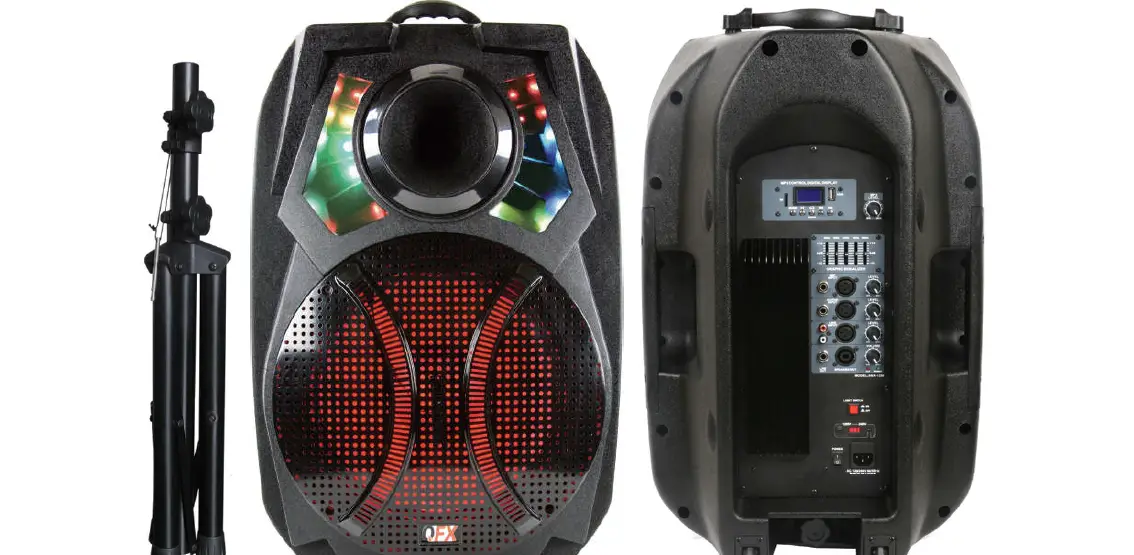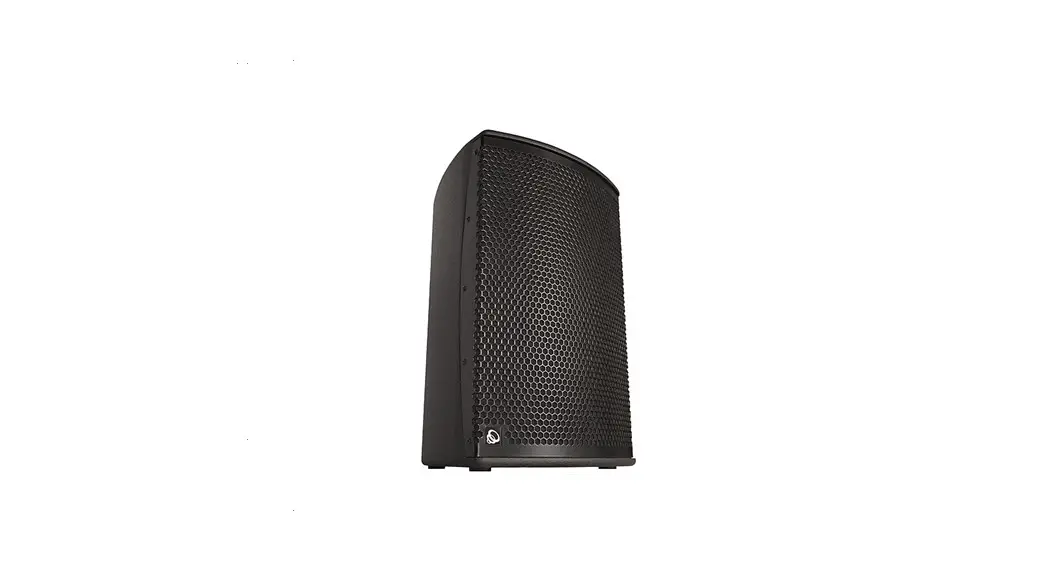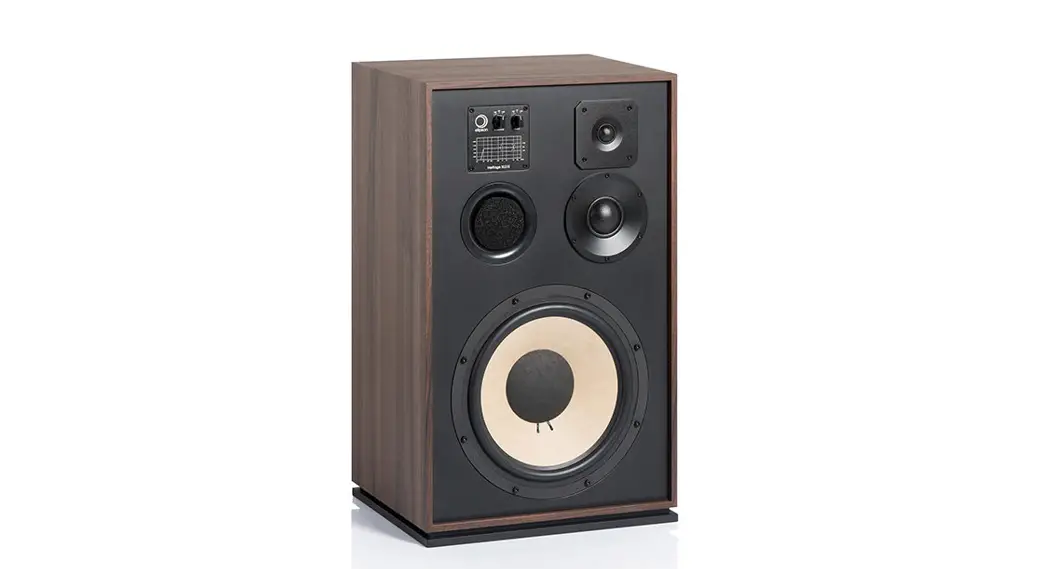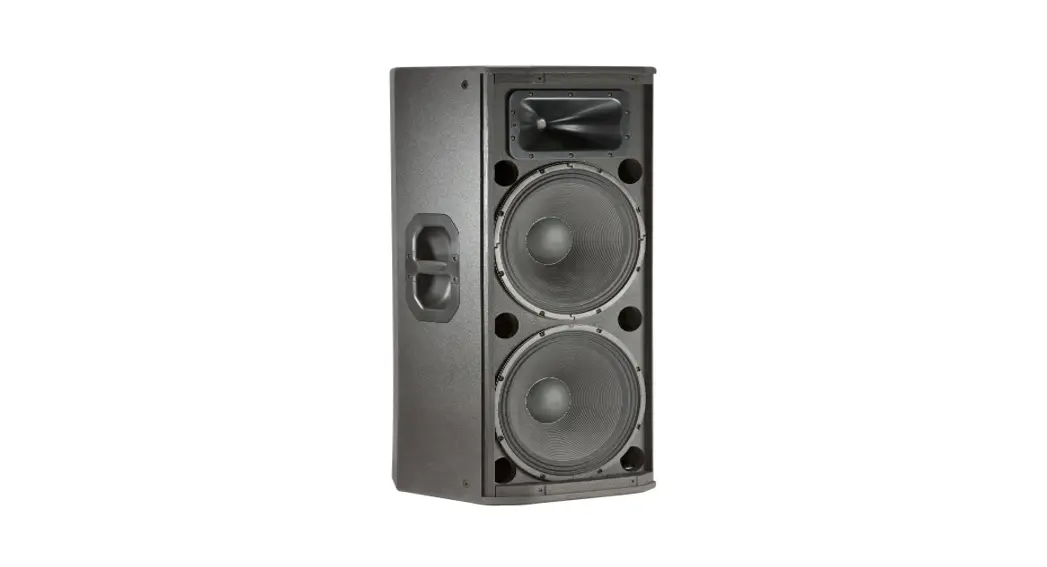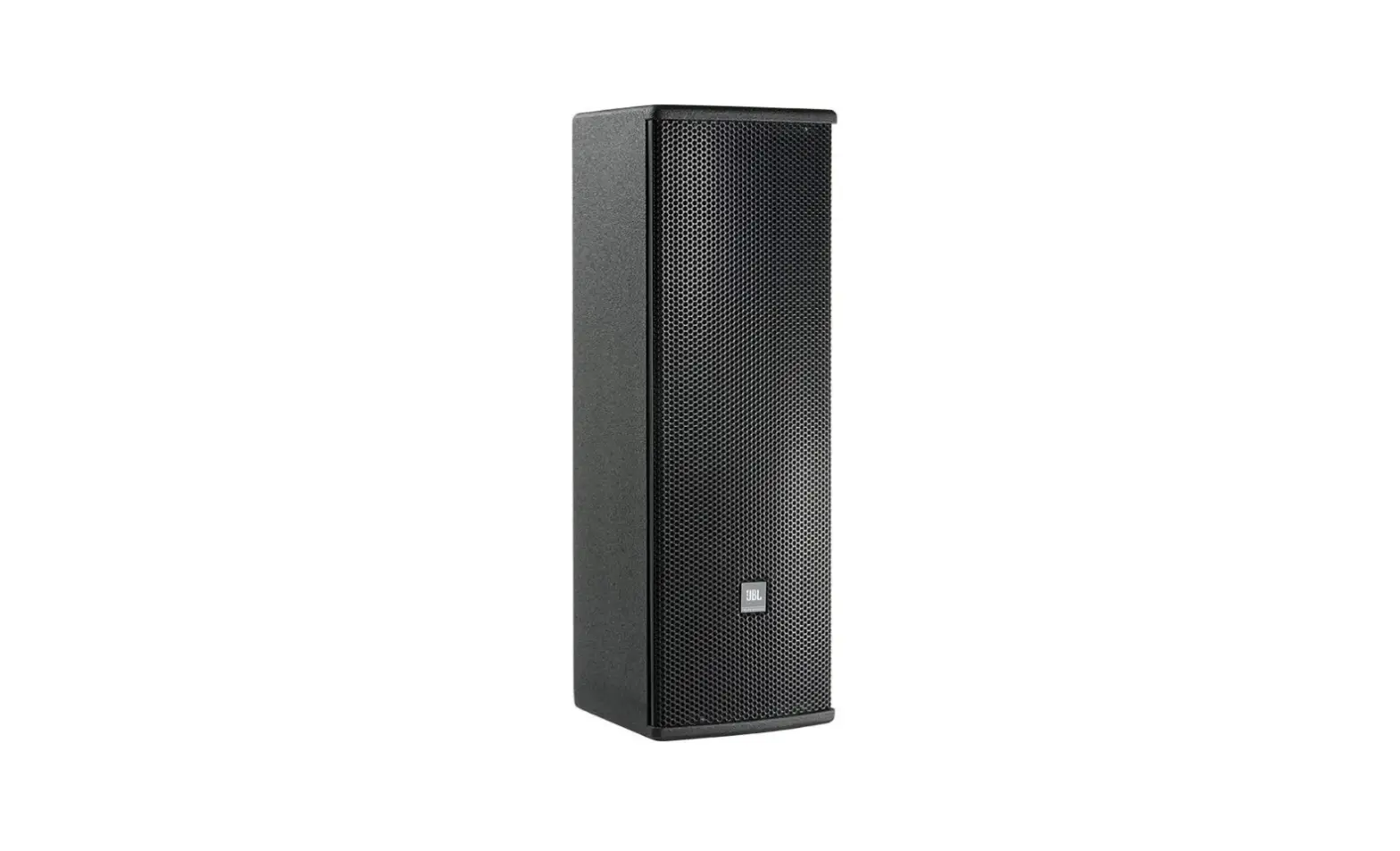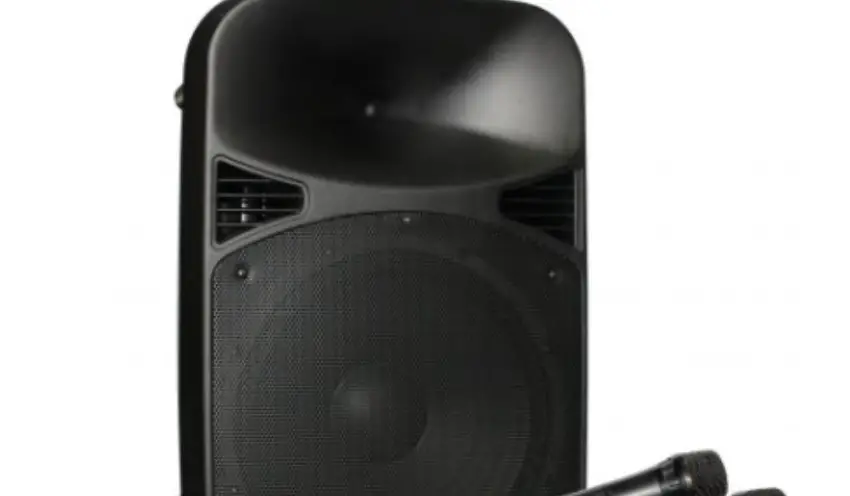

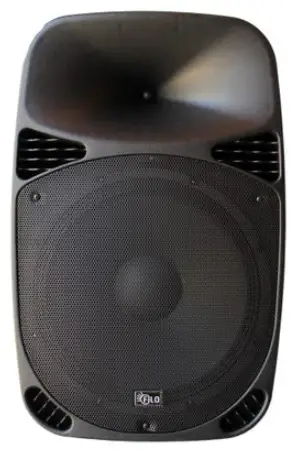
Filo FCA12PA 1215 2-WAY MOULDED LOUDSPEAKER
Packing Contents
- 1x Speaker
- 2x UHF Wireless microphones 1x IR Remote control
- 1x Power cable
- 1x User guide
Specifications
| MODEL | FCA12PA | FCA15PA |
| Type | ACTIVE SPEAKER | ACTIVE SPEAKER |
| Input | AC I00-240V,50/60Hz, DC12V, or battery | AC I00-240V,50/60Hz, DC12V, or battery |
| Woofer | 12 inch | 15 inch |
| coil | 1.5″(38mm) | 1.5″(38mm) |
| Magnet | 30 Oz | 40 Oz |
| Sensitivity | 91dB (+/-3dB) | 93dB (+/-3dB) |
| Frequency | 20Hz- 20kHz | 20Hz- 20kHz |
| Tweeter | 25mm | 25mm |
| Power | 80W | 100W |
| Function | USB, SD, FM, Bluetooth | USB, SD, FM, Bluetooth |
| Remote control | YES | YES |
| Battery | 12V, 5AH | 12V, 7AH |
| UHF mic | 2 UHF (863.1/864.5MHZ) | 2 UHF (863.11864.5MHZ) |
Amplifier
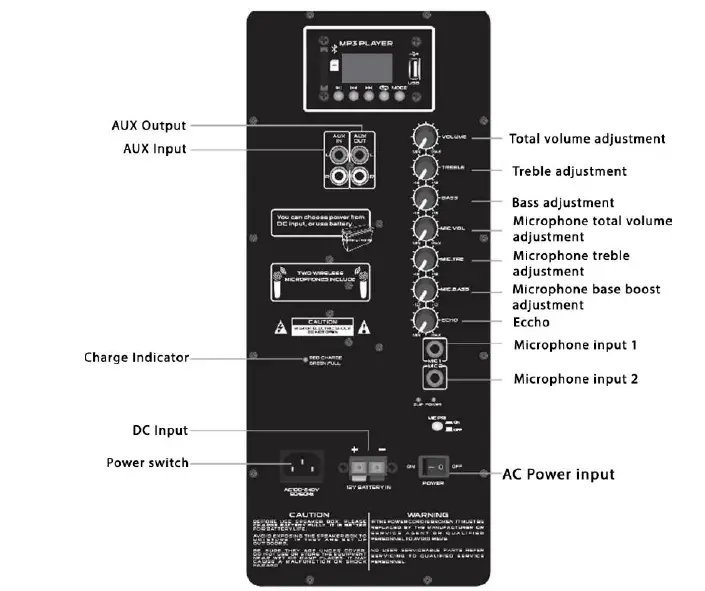
Player Control
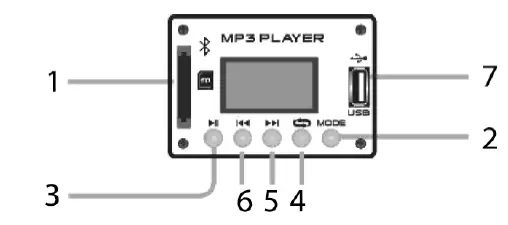
- SD card slot: Use it to insert a SD card with Mp3 files.
- Model: Select an operating modality, the options are SD, USB, FM.
- Play /Pause: Press to play a song or pause while playing a song.
- Press once to select a player mode, the options are:
- One: Select this to play current song indefinitely.
- All: With this option you can repeat all music.
- Next/Volume +: Press once to jump next song /press and hold to raise the volume level.
- Previous /Volume -: Press once to jump previous song/Press and hold to diminish the volume level. 7.
- USB input with Mp3 file.
Bluetooth connection
- To pair the speaker with a Bluetooth phone or audio device, press “MODE” repeatedly on the MP3 player until select this mode.
- Put your phone or device to be used in Bluetooth device discovery mode.
- When your phone or device shows the “BLUETOOTH” device, confirm the link.
Remote Control
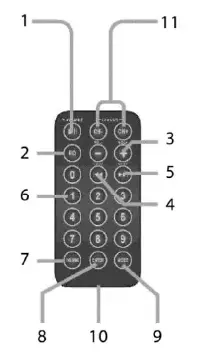
- Press to play a song or pause while playing a song. Program radio FM stations.
- In play mode press to set one equalizer mode.
- Vol+ /Vol-
- Previous: Press once to jump previous song press and hold to rewind.
- Next: Press once to jump next song, press and hold to fast-froward
- Keys: Use this key to select the number of a desired track.
- Pick song: Allows you to select the song want to listen to so direct, for example: if you want to hear the song no. 11, first press the number 11 then press this button.
- ENTER: Choose repeat mode.
- MODEL: Select an operating modality, the options are SD/USB.FM radio and AUX.
- Battery compartment (CR2025)
- Select a FM frequency.
Caution
- Avoid exposing the speaker box to moisture. If they are set up outdoors, be sure they are under cover.
- Do not use or store the equipment near wet or damp places. It may cause a malfunction or shock hazard.
- If the power cord is broken, it must be replaced by the manufacturer OR SERVICE AGENT or qualified personnel to avoid risks.
- To reduce the risk of fire or electric shock. do not expose this equipment to rain or moisture.
- Clean only with a soft, dry cloth.