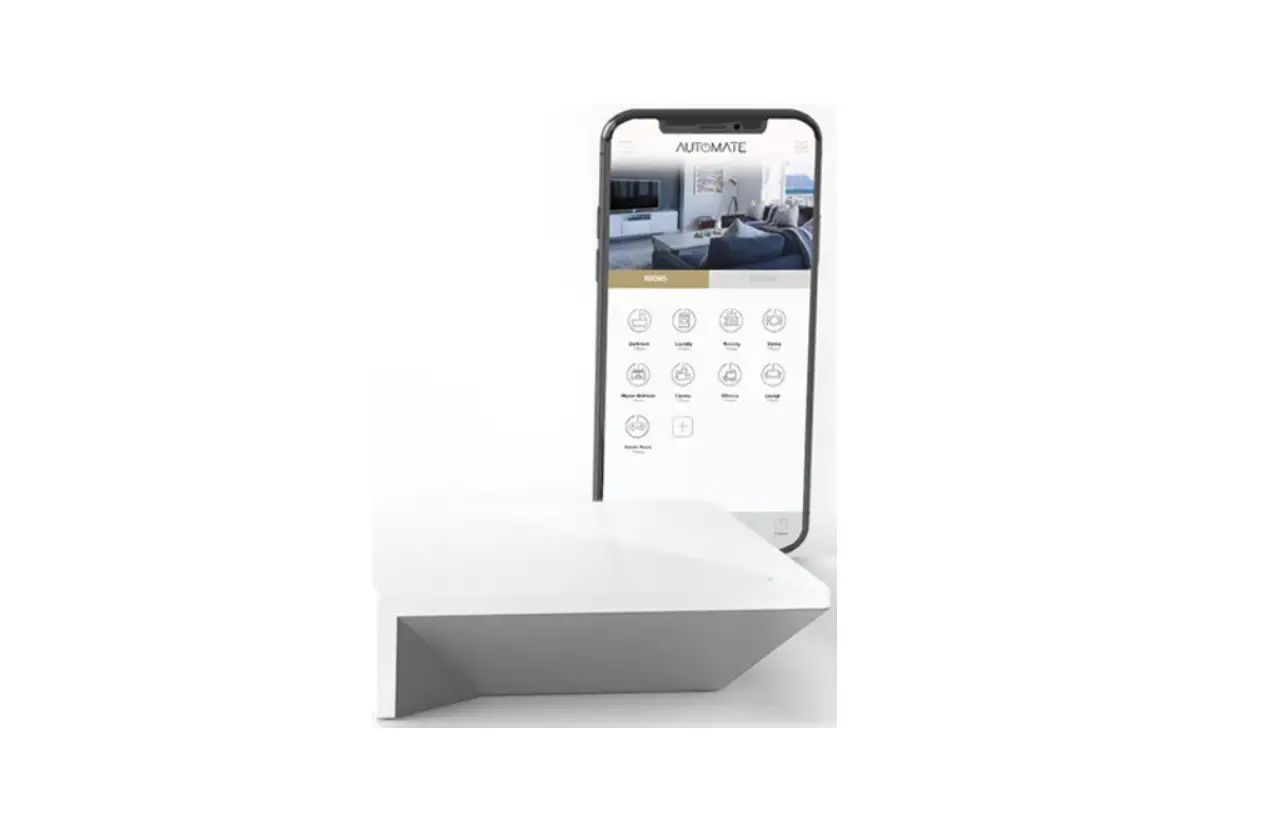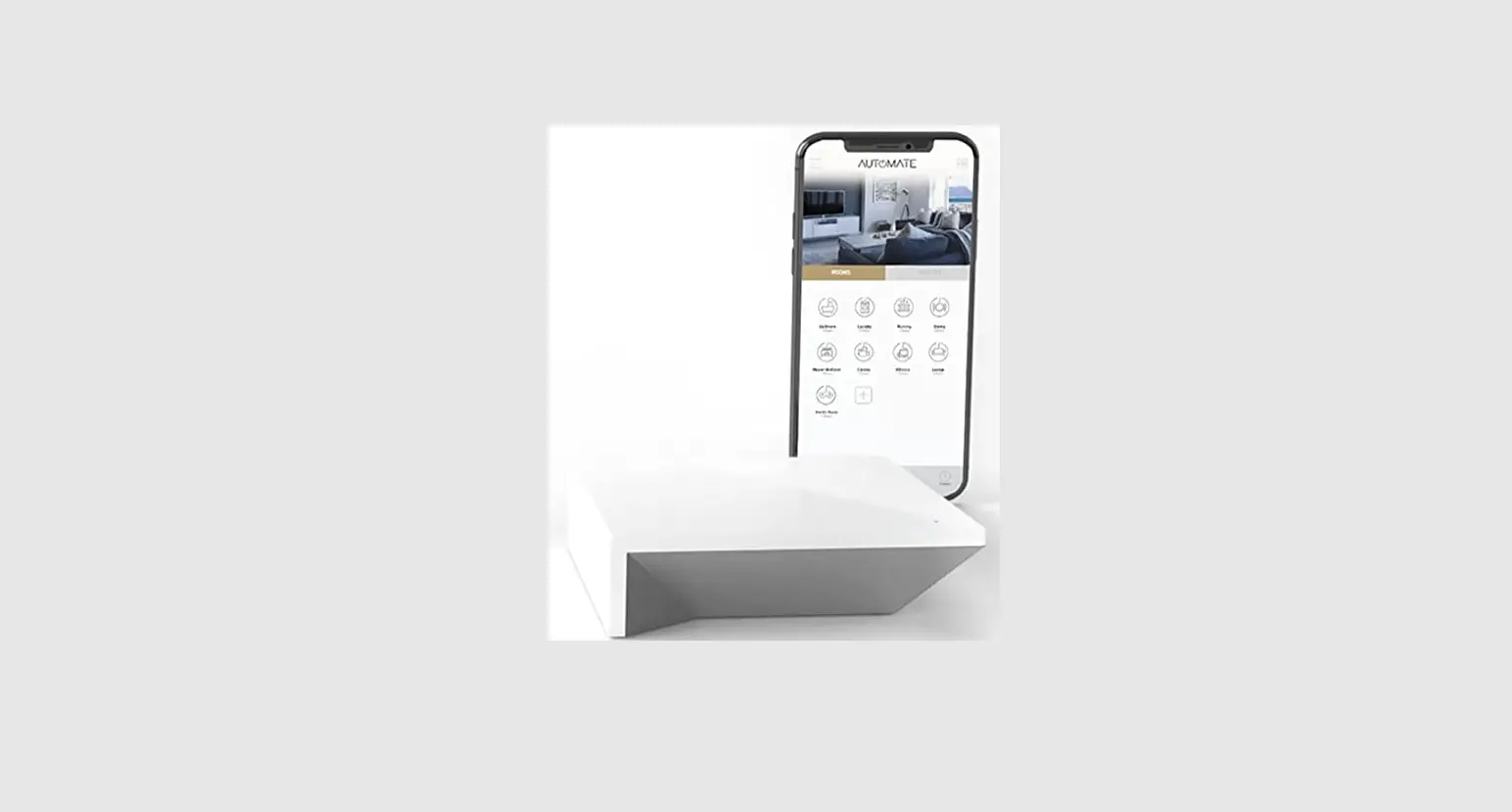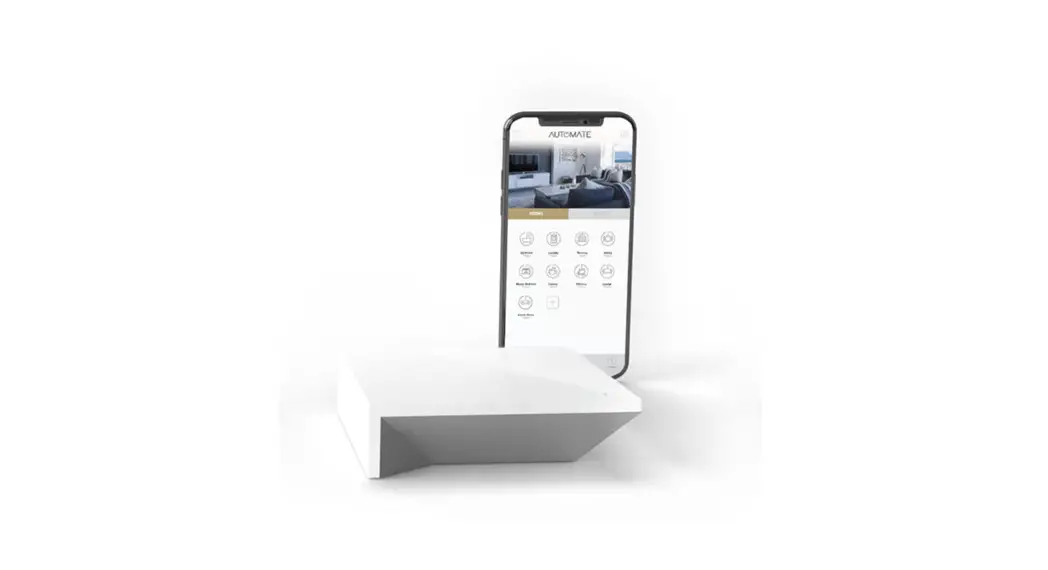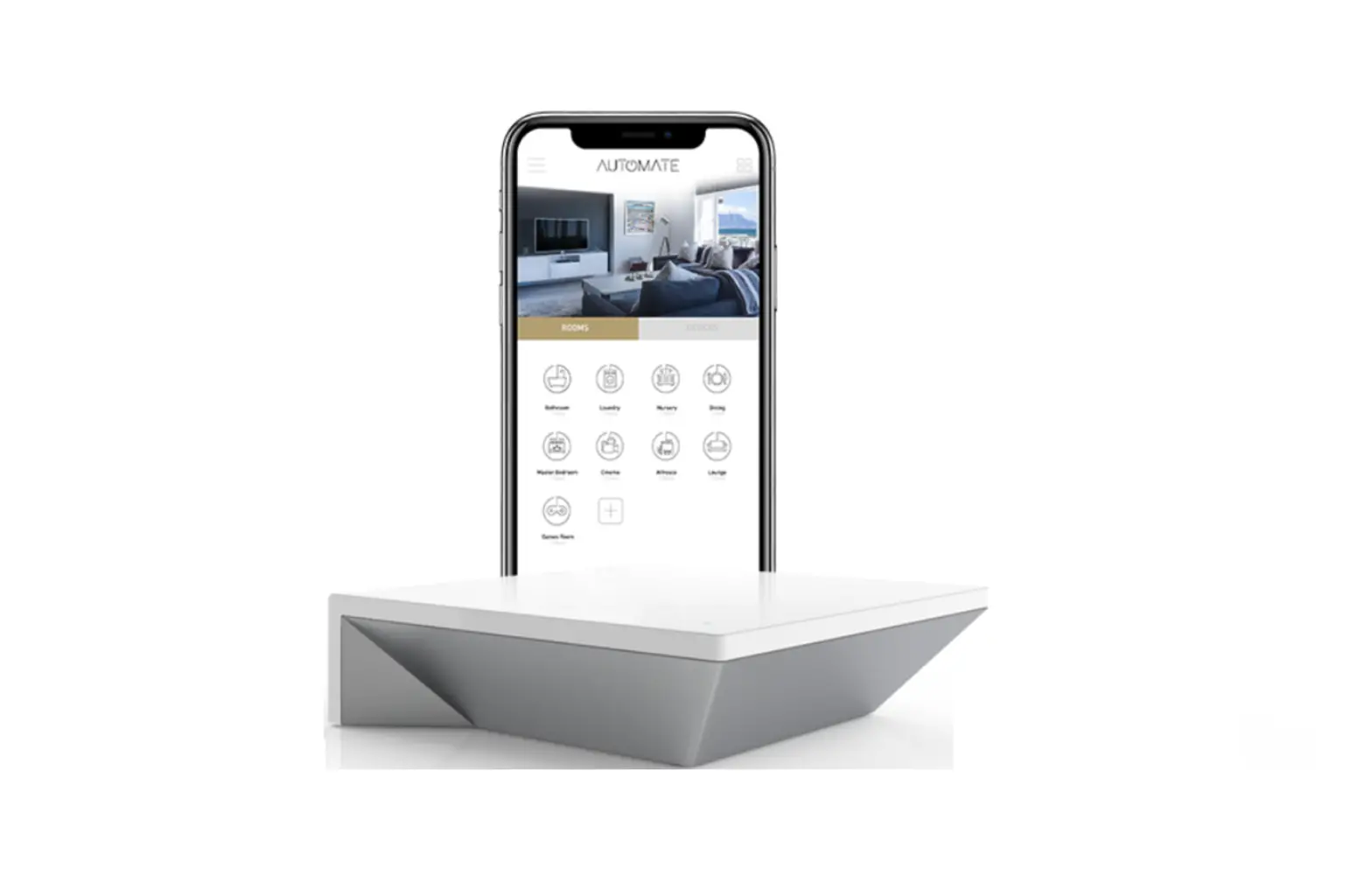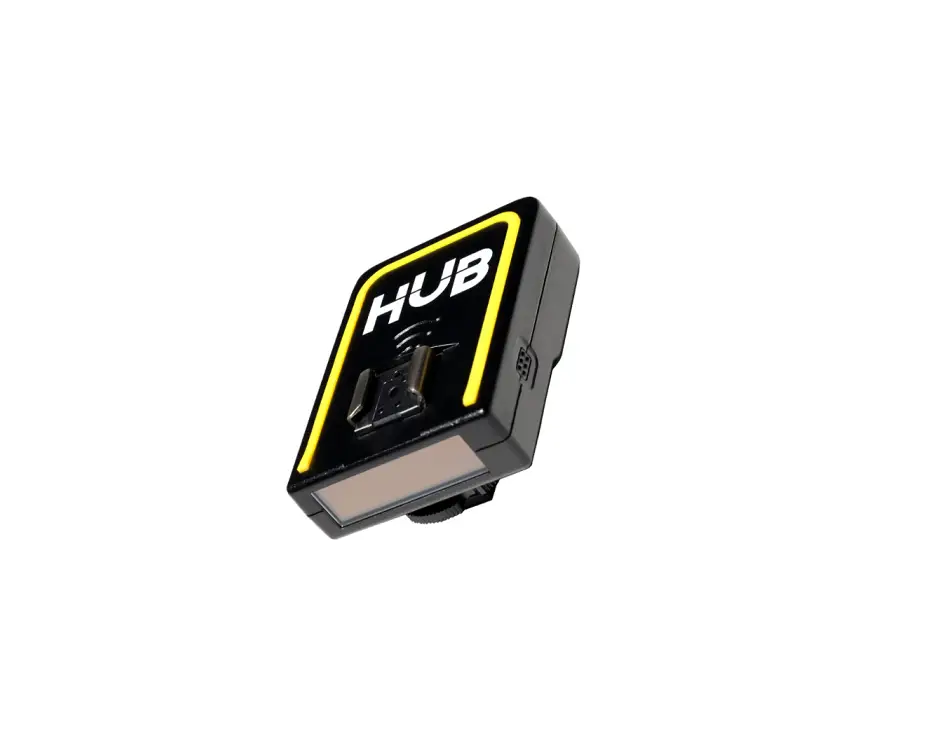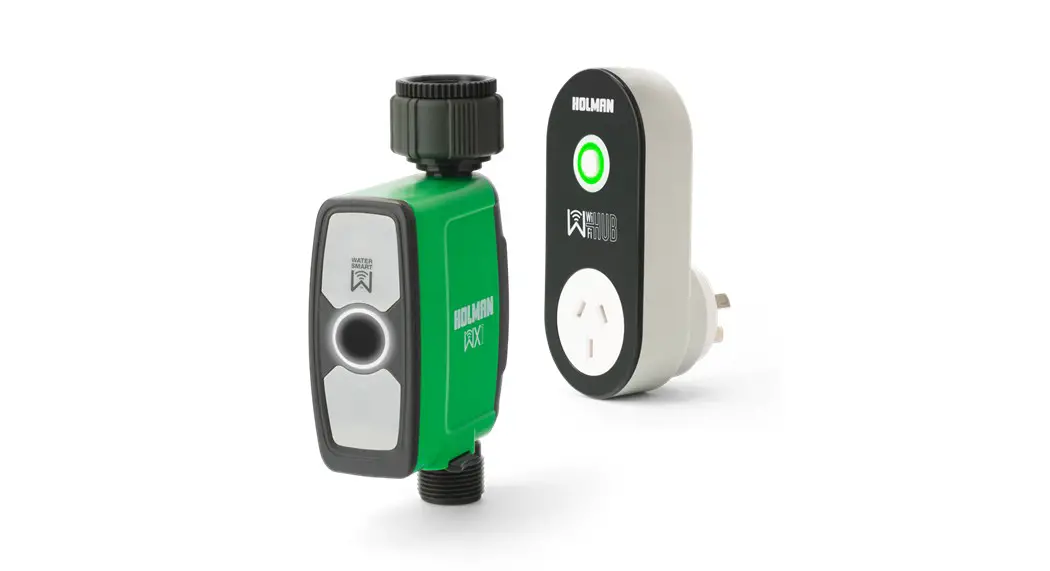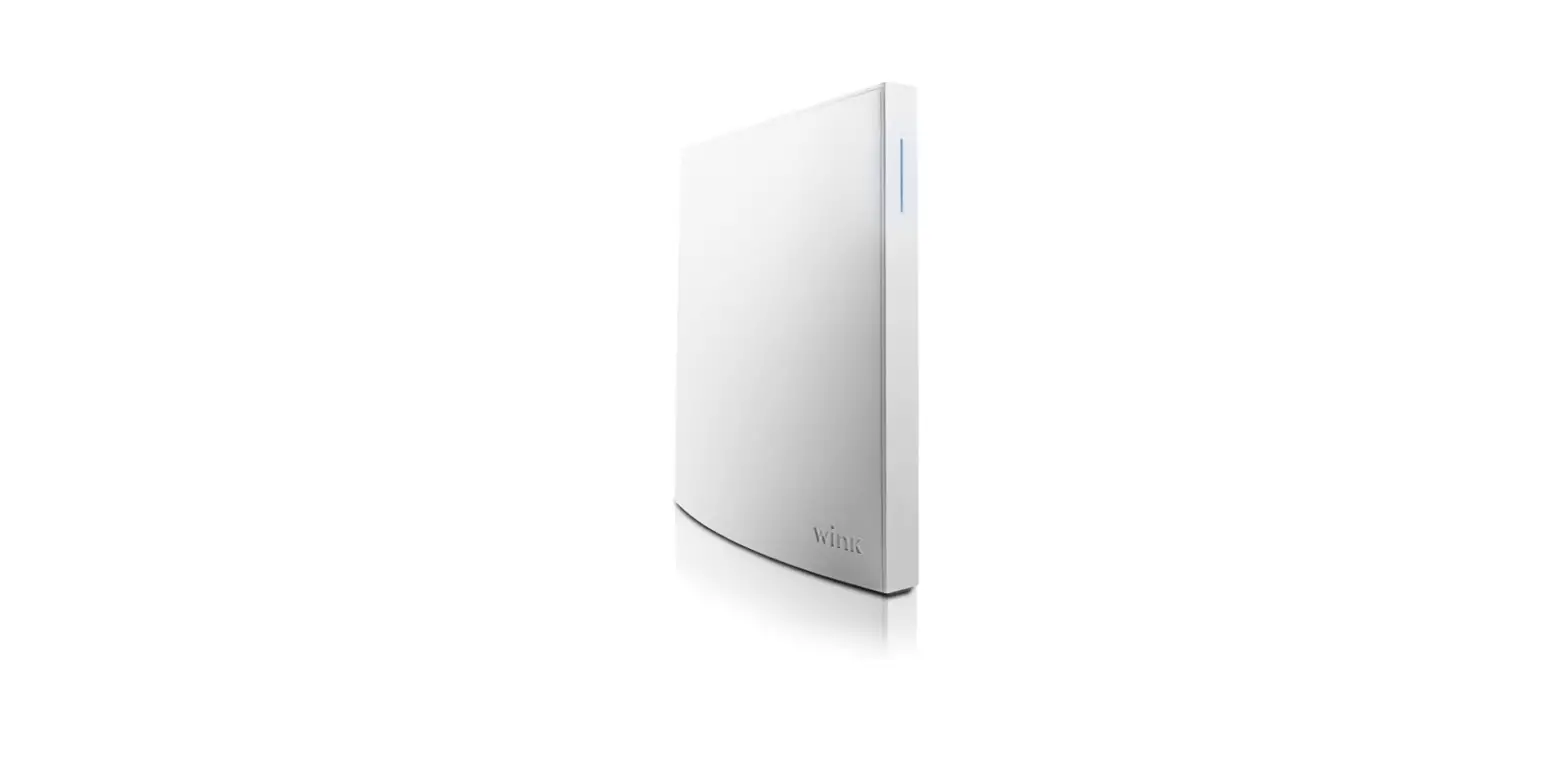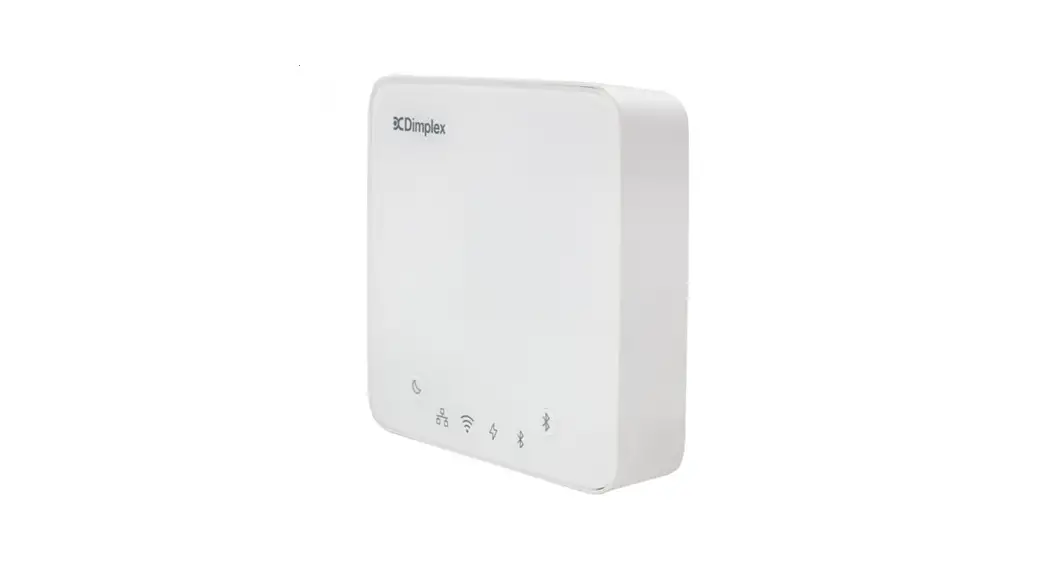

AUTOMATE Pulse 2 WiFi Hub
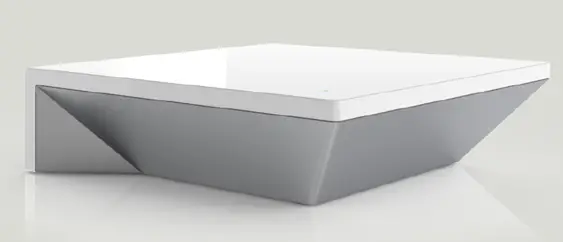
Quickstart guide
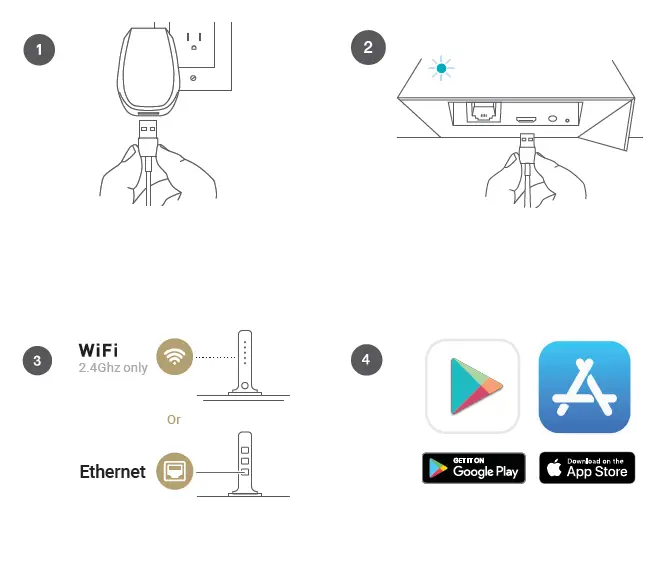
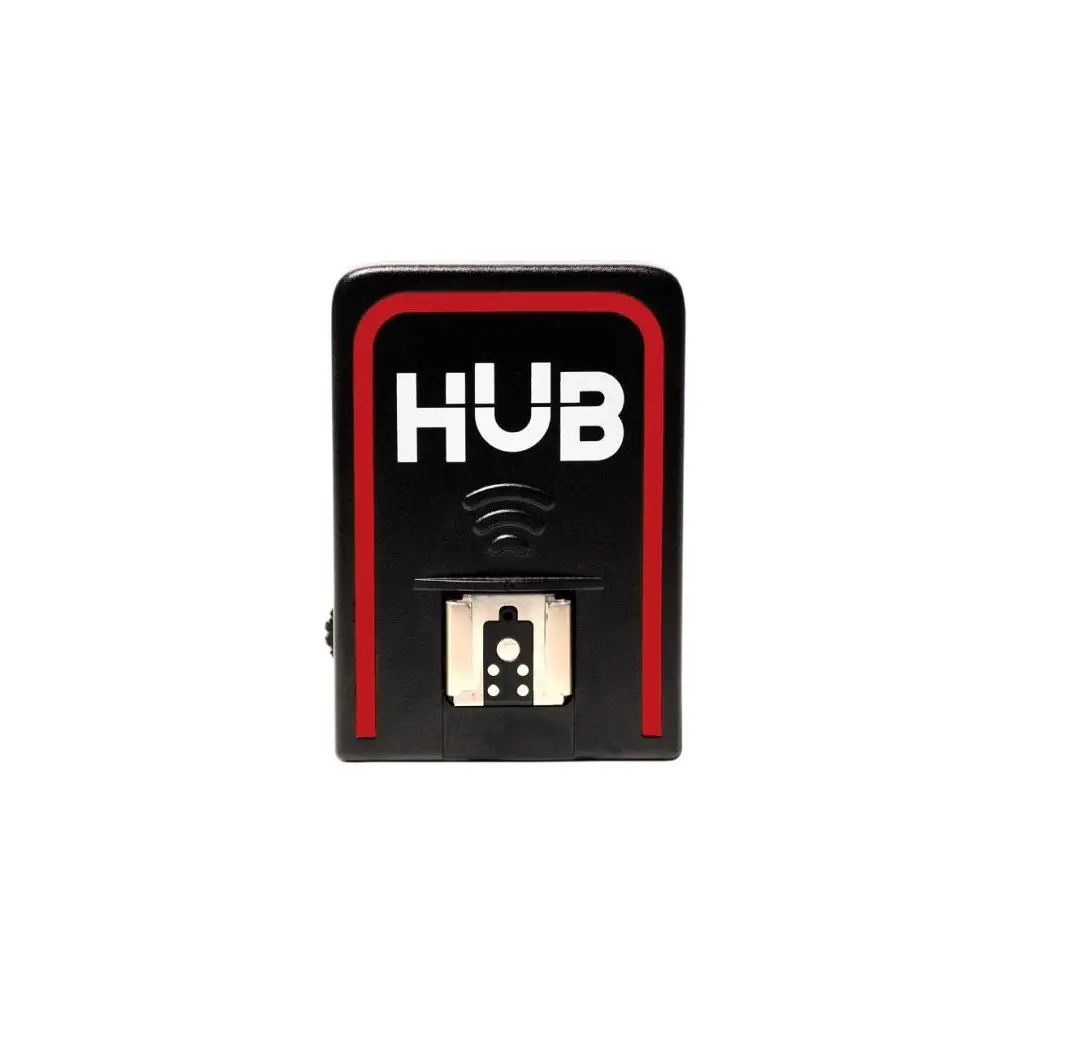
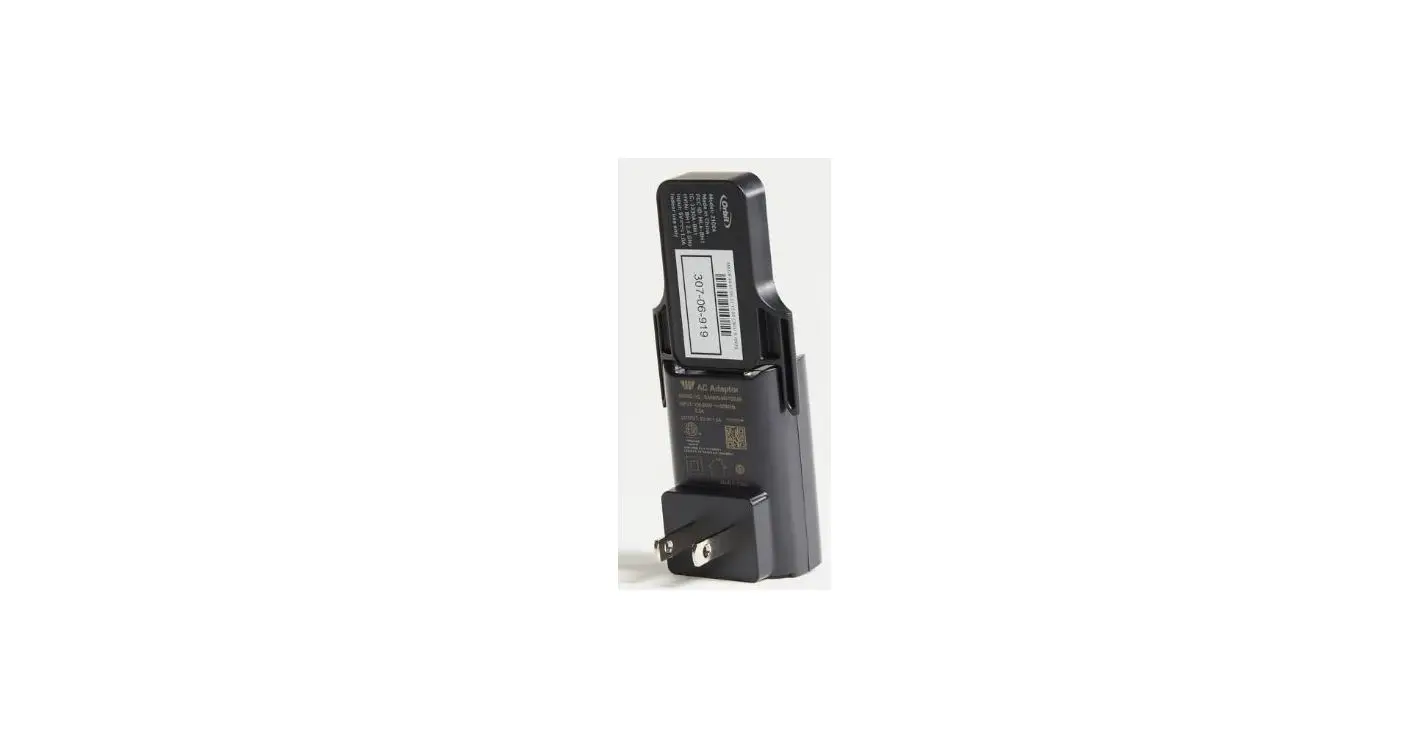
- Plug your Hub into a centrally located power outlet.
- Confirm that the Hub is blinking blue after being powered on.
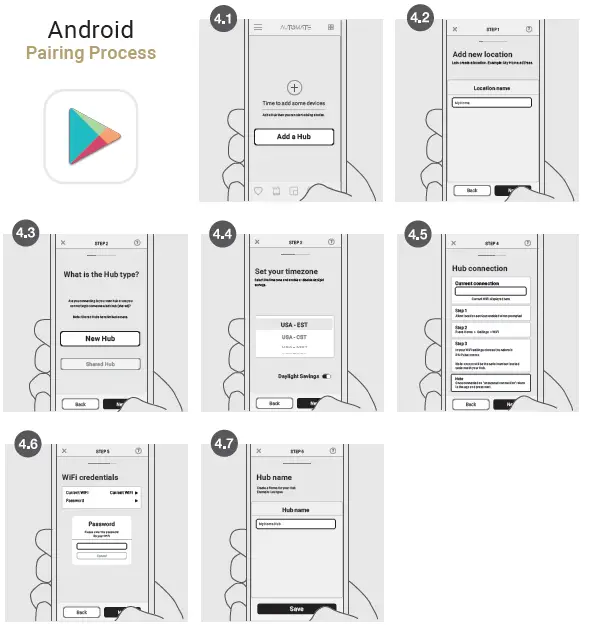
- Pair the Hub to your network by using the Wi-Fi 2.4Ghz or connecting a network cable to the Ethernet Port on your router.
- Download the Pulse 2 app from the Apple Store or Google Play Store.
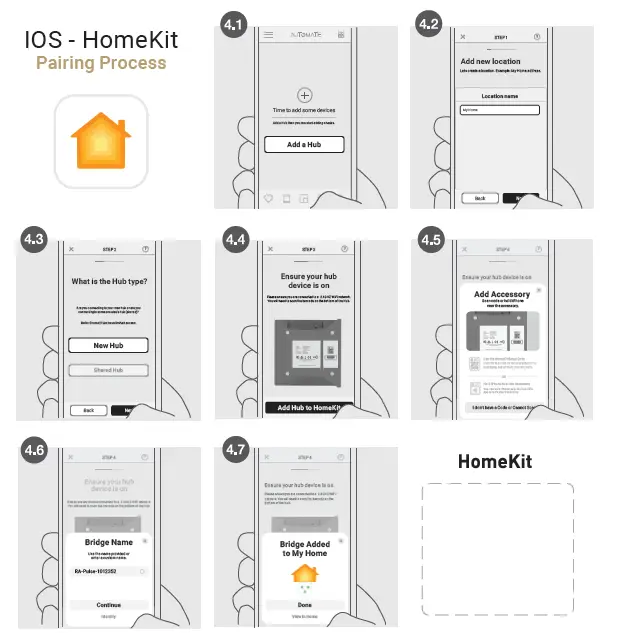
IOS – HomeKit
Pairing Process
Android
Pairing Process