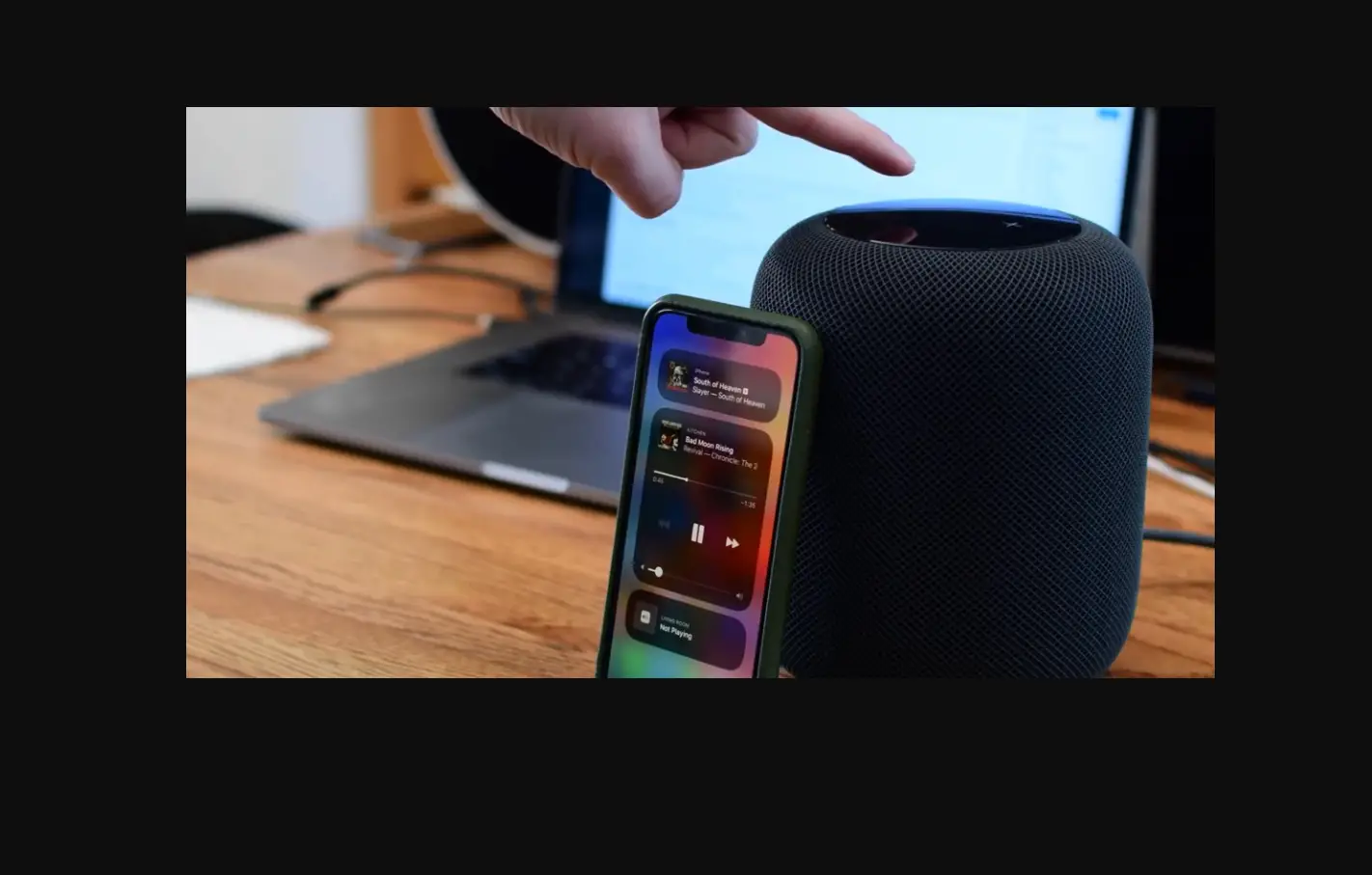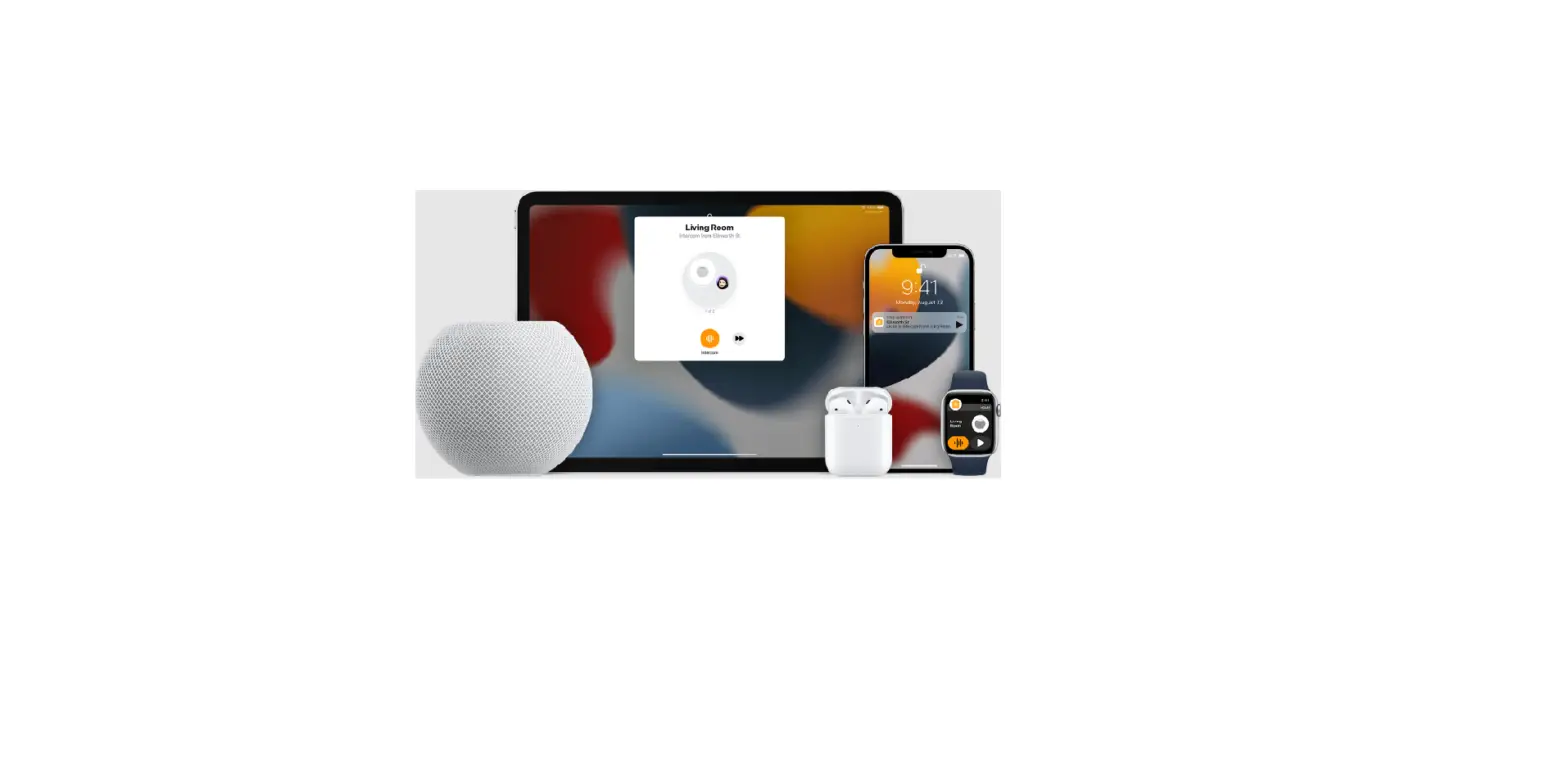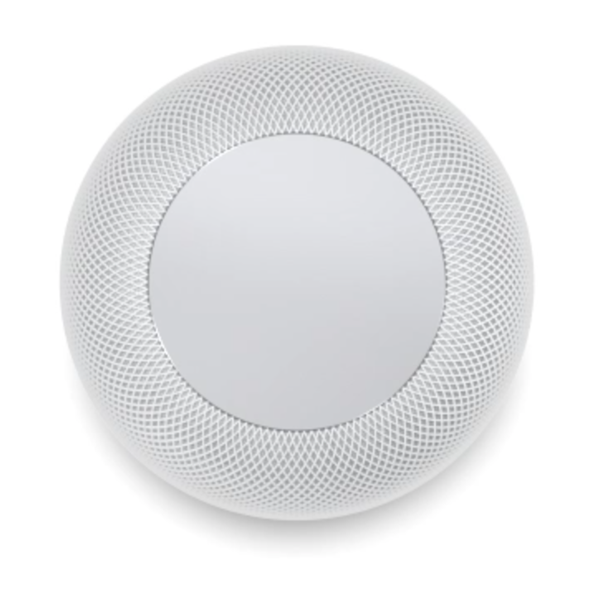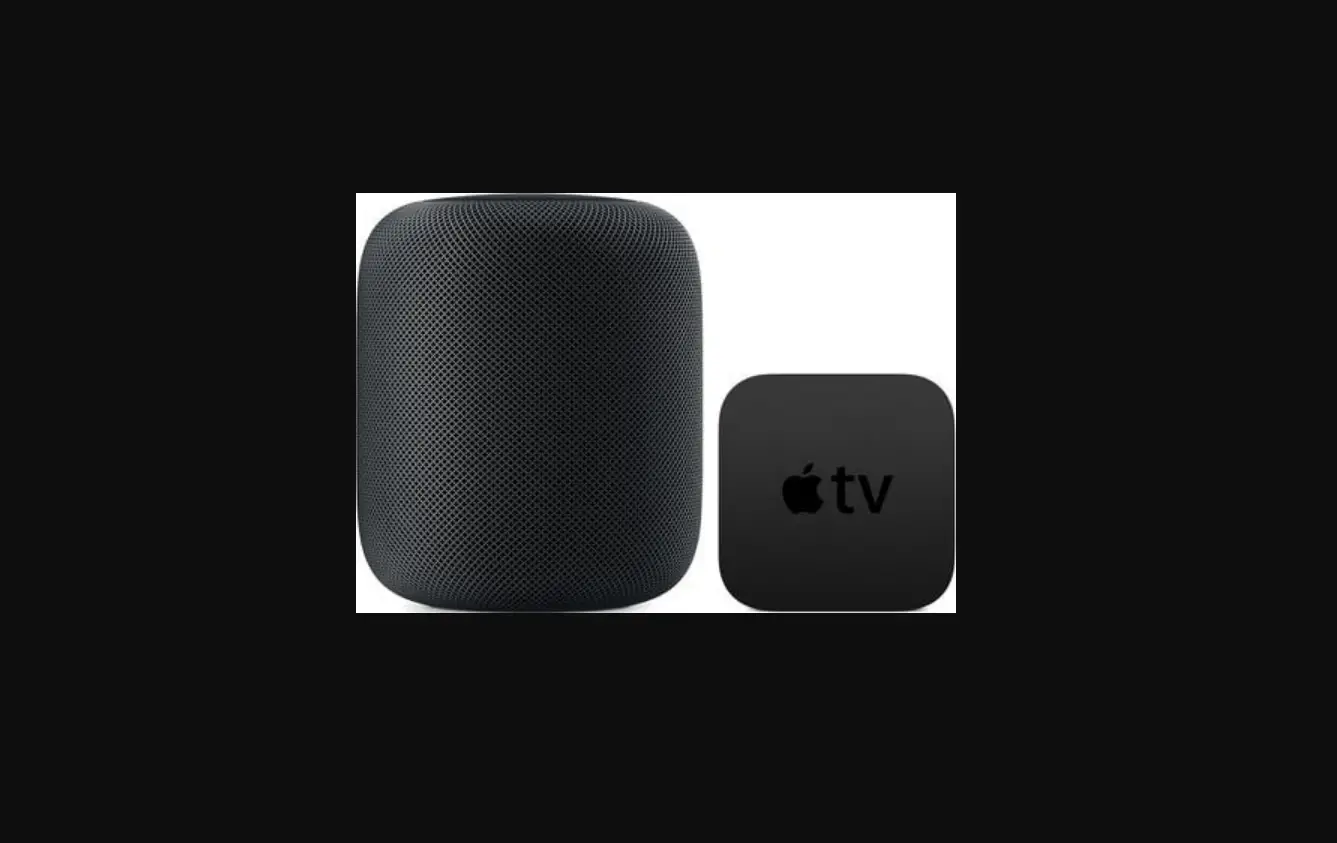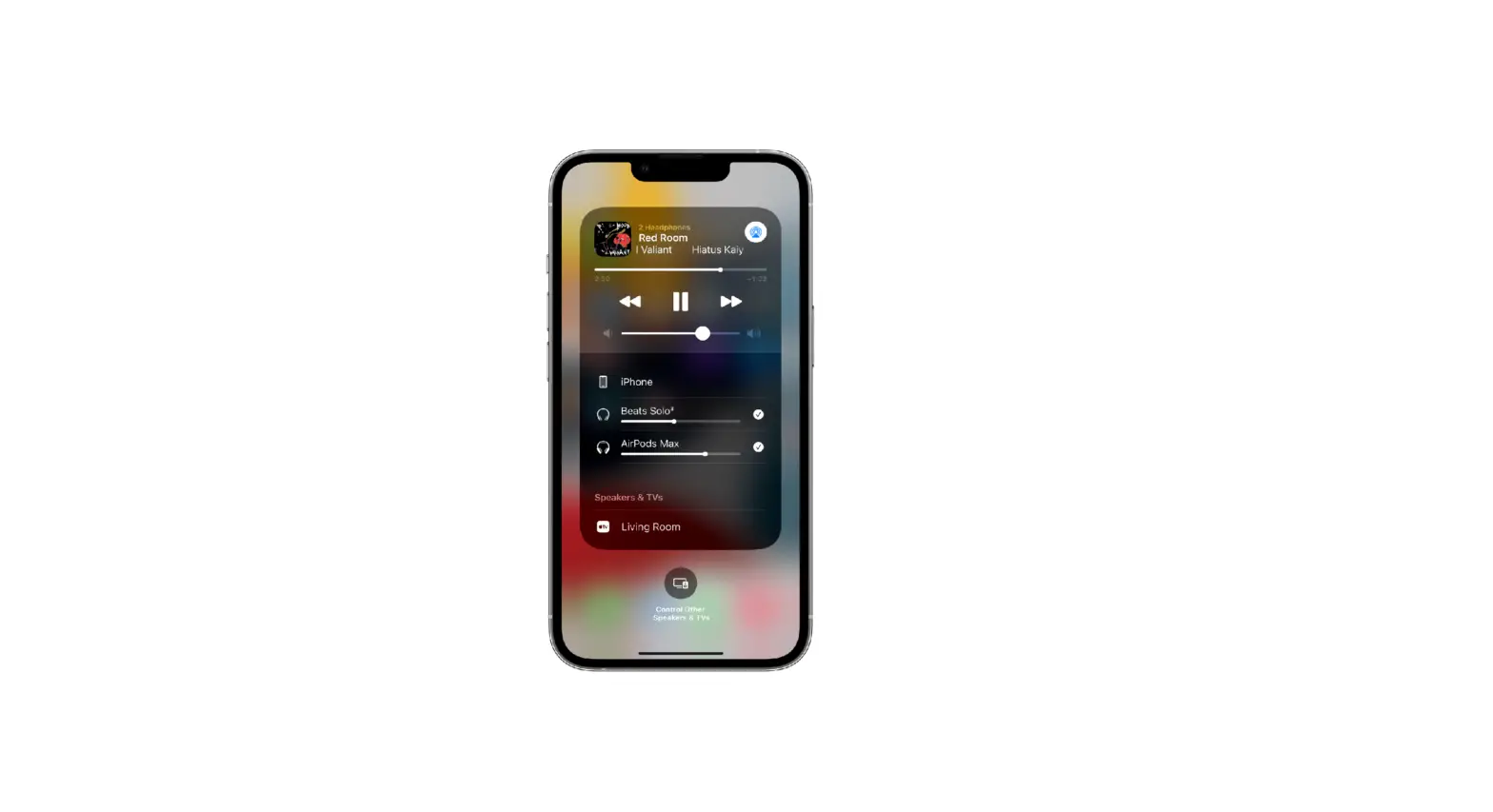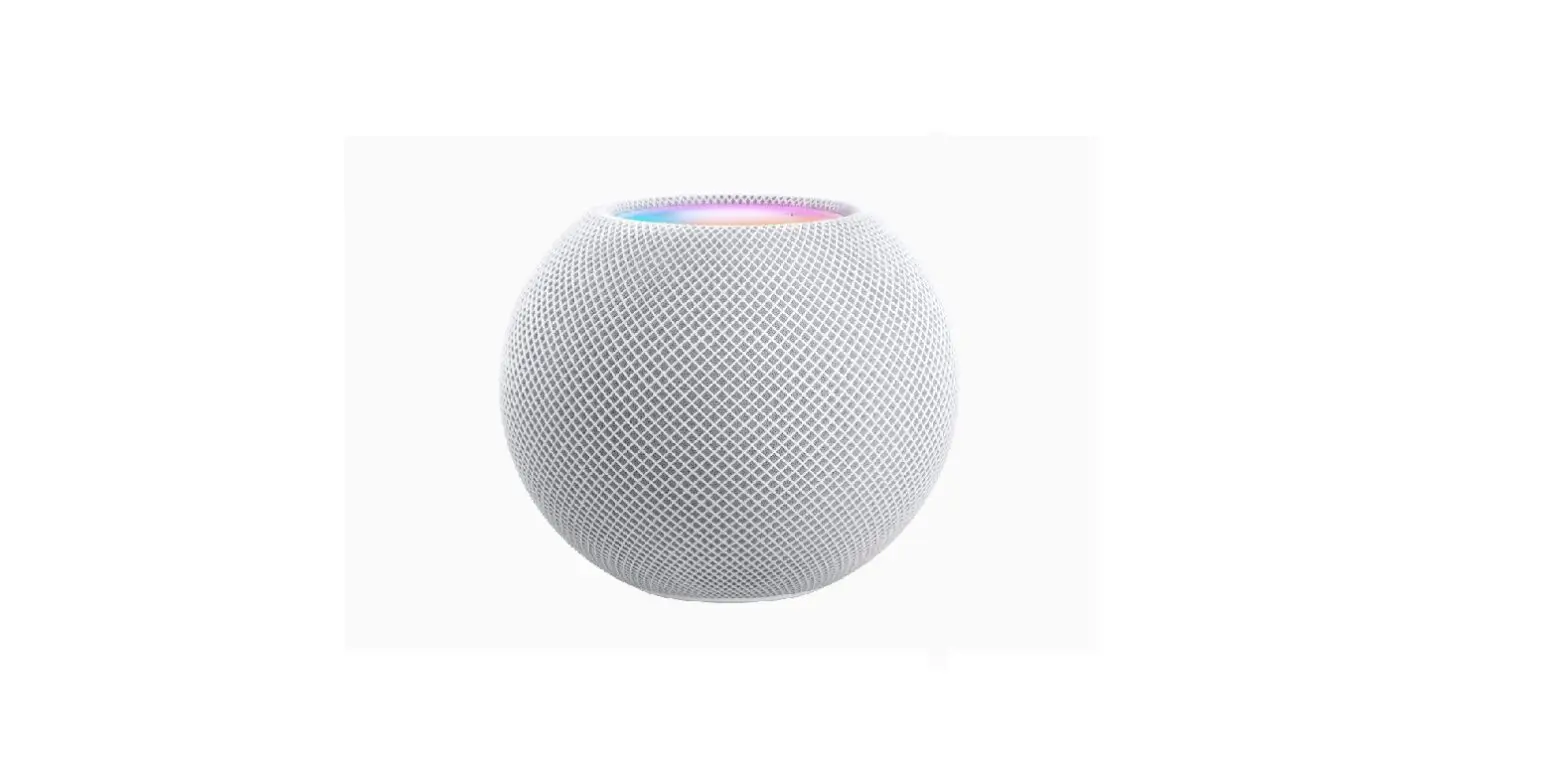
With AirPlay 2 and iPod touch, you can play audio on multiple AirPlay 2-enabled devices connected to the same Wi-Fi network. For example, you can play a party playlist on HomePod speakers in the living room and kitchen, on an Apple TV in the bedroom, and on an AirPlay 2-enabled smart TV in the den.
Ask Siri. Say something like:
- “Stop playing music everywhere”
- “Set the dining room volume to 10 percent”
- “What’s playing in the kitchen?”
- “Play a song I like in the kitchen”
- “Add the living room speaker”
- “Remove the music from the kitchen”
- “Move the music to the den”
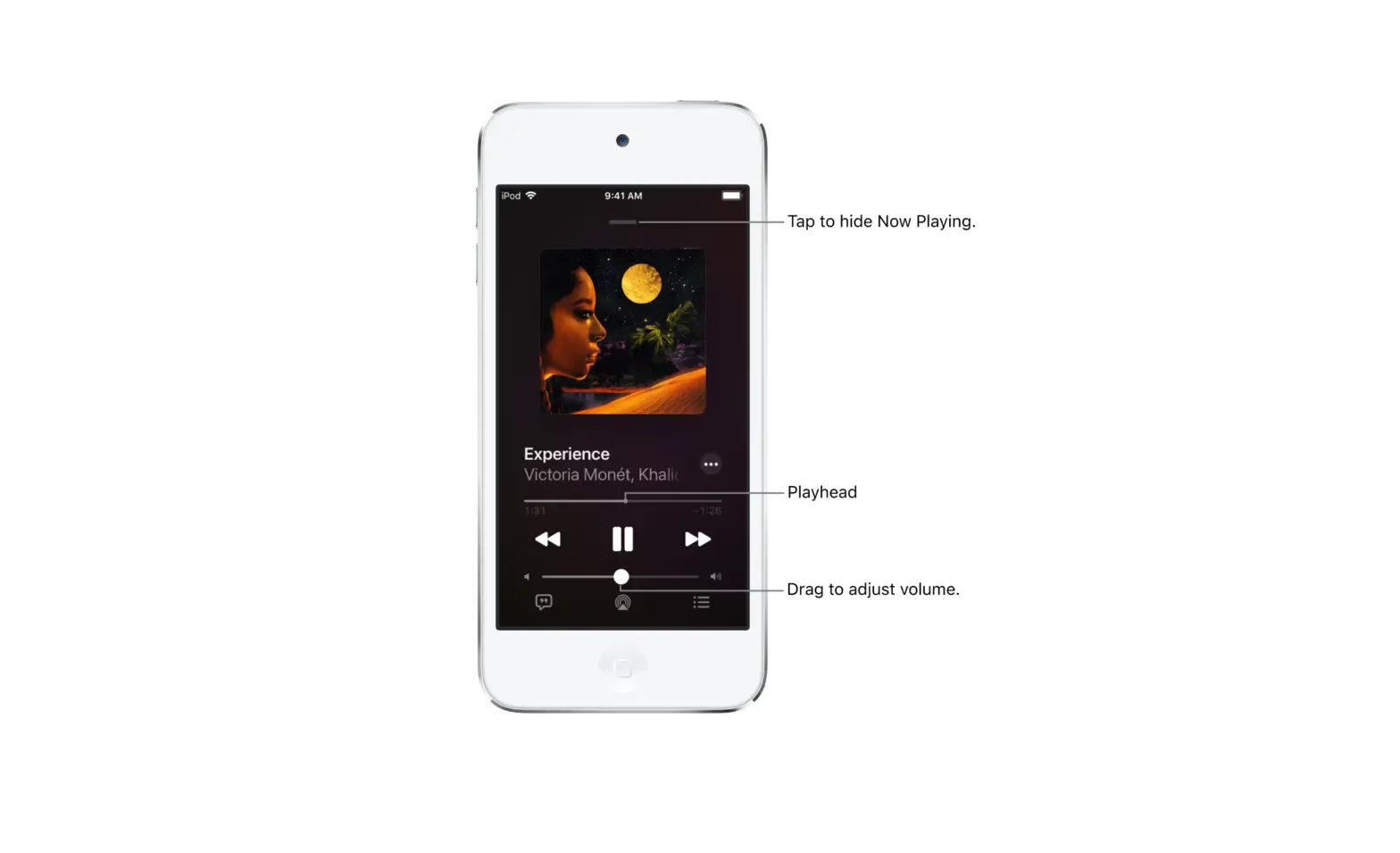
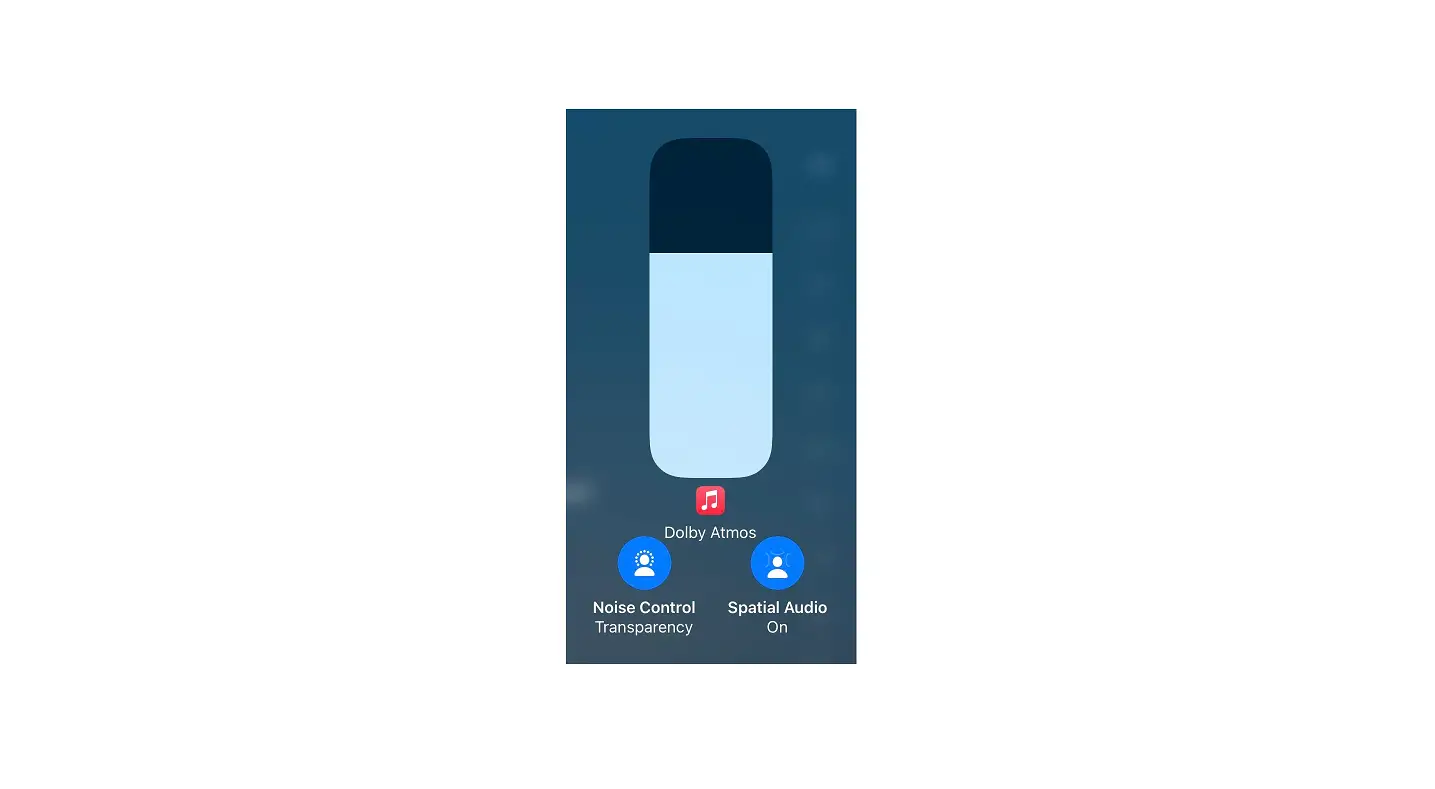
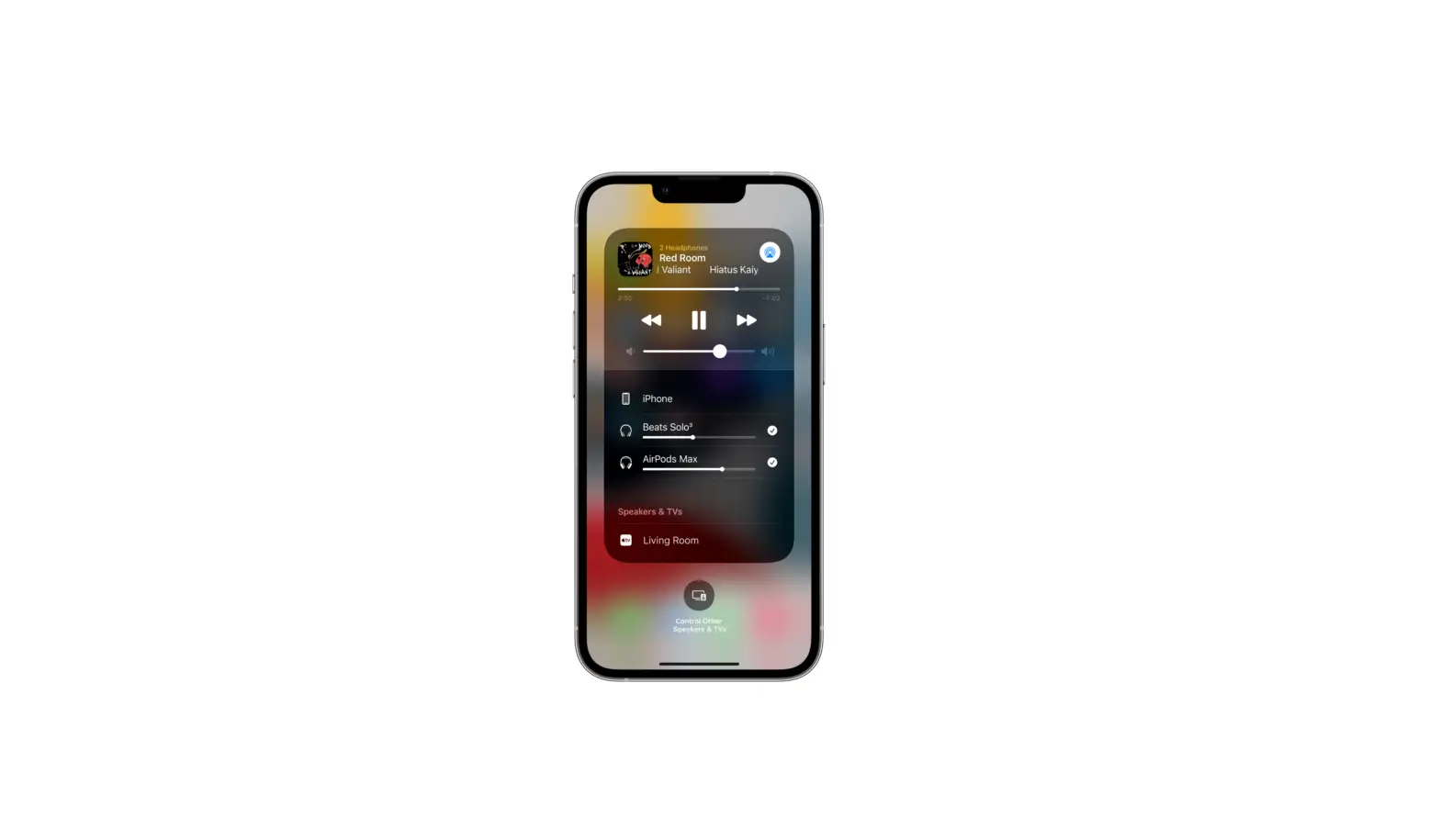
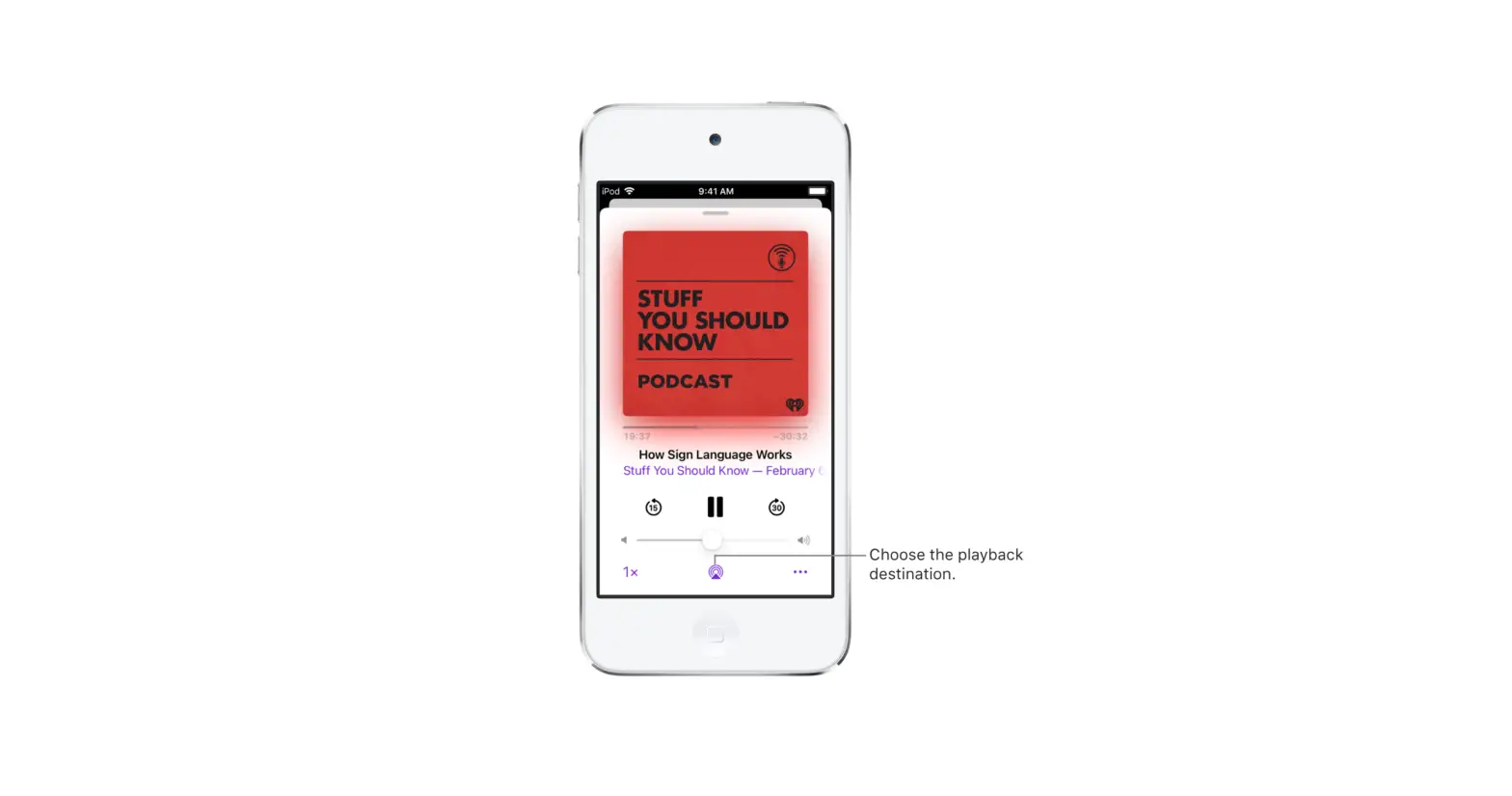
You can also choose playback destinations from the iPod touch screen.
- Tap
 in Control Center, on the Lock Screen, or on the Now Playing screen for the app you’re listening to.
 - Select each device you want to use.
 in Control Center, on the Lock Screen, or on the Now Playing screen for the app you’re listening to.
Note: Devices arranged in a stereo pair are treated as a single audio device.