When you summon Siri with your voice, Siri responds out loud.
- Say “Hey Siri,” then ask Siri a question or to do a task for you.
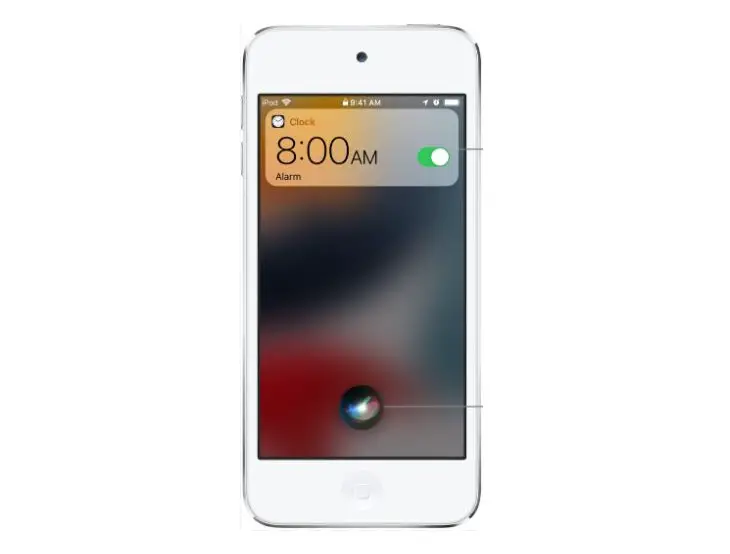
For example, say something like “Hey Siri, how’s the weather today?” or “Hey Siri, set an alarm for 8 a.m.”
- To ask Siri another question or to do another task, say “Hey Siri” again or tap
 .
.
 .
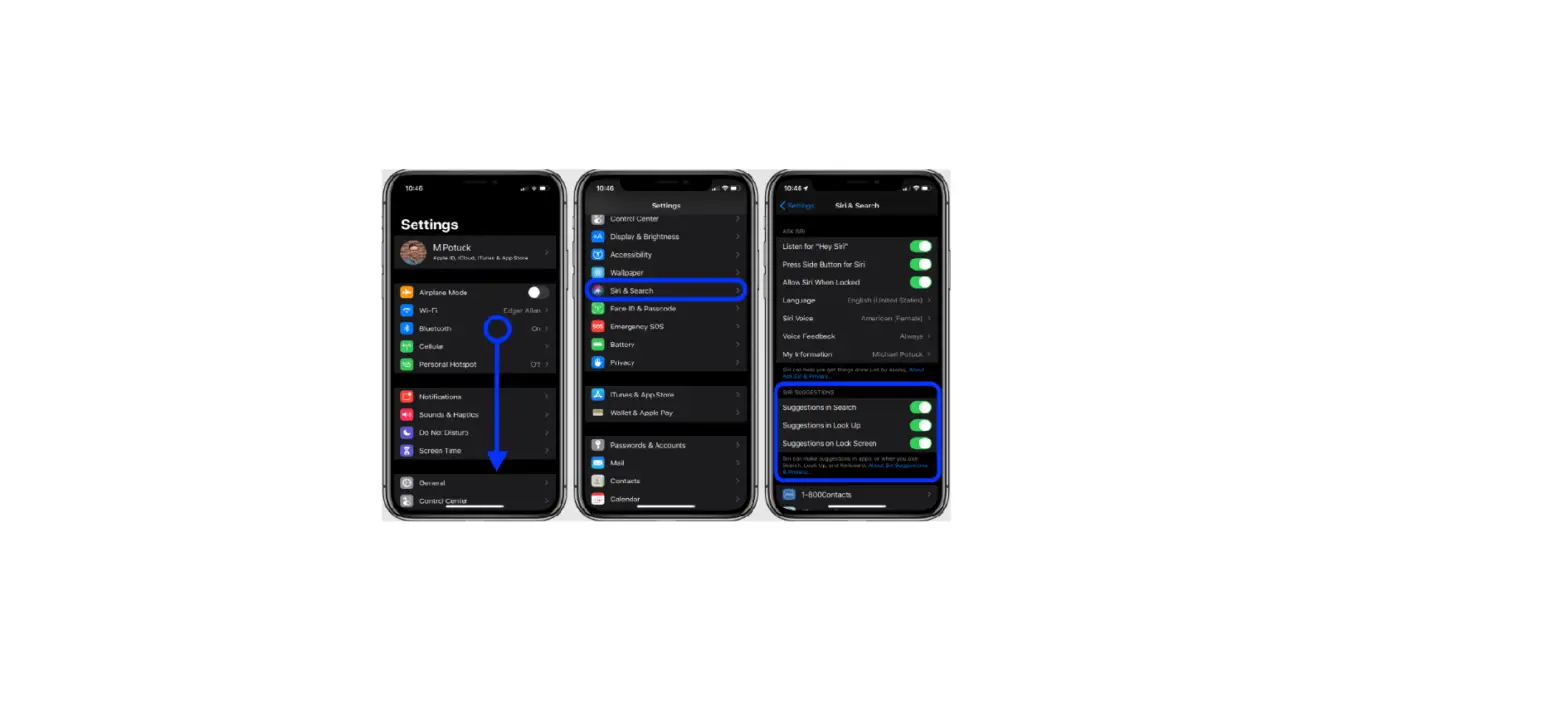
.Note: To prevent iPhone from responding to “Hey Siri,” place your iPhone face down, or go to Settings  > Siri & Search, then turn off Listen for “Hey Siri.”
You can also say “Hey Siri” to summon Siri while wearing AirPods Max, AirPods Pro, or AirPods (2nd generation). See Use Siri with AirPods on iPhone.