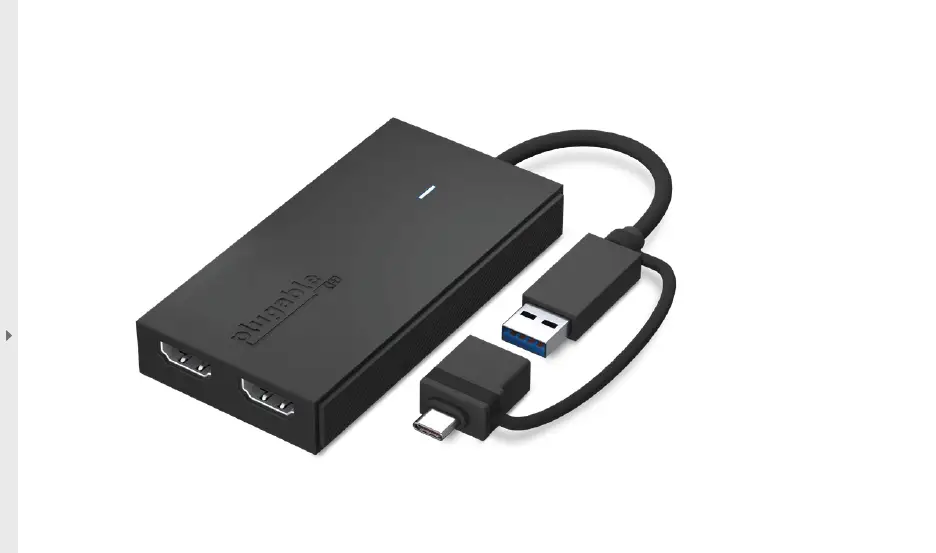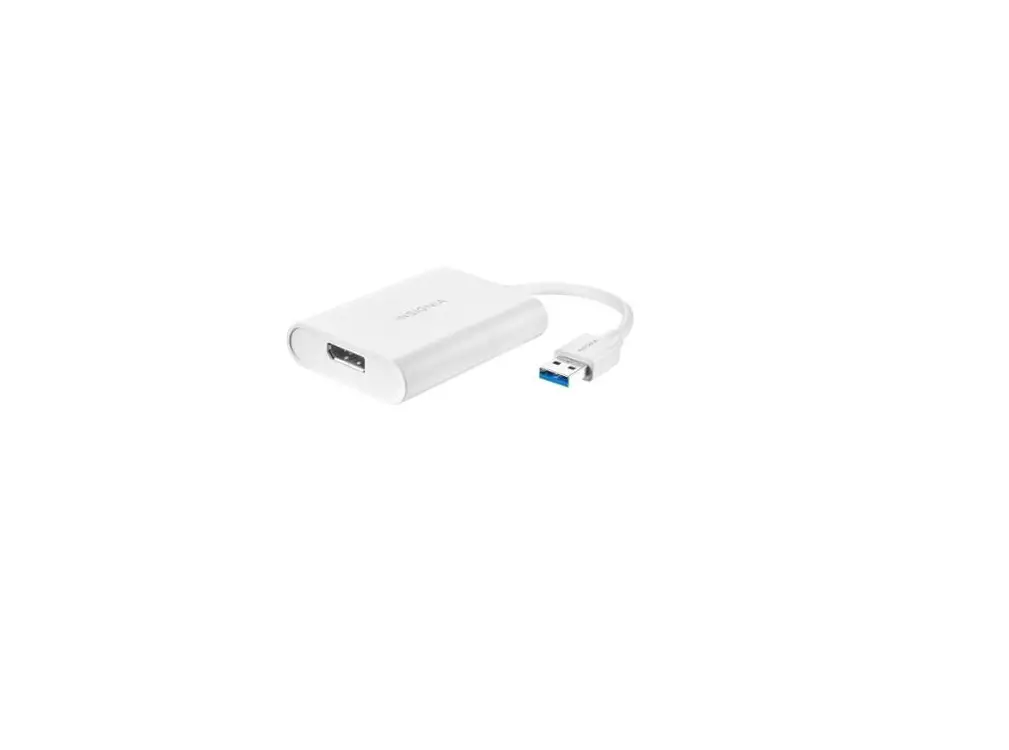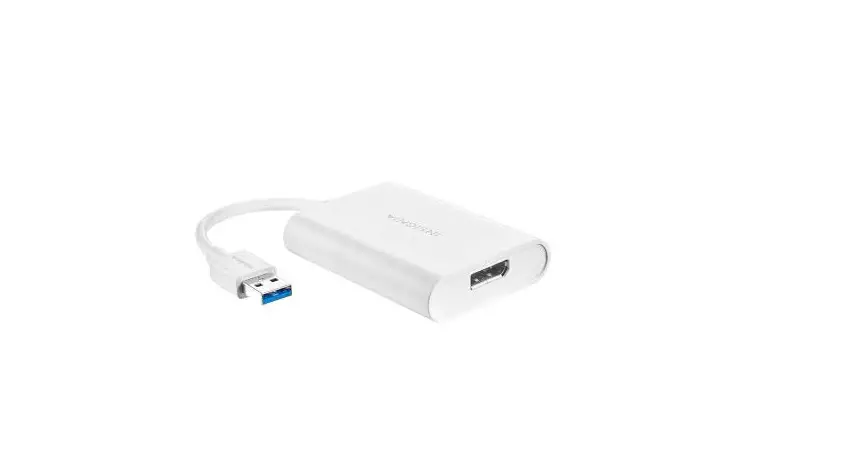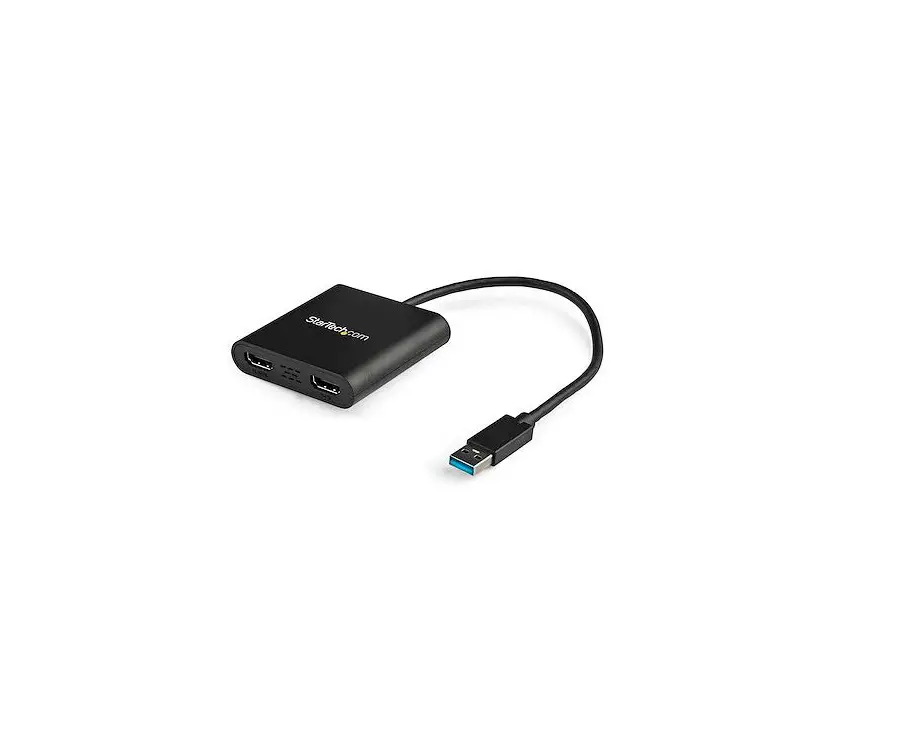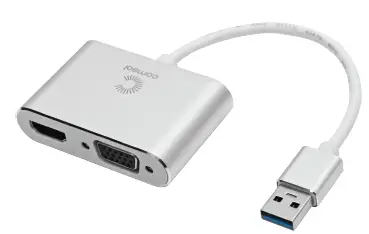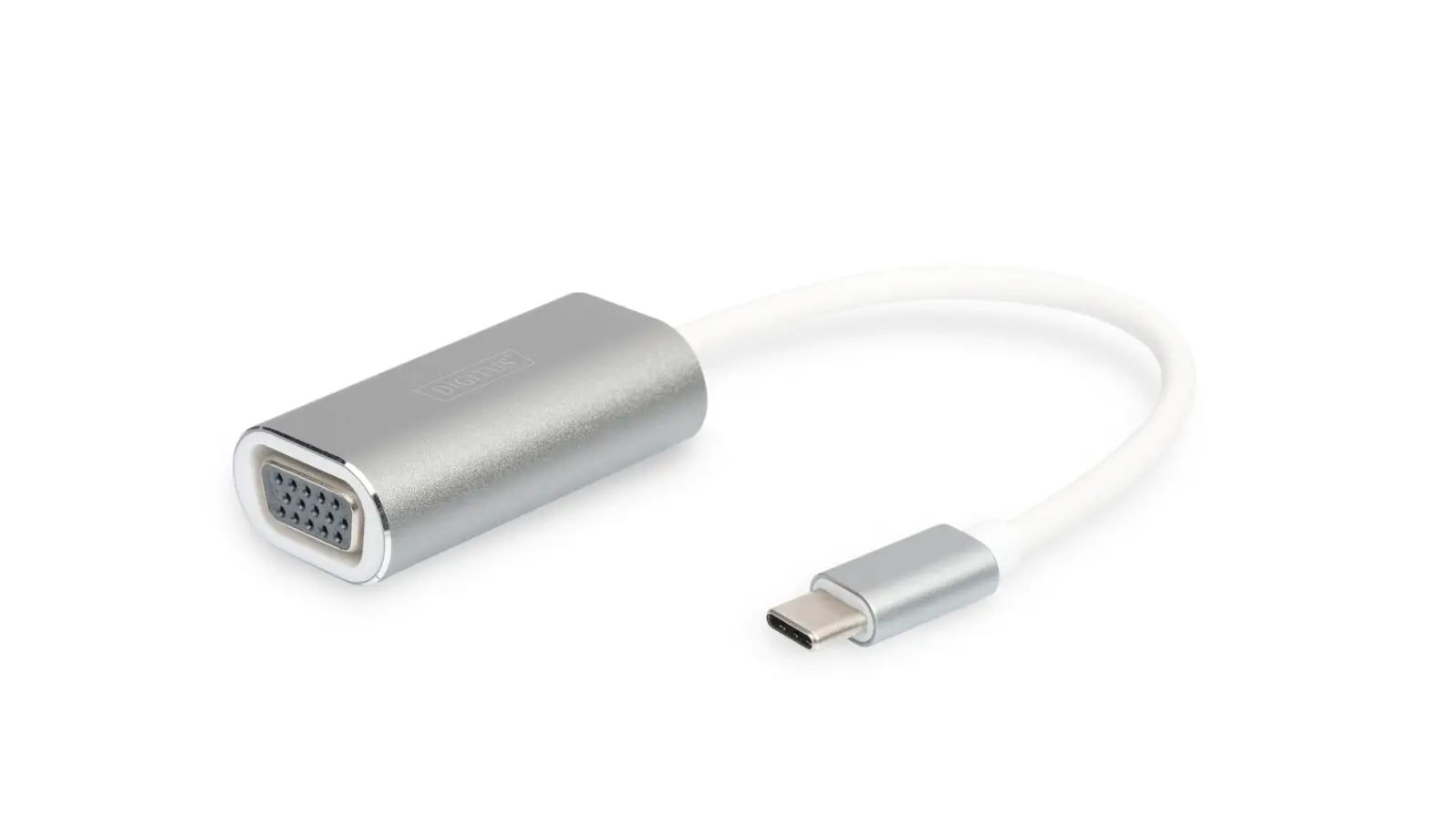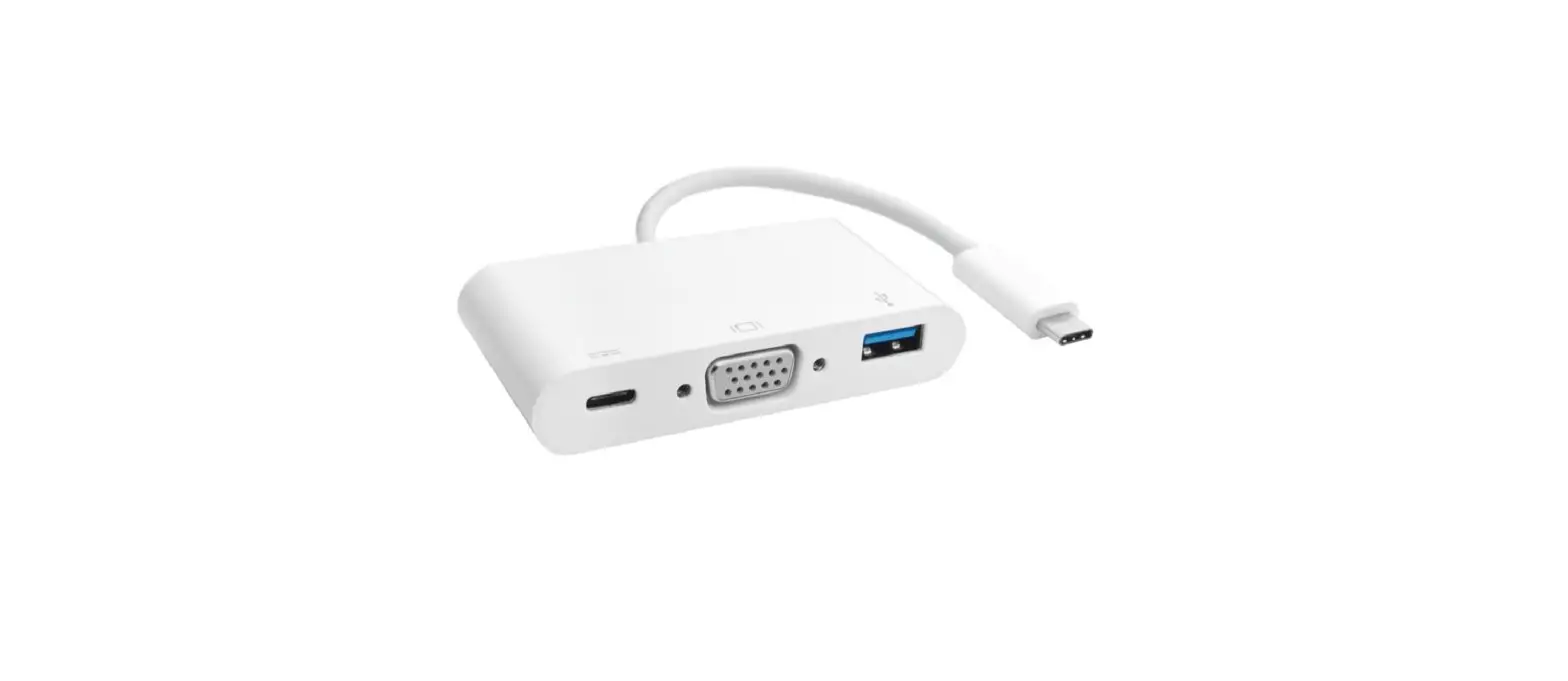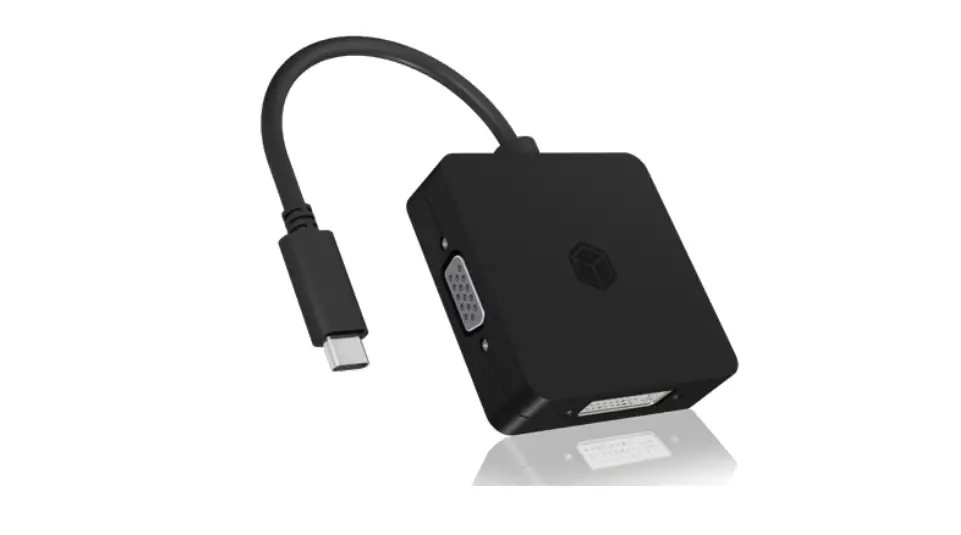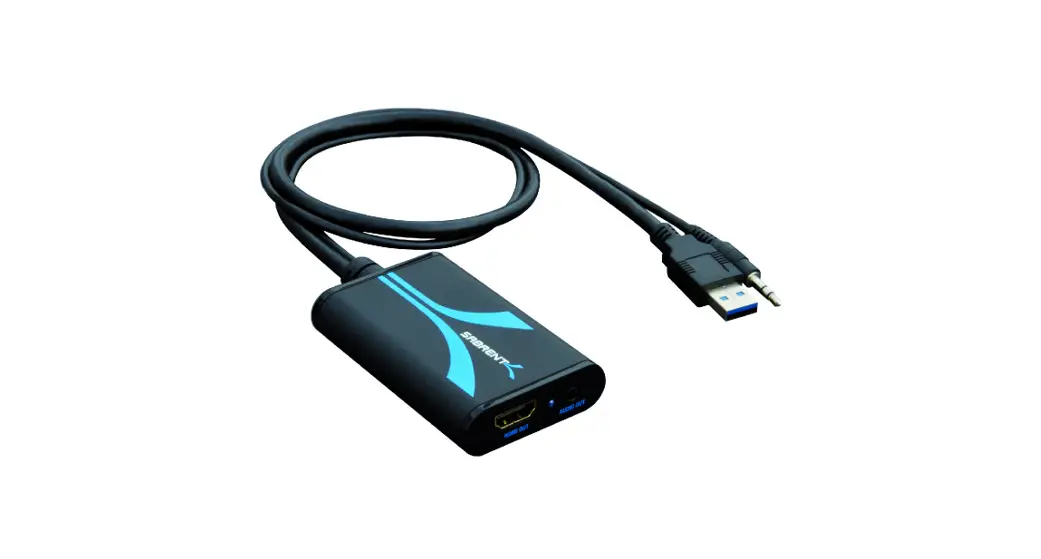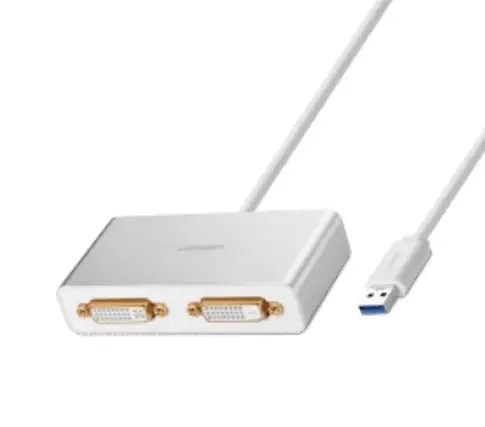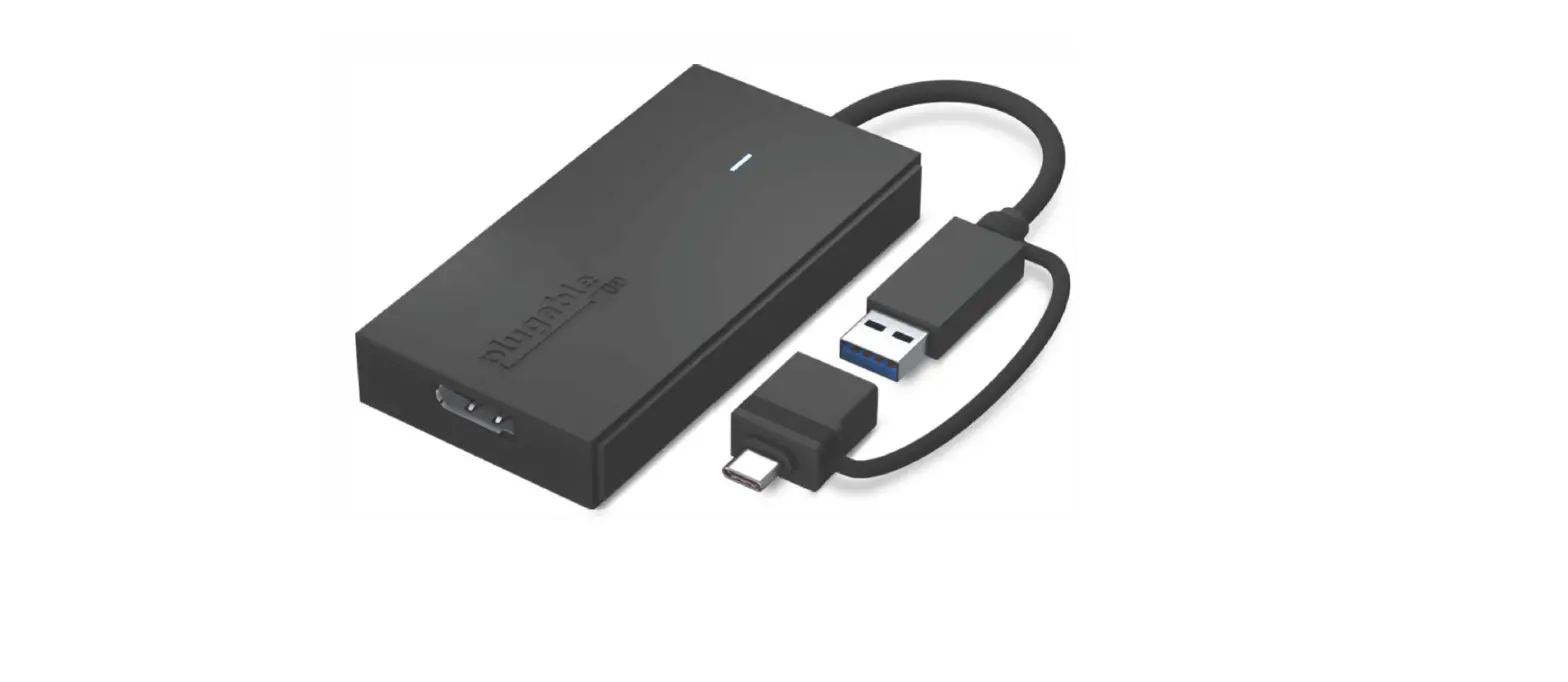

plugable UGA-DP-S USB 3.0 and USB-C to DisplayPort Adapter
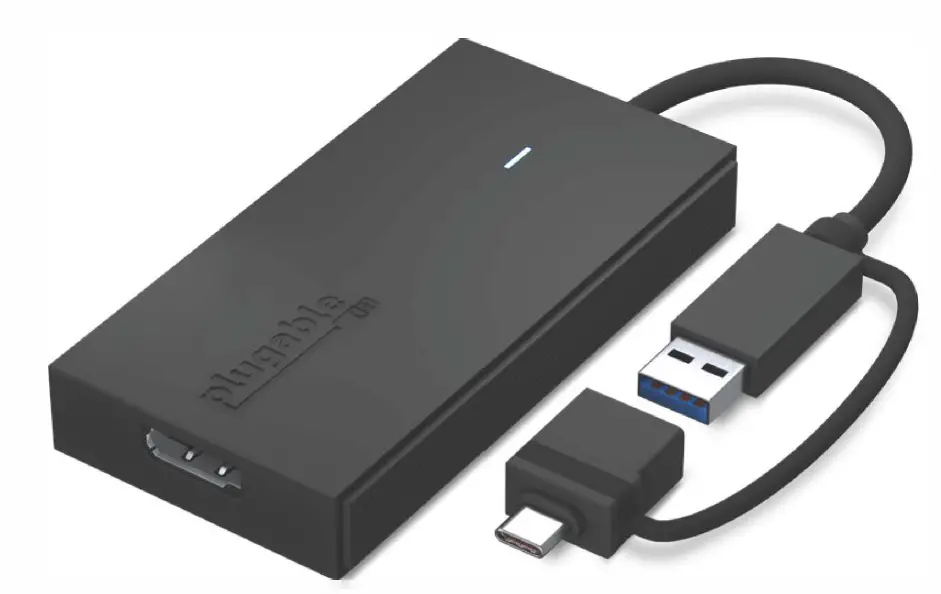
In the Box
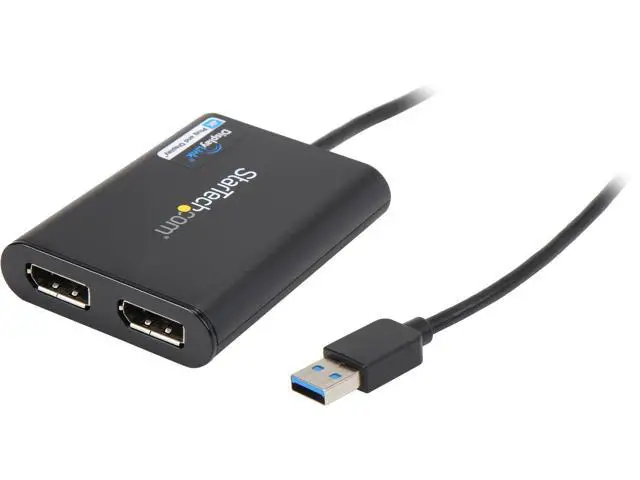
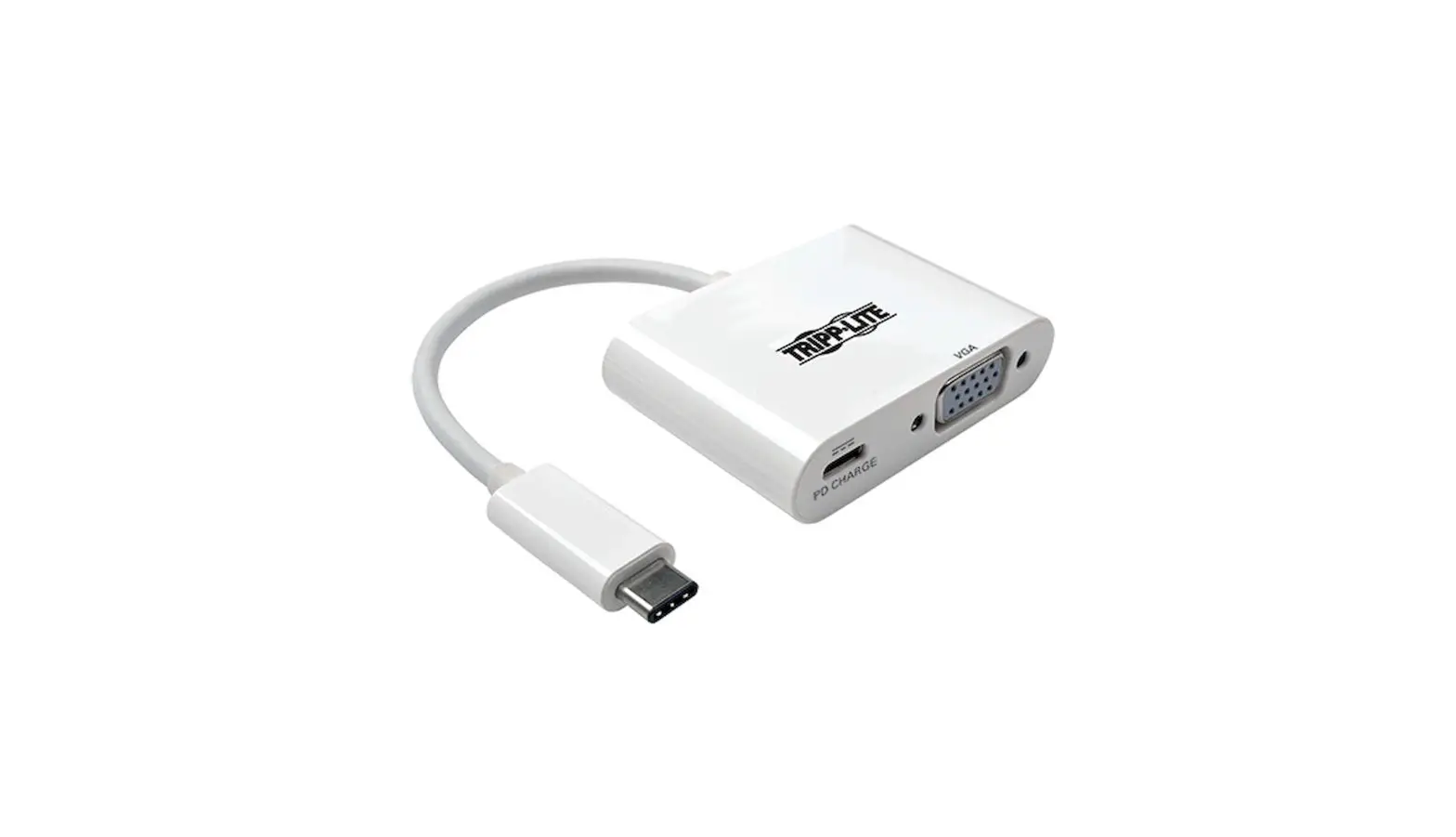
Graphics Adapter with attached USB 3.0 to USB-C adapter
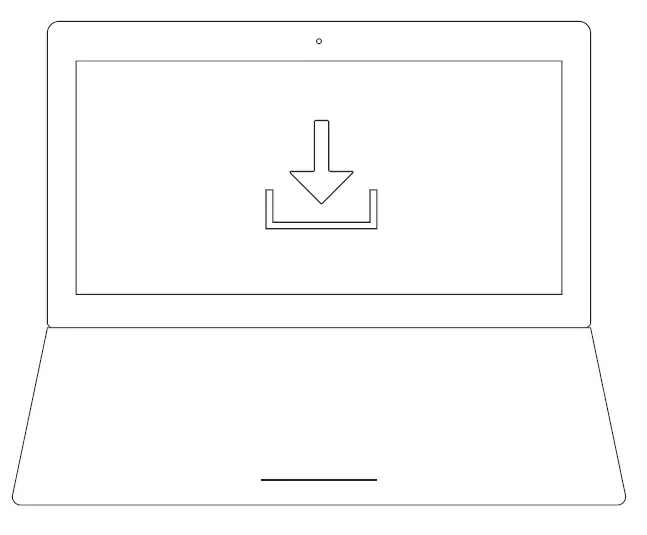
Download and install driver
Decagram e installer el controller.
Connect the adapter to host.
Connector / adaptor / servitor
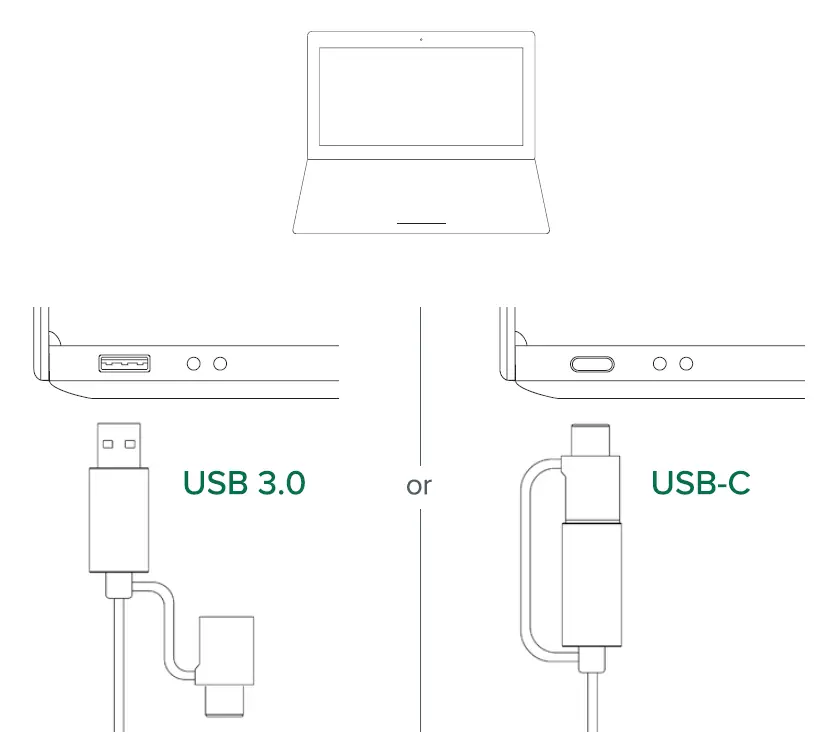
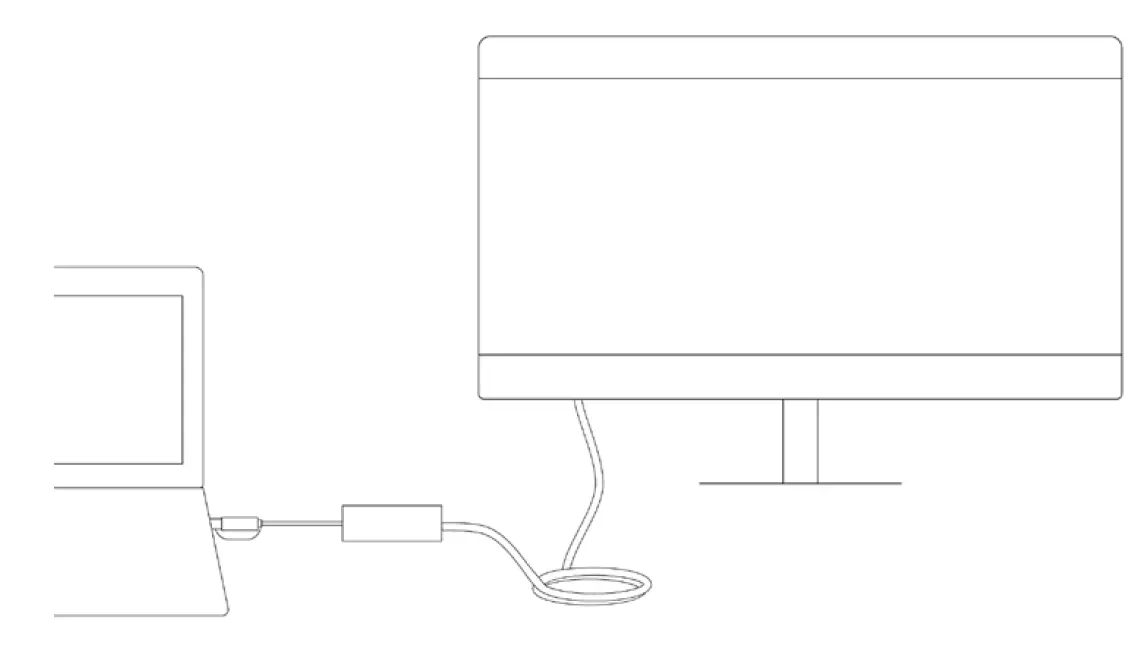
Connect the monitor.
Connector/monitor
Questions? We’re here to help!
plugable.com/products/uga-dp-s [email protected]
Thank you for your purchase of the Plugable UGA-DP-S USB 3.0 and USB-C to DisplayPort Adapter! The Plugable UGA-DP-S adapter connects to a computer via a USB 3.0 or a USB-C connection and extends an external DisplayPort monitor up to 3840×2160@30Hz resolutions. 4K resolutions and lower are supported.