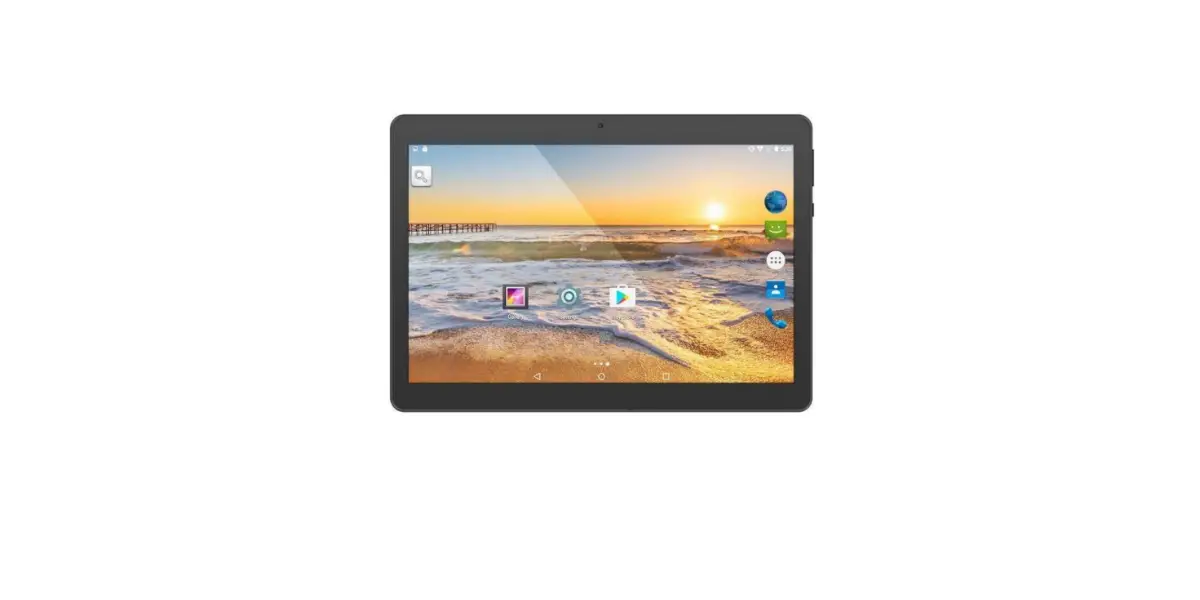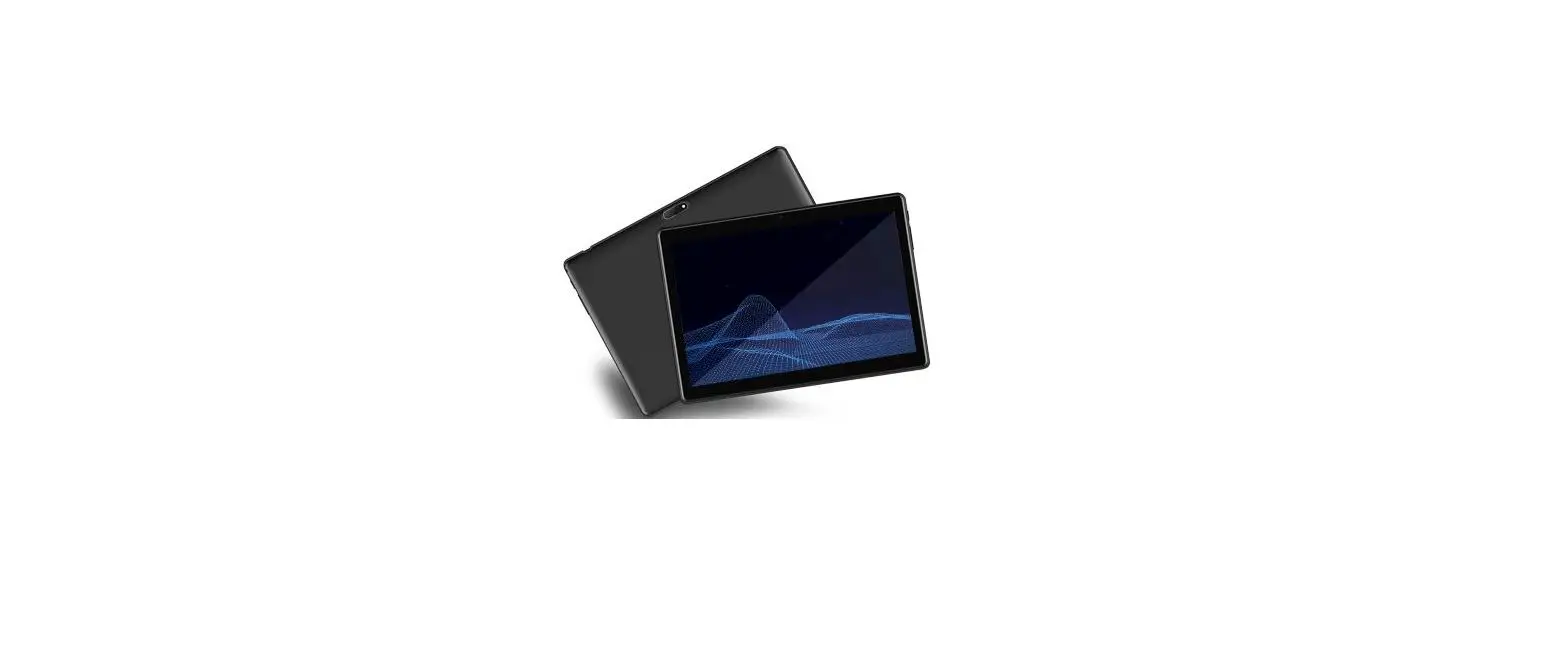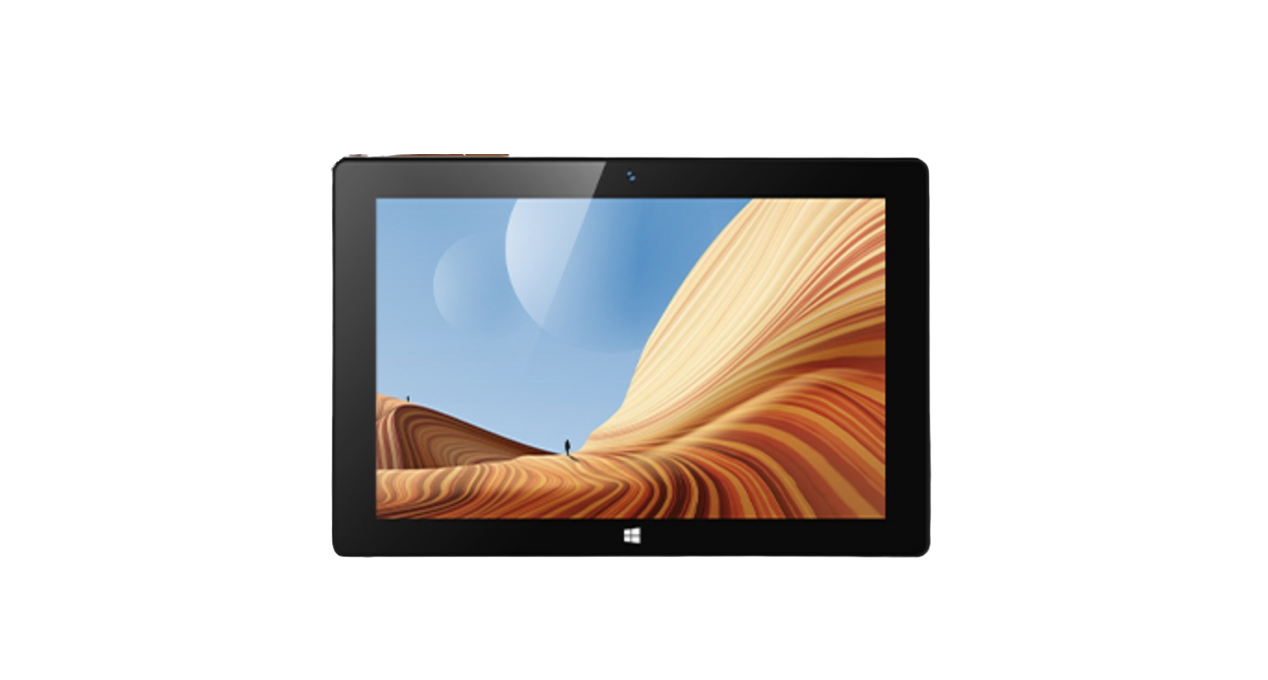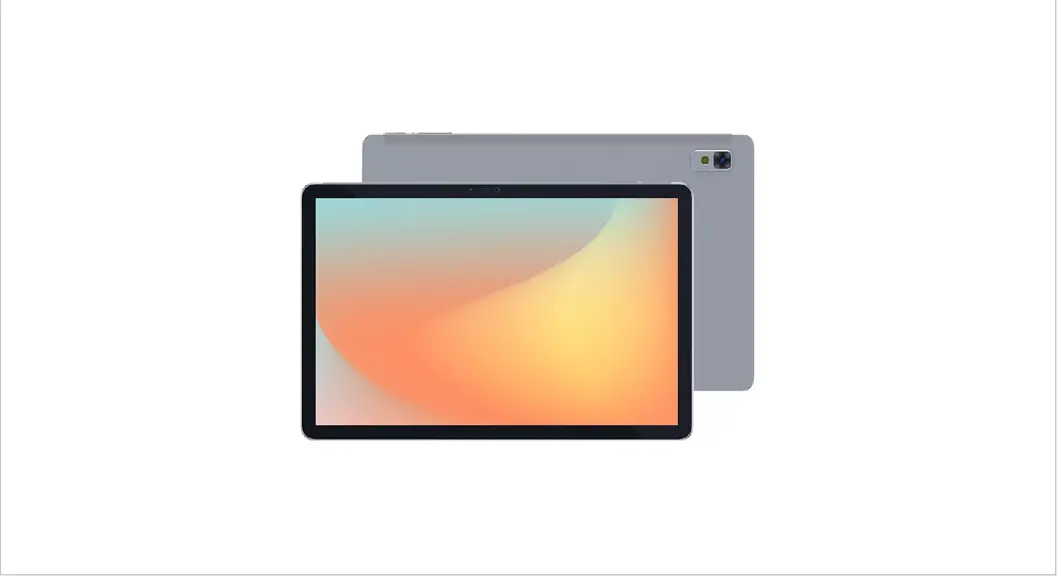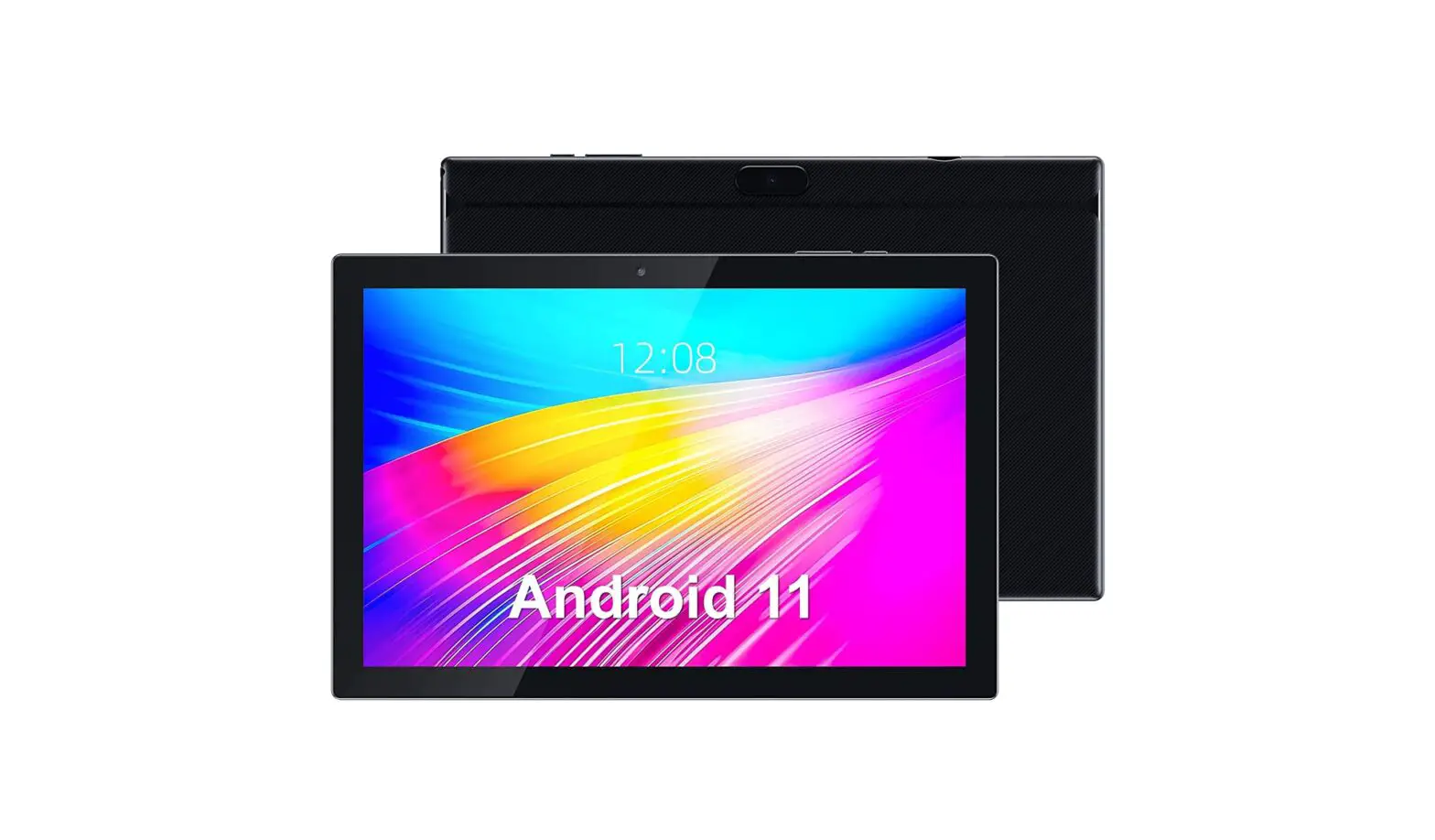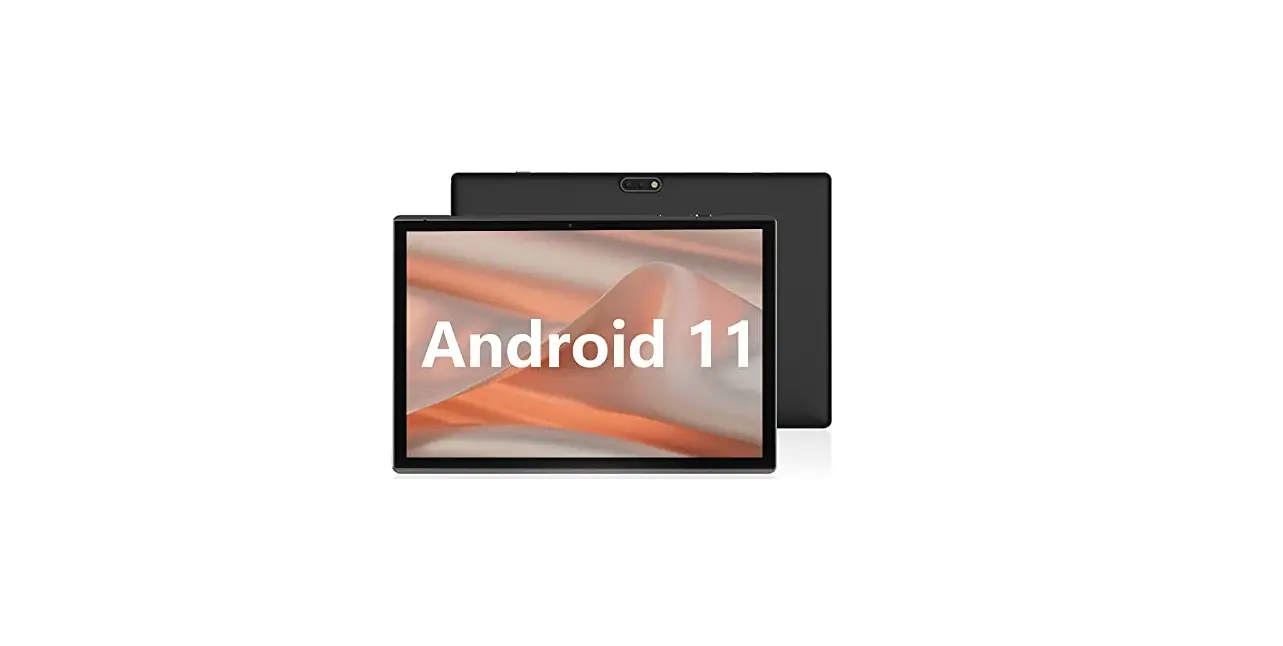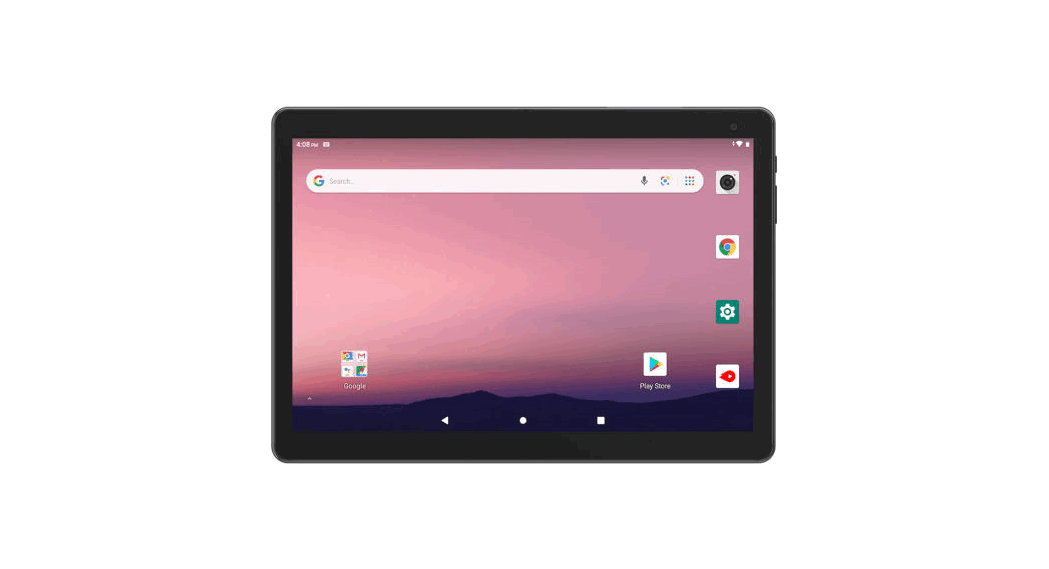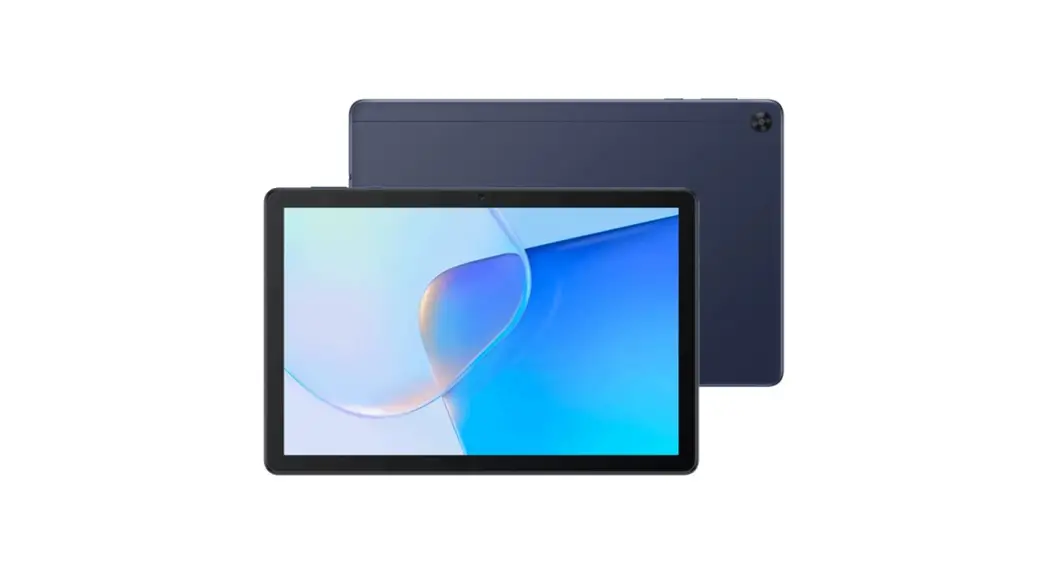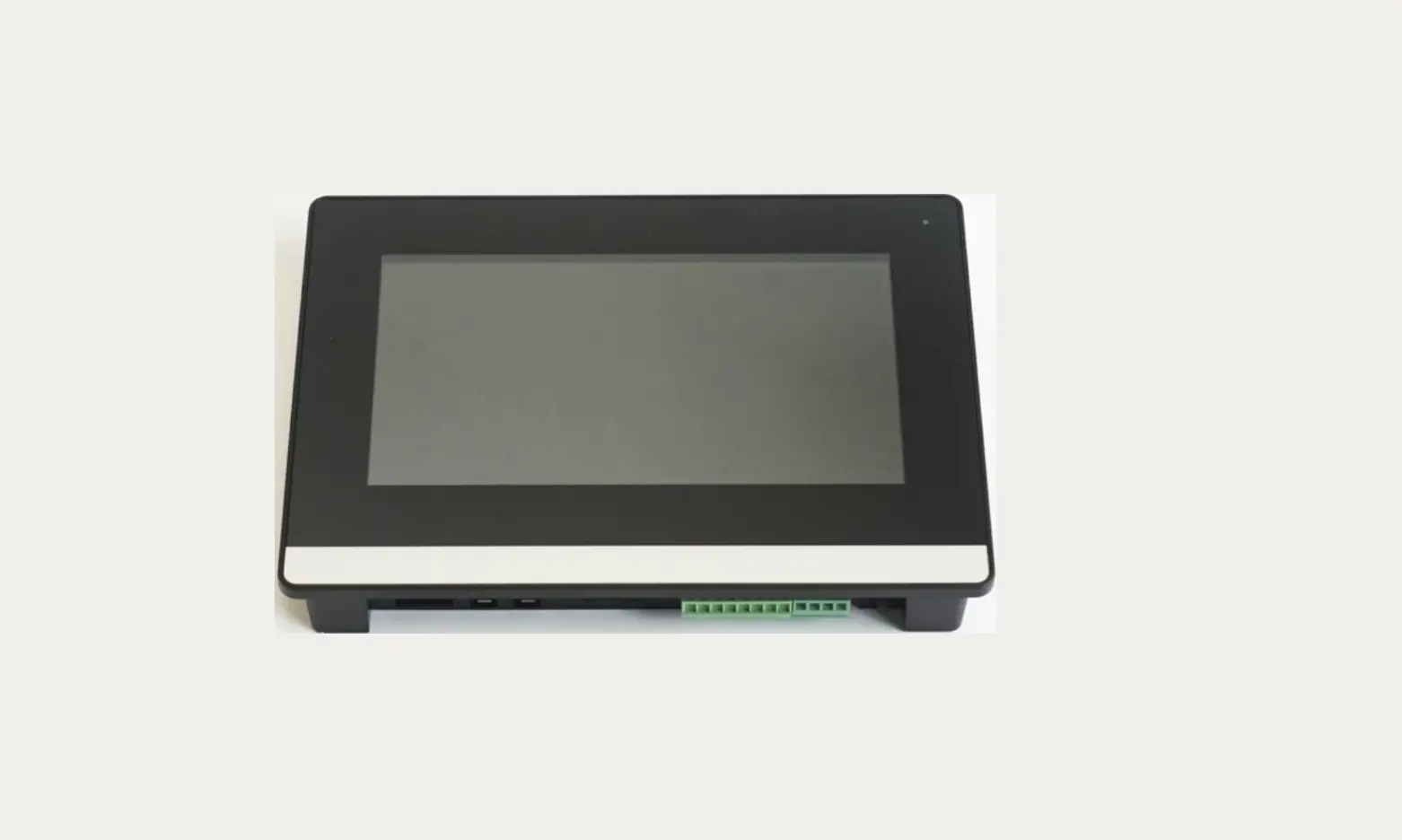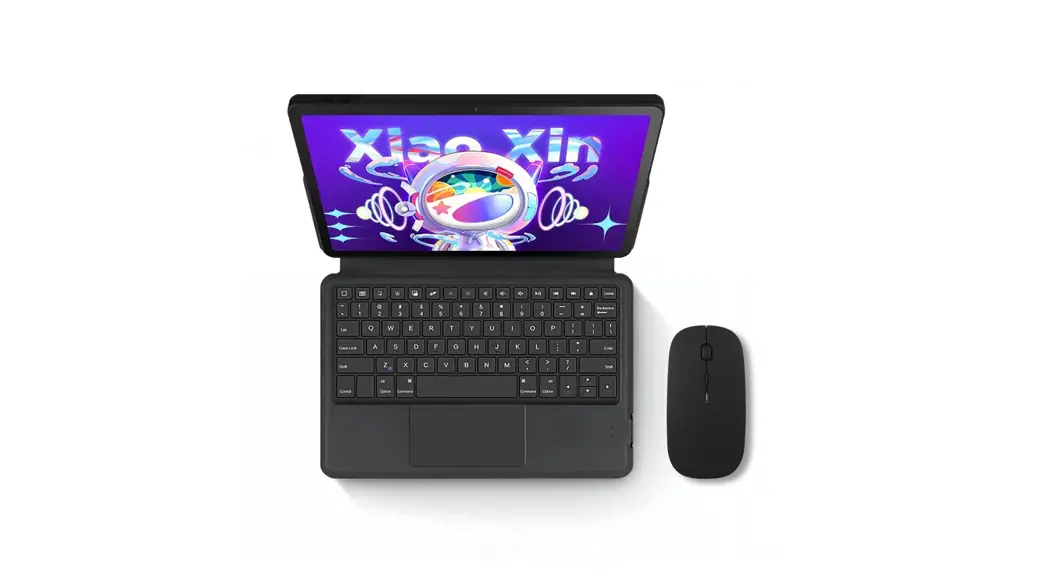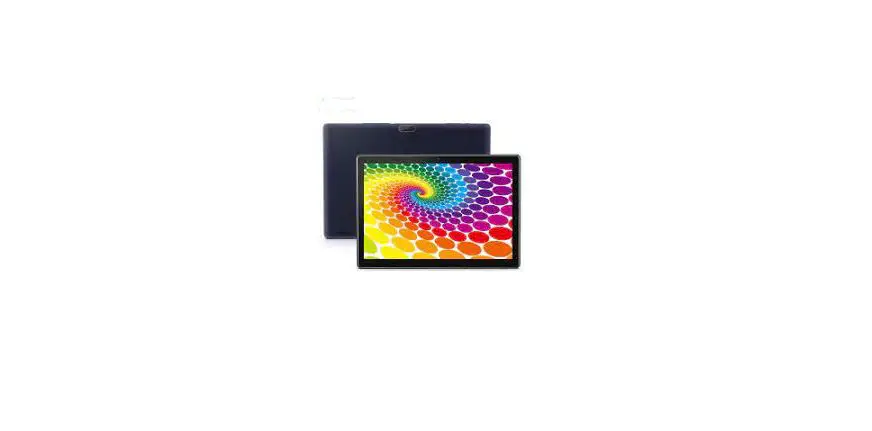

Shenzhen Jingwah Information Technology W113P Tablet PC
Cast screen
Show your tablet’s screen on devices with Miracast Wireless display capabilities:
- Turn on the Miracast feature on your Miracast supported TV or Miracast dongle (not included).
- Connect your tablet to the same Wi-Fi network as your Miracast enabled TV.
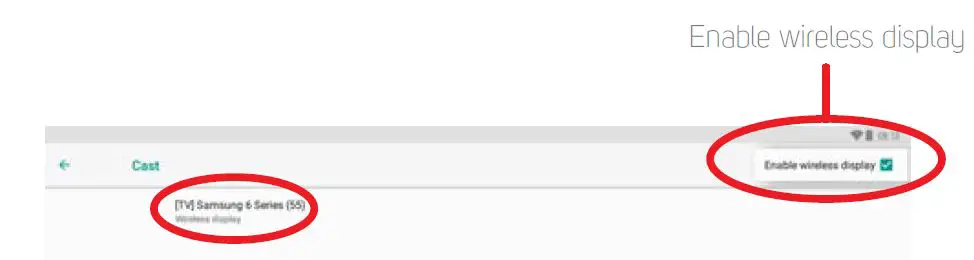
- Go to Settings > Connected devices > Connection preferences > Cast and tap on “ “.

- Select “Enable wireless display”, then select the available display that will appear.


Note
Optimal video performance is achieved with videos that are 720p or under.