IPX GY-Z7A UV Sterilizer and Wireless Charger User Manual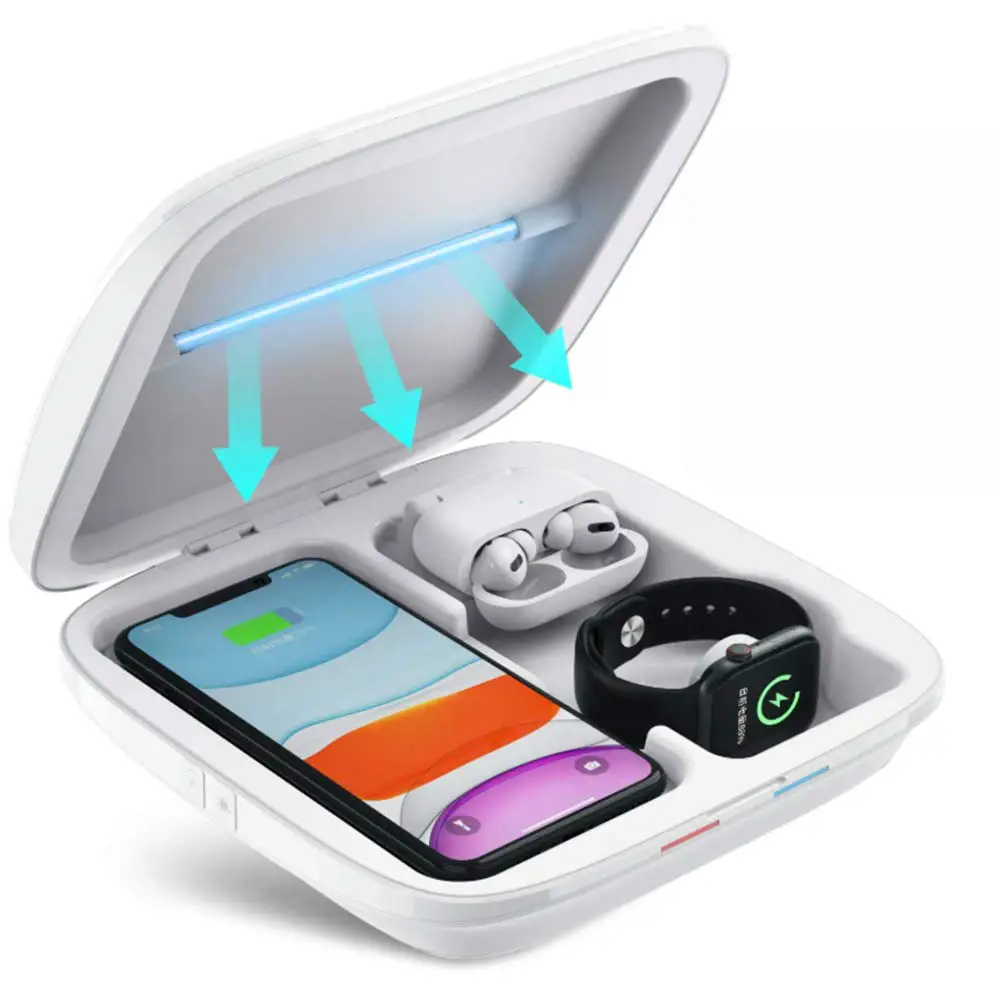
Thank you for UVS Light Wireless Charger. Please read the instructions carefully before using this product.
Product Introduction
Product Introduction
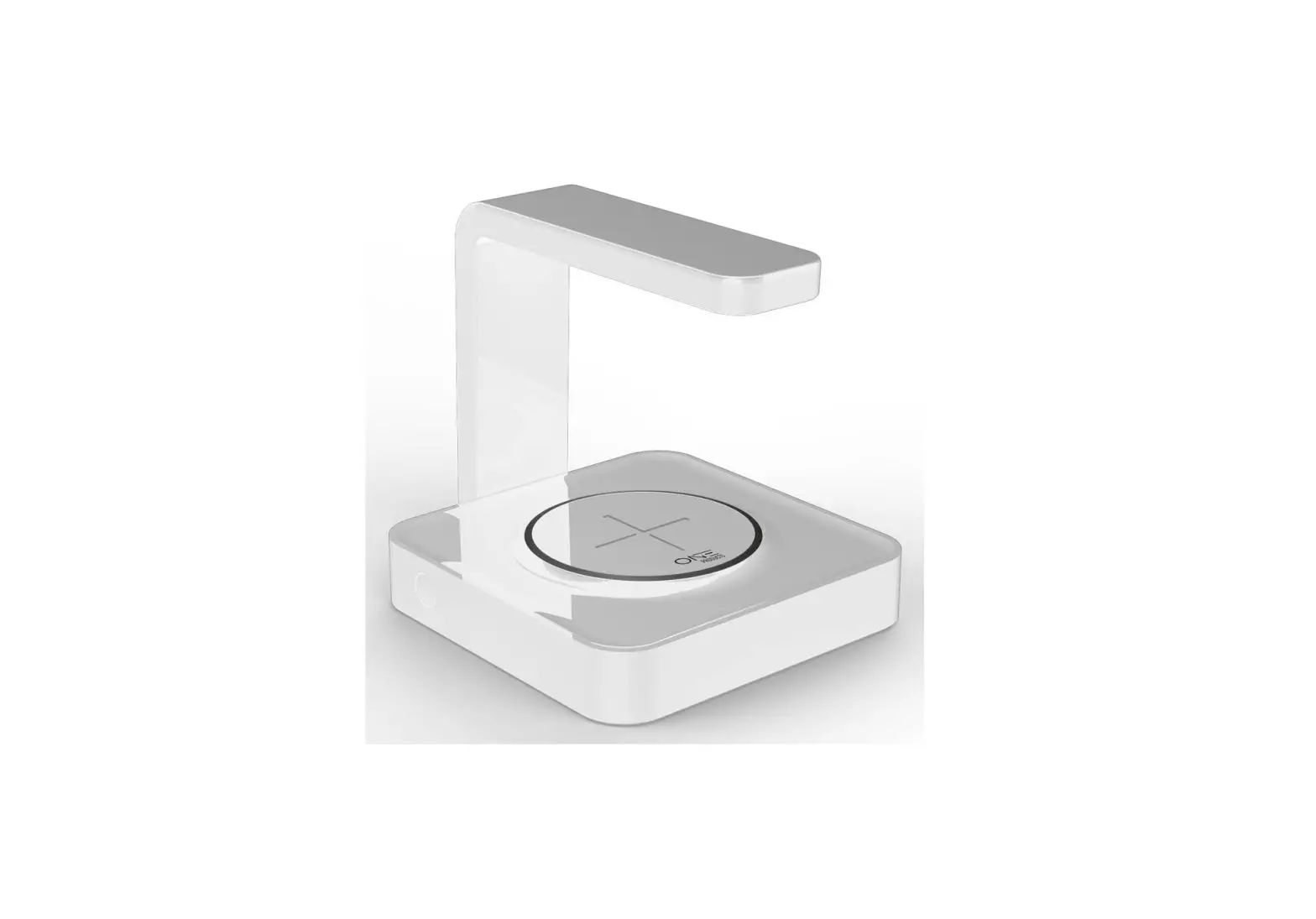
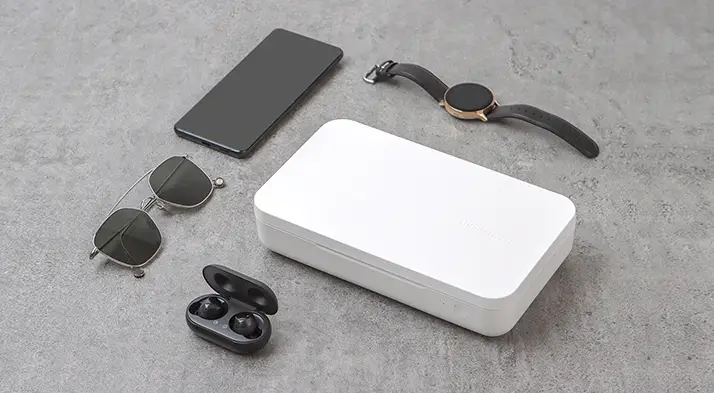
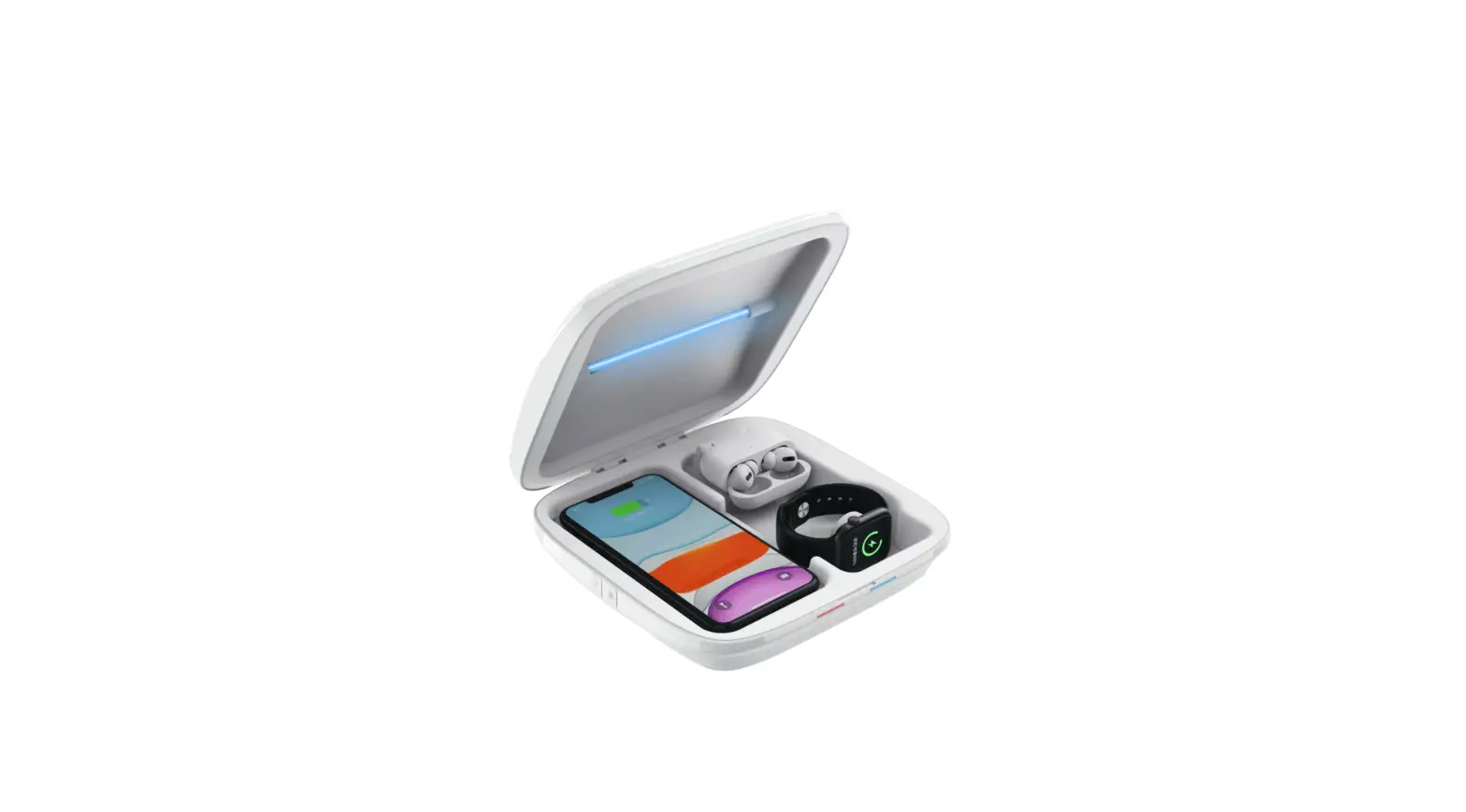
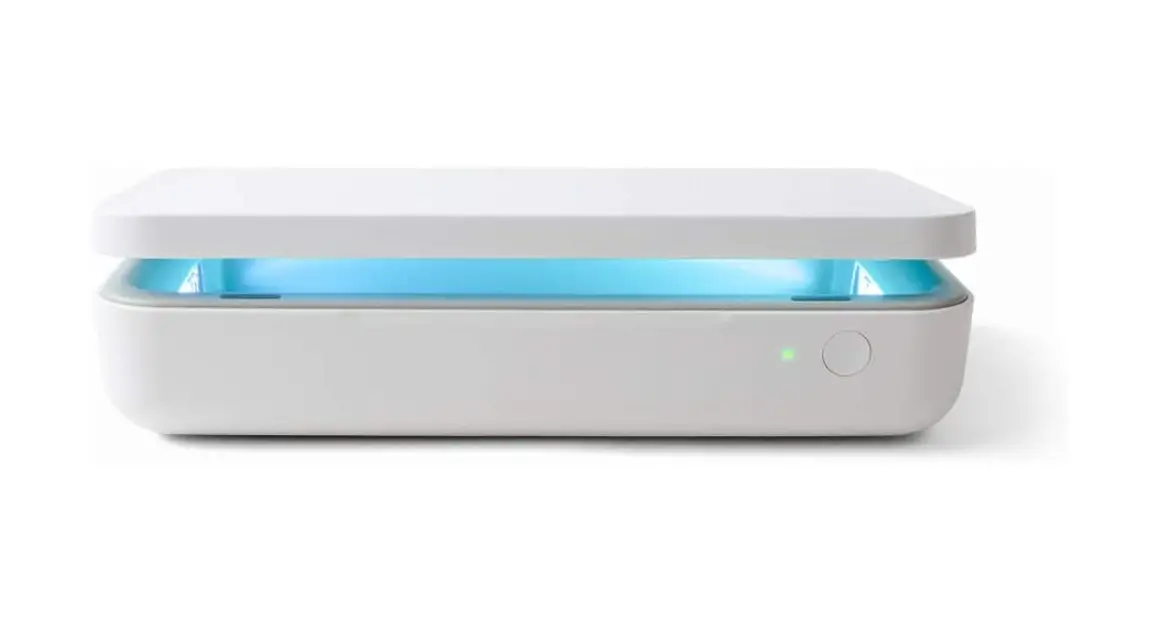
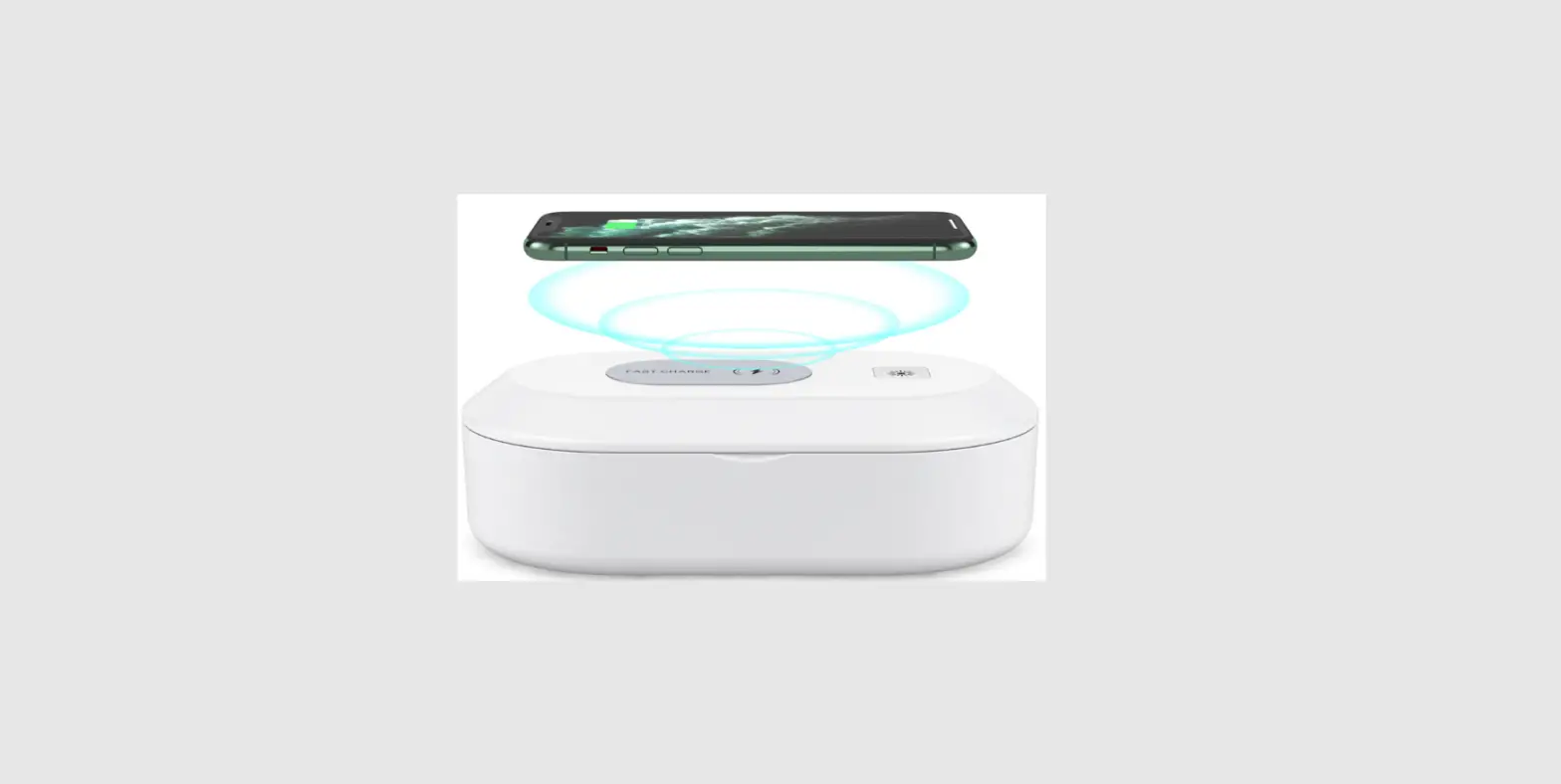
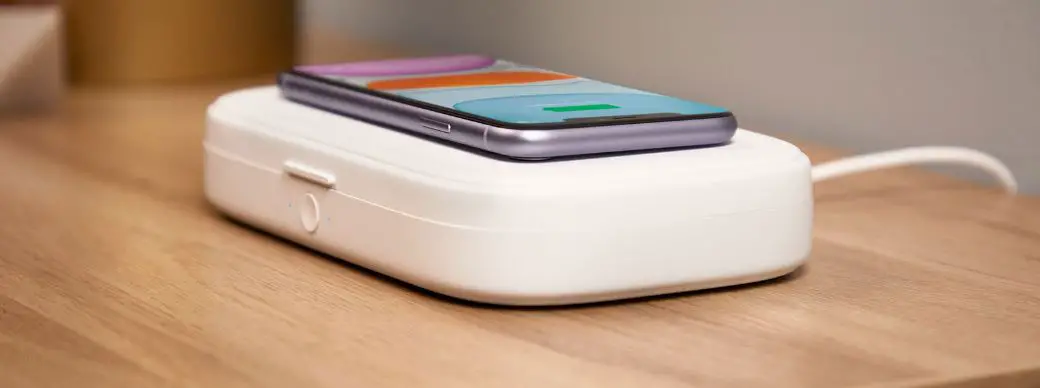
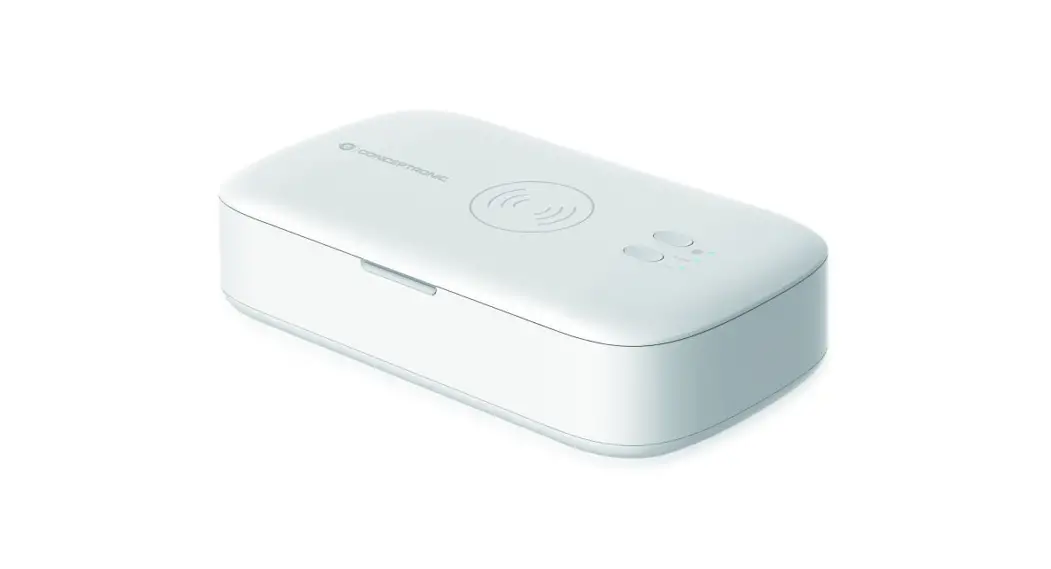
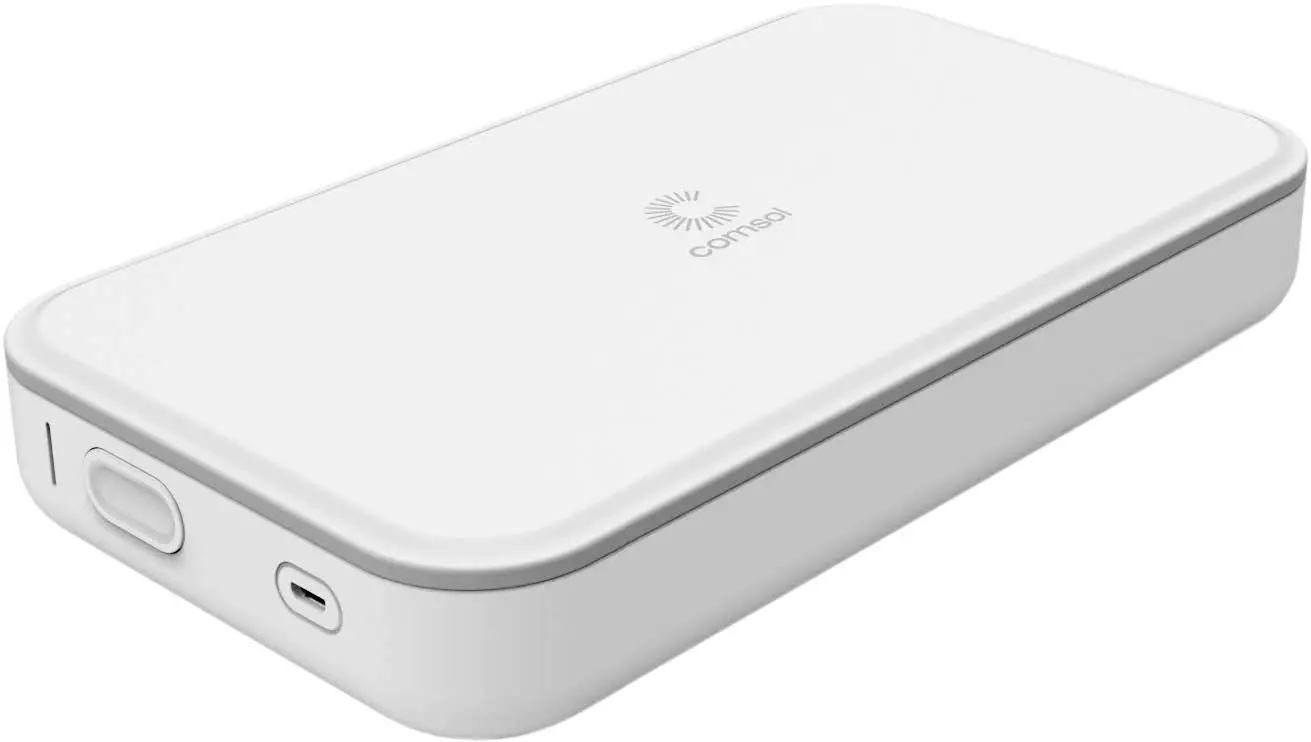
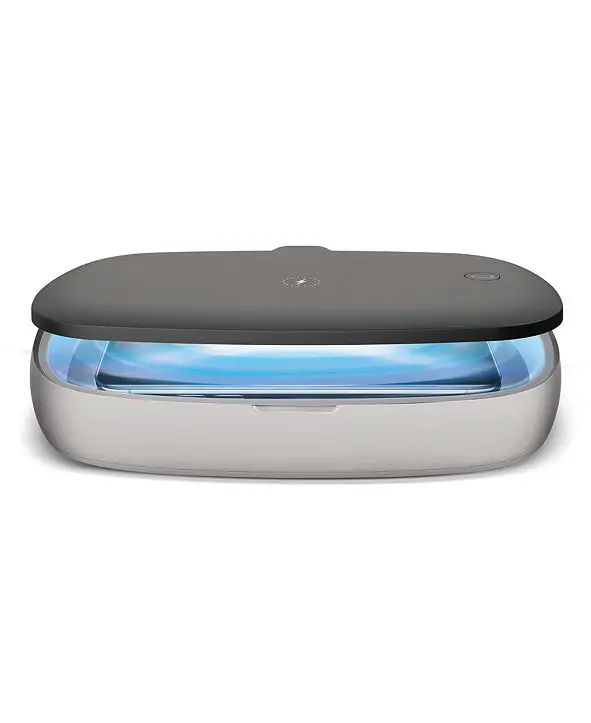
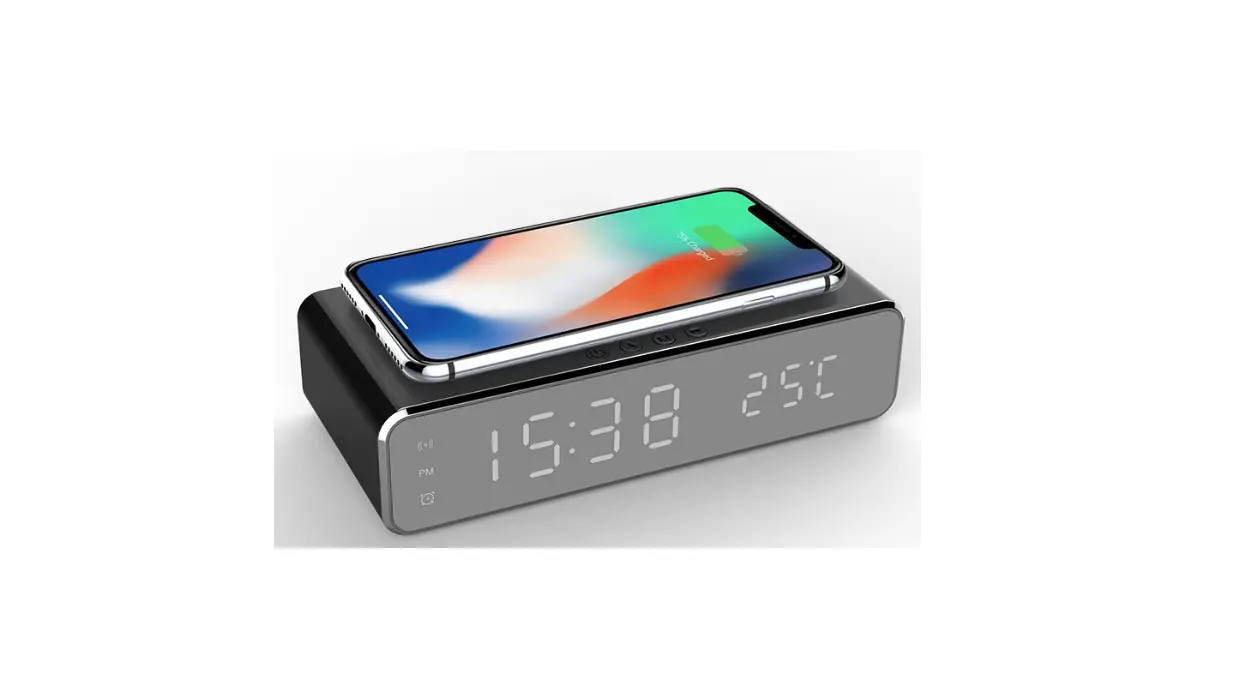
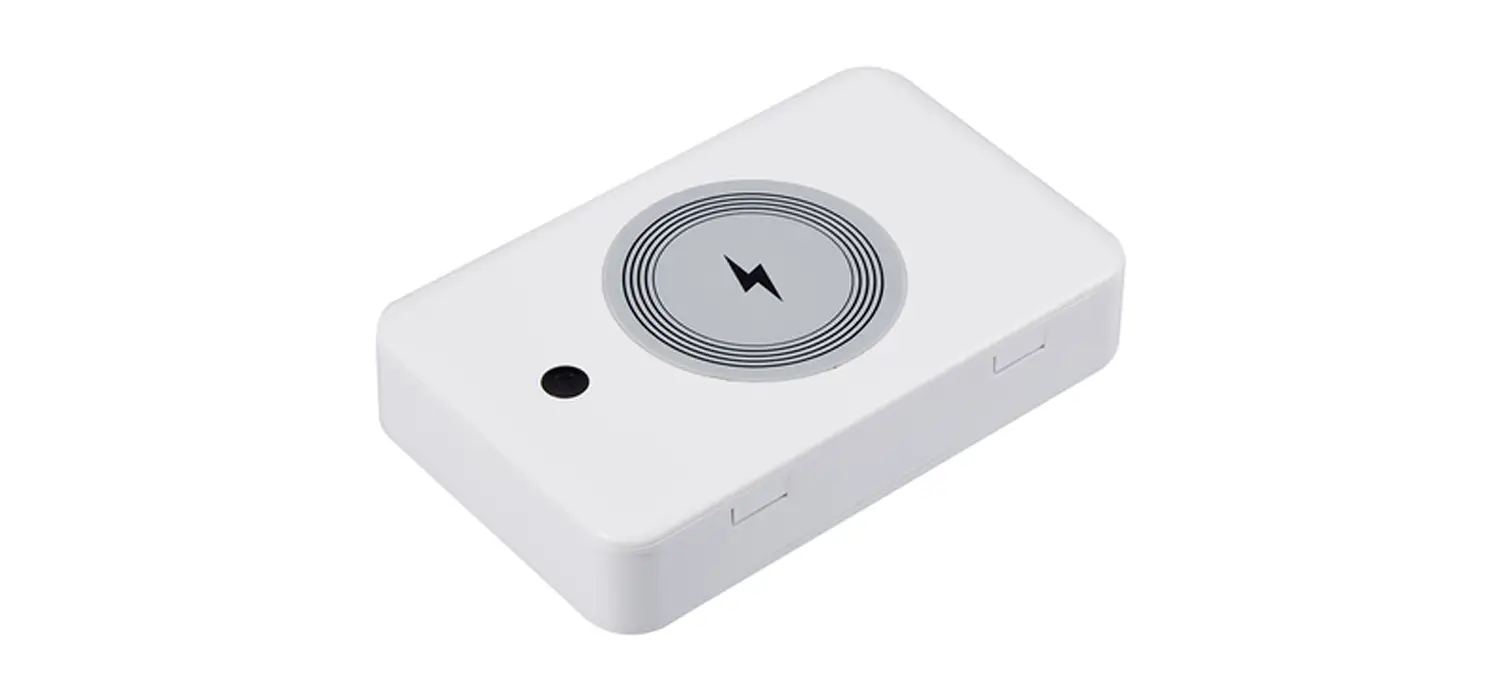
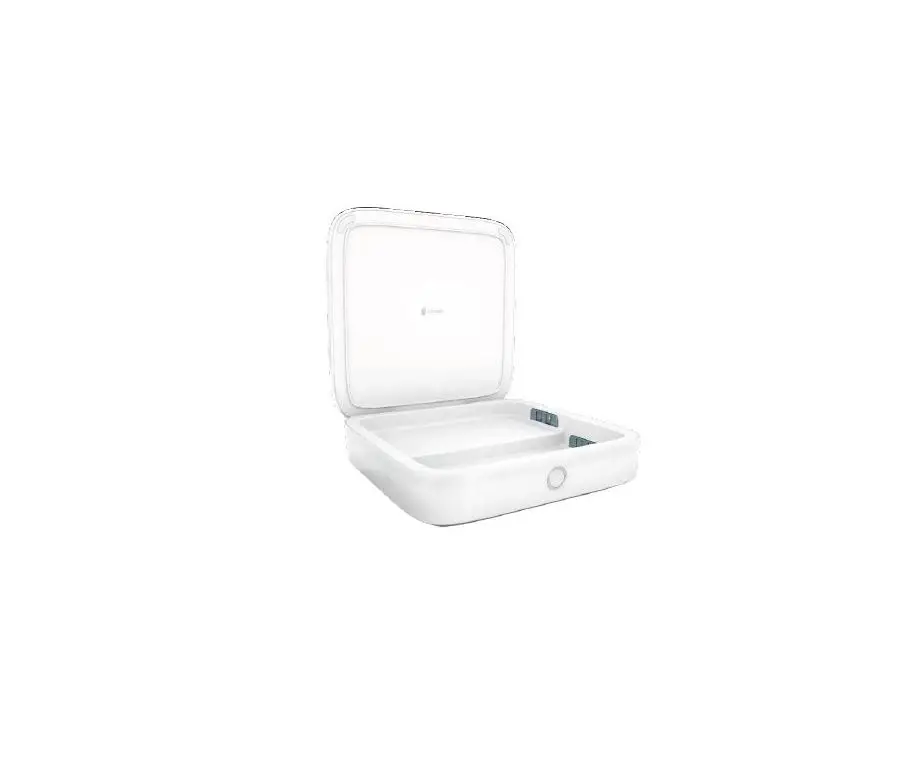
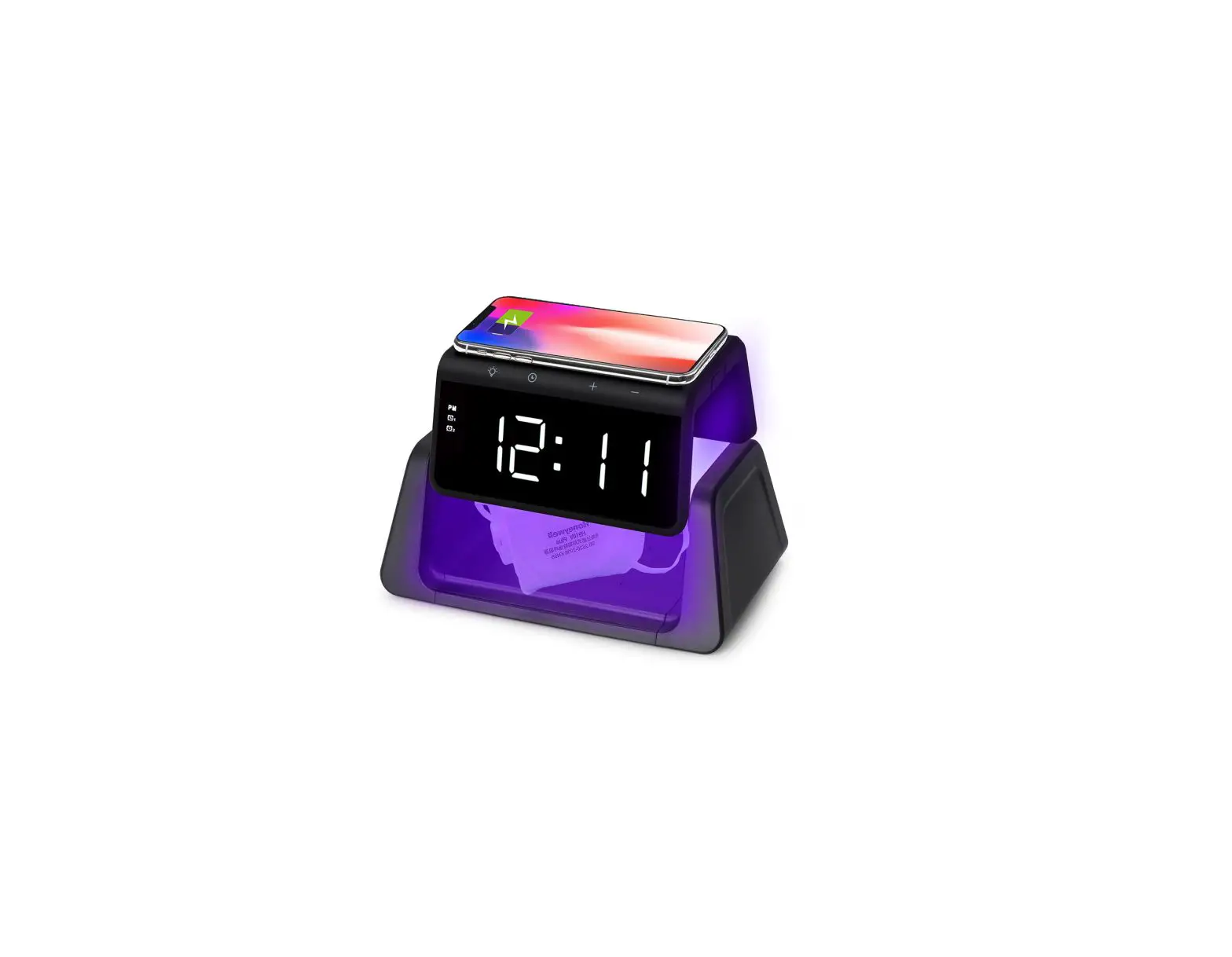
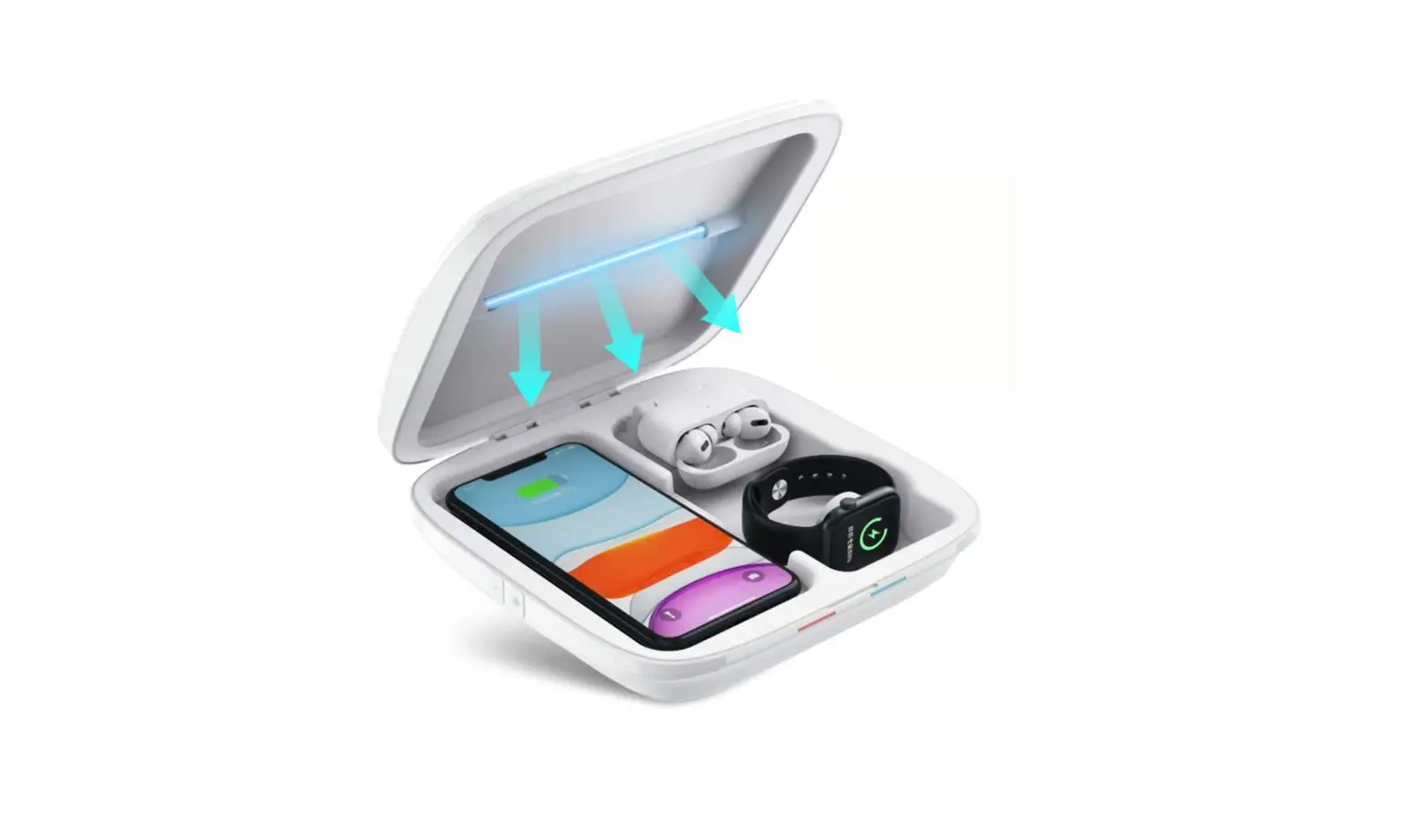
The wireless charger. A compact charging house. Three devices can be charge dwirelessly using single line of power. With UV disinfection. Besides, it is fashion that the light effect showing the charging state. The charger is so space saving designed that can help you integrate your mobile phone intelligent life very well.
Product Specification
- Apple Watch 0utput:5W UV Light
- Output: 3W (MAX) Input
- Interface: lype-Cport
- Prod Size: 187x90x80(mm)
- Phone Output: 15W/10W/7.5W/5W
- Earphone Output: 3W
- Apple watch: 2.5W
- USB Output: 5V/1A
- Input: 9V/2A, 12V/2A
- WPT: 110 – 239 KHz
Accessories List
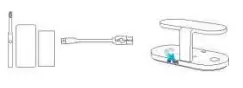
UVS Light Wireless Chargerx Type-C quick charge cable xl User manual xl
Applicable Devices
- Smartphone: Compatible with 11 devices with Qi Standard. For all other phones without Qi Standard, those will be working with wireless receivers.Model:
©Apple: iPhone 11.11 Pro.11 ProMax, Xs, Xs Max, XR, X, 8, 8 Plus;
② Samsung: GalaxyS:20 5G.20+ 5G,20 Ultra 5G,10,10+,10e,9,9+,8, 8+,7,7 edge,6,6 edge,6 edge+, 6 G9209,6 Active: Galaxy Note: 10, lOe.10+,9,8,7,6,5;
③ Huawei: P:40Pro,30 Pro;Mate:30 5G,30Pro5G,30,30Pro,30 RS, 20 Pro,20 RS,RS; ®Xiaomi: 10, 10 Pro, 9, 9Pro, Mix3, Mix2S; - Smart Watch:Apple: iWatch S1,S2,S3,S4,S5.
- Earphone:
® Apple AirPods 2, Pro;
② Samsung Galaxy Buds, Buds+;
③ Huawei Freebuds2, 3; and more TWS (with wirelesscharging case).
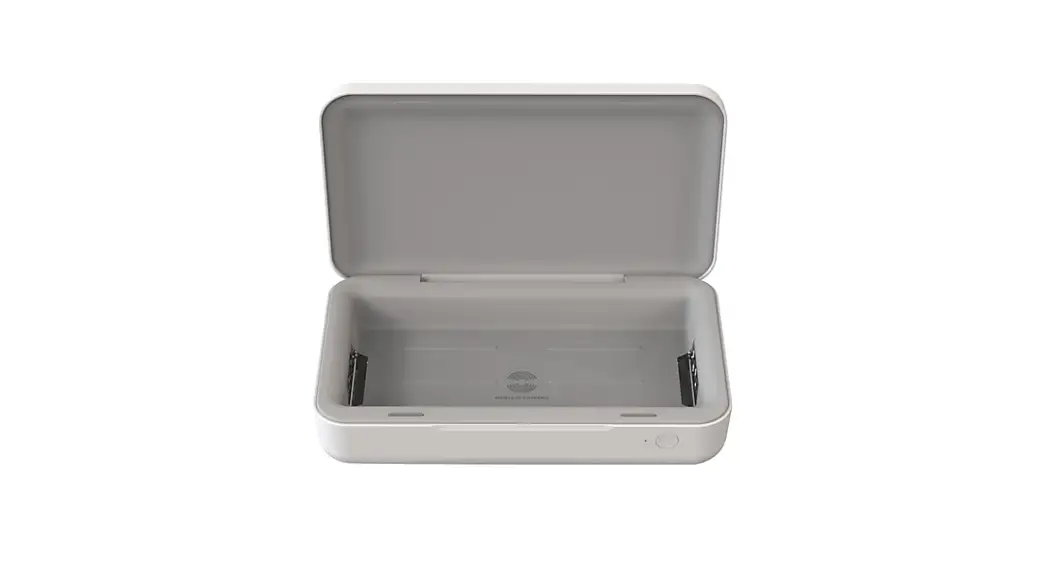
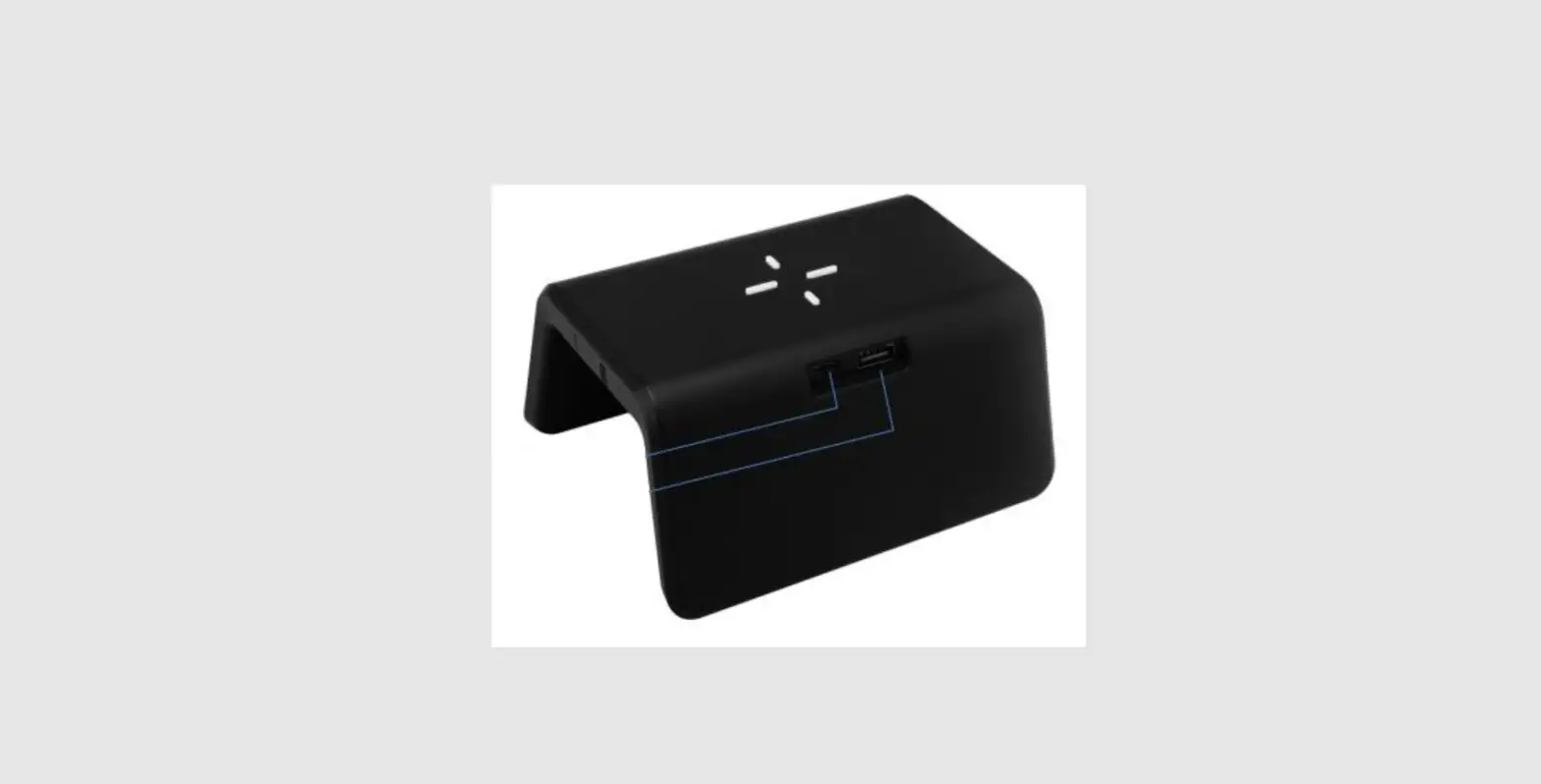
Product Appearance
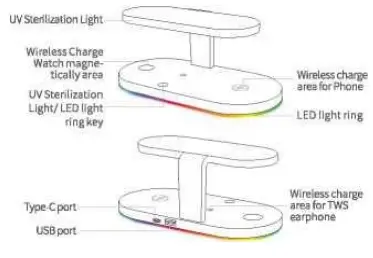
Operation Steps
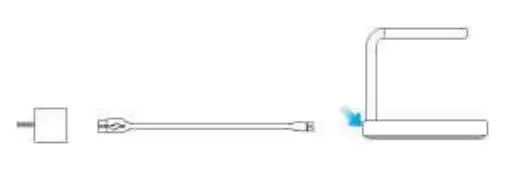
- Connect the charger to a 9\^2A, 9V/2.7A or 12V/2A adapter through a type-C quick charge cable to switch on the power;


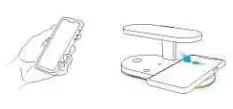
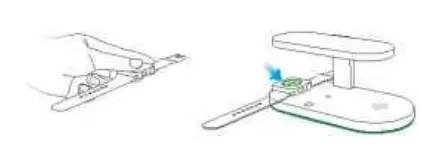
- Put the apple watch on and suck it up to charge;

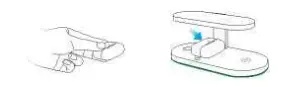
- put your earphone case on and charge;

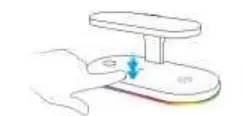
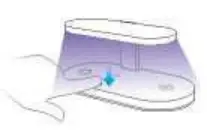
- If you want to turn off, turn on, or turn on the UV sterilization light, just press the key.15 minutes disinfection mode: press the UV button fora short time, enter into the sterilization mode for l5 minutes, 15 minutes after the automatic end of sterilization.
Double-click the key (to turn on/off) LED light ring/Running water light
Click the key (to turn on/off) the UVS light
- Equipped with USB port, it can charge USB devices such as mobile phone,
electric tooth brush and portable power supply.
LED light ring instructions
- Green light is on: Standby mode or not charging the phone ® Running water light effect: Wireless charging the phone
- Red light flash: Foreign body is detected or the phone is misalign (The phone charging will automatically stop)
Attention
- Do notdi sassemble the product by yourself.
- Please keep the charger away from water or other liquid;
- If you need to clean the charger, please make sure it is not switched on the power;
- Using Environment temperature remains -20~50°C;
- The charging contact surface on the back of the phone shall not contain metal substances, such as iron sheet, ring and metal protective case;
- Children are not allowed to play with UV lights for a longtime;
- When using adapters below 9V/2A, the product will not work normally. When charging four devices at the same time, 9W2A、9W2.7A or 12V /2A ad a pters a recommended to ensure safe and efficient charging. If not use the appropriate adapter .the charger may not charge phone fast, or may not charge 4 devices simultaneously, or may even damage the charger).