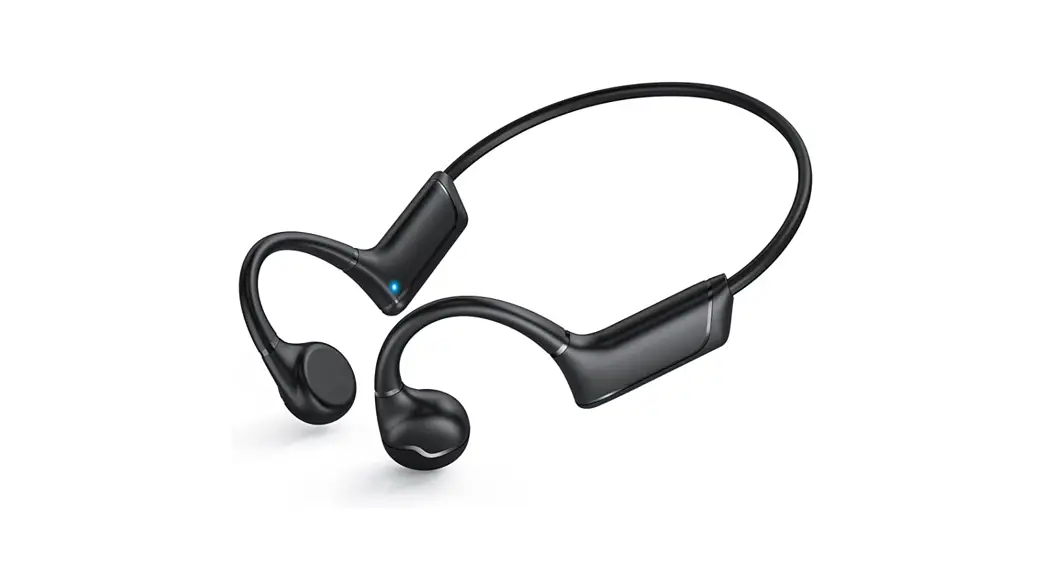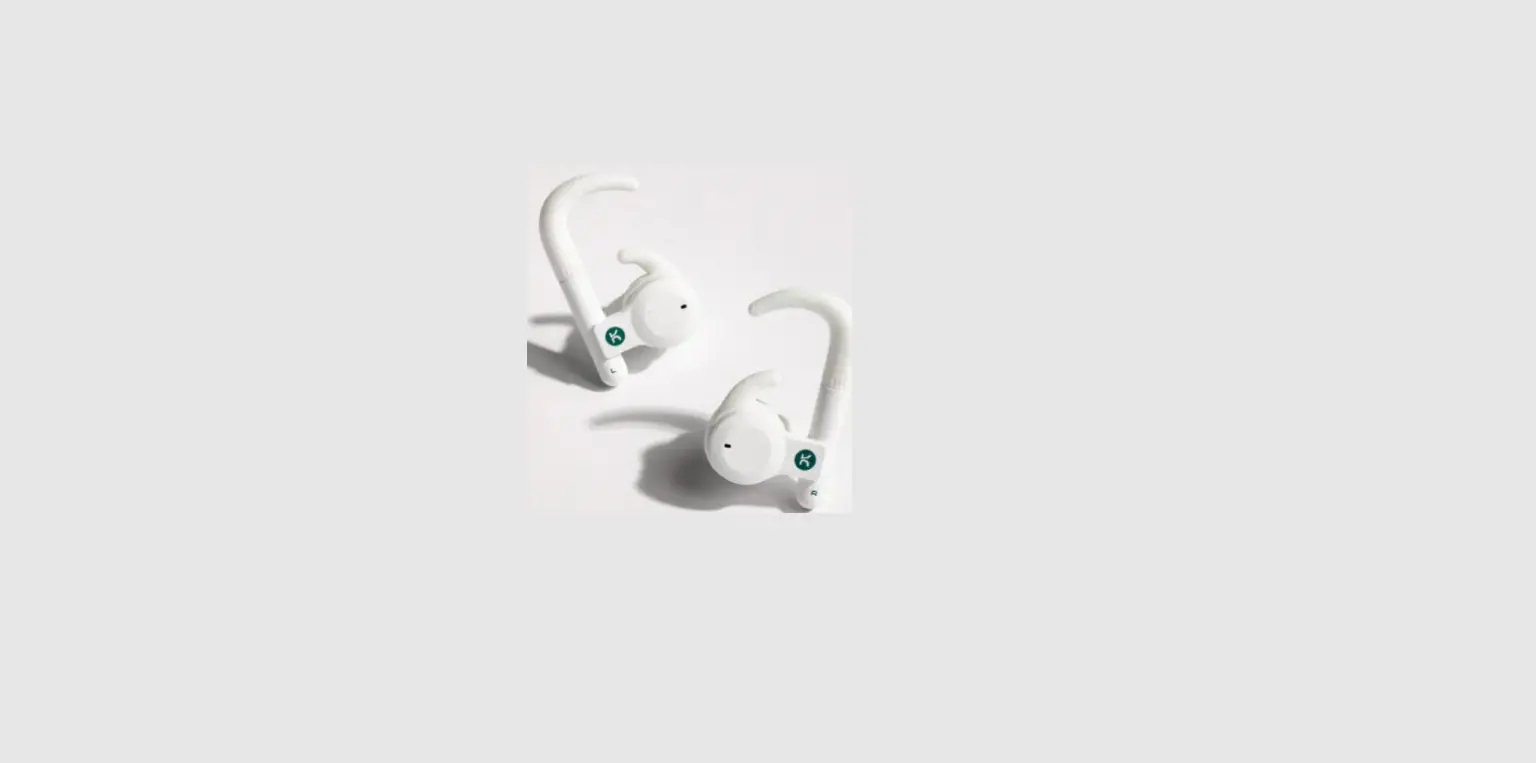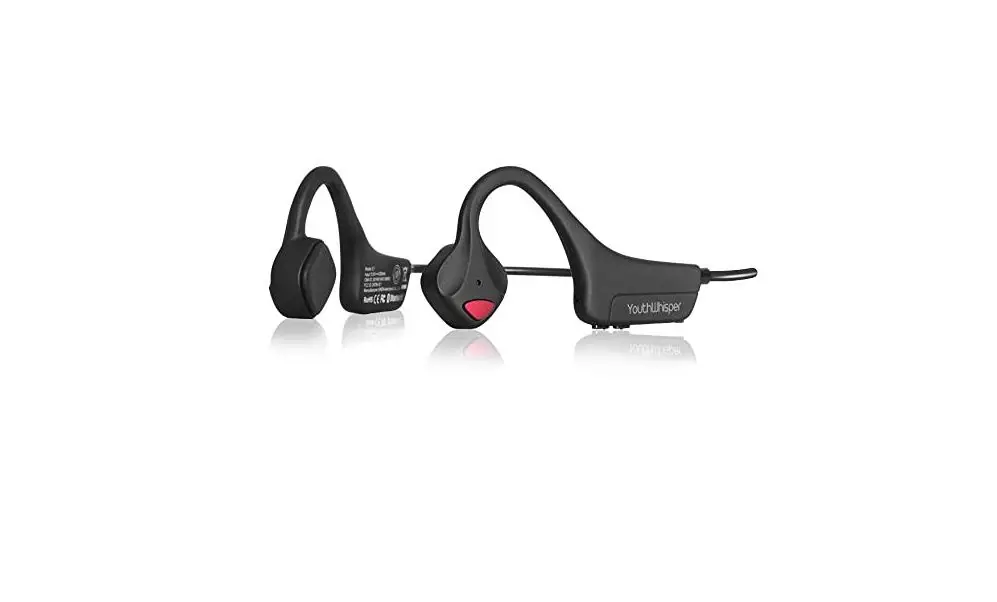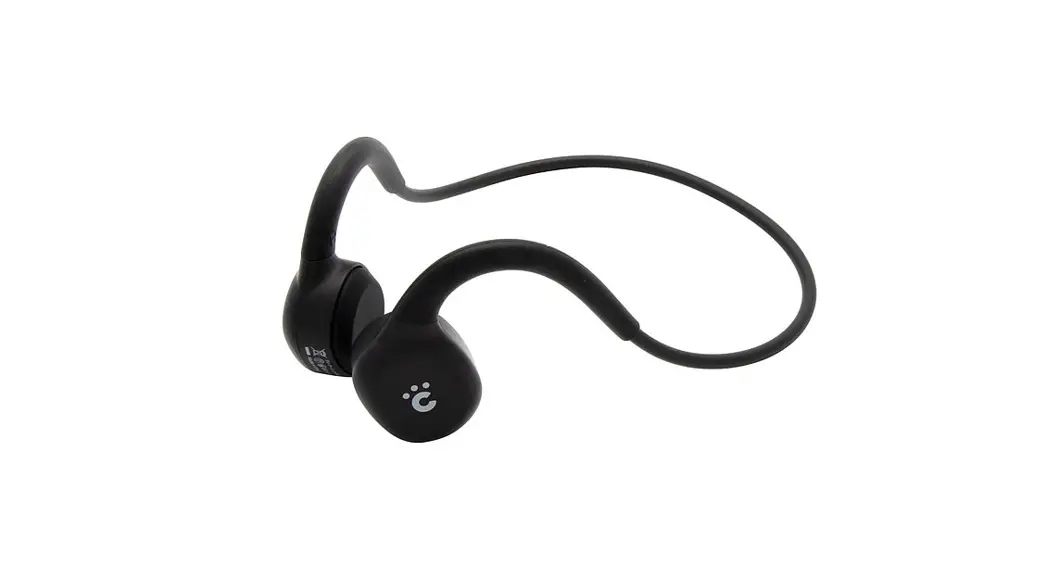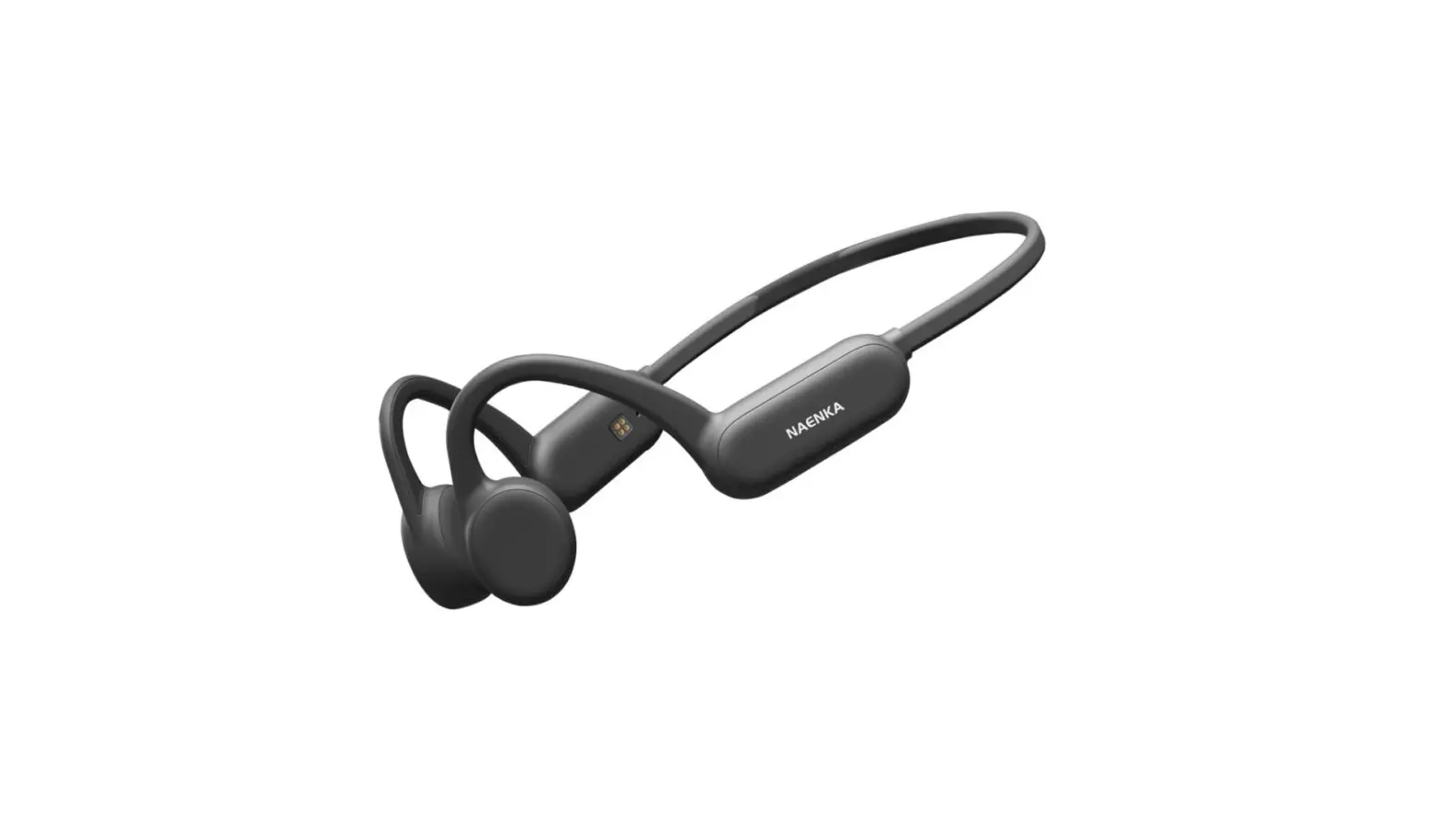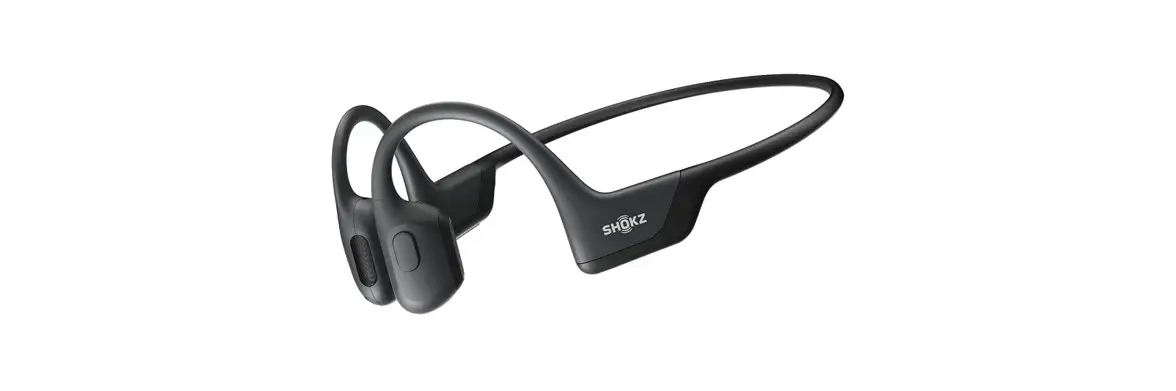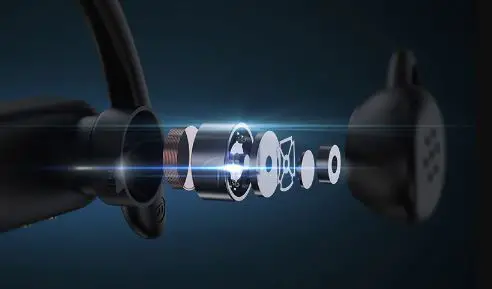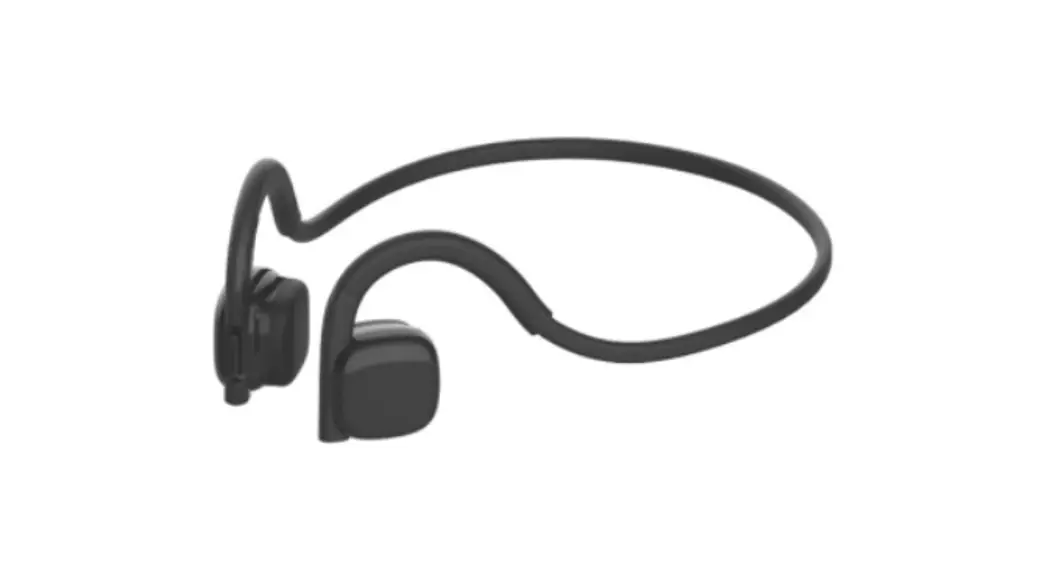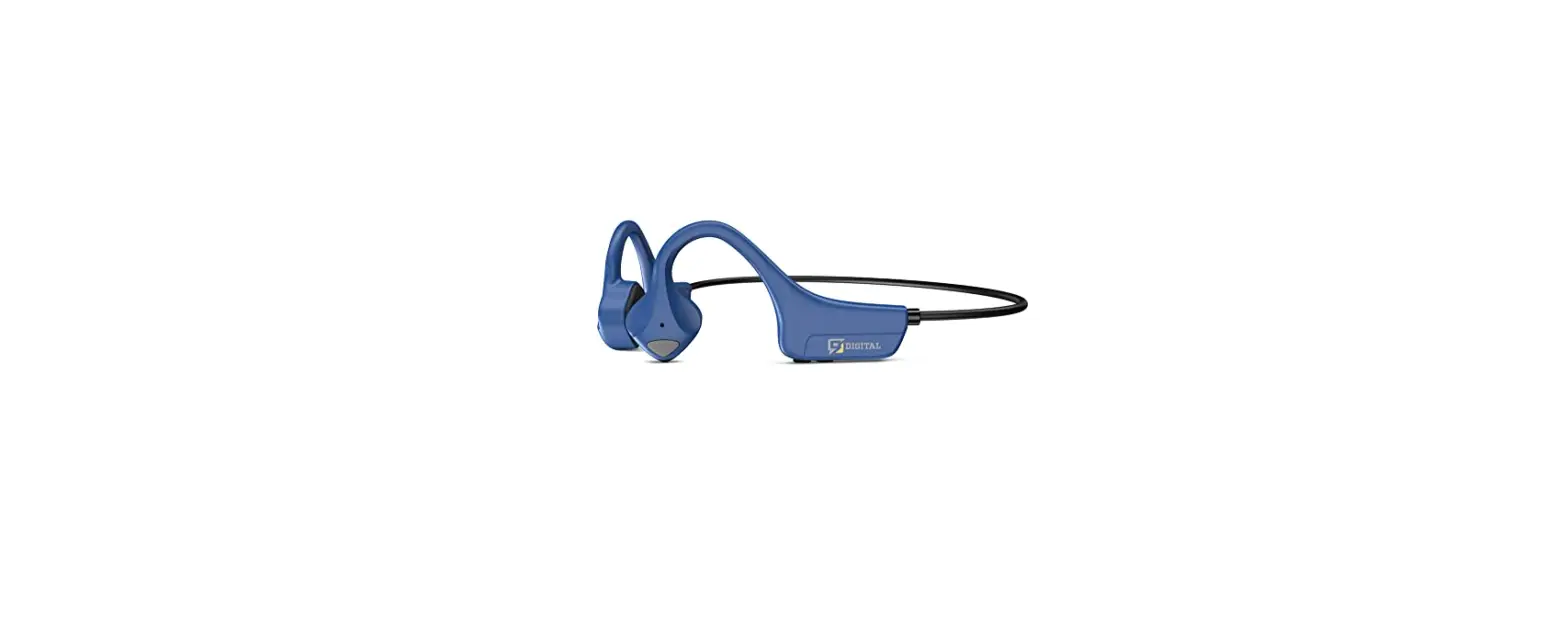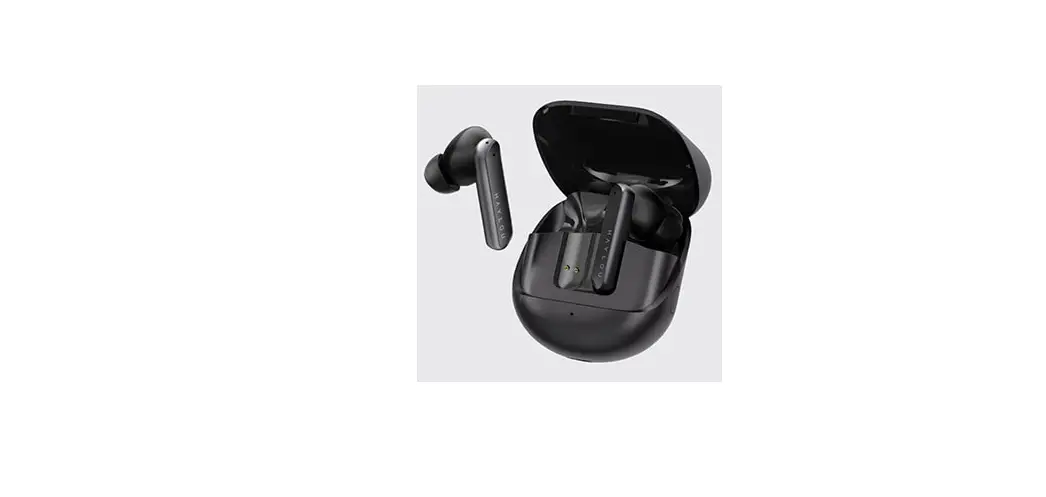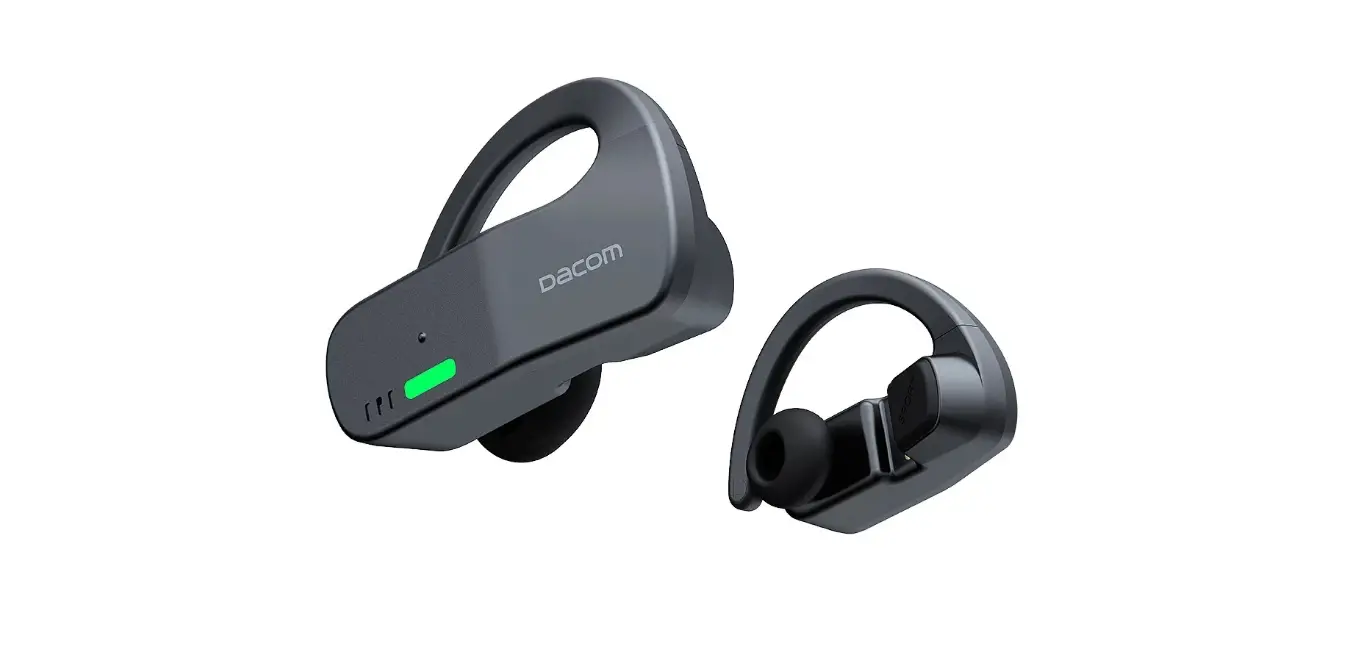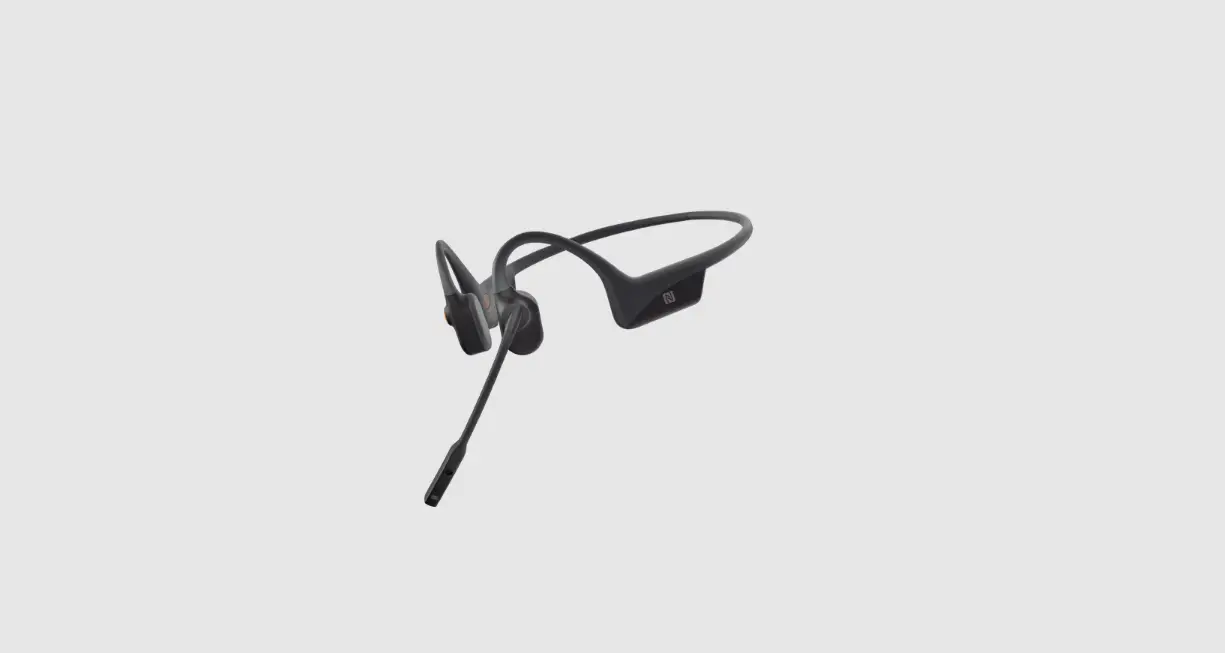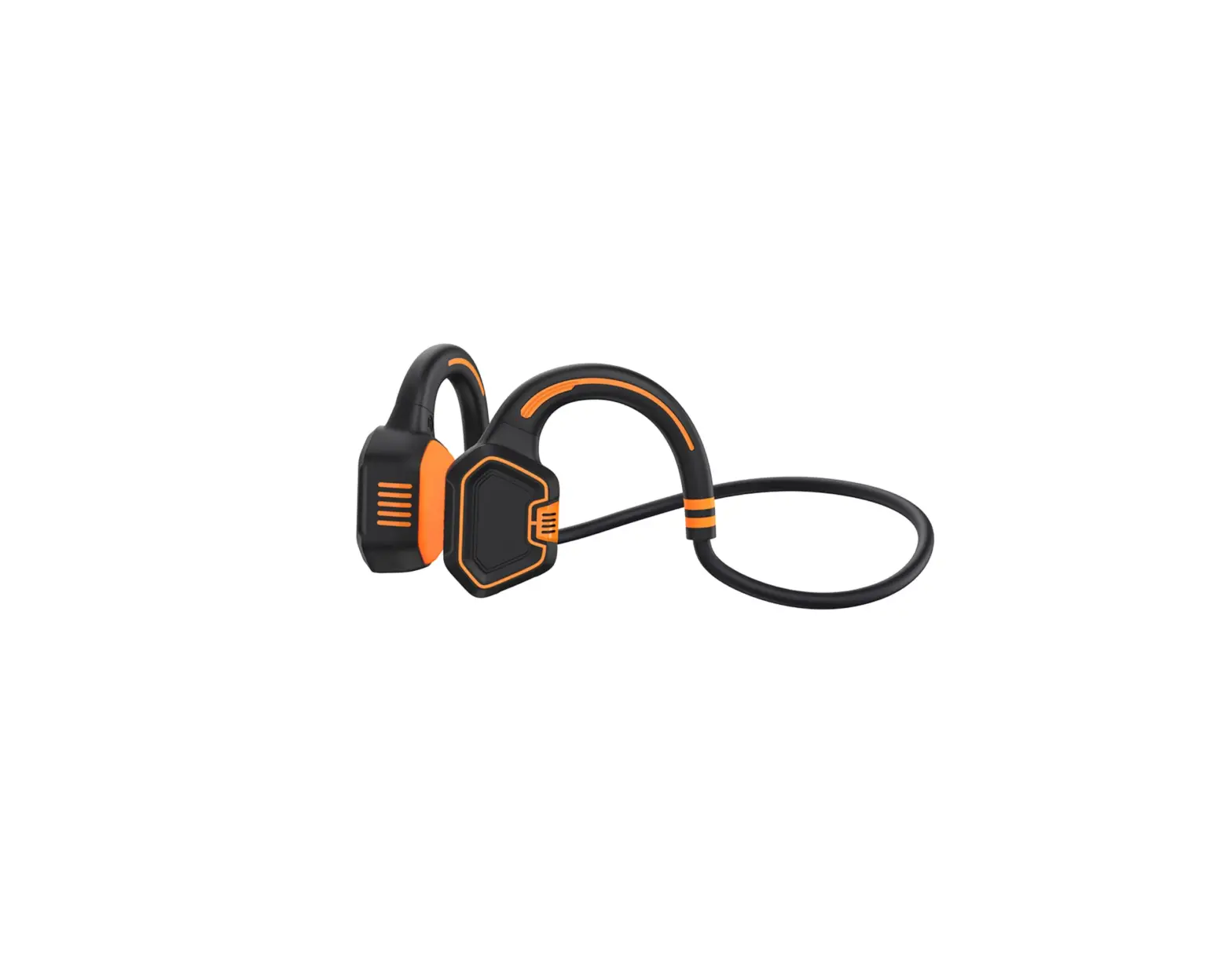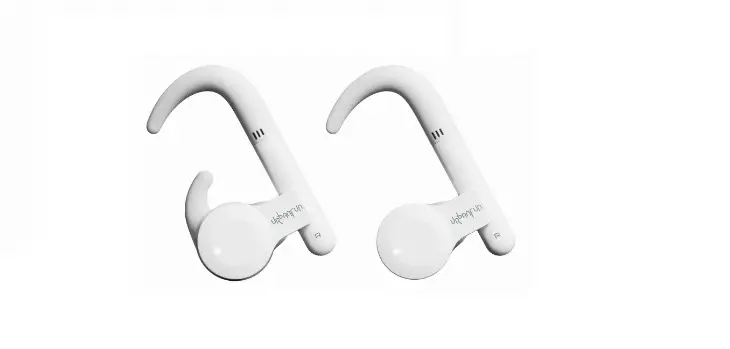

URbAnFUn UBF BonePods-001Bone Conduction Earphones
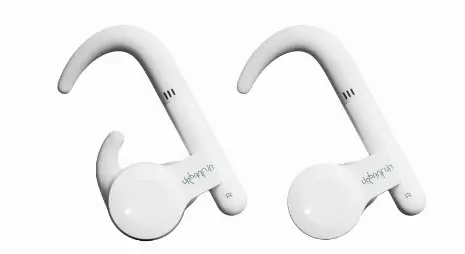
Charge Your Earphones
- Earphone
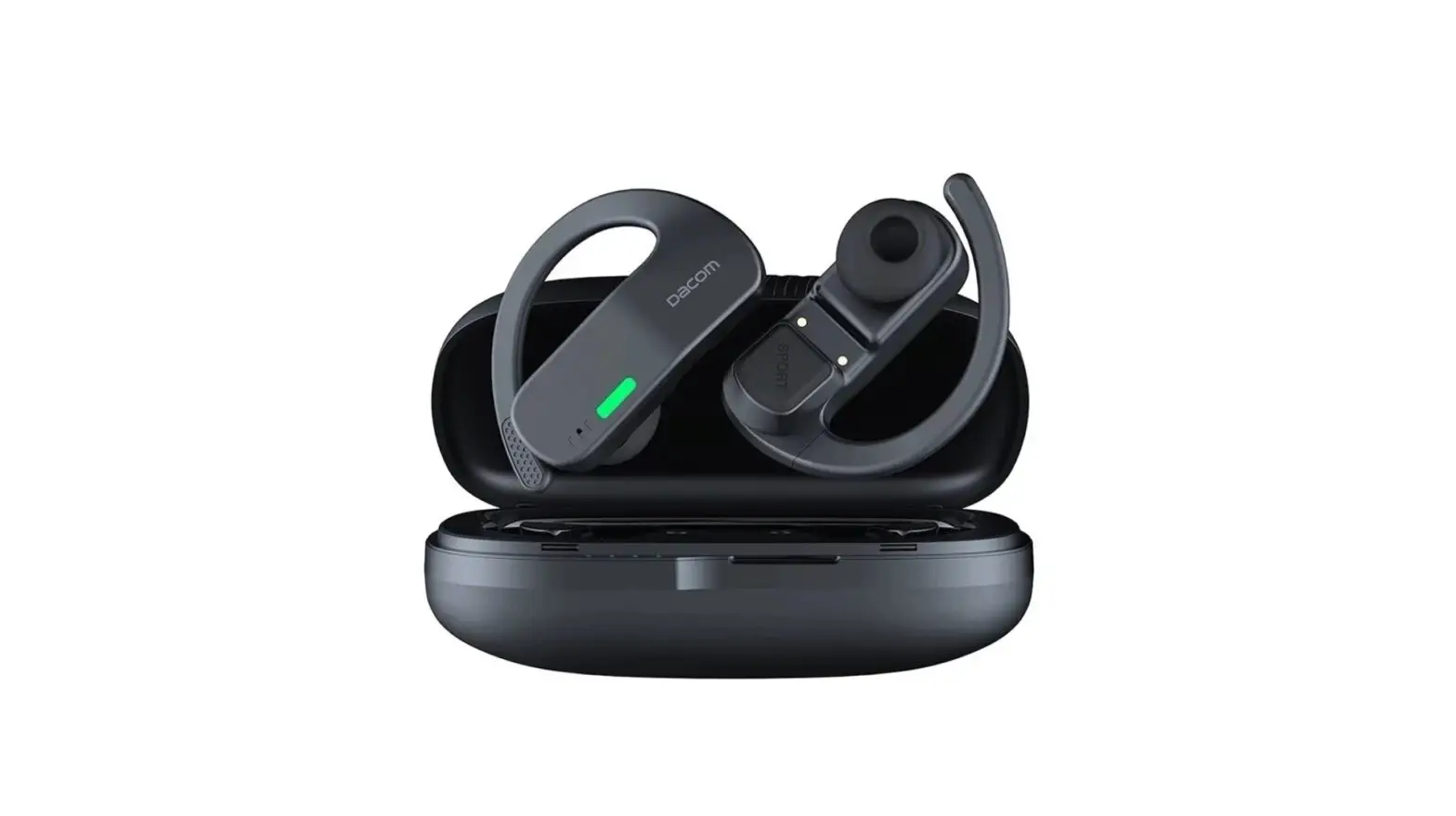
When Earphone is charging in the charge box, the lights are long-red. When fully charge, the lights turn out. - Charge case
Charge the UBF BonePods-001 with the included TYPE C charging cable. Charge case owns two kinds of lights. When lights with charging are flash-red, and fully charging lights are long-red.
When the charging case is on discharge, high potential (>3.2V), green light is on; medium potential (3.2V-2.8V) green light flashes; low potential (< 2.8V) green light is dark.
(Refers to the case where the headset is in the charging case)
Pair
Take out the earphone from the charging case and the LED indicator will flash green and green repeatedly while in discovery. Red and green lights in both ears indicate that it has not been paired.
(Important Hint: Turning on the charging box switch before opening the charging box is a prerequisite for the earphone to automatically turn on)
Connect
Enable the Bluetooth settings on your device and select “UBF BonePods-001”. The LED indicator will turn green once connected.
Both the left and right earphones can be connected separately and used with other Bluetooth devices. The earphones are put into the charging case to enter the charging mode, and the earphones are automatically turned off. If Bluetooth is not connected within 3 minutes, the headset will automatically shut down.
Earphone touch function description
| Function | Operating |
| Play/pause music /Answer/end call | Click once left or right earphone |
| Volume Down | Double-click left earphone |
| Volume Up | Double-click right earphone |
| Next | Three-click right earphone |
| Previous | Three-click left earphone |
| Call Siri | Press and hold both buttons for 3 seconds Left or Right earphone |
| Turn on / Turn off | Press and hold both buttons for 5 seconds Left or Right earphone |
| Remove old Bluetooth connections | Shutdown Long press for 10 seconds |
Please pay attention: press one time within 500ms, press again will be regarded as press twice. Press one time over 800ms will be regarded as a long-press.
LED Indicator lights
| Solid green-Charge case | Charging complete |
| Flashes green-Charge case | Charging |
| Discharge-Charge case | High potential (>3.2V), green light is on; medium potential (3.2V-2.8V) green light flashes; low potential (< 2.8V) The green light is dark. |
| Solid green-Earphone | Charging |
| Earphone’s lights off | Earphones with full charge |
| Binaural green and green flashes alternately | Earphone match mode |
| Binaural green flashes | Earphone matching successfully |
| Binaural green-green flashes | Earphones did not match yet |
Earphone Specification
| Part number UBF BonePods -001 | Speaker Bone Conduction Speaker | ||
| Frequency response 20Hz~20KHz | Wireless range 10 meters | ||
| Bluetooth Version 5.0 Channel Stereo | Support Bluetooth dual modes Single and binaural bilateral stereo | ||
| compatible profiles A2DP, HFP 1.7, HSP 1.2, A2DP 1.3,AVRCP 1.6, SPP 1.2 and PBAP 1.0 | |||
| Earphone battery | 70mAH | Charge case battery | 500mAH |
| Earphone fully-charged Duration About 90 mins | Charge case fully-charged Duration About 120 mins | ||
| Continuous play Music Play duration about 4 hours, Call duration about 3.5 hours, and Standby duration about 5 days. Earphones in the charge case could be charged about 3-4 times | |||
| Microphone Sensitivity | -40dB ± 2dB | Waterproof Level | IP55 |
| Earphone Weight | 16g | Charging case Weight | 48g |
Storage and Preservation
- The headphones are sweat-resistant but are NOT waterproof. DO NOT submerge the headphones in water
- After storing the headphones for an extended period, charge the unit before using it again.
- Warning statement: To prevent possible hearing damage, do not listen at high volume levels for long periods.
- Do not charge your headphones immediately after exercising, as any sweat or moisture inside the charging port could lead to a circuit burning.
Charge box charging voltage/current 5V/1A
Accessories List:
- Earphone case: 1 set
- Big ear hook: 1 set
- Small ear hook: 1 set
- Earmuffs: 1 set
- Ear cover:1set
- Type C-Charging cable: 1pcs
FCC Warning Statement
Changes or modifications not expressly approved by the party responsible for compliance could void the user’s authority to operate the equipment. This equipment has been tested and found to comply with the limits for a Class B digital device, pursuant to Part 15 of the FCC Rules. These limits are designed to provide reasonable protection against harmful interference in a residential installation. This equipment generates uses and can radiate radio frequency energy and, if not installed and used in accordance with the instructions, may cause harmful interference to radio communications. However, there is no guarantee that interference will not occur in a particular installation. If this equipment does cause harmful interference to radio or television reception, which can be determined by turning the equipment off and on, the user is encouraged to try to correct the interference by one or more of the following measures:
- Reorient or relocate the receiving antenna.
- Increase the separation between the equipment and receiver.
- Connect the equipment into an outlet on a circuit different from that to which the receiver is connected.
- Consult the dealer or an experienced radio/TV technician for help.
This device complies with part 15 of the FCC Rules. Operation is subject to the following
two conditions:
- This device may not cause harmful interference, and
- this device must accept any interference received, including interference that may cause undesired operation.
The device has been evaluated to meet general RF exposure requirements.