
STOP
ATTENTION
Do not return this product…
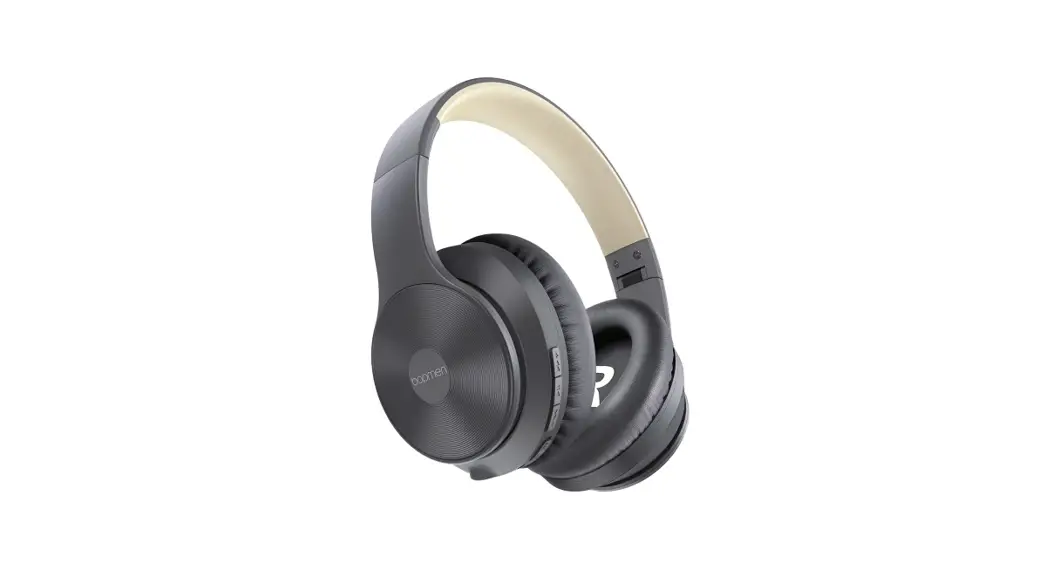
bopmen CAN HELP!
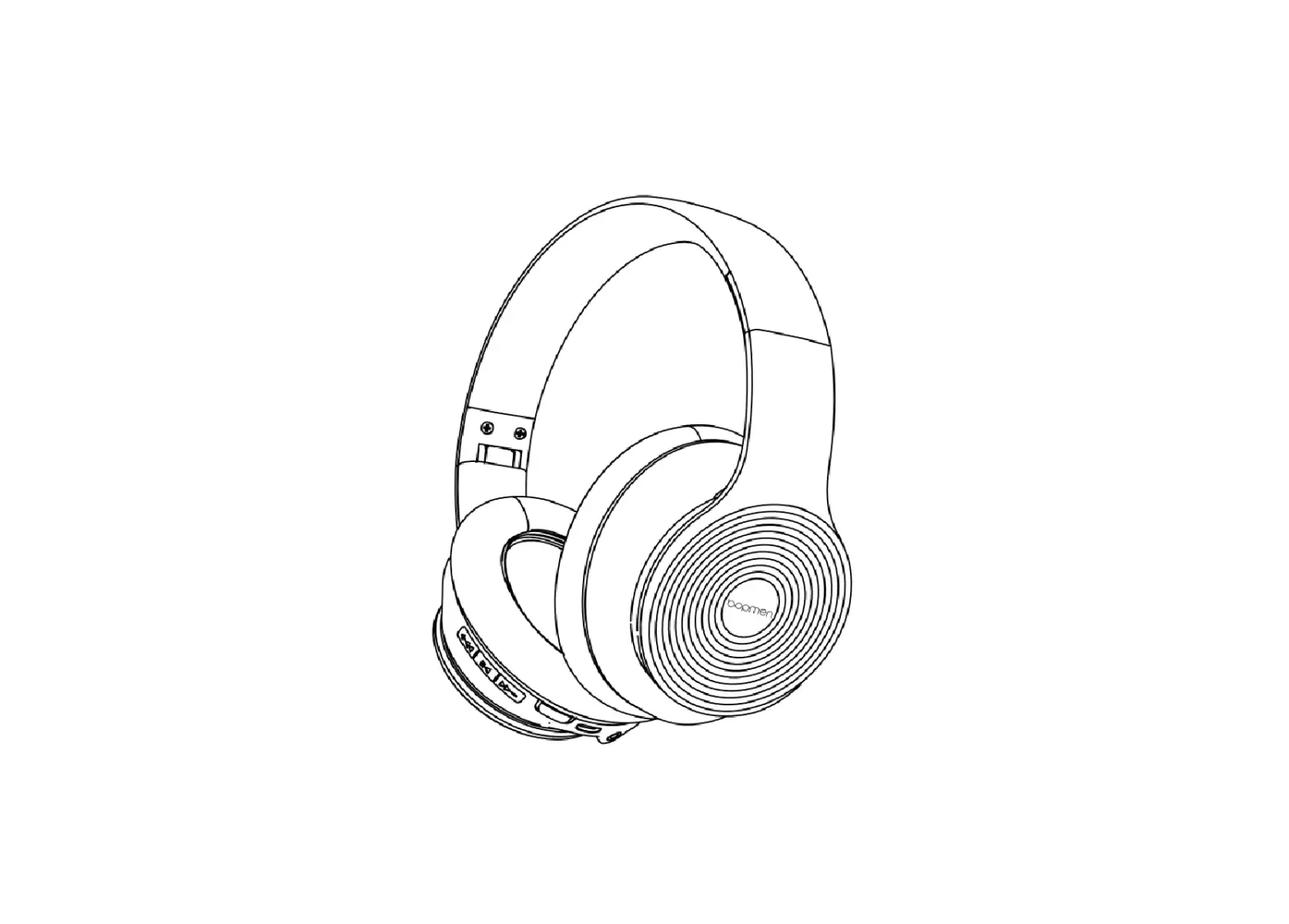
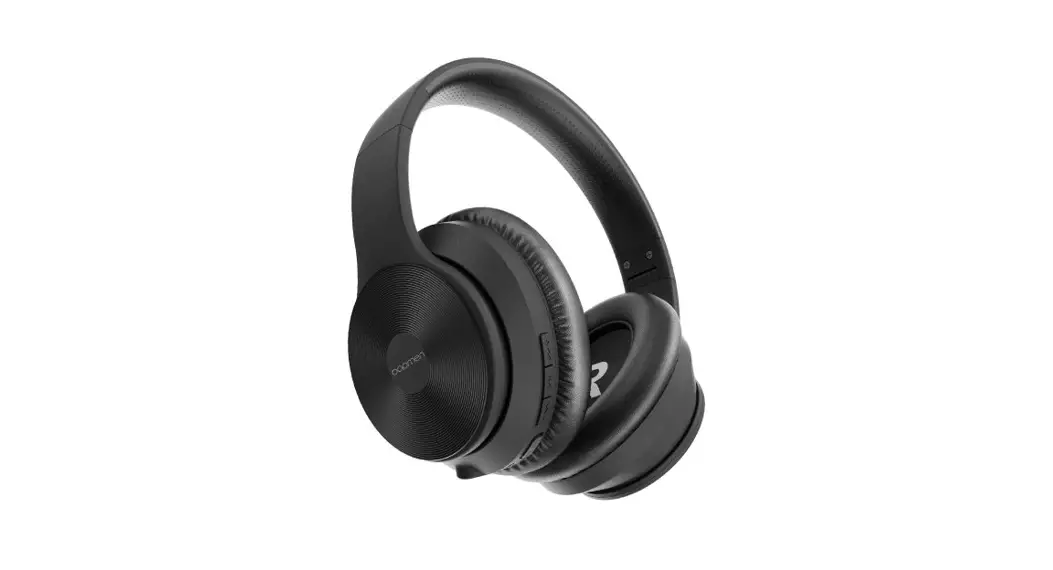
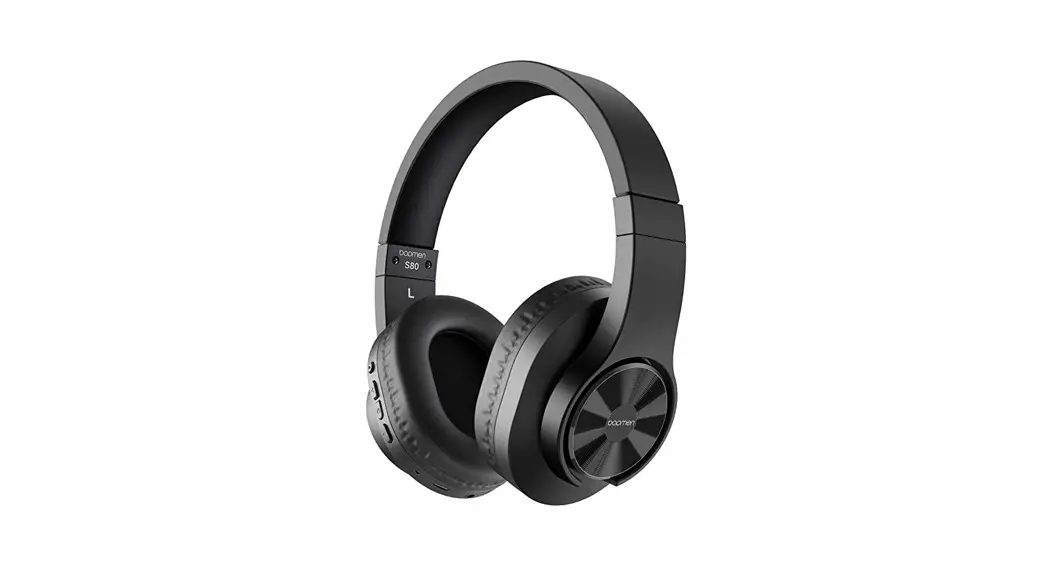
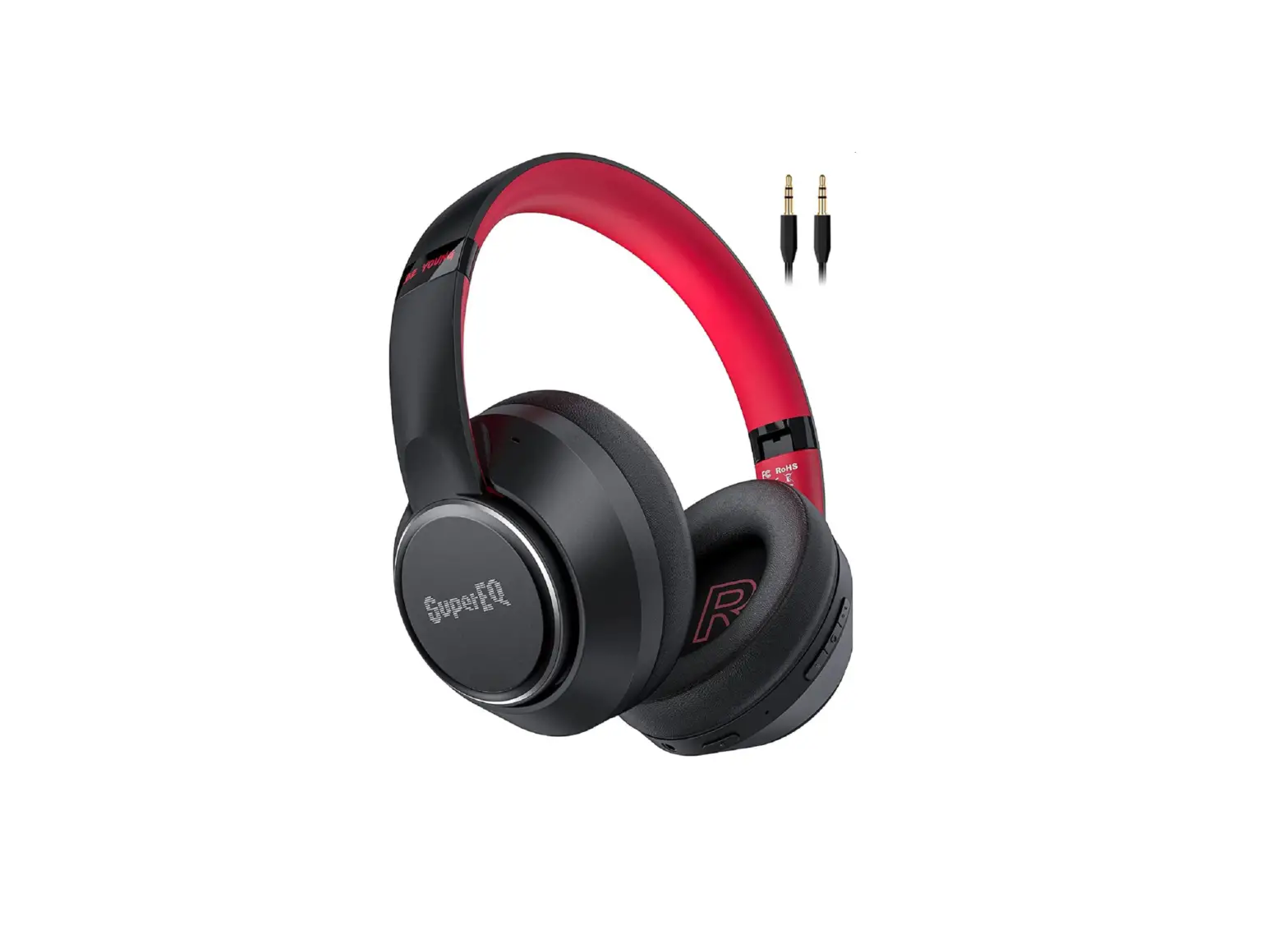
S40 Active Noise Cancelling Bluetooth Headphones
Read this quick guide and see if it help
Contact us via [email protected]
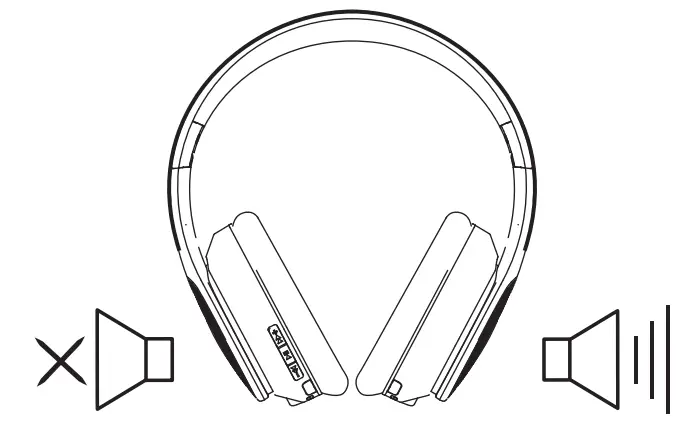
– Solution:
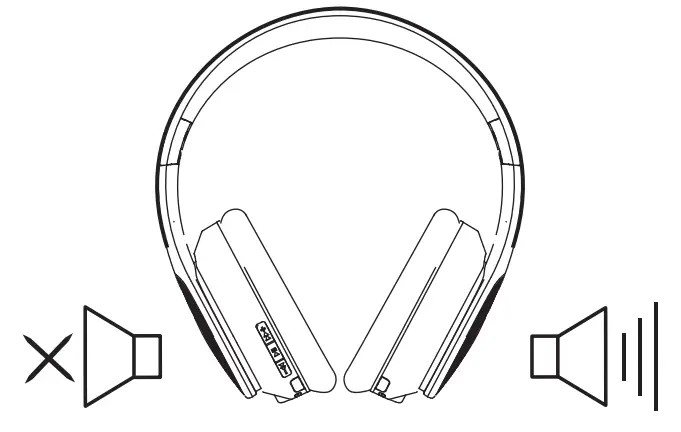
1. Please confirm whether your music is unilateral.Confirmation method:
1. If connected to a computer, find the sound settings and see if it is mono out.
2. Try to play different songs with ordinary music application.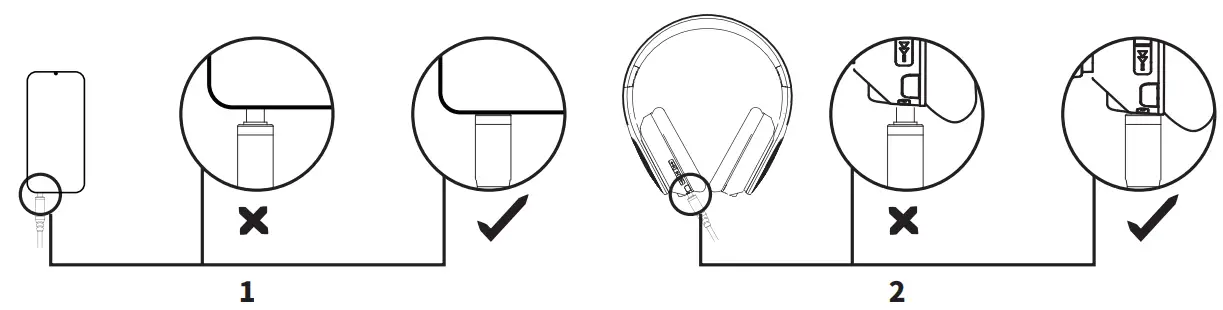
3. Try to play the same music with another headphone.
2. Please make sure that the audio cable is plugged in properly.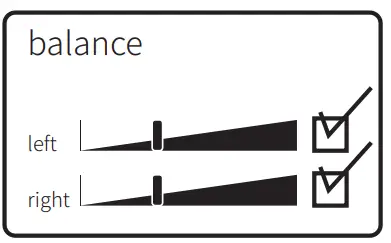
Clean the dust or impurity of the plug.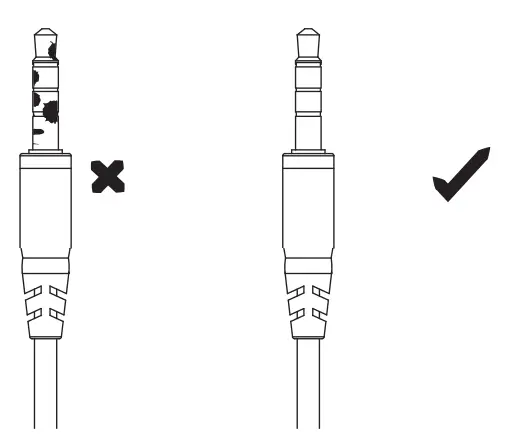
– Solution:
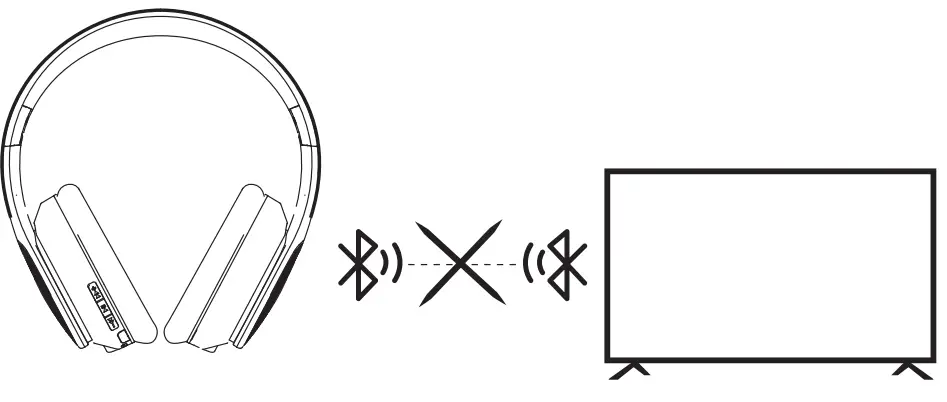
1. Before pairing a device, make sure the headset is not paired with another device already, and the headset is in the pairing state (the indicator light flashes alternately red and blue).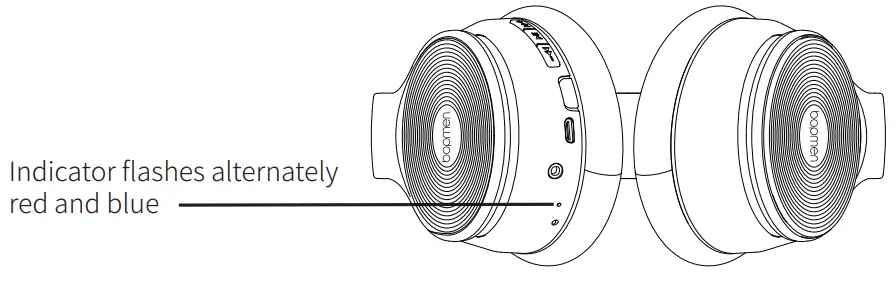
2. Try to clear the Bluetooth history paired record on your device and search for our products again.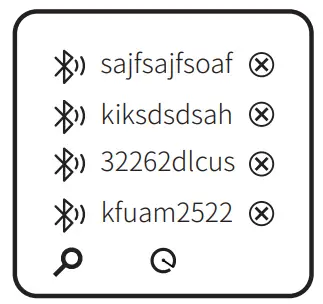
3. Our headsets have a wide range of compatibility. Some devices cannot be paired with other Bluetooth headsets due to their own compatibility, such as Sony devices.
When some special devices cannot paire with our headsets, we recommended that you first contact the customer service of the devices.
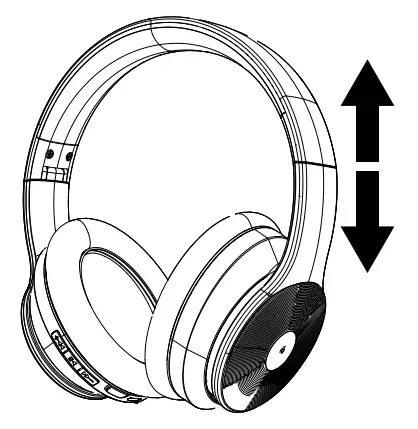
Solution:
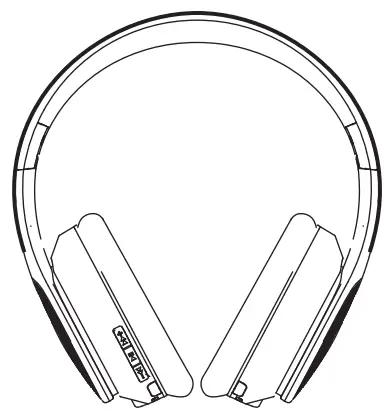
The headband is stretchable, if you adjust it to the suitable size, it is comfortable to wear.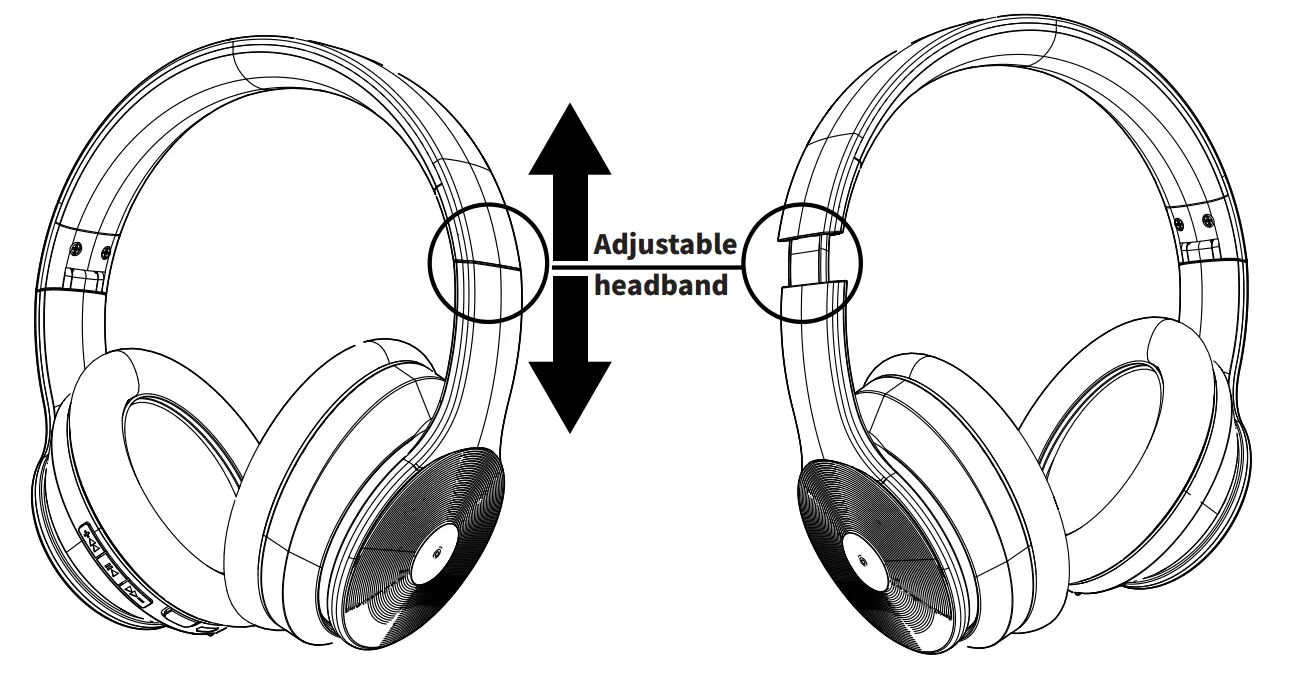
– Solution:
ON:Hold Multi-function Button for 3 seconds to turn on the headphones, and then the device enters the paring mode. (Indication light turns blue)
OFF:Hold Multi-function Button for 3 seconds to turn o the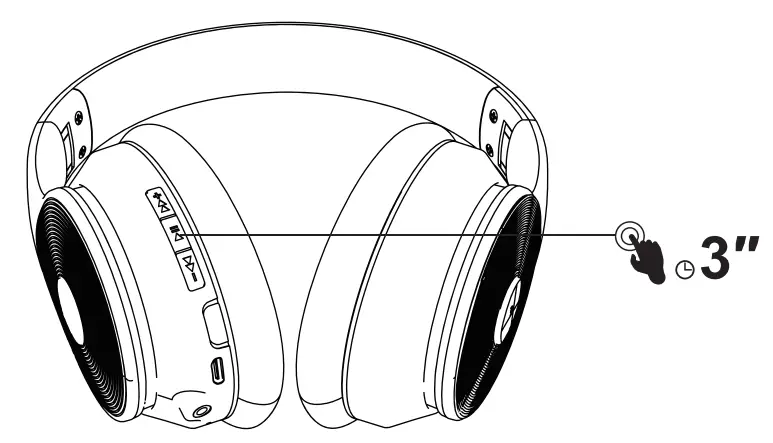
– Solution:
1. Please confirm whether the headset has enough power. If the headset has no power, the buttons will not work.
2. Please make sure the headset is in Bluetooth mode, press and hold the multi-function button for 3 seconds to power on, and then the device enters pairing mode. (the indicator turns blue)
3. Please check the buttons such as volume for dust and dirt particles. If there is dust, you can use a vacuum nozzle, cotton swab, or rubbing alcohol to remove it. These buttons are very sensitive, so if you find dirt around the buttons, carefully remove them.
4. Please change another device to re-match the bluetooth headset to confirm that whether it is the issue with device.
5. If the fourth step still doesn’t work, please contact us by email ([email protected]), we will provide you with free after-sales service. (within one-year warranty)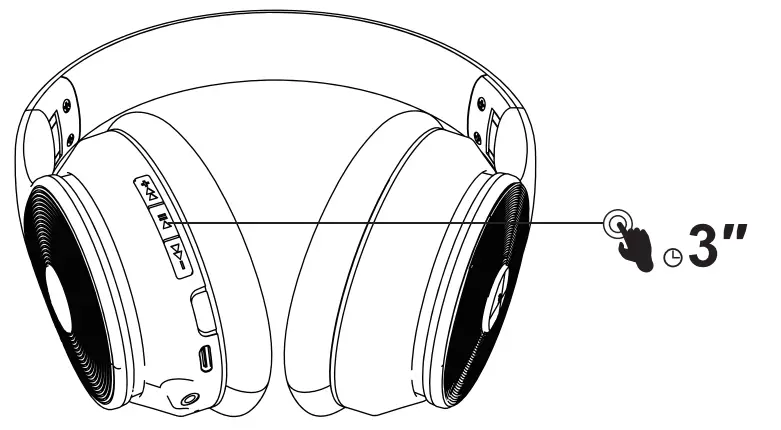
– Solution:
Make sure your audio source is on and the volume is up.
If your headphones have a volume button or knob, make sure to turn it up.
If you have battery-powered headphones, make sure the battery have enough power.
Check the connection of your headphones.
Wired connection:
Wired connection:
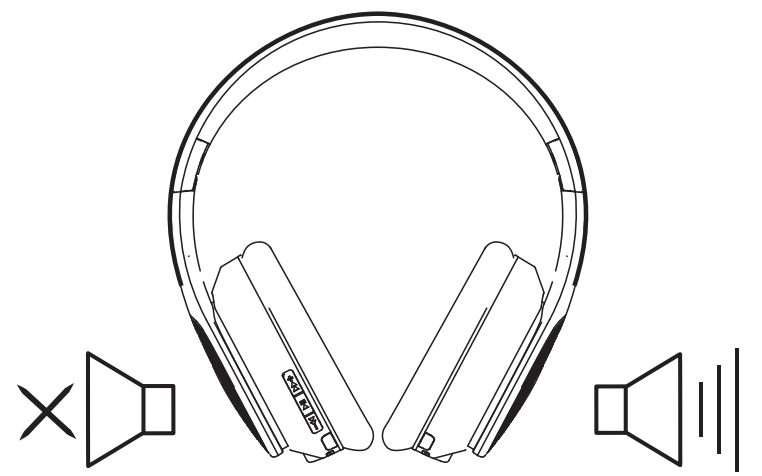
1.Please confirm whether your music is unilateral.
Confirmation method: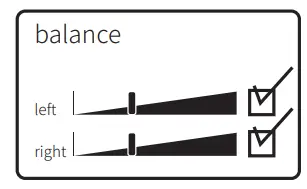
1. If connected to a computer, find the sound settings and see if it is mono out.
2. Try to play different songs with ordinary music application.
3. Try to play the same music with another headphone.
2. Please make sure the audio cable has fully inserted in the devices you connected with.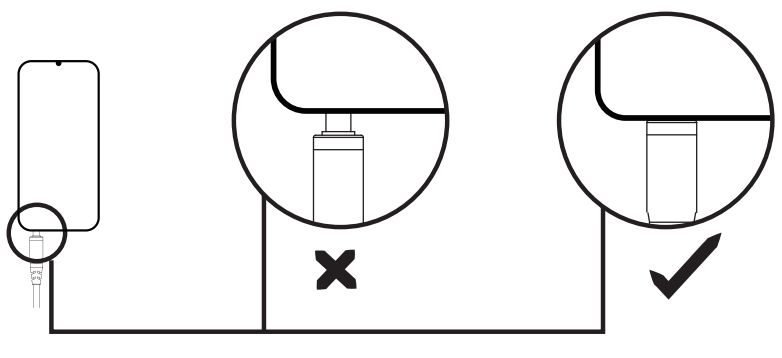
Confirmation method:
①If connected to a computer, find the sound settings and see if it is mono out.
②Try to play different songs with ordinary music application.
③Try to play the same music with another headphone
– Solution:
3. Clean the dust or impurity of the plug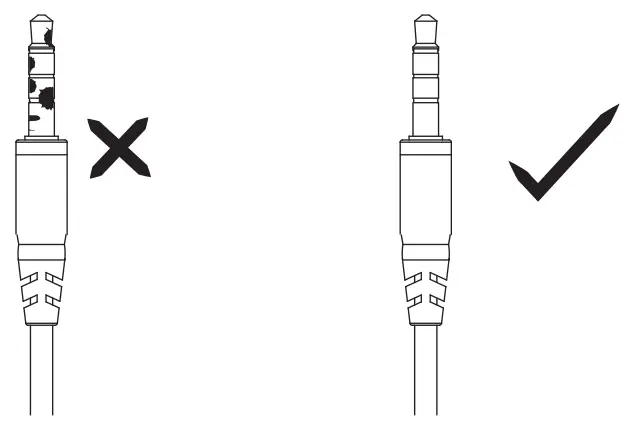
– Bluetooth connection:
1. Make sure to select your headphones in the Bluetooth settings of your audio source.
2. Make sure there are no multiple devices that emit radio waves nearby
3. Turn your headphones off and on. Pair your headphones to your audio device again.
4. Try connecting your headphones to another audio source.
If the sound is heard, the first audio source may require repair.
If your headphones don’t produce any sound after connecting to a second audio source, your headphones may require service.”Please feel free to contact us and we will help you repair products.
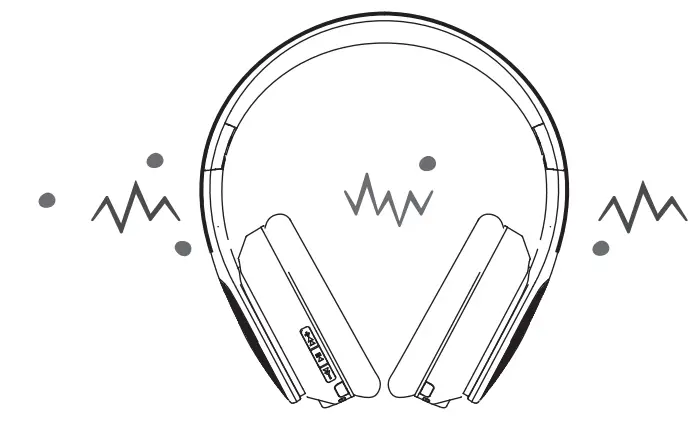
– Solution:
1. Please make sure the audio cable has fully inserted in the device you connected with.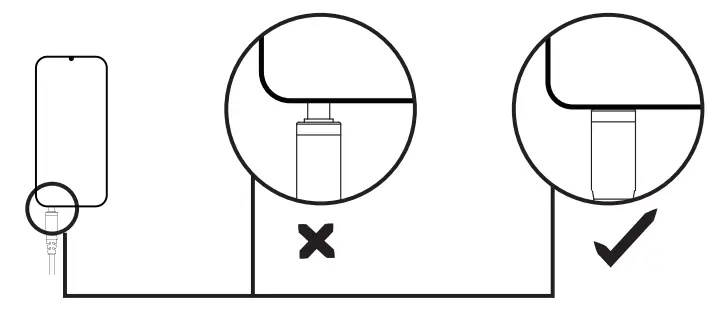
2. Clean the dust or impurity of the plug.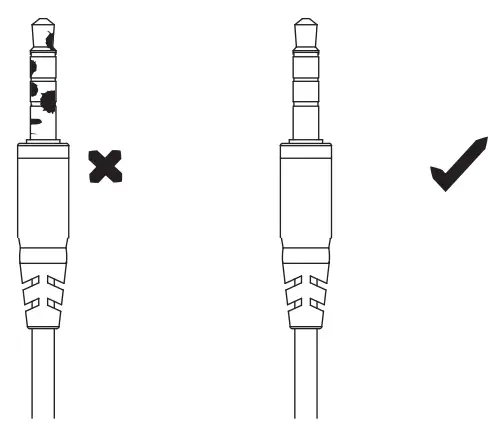
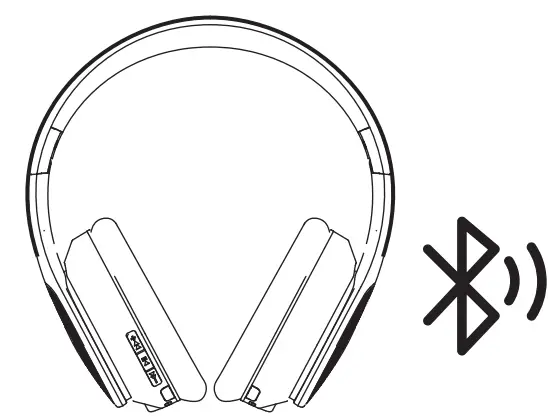
– Solution:
1.Recharge the headphone. If your headphone’ battery is low, it may have trouble pairing.Try plugging them in and charging them fully before pairing, even if they say they have some battery left.
2.Make sure both devices are compatible. The newest devices use bluetooth 5.0, and while a bluetooth 5.0‒capable phone should be able to connect to most devices you own, certain modern bluetooth headphones may not connect to very old phones, tablets, laptops or TV. Check the supported bluetooth versions on both devices and ensure they’re compatible with one another.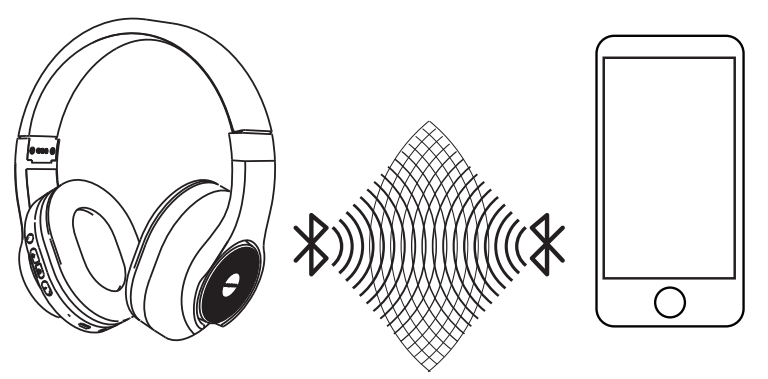
3.Please try to connect the bluetooth headphone as close as possible. If the first time is unsuccessful, you can try several more times, because there may be multiple bluetooth evices within the connection range
If there are any problems with your product which hasn’t been listed above, for example: Headphones can’t work properly, defective products, volume control issue, etc. Please feel free to contact us at anytime. And if you have tried the solutions provided in this article, but still can not solve them, Please contact us via [email protected]. We are committed to serving our customers and strive to provide the best experience possible for you.