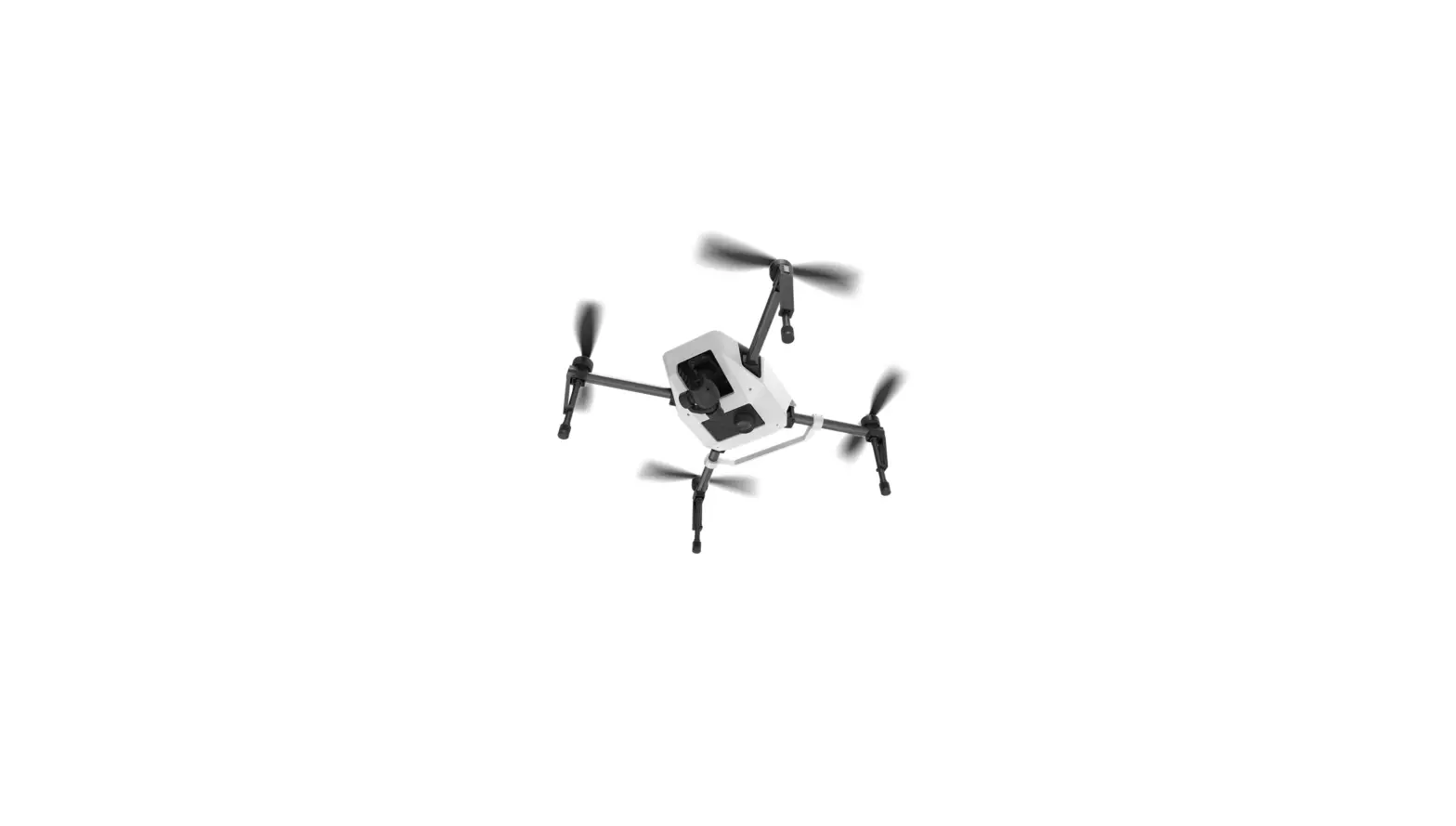
SKY1054-001 Micro Plane
Micro Plane User Manual
Product Information:
- Age Recommendation: Not for children under 14
years. This is not a toy. - Battery and Charging: The product uses a
500mAh battery that takes approximately 30-40 minutes to charge.
Once charging is complete, the battery should be immediately
disconnected from the charger. - Transmitter Batteries Installation: The
transmitter requires four batteries (not included) to operate. The
battery cover needs to be removed, and the batteries should be
installed with the proper polarity. - Transmitter Low Battery Alarm: An alarm will
sound when the transmitter battery voltage drops too low. The
batteries must be replaced immediately. - Transmitter LED Indicator: The radio will have
acoustic timing per minute, and specific sounds will indicate the
flight duration and transmitter voltage. - Flying Tips: Different flight modes are
available, including 6G Mode (self-leveling), 3D Mode (limited
extreme flight conditions), and Manual Mode (unlimited flight
capability). - LOITER Function: Pressing the LOITER button
will activate the circling function, keeping the plane in a 20m
diameter circle at any altitude. Certain controls will de-trigger
the LOITER mode.
Product Usage Instructions:
- Charging the Battery:
- Insert the charger into a USB port.
- Connect the battery to the charger.
- The LED solid red indicates charging, while the LED off means
charging is complete.
- Installing the Battery:
- Remove the battery cover on the transmitter.
- Install four batteries, ensuring correct polarity.
- Reinstall the battery cover.
- Transmitter Low Battery Alarm:
If the transmitter battery voltage drops too low, an alarm will
sound (D.B.D.B). The batteries must be replaced immediately. If
this happens during a flight, land the aircraft as soon as
possible. - Transmitter LED Indicator:
The radio will have acoustic timing per minute. After 10
minutes, you will hear B.B.B every 1 minute, indicating flight
duration. This will help you know how long you have flown. - Flying Tips:
The product offers different flight modes: 6G Mode
(self-leveling), 3D Mode (limited extreme flight conditions), and
Manual Mode (unlimited flight capability). - LOITER Function:
To activate the LOITER function, press the LOITER button. This
will cause the plane to circle in a 20m diameter at any altitude.
Note that certain controls, such as Ailerons/Elevator stick
movement, will de-trigger the LOITER mode.
Micro Plane User Manual
NOTICE
The following terms are used throughout the product literature to indicate various levels of potential harm when operating this product: WARNING: Not following procedures may result in property damage, collateral damage, superficial injur y, or serious injur y.
WARNING
Age Recommendation: Not for children under 14 years. This is not a toy. Read the ENTIRE instruction manual to become familiar with the features of the product before operating. Failure to operate the product correctly can result in damage to the product, personal property and cause serious injur y. Do not use with incompatible components or alter this product in any way outside of the instructions.
Safety Precautions and Warnings
Always keep a safe distance around your model to avoid collisions or injur y. This model is controlled by a radio signal subject to interference from any sources outside your control. Interference can cause momentary loss of control of the model. Always operate your model in open spaces away from buildings, vehicles, traffic, and people. Always follow the directions and warnings for this and any optional support equipment. (Chargers. rechargeable battery packs, etc.). Always keep all chemicals, small parts, and anything electrical out of the reach of children. Always avoid water exposure and moisture to all equipment not specifically designed and protected for this purpose. Never place any portion of the model in your mouth as it could cause serious injury or even death. Never operate your model with low transmitter batteries. Always keep aircraft in sight and under control, keep the transmitter powered on before aircraft is powered. Always use fully charged batteries, remove batteries before disassembly, remove batteries after use. Always keep parts clean and dr y, let parts cool after use before touching.
1
Battery and Charging Warnings
The USB charger has been designed to safely charge the included Li-Po battery. CAUTION: All instructions and warnings must be followed exactly. Mishandling of Li-Po batteries can result in a fire, personal injury and/or property damage. By handling, charging, or using the included Li-po battery, you assume all risks associated with lithium batteries. If at any time the battery begins to swell, DISCONTINUE USE IMMEDIATELY. Always store the battery at room temperature in a dry area for best results. Always transport or store the battery in a temperature range of 40 120″ F. Do not store the battery or model in a car or in direct sunlight. Failure to do so can result in damage to the battery or may result in a fire. Always charge batteries away from flammable materials. Always inspect the battery before charging and monitor the temperature of the battery pack while charging. Always disconnect the battery after charging, and let the charger cool between charges. ONLY USE THE CHARGER SPECIFICALLY DESIGNED TO CHARGE THE LI-PO BATTERIES. Failure to charge the battery with a compatible charger may cause a fire. Never discharge Li-Po cells to below 3.0V under load. Never cover warning labels with hook and loop strips. Never leave charging batteries unattended. Never charge batteries outside recommended levels. Never charge damaged batteries. Never attempt to dismantle or alter the charger. Never allow minors to charge battery packs. Never charge batteries in extremely hot or cold places (recommended between 40-120″ F or 5-49″C) or place in direct sunlight.
2
Charging the Battery
CAUTlON: Once charging is complete, immediately remove the batter y. Never leave a batter y connected to the charger. 1. Insert the charger into a USB port. 2. Properly connect the batter y to the charger. 3 .Charging a fully discharged (not over-discharged) 500 mAh batter y takes approximately 30-40 mins. 4. The LED Solid Red means charging, the LED off means charging is complete.
Installing the Battery
The transmitter comes pre-bound to the aircraft, so binding should not be necessar y. Keep the aircraft and transmitter away from large metal objects, wireless sources or other transmitters while installing the batter y. CAUTION: Before flying, power on the transmitter first, then power on the plane. After flying, power off the plane first, then power off the transmitters. Always disconnect the Li-Po batter y from the aircraft receiver when not flying to avoid overdischarging the batter y. Batteries discharged to a voltage lower than the lowest approved voltage may become damaged. Always keep hands away from the propeller. When armed, the motor will turn the propeller in response to any throttle movement.
Power LED Switch Power Low / High Rate
Elevator Trim Up
Flight Mode
Throttle / Rudder
Ailerons / Elevators
Rudder Trim Left Rudder Trim Right
Loiter
3
Elevator Trim Down
Aileron Trim Right Aileron Trim Left
Transmitter Batteries Installation
Remove the batter y cover. lnstall the four batteries (noting proper polarity) and reinstall the batter y cover.
Transmitter Low Battery Alarm
When the batter y transmitter voltage drops too low, an alarm sounds (D.B.D.B ). The batteries must be replaced immediately. If this happens while flying, land your aircraft as soon as possible.
Transmitter LED Indicator
The radio will have acoustic timing per minutes, so you will hear “B.B.B” in every 1 minute. After 10 minutes, it will keep “B.B.B. B.B.B” every 1 minute. This will help you know how long you have flown.
STATUS Transmitter voltage too low Aircraft voltage
Control rate
Flight Mode
Transmitter keeps beeping “D.B.D.B”LED slow flashing.
When aircraft voltage is less than 3.3V, you will feel the plane is losing powered. You can still fly for another 2 minutes, which will give you the time to land the plane.
1 beep means Beginner Mode (Low rate). 2 beeps means Expert Mode (High rate).
1 beep means 6G Mode. 2 beeps means 3D Mode. 3 beeps means Manual Mode. When you power on the radio, it is in 6G Mode as a default setting.
Flying Tips
Consult local laws and ordinances before choosing a location to fly your aircraft. The built-in Flight Controller System is designed as flight assistance, NOT AN AUTOPILOT. Start in Beginner mode. As you learn and become more confident, change modes to advance your flying skills. Always make deliberate and steady control stick movements for smooth control of your aircraft. Fly your aircraft outside in no greater than light winds. Indoor flight is not recommended. Keep your aircraft in plain sight and up wind. Always avoid flying near houses, trees, wires, and buildings. Always avoid flying in areas where there are many people, such as busy parks, schools or playing fields.
Included in the Box
1x airplane 1 x transmitter (Not include in FTR version) 1 x USB charger 1 x landing gear set
4
1 x spare parts bag 1 x manual 1 x screwdriver 1 x battery
Installation:
Different Flight Modes
6G Mode (with self leveling): Pitch (nose up and down) and Roll (wing tips up and down) angles are limited to help you keep the aircraft airborne. Release both sticks for self-leveling.
Roll
Pitch
3D Mode: The pilot is only prevented from entering extreme flight conditions.
Roll
Manual Mode: Unlimited Flight Capability
Pitch
Roll
Pitch
5
LOITER function:
Press LOITER button, the plane will keep circling in a 20m diameter circle in any altitude when you press the button. Throttle / Rudder will not de-trigger the Loiter, but moving the Ailerons / Elevator stick will de-trigger the Loiter.
20m
Binding Procedure
Power on the plane, the LED in the Control board will flash, then power on the transmitter, if the LED in the Control board change to solid, means the binding was finished. If the LED in the Control board is still flashing, means the binding failed, please do the above mentioned procedure again. Note: if the throttle stick is not in the lowest position (0 position) when you are binding, you have to move the throttle stick back to lowest position then move it to the top, and then back to the bottom, and then the throttle will be enabled.
6
Binding Procedure for “Mini SFHSS Sbus Receiver”
For FTR version the Sbus Receiver is pre-plugged into the control board, if you use other SFHSS radio instead of the existing radio, follow below steps: 1. Power on the control board. 2. Press the black button in the Sbus Receiver for 2 seconds; it’s LED will flash quick. 3. Power on the SFHSS radio, if the Sbus Receiver LED stops flashing, means the binding was finished.
Mode 2 shown
7
Take off Hand Launch
Use the 6G mode for takeoff in first flights. Get help to hand launch your aircraft so you can concentrate on flying. If you must hand launch the aircraft alone, hold the Aircraft in your dominant hand and the transmitter in your other hand.
100% Climbs at 100% throttle
Wind(0-8km/h)
Ground Launch
Take off from a hard and level runway. Use the rudder control to keep the aircraft rolling straight. Turn the aircraft only after it is high off the ground.
100%
Wind(0-8km/h)
Gently pull back on the elevator stick to lift off of the ground.
8
Flying
In 6G mode, when properly trimmed, your aircraft will climb at full throttle without use of the elevator stick. Try to fly the first few times for about 6 minutes to know more about the flying capability. If the motor pulses, land the aircraft immediately and recharge the flight battery. Flying with the nose pointed toward you is one of the hardest things to do when learning to fly. To practice piloting the aircraft, try flying in large circles high off the ground.
Landing
Fly to your runway, keeping the aircraft pointed into the wind and the wings level. Bring the aircraft down by lowering the throttle to 25%. Near the ground, fully lower the throttle and pull back on the steering stick. CAUTION: Never catch a flying aircraft in your hands. Doing so could cause personal injury and damage to the aircraft.
Wind(0-8km/h)
After Flying
1. Lower the throttle stick completely and do not move the steering stick. Wait at least 5 seconds. 2. Disconnect and remove the battery from the aircraft. Keep hands away from the propeller. 3. Power off the transmitter. 4. Fully charge the aircraft battery. 5. Remove the battery after charging is complete. NOTICE: When you are finished flying, never leave the aircraft in direct sunlight or in a hot, enclosed area such as a car. Doing so can damage the foam. NOTICE: Always disconnect the battery from the aircraft before powering off the transmitter or injury and damage may result.
9
REPAIRS
Repair this aircraft using foam-compatible CA (cyanoacrylate adhesive) glue or clear tape. Only use foam-compatible CA glue as other types of glue can damage the foam. NOTICE: Use of foam-compatible CA accelerant on your aircraft can damage paint. DO NOT handle the aircraft until the accelerant fully dries.
10