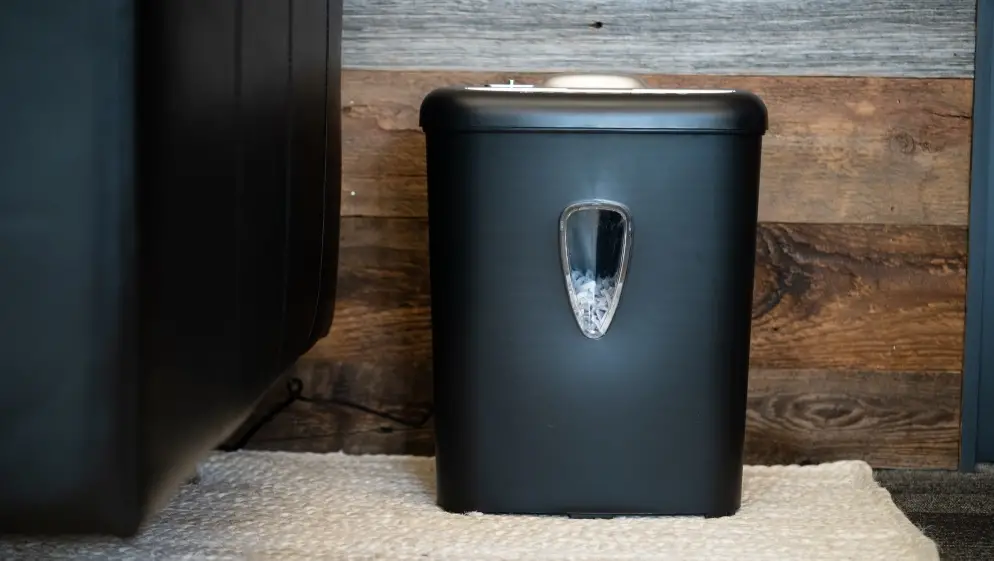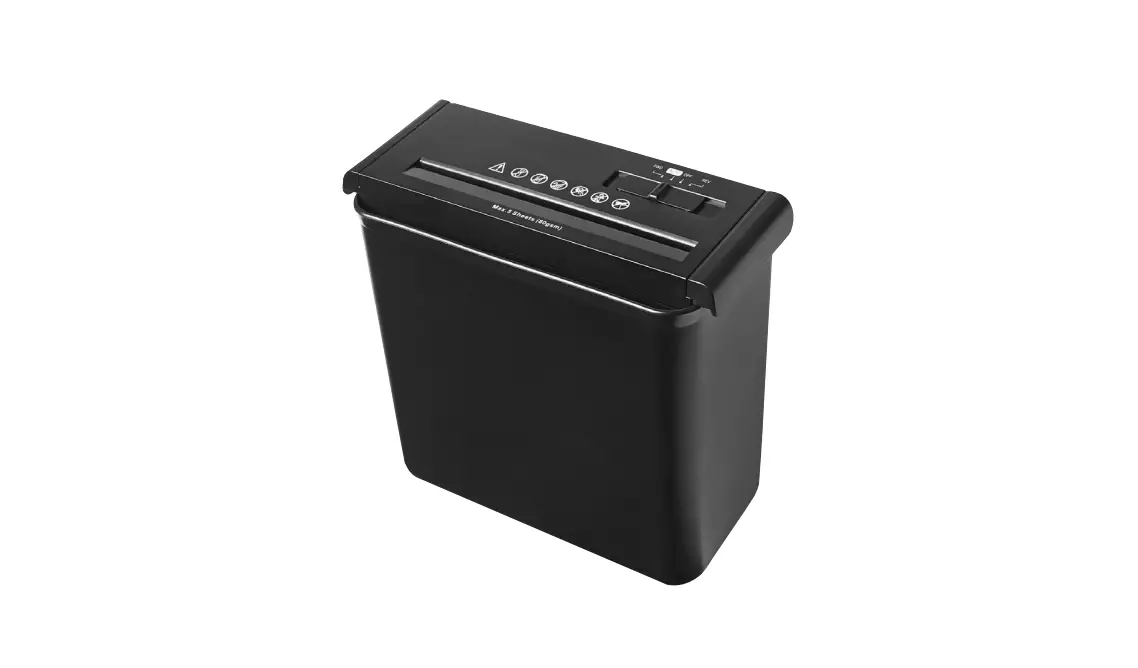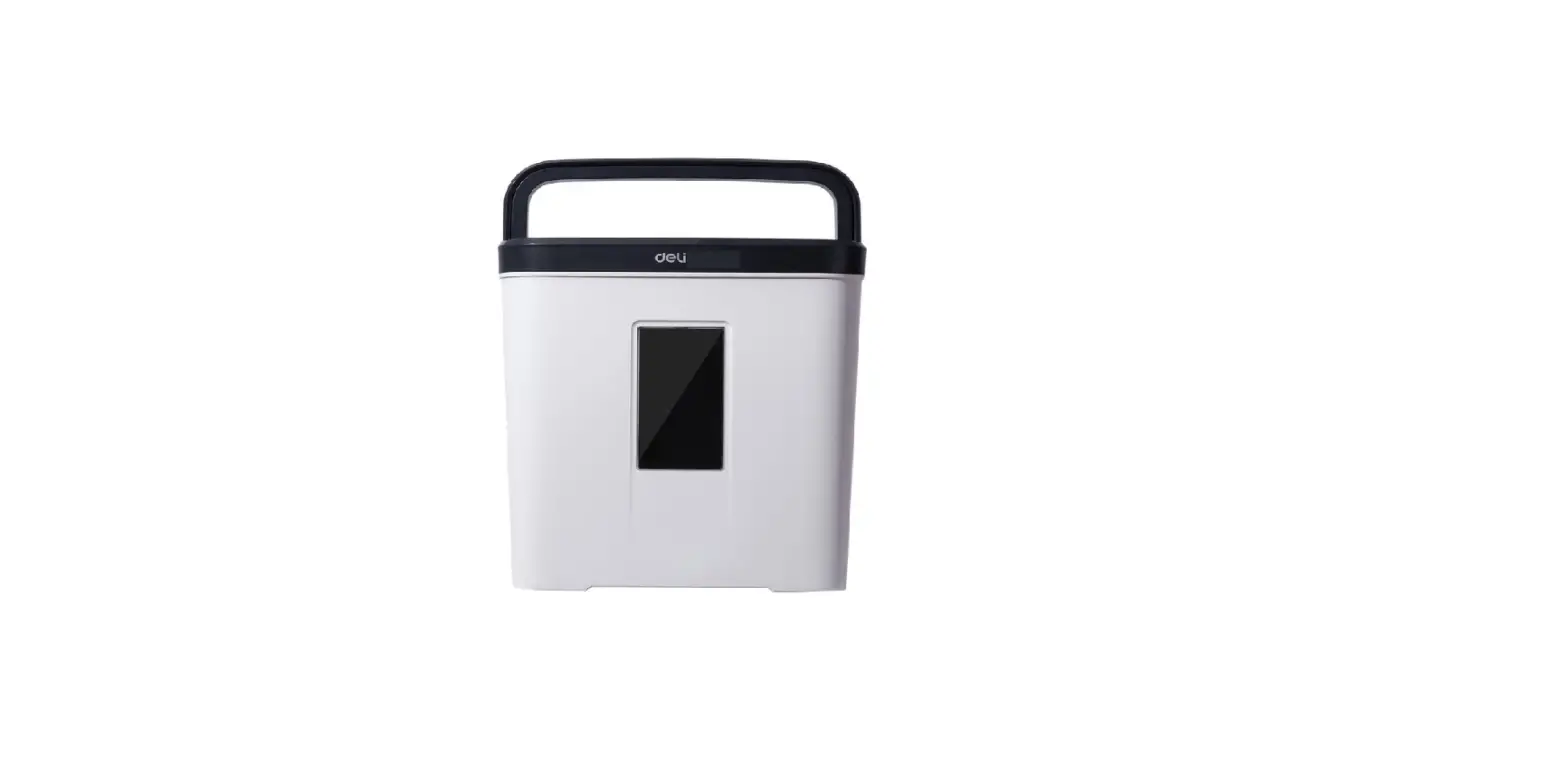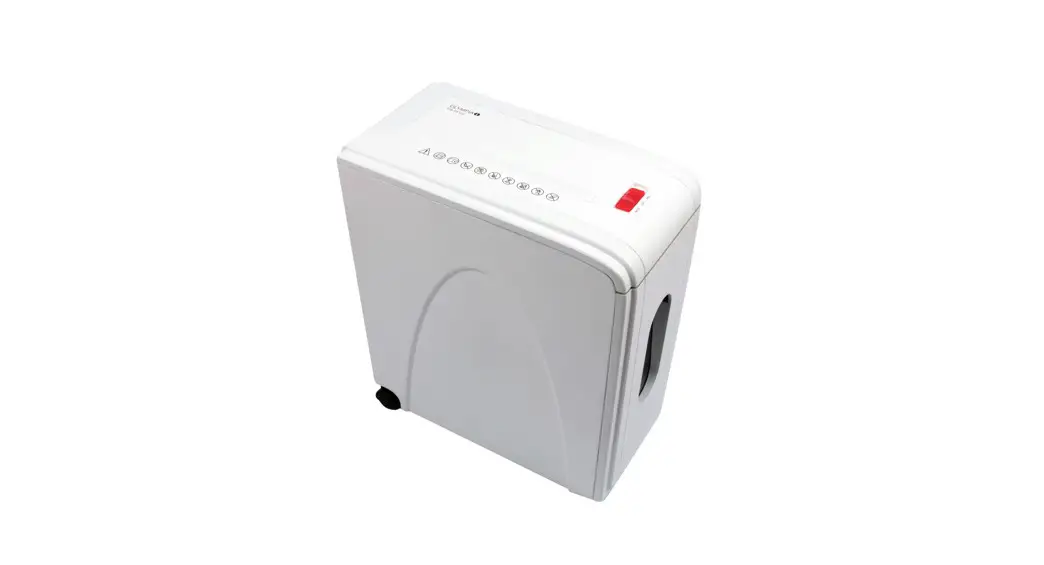
TECOR TR-508X Paper Shredder Instruction Manual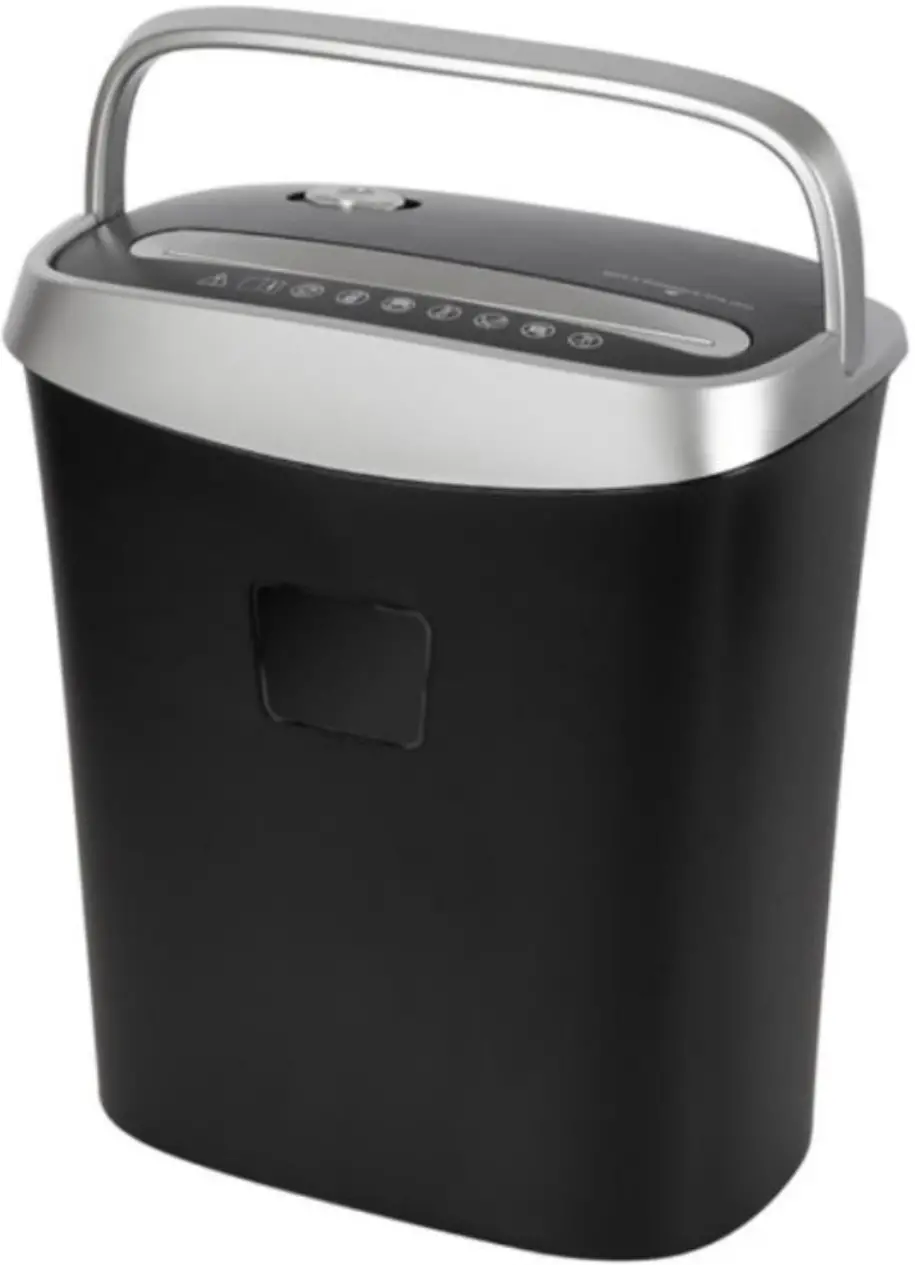
Important: Please read the following instructions carefully before operating the shredder and retain this manual for future use.
PRODUCT OVERVIEW
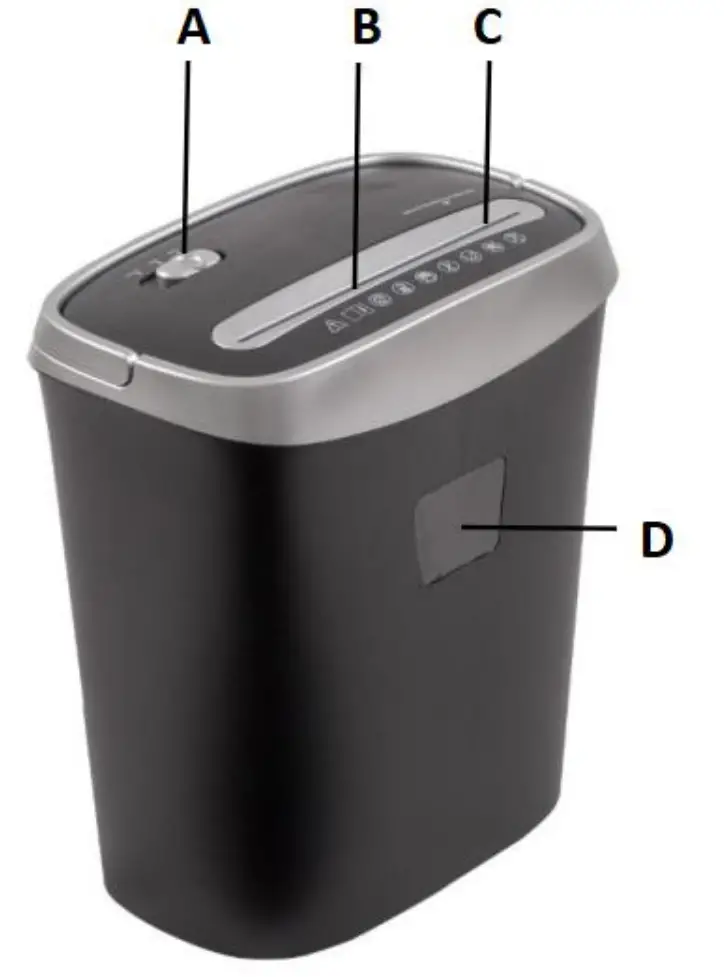
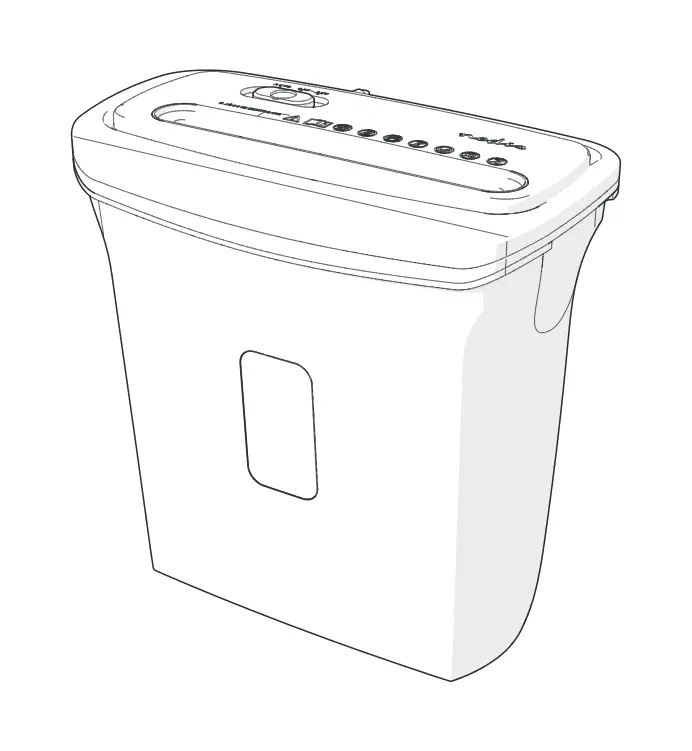
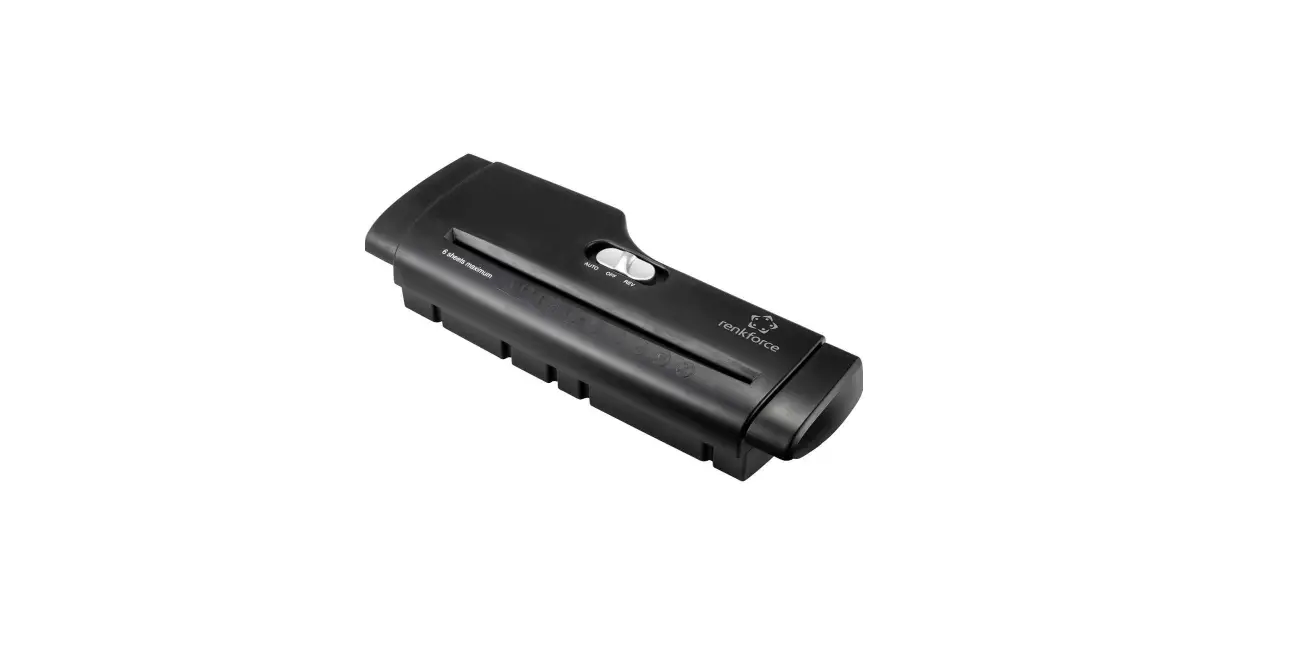
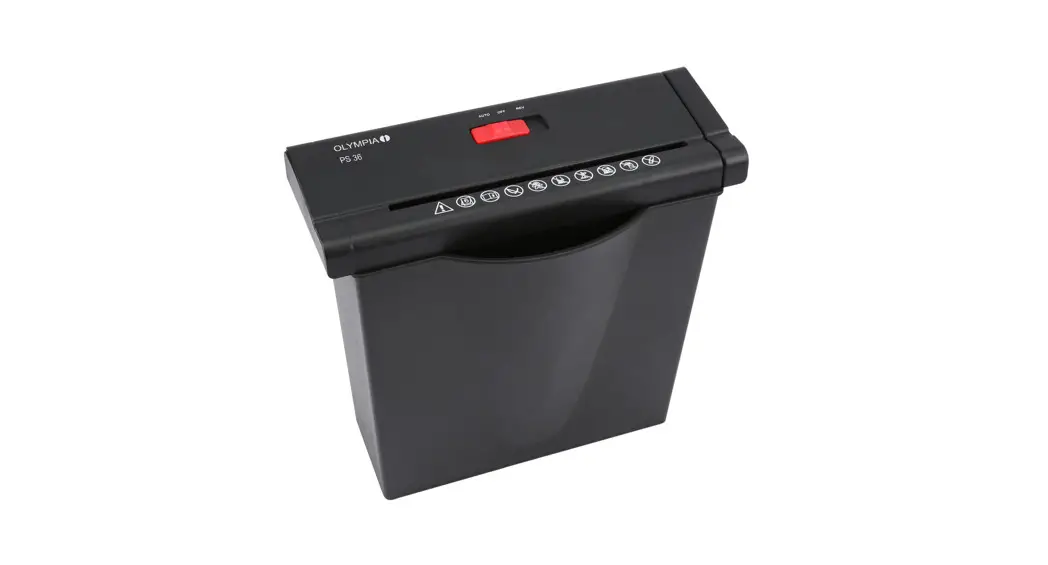
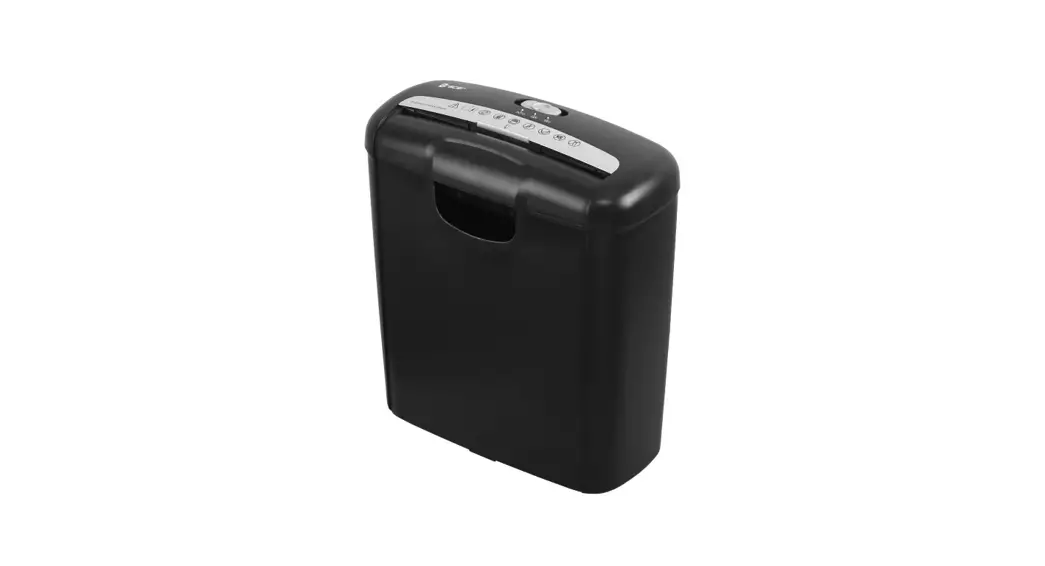
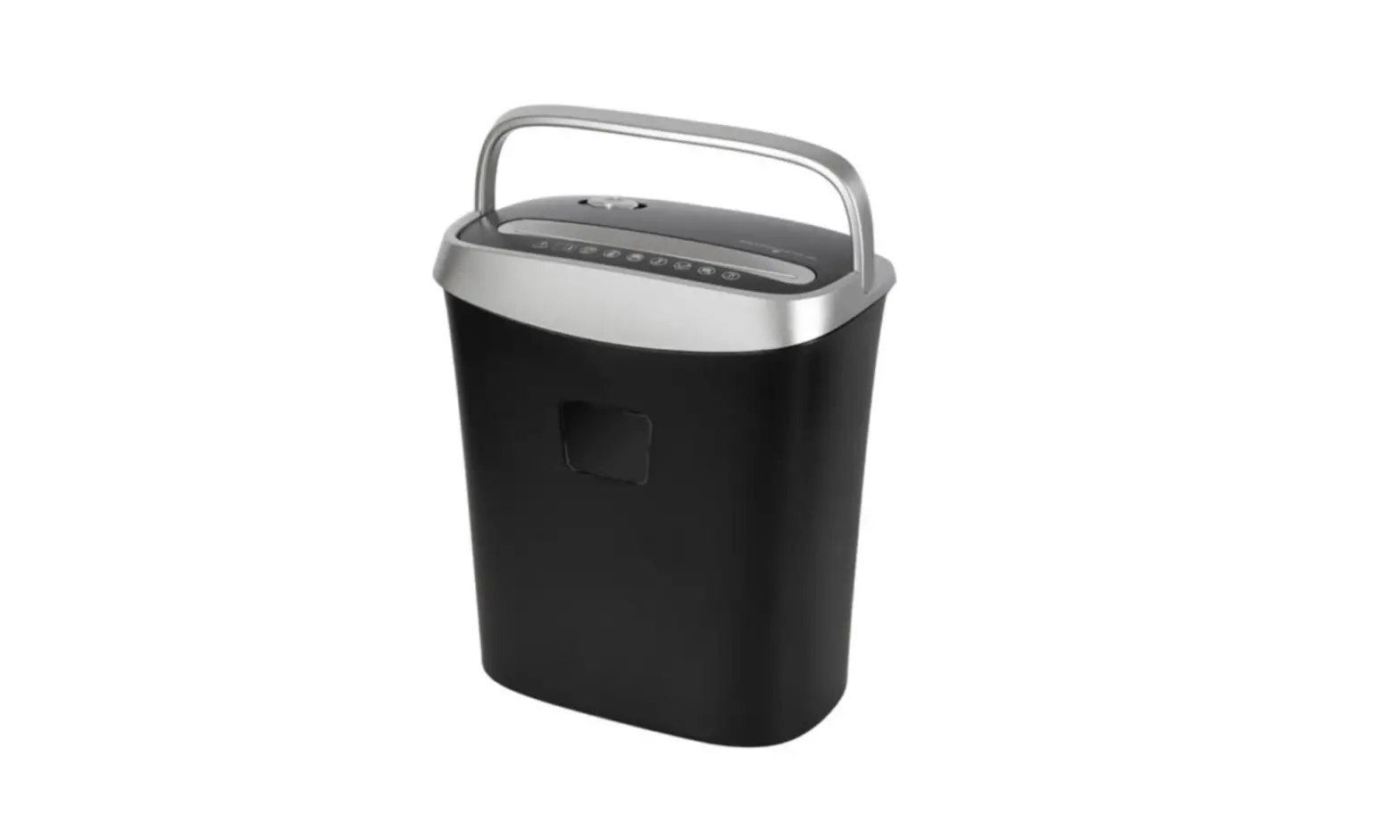
- A- Function switch (AUTO/OFF/REV)
- B- Paper entry
- C- Shredder head
- D- Waste bin
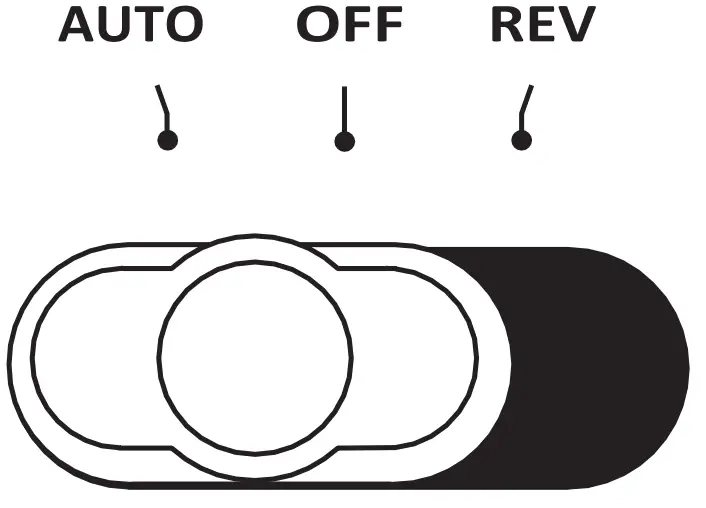
AUTO – Shredder in standby mode, shredding will start when paper sheets are inserted into the paper entry
OFF – Shredder is off and will not run
REV – Shredder willrotate in opposite direction, forcing paper to exit attop
PRODUCT SPECIFICATIONS
| PRODUCT SPECIFICATIONS | |
| Model | TR-508X |
| Features | Shreds paper and credit cards |
| Weight | 4KG |
| Shred Type | Cross Cut |
| Capacity | 8 Sheets (A4 80gsm) |
| Waste Bin Volume | 15L |
| Avg. Particle Size | 5mm x 38mm |
| Dimension | 315mm(H) x 195mm(W) x 356mm(D) |
| Paper Entry Width | 220mm |
| Duty Cycle | 2 min. ON 40 min. OFF |
| Noise Level | ≤72dB Load |
| Motor Power | 340W |
| Voltage | 220~240V 50Hz |
| Current | 1.5A |
WARNING
| WARNING | |||
 | Safety First |  | Do not insert fingers into opening |
|
| Read the entire instruction manual before operating the shredder | 
|
Keep ties and loose clothing clear |
 | Keep children away from the machine. This machine is not intended for use by children |  | Keep loose jewellery clear |
 | No staples |  | Keep long hair clear |
 | No paper clips |  | No aerosols. Do not spray cleaners or lubricants, as these may present a risk of fire. |

IMPORTANT SAFETY WARNINGS
Please read the following carefully before use.
- Do not immerse the shredder in water or any other liquid
- Do not operate the shredder with a damaged cord or plug, after any malfunctions, or after damage in any manner.
- Do not exceed the maximum recommended number of sheets when feeding paper into the shredder.
- Do not shred plastic films, adhesive paper or labels, clothing or plastic
- Do not put paper clips orstaplesinto the shredder to avoid damaging the blades.
- Always unplug the shredder before cleaning the waste bin.
- A full waste bin may lead to a paper jam, empty waste bin before it is full.
- Unplug the shredder if not in use for extended periods of time.
- Keep ties, jewelry, hair, fingers etc. away from the shredder paper entry for safety purposes.
- Avoid touching the paper entry with hands or fingers.
- Keep aerosol products away from the shredder asthese can damage the motor and present a risk of fire.
- Do not place the shredder near any heat source or in a humid environment.
- Keep the shredder far away from areas frequented by children and pets.
- This product is not intended for use by children.
OPERATION GUIDE
- Read and follow all the safety instructions before using the shredder.
- Make sure that the shredder head isresting securely on top of the waste bin.
- Plug the power cord into an electrical outlet.
- Turn the switch to “AUTO” position, and the shredder will be in standby mode.
- Insert the paper or credit card vertically into the entry, the shredder should begin shredding.
- After the shredding, the shredder will return to standby mode.
OVERHEAT PROTECTION
Duty cycle of this shredder: 2min on 40min off
- Continuous use of the shredder may cause the motor to exceed normal operating temperature and triggerthe overheat protection which will cause the motor to shut off.
- Simply unplug the shredder power cord from the electrical outlet and allow the motor to cool (approximately 40 minutes for a complete cool-down). The motor will return to normal operation afterwards.
DISPOSAL OF WASTE
- Unplug the power cord from the electrical outlet.
- Remove the shredder head from the waste bin by lifting the handle straight up.
- Empty the waste bin.
- Replace the shredder head on the wastebin.
- Plug the power cord back into the outlet.
CLEARINGPAPERJAMS
- Turn the switch to “REV” position.
- The shredder will rotate in opposite direction expelling any jammed paper out.
- Pull out the paper carefully to clear the paper entry, and turn the switch back to the “AUTO” position.
- Reduce the number of sheets to be shredded for the first pass after the clearing.
TROUBLESHOOTING
| Abnormities | Cause | Countermeasure |
| After finishing normal shredding, the shredder does not return to standby mode | Too much scrapped paper in the waste bin, so that the scrapped paper cannot fall and leave the exit. | Cut off the power, and empty the waste bin, press the scrapped paper down to keep them away from the machine head. |
| The Paper feed is working, but there are still some scrapped paper hanging at the exit after finishing | The slots of the blades are clamping onto the scrapped paper. | Set the switch to “REV” for the scrapped paper to exit from the top (if needed, please unplug the power and clean the scrapped paper at the exit). |
| The shredder does not work after withdrawing the paper | The scrapped paper is blocking the sensor. | Set the slide switch to “REV” for the paper to exit from the top |
| Paper is fed into the entry, but the shredder does not work | Paper is not touching the sensor. | Adjust the angle of the paper fed into the shredder to ensure that it touches the sensor. |
| The paper is jammed, and the machine stops rotating. | The number of paper sheets inserted exceeds the maximum capacity. Or The jam made the motor overheat and triggered the overheat protection. | Set the switch to “REV” and withdraw the shredding paper. Or Unplug and allow the machine to cool down. |
| The machine doesn’t start after inserting a sheet of paper, or stops running when paper is being inserted. | The paper is too thin, too soft, too crinkly, or humid to activate automatic inductive device. |
|
Warranty
Valid for Australian customers only
TECOR warrants that this product will be free from defects and work as
intended for the period of 12 months starting from the date of purchase by the original customer. If the product has any defects or does not work as intended during the warranty period, Tecor will, at its election and at its expenses, repair or replace the product.
This warranty does not apply:
- where the defect is a result of misuse, abuse, accident, alteration or neglect;
- where the product has not been used in accordance with all provided instructions;
- where the product has been intentionally or negligently damaged;
- where the customer has attempted to change or repair the product;
- to damages arising from fair wear and tear
To make a claim under this warranty, please return your product with your receipt or proof of purchase to the reseller.
This warranty is provided in addition to any rights you may be entitled to under the Competitions & Consumer Act 2010.