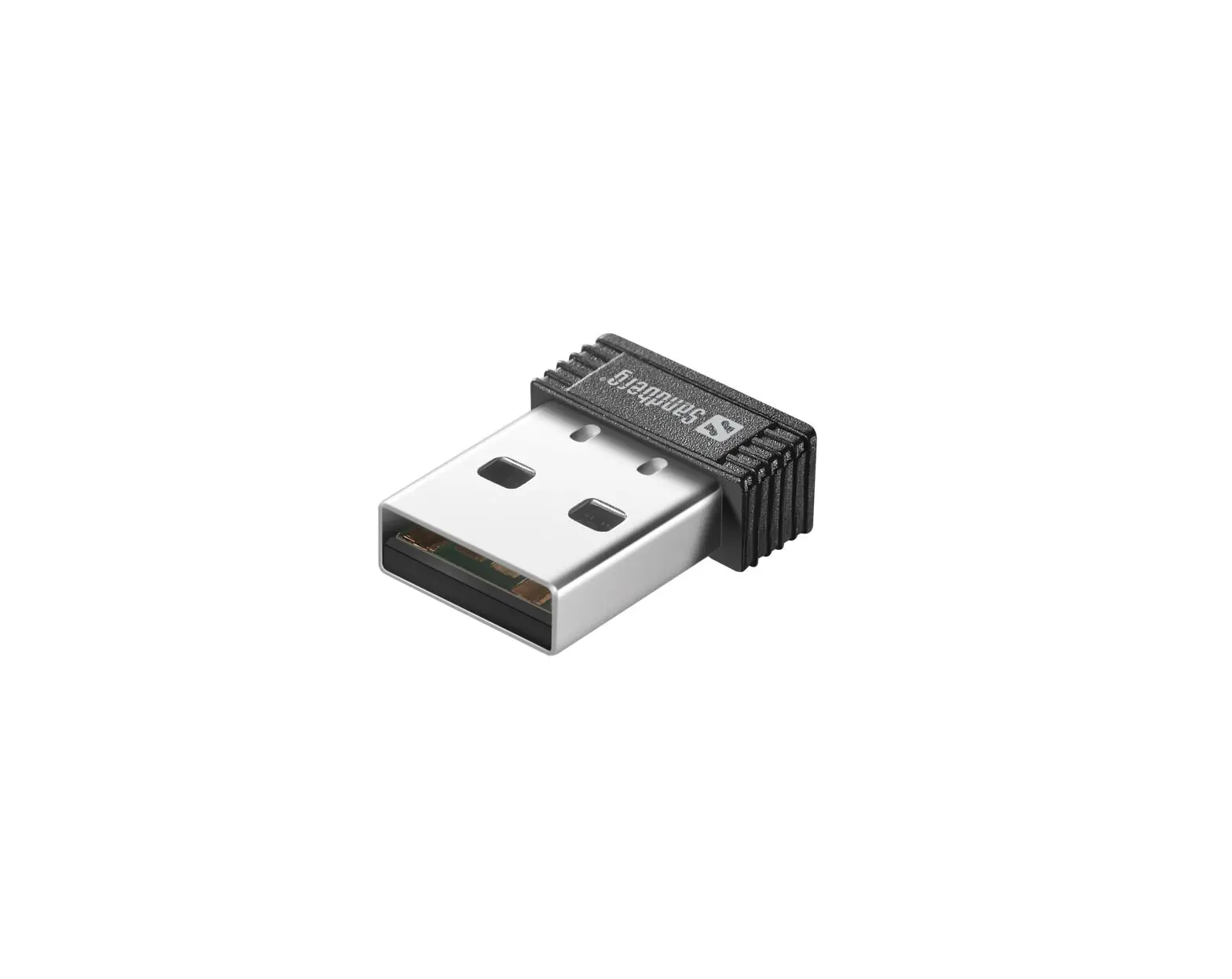

Sandberg-134-34-USB-Bluetooth-5.0-Dongle-
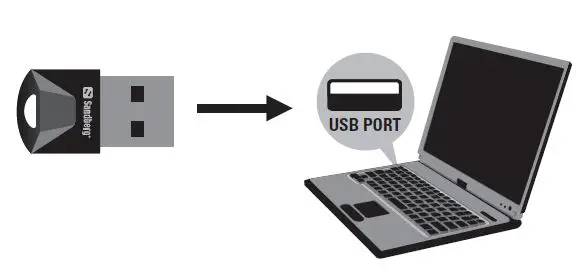
Installation
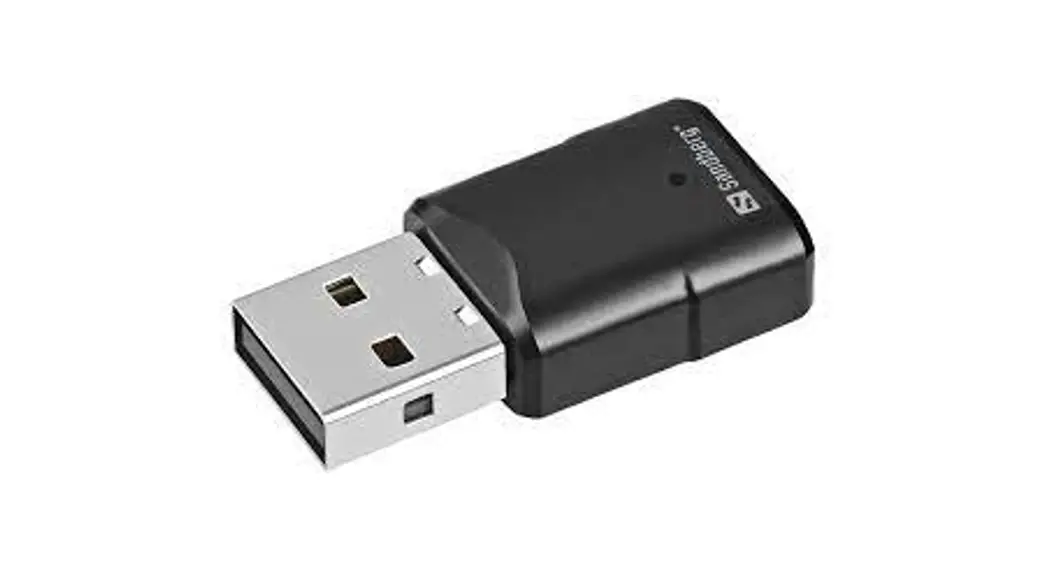
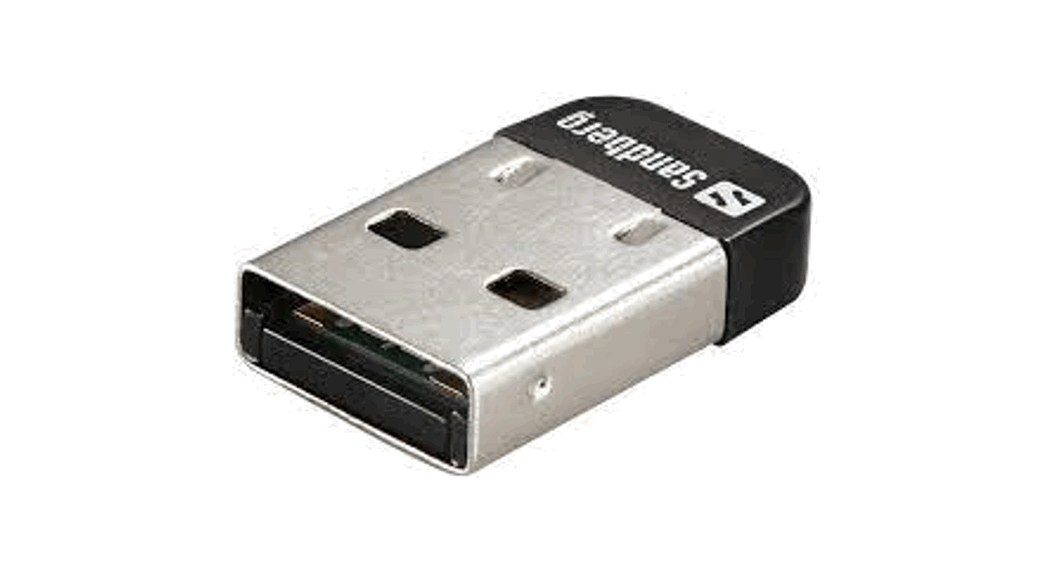
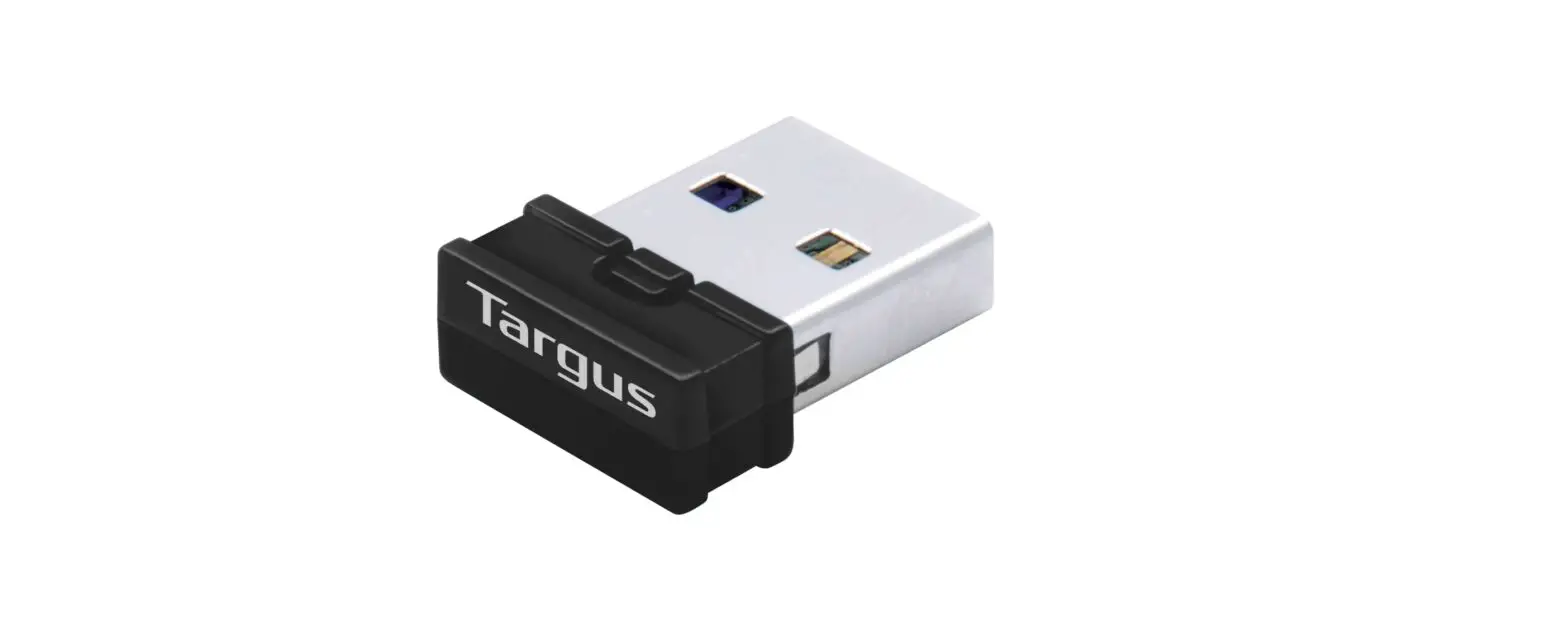
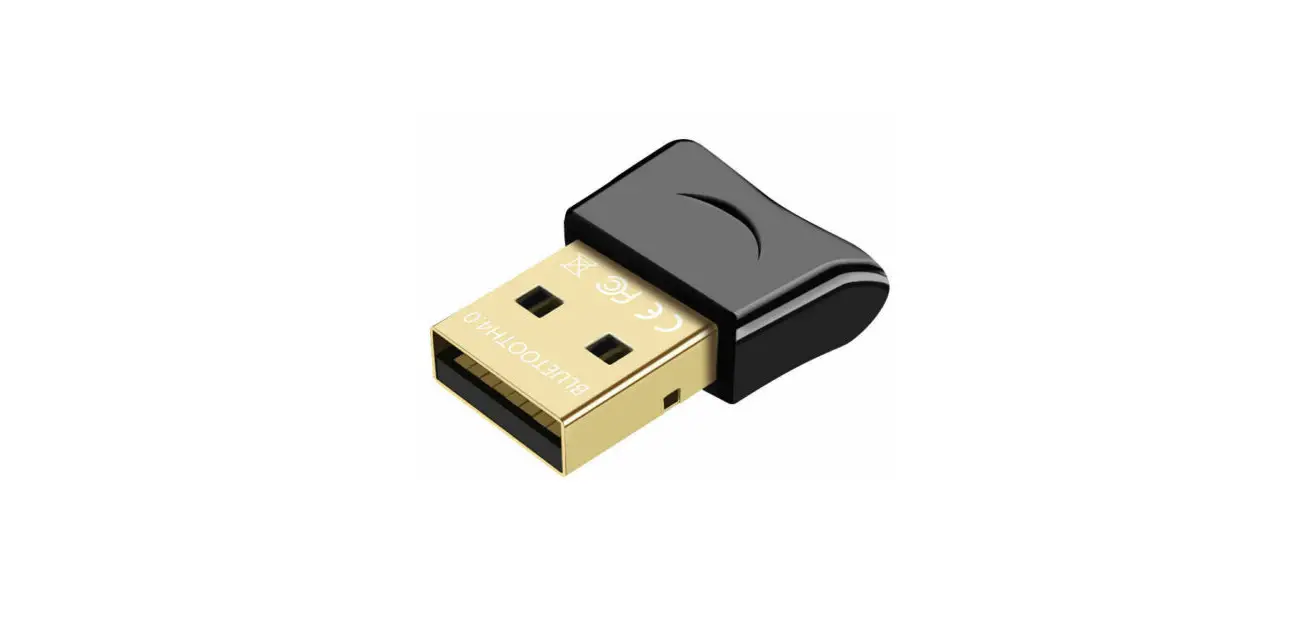
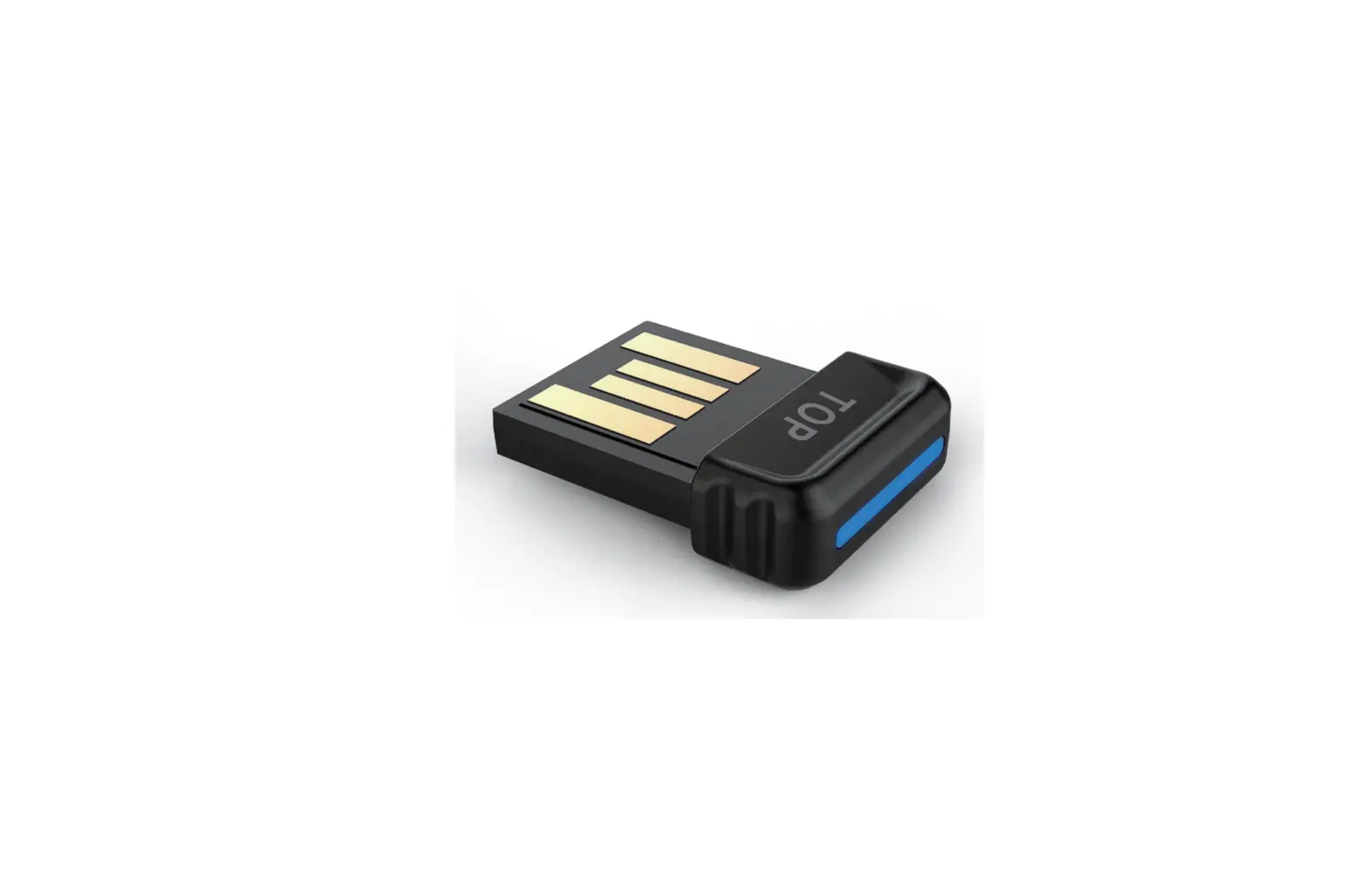
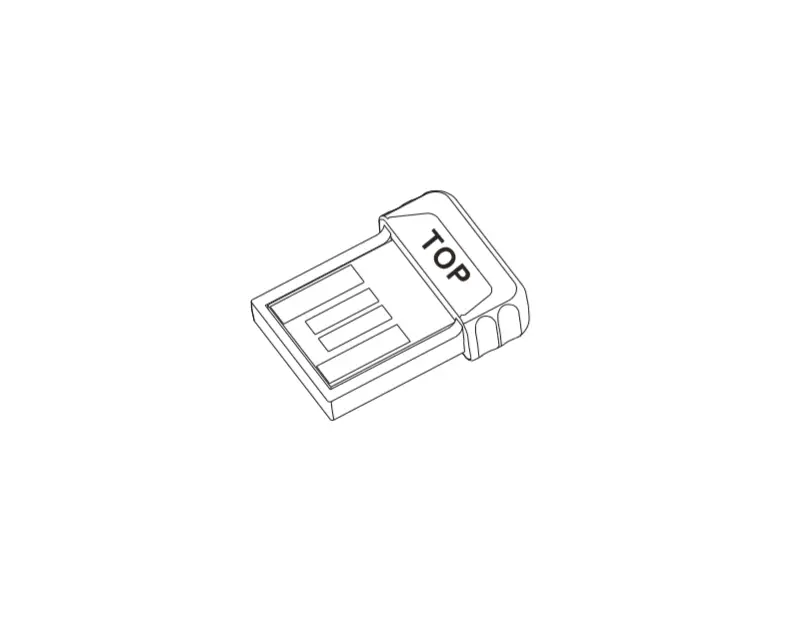
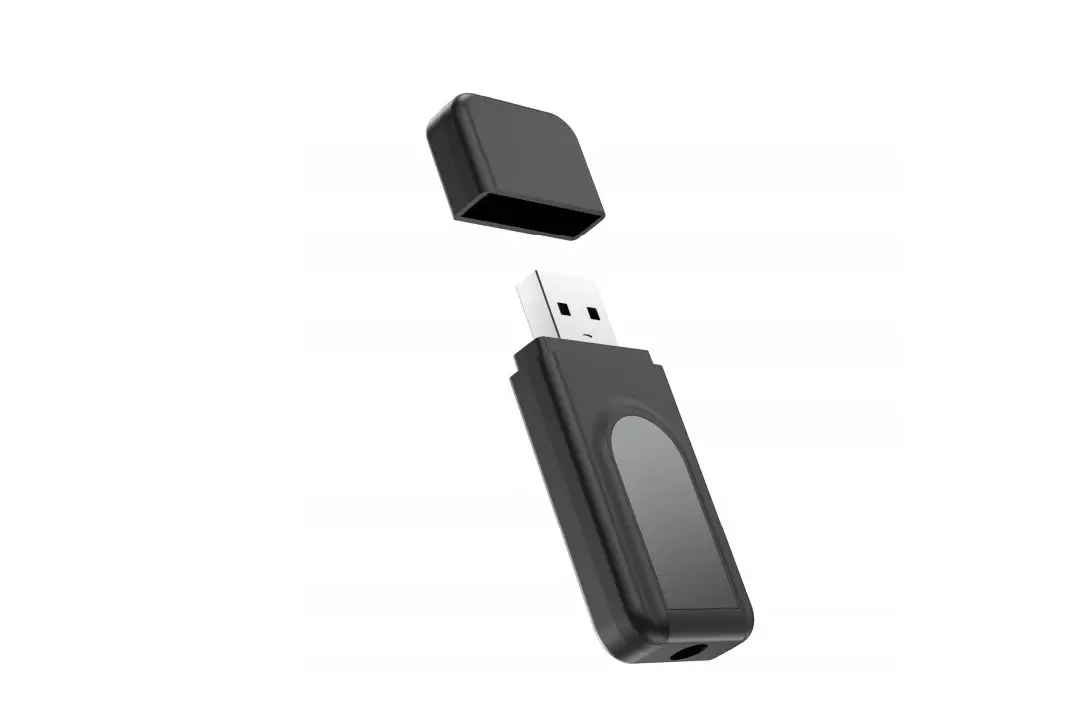
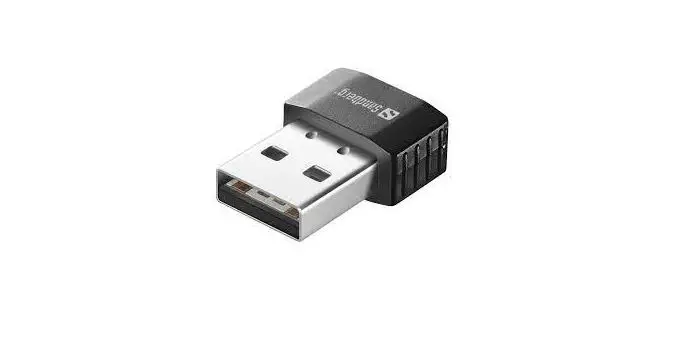
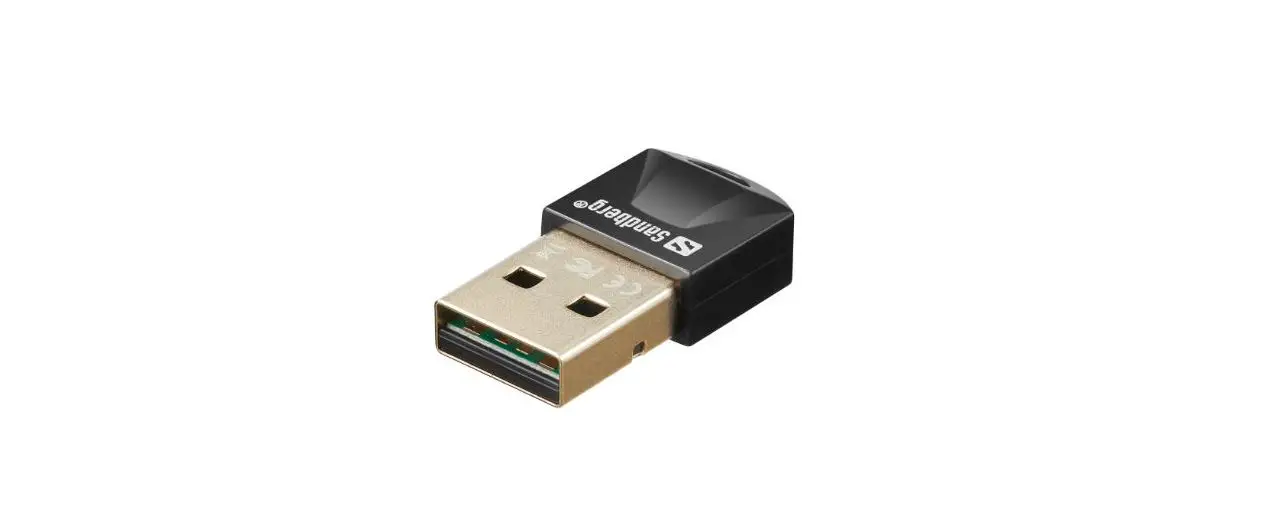
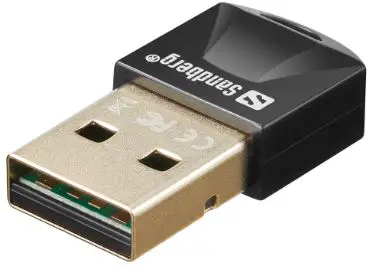
- The Sandberg USB Bluetooth Dongle 5.0 will auto install without the need of a driver for basic functionality.

- Go to Windows-settings/Bluetooth and search for new devices. Activate pairing mode on the device you want to connect.

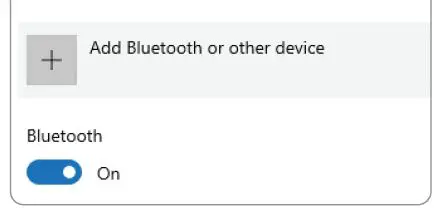
BLUTOOTH AND OTHER DEVICES
For extra functions and full compliancy to all Bluetooth protocols including advanced audio protocols, we recommend to download and install the full software package here: http://files.sandberg.world/d/134-34.zip
This software installation is required for the dongle to work in Windows 7.
Support
http://helpdesk.sandberg.world
Warranty
There is a five-year warranty on your Sandberg product. Please read the warranty terms and register your new Sandberg product at www.sandberg.world/warranty
For information on handling electronic waste, see www.sandberg.world/weee
 Helpdesk - Sandberg A/S