Integrating Google Contacts With Nextiva Crm

Integrating Google Contacts With Nextiva Crm

Import existing Google Contacts information to NextOS. Google Integration provides one-way sync functionality from Google Contacts to Nextiva CRM.
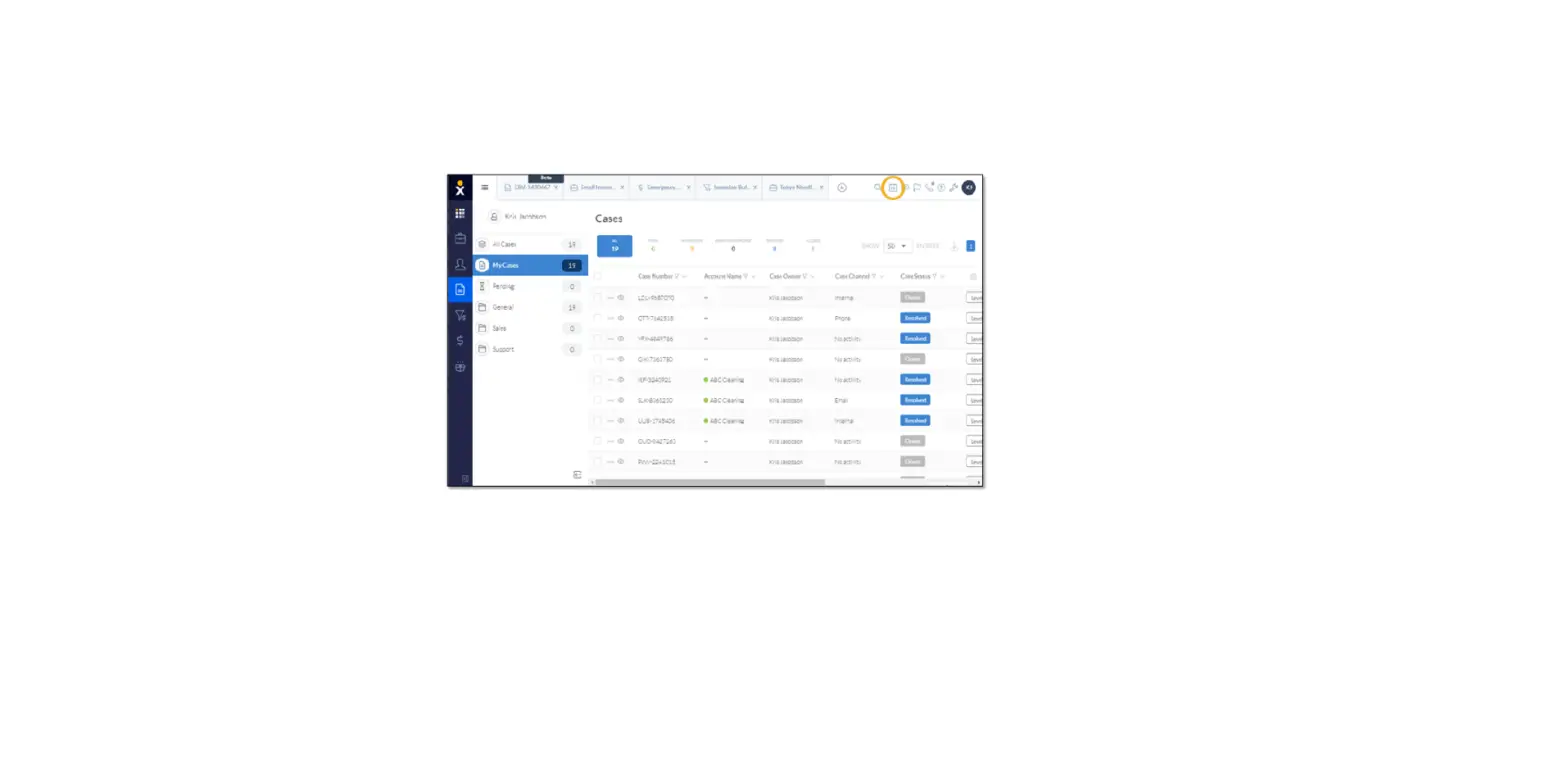

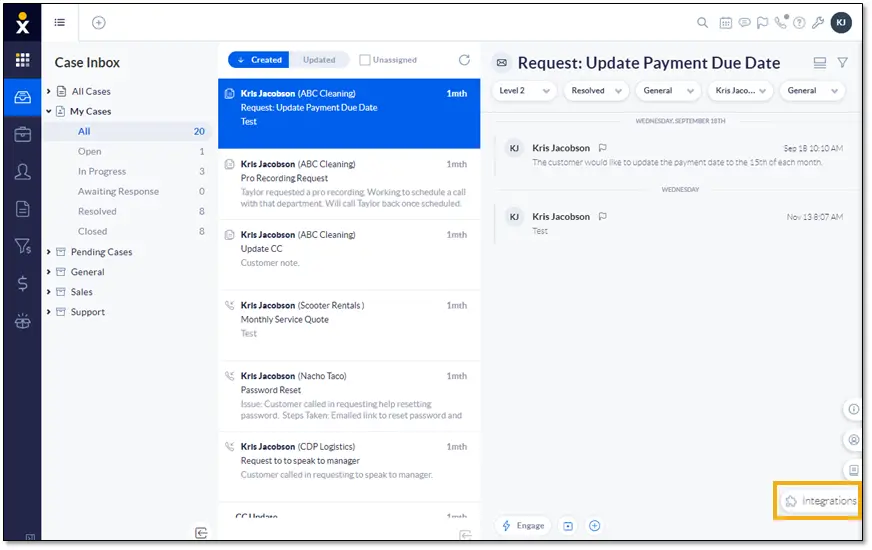
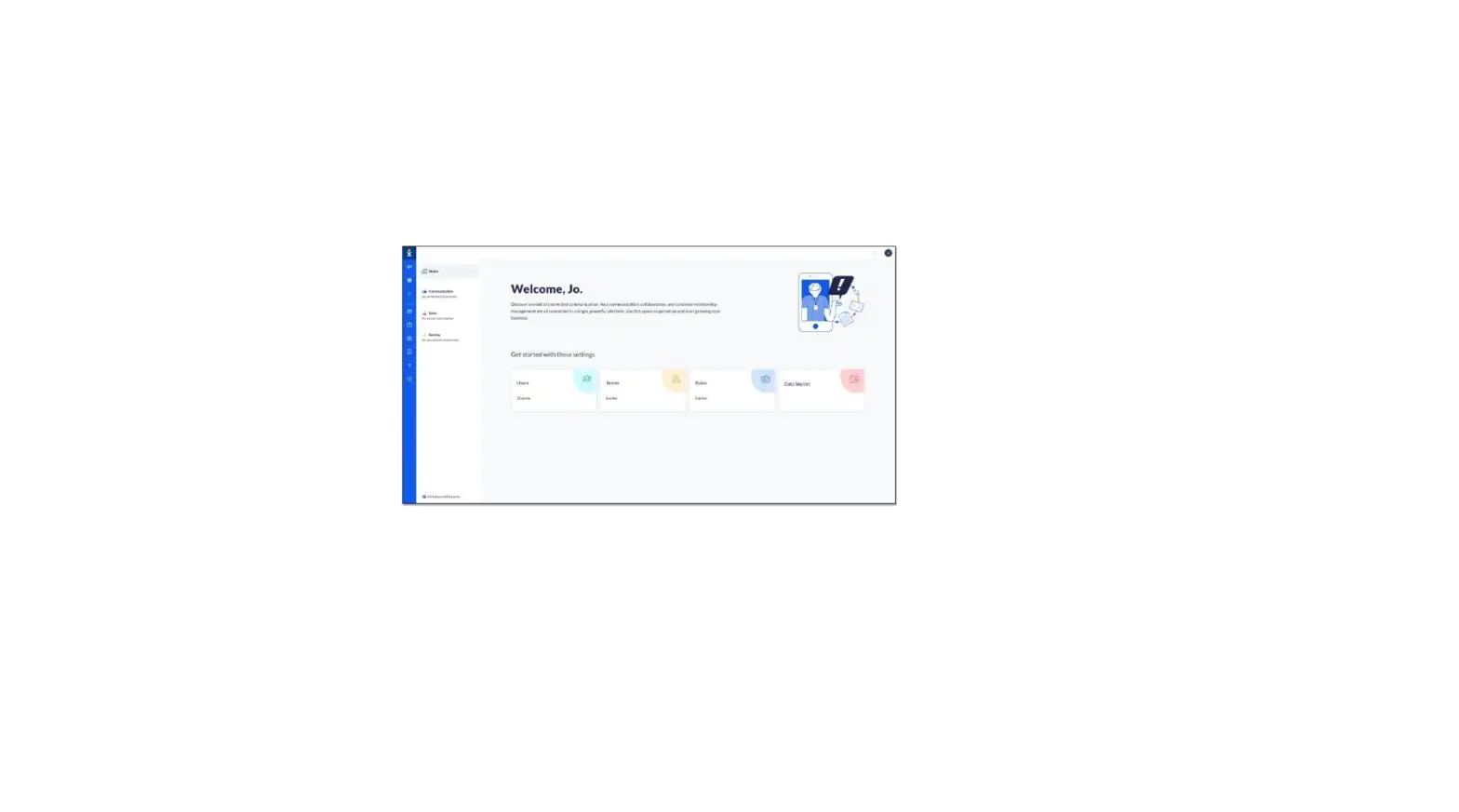
  1. From the Case Inbox, click the Integrations button at the bottom-right corner of the window.
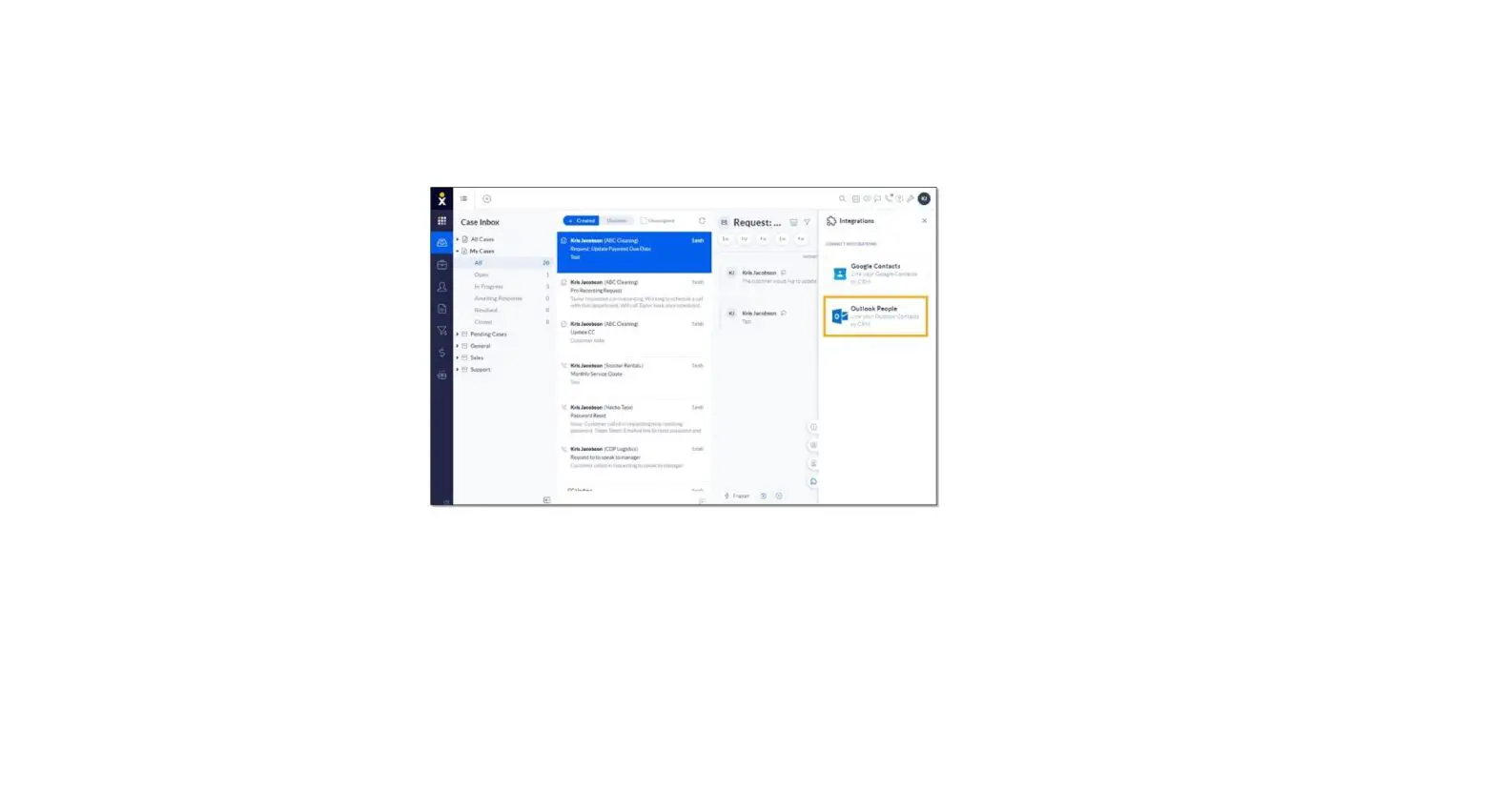
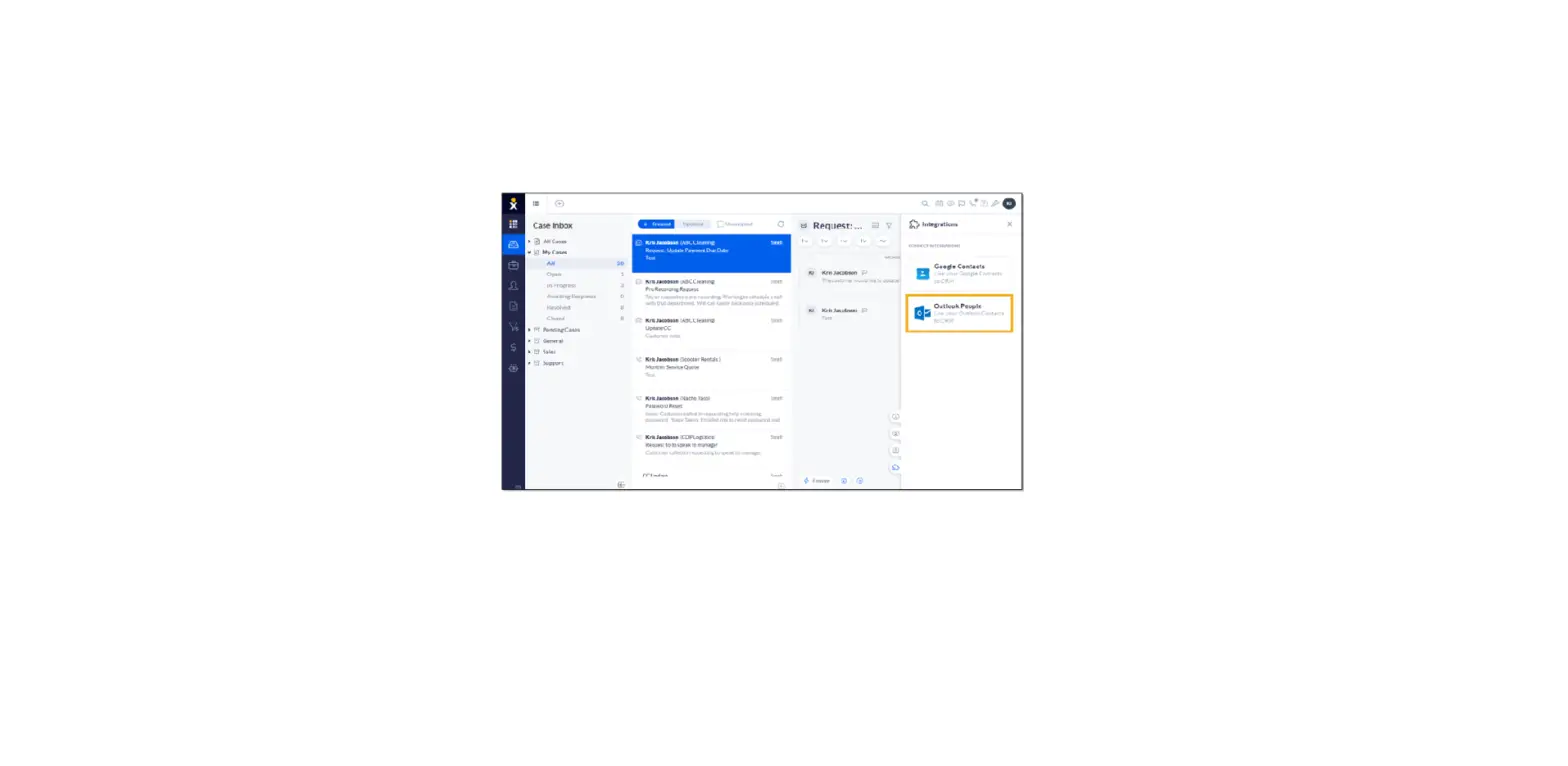
  2. Click the Google Contacts > Connect  > sign in to Google and click Allow.

NOTE: To disconnect Google Contacts from NextOS, click Google Contacts > Disconnect.

Documents / Resouces

Download manual
Here you can download full pdf version of manual, it may contain additional safety instructions, warranty information, FCC rules, etc.


Related Manuals