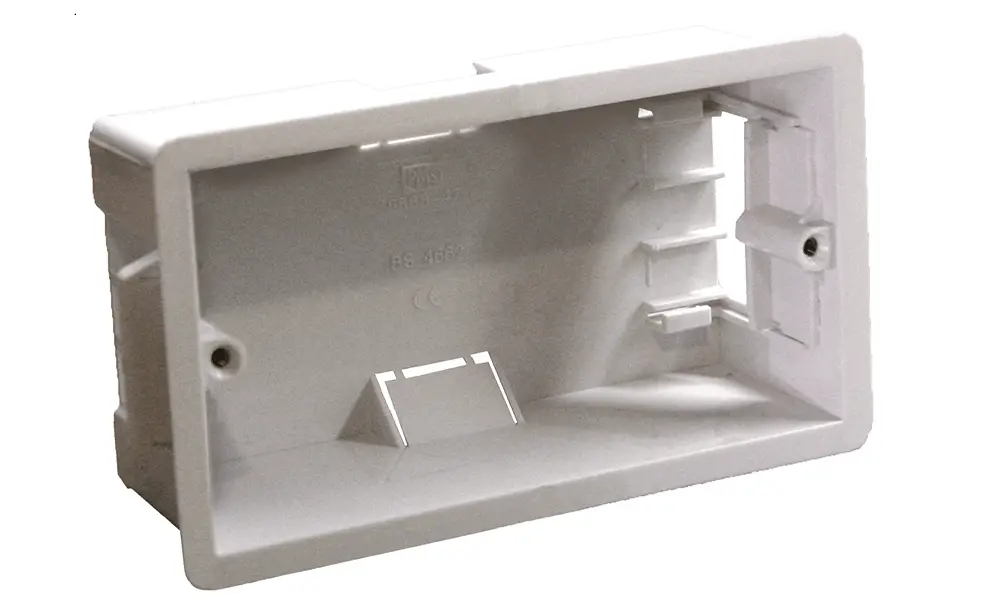
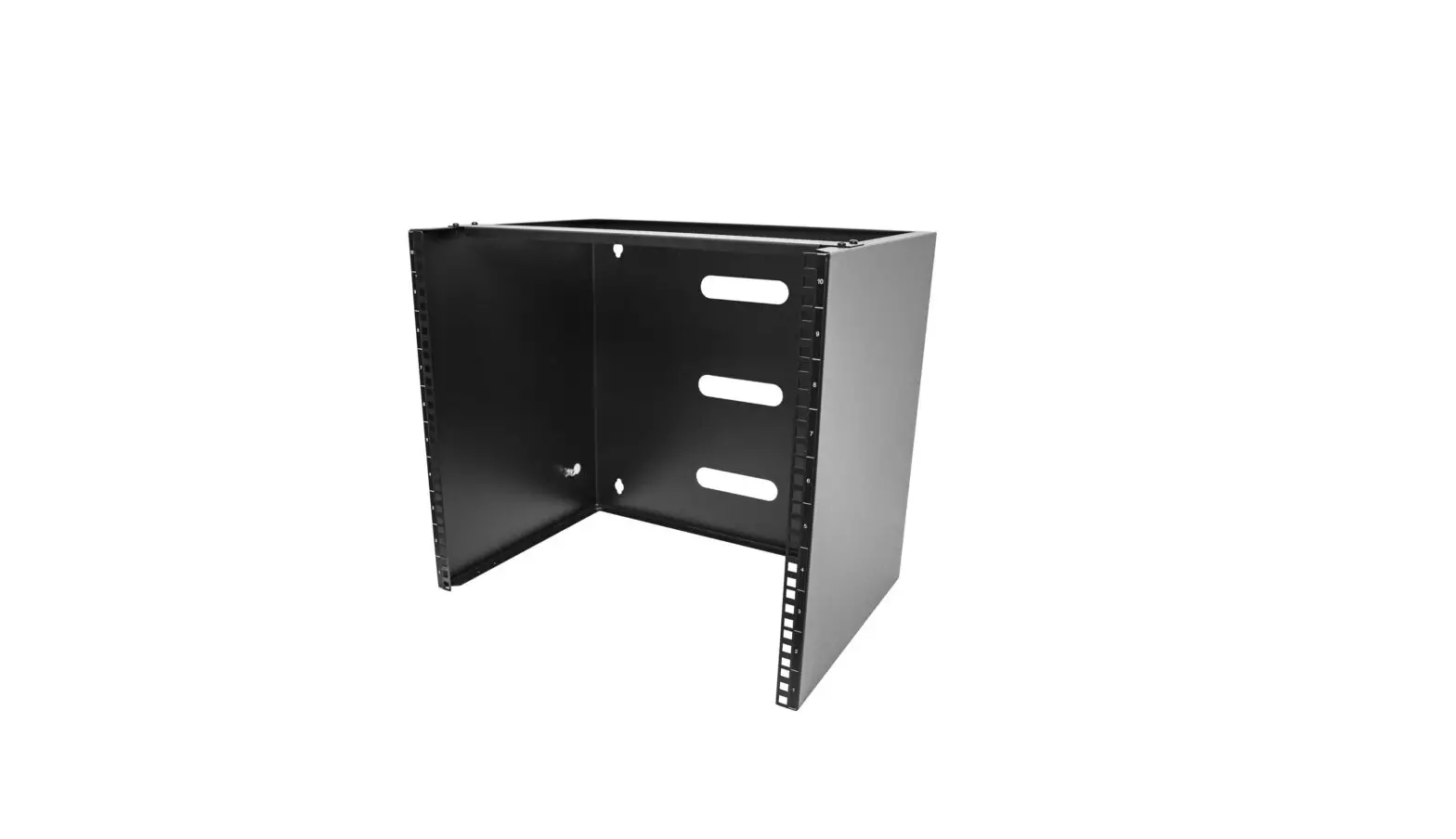
PWB-CMU8-2PLT Wall Box for Custom Connector Plates
PWB-CMU8-2PLT Installation Instructions
244 Bergen Boulevard, Woodland Park, NJ 07424
Phone: 973.785.4347 – FAX 973.785.4207
Wall Box Installation
- Remove construction cover from box.
- Insert conduit fittings and conduit into box.
- Reinsert construction cover with supplied hardware before any
mortar is applied to the box. - A modified concrete block will need to be cut as shown
below. - Place the wall box on the block wall, ensuring the front
surface of the wall box is flush with concrete block wall. - Ensure mortar is applied to top, bottom, sides and all block
webs. - All seams around the wall box should be filled with
mortar. - Note: it is important that the construction cover is installed
on wall box prior to placing the wall box on the block wall and
before any concrete blocks are placed above the unit.
Components:
- PWB-CMU8 Wall Box
- Conduits and conduit fittings as required
- Construction Cover
- Modified Concrete Block
Electrical Installation
- After mortar has set remove and discard construction cover and
hardware. - Determine divider location and install divider with hardware
provided. - Covers are to be provided by the customer. A DXF is provided on
FSR’s website, to be used as a guideline in the manufacturing of
the cover plates. - Determine which set of covers is needed based on the location
of the divider, use the corresponding DXF’s provided. - Install covers with hardware provided.
Notice: For installation by a qualified
electrician in accordance with all national and local electrical
codes.
Typical Cover/Divider Installation
- Wall not shown for clarity
- Cover
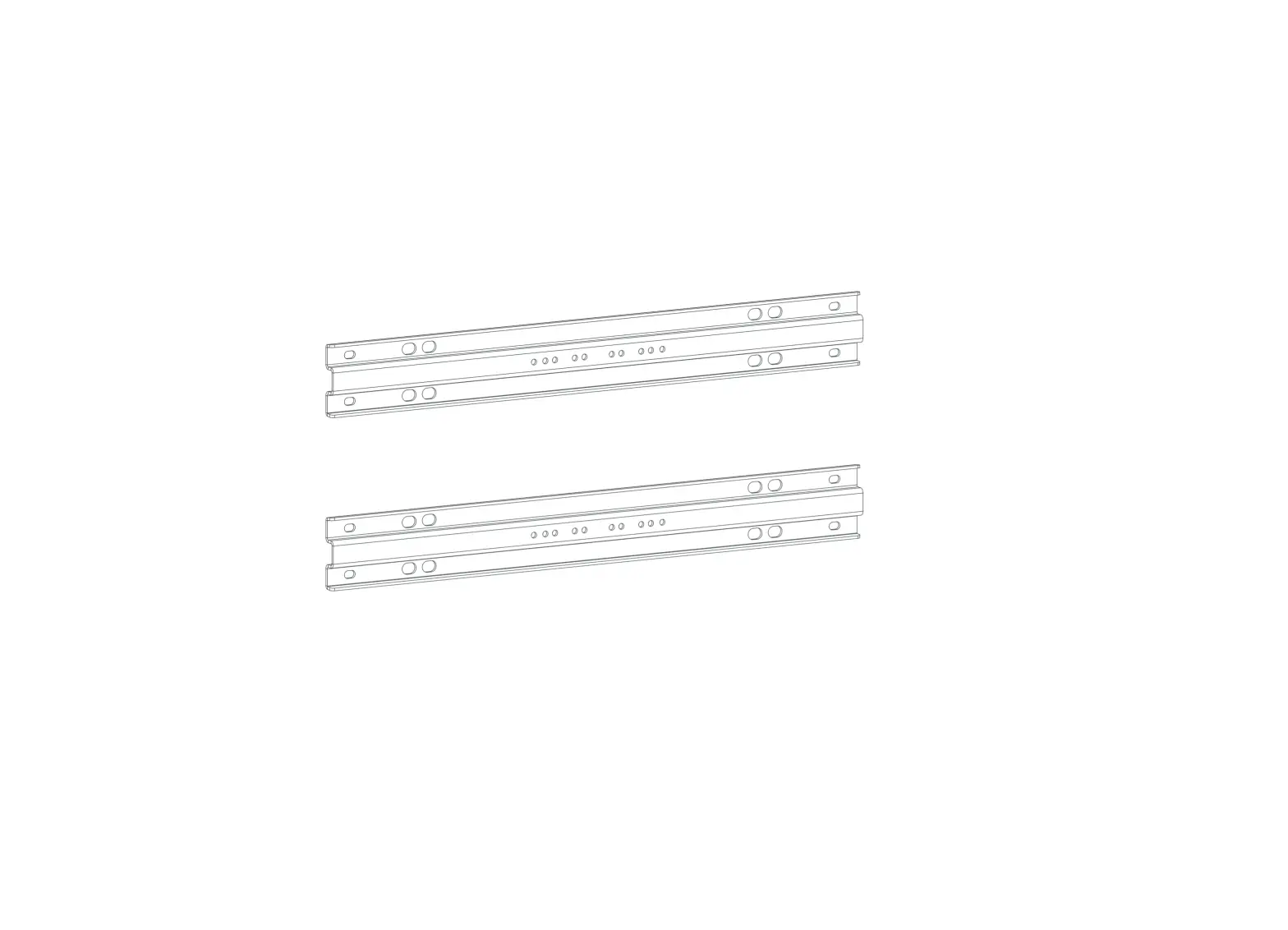
- Divider (4 possible locations)
- 8x #6-32 Screw
- 2x #6-32 Screw
- 70/30 Divider
- 60/40 Divider
PWB-CMU8-2PLT Installation Instructions
244 Bergen Boulevard, Woodland Park, NJ 07424, Phone: 973.785.4347 – FAX 973.785.4207
WALL BOX INSTALLATION
1. REMOVE CONSTRUCTION COVER FROM BOX. INSERT CONDUIT FITTINGS AND CONDUIT INTO BOX. REINSERT CONSTRUCTION COVER WITH SUPPLIED HARDWARE BEFORE ANY MORTAR IS APPLIED TO THE BOX.
2. A MODIFIED CONCRETE BLOCK WILL NEED TO BE CUT AS SHOWN BELOW. 3. PLACE THE WALL BOX ON THE BLOCK WALL, ENSURING THE FRONT SURFACE OF THE WALL BOX IS FLUSH
WITH CONCRETE BLOCK WALL. ENSURE MORTAR IS APPLIED TO TOP, BOTTOM, SIDES AND ALL BLOCK WEBS. ALL SEAMS AROUND THE WALL BOX SHOULD BE FILLED WITH MORTAR.
NOTE** IT IS IMPORTANT THAT THE CONSTRUCTION COVER IS INSTALLED ON WALL BOX PRIOR TO PLACING THE WALL BOX ON THE BLOCK WALL AND BEFORE ANY CONCRETE BLOCKS ARE PLACED ABOVE THE UNIT.
SURFACE FLUSH WITH CONCRETE BLOCK
2.5″ MODIFIED CONCRETE BLOCK
PWB-CMU8 WALL BOX
CONDUITS AND CONDUIT FITTINGS AS REQUIRED
CONSTRUCTION COVER
2.5″
MODIFIED CONCRETE BLOCK
43451
MODIFIED CONCRETE BLOCKS
16″
LIT1865
PWB-CMU8-2PLT Installation Instructions
244 Bergen Boulevard, Woodland Park, NJ 07424, Phone: 973.785.4347 – FAX 973.785.4207
ELECTRICAL INSTALLATION
1. AFTER MORTAR HAS SET REMOVE AND DISCARD CONSTRUCTION COVER AND HARDWARE. 2. DETERMINE DIVIDER LOCATION AND INSTALL DIVIDER WITH HARDWARE PROVIDED. 3. COVERS ARE TO BE PROVIDED BY THE CUSTOMER. A DXF IS PROVIDED ON FSR’S WEBSITE, TO BE USED
AS A GUIDELINE IN THE MANUFACTURING OF THE COVER PLATES. DETERMINE WHICH SET OF COVERS IS NEEDED BASED ON THE LOCATION OF THE DIVIDER, USE THE CORRESPONDING DXF’S PROVIDED. INSTALL COVERS WITH HARDWARE PROVIDED.
NOTICE: FOR INSTALLATION BY A QUALIFIED ELECTRICIAN IN ACCORDANCE WITH ALL NATIONAL AND LOCAL ELECTRICAL CODES.
TYPICAL COVER/DIVIDER INSTALLATION
PWB-CMU8 (WALL NOT SHOWN FOR CLARITY)
COVER
8x #6-32 SCREW
4 POSSIBLE DIVIDER LOCATIONS
DIVIDER
70/30
2x #6-32 SCREW
DIVIDER (SEE BACK)
COVER
DIVIDER
60/40
DIVIDER
DIVIDER
43451
LIT1865