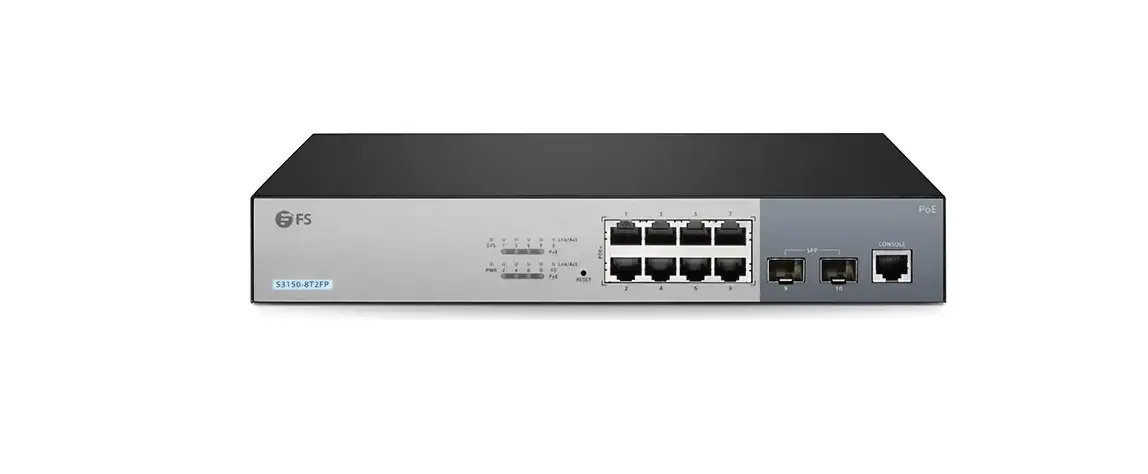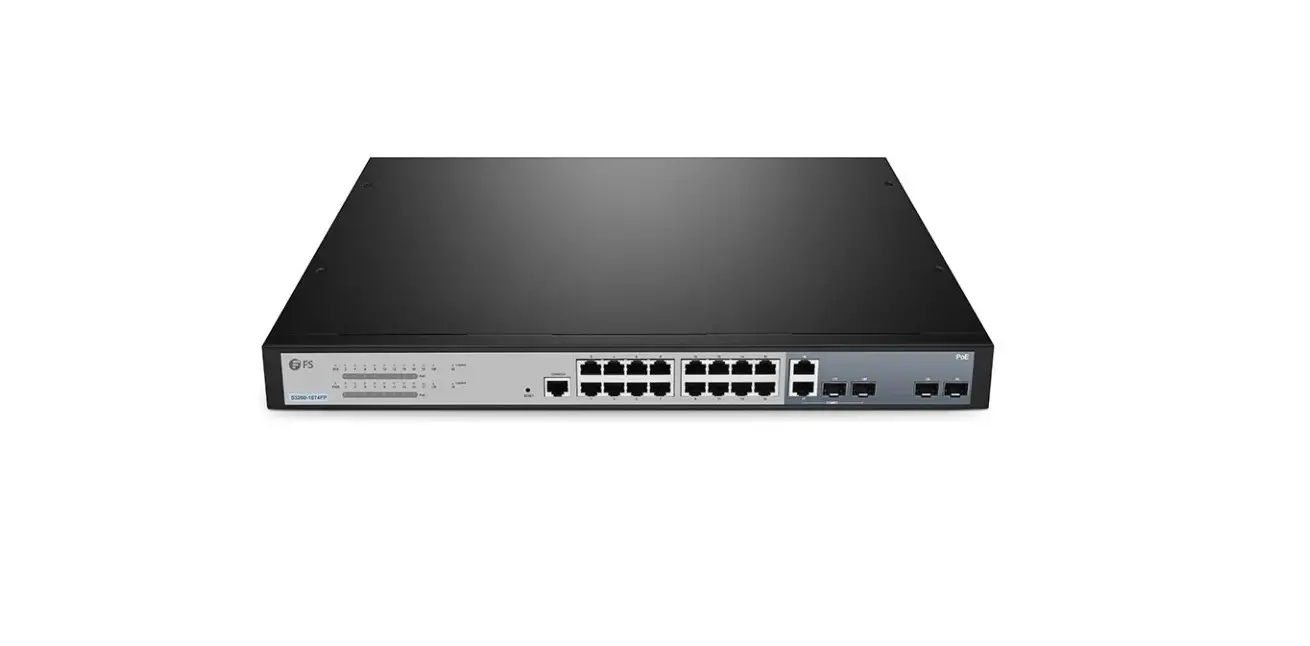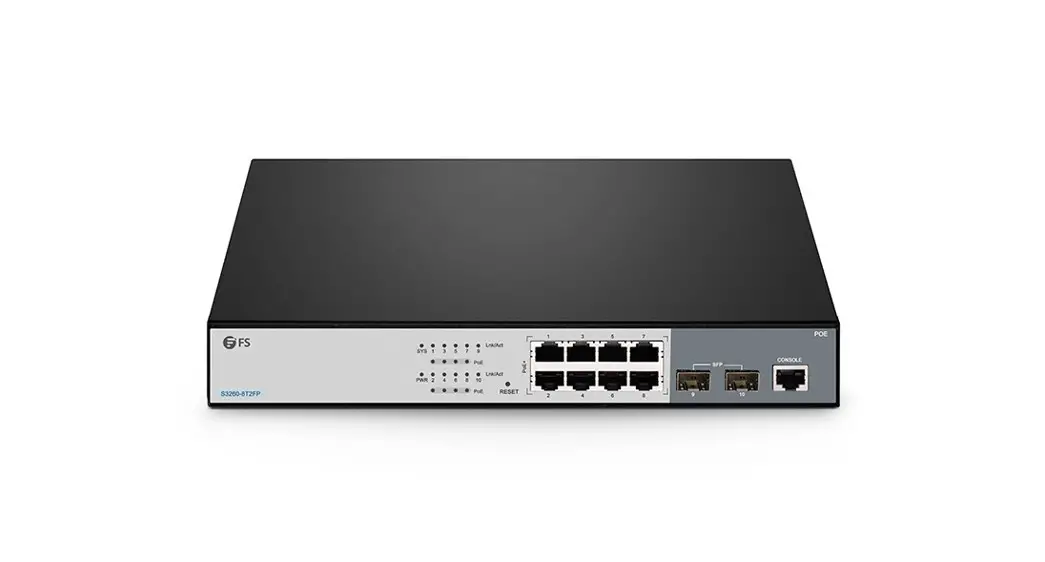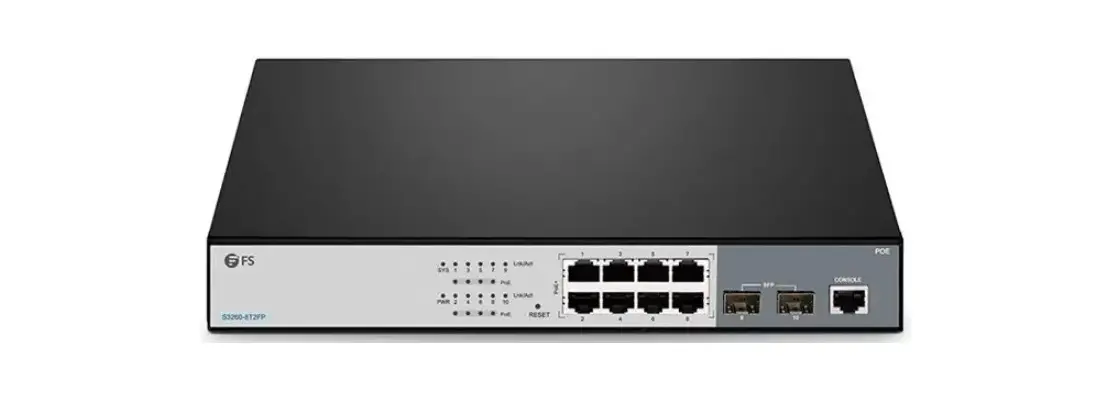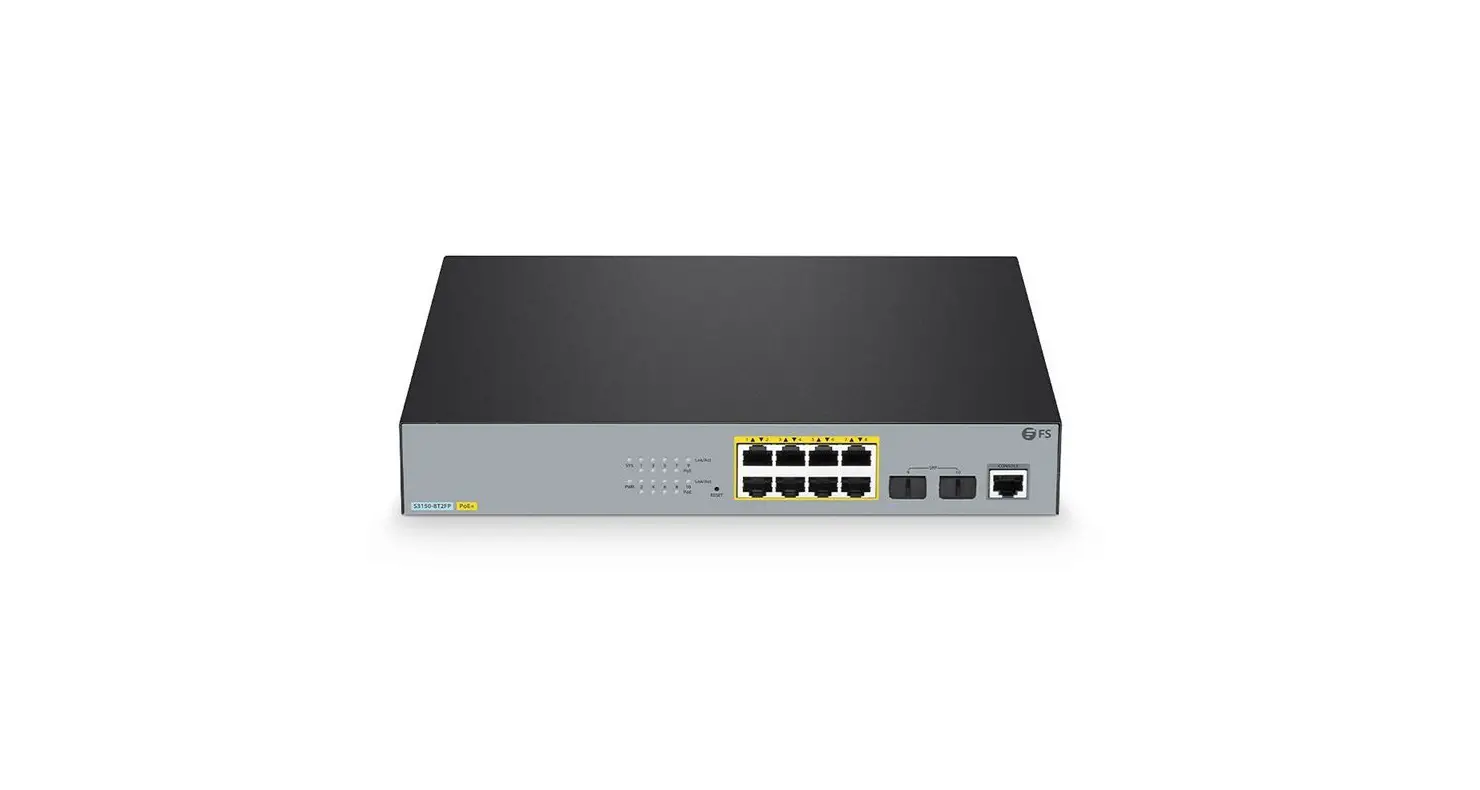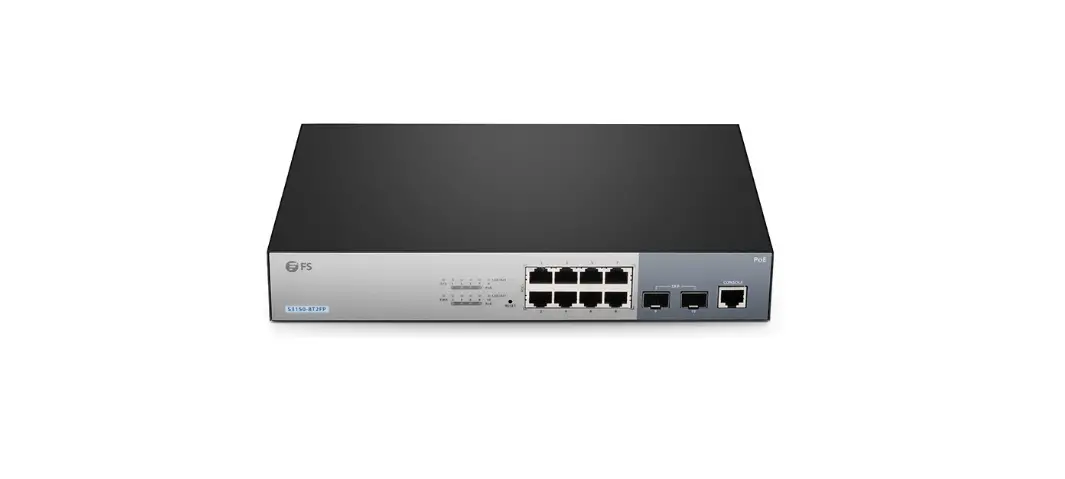

FS S3150-8T2FP PoE+ Series Switches
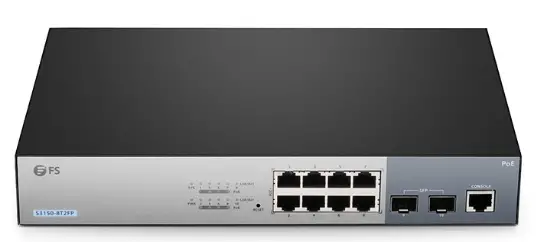
MAC Access-List Configuration
Access-list configuration includes:
- Create MAC access-List
- Configuring Items of MAC Access-List
- Applying MAC Access-List
Create MAC Access-List
A MAC access-list must be created first before applying it on the port. When a MAC access-list has been created, it enters MACaccess-list configuration mode, under which items of MAC access-list can be configured. Enter privilege mode and use the following steps to add or delete a MAC access-list.
| Command | Purpose |
| config | Enters the global configuration mode. |
| [no] mac access-list name | To add or cancel a MAC access list, run the following command. name stands for the name of the MAC access list. |
Configuring Items of MAC Access-List
In MAC access-list configuration mode, specify to permit or deny any source MAC address or a specific host source MAC address andany destination MAC address. The same items can be configured in a MAC access list only once. Enter MAC access list configuration mode and use the following steps to set MAC access list entry.
| Command | Purpose |
| [no] {permit | deny} {any | host src-mac-addr | src-mac-addr src- mac-mask } {any | host dst-mac-addr | dst-mac-addr dst-mac- mask}[ arp [{any | src-ip-addr} {any | dst-ip-addr }] | ethertype] | To add/delete aMAC access list entry, run the previous command. You can repeat this command to add/delete multiple MAC access list entry. any means match with any MAC address; src-mac-addr stands for source MAC address; src-mac-mask stands for source mac mask; dst-mac-addr stands for destination MAC address; dst-mac-mask stands for destination mac mask; arp stands for matched arp packet; src-ip-addr stands for source ip address stands for source ip address dst-ip-addr stands for the destination ip address ethertype stands for type of the matched Ethernet packet |
| exit | Log out from the MAC list configuration mode and enter the global configuration mode again. |
| exit | Goes back to the EXEC mode. |
| write | Saves the settings. |
MAC list configuration example
- Switch_config#mac access-list 1
- Switch-config-macl#permit host 1.1.1 any
- Switch-config-macl#permit host 2.2.2 any
The above configuration is to compare the source MAC address, so the mask is the same. The configuration is successful.
Applying MAC Access-List
The created MAC list can be applied on any physical port. Only one MAC list can be applied to a port. The same MAC list can beapplied to multiple ports.Enter the privilege mode and perform the following operation to configure the MAC list. Enter the privilege mode and perform the following operation to configure the MAC list.
| Command | Purpose |
| config | Enters the global configuration mode. |
| interface g0/1 | Enters the to-be-configured port. |
| [no] mac access-group name [vlan {word | add word | remove word}] | Apply the created MAC list to the port or delete the applied MAC list from the port.name means the name of the MAC list. NameMAC: Name of the MAC access list Vlan THE ACCESS LIST IS APPLIED IN INGRESS. WordVLAN RANGE TABLE AddADD VLAN RANGE TABLE Remove Delete vlan range table |
| exit | Goes back to the global configuration mode. |
| exit | Goes back to the EXEC mode. |
| write | Saves the settings. |
 FS.com - Data Center, Enterprise, Telecom