GooDee
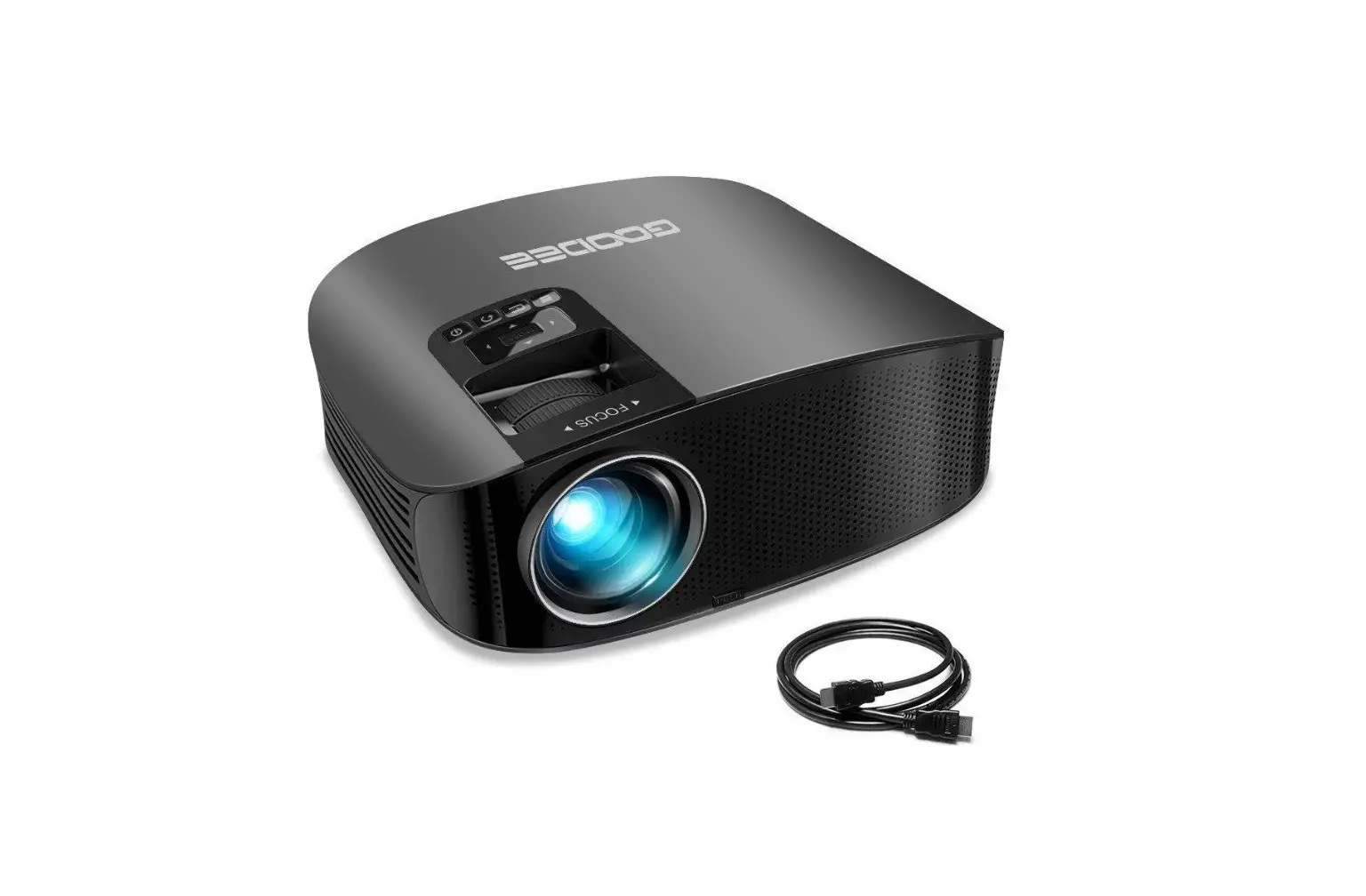
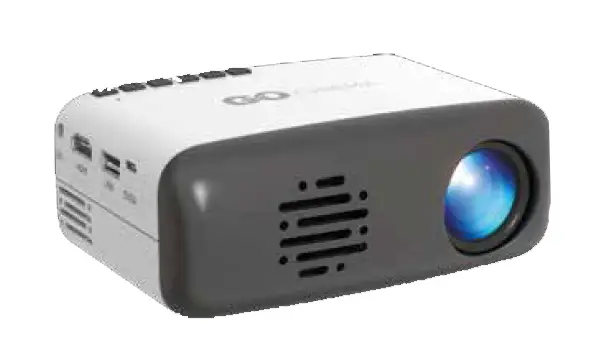
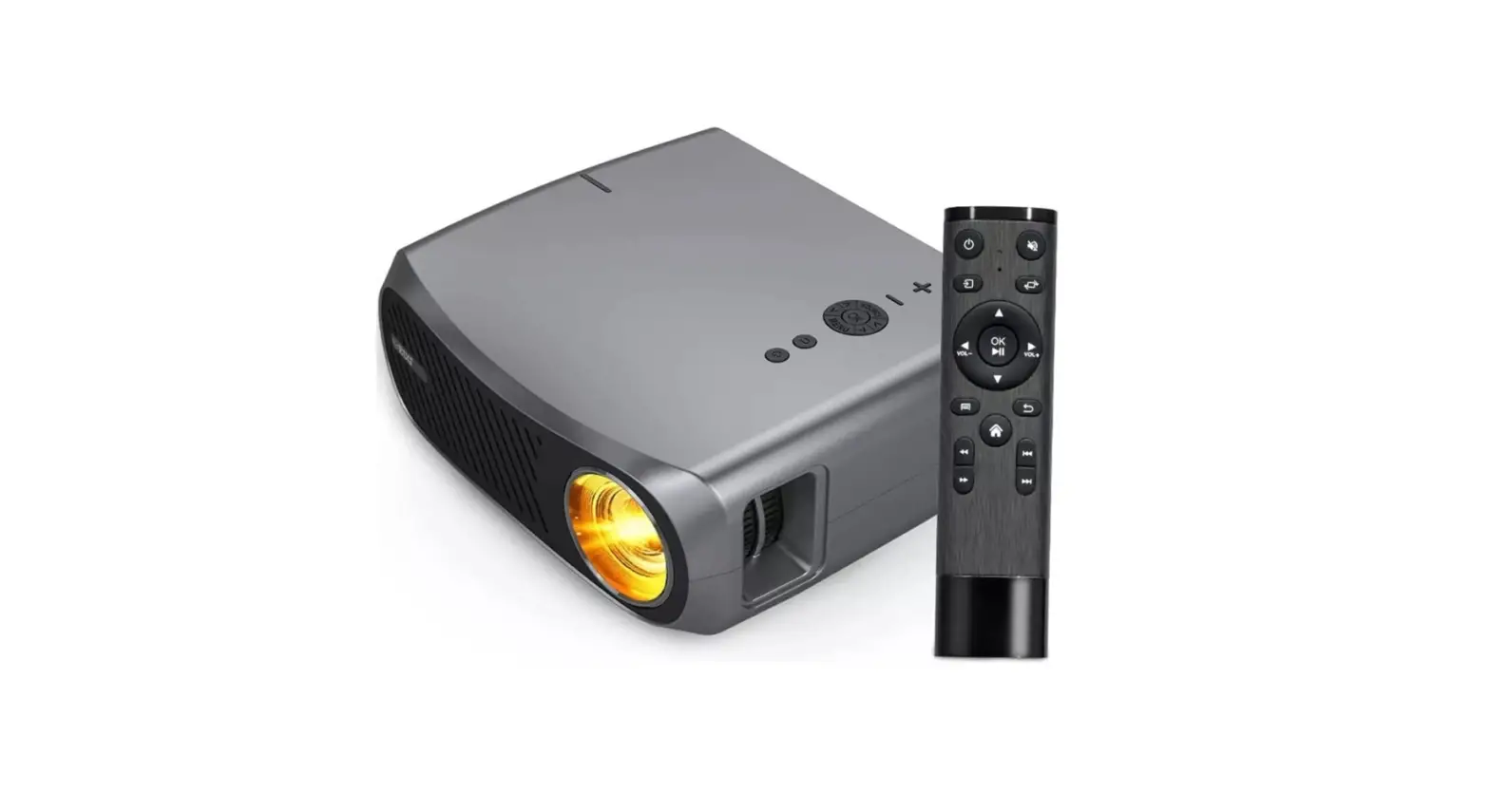
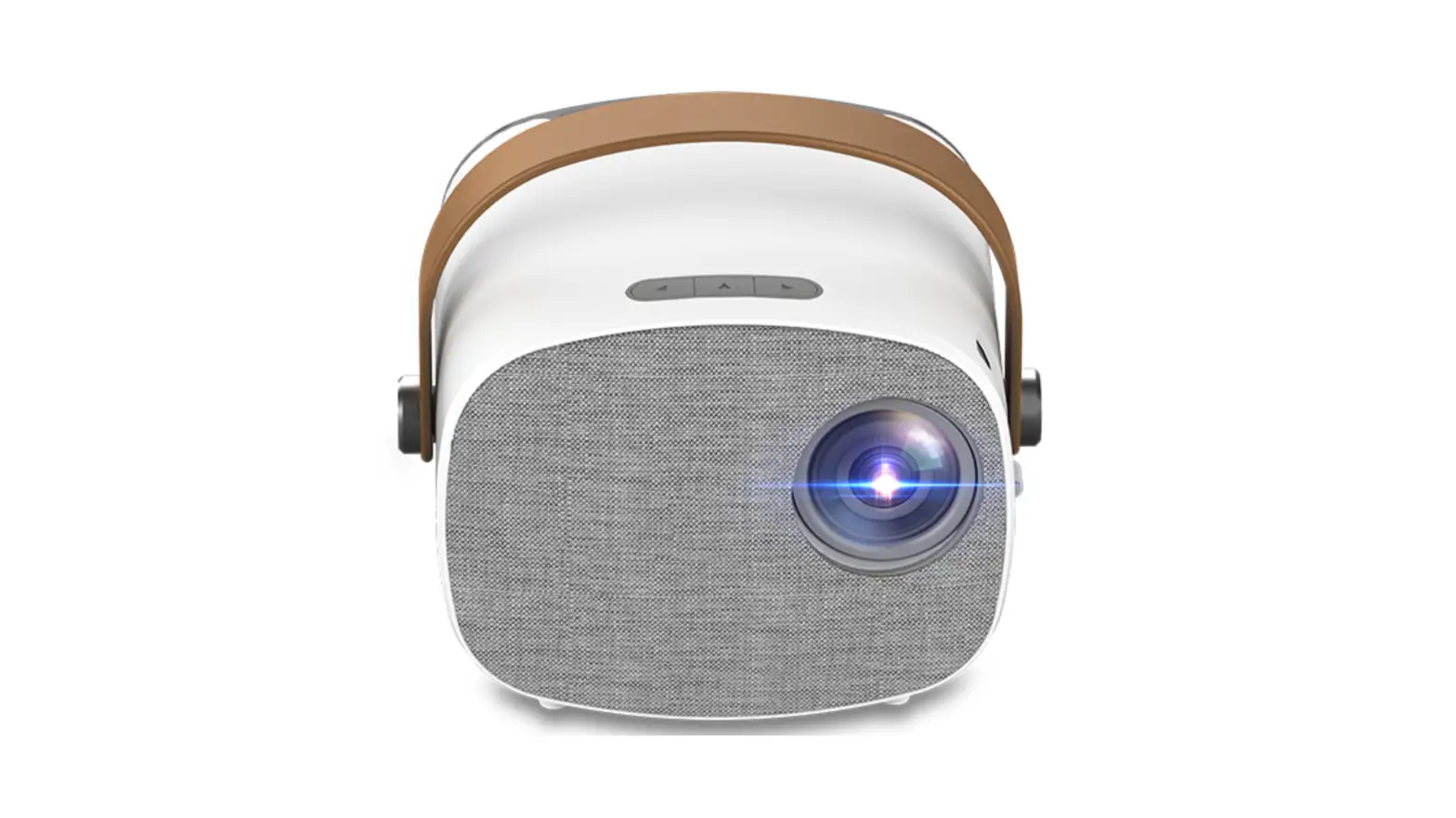
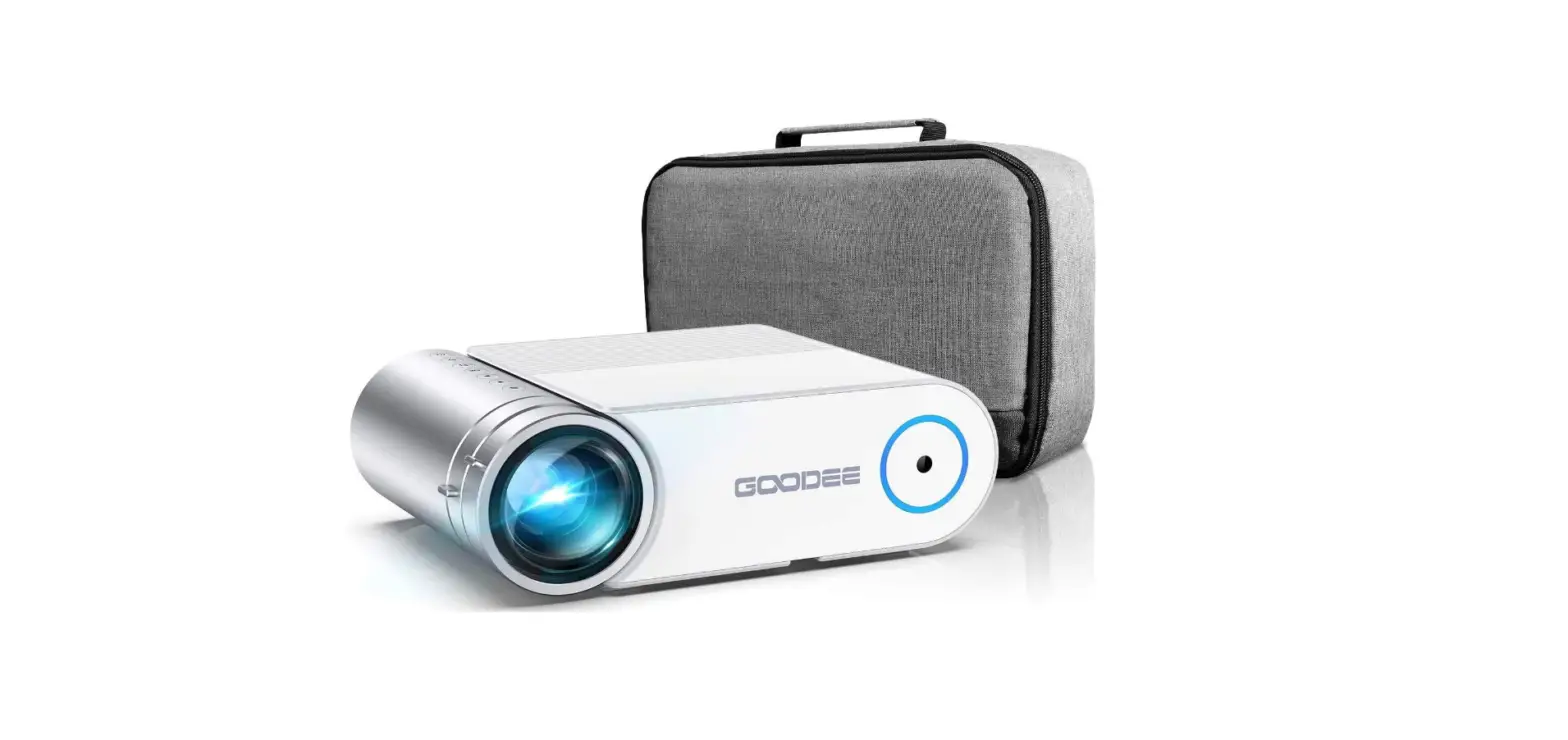
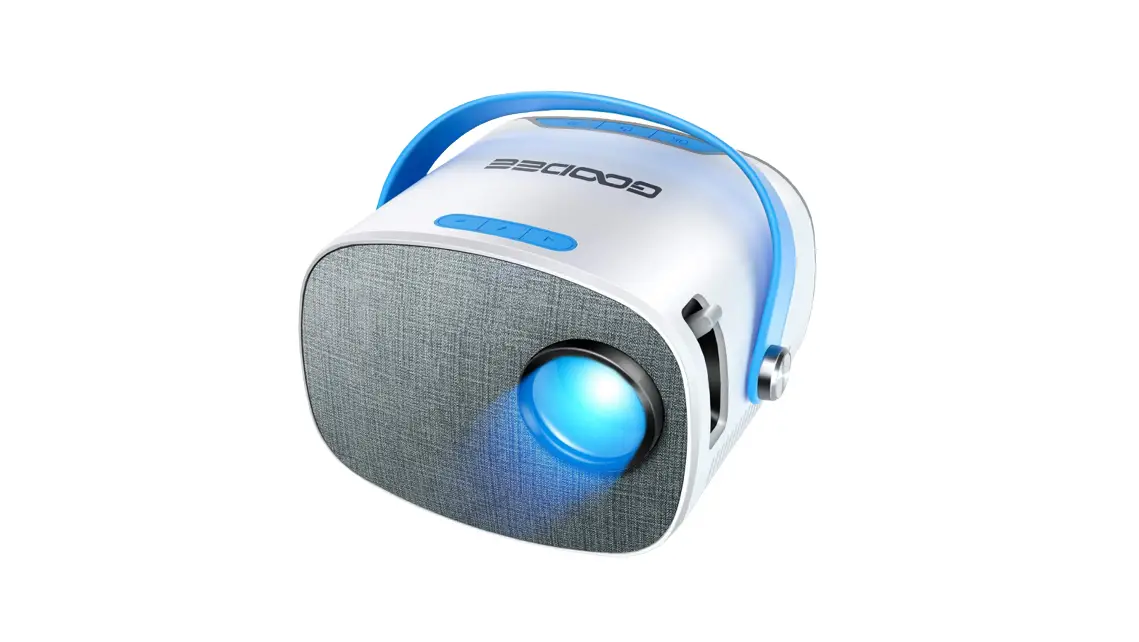
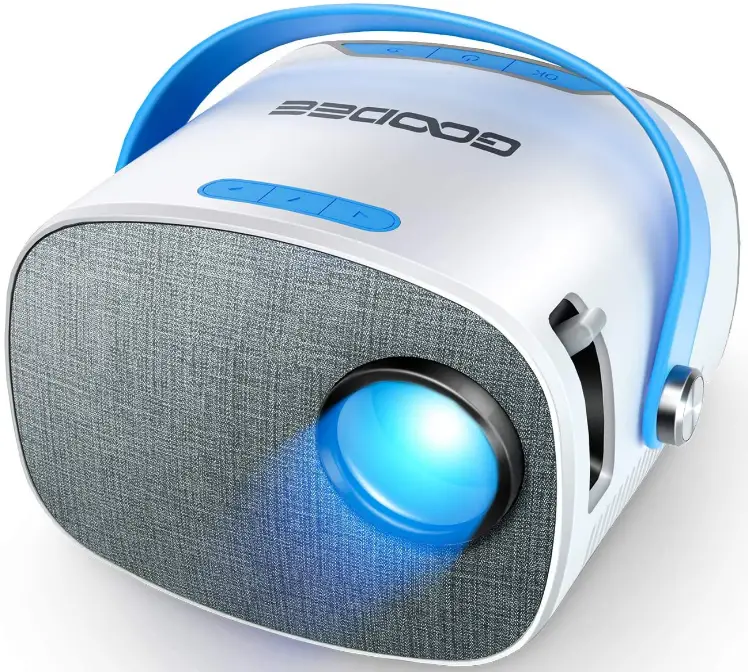
GooDee YG230 LED Portable Home Theater Projector
Specifications
- Brand Name: GooDee
- Item Weight: 1.1 pounds
- Connectivity Technology: HDMI
- Display Resolution Maximum: 1920 x 1080
- Item Dimensions:25 x 4.64 x 3.74 inches
- Form Factor: Portable
What’s in the box?

- Portable Projector
- Remote
- Charger
- Charging cable
- Connective cables
Descriptions
GooDee Mini Projector is very kid friendly projector. You can enjoy happy time with your kids on GooDee mini projector. It’s very easy to understand to how to use this GooDee mini projector.
- Smart Connection
To connect the android smart phone, you will need a MHL adapter (Device must support MHL). To connect iPhone/iPad, please use lighting to HDMI Adaptor.
- Protect Eyes
This projector won’t affect your eyesight.
- Best Gift
Best Choice for Gift to your love ones
Features
The design is “Ultra-Portable.”
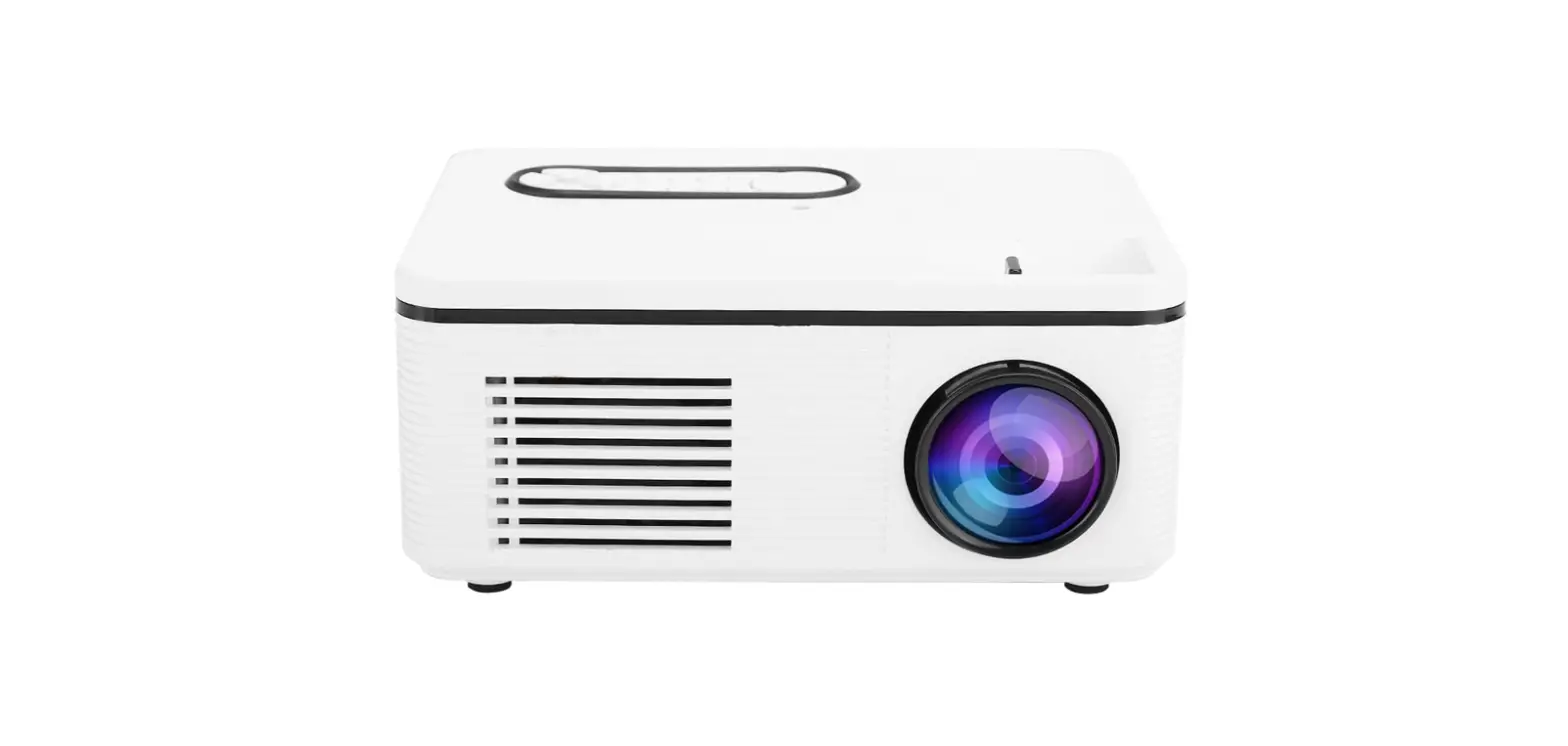
The design is “Ultra-Portable.” It’s rather simple for you to carry it around without a carrying case thanks to its super small size (5.25*4.64*3.74 inch), light weight of only 1.10 kg, and distinctive leather handle style. Furthermore, a modest size makes it kid-friendly and appropriate. Further-more, a modest size makes it kid-friendly and appropriate.
Improved Viewing Experience
With a projection distance ranging from 3.94 to 16.40 feet, the GooDee YG230 movie projector can produce images up to 100 inches in size. It can maintain the quality of the original video thanks to its 2000:1 contrast ratio and 1920*1080 supported resolution.
Widespread Compatibility
Multiple connectors, including HDMI, USB, Micro SD, AV, Micro USB, Audio(3.5mm) interfaces, an IR receiver, and a DC Power input are available on the YG230 video projector. Therefore, it can connect to devices like smartphones (Android and iPhone), tablets, TV sticks, Chromecast, PCs, external hard drives and flash drives, DVD players, media players, card readers, and so on.
Reliable Guarantee
GooDee offers a projector warranty of 18 months, prompt, competent technical support, and a 3-month free return period with the option of a full refund or replacement. Technical assistance and lifetime expert customer service are available around-the-clock.
FAQs
Verify the HDCP compliance of the cables and adapters you use. Apple cables and adapters are universal.
The similar mobile phone screen features
Check to see if the HDMI option was chosen, and make sure your fire stick control is turned on by tapping it. To hear it when using the projector, you’ll also need to adjust the Fire Stick’s sound settings so that they are set to stereo.
I did use mine in that way. I have my Xbox and PC hooked up to it as well.
However, you’ll need an adaptor or “patch” cord, so it’s probably possible.
It will be successful, yes. The projector should be set just a few feet away from the surface being projected on, with all light sources being covered.
Use the projector for no more than three to four hours at a time to save the projector bulb. Bulb burst happens when they are overused and become too hot.
Has RCA plugins, thus your ability to connect depends on those plug-ins. Success will probably require dongles and adapters.
The difficult-to-reach light bulb is probably the problem. When my did it, I just bought another reasonably priced projector. Mine lasted almost six years.
An image (or moving images) are projected onto a surface, most frequently a projection screen, by an optical device called as a projector or image projector. Although some more recent types project images directly using lasers, most projectors create images by transmitting light via a tiny transparent lens.
A home theatre projector should have a 1920 x 1080 resolution, or Full HD and 4K UHD (3840X2160, referred to as true 4K). A quality home theatre projector needs to meet at least these pixel specifications in order to be able to display HD movies or games.
The brightness of a projector is measured in lumens. For home theatre projectors when ambient light is kept to a minimum, you need a minimum of 1500 lumens. The ideal projector has at least 2500 lumens and is suitable for boardrooms, lecture halls, and rooms with windows.
A projector is simply used to project a picture from a computer, television, or game device onto a screen. By beaming and diffusing light through a tiny, transparent lens, it projects images onto a screen.
You can watch routine, daily television on a projector. Since it’s less expensive than larger televisions and won’t hurt the projector (though it might reduce the bulb life), watching TV may be more fun overall.