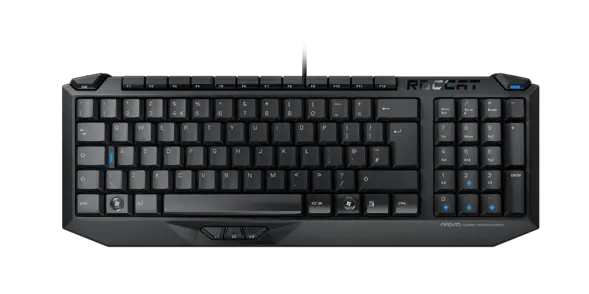
ARVO Compact Gaming Keyboard
QUICK-INSTALLATION GUIDE
CONGRATULATIONS
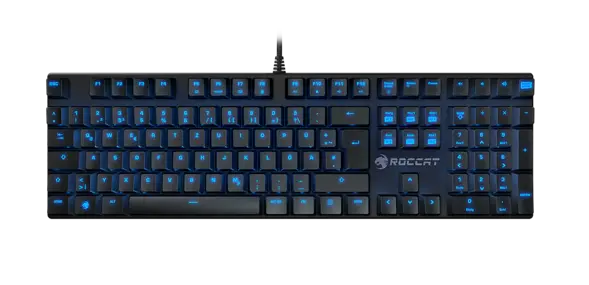
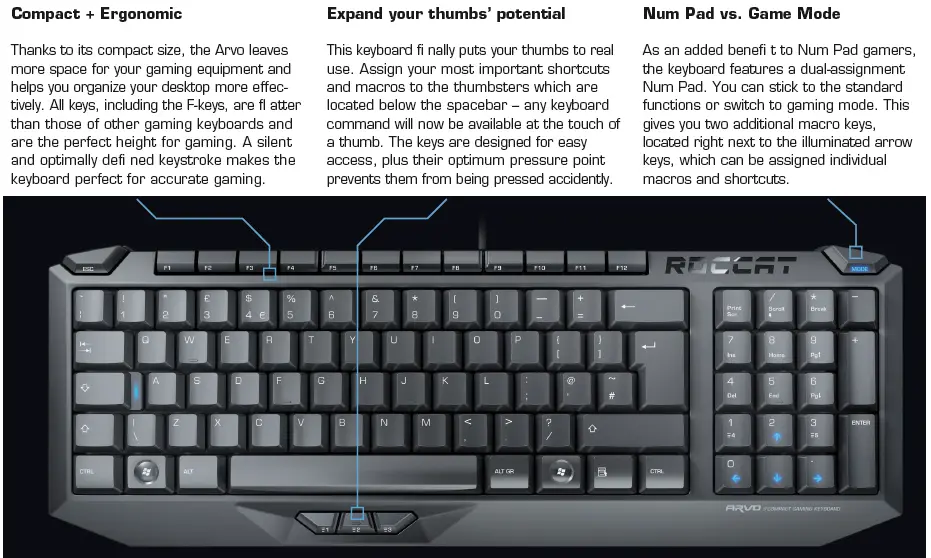
You’re now the owner of the most compact gaming keyboard which combines the tried and tested with the new and innovative. Based on a standard keyboard layout, the Arvo features two revolutionary inventions giving you some amazing additional functions. With its compact size, the thumbster keys and the dual-assignment Num Pad, the Arvo is a piece of gaming equipment in a class of its own.
SPECIFICATIONS
PACKAGE CONTAINS
- ROCCAT™ Arvo – Compact Gaming Keyboard
- Quick-Installation Guide
SYSTEM REQUIREMENTS
- Windows® XP, Windows Vista® 32/64 bit, Windows® 7 32/64 bit, Windows® 8/Windows® 8 Pro
- USB 1.1 Port
- Internet connection (for driver installation)
TECH SPECS
- Compact Keyboard Layout with 97 Keys
- Anti-Ghosting capability
- Mode Switch Key for dual Num Pad assignment
- 3 programmable Thumbster Keys ( 1- 3)
- 2 additional, programmable Macro Keys ( 4- 5)
- 6 illuminated Status Keys (Caps Lock, Mode Switch, Directional Keys)
- 1000Hz polling rate
- Extended USB cable
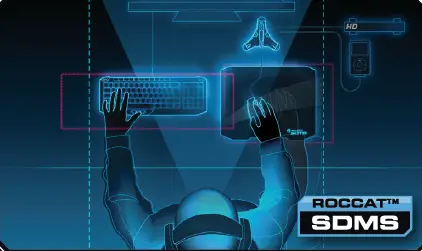
ORGANIZE YOUR DESKTOP WITH ROCCAT™ SDMS
MORE INFO ON WWW.ROCCAT.ORG/SDMS
1. FOLDING OUT STANDS
2. CONNECTING TO COMPUTER (USB)
3. NUM PAD MODE
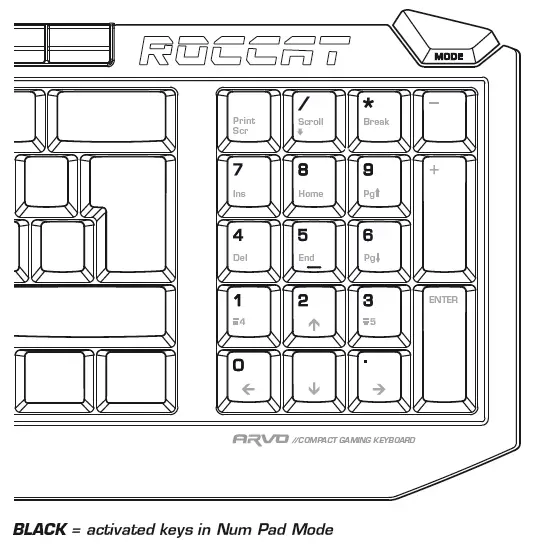
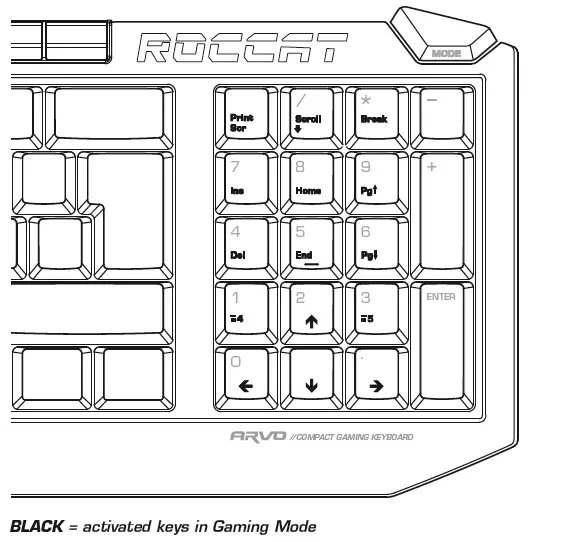
4. GAMING MODE
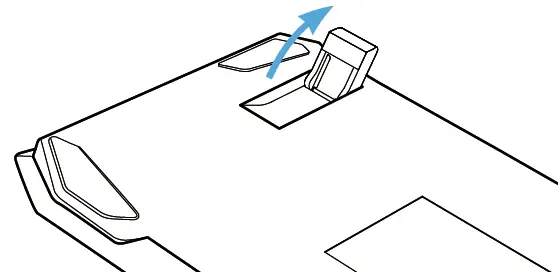
- For a more ergonomic position, fold out the stands on the base of the keyboard.
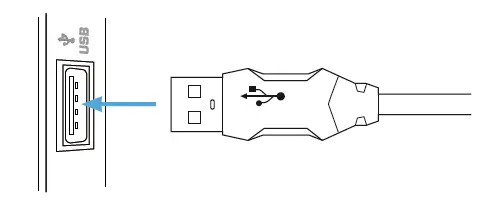
- Plug the USB connector into any free USB port on your computer.
- Press the Mode Switch button to activate Gaming mode.
You’ll now be able to use macro buttons 4 and 5, as well as the directional keys. - If you press the Mode Switch button again, the Mode Switch LED will light up blue and the normal numeric keys on the numpad will be available.
Should you need assistance …
Our support team is ready to help with any technical questions. Just
send an e-mail to [email protected]. Or visit our website at:
WWW.ROCCAT.ORG/SUPPORT
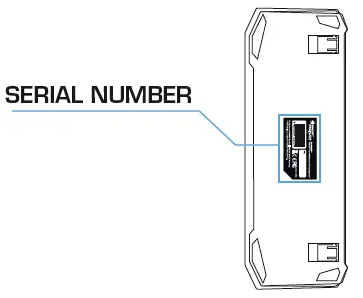
PLEASE USE YOUR PRODUCT’S SERIAL NUMBER (LOCATED ON THE BOTTOM LABEL) FOR REGISTRATION. SIGN IN AT:
WWW.ROCCAT.ORG/REGISTER
ROCCAT GmbH
Otto von Bahrenpark, Paul-Dessau-Str. 3G, 22761 Hamburg, Germany
© 2013 ROCCAT GmbH. All rights reserved. Any product names mentioned in this manual may be trademarks or registered trademarks and are the property of their respective owners. Information contained herein is subject to change without notice. ROCCAT GmbH shall not be made liable for any errors that may appear in this manual. This publication or parts of it may not be reproduced without the express consent of the publisher.
Download
Roccat ARVO User Manual – [ Download PDF ]
Roccat ARVO Driver – [ Download Driver ]