Game Golf KZN Golf Game Medallion Kit User Guide
Scan for more languages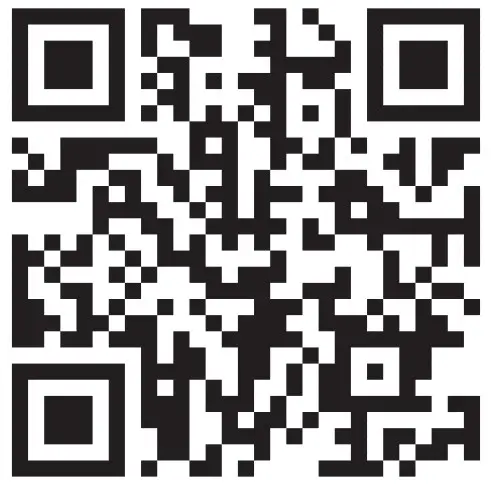
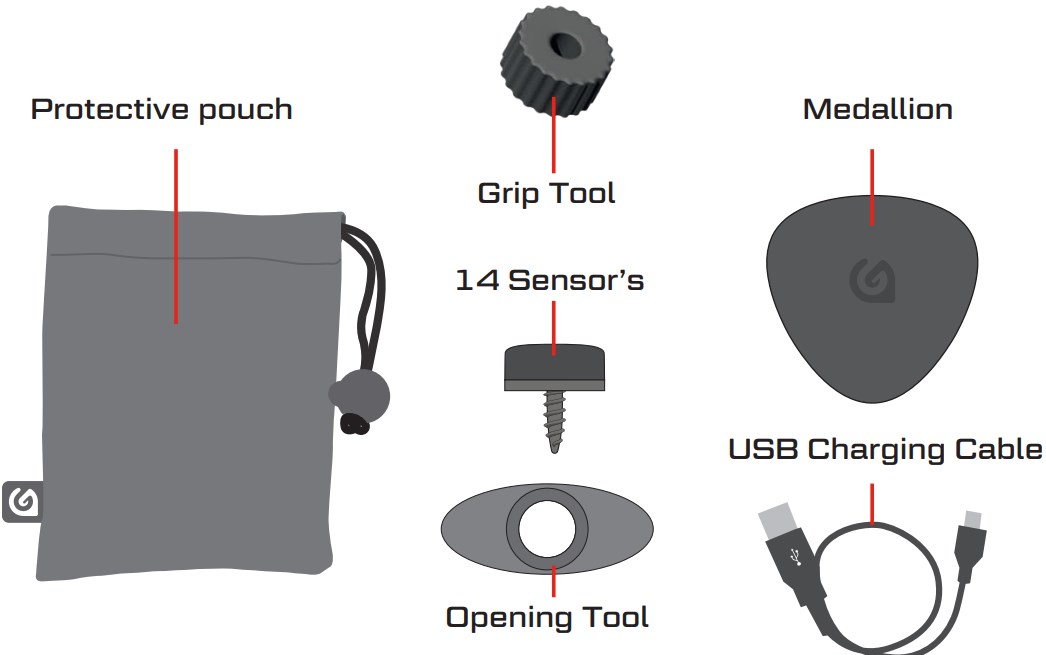
Contents: GAME GOLF KZN Medallion, 14 Sensor’s, USB Charging Cable, Opening tool, Grip Tool and Protective Pouch

STEP 1: Scan QR Code to download the app OR search for Game Golf in the App store to get started.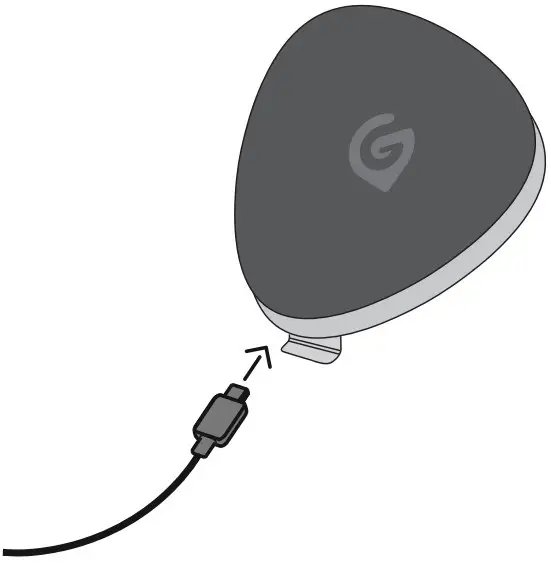
STEP 2: Charge your medallion using the USB cable, 100% in 2 hours.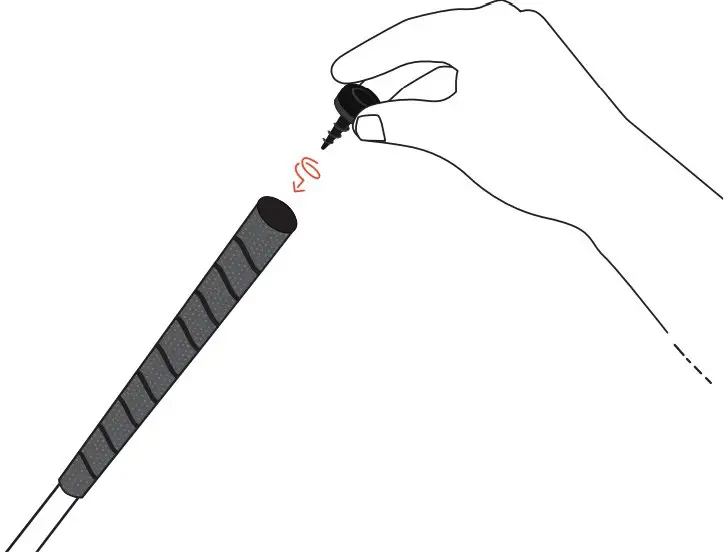
STEP 3: Screw the Sensors into the grip of the club’s. Please put your clubs back in the bag once the sensors are secured (preserves battery life)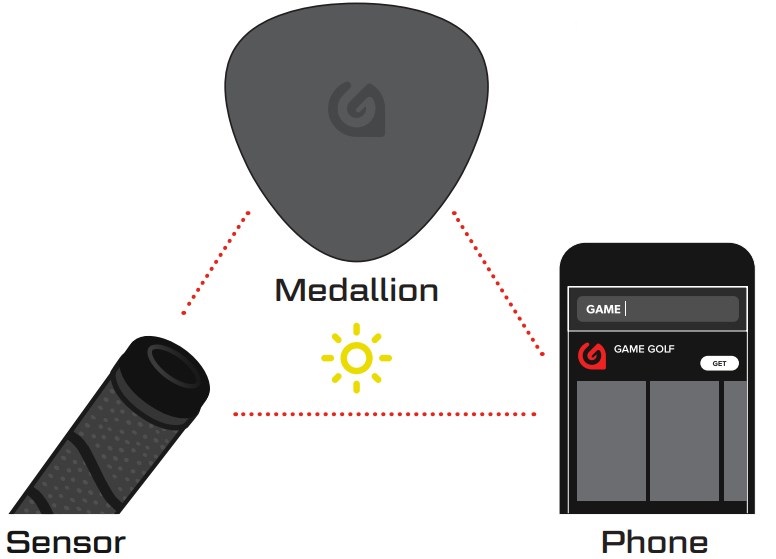
STEP 4: To pair the medallion with the Sensors please follow the steps in the app. Only pair one club at a time. Setup Sensor Medallion
NOTE: Please pair outdoors during daylight hours.
See you on the course!
Finally Game Golfers, you have the freedom to play with
or without a phone on course.
For tips, tricks and help videos, visit
www.gamegolfsupport.com